
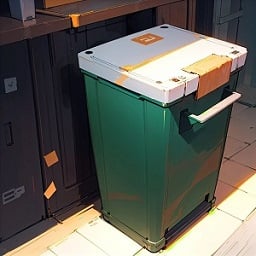
WorldListTrashCan
More Than Just a Cleanup Plugin
 3,57k
3,57k
Quick challenge
How far can you run before the mobs catch you?
Minecraft check
Confirm your run
Complete the quick check to get your code.
WorldListTrashCan
Allows players to customize their home world's trash bin.
This cleaning plugin operates within a specific world (the player's home) and, when cleaning items, gathers them into a trash bin that the player has personally set up in their home. It combines various features, supports Folia, boasts highly configurable settings, and is compatible with multiple languages. (This plugin is more suitable for pairing a world with a team's server, such as the Home server (using the PlayerWorldsPro plugin or other Home plugin servers). If you close the World Garbage can, its functions can also completely replace other cleaning plugins)
: Even if there were public trash bins on the server, someone would snatch up those solar panels. : Even if there were public trash bins on the server, someone would snatch up those solar panels. : Hey, my quantum solar panels got swept away by the cleaning plugin. Can you compensate me? : Even if there were public trash bins on the server, someone would snatch up those solar panels. : No way, you can't prove it, and my cleaning plugin doesn't keep records. : Even if there were public trash bins on the server, someone would snatch up those solar panels. : I just bought them! : Even if there were public trash bins on the server, someone would snatch up those solar panels. : What if you hid them, and I compensate you, essentially doubling them? : Even if there were public trash bins on the server, someone would snatch up those solar panels. : * : Even if there were public trash bins on the server, someone would snatch up those solar panels. OP : Even if there were public trash bins on the server, someone would snatch up those solar panels. OP** : What should I do?
And there you have it, this plugin was born.
When Foila supports multiple worlds, this cleaning plugin will benefit everyone
Features:
---
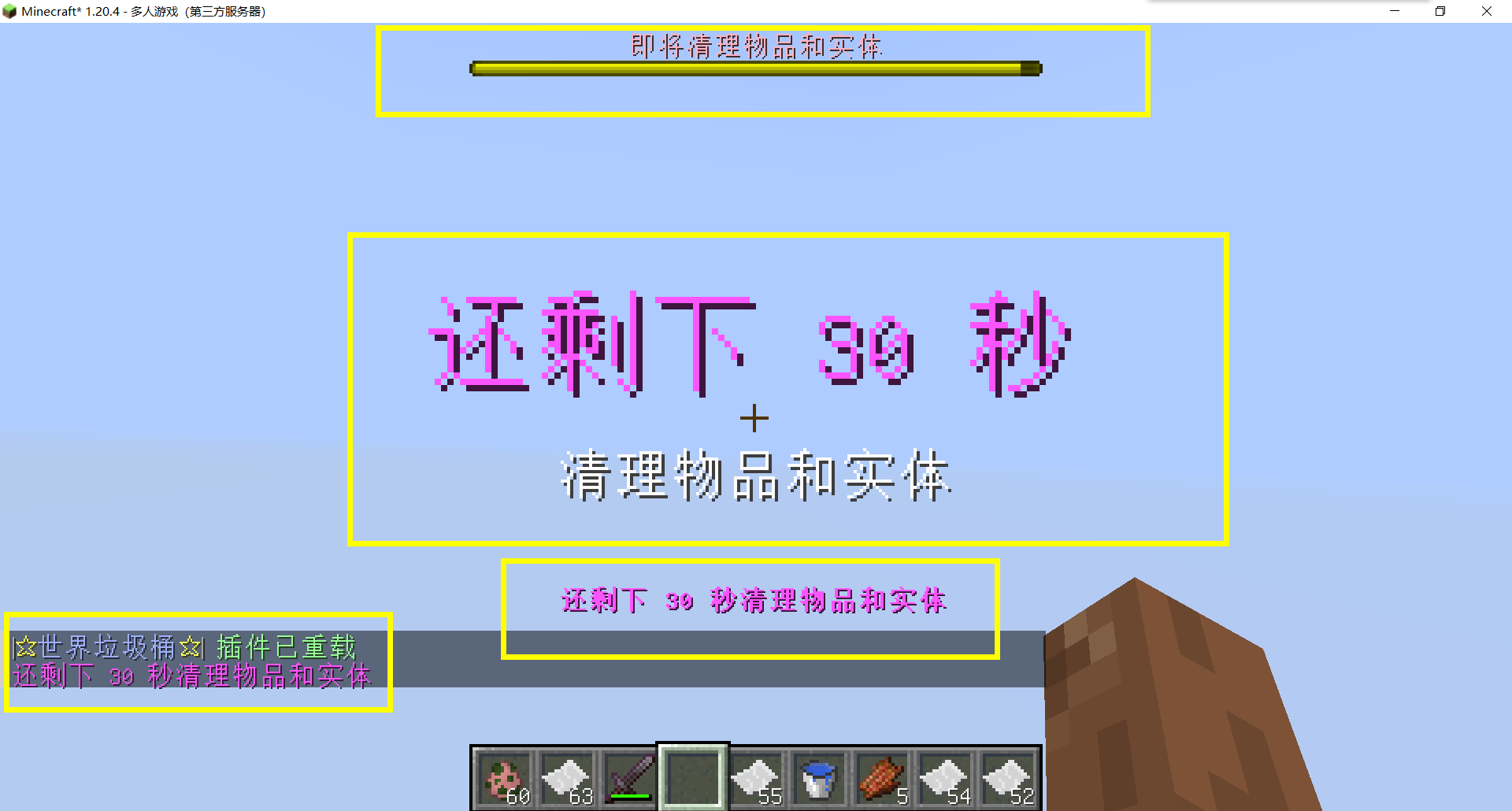
- Fully customizable tip Support multiple prompt messages You can achieve fully customized prompts For example, when there are three seconds left, let "bossbar", "actionbar", "chat",and "title" prompt together, Alternatively, you can have the bossbar change its style every second (solid, non solid, including its color, can be different every second) After version 5.7.0, it supports switching between different prompt sounds per second, as well as setting different volumes and tones per second
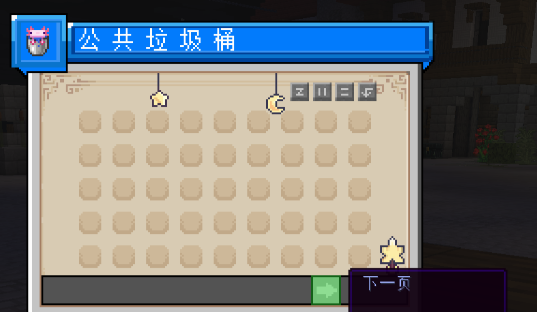
- Thank you to QQ 1664907770 ("笑脸猫") for providing the material package for the "itemsadder" plugin (applicable to public trash cans) Click here to download (IteamsAdder/WorldTrashCan config and resource)
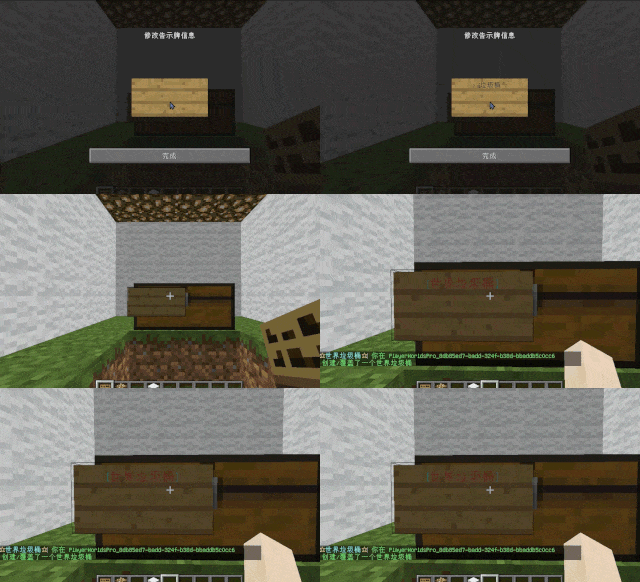
- Player-Created World Trash Bin: Players have the ability to create a trash bin in their world. Similar to the mechanics of previous sign-locked chests, the font on the sign will undergo a transformation after creation. When the cleaning process is initiated, items will be automatically added to the home trash bin. Configurable settings allow players to specify detection names and transformed names after cleaning. "To meet the demands of a small number of people, here is a reminder" How to create a world trash can: Place the chest on the ground, hold the signboard and right-click on the chest. Enter [世界垃圾桶] in the configuration file (configured in Set. SighCheckName), and once the font is converted, it is created. Every time the garbage is cleaned, it will be placed in the marked chest In the default configuration file, the names of the three worlds "world, dim-1, dim1" are disabled, creating a "world trash can" (excluding op)
- Support for Multiple Home Trash Bins: Players can use commands to grant special players the ability to place additional home trash bins. Default quantities for home trash bins are configurable.
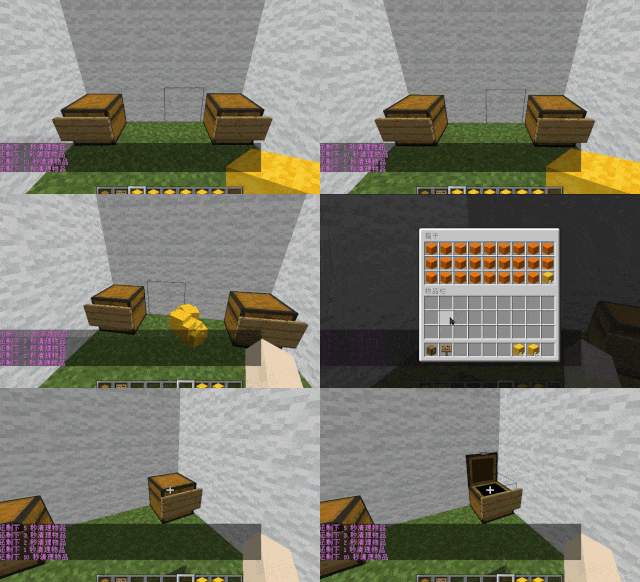
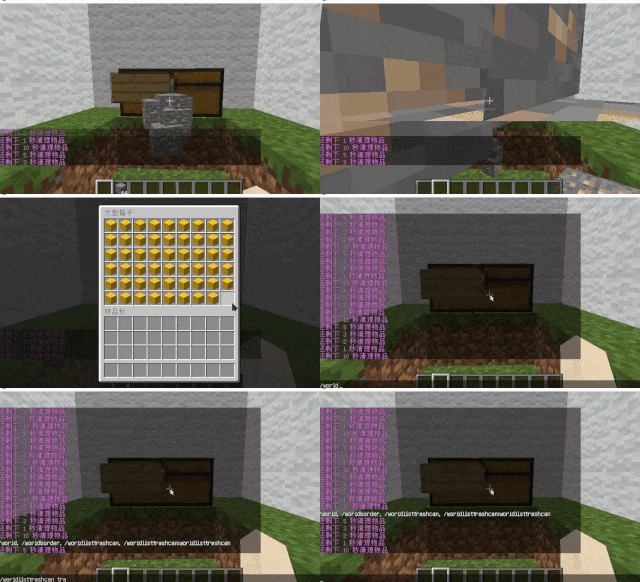
- Home Trash Bin Overflow to Public Trash Bin: Items from home trash bins overflow into the public trash bin. Public trash bins can have a configurable maximum page count and a blacklist.
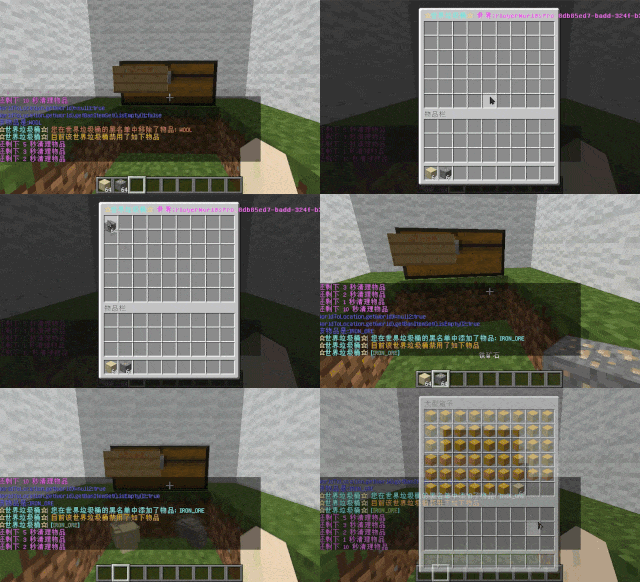
- Item Exclusion and Public Trash Bin Handling: Players can add items to the home trash bin blacklist to prevent their recycling. Excluded items go directly to the public trash bin. Configuration includes support for excluding items with special lore (e.g., items from the QS shop with showLocation). Public trash bins can either clear new items during each sweep or accumulate all trash without clearing.
- The public trash can can enable logging: Record what items the player took away

- Entity Cleanup: Optional cleanup of all animals/monsters. Command (/WorldListTrashCan Look) to view entity types and configure entity blacklists/whitelists. Support for cleaning special entities from mod.
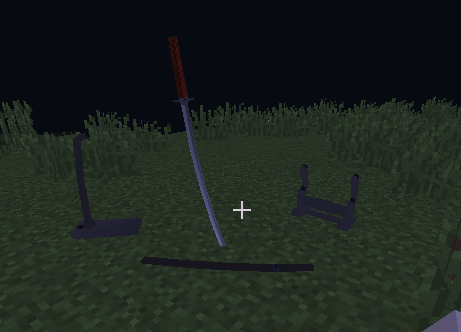
- Dense Entity Cleanup: Configurable radius, target quantity, kill or remove options, and player notifications for dense entity cleanup.
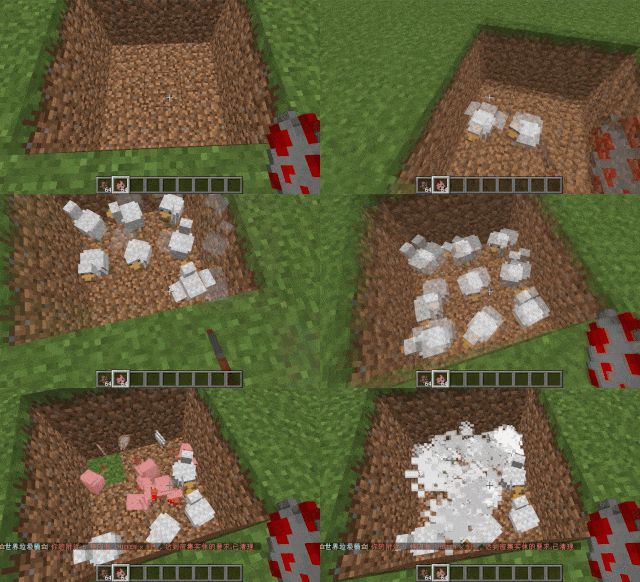
- Spam/Command Limitations: Configurable chat/command intervals, whitelist commands, and informative messages. Defense against item dropping. Players can manually enable or disable the item-drop defense mode.
- Performance Optimization: All optimizations have configurable options in the settings. 1. Quick removal of uncollectible arrows (e.g., arrows from skeletons or bows with infinite enchantments). 2. Prohibit players from trampling on farmland
How to Install
--- - Throw it into the Plugins folder
Commands:
--- - /wtc DropMode Reloads the plugin. - /wtc DropMode Opens the public trash bin. - /wtc DropMode Displays help information. - /wtc DropMode Opens the local world trash blacklist GUI. - /wtc DropMode Right-click to get entity type (useful for adding to the configuration blacklist/whitelist). - /wtc DropMode Opens the global world trash blacklist GUI. - /wtc DropMode Sets the maximum quantity for the trash bin in the specified world (defaults to the world at your feet if not specified). - /wtc DropMode Opens or closes drop mode.
Placeholders
--- - %WTC_ClearTime%: Time until the next cleaning.
Permission
--- - (The above is not available by default): Permission to open the GUI for adding items to the player's home trash bin blacklist. - (The above is not available by default): Permission to open the global trash bin. - (The above is not available by default): Permission to access command help. - (The above is not available by default): Permission to open or close drop mode. *(The above is not available by default)* - (The above is not available by default): Permission to open the global trash bin blacklist GUI. - (The above is not available by default): Permission to right-click and query the entity type. *(The above is not available by default)*
