

Vein Miner
Adds Vein Miner and Lumberjack enchantment.
 4,78k
4,78k
Quick challenge
How far can you run before the mobs catch you?
Minecraft check
Confirm your run
Complete the quick check to get your code.
Vein Miner
Usage
This datapack adds 2 enchantments - Vein Miner and Lumberjack.
Vein Miner
Vein miner is a common feature of mods that allows you to break many ores at the same time.
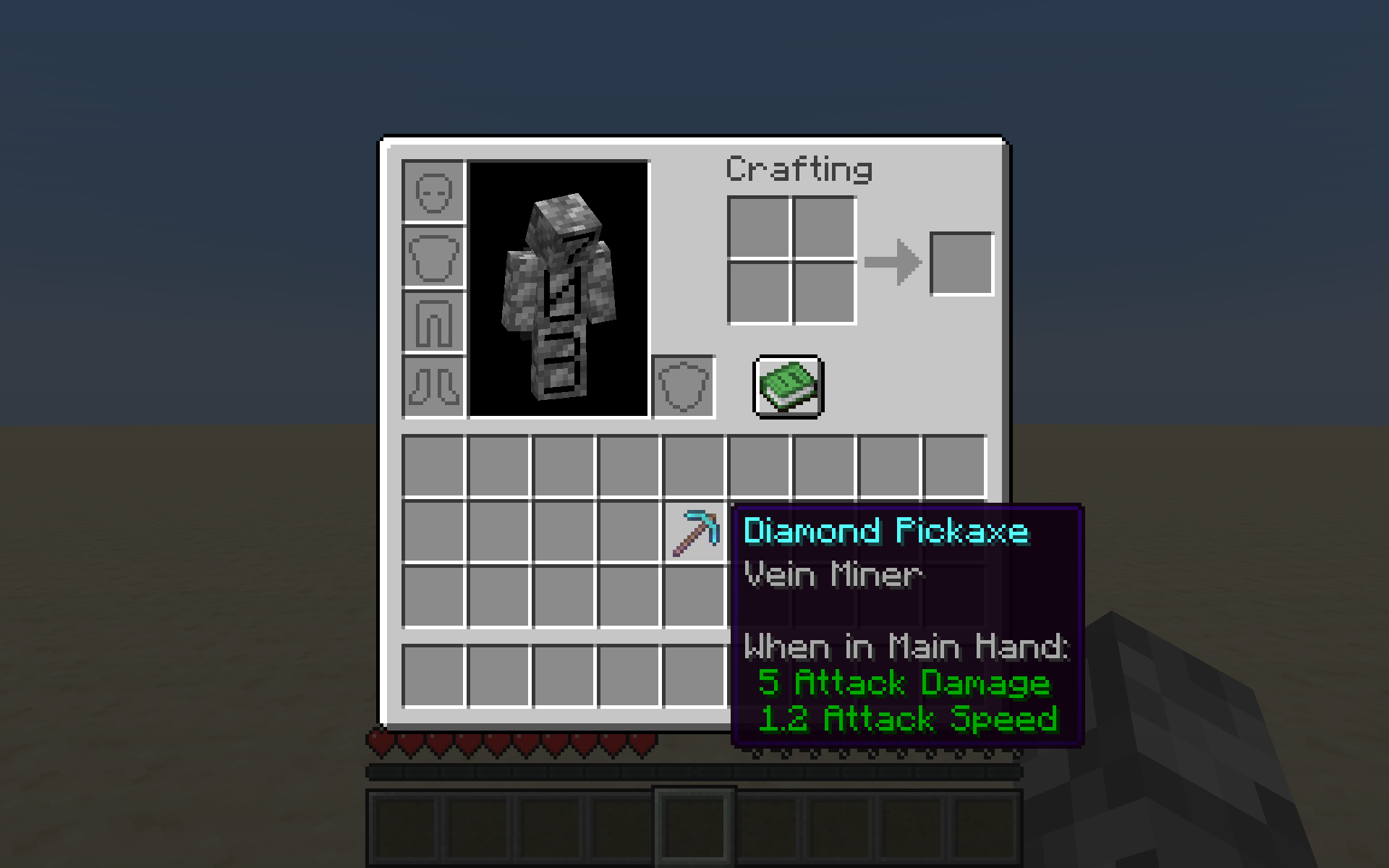
To obtain Vein Miner, simply enchant a pickaxe with Vein Miner using an enchanting table or anvil. To use Vein Miner, break any ore-like block. All adjacent* ore-like blocks in the same group break and drop their loot, and a chat message is sent telling you how many blocks were broken.
*adjacent: at most sqrt(3) blocks away, or sqrt(6) in the case of ancient debris
List of groups of ore-like blocks:
- Coal Ore, Deepslate Coal Ore - Copper Ore, Deepslate Copper Ore, Block of Raw Copper - Lapis Lazuli Ore, Deepslate Lapis Lazuli Ore - Iron Ore, Deepslate Iron Ore, Block of Raw Iron - Gold Ore, Deepslate Gold Ore - Redstone Ore, Deepslate Redstone Ore - Diamond Ore, Deepslate Diamond Ore - Emerald Ore, Deepslate Emerald Ore - Nether Gold Ore - Nether Quartz Ore - Ancient Debris
Vein Miner works with other enchantments such as Fortune or Silk Touch.
Due to limitations, Vein Miner does not drop experience for any extra blocks broken using it.
Lumberjack
Lumberjack is another common feature of mods, which allows you to break many logs at the same time.
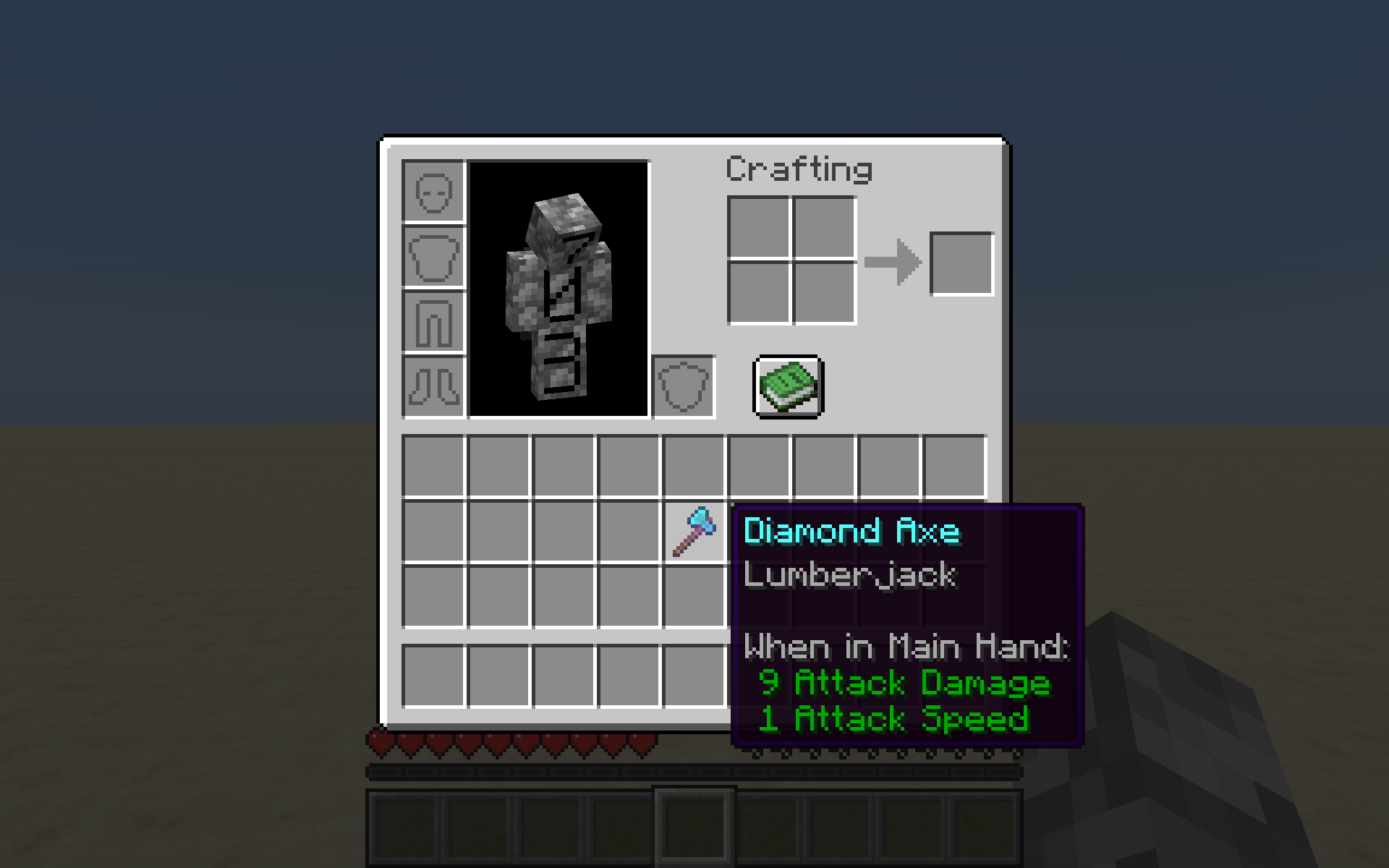
To obtain Lumberjack, simply enchant an axe with Lumberjack using an enchanting table or anvil. To use Lumberjack, break any wood-like* block. All adjacent wood-like blocks in the same group** break and drop their loot, and a chat message is sent telling you how many blocks were broken.
*wood-like: any log/stem or wood/hyphae, stripped or unstripped **group (wood-like): group containing the stripped and unstripped versions of the log/stem and wood/hyphae versions of the wood-like block
Installation
Datapack
On Create World
1. Click the *More* tab 2. Click *Data Packs* 3. Click *Open Pack Folder* 4. Paste in the downloaded datapack 5. Move the datapack to *Selected* 6. Click *Done*
Add to existing world
1. Select the world 2. Click *Edit* 3. Click *Open World Folder* 4. Open the `datapacks` folder 5. Paste in the downloaded datapack
Required Resource Pack
Singleplayer
1. Open the resource pack list 2. Click *Open Pack Folder* 3. Paste in the downloaded resource pack 4. Move the resource pack to *Selected*
Server
1. Add the downloaded resource pack as a server resource pack 2. Make server resource packs required
Removal
1. Do `/function vein-miner:remove` to remove all the scoreboards. 2. Remove the datapack
Compatibility
This datapack is not currently intentionally compatible with other datapacks or mods
However, it should be compatible with most mods or datapacks that don't change how pickaxes or axes work, and don't add new ore-like or wood-like blocks.
