uFireBall
Let players launch fireballs directly from their hand
 206
206
Quick challenge
How far can you run before the mobs catch you?
Minecraft check
Confirm your run
Complete the quick check to get your code.
uFireBall

Features:
- Players can launch fireballs with a right-click using FIREBALL items.
- Optional permission system: Players need the ufireball.launch permission if launchPerms is enabled in the configuration.
- Custom permission node for launching fireballs (customPerms.launch), available when launchPerms is enabled.
- Launch effects: configurable particles and sounds when firing a fireball.
- Fully customizable parameters: explosion radius, player knockback, damage, and ignite duration can all be configured.
- Potion effects on hit: when a fireball hits a player, configurable potion effects can be applied — both via config and command.
- Player ignition control: you can enable or disable player ignition and set the burn duration.
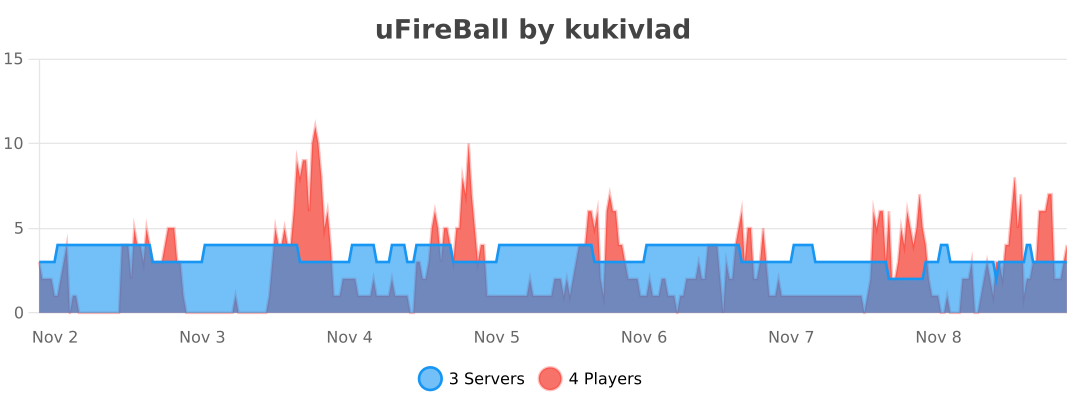
- Metrics integration for tracking plugin usage statistics.
- Support for both creative and survival game modes.
Usage:
- Right-click with a FIREBALL item to launch a fireball.
- If permissions are enabled, players need the ufireball.launch permission to
launch fireballs.
- You can set custom permissions if launchPerms is enabled in the configuration file.
Commands:
- /ufireball reload: Reload the plugin configuration.
- /ufireball setradius <radius>: Set the explosion radius of the fireball (integer value).
- /ufireball setlaunchperms <true|false>: Toggle whether players can launch fireballs.
- /ufireball launcheffects <particles|sound> <value>: Effects for the player when launching a fireball.
- /ufireball launchhit <potioneffects|damage|ignite|igniteseconds|knockback> <value>: Options for a player hit by a fireball.
Legacy version