

Tiers
Official tiertagger mod for PvPTiers
 639,36k
Quick challenge
How far can you run before the mobs catch you?
Minecraft check
Confirm your run
Complete the quick check to get your code.
Tiers

Tiers,
Official tier display mod for PvPTiers
Mod showcase:
>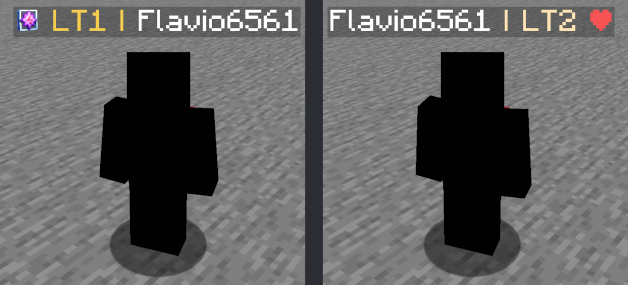 > `Switchable PvPTiers, classic and legacy icons and colors` > `Auto detect kit: press 'Y' to autodetect the current gamemode`
>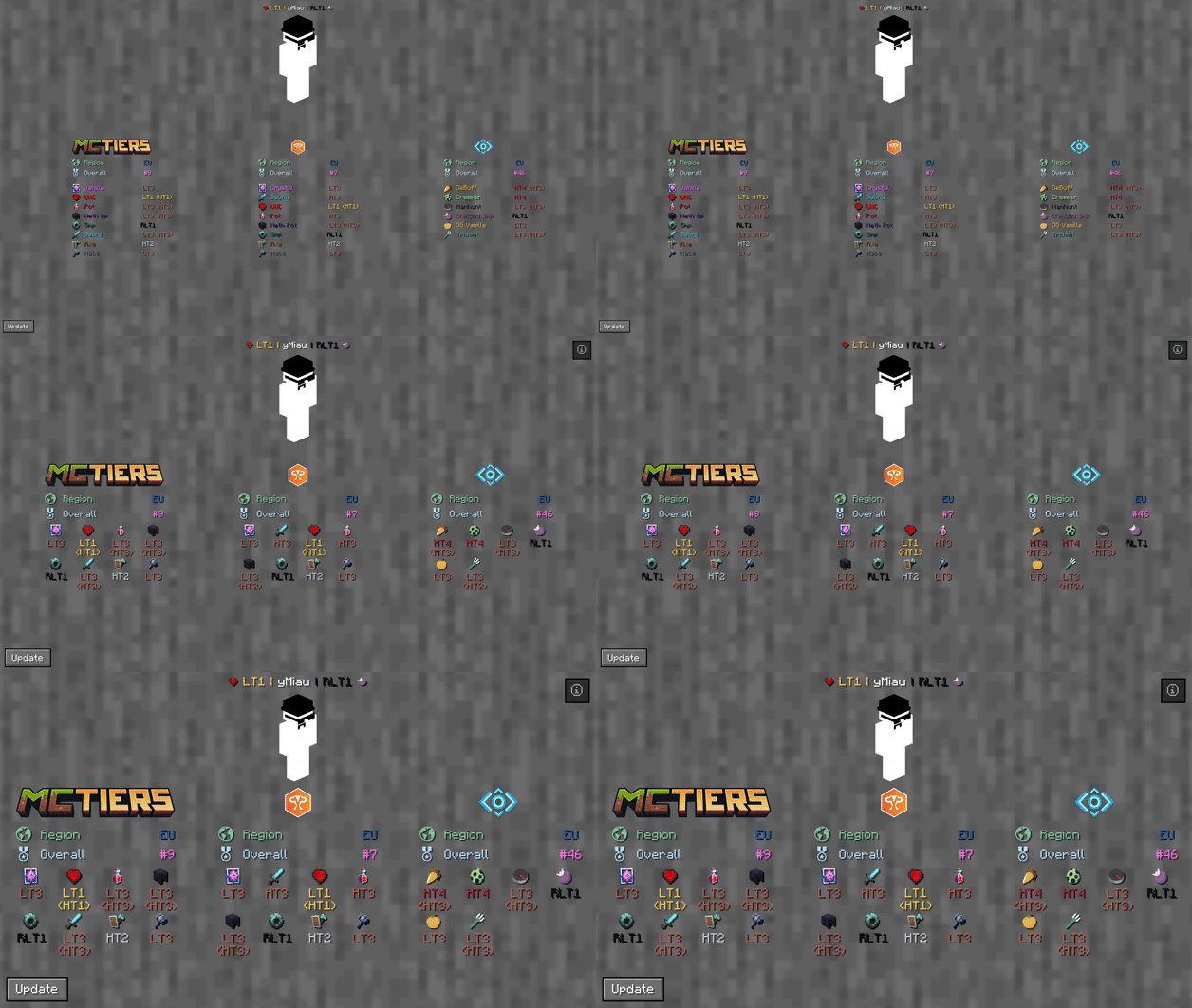 > `The profile search result screen with PvPTiers icons on different GUI scales`
> Tiers is still in beta. Report an issue
Mod features:
- `Display gamemodes:` press `Display gamemodes:` (editable) to auto-detect the gamemode you are playing to easily switch and see opponent tiers in that gamemode - `Display gamemodes:` press `Display gamemodes:` (editable) to open the closest player search result screen - `Display gamemodes:` see all tiers, peaks, regions, points, global rankings and skin with `Display gamemodes:` - `Display gamemodes:` choose a gamemode for each ranking site and decide whether to display it on the left or right - `Display gamemodes:` press `Display gamemodes:` and `Display gamemodes:` (editable) to easily cycle between the right and left displayed gamemodes - `Display gamemodes:` you can change icons and colors presets in the config screen - `Display gamemodes:` whether to display selected mode, adaptive highest or absolute highest
Screen config (ModMenu or /tiers -config):
- `Icon and color presets:` toggles Tiers - `Icon and color presets:` toggles the icons next to the tiers - `Icon and color presets:` toggles Tiers on the tablist - `Icon and color presets:` toggles Tiers in chat - `Icon and color presets:` decides if the separator | is the same color as the tier or gray - `Icon and color presets:` decides whether to display selected mode, adaptive highest or absolute highest - `Icon and color presets:` decides whether to preview the default profile (ItzRealMe) or your character - `Icon and color presets:` switches between gamemodes of the selected provider - `Icon and color presets:` decides if the specific provider gamemodes are displayer on the right, left or neither - `Icon and color presets:` you can switch between classic, PvPTiers and MCTiers styled icons
>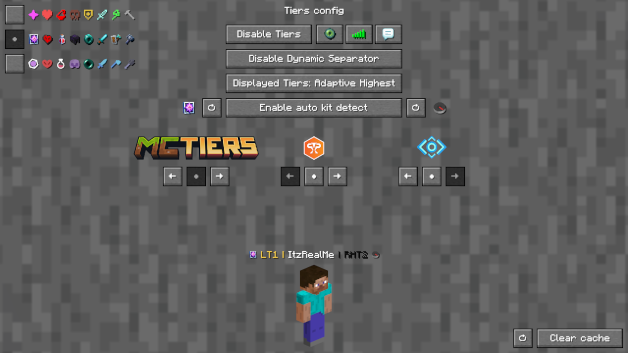 > `The config screen on 3 GUI scale`
Other:
> You can customize gamemodes icons and text colors, as well as choosing where and what gamemode to display; want to manually modify the icons or tiers colors? Edit and add in your pack folder the default texture pack
> Settings will be saved in your config folder and updated at runtime
> The mod is client side (works on multiplayer)
Links:
> - GitHub page > - Modrinth page > - Changelogs > - Report an issue
