

TextGenerator
Create beautiful texts in your Minecraft world and customize it however you want!
 1,90k
1,90k
Quick challenge
How far can you run before the mobs catch you?
Minecraft check
Confirm your run
Complete the quick check to get your code.
TextGenerator
TextGenerator
Features
- Drag to move the text
- You can edit the text whenever you want
- GUI to edit everything of the text
- A for Minecraft specific font size with slabs and stairs to generate small texts
- n for a new line
- The text cannot override other blocks
Examples of texts
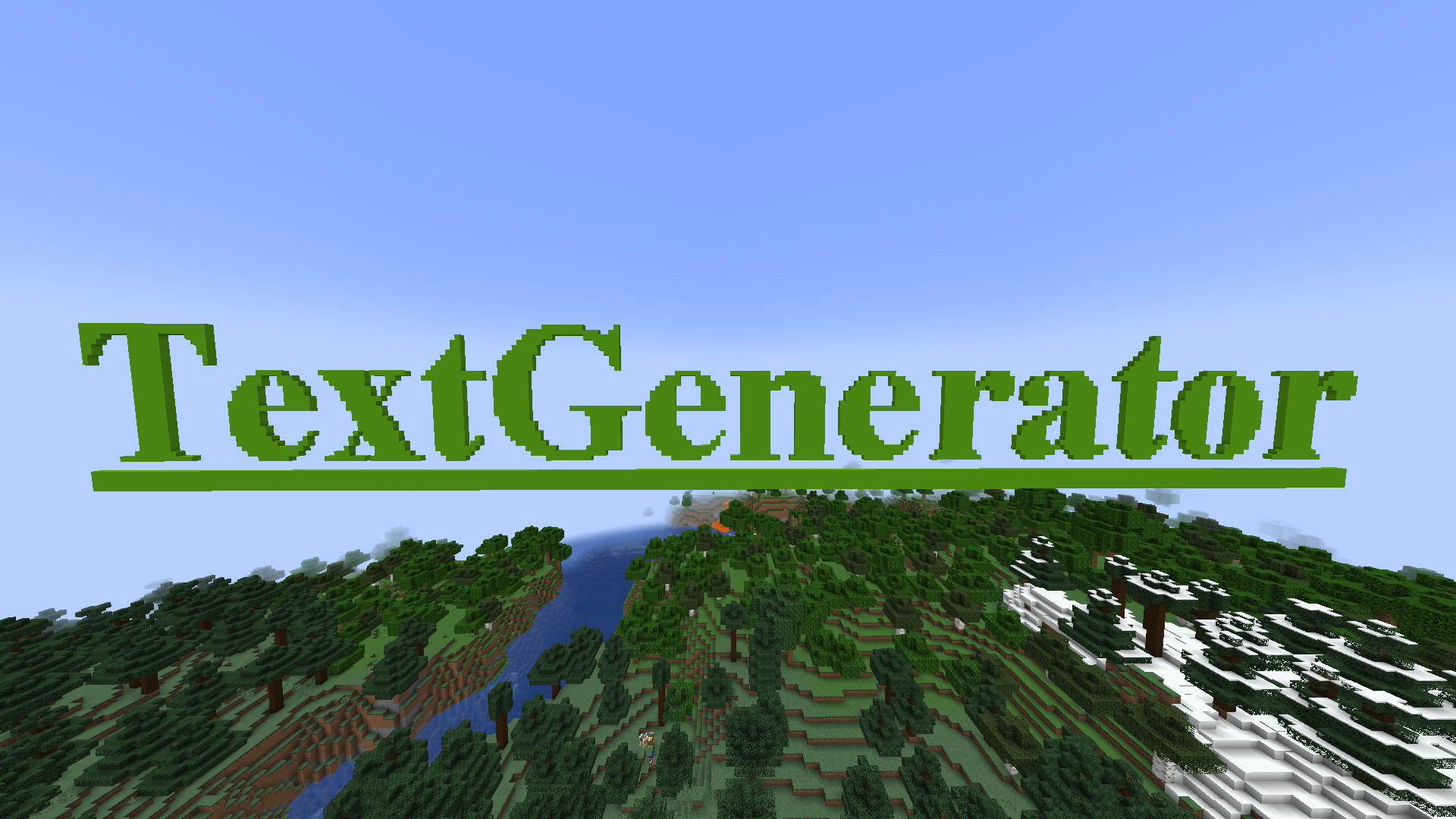
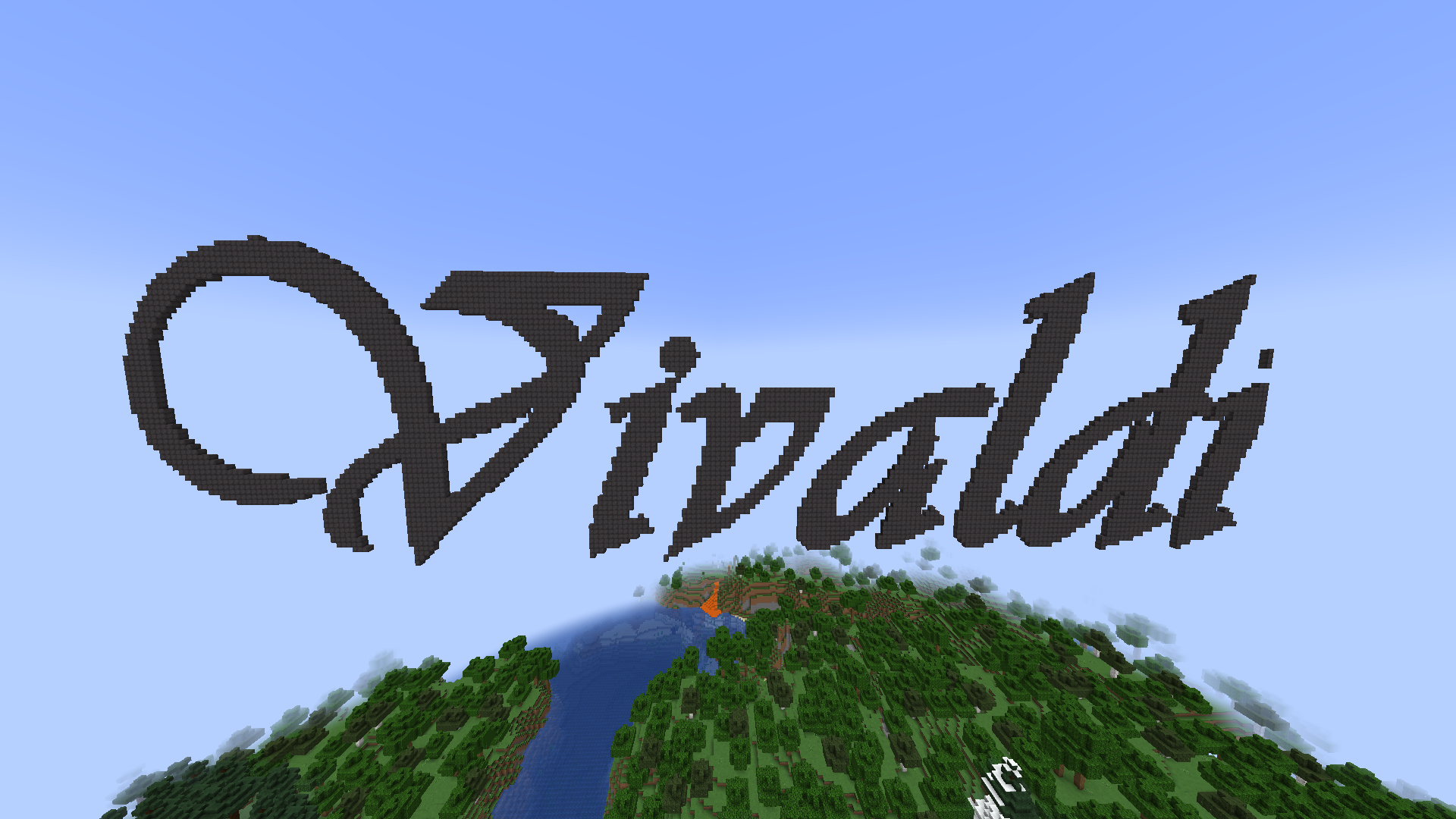
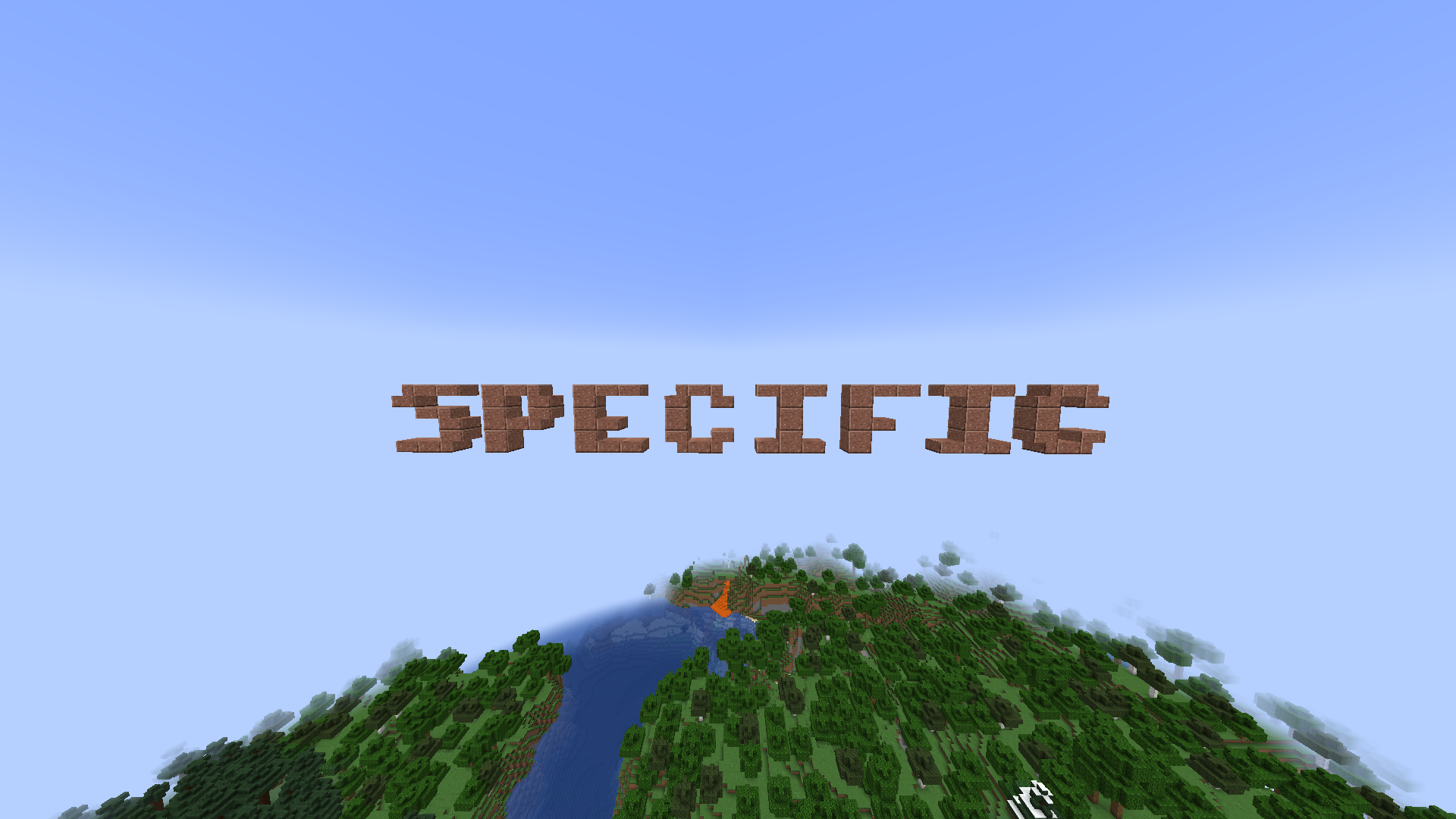
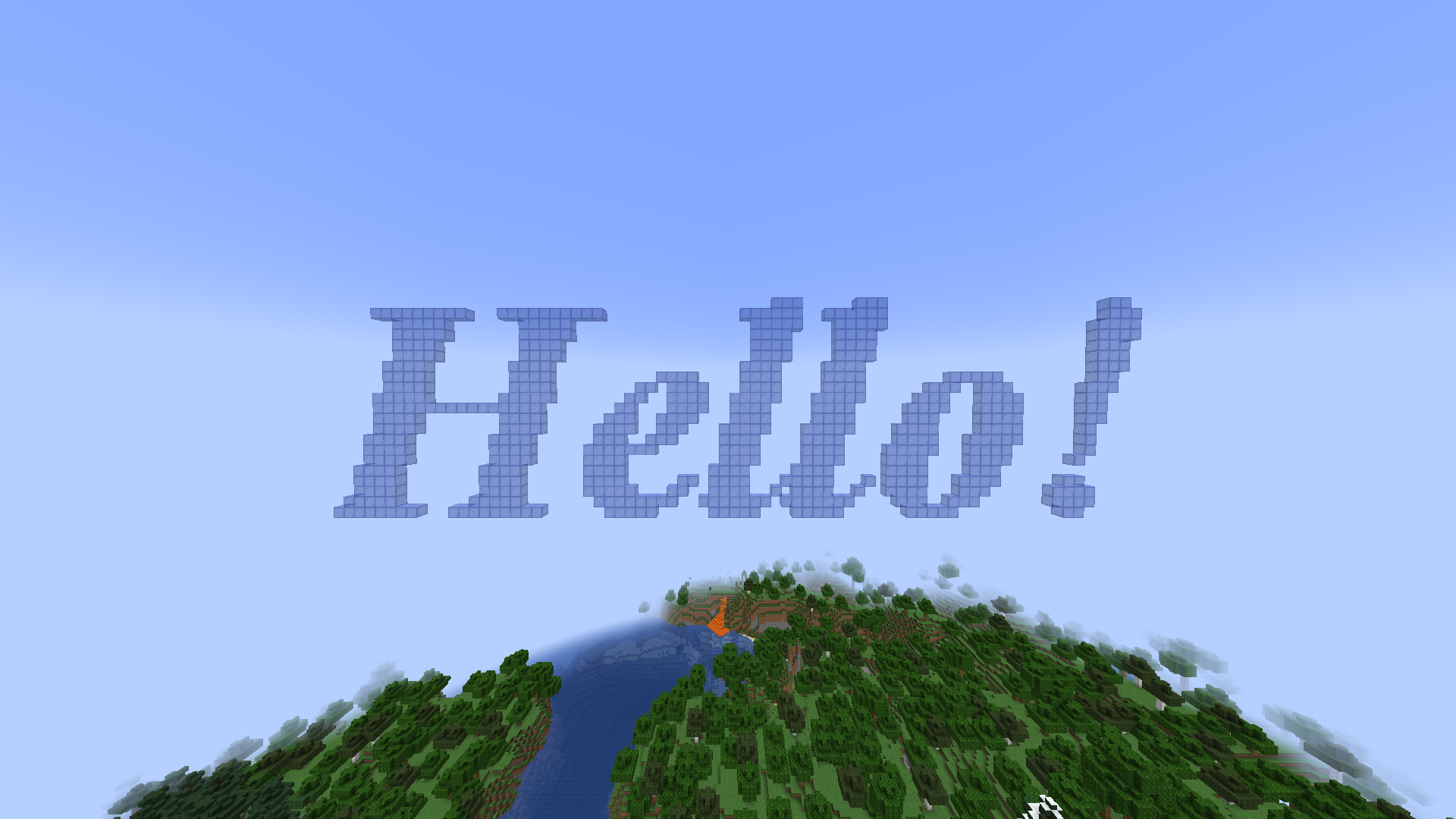
Commands
All commands have the "textgenerator.use" permission
When not editing a text:
/tg generate [Your text] - Generates a text with your text settings in front of the player
/tg edit this - When looking at a previous generated text the player goes into the editing mode to edit it
/tg settings - Opens a GUI to edit the default text settings for the next generate
When editing a text:
/tg confirm - Stops editing the text and leaves it there
/tg edit menu - Opens a GUI to edit the text
/tg move [coordinates] - When drag to move is disabled it moves the text to the given directions. First number indicates left/right, second indicates top/bottom, and third indicates back/front
/tg refresh - When drag to move is disabled it moves the text to the players looking direction
/tg cancel - Destroys the text (when it was previously generated) or sets the text to its previous state (when it was edited)
/tg destroy - Destroys the text
/tg reset - Destroys all build blocks and builds it again
/tg remove - Removes the text from the plugin (the text cannot be edited anymore)
/tg setText [Your text] - Changes the text
PlaceHolderAPI
%textgeneratorGeneratedTexts% - Returns a list of all texts ever generated
The configuration file
placementRange: 30
dragToMove: false
textSettings:
  block: quartz_block
  fontName: Arial
  fontSize: 15
  fontStyle: BOLD
  underline: false
  lineSpacing: 2
