StreamlineCore
Essential additions to your server, but without the bloatware! Built with performance in mind.
 5,18k
5,18k
Quick challenge
How far can you run before the mobs catch you?
Minecraft check
Confirm your run
Complete the quick check to get your code.
StreamlineCore

MUST HAVE: - LuckPerms. [[ FOUND HERE ]](https://luckperms.net/download) - BukkitOfUtils (__For Bukkit / Spigot / Paper ONLY__). [[ FOUND HERE ]](https://www.spigotmc.org/resources/118276/)

Please join the Streamline Hub Discord in order to get updates and for me to fully assist you with bugs, questions, or suggestions.
Discord: **click here**
<font size="5">**Download Modules for Streamline Here (Click)**</font>
Introduction to Streamline
What is Streamline?
Streamline is a Minecraft plugin that adds limitless functionality to Minecraft servers through what is known as Modules. These Modules are downloadable content that you insert into the Streamline plugin's ``modules`` folder to enhance your server.
Streamline Modules can do many things and even allow server admins and developers to make their own with a very nice framework.
The currently made modules add functionality such as: - Redirecting players from one server to another when that server goes down. (StreamlineMOTD Module) - Network staff chat, whispering, and friends. (StreamlineMOTD Module) - Discord to Minecraft and Minecraft to Discord. (StreamlineMOTD Module) - Logging messages to your Discord server with only webhooks. (StreamlineMOTD Module) - Aliases, buildable functions, online list (per server, per group, or network wide), cross-network tpa, cross-network homes, cross-network teleporting, and more. (StreamlineMOTD Module) - Data-Driven event-based protection for proxy and backend servers. (StreamlineMOTD Module) - Send resourcepacks to players on join. (StreamlineMOTD Module) - Cross-network quests system with limitless potential. (StreamlineMOTD Module) - TAB (the plugin) integration, adding support for Streamline placeholders in TAB configurations. (StreamlineMOTD Module) - Simple and easily configured MOTD system like that of MiniMOTD. (StreamlineMOTD Module) - *More.*
<u>NOTE</u>: Not seeing a feature you want? Ask Drak to add it on his Discord! - NOTE
What makes Streamline special?
Streamline allows for universal cross-platform capabilities with its Modules.
This essentially means you can run the same modules <u>on a BungeeCord proxy</u> that you would <u>on a Velocity proxy</u> (or even your backend servers). This, with the addition of Modularized features means that server admins and owners can choose *exactly* what they want in their server without bloatware.
This also makes it very easy for server admins to use a specific module across different servers. Or even for <u>Developers</u> to develop modules for servers (or the community).
What exactly is Streamline capable of?
Literally *anything*. Seriously.
Supported Proxies:
> - Velocity > - BungeeCord > - Waterfall > - FlameCord > - Travertine > - XCord > - Etc.
Supported Backend Servers:
> - Spigot. > - Paper. > - Folia. > - Purpur. > - Tuinity. > - ImmanitySpigot. > - FlamePaper. > - Mohist / Banner / Youer. > - Etc.
Natively-Supported Plugins:
> - Luckperms. (Required.) > - BukkitOfUtils. (Required on Bukkit-like servers.) > - Geyser / Floodgate. (Everything work the same for Bedrock players as would Java players!) > - PlaceholderAPI. > - CMI. (With Utils module.) > - EssentialsX. (With Utils module.)

Follow the Discord setup guide [[ FOUND HERE ]](https://github.com/Streamline-Essentials/StreamlineWiki/wiki/Discord-Setup) to set up the discord module.
What can I do with the `Discord Module`?
- Link Discord Text Channel and Discord Text Channel with `Routes`. - Available link types: - <u>Natively</u> (Without other Modules): - Discord Text Channel `<->` Discord Text Channel - Discord Text Channel `<->` Discord Text Channel - Discord Text Channel `<->` Discord Text Channel - Discord Text Channel `<->` Discord Text Channel - <u>Groups</u> (With `StreamlineGroups` Module): - Discord Text Channel `<->` Discord Text Channel - Discord Text Channel `<->` Discord Text Channel - <u>Messaging</u> (With `StreamlineMessaging` Module): - Discord Text Channel `<->` Discord Text Channel - Discord Text Channel `<->` Discord Text Channel - Discord Text Channel `<->` Discord Text Channel - Message formats are completely customizable. - Avatar with player's skin will pop up when their message is sent to Discord. - Link player's Discord profile with your server. - Players can chat using their StreamlineUser profile from Discord. - All Discord messages can be configured to be sent as <u>completely customized Discord embedded messages</u>

More information is found on our wiki: **FOUND HERE**
NOTICE ABOUT COMMANDS, PERMISSIONS, AND MESSAGES.
*All commands are completely customizable in their `.yml` file. Including permissions and message outputs!*

1. Install dependencies. - ``BukkitOfUtils`` if on Bukkit / Spigot / Paper / Forks. - ``LuckPerms`` for all platforms. 2. Download the plugin file. 3. Drop it into your server's plugins folder. 4. Start and stop your server. 5. Fill out the configs where necessary. - Configurations for the streamline plugin can be found in your `plugins` folder, under `StreamlineCore`. 6. Add desired modules. - Modules can be downloaded from here: **click here** 7. Start and stop your server again. 8. Fill out module configs where necessary. - Module files can be found in your `plugins` folder, under `StreamlineCore`, under `module-resources`. 9. Start your server again.
More information can be found on our wiki: **click here**

1. Look on the wiki: click here 2. Get in touch on the Streamline Discord: %%MD1%% 3. Submit a bug on the issue tracker (this is rarely checked): [click here](https://github.com/Streamline-Essentials/StreamlineCore/
BStats
Bukkit
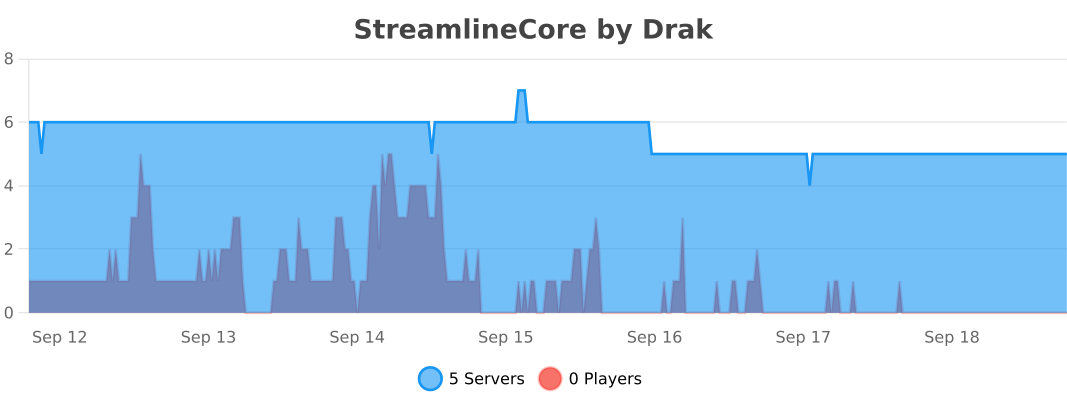
BungeeCord
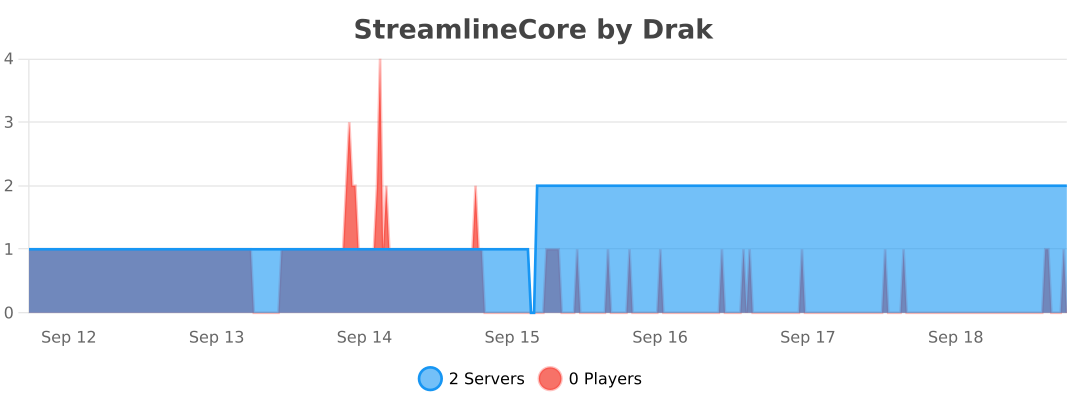
Velocity