

Simply Tents
Simply Tents lets you set up camp anywhere in Minecraft! Craft your tent and dye it any color you like!
 34,99k
Quick challenge
How far can you run before the mobs catch you?
Minecraft check
Confirm your run
Complete the quick check to get your code.
Simply Tents
🏕️ MODEL AND TEXTURE UPDATE
⛺ Tent Types
*(All tents feature a 3x3 interior space)*
Solo Tent
A classic A-frame tent.
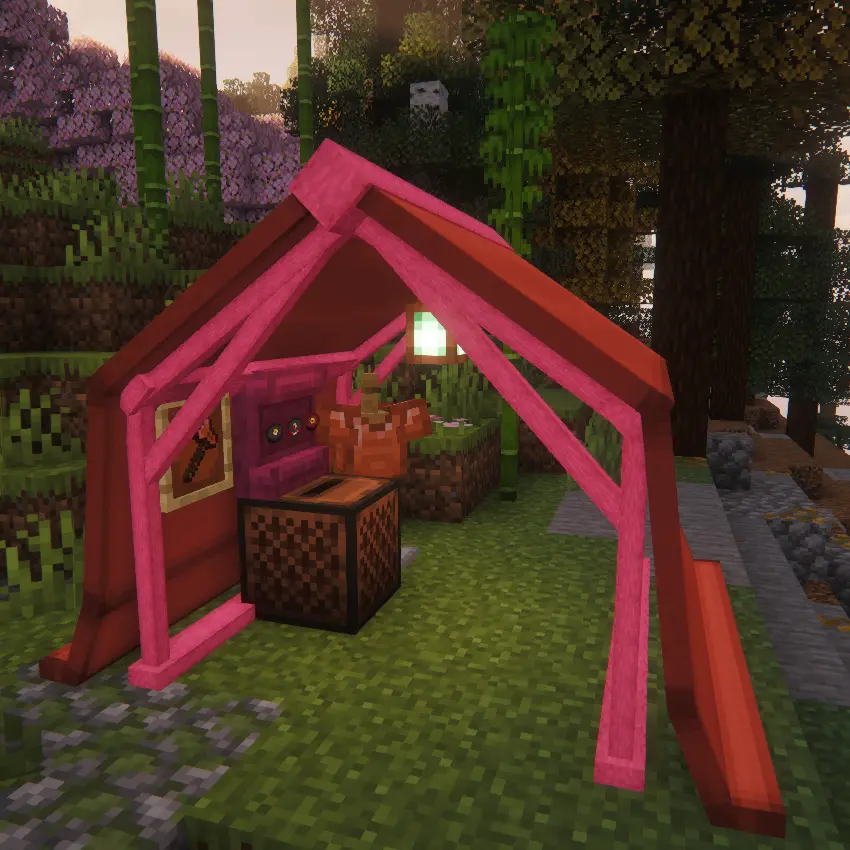
Wall Tent
A 3-sided tent with an open front.
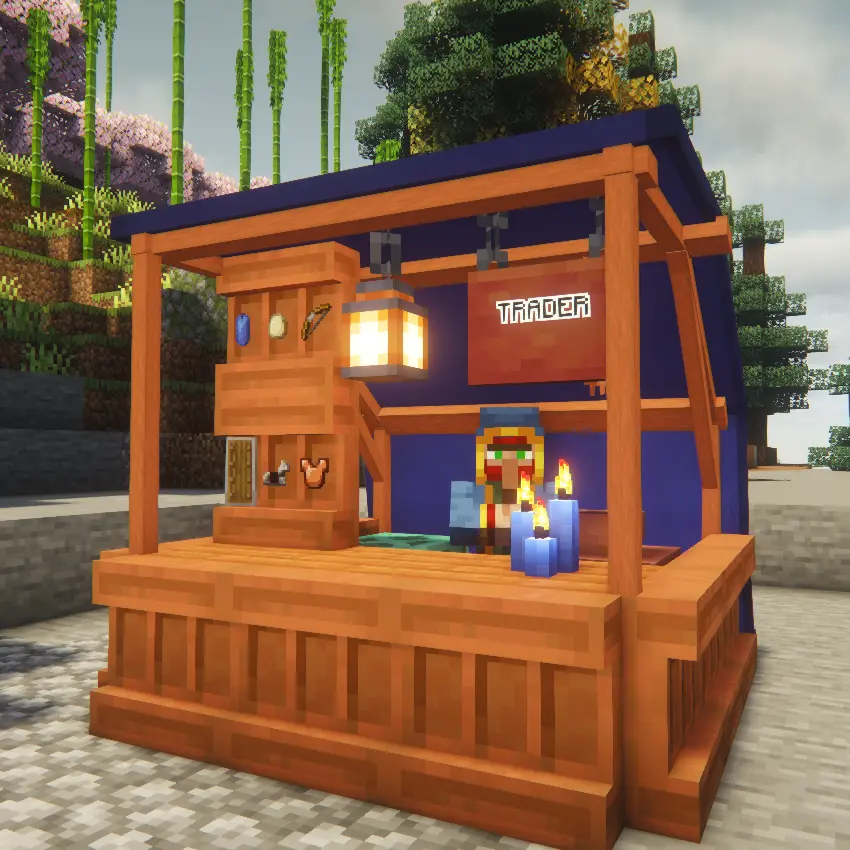
Canopy
An open-air roof with no walls.
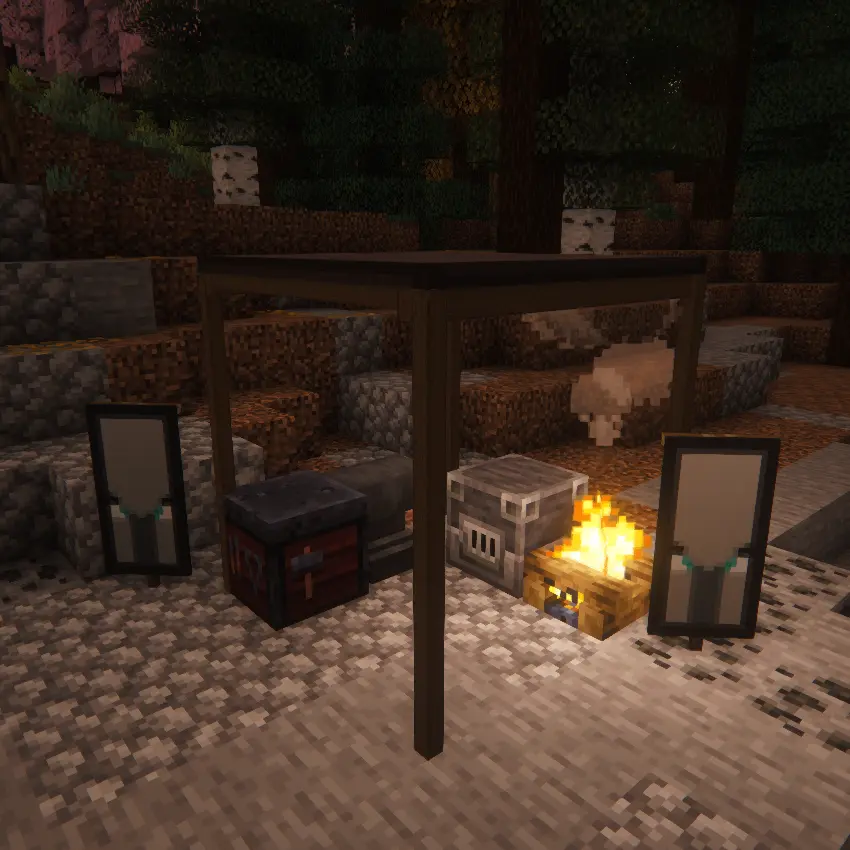
Canvas Walls
Can be added as walls to your Canopy Tent.
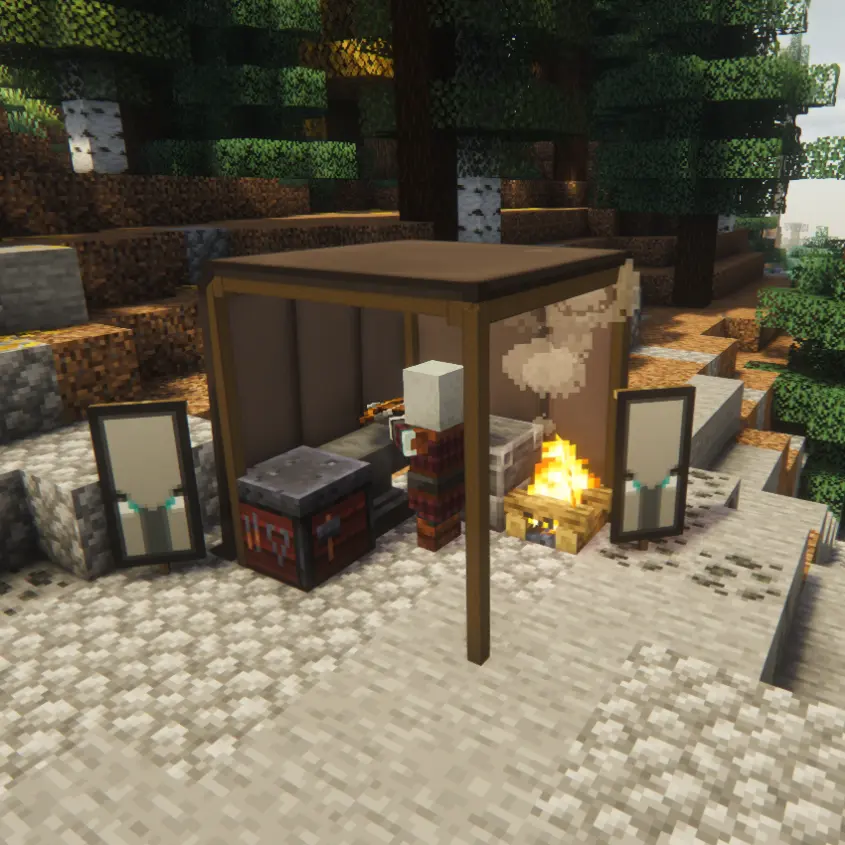
Zip Tent
A fully enclosed tent with a toggleable door.
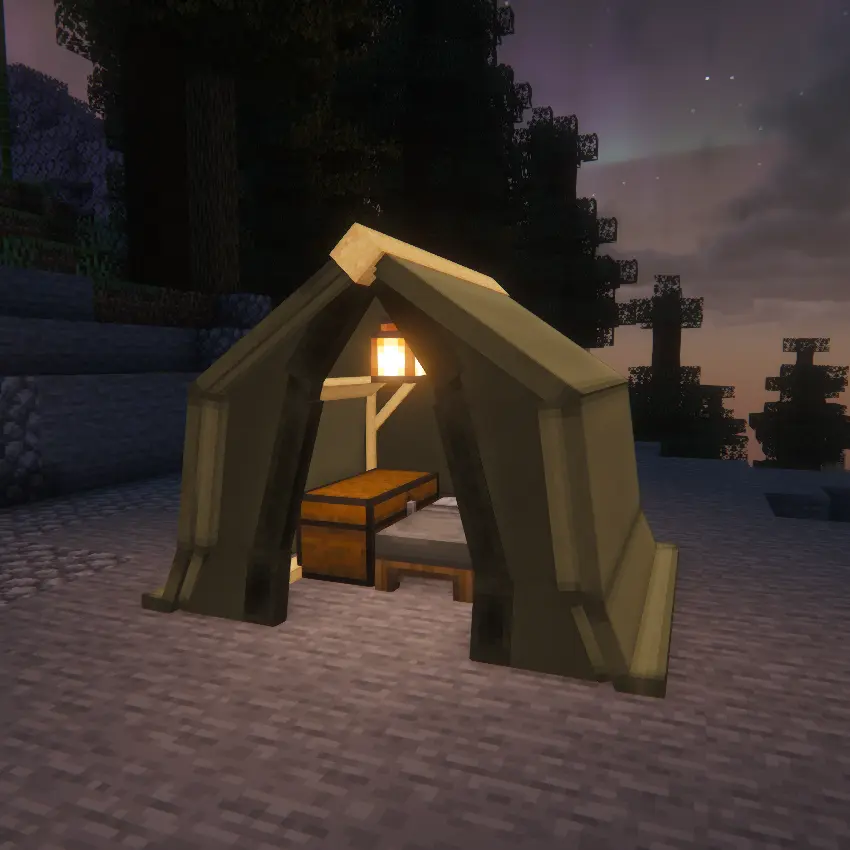
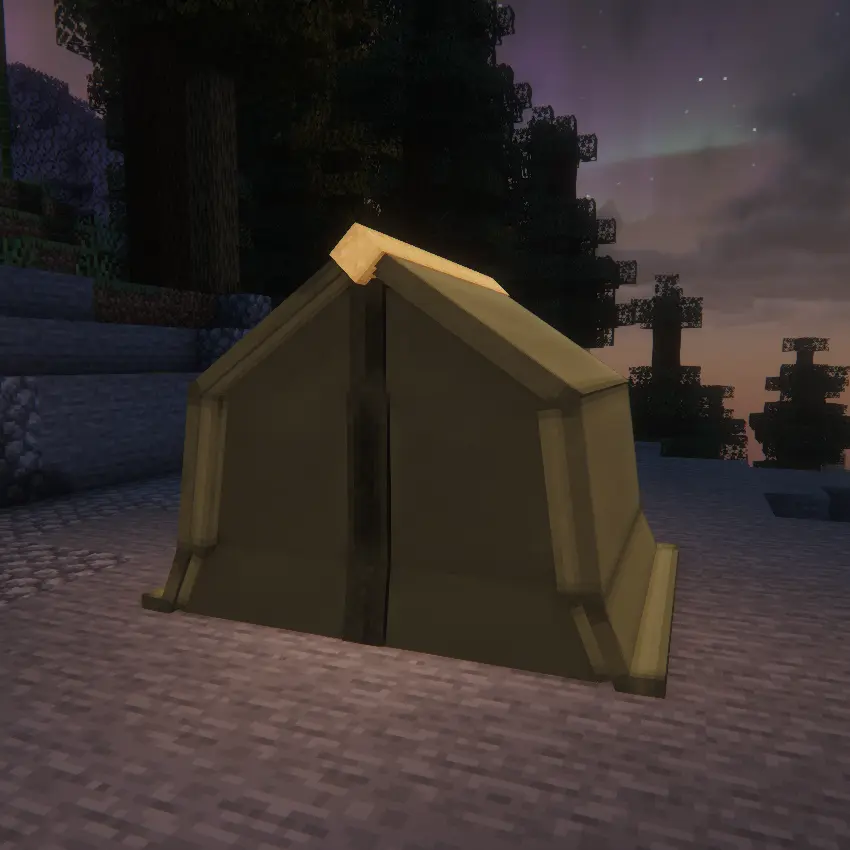
---
🎨 Resource Pack Compatibility
Models and textures are now fully resource pack compatible and can be edited using a resource pack.
---
✨ Features & Usage
📦 Pack Up & Save Interior
Sneak + Right-click with an empty hand to pack the tent into an item while saving all interior blocks *(beds, chests, furnaces)* and entities *(armor stands)* exactly as placed.
🛏️ Smart Spawn Management
No more lost homes! If you sleep in a tent and later pack it up, you can configure the game to:
* Restore your spawn point to your last permanent Campsite * Lock it to your current Campsite * Use default Vanilla behavior
🔒 Tent Ownership Security
Prevent campsite thieves! A configurable setting ensures only the player who originally pitched the tent can pack it up.
🏕️ Pitch Tent
Place the item and it automatically faces you while checking if there is enough space before deploying.
🎨 Dye Fabric
Right-click the fabric with any dye. Mix dyes together for infinite custom shades.
🪵 Change Frame
Right-click the poles with any vanilla log, stripped log, or plank to change the wood type.
🌧️ Weatherproof
Roofs physically block rain and weather mechanics, keeping your campfire lit and your bed dry.
🧰 Dynamic Icons
Inventory items dynamically render their current fabric color and wood frame type while displaying their contents in the tooltip.
⚙️ In-Game Config Commands
Server admins can tweak interior pickup rules, ownership restrictions, and spawn logic on the fly using the `/simplytents` command — no server restart required.
---
🛠️ In-Game Commands
Server admins can tweak the mod's mechanics on the fly without touching config files or restarting the server. All changes take effect immediately.
`/simplytents interiorPickup <true|false>`
What it does: Toggles whether sneaking and clicking a tent packs up the interior blocks and entities.
* `true` → Packs the interior with the tent * `false` → Tent drops as an item but leaves the interior behind
---
`/simplytents restrictPickup <true|false>`
What it does: Toggles campsite security.
* `true` → Only the owner can pack up the tent * `false` → Anyone can pack it up
---
`/simplytents spawnLogic <VANILLA | CAMP | HOME>`
What it does: Controls what happens to a player's spawn point when a tent they slept in is packed up.
`HOME` *(Default)*
Restores the player's spawn point to the last permanent *(non-tent)* bed they slept in.
`CAMP`
Locks the player's spawn point to the exact coordinates where the packed-up tent was located.
`VANILLA`
Uses standard Minecraft behavior. The bed is considered broken and the spawn point is cleared.
---
🤝 Compatibility & Modpacks
* Partial support for Cold Sweat temperature mechanics * Available for:
* Fabric / Forge: `1.21.1`, `1.21.11`, `26.1.2` * Fabric / Forge: `1.20.1`
✅ Modpack Friendly
Fully allowed in all modpacks and public servers.
---
⚠️ Legacy Version Notice
The legacy version is NOT receiving updates due to poor code structure and loss of the original project files.
---
⚠️ Dependencies & Upgrading
Required Dependencies
* GeckoLib *(All Versions)* * Cloth Config API *(Required for some versions)*
🔄 Auto-Conversion
Old tents automatically convert to the new models on world load.
📏 Space Requirements
New models have strict physical boundaries.
If the area is blocked:
* Conversion will fail * The tent blocks will be deleted
Back up your world and empty old tents before updating.
