ServerShout
A Cross-Server Shout and Invite plugin for BungeeCord/Velocity/Bukkit
 210
210
Quick challenge
How far can you run before the mobs catch you?
Minecraft check
Confirm your run
Complete the quick check to get your code.
ServerShout
ServerShout 2
ServerShout is a Cross-Server Shout and Invite plugin for Bukkit/BungeeCord/Velocity. It features high performance and a high degree of customization, and it is compatible with PlaceholderAPI and LuckPerms.
Screenshots
Cross-Server Shout

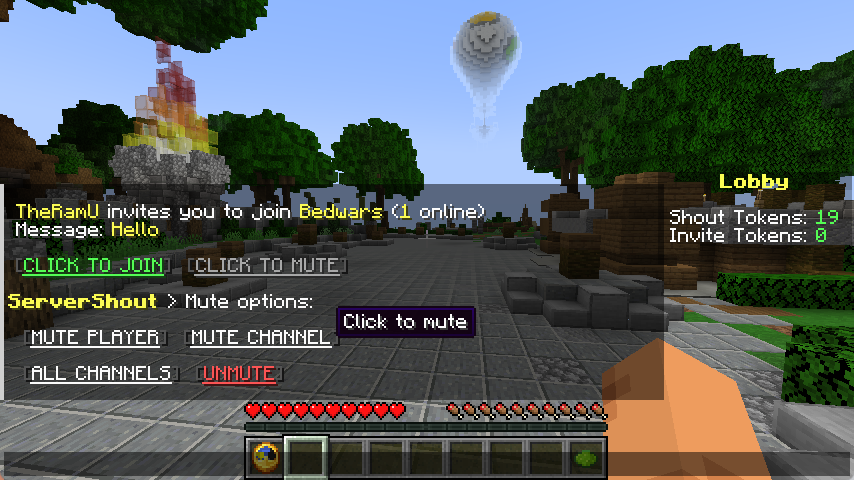
Cross-Server Invite

Message Mute
Commands & Permissions
`/ss help` - Get help
`/ss reload` - Reload configuration
`/ss token list` - List all tokens
`/ss token create <NAME>` - Create new token
`/ss token delete <NAME>` - Delete token
`/ss balance get <PLAYER> <TOKEN>` - Check player token balance
`/ss balance set <PLAYER> <TOKEN> <AMOUNT>` - Set player token balance
`/ss balance give <PLAYER> <TOKEN> <AMOUNT>` - Give tokens to player
`/ss balance take <PLAYER> <TOKEN> <AMOUNT>` - Take tokens from player
`servershout.help` - Allows use of /ss help
`servershout.reload` - Allows use of /ss reload
`servershout.token.list` - Allows use of /ss token list
`servershout.token.create` - Allows use of /ss token create
`servershout.token.delete` - Allows use of /ss token delete
`servershout.balance.get` - Allows use of /ss balance get
`servershout.balance.set` - Allows use of /ss balance set
`servershout.balance.give` - Allows use of /ss balance give
`servershout.balance.take` - Allows use of /ss balance take
`servershout.update.notify` - Allows receiving update notifications
BungeeCord Command: `/ssb` | Velocity Command: `/ssv`
⭐ Default Shout format: `!<MESSAGE>`
⭐ Default Invite format: `/invite` or `/invite <MESSAGE>`
PlaceholderAPI Placeholders
`%servershout_balance_<TOKEN>%` the player's token amount
LuckPerms Meta Placeholders
In shout.yml, you can configure the show of a player's LuckPerms Meta value in messages.
For example:
`{luckperms_meta_prefix}` displays the prefix Meta value, i.e., the player's prefix.
Other Meta values can be managed via `/lp user <player> meta`
Usage
1. Download the jar file and place it in the plugins directory of the proxy (BungeeCord/Velocity) (required) 2. Place the jar file in the plugins directory of Bukkit as the management end of ServerShout (optional). 3. Restart the server. 4. Edit config.yml to configure the database and reload the plugin (optional). If the database is not configured, player tokens will not be deducted, and players can send messages without restrictions.
Stats
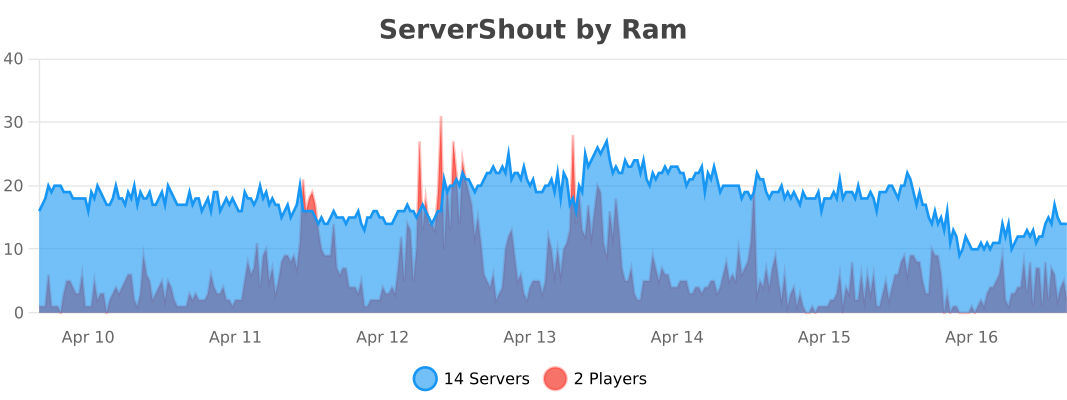
BungeeCord
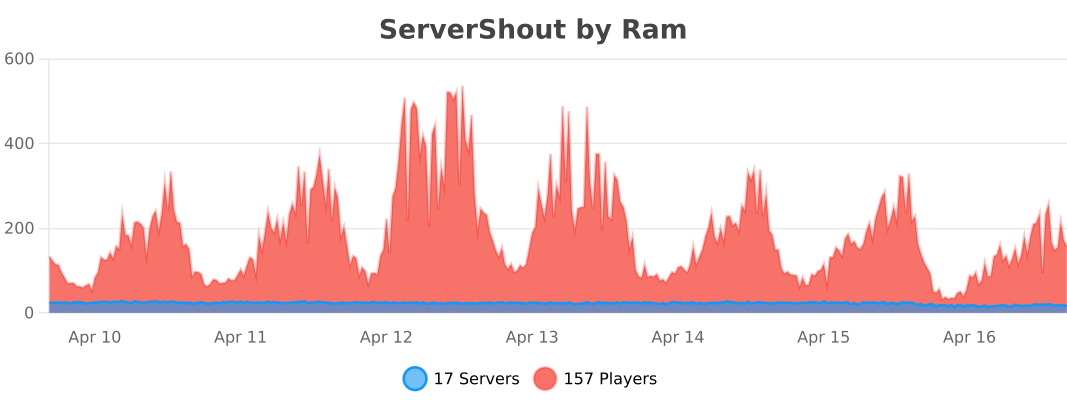
Velocity
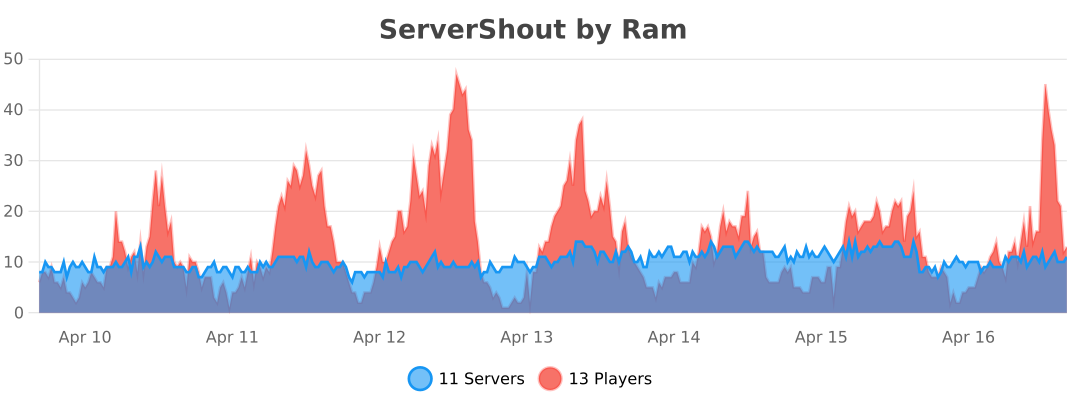
Bukkit