

Salt's Anti-Aliasing
Salt’s Anti Aliasing adds modern anti-aliasing, sharpening, supersampling, and upscaling options to Minecraft with in-game controls and scene-only processing that keeps the HUD crisp.
 639
639
Quick challenge
How far can you run before the mobs catch you?
Minecraft check
Confirm your run
Complete the quick check to get your code.
Salt's Anti-Aliasing

Salt's Anti Aliasing
Salt's Anti Aliasing brings a full suite of anti-aliasing, sharpening, supersampling, and upscaling options to Minecraft with a built-in Video Settings menu, live previews, debug tools, and performance tracking.
NOTICE: The MSAA option doesn't work with sodium installed
Whether you want cleaner edges, a sharper image, or better performance through upscaling, this mod gives you modern image-quality options directly inside the game.
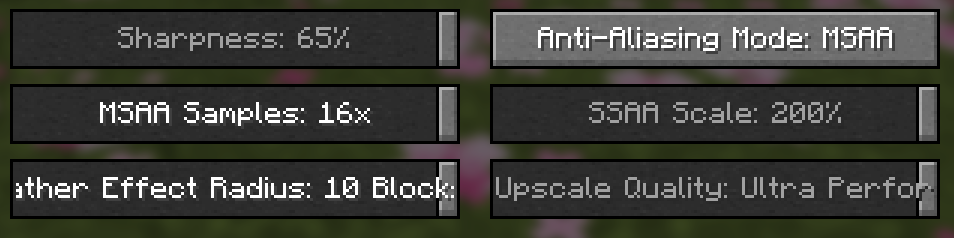
Features
- In-game anti-aliasing menu inside Video Settings - Mode-specific sliders and controls - Built-in tooltips that explain what each option does - Sharpening controls for supported modes - Upscale quality presets for supported modes - Performance metrics recording through config - Edge-debug overlay for visual testing - Designed to keep the game's interface clean and readable
Included Modes
- `Off` - `FXAA` - `MSAA` with `2x`, `4x`, `8x`, and `16x` - `SSAA` with `125%`, `150%`, `175%`, and `200%` - `SMAA` - `TAA` - `NIS Sharpen` - `NIS Upscale` - `FSR1 Upscale` - `FSR1 + RCAS`
Off
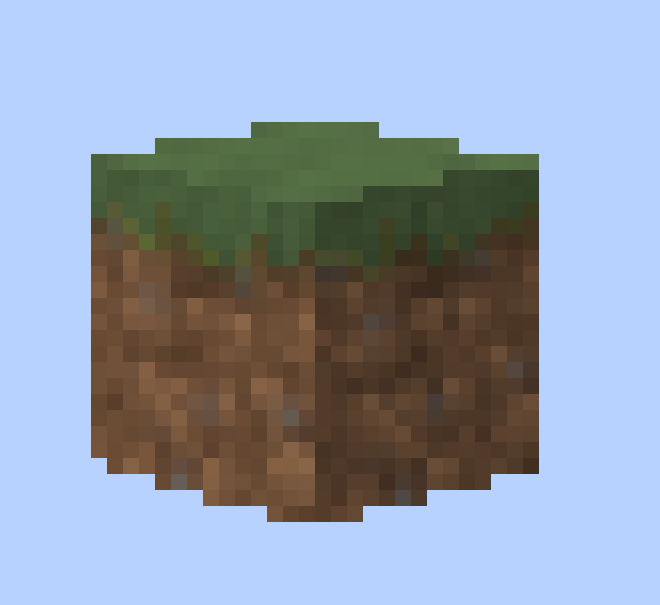
Sharpness
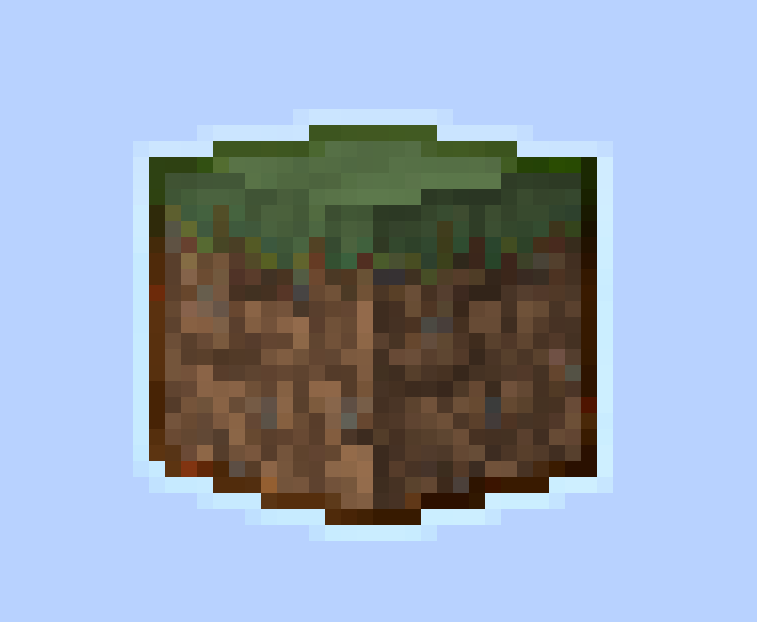
FXAA
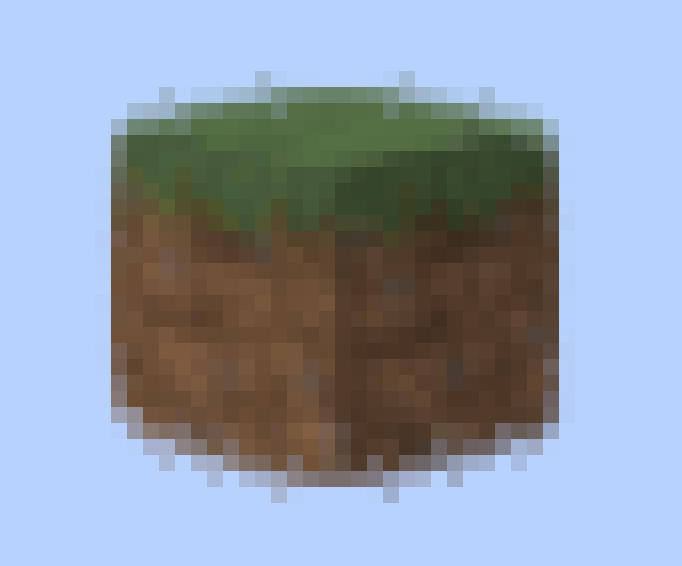
MSAA x16

Why Use It?
Minecraft's default image can look jagged, noisy, or unstable depending on your resolution and settings. Salt's Anti Aliasing gives you multiple ways to improve that, depending on what you want:
- cleaner edges - reduced shimmering - sharper visuals - better image stability - performance-friendly upscaling options - high-quality supersampling options for stronger GPUs
Some modes are lightweight and fast, while others focus on maximum image quality.
Built-In Debug Tools
Salt's Anti Aliasing also includes tools for testing and comparison:
- `F3 + K` toggles an edge-detection debug view - on-screen edge stats help compare modes - optional metrics recording can log frame rate behavior over time - per-mode reporting makes it easier to compare performance between settings
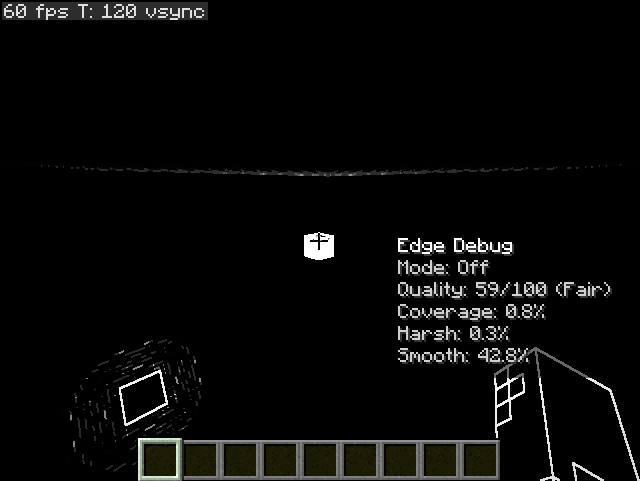
Performance Metrics
If enabled in the config, the mod can record useful benchmarking information such as:
- average FPS - median FPS - 1% lows and 5% lows - lag spikes - FPS drops - low-FPS time - per-mode performance totals - per-minute averages
This makes it much easier to compare how each anti-aliasing mode performs on your system.
Designed For Tuning
This mod is built for players who like to test, compare, and fine-tune image quality. Whether you want a lightweight edge smoother, a sharp upscale preset, or a stronger cinematic look, Salt's Anti Aliasing gives you the tools to experiment and find what looks best on your setup.
Current Focus
The current version focuses on the OpenGL rendering path and includes the full in-game feature set listed above. The project is also structured with future graphics-backend expansion in mind.
---
If you want cleaner Minecraft visuals with real control over how the game looks and performs, Salt's Anti Aliasing is made for exactly that.
