

Refined Items
Bring your server's items to life with dynamic lore, custom attributes, and seamless vanilla replacement.
 69
69
Quick challenge
How far can you run before the mobs catch you?
Minecraft check
Confirm your run
Complete the quick check to get your code.
Refined Items



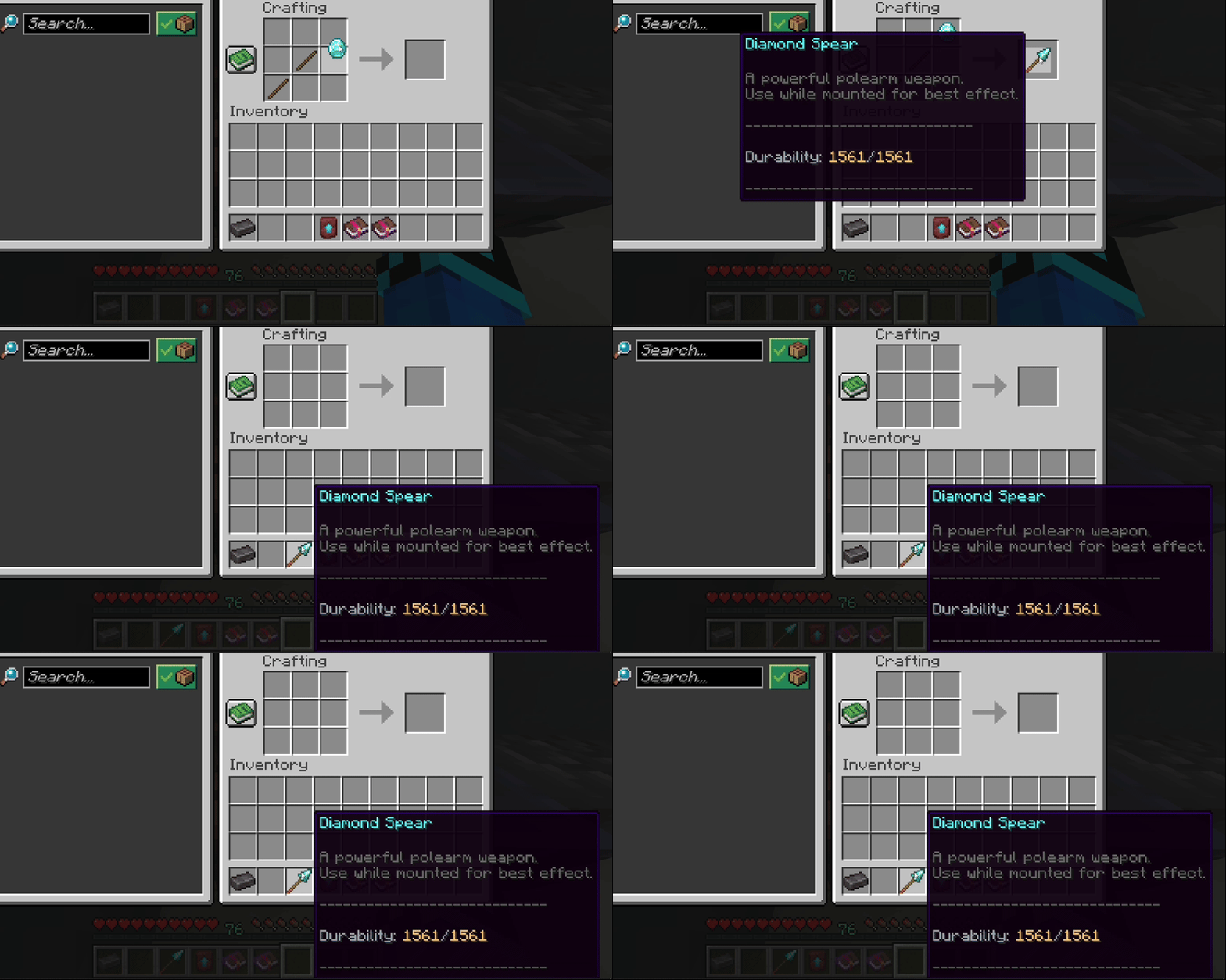
⚒️ Crafting
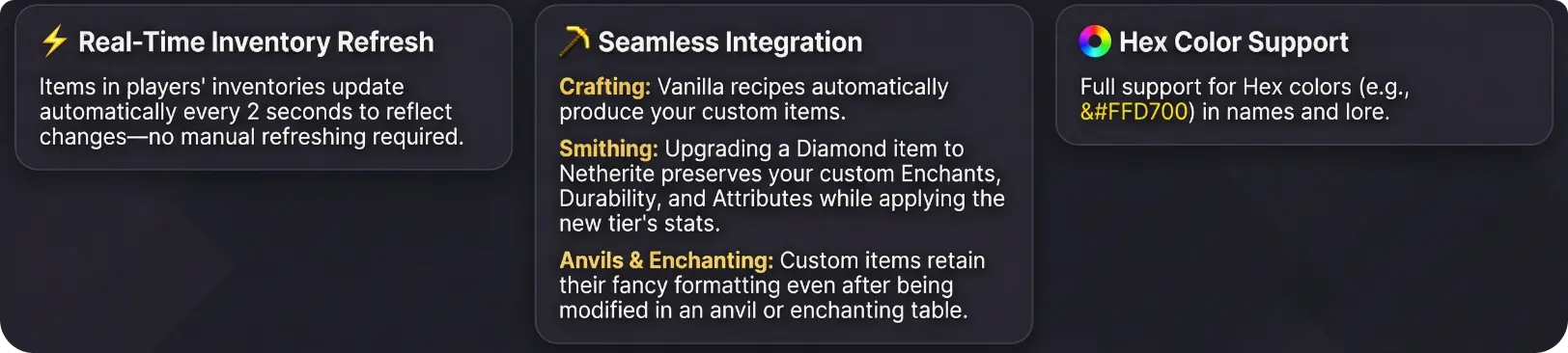
◆ Vanilla recipes automatically produce your custom RefinedItems.
Spoiler
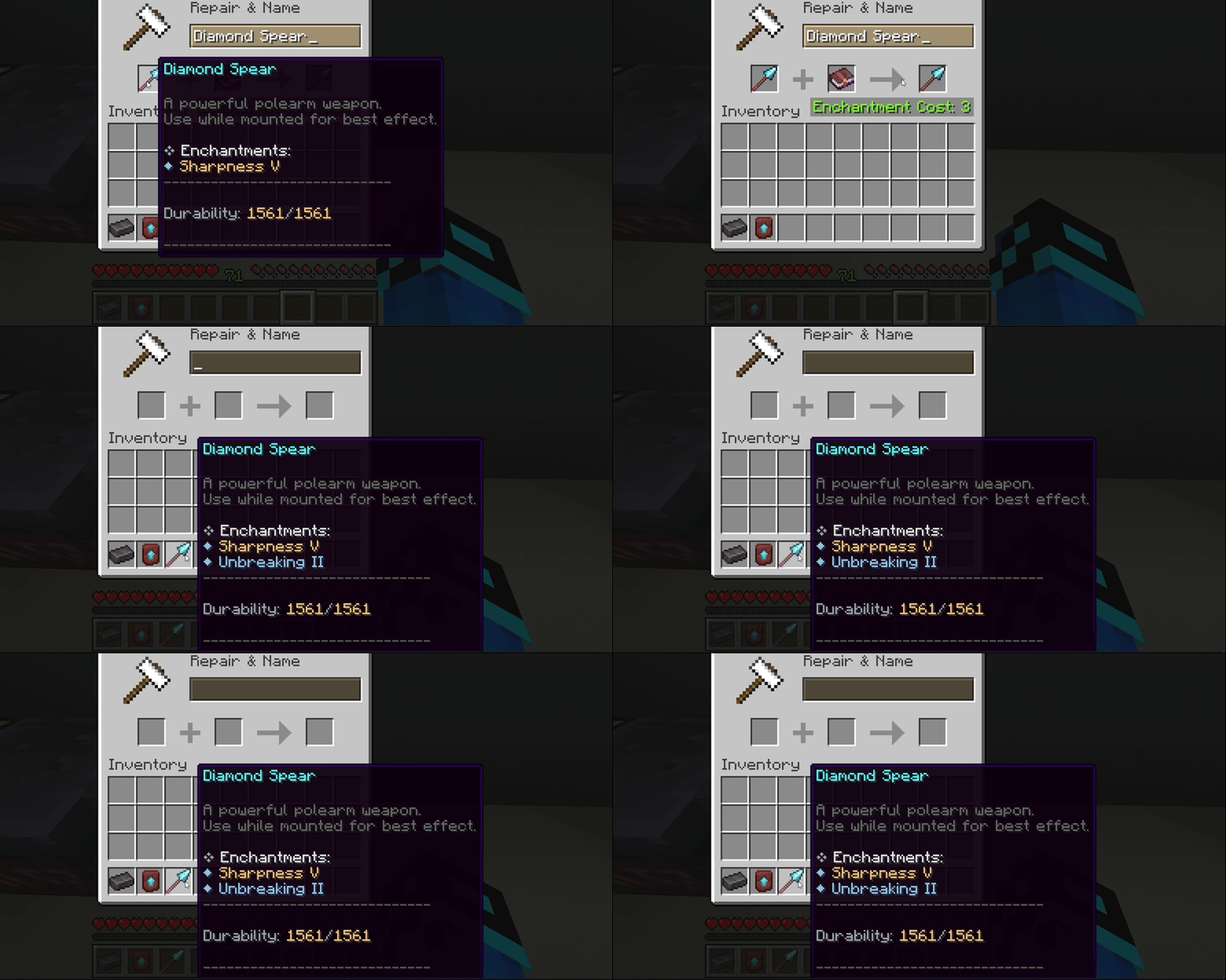
✨ Enchanting Support
◆ Custom items retain their fancy formatting, lore, and attributes even after enchanting!
Spoiler
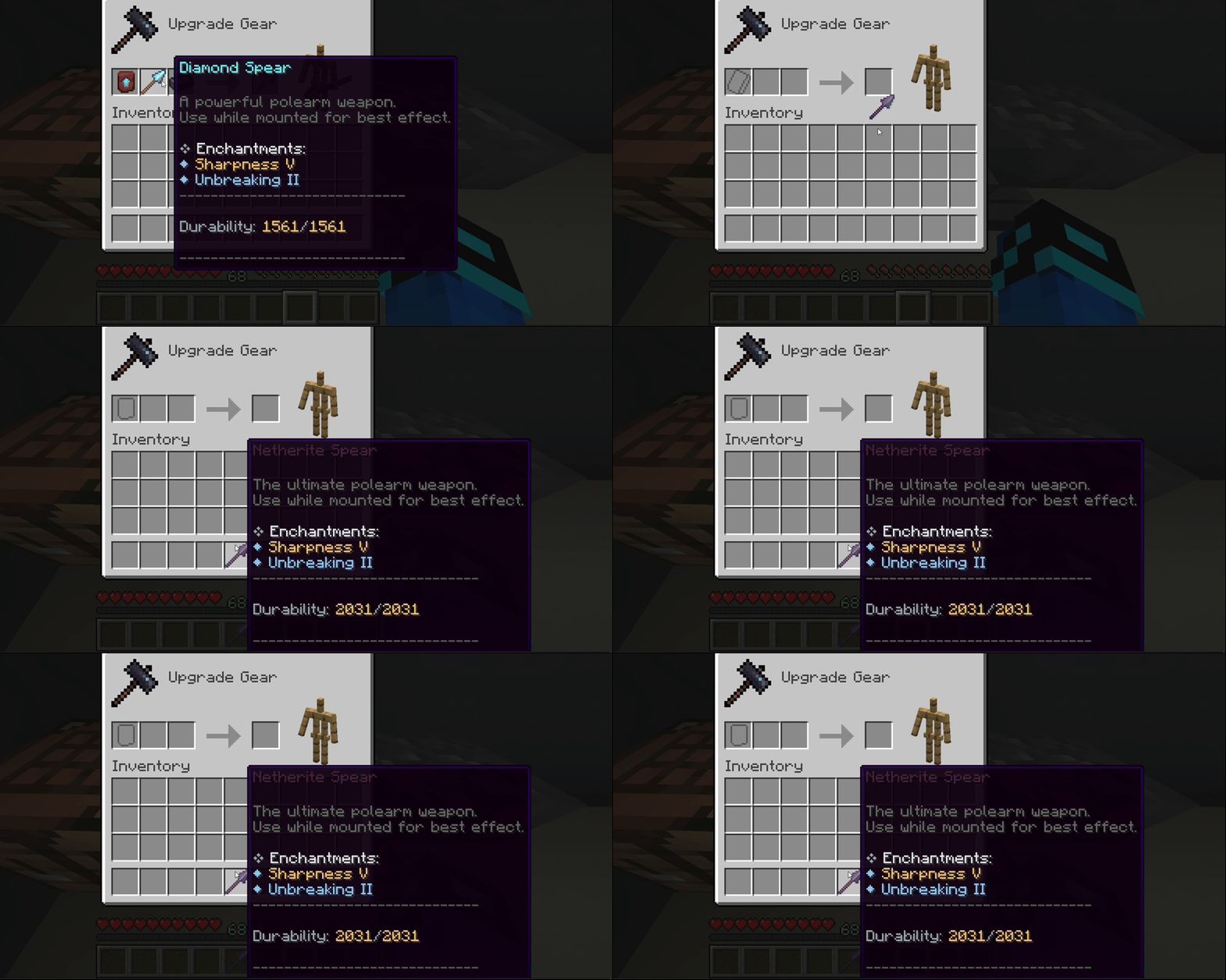
🔥 Smithing Integration
◆ Upgrade Diamond to Netherite while preserving all custom enchants, durability, and attributes!
Spoiler
---
◆ Commands & Permissions
--- | Command | Description | Permission | |---------|-------------|------------| | `/ri reload` | Reloads all configuration files and instantly refreshes items for all online players | `refineditems.admin` |
---
◆ Installation
--- 1. Download RefinedItems.jar 2. Place it in your server's `plugins` folder 3. Restart the server 4. Edit `plugins/RefinedItems/items.yml` to configure your items 5. Run `/ri reload` to apply changes!
---
◆ Configuration:
---
Config.yml
Spoiler
```
RefinedItems Main Configuration
Custom items are located in items.yml
Set to true to enable debug messages in console
debug: false
Formatting Configuration
durability-format: "	CA3AFDurability: &#F5C16C%current%	CA3AF/&#F5C16C%max%"
enchantment-formatting: title-symbol: "	CA3AF❖" title-text: "&#E5E7EBEnchantments:"
bullet: "]C5FD◆"
normal-level-color: "]C5FD" max-level-color: "&#F5C16C"
```
Items.yml
- Only one item is shown as an example - The actual `items.yml` includes all vanilla items
Spoiler
```
===============================
RefinedItems - items.yml
===============================
Each item here replaces the vanilla version when crafted or given.
All values are fully customizable.
===============================
ENCHANTMENTS CONFIGURATION
===============================
The 'enchantments:' section defines DEFAULT enchantments
applied ONLY when the item is first created.
Format:
enchantments:
ENCHANTMENT_NAME: LEVEL
===============================
ATTRIBUTES CONFIGURATION
===============================
The 'attributes:' section defines the item's base attribute modifiers.
These are applied when the item is created and affect player stats.
Format:
attributes:
ATTRIBUTE_NAME: # Replace 'ATTRIBUTE_NAME' with: GENERIC_ATTACK_DAMAGE/GENERIC_MAX_HEALTH etc.
amount: <value> # How much to add/subtract
operation: <type> # ADD_NUMBER, ADD_SCALAR, MULTIPLY_SCALAR_1
slot: <equipment slot> # HAND, HEAD, CHEST, LEGS, FEET
═══════════════════════════════════════════════════════════════════════════
WOODEN TIER
═══════════════════════════════════════════════════════════════════════════
wooden_sword:
The vanilla Minecraft material this item is based on
material: WOODEN_SWORD
Supports color codes and HEX colors (&#RRGGBB)
Display name of the item
name: "A594CWooden Sword" lore: - "" - "򢰪A basic starter weapon." - "" - "%enchantments%" # %enchantments% is a dynamic placeholder. Shows ALL CURRENT enchantments on the item. Can be edited in config.yml. - "򇨣━━━━━━━━━━━━━━━━━━━━━━━━━━━━━" - "" - "%durability%" # %durability% is a dynamic placeholder. Updates automatically as the item is used or repaired. Can be edited in config.yml. - "" - "򇨣━━━━━━━━━━━━━━━━━━━━━━━━━━━━━" flags: - HIDE_ATTRIBUTES # Hides attack damage, armor values, etc. - HIDE_ENCHANTS # Hides vanilla enchantment text. Enchantments can be STILL shown via %enchantments% ```
