

RedstoneDisplays
indicator displays that show redstone signal strength
 20
20
Quick challenge
How far can you run before the mobs catch you?
Minecraft check
Confirm your run
Complete the quick check to get your code.
RedstoneDisplays
redstone-powered display indicators - custom heads that change appearance based on signal strength.
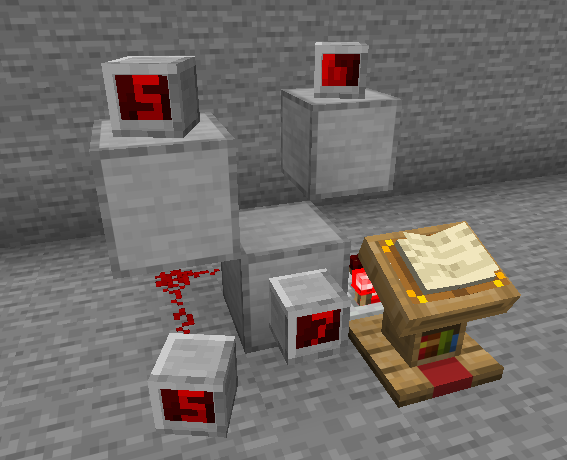
Features
Indicators are decorative player heads that visually display redstone power levels from 0-15.
How they work: - Place an indicator block and connect it to redstone - The indicator displays the power level it receives - Supports extended power detection - can read signals through walls (2 blocks behind for wall-mounted, 2 blocks below for floor-mounted)
Three indicator styles are included: Panel, Panel, and Panel. Each has 16 unique textures corresponding to power levels 0-15. Custom indicator types can be added via configuration.
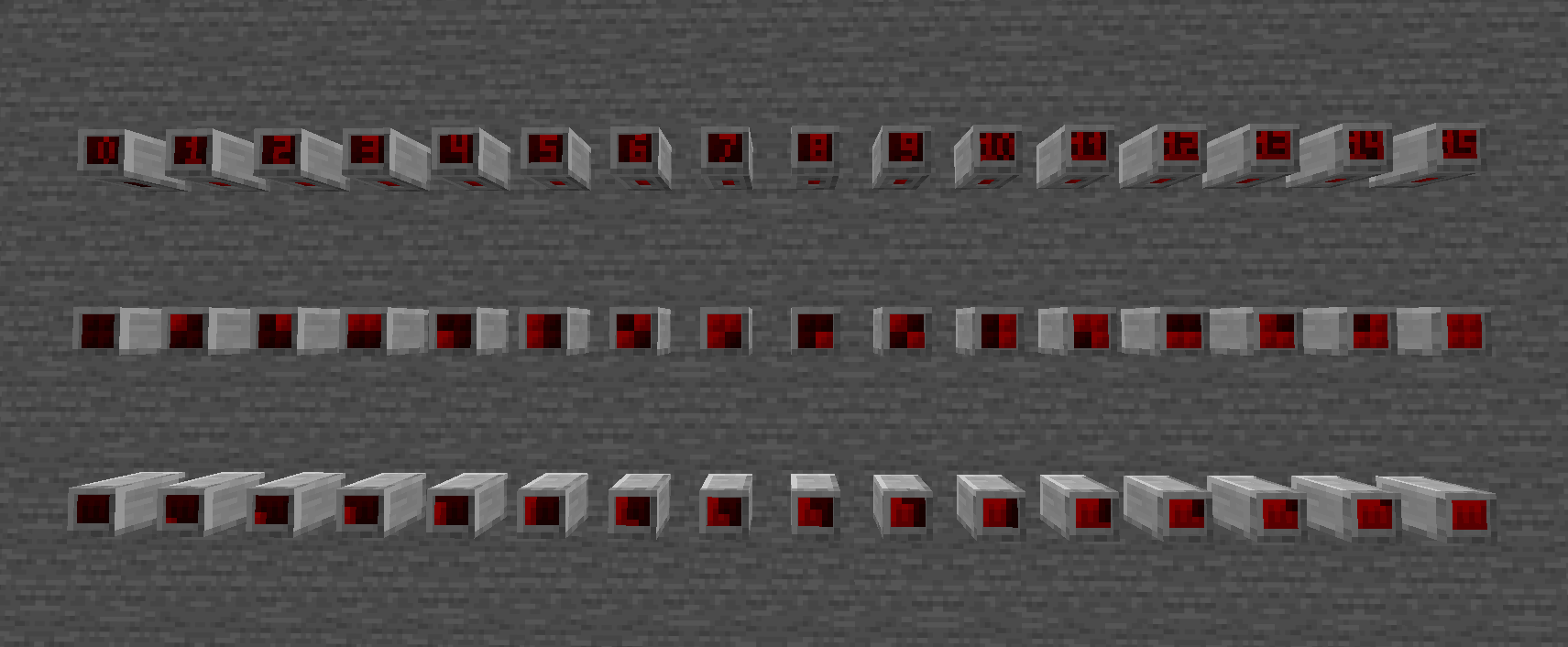
Recipes unlock automatically when you enter the Nether (configurable per indicator). They require stone, redstone, amethyst shards, and quartz.
Commands
| Command | Description | Permission | | ---------------------------------------------------- | -------------------------------------------- | ---------------------------------- | | `/redstonedisplays give [player] [indicator_id] [amount]` | Give indicator items (or list available) | `redstonedisplays.give` | | `/redstonedisplays reload` | Reload configuration | `redstonedisplays.reload` | | `/redstonedisplays recipes` | Unlock crafting recipes | `redstonedisplays.recipes` | | `/redstonedisplays info` | Display indicator statistics | `redstonedisplays.info` | | `/redstonedisplays delete_all confirm` | Delete all indicators (dangerous) | `redstonedisplays.delete_all` | | `/redstonedisplays recover_orphaned` | Recover orphaned indicators in loaded chunks | `redstonedisplays.recover_orphaned`| | `/redstonedisplays help` | Show help message | — |
Configuration
The plugin is configured via `config.yml`. Each indicator type can have custom settings:
```yaml settings: tick_interval: 10 # How often to check power levels (in ticks) auto_save_ticks: 6000 # Auto-save interval (0 to disable)
indicators: digital_indicator: enabled: true name: "Digital Indicator" texture_set: "digital_indicator" unlock_advancement: "minecraft:nether/root" recipe: shape: - "SRQ" - "SRA" - "SRA" ingredients: S: STONE R: REDSTONE Q: QUARTZ A: AMETHYST_SHARD result_amount: 1 ```
