

PickupHighlight
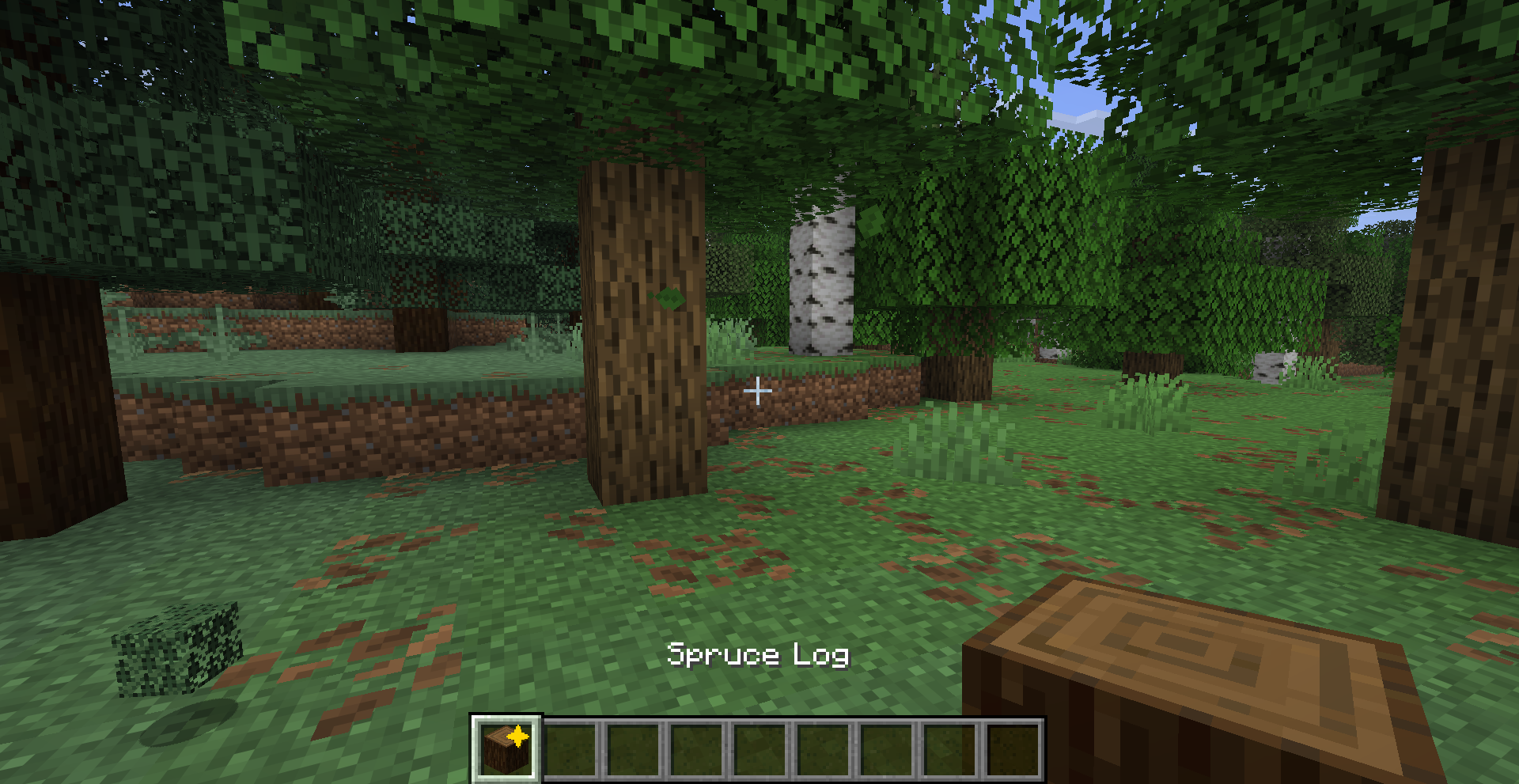
Never lose track of newly picked-up items — a golden star marks every new item in your hotbar and inventory.
 29
29
Quick challenge
How far can you run before the mobs catch you?
Minecraft check
Confirm your run
Complete the quick check to get your code.
PickupHighlight
PickupHighlight
Never lose track of newly picked-up items again — a golden star marks every new item in your hotbar and inventory.
What it does
PickupHighlight adds an animated ✦ star to item slots whenever you pick up something new. Glance at your hotbar and instantly know what changed.
- ✦ Simple config on newly picked-up items - 🎯 Simple config both supported - 🔄 Simple config on hover, inventory close, or hotbar selection - ⏱️ Simple config — auto-clear after X seconds - 🎨 Simple config — gold by default - ⚙️ Simple config — JSON file or in-game Cloth Config screen
Preview
Configuration
Config file: `.minecraft/config/pickuphighlight.json`
| Option | Default | Description | |--------|---------|-------------| | `clearOnHover` | `true` | Remove highlight when hovering over the item | | `clearOnClose` | `true` | Remove all highlights when closing inventory | | `clearOnSelect` | `true` | Remove highlight when selecting on hotbar | | `highlightColor` | `0xFFD700` | Star color (gold by default) | | `timeoutSeconds` | `0` | Auto-clear after X seconds (0 = never) |
If Cloth Config and Mod Menu are installed, you can configure the mod in-game from the Mods screen.
Requirements
- Minecraft 26.1.x - Fabric Loader ≥ 0.18.5 - Fabric API
Optional
- Cloth Config — in-game config screen - Mod Menu — access config from the Mods list
License
MIT — see LICENSE
