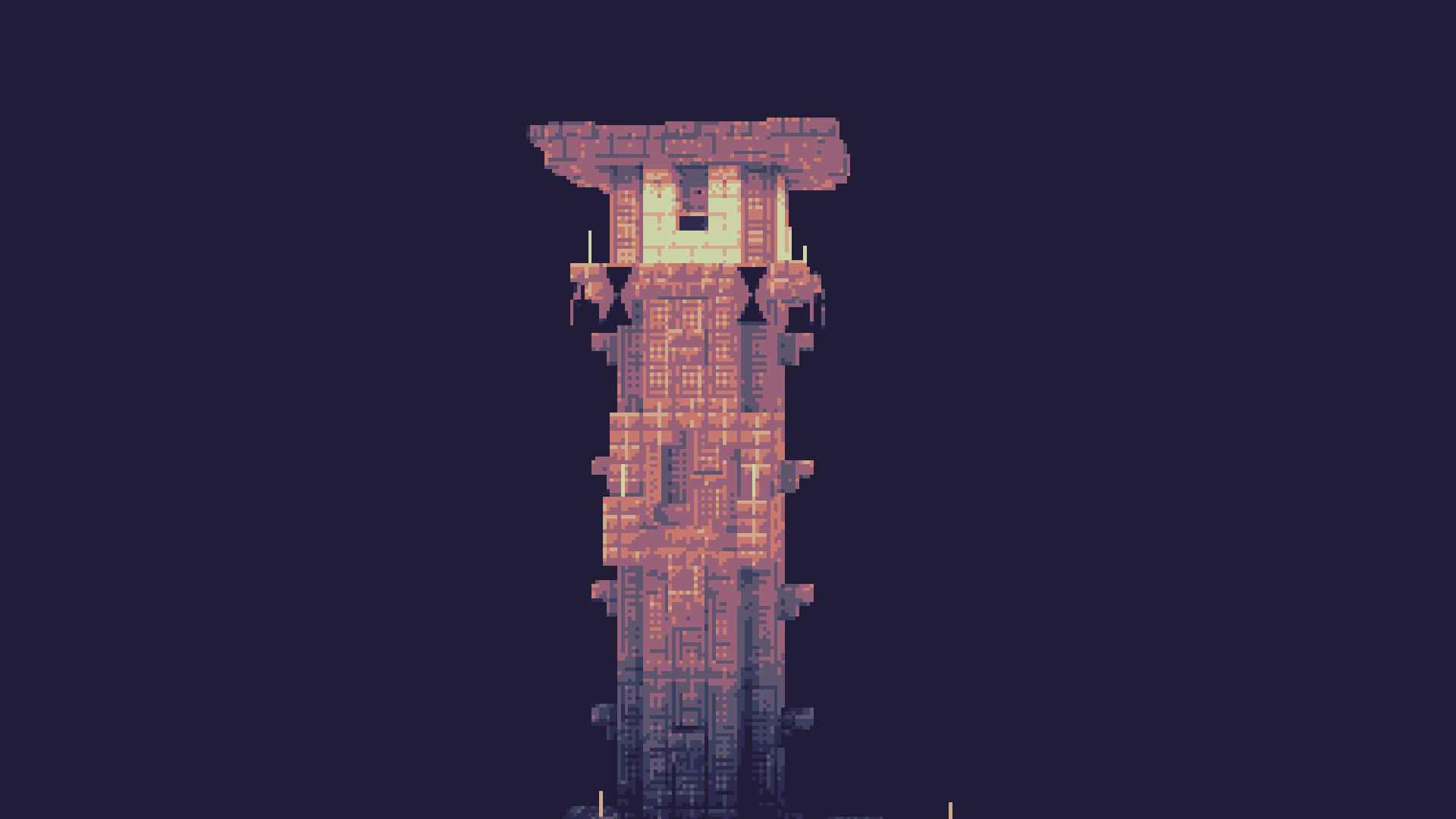
Phial
Post-processing shader that aims to mimic the style of pixel art
 10,15k
Quick challenge
How far can you run before the mobs catch you?
Minecraft check
Confirm your run
Complete the quick check to get your code.
Phial
Phial
Phial is a work-in-progess shader that aims to add several post-processing options to mimic pixel art.
As of the latest version it has:
- Color quantization to limit the screen colors to a arbitrary color palette. (defaults to the Ressurect 64 palette)
- Customizable pixel mapping to lower the screen resolution
- Ordered dithering
- Customizable vignette
Custom Palettes
To input custom palettes, you can unzip the shader and locate the palette file at: ``` shadersassetspalette.glsl ```
This requires a special format of storing colors, namely a vector 3 normalized GLSL array. To quickly convert a list of hex colors to this format, you can use the following site:
https://snorfield.github.io/palette-to-shader/
Once converted, you can simply open the `palette.glsl` file in a text editor such a notepad and replace the contents. Don't forget to save!
All you need to do to see the changes is reload the shader.