Zyphorix Red
Get ready to PvP with Zyphorix Red! A Recolor of Zyphorix, a PvP texturepack that overhauls all PvP related items while keeping the loved vanilla-like feeling.
Zyphorix Red retextures:
– Swords and Tools of any material
– Iron, Gold, Diamond and Netherite Armor
– Water and Lava Bucket (also empty one of course)
– Mace, Bow and Arrows
– Golden Apples and Totem of Undying
– HUD (Crosshair, Hotbar, etc)
Zyphorix Pink
Get ready to PvP with Zyphorix Pink! A Recolor of Zyphorix, a PvP texturepack that overhauls all PvP related items while keeping the loved vanilla-like feeling.
Zyphorix Pink retextures:
– Swords and Tools of any material
– Iron, Gold, Diamond and Netherite Armor
– Water and Lava Bucket (also empty one of course)
– Mace, Bow and Arrows
– Golden Apples and Totem of Undying
– HUD (Crosshair, Hotbar, etc)
Zyphorix Blue
Get ready to PvP with Zyphorix Blue! A Recolor of Zyphorix, a PvP texturepack that overhauls all PvP related items while keeping the loved vanilla-like feeling.
Zyphorix Blue retextures:
– Swords and Tools of any material
– Iron, Gold, Diamond and Netherite Armor
– Water and Lava Bucket (also empty one of course)
– Mace, Bow and Arrows
– Golden Apples and Totem of Undying
– HUD (Crosshair, Hotbar, etc)
Zyphorix 16x
Get ready to PvP with Zyphorix! A PvP texturepack that overhauls all PvP related items while keeping the loved vanilla-like feeling.
Zyphorix retextures:
– Swords and Tools of any material
– Iron, Gold, Diamond and Netherite Armor
– Water and Lava Bucket (also empty one of course)
– Mace, Bow and Arrows
– Golden Apples and Totem of Undying
– HUD (Crosshair, Hotbar, etc)
ZyPass
Unlike typical password plugins, this system goes a step further by tracking both a player’s unique ID and their IP address.
When a player joins and successfully enters the password, their ID and IP are stored as a trusted combination. On future joins from the same IP, they won’t need to re-enter the password, making the experience seamless for regular players. All trusted players are saved to the config file, so you can manually remove an IP and user ID if needed to force a password re-entry- just remember to restart the server after making any manual changes.
However, if that same account logs in from a different IP- whether it’s the player on a new network or someone attempting unauthorized access- the plugin will require the password again. Since the IP doesn’t match the trusted record, bypass is not allowed.
This approach improves security while still keeping things convenient for trusted users. No repeated logins for regulars, but strong protection against potential intruders.
Setup Instructions:
1. Download the plugin and place it in your server’s plugins folder.
2. Restart your server.
3. Open the generated ZyPass folder and edit the config file:
Keep the quotation marks.
Enter your password in the first set of quotes.
Enter your hint in the second set of quotes.
Do not modify anything else- the plugin will automatically manage additional data as players authenticate.
Players only need to type the password itself (not the quotation marks).
4. Save your changes and restart the server again.
5. Join the server, wait for the on-screen instructions (displayed above the hotbar), and enter your password in chat.
Additional Notes:
Password messages are not fully sent in chat, so other players cannot see what you entered.
Your password remains private unless you choose to share it.
zy optimised pack
zy optimised pack is modpack with a focus on optimisation and quality of life features. The performance of the game is improved with mods such as [Sodium](https://modrinth.com/mod/sodium) and [Lithum](https://modrinth.com/mod/lithium), with QoL mods such as [Bobby](https://modrinth.com/mod/bobby), [WI Zoom](https://modrinth.com/mod/wi-zoom), [Shulker Box Tooltip](https://modrinth.com/mod/shulkerboxtooltip) and [WI Zoom](https://modrinth.com/mod/wi-zoom) being included.
Various resource packs and shaders are included, making configuration easily accessible upon startup. This modpack aims to enable good performance across various devices and keep the experience as close to vanilla as possible, whilst improving the game in unobtrusive ways.
[PrismLauncher](https://prismlauncher.org/) is recommended to manage different Minecraft versions.
## How to Install
[PrismLauncher](https://prismlauncher.org/download/) is recommended to manage instances and download mods. With PrismLauncher open, click the `Add Instance` button, select the `Modrinth` tab and search for this modpack (either by name or by using the link).
Alternatively, you can use the `Import` tab to select the `.mrpack` that can be downloaded to import the pack into PrismLauncher.
You will need Java (version 21) installed on your device. PrismLauncher can download Java for you when you open it for the first time.
Additionally, you can also download Java here: [adoptium.net](https://adoptium.net/en-GB/temurin/releases/?version=21&os=any&arch=any).
> **Note: On Macs with Intel processors, you need to install the x64 version of Java, on Macs with Arm 64 (Apple silicon) processors, you need to install the Arm 64 (aarch64) version of Java.**
## When Updating
To keep your settings, make sure to copy over `options.txt` to the new instance’s folder, from your old folder. Also, if you want, copy over `servers.dat` (your server list), `hotbar.nbt` (your saved creative hotbars), `saves/` (your worlds) and `screenshots/`, along with `.bobby/` (only made if you have the bobby mod).
## Included Resource Packs and Shaders
**Resource Packs**
> – [Bare Bones](https://modrinth.com/resourcepack/bare-bones)
> – [C418 Songs Only](https://modrinth.com/resourcepack/c418-songs-only)
> – [Default Dark Mode](https://modrinth.com/resourcepack/default-dark-mode)
> – [Enchantment Glows](https://modrinth.com/resourcepack/enchantment-glows)
> – [Even Better Enchants](https://modrinth.com/resourcepack/even-better-enchants)
> – [No Mob Variants](https://modrinth.com/resourcepack/even-better-enchants)
> – [No Wolf Skin Variants](https://modrinth.com/resourcepack/no-wolf-skin-variants)
> – [Redstone Tweaks](https://modrinth.com/resourcepack/redstone-tweaks)
> – [Vanilla Tweaks](https://vanillatweaks.net/picker/resource-packs/)
**Shaders**
> – [BSL Shaders](https://modrinth.com/shader/bsl-shaders)
> – [Complementary Reimagined](https://modrinth.com/shader/complementary-reimagined)
> – [Complementary Reimagined](https://modrinth.com/shader/complementary-reimagined) [+ Euphoria Patches](https://modrinth.com/mod/euphoria-patches)
> – [Rethinking Voxels](https://modrinth.com/shader/rethinking-voxels/versions)
Zyno’s Visuals+
***(Built on Top of Zyno’s Client+, Check out Zyno’s Client+ to see its features)***
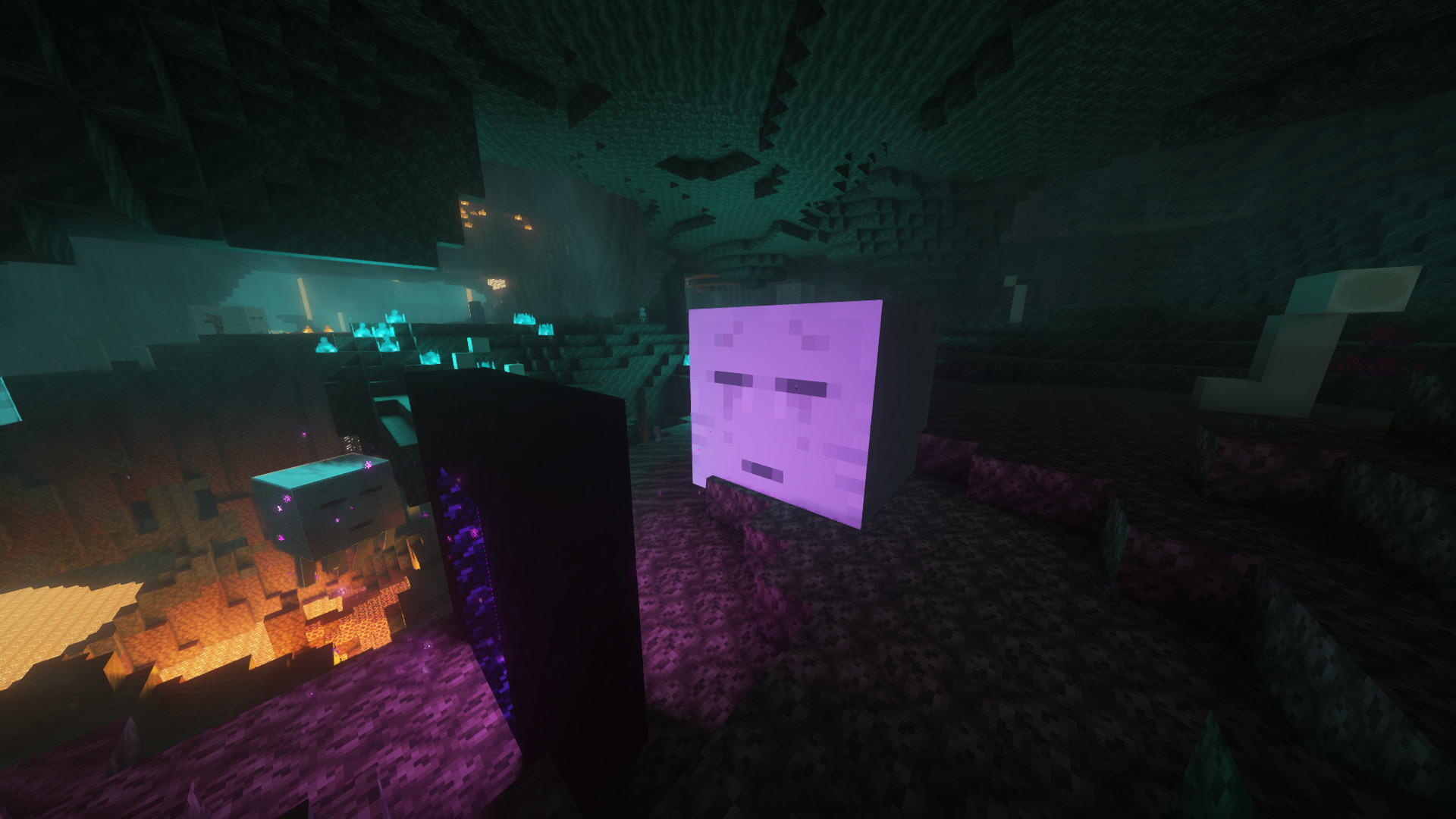
This Modpack Completely Overhauls Minecraft’s Visuals with new animations, Ambients sounds, New Footsteps sounds, includes a lightweight shader as well as a high performance shader
It includes the better third person mod and First Person Models so you can see yourself how steve does. The only way to see how many features are there is to install Modpack
It is Built on My Other Modpack Zyno’s Client+ Which has a ton of optimization mods and QOL features
**The Modpacks Comes with the Barebones resource pack and Fresh Animations So you can make the game look like the trailer too!**
Zyno’s Client+
Features:
– In game account switcher
– In game skin manager
– In game screenshot manager (has cropping and brush)
– Friends System!
– Better Chat (Copy Chat text, Search Chat messages and timestamps)
– Drag server and resource packs to arrange them
– Player head icons in chat
– Custom HUD (Click Right-Shift)
– Custom crosshair
– Gamma utils(fullbright)
– Dynamic Lights
– In game resource pack downloader
– In game server browser
– Wavy capes
– Custom capes for Free! (MinecraftCapes)
– Emotes for Free and Custom Emotes too! (Check Emotecraft Menu NOT Essential Emotes)
– Zoom
– Search keybinds
– Cape support from optifine, labymod, cosmetica, clocks+, MinecraftCapes and Wyntills
– And a bunch of performance mods!
Zynirium
**Zynirium** was built to give PvP players a **clean**, **fast**, and **reliable** client that just works. With MCPVP moving to Minecraft 1.21.11, we wanted a **ready-to-go pack that maximizes FPS**, reduces input latency, and includes **only useful PvP tools — no clutter**, no unnecessary features, and no confusing settings.
**Unlike many other PvP modpacks, Zynirium intentionally avoids unnecessary mods** such as minimaps, chest trackers, or similar utilities. These mods often add visual clutter, provide little value in combat, and are **frequently not allowed on competitive servers.**
Our goal was to keep the pack focused purely on **performance and PvP gameplay.**
✅ All mods included in this pack are **allowed according to the MCPVP Tier List**, so you can use the pack on competitive servers without worrying about disallowed features.
**Please still look up the rules of any Server you want to play on and check if there are any mods not allowed.**
⸻
## ✦ Why choose Zynirium?
⚡️ **Performance-first**
Carefully selected optimization mods such as Sodium, Lithium, FerriteCore, and Ixeris improve FPS, reduce stuttering, and make gameplay smoother even during intense fights.
🛡️ **PvP-tuned**
Includes useful combat tools like:
• Hit feedback improvements
• Totem counters
• Status effect timers
• Shield fixes
• Crosshair and zoom utilities
These features help provide clear combat feedback without changing gameplay mechanics.
🔁 **Stable & compatible**
Built on a tested Fabric mod stack with up-to-date libraries to reduce crashes and mod conflicts.
🧰 **Minimal & focused**
No filler mods. Everything included directly improves PvP gameplay or performance.
⚙️ **Easy setup**
Includes Mod Menu and configuration libraries so you can easily tweak settings to your preference.
ZyloLotto
# ZyloLotto – GUI-Based Lottery System for Minecraft 1.21
**Note:** This version supports **multiple languages**. Currently, **German (`de_DE`)** and **English (`en_US`)** are available.
Set your preferred language in `config.yml`. Additional languages will be added in future updates.
ZyloLotto brings a complete, easy-to-use lottery system to your server.
Players can buy tickets, watch live drawings, and enjoy massive winnings.
Everything is fully GUI-based – no complicated commands required.
—
## Features
### Ticket System
– Players buy tickets directly through a GUI – each ticket is a randomly generated 5-digit code.
– All tickets are saved automatically and increase the jackpot.
### Jackpot & Economy System
– Fully Vault-compatible, including automatic payout handling.
– The jackpot grows with every ticket purchased or via optional autofill.
### Animated Drawing
– Winning numbers are displayed through a multi-stage animation with sound effects.
### Intelligent Winner Detection
– Automatically detects 2 to 5 correct numbers in the correct positions.
– Winnings are distributed based on configurable percentage values.
### Drawing & Winner History
– Clean GUIs show past draws, winners, dates, and payout amounts.
– All data is stored permanently.
### Player Ticket Overview
– Players can browse their tickets in a paginated GUI.
– Admins can view or delete tickets directly.
### Admin Menu
– Complete lottery management through a dedicated admin menu.
– Change jackpot, ticket price, delete winners or draws, modify autofill, enable/disable rollback, and more.
### Automatic Drawing
– Optional auto-draw that starts a drawing at regular intervals.
– Interval can be set live via chat.
### Test Drawing
– Admins can run a test draw with any 5-digit number.
– Perfect for testing or events.
### SQLite Database
– No setup required – `lotto.db` is created automatically.
– The plugin handles saving tickets, drawings, winners, and jackpot values on its own.
—
## Commands
| Command | Description |
|——————|———————————————-|
| `/lotto` | Opens the main lottery GUI |
| `/lottodraw` | Starts a regular lottery drawing |
| `/lottotest <12345>` | Starts a test drawing with fixed numbers |
—
## LuckPerms Permissions
| Permission | Description | Default |
|———————|—————————————————————|———|
| `zylolotto.admin` | Access to the full admin menu and all admin functions | `op` |
| `zylolotto.draw` | Allows executing the official lottery draw (`/lottodraw`) | `op` |
| `zylolotto.test` | Allows executing test drawings (`/lottotest`) | `op` |
| *(no permission)* | Opens the lottery menu via `/lotto` | `everyone` |
—
## Required Plugins
– **Vault (1.7.3)** – For economy integration
*(SpigotMC: Vault Plugin)*
– **LuckPerms** – For permissions management
*(Modrinth: LuckPerms)*