
Options Profiles
Load and save your options from in-game.
 73,43k
Quick challenge
How far can you run before the mobs catch you?
Minecraft check
Confirm your run
Complete the quick check to get your code.
Options Profiles
Options Profiles



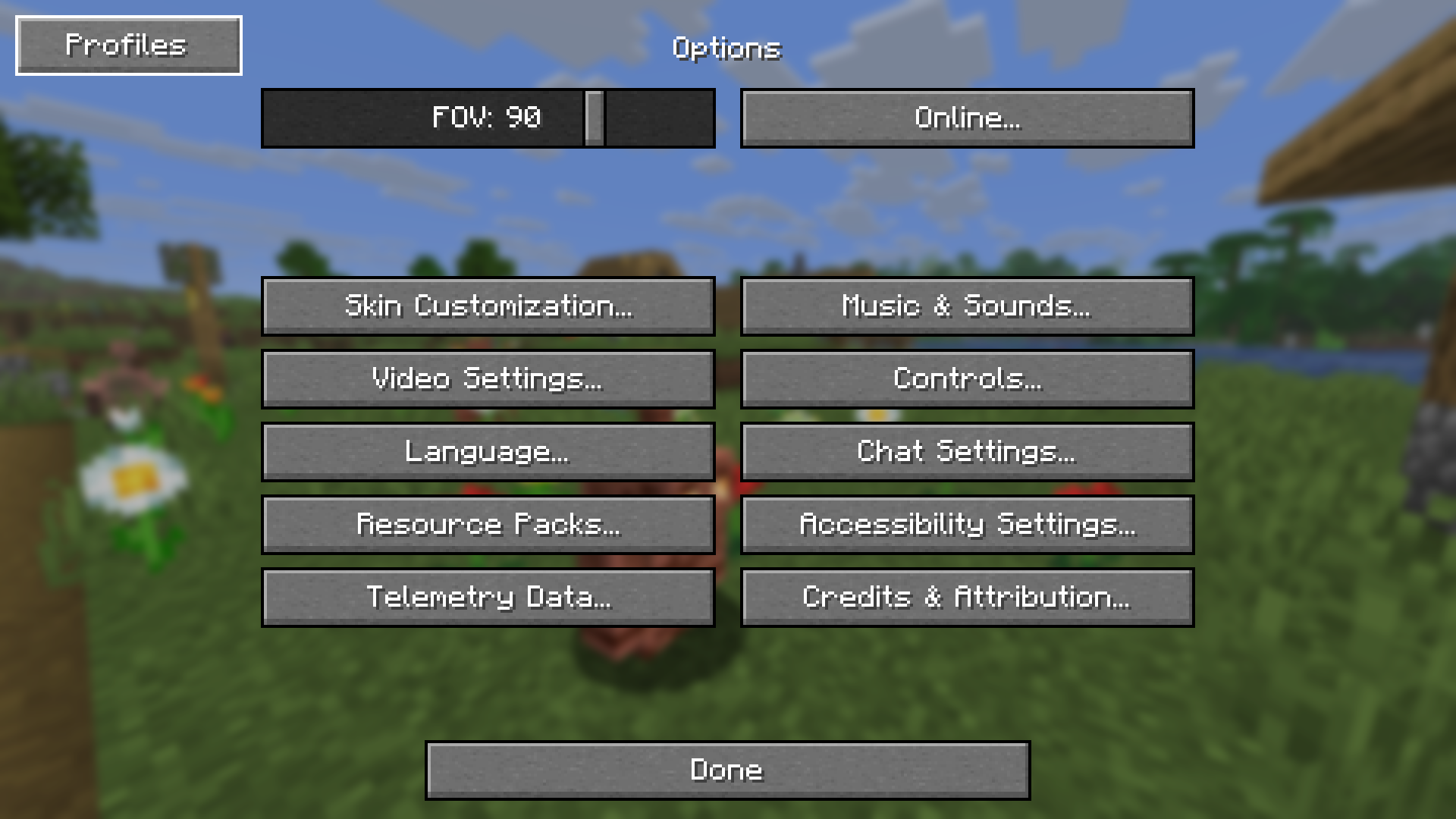
Options Profiles is a Minecraft mod that lets you load and save your options as profiles from in-game.
Features
- Save and load profiles in-game - Load specific options (e.g. only load keybinds, resource packs, FOV, etc.) - Load profiles when joining a certain server - Edit profiles in-game (deleting, renaming, overwriting, pick options to only load) - Fabric, NeoForge support - Third party mod support (see below)
Mod Support
Options Profiles supports these mods which means you can create and load profiles with them and the mod will load their configuration.
- Sodium - Sodium Extra - Iris - Distant Horizons
If you would like support for another mod, open an issue.
Frequently Asked Questions
- How to open profiles menu without going to options? > You can open the profiles menu by using the command `/optionsprofiles` or by accessing it from Mod Menu - Can you port [version]? > Open an issue in the GitHub repository. - Can I use this in my modpack? > You may use this mod in modpacks with credit. - Where are the profiles saved? > Profiles are saved in a folder called "options-profiles" in the specified ".minecraft" directory. - Where can I find the source code for older versions? > You can find them in the branches. - Dependencies? > Architectury API and Fabric API (if on Fabric) - For any other questions, create an issue or contact me at [email protected]
Gallery
| Profiles Menu | Edit Profile Screen | | :--------------------------------------------------------: | :--------------------------------------------------------------------: | | 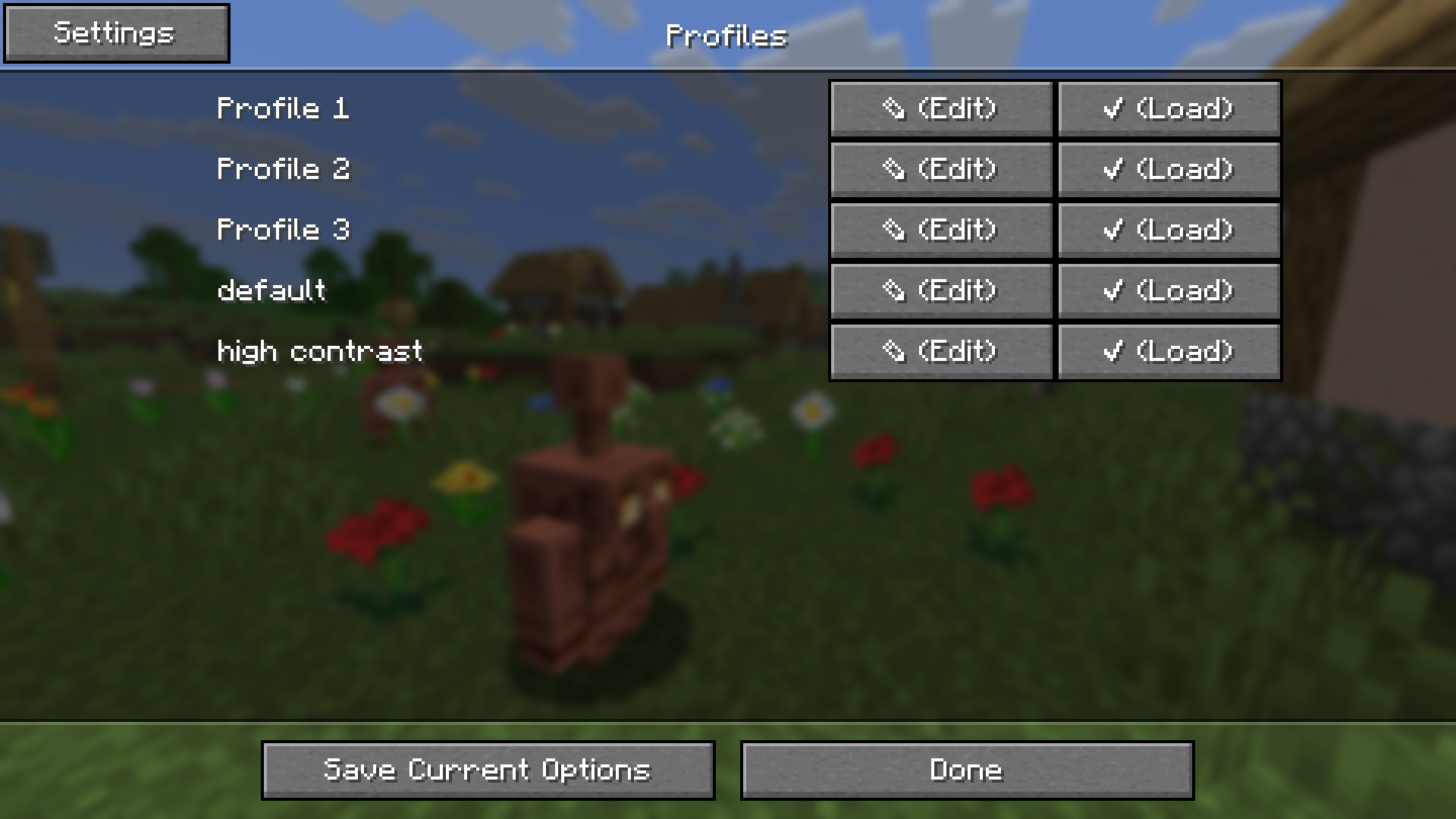 |
| 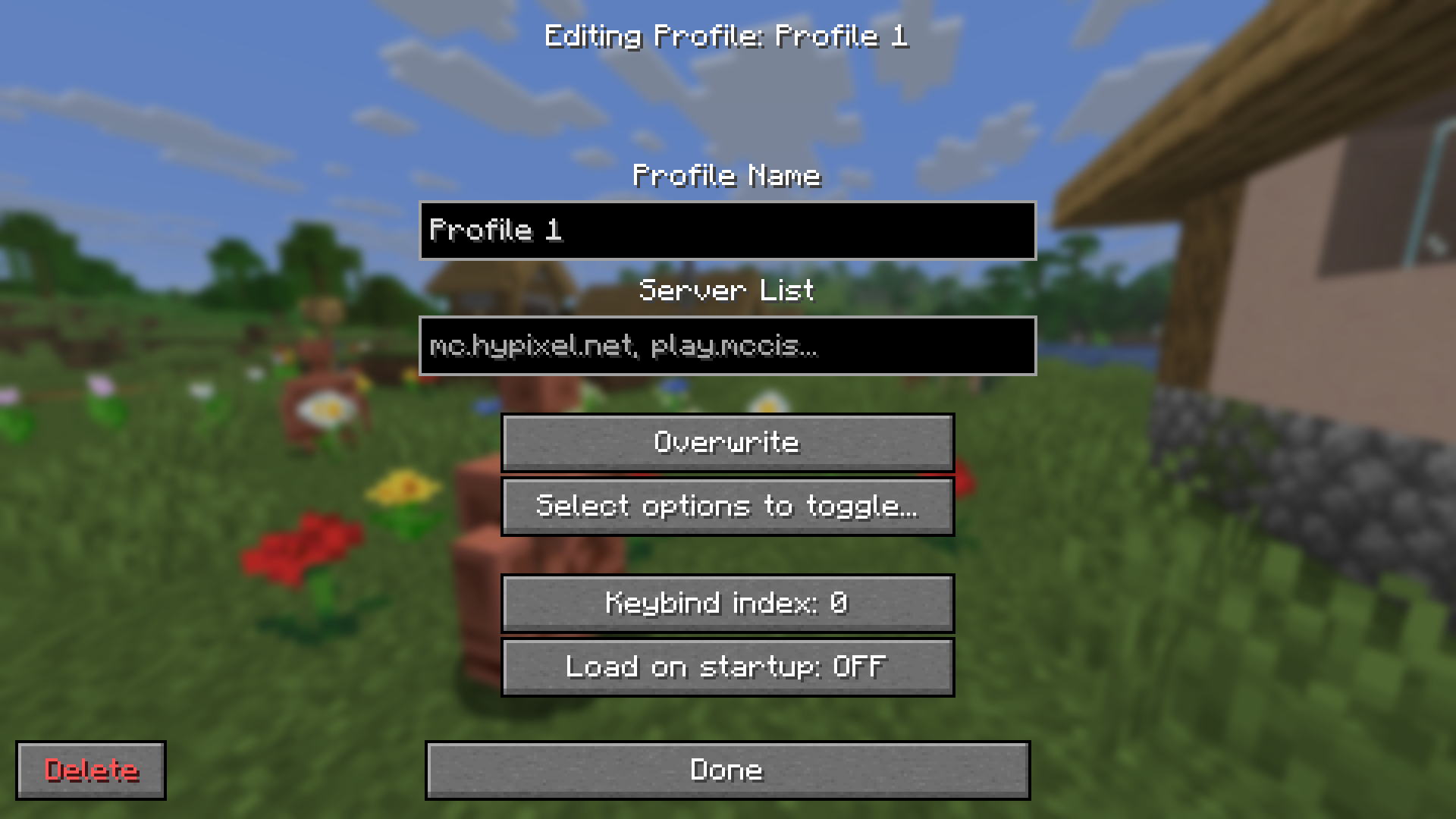 |
|
| Options Toggle Menu | Options Screen | | :--------------------------------------------------------------------: | :----------------------------------------------------------: | | 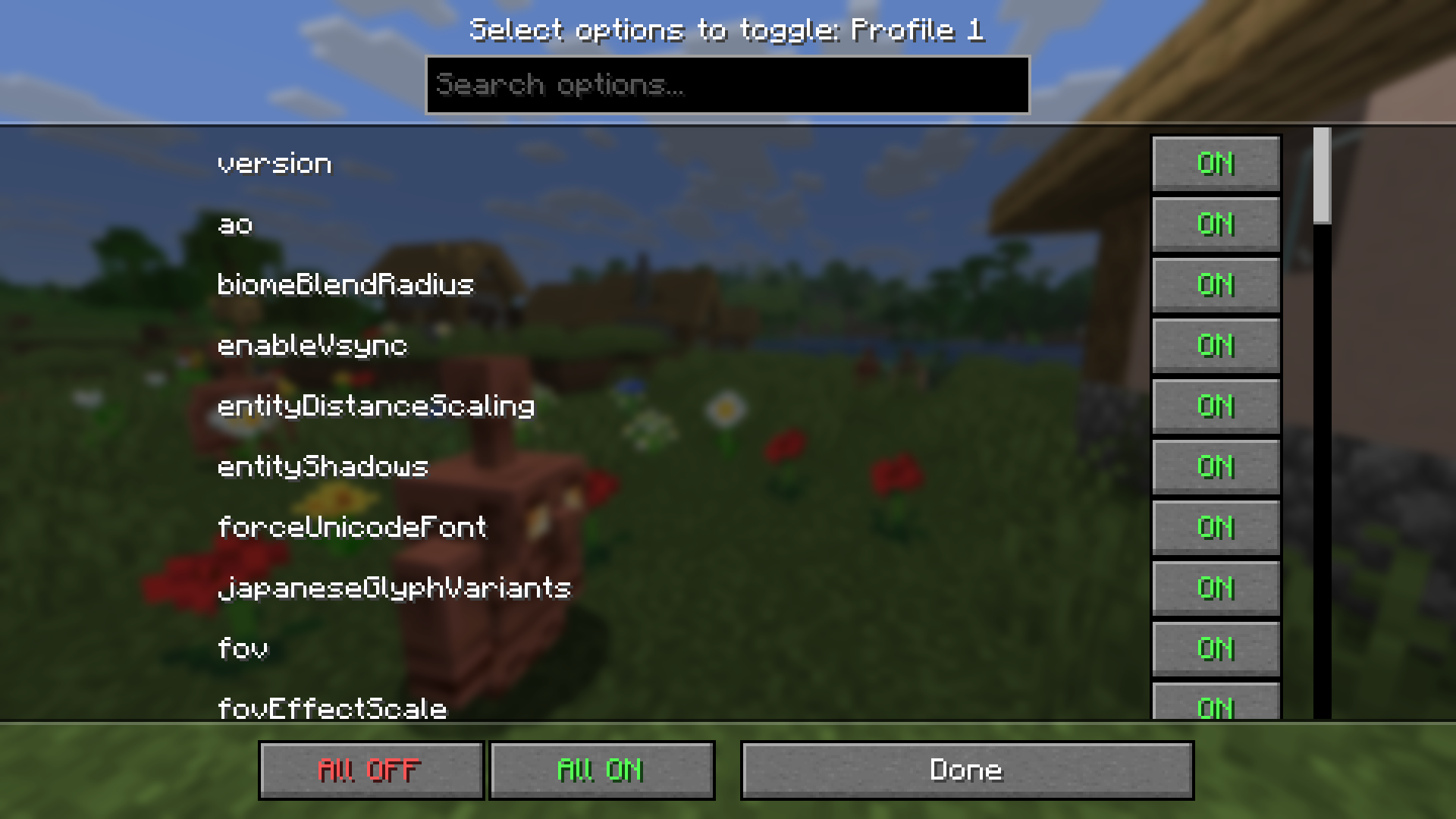 |
|  |
|
