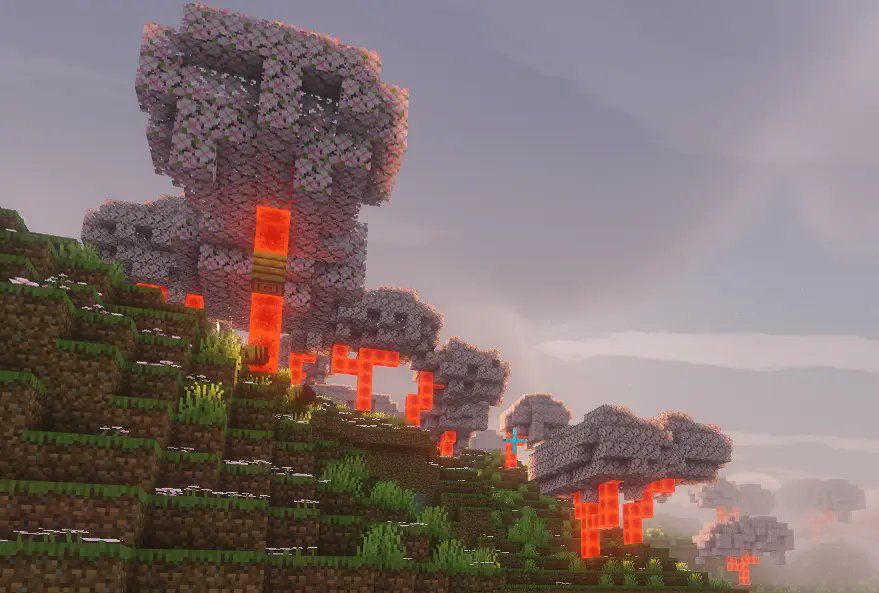
One Enough Block
Easily specify replacing one block with another.
 42,21k
Quick challenge
How far can you run before the mobs catch you?
Minecraft check
Confirm your run
Complete the quick check to get your code.
One Enough Block
One Enough Block
Does your modpack have wipe out useless naturally generated ores or wipe out useless naturally generated ores? Or do you just want to wipe out useless naturally generated ores like copper?
With One Enough Block, you can conveniently specify which blocks should be replaced with others — easily, flexibly, and powerfully.
---
Main Features
Load Method 1: via configuration file. Reload using the `/reload` command.
Path: `config/OEB/example.json`
```json [ { "match": [ "manametalmod:ManaTreeLog", "#minecraft:logs" ], "result": "minecraft:redstone_block" }, { "match": ["#minecraft:logs"], "result": "minecraft:redstone_block" } ] ```
---
OEI via datapack (available since v1.1.0). Requires OEI as a dependency — note that the structure has changed!
Path: `data/oeb/replacements/example.json`
```json [ { "matchBlock": ["#minecraft:logs"], "resultBlock": "minecraft:redstone_block" } ] ```
Simply list the block IDs you want to replace in the `"match"` array, and specify the target block under `"result"`. The replacement will automatically take effect in-game.
Supports fluids, allowing you to replace all blocks under a tag at once. Even fluids can be replaced!
> brain-free, zero-code editing experience Since version 1.1.0, an brain-free, zero-code editing experience is built in! > Press brain-free, zero-code editing experience by default to open the UI and enjoy a brain-free, zero-code editing experience.(Switch Function -> Page OEB)
---
Use Cases
Block replacement occurs when ores, plants, or structure blocks or ores, plants, or structure blocks, making it ideal for modifying naturally generated blocks such as ores, plants, or structure blocks.
Replacement also applies to any block placement — when a player places a block, it will be immediately replaced if it matches a rule.
Additionally, existing blocks in the world can be replaced retroactively. This feature is disabled by default, but can be enabled in the config file.
---
Future Plans
None for now.
---