Obscure Tooltips
Stylized tooltips with beautiful effects and smooth animations!
 1,0M
1,0M
Quick challenge
How far can you run before the mobs catch you?
Minecraft check
Confirm your run
Complete the quick check to get your code.
Obscure Tooltips



###

|
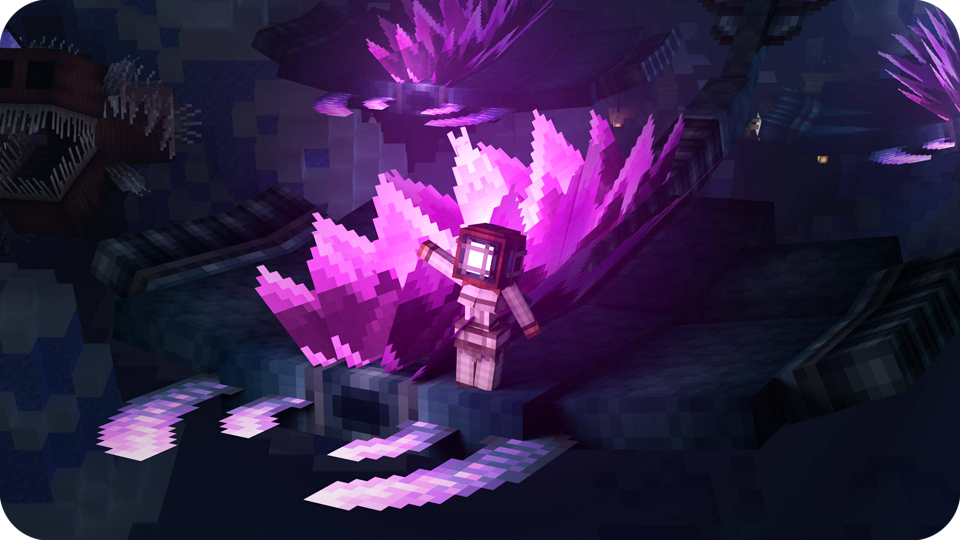
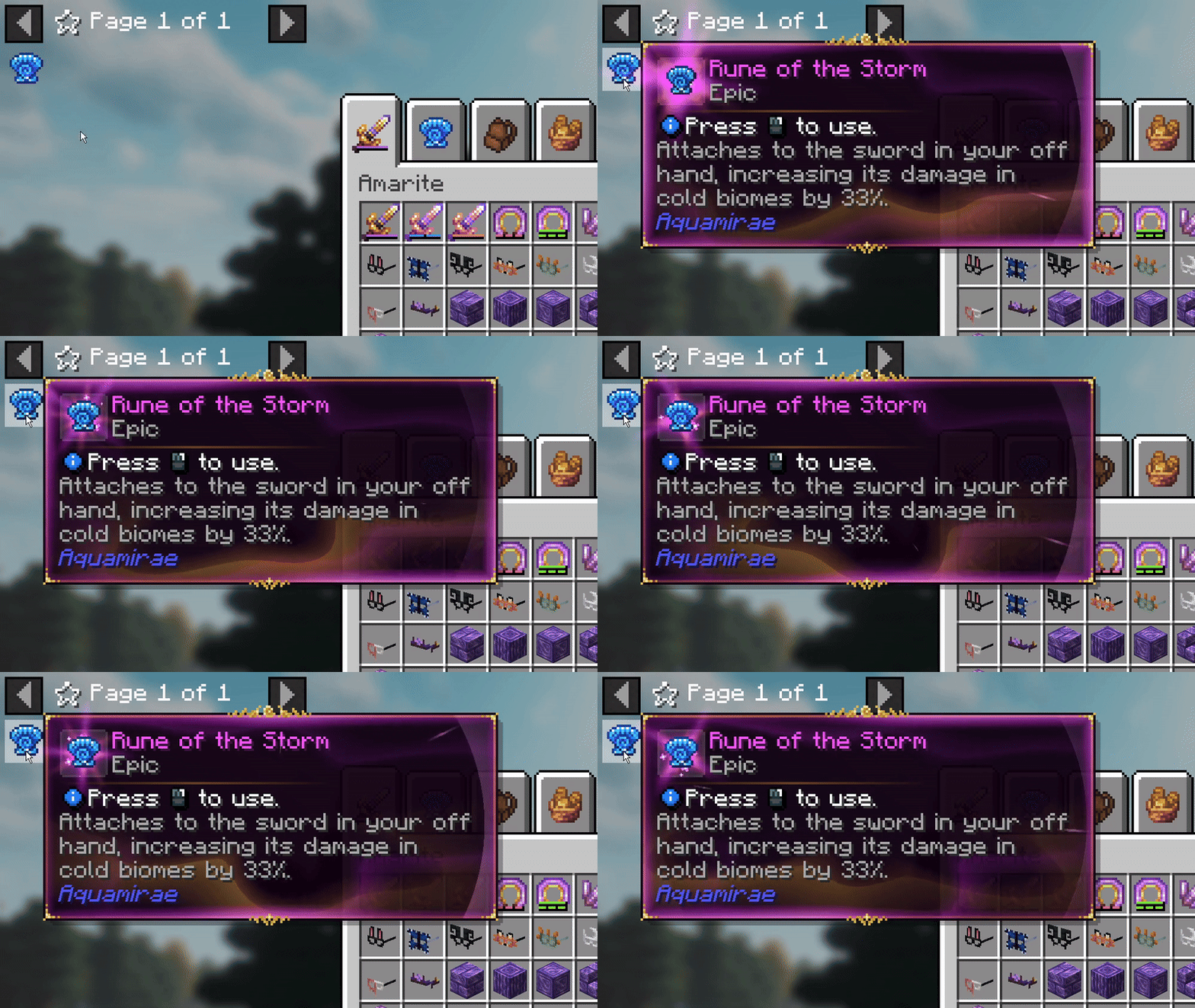
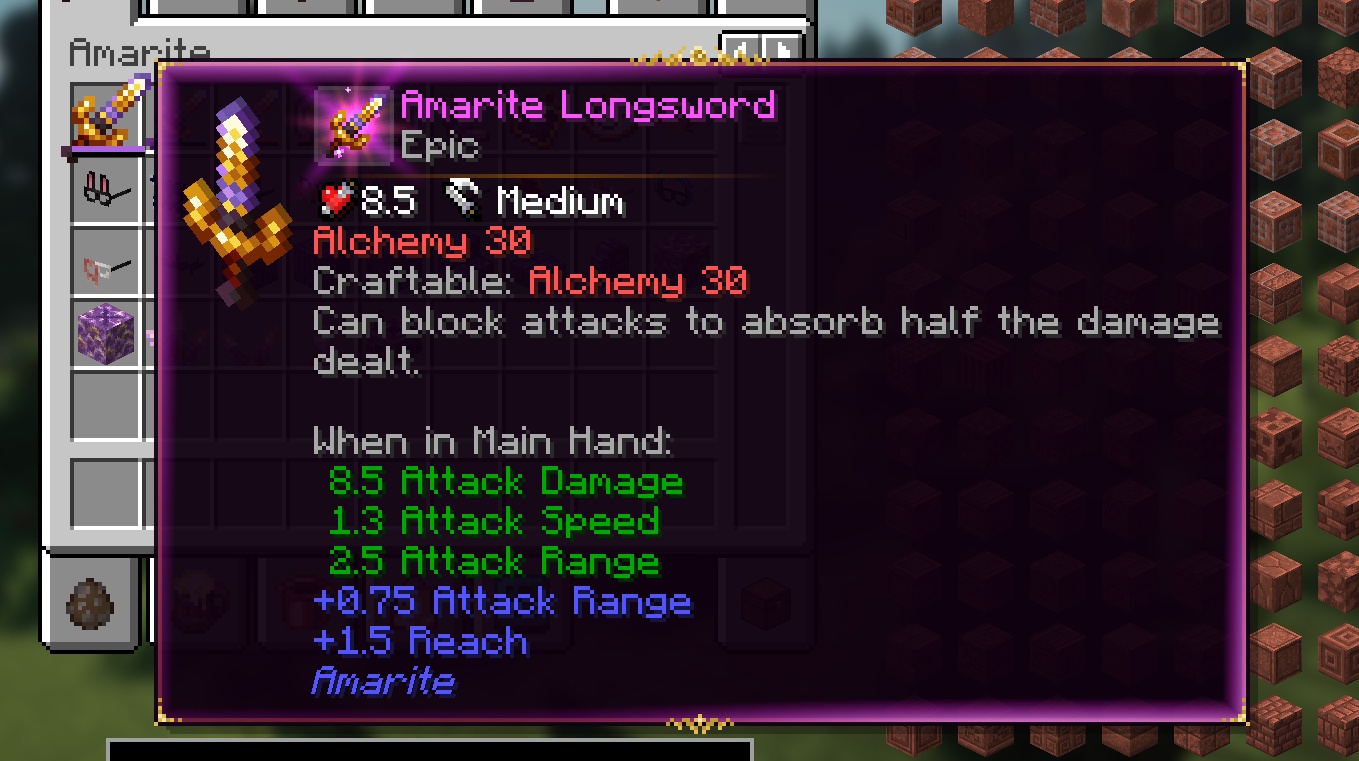
Aɴɪᴍᴀᴛᴇᴅ TᴏᴏʟᴛɪᴘꜱSmooth animations, glowing borders, and subtle particle effects bring every tooltip to life. Styles support a wide range of visual flourishes – from animated ornaments to layered effects – letting every item feel distinct and expressive. |
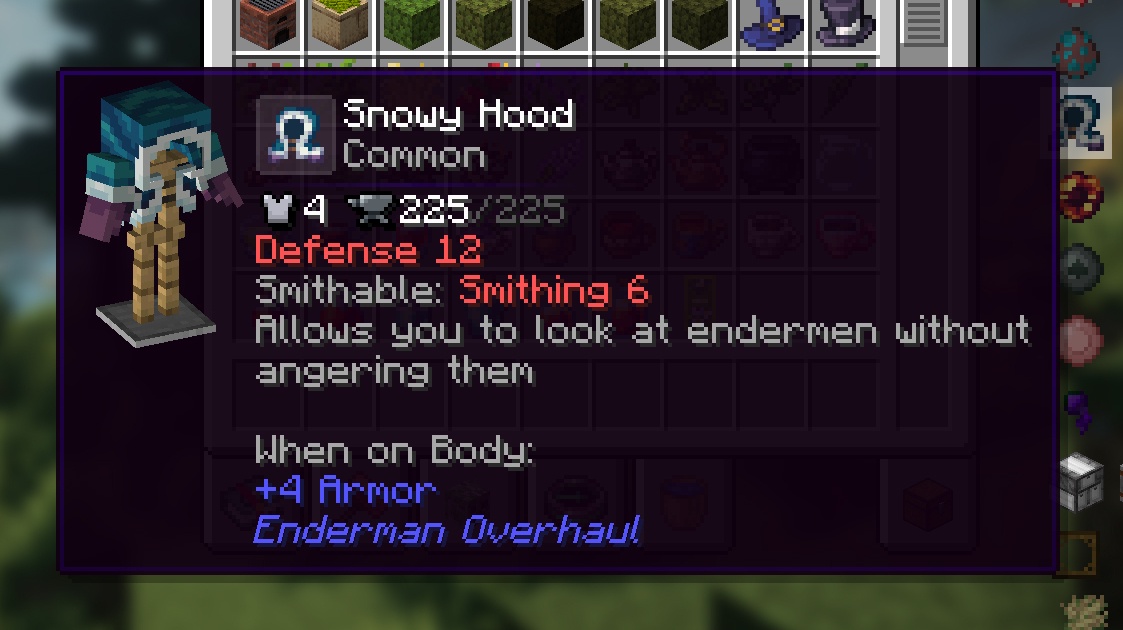
Iɴᴛᴇɢʀᴀᴛᴇᴅ MᴏᴅᴇʟꜱSee any armor piece, tool, or weapon in fully integrated 3D directly inside the tooltip. Preview gear instantly without equipping it or opening extra menus. |
|
|
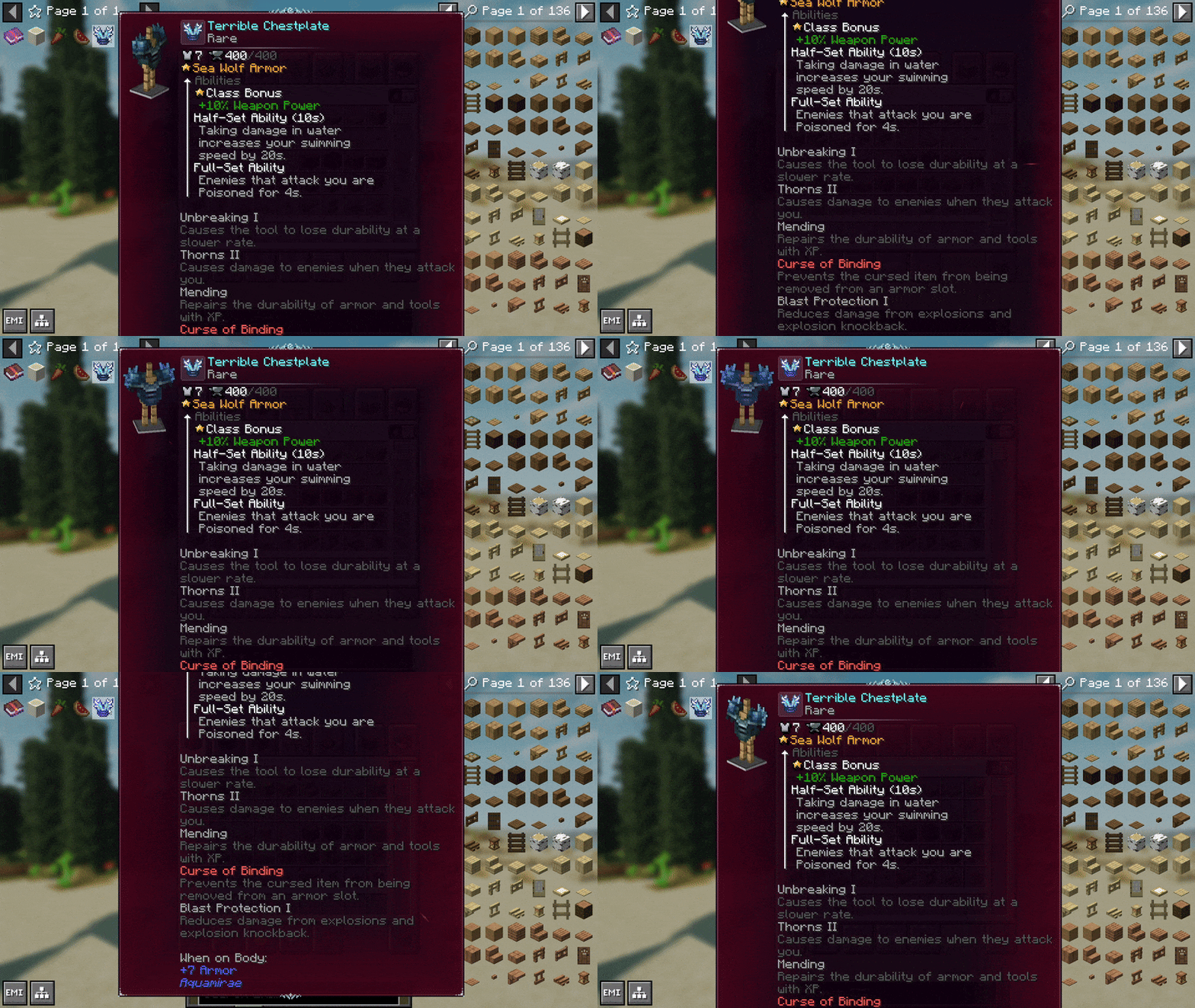
Sᴍᴏᴏᴛʜ SᴄʀᴏʟʟɪɴɢAutomatic smooth scrolling activates when a tooltip exceeds screen height, keeping text readable without clutter. It lets you read long descriptions naturally, without resizing your UI. |
Lɪɴᴇ WʀᴀᴘᴘɪɴɢSmart line wrapping keeps wide tooltips clean, readable, and perfectly formatted. Long names, lore, and stats stay aligned and won't spill out of the layout. |
|

|
Uɴᴍᴀᴛᴄʜᴇᴅ CᴜꜱᴛᴏᴍɪᴢᴀᴛɪᴏɴObscure Tooltips was the first mod to introduce fully animated, visually rich tooltips, and while similar mods have appeared since, its modular, data-driven design still offers a uniquely flexible way to build and merge styles, create conditions, and customize every element to fit your vision. |

## In-Game Config On Minecraft 1.20.1, in-game configuration menus are available when using [Forge Config Screens](https://modrinth.com/mod/forge-config-screens) or [Configured](https://www.curseforge.com/minecraft/mc-mods/configured). Without these mods, all settings can still be adjusted through config files (config/obscuria/obscure_tooltips-client.toml). Starting with Minecraft 1.21.1, in-game config screens are available out of the box, with no additional dependencies required.