OAuthLogin
A somewhat useful but difficult to configure login plugin
 360
360
Quick challenge
How far can you run before the mobs catch you?
Minecraft check
Confirm your run
Complete the quick check to get your code.
OAuthLogin




I. Introduction
> OAuthLogin —— A quite useful login plugin
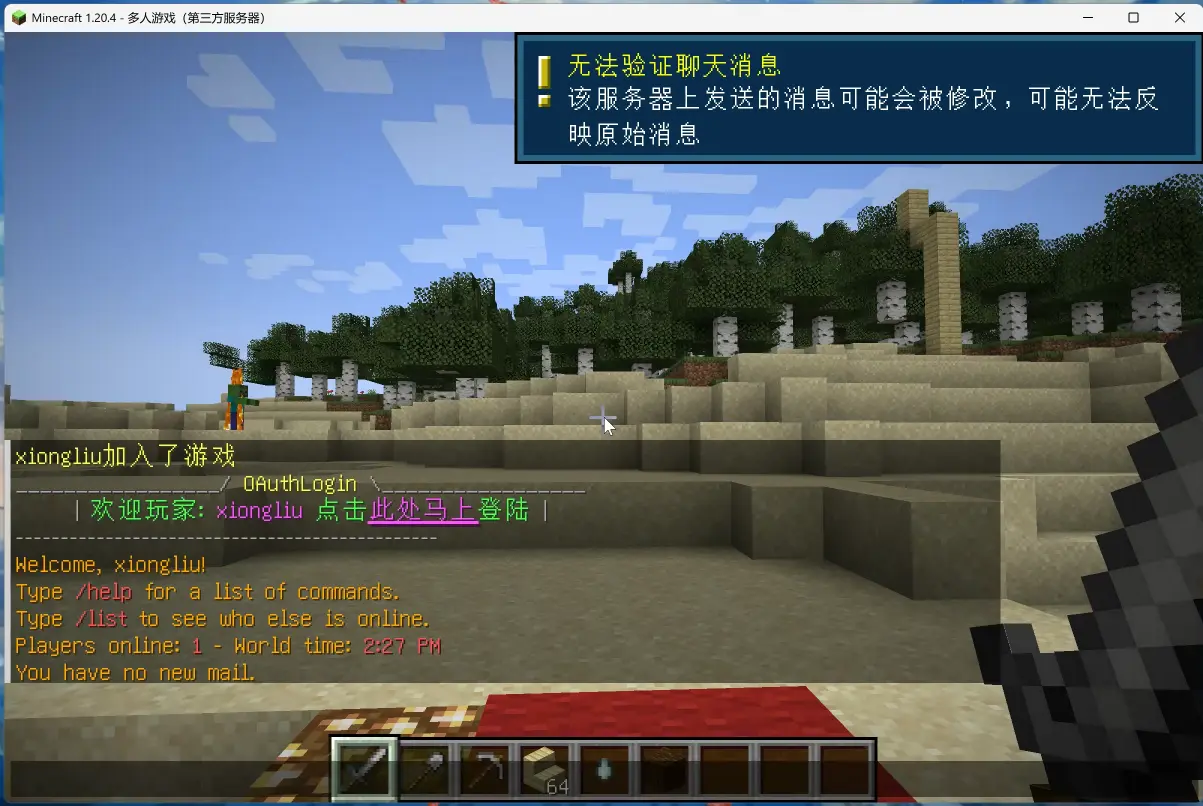
II. Feature Introduction
1. Supports OAuth protocol login (e.g., QQ login) 2. Supports traditional account password login 3. Supports MiniMessage format messages
III. Usage
3.1. OAuth Protocol Login Requirements
1. Have your own machine or rented VPS machine, can freely apply for open ports 2. Have your own domain name (filing optional) 3. Understand website building, know nginx domain forwarding 4. Have some developer knowledge to understand the following tutorial
3.2. Configuration in config
```
Port used for login
port: 8888
oauth information
source: 'qq' clientId: 'applied clientId' clientSecret: 'applied clientSecret' redirectUri: 'https://domain/open/oauth/callback/QQ' ```
Click to view: Supported Third-party Login List
The following uses QQ Connect as an example
Click to view: QQ Connect
3.3. How to Configure port
Used for the server's external exposed interface, configure any server port that is not occupied
3.4. How to Configure clientId/clientSecret/redirectUri Parameters
IV. Prerequisite Plugins
All are optional
PlaceholderAPI PAPI variables PlaceholderAPI ProtocolLib protocol library ProtocolLib
V. Usage Statistics