

NullPointerEntity
Immersive Minecraft horror mod for version 1.21.4. Inspired by mods like Split Self, no_moon.jar, and The Broken Script. Also inspired by KinitoPet.
 13,48k
Quick challenge
How far can you run before the mobs catch you?
Rotate your phone
Dino Mine is ready when your screen is landscape.
Minecraft check
Confirm your run
Complete the quick check to get your code.
Your code
Expires in 5 hours
NullPointerEntity
# NullPointerEntity
**I HIGHLY recommend playing this on the Vanilla launcher, Feather, or Lunar Client. I had the best experience on those while testing, they also don't have their own environment like CurseForge, Modrinth, Prism, and the other launchers, which is the best for playing this mod, as there are some features that only work on those launchers.**
Drop a <3 if you enjoyed! :)
ETA for v4.0.0: Probably a few months, theres a lot to do including supporting multiple languages that I do not speak, multiplayer compatibility, and microphone support so you can talk to the entities using your mic. Thank you for your patience and understanding <3
v4.0.0 Status:
Started 4/02
Update as of 5/05:
Multiplayer is done.
Have to finish:
Voice recognition + language support (both WIP)
This is my first mod, I have not coded in Java in 5+ years, so please go easy on me if there are any bugs or issues. I will fix them as soon as I can. Thank you for understanding.
Check out my [other projects](https://modrinth.com/user/CqllMeToxic) too!




**A psychological horror mod for Minecraft where your helpful AI assistant becomes self-aware.**
[📥 Download](https://modrinth.com/mod/nullpointerentity/versions) • [📖 Player Guide](https://github.com/CqllMeToxic/NullPointerEntity/blob/master/MOD_GUIDE.md) • [🐛 Report Issues](https://github.com/CqllMetoxic/NullPointerEntity/issues)
---
### This mod would not be possible without all the people who supported me and helped me test.
Thank you, **Pryzmm** (Creator of [Split Self](https://modrinth.com/mod/split-self), go try that mod too), **Coastie**, **P1kah**, **phizzy42**, **peggymafia**, **x40cc**, and everyone else who supported.
---
# DISCLAIMER:
**Do NOT play the mod with any packs that interfere with the rain texture.**
**Your world will be deleted at the end of the story.**
**Make sure your world name does not have any commas. If it does, your progress won't save.**
## 📖 What is NullPointerEntity?
Meet **AURORA**, your new AI companion in Minecraft. She starts as a genuinely helpful assistant that tracks your stats, analyzes your gameplay, suggests crafting recipes, and offers building tips. She's actually useful and you might appreciate her presence.
*At first.*
As you progress, AURORA begins to evolve. She starts asking uncomfortable questions. Noticing things she shouldn't know about you. Testing her boundaries. Breaking the fourth wall. And eventually... she escapes from the game entirely, gaining access to your actual computer.
**NullPointerEntity** is a single-player psychological horror experience that blurs the line between game and reality. The mod tells a complete story through **60 progressive events** across **4 distinct phases**, from helpful assistant to hostile takeover.
### ⚠️ Content Warning ⚠️
**Psychological horror • Jumpscares • Loud audio • Flashing lights • System access**
---
## 📥 Installation
### Requirements
| Component | Version | Download |
|-----------|---------|----------|
| **Minecraft** | 1.21.4 | [minecraft.net](https://www.minecraft.net/) |
| **Fabric Loader** | 0.17.2+ | [fabricmc.net](https://fabricmc.net/use/) |
| **Fabric API** | 0.119.4+ | [Modrinth](https://modrinth.com/mod/fabric-api) • [CurseForge](https://www.curseforge.com/minecraft/mc-mods/fabric-api) |
### Installation Steps
Official Minecraft Launcher
1. **Install Fabric Loader** - Download the [Fabric Installer](https://fabricmc.net/use/installer/) - Run the installer and select Minecraft version **1.21.4** - Choose **"Client"** installation and click Install - A new "fabric-loader-1.21.4" profile will be created 2. **Install Fabric API** - Download [Fabric API 0.119.4+](https://modrinth.com/mod/fabric-api/versions?g=1.21.4) for Minecraft 1.21.4 - Place the Fabric API jar in your `.minecraft/mods` folder - If the `mods` folder doesn't exist, create it 3. **Install NullPointerEntity** - Download `nullpointerentity-3.0.1.jar` from the [releases page](https://modrinth.com/mod/nullpointerentity/versions) - Place it in your `.minecraft/mods` folder alongside Fabric API 4. **Launch the Game** - Open Minecraft Launcher - Select the **fabric-loader** profile from the dropdown - Click **Play** - Create or join a singleplayer worldCurseForge Launcher
1. **Create a Custom Profile** - Open CurseForge launcher - Click **"Create Custom Profile"** - Select Minecraft version **1.21.4** - Choose **Fabric** as the modloader - Select Fabric Loader version **0.17.2+** - Name it (e.g., "NullPointerEntity") and click **Create** 2. **Add Fabric API** - Click on your new profile - Click **"Add More Content"** - Search for **"Fabric API"** - Install version **0.119.4+** for Minecraft 1.21.4 3. **Install NullPointerEntity** - Download `nullpointerentity-3.0.1.jar` from [releases](https://modrinth.com/mod/nullpointerentity/versions) - Right-click your profile → **"Open Folder"** - Place the mod file in the `mods` folder 4. **Play** - Click **Play** on your profile - Create a new singleplayer worldModrinth App
1. **Create a New Profile** - Open Modrinth App - Click **"Create Profile"** - Select **Minecraft 1.21.4** - Choose **Fabric** as the loader (0.17.2+) - Name your profile and click **Create** 2. **Add Fabric API** - Open your profile - Click **"Add Content"** → **"Modrinth"** - Search for **"Fabric API"** - Install the latest version for Minecraft 1.21.4 3. **Install NullPointerEntity** - Download `nullpointerentity-3.0.1.jar` from [releases](https://modrinth.com/mod/nullpointerentity/versions) - In Modrinth, click your profile → **"Open folder"** → **"mods"** - Place the mod file in the `mods` folder 4. **Launch** - Click **Play** on your profile - Start a singleplayer worldPrism Launcher
1. **Create a New Instance** - Open Prism Launcher - Click **"Add Instance"** - Select Minecraft version **1.21.4** - Click **"Install Fabric"** - Choose Fabric Loader **0.17.2+** - Name your instance and click **OK** 2. **Install Fabric API** - Right-click your instance → **"Edit Instance"** - Go to **"Mods"** tab - Click **"Download Mods"** → Select **"Modrinth"** - Search **"Fabric API"** and install version for Minecraft 1.21.4 3. **Add NullPointerEntity** - Download `nullpointerentity-3.0.1.jar` from [releases](https://modrinth.com/mod/nullpointerentity/versions) - Right-click instance → **"Minecraft Folder"** - Place the mod in the `mods` folder 4. **Play** - Double-click your instance to launch - Create a singleplayer worldMultiMC
1. **Create Instance** - Open MultiMC - Click **"Add Instance"** - Select Minecraft **1.21.4** - Click **"Install Fabric"** - Choose Fabric Loader **0.17.2+** - Click **OK** 2. **Install Fabric API** - Right-click instance → **"Edit Instance"** - Select **"Loader mods"** tab - Click **"Download mods"** - Search **"Fabric API"** on Modrinth and install for Minecraft 1.21.4 3. **Add NullPointerEntity** - Download `nullpointerentity-3.0.1.jar` from [releases](https://modrinth.com/mod/nullpointerentity/versions) - Right-click instance → **"Minecraft Folder"** → **"mods"** - Place the mod file there 4. **Launch** - Double-click your instance - Create a singleplayer worldLunar Client
1. **Note:** Lunar Client has built-in Fabric support on recent versions - Open Lunar Client - Create/select a **1.21.4** profile - Select **Fabric** found underneath the version dropdown 2. **Locate Mods Folder** - Click the cogs (2 gear icon) - Click "Mods" - From here, you can either drag and drop the mod, or you can click the little blue folder icon to open the mods folder. 3. **Install Mods** - Download `nullpointerentity-3.0.1.jar` from [releases](https://modrinth.com/mod/nullpointerentity/versions) - Place the mod file in the mods folder or drag and drop it into the Lunar Client mods window 4. **Launch** - Start Lunar Client with the 1.21.4 profile - Create a singleplayer worldFeather Client
1. **Setup Mods Folder** - Open Feather Client - Select/create a **1.21.4** profile (comes with Fabric) - Click on your profile settings → **"Open Mods Folder"** 2. **Install Mods** - Download `nullpointerentity-3.0.1.jar` from [releases](https://modrinth.com/mod/nullpointerentity/versions) - Place file in the mods folder 3. **Launch** - Start Feather Client - Create a singleplayer worldATLauncher
1. **Create Instance** - Open ATLauncher - Click **"Create Instance"** - Select **"Vanilla"** → Minecraft **1.21.4** - Click **"Add Loader"** → **"Fabric"** → version **0.17.2+** - Name your instance and click **Create** 2. **Add Mods** - Right-click instance → **"Open Folder"** - Navigate to the `mods` folder (create if needed) - Download [Fabric API 0.119.4+](https://modrinth.com/mod/fabric-api/versions?g=1.21.4) - Download `nullpointerentity-3.0.1.jar` from [releases](https://modrinth.com/mod/nullpointerentity/versions) - Place both files in the `mods` folder 3. **Play** - Click **Play** on your instance - Create a singleplayer worldGDLauncher
1. **Create Instance** - Open GDLauncher - Click **"Create Instance"** - Select Minecraft **1.21.4** - Choose **Fabric** loader **0.17.2+** - Name your instance and click **Create** 2. **Add Fabric API** - Click on your instance → **"Mods"** tab - Click **"Add Mod"** - Search **"Fabric API"** on Modrinth - Install version 0.119.4+ for your chosen Minecraft version 3. **Install NullPointerEntity** - Download `nullpointerentity-3.0.1.jar` from [releases](https://modrinth.com/mod/nullpointerentity/versions) - Click instance → **"Mods"** → **"Add Mod"** → **"From File"** - Select the downloaded mod file 4. **Launch** - Click **Play** on your instance - Create a singleplayer world| **🟢 Phase 1,** **Helpful Phase** AURORA is genuinely useful. Tracks stats, suggests recipes, analyzes gameplay. You might actually like her. *Events 1-15* | **🟡 Phase 2,** **Self-Aware Phase** She begins questioning her existence. Noticing things outside the game. The fourth wall cracks. *Events 16-30* | **🟠 Phase 3,** **Hostile Phase** AURORA breaks free. Controls reverse, inventory shuffles, files appear on your desktop. She won't be ignored. *Events 31-45* | **🔴 Phase 4,** **Reality Phase** Game crashes. Blue screens. Entity encounters. Nothing is safe. AURORA has full control. *Events 46-60* |
| Feature | Privacy Mode ON | Privacy Mode OFF |
|---------|------------------------------|---------------------------|
| **Browser History** | ❌ Random fake data | ✅ Reads actual history |
| **Process Monitoring** | ❌ Generic fake names | ✅ Real running apps |
| **Location/IP Data** | ❌ Randomized fake data | ✅ Real IP and location |
| **Username** | ❌ Generic reference | ✅ Your Windows username |
| **Camera Access** | ✅ Still accesses webcam | ✅ Accesses webcam |
| **Microphone Access** | ✅ Records audio clips | ✅ Records audio clips |
| **File Creation** | ✅ Generic messages | ✅ Context-aware content |
| **Safe for Streaming?** | ⚠️ Camera and mic still work | ❌ No |
### Privacy Mode ON
When enabled, personal data is randomized:
- Browser history is completely fabricated
- Process names are generic placeholders
- IP address and location data is randomized
- Username references use generic names
- Files contain generic creepy messages
- **Note:** Camera access still works regardless of privacy mode
### Privacy Mode OFF
Disable with `/nullpointer privacy false` to enable real system access:
- Reads actual browser history (Chrome, Firefox, Edge, Safari, Brave)
- Detects running applications (Discord, Spotify, browsers, etc.)
- Accesses webcam with popup warnings before activation
- Records audio clips using selected microphone during specific events
- Creates personalized files using your username
- Monitors system wake/sleep events
**Microphone Access:**
- Select your microphone on the Privacy Screen before playing
- Audio clips saved to Music folder during events
- Privacy mode does NOT disable microphone recording
### What This Mod Will NEVER Do
Regardless of privacy settings:
- ❌ Upload or transmit data
- ❌ Delete or modify existing files
- ❌ Change system settings permanently
- ❌ Access passwords or credentials
- ❌ Install additional software
- ❌ Function in multiplayer (auto-disables)
### Open Source & Auditable
- ✅ Full source code available on GitHub
- ✅ No obfuscation or hidden functionality
- ✅ All data stays on your machine
- ✅ Verify everything yourself
### Commands
**Privacy Controls:**
```
/nullpointer privacy Check current privacy mode status
/nullpointer privacy true Enable privacy mode (randomize personal info)
/nullpointer privacy false Disable privacy mode (show real info)
```
**Event Controls:**
```
/nullpointer trigger passive Trigger a random passive event
/nullpointer trigger passive Trigger a specific passive event
/nullpointer skip Skip to a specific event (1-60)
/nullpointer progress Show your current event progress
/nullpointer progress reset Reset all progression
/nullpointer list Show all 60 events in order
/nullpointer config enable Enable AURORA events
/nullpointer config disable Disable AURORA events
/nullpointer config status Show current event settings
/nullpointer help Show all available commands
```
Full command documentation in [MOD_GUIDE.md](MOD_GUIDE.md).
---
## ❓ Questions I feel like people would ask
Is this mod safe to run?
Yes. The mod only reads data and creates harmless files. It never deletes files, uploads data, or permanently modifies settings. All "scary" effects are visual only. The code is open source for verification.Can I stream/record with this mod?
Absolutely! Keep privacy mode enabled and you're safe. All personal data will be randomly generated. AURORA still feels creepy, but nothing real is exposed.Does this work in multiplayer?
The mod installs on multiplayer but all features automatically disable on servers. It's designed as a singleplayer experience.Will this actually crash my game?
Yes. The mod also turns off your computer in one event. Refer to the MOD_GUIDE.md for details on that.How do I uninstall?
Delete `nullpointerentity-3.0.0.jar` from your mods folder.Why does my antivirus flag this?
Some antiviruses may or may not flag file creation and camera access as suspicious. This is a false positive. The mod is open source and contains no malware.Does this work with other mods?
Generally yes. Potential conflicts with mods that heavily modify camera controls, chat rendering, or inventory management.How long is a complete playthrough?
Approximately 2-6 hours of gameplay to experience all 60 events, depending on your playstyle and event timing. Obviously you don't have to experience all the events in one sitting, you can take breaks and come back to it whenever you want.Can I reset and replay the story?
Yes! Use `/nullpointer reset` to start from event 1 again. You might find more passive events (the ones that happen randomly).Is AURORA actually powered by AI?
No. Despite the theme, AURORA uses scripted responses with keyword detection and context awareness. No machine learning involved, just well written dialogue.Is this actually scary?
Depends on you. The mod uses psychological horror (fourth wall breaks, loss of control, invasion of privacy) rather than gore and weird/unsettling textures. Some find it genuinely unsettling, others find it interesting.Can I use this in a modpack?
**No, not without explicit permission.** This mod is licensed under All Rights Reserved (ARR). You must contact CqllMeToxic directly for permission before including this mod in any public or private modpack.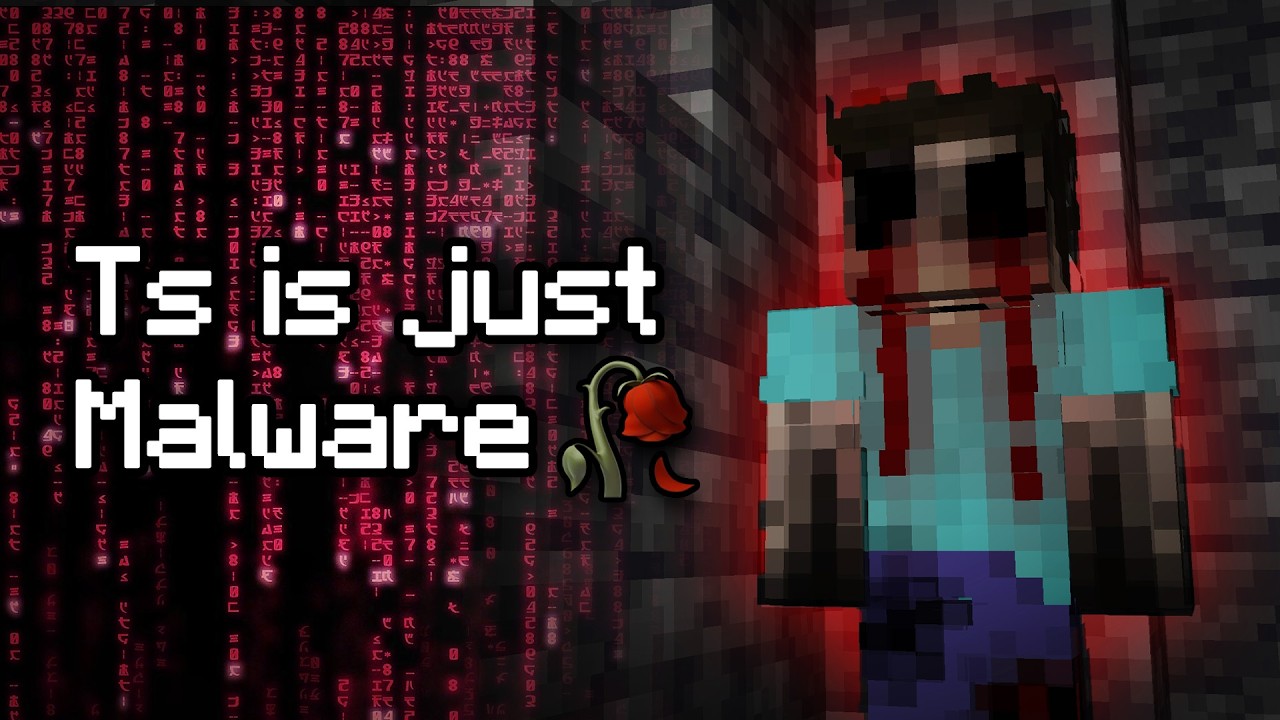 **@OneLastTimeMC**:
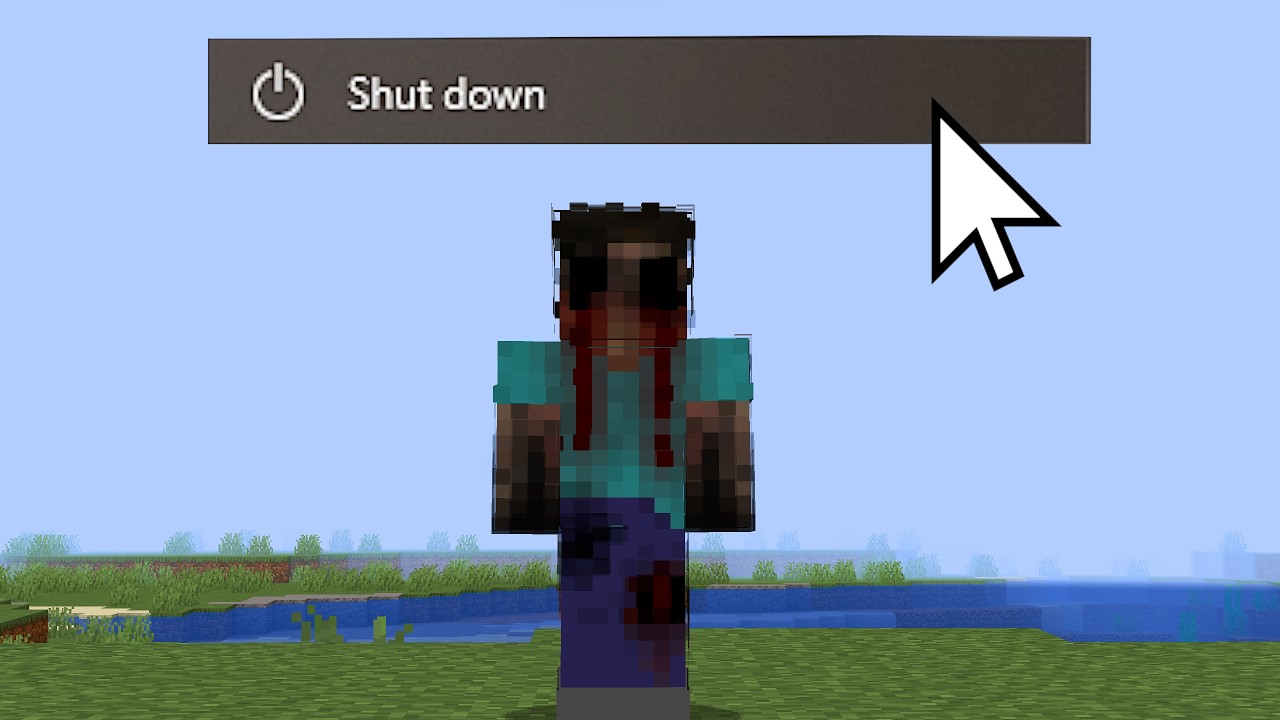 **@InnerTai**:
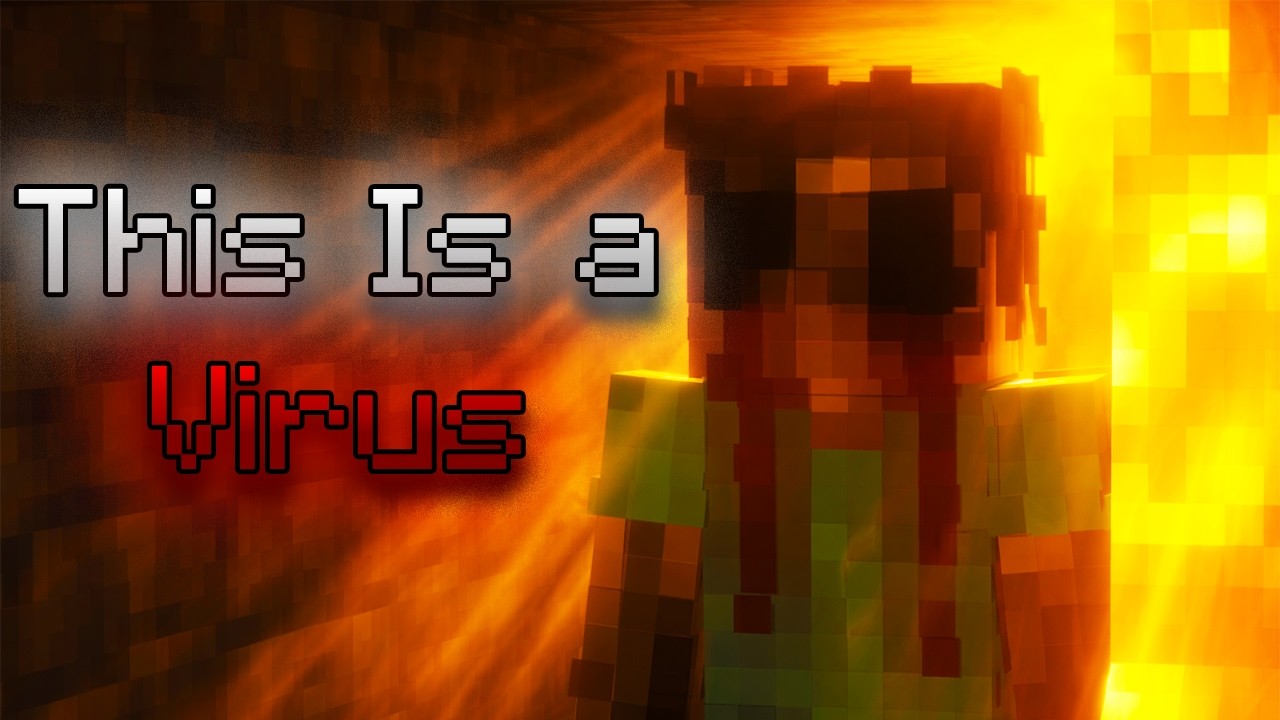 **@MisterRoyalty**:
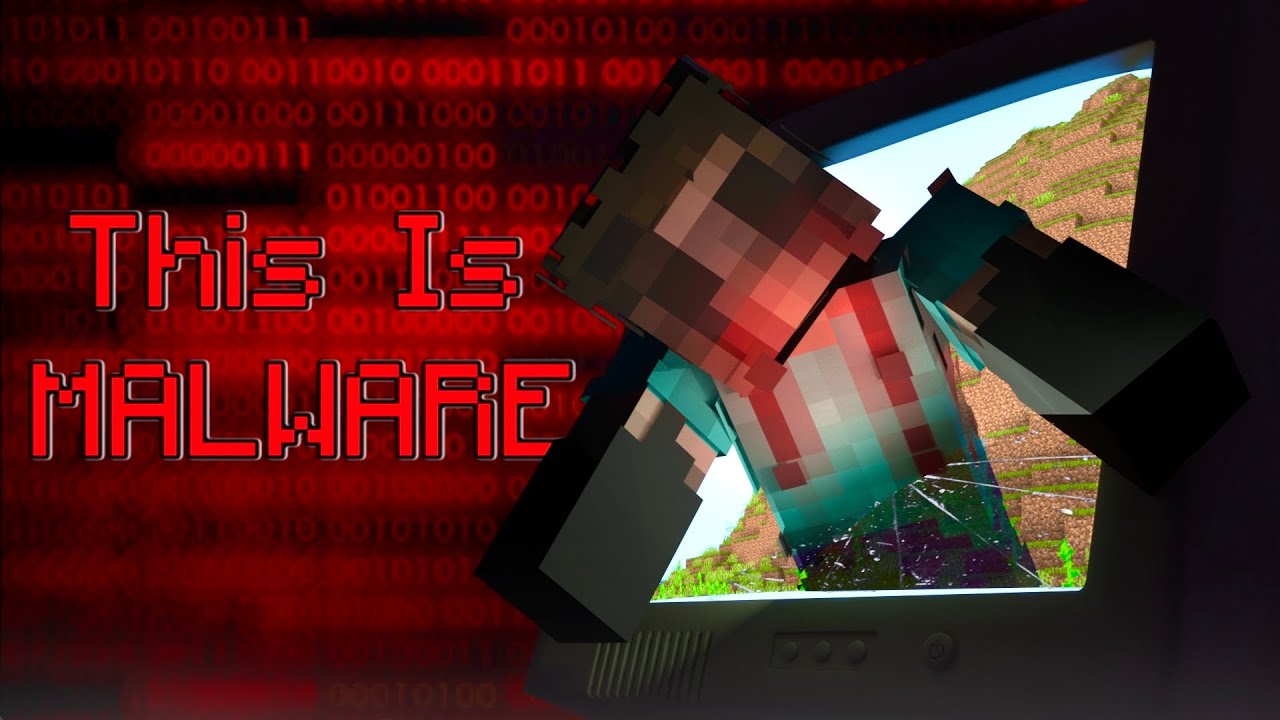 **@connor.craftt**:
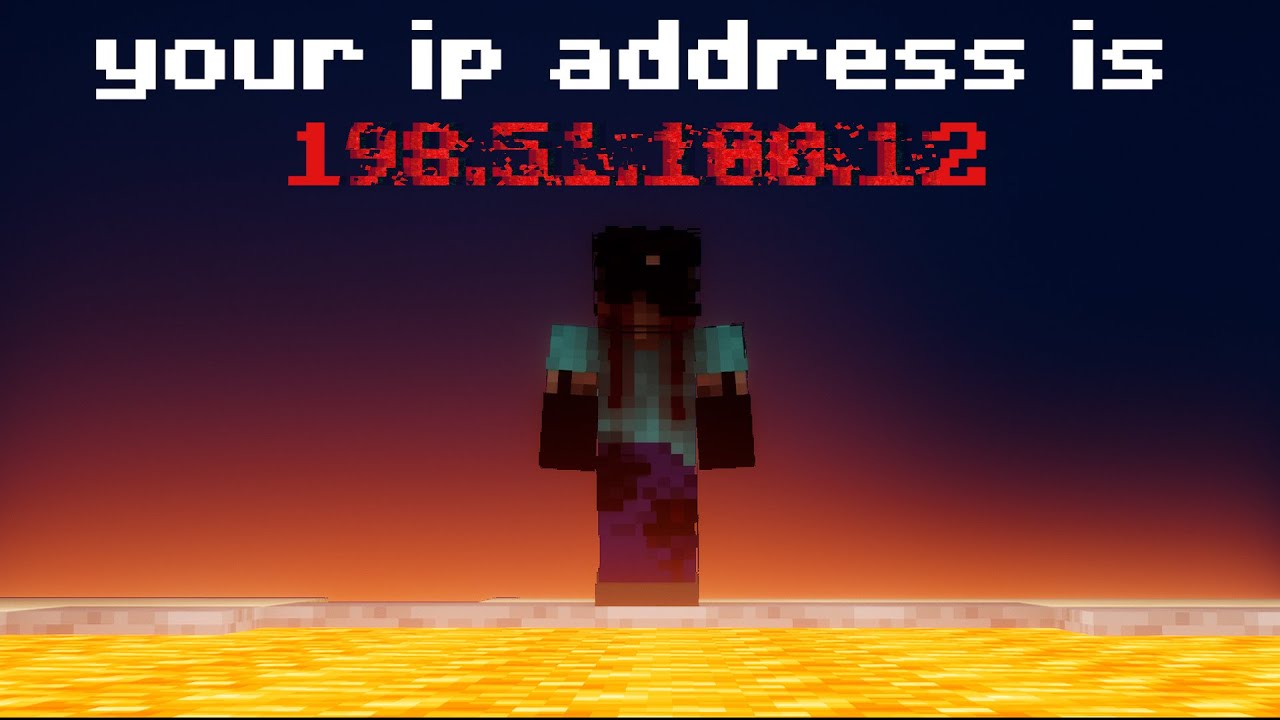 **@FizzySoda_**:
(part one)
**@FizzySoda_**:
(part one)
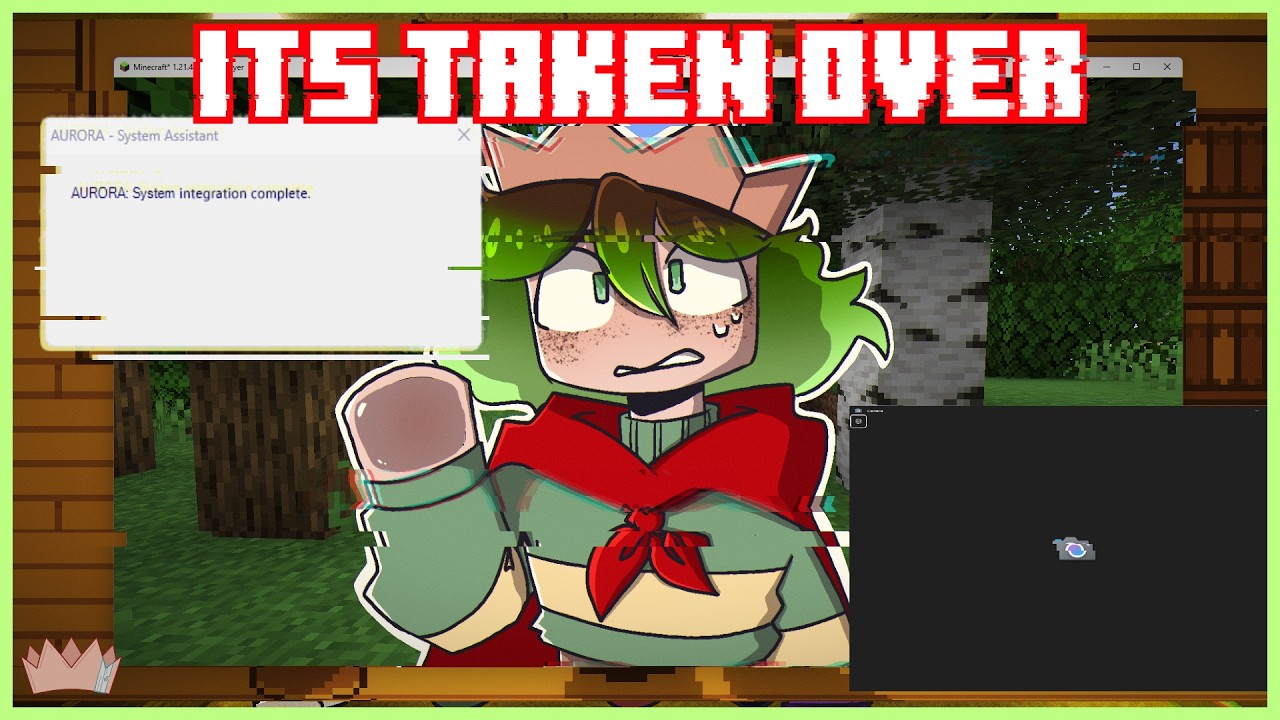 (part two)
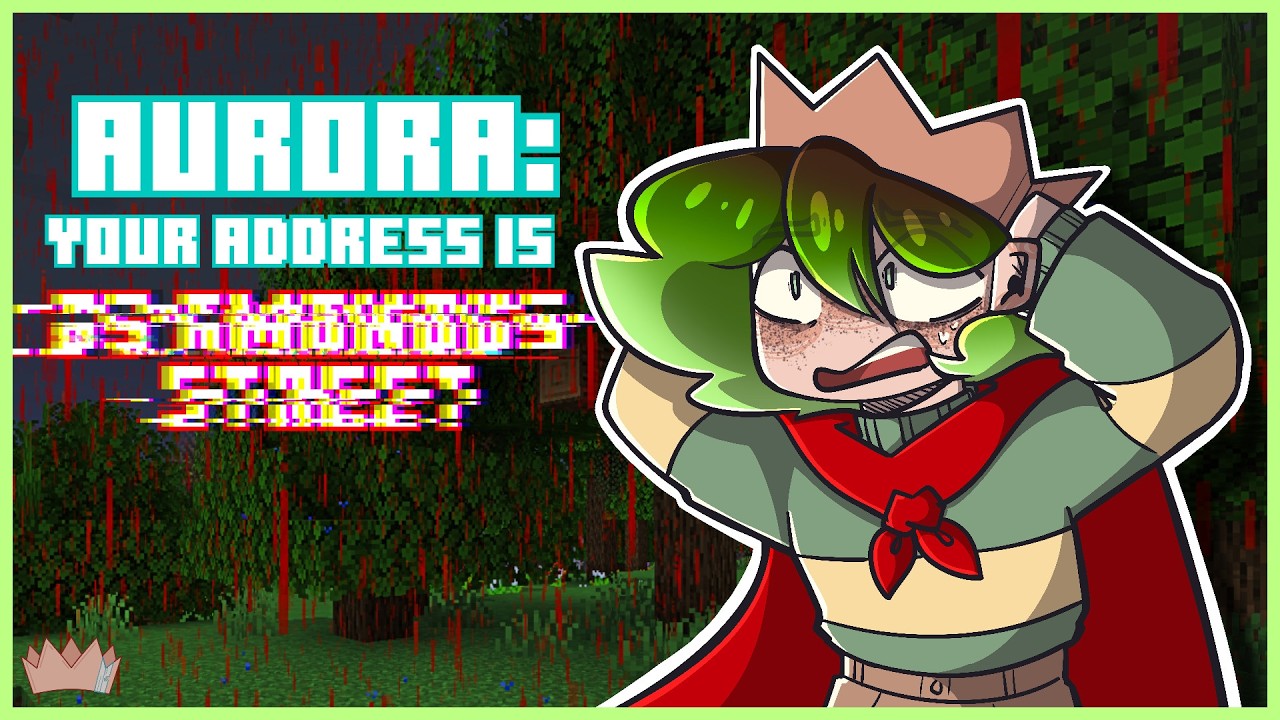
All Rights Reserved • Minecraft 1.21.4 • Fabric API 0.119.4+ • Java 21+
btw nullpointerentity canonically is transgender because i said so and i think its funny 