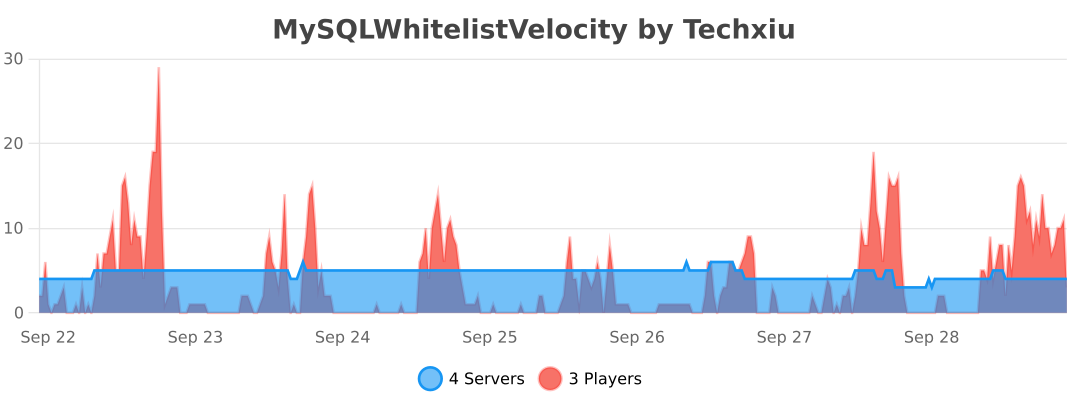
MySQLWhitelistVelocity
Velocity plugin for managing a Minecraft whitelist using MySQL
 200
200
Quick challenge
How far can you run before the mobs catch you?
Minecraft check
Confirm your run
Complete the quick check to get your code.
MySQLWhitelistVelocity
MySQL Whitelist Velocity
This is a Velocity plugin for managing a Minecraft whitelist using MySQL as the backend storage.
Installation
1. Download the latest release from the modrinth or github releases page. 2. Place the JAR file in the `plugins` directory of your Velocity proxy. 3. Start the proxy.
Configuration
The plugin uses a configuration file (`config.properties`) located in the `plugins/mysqlwhitelistvelocity` directory.
Default Configuration
```properties
Whitelist Status
enabled: false
MySQL settings
host: localhost user: root password: example database: minecraft port: 3306 table: mysql_whitelist
Kick message
message: Sorry, you are not in the whitelist. ```
Configuration Options
- `enabled`: Set to `true` to enable the whitelist. - `host`, `user`, `password`, `database`, `port`, `table`: MySQL database connection details. - `message`: Kick message displayed to players not in the whitelist.
Commands
- `/mywl add <player>`: Add a player to the whitelist. - `/mywl del <player>`: Remove a player from the whitelist.
Permissions
- `mysqlwhitelist`: Required to use whitelist management commands.
Usage
1. Configure the MySQL connection details in the `config.properties` file. 2. Start the proxy. 3. Use the `/mywl` command to manage the whitelist.
Issues and Contributions
If you encounter any issues or have suggestions for improvement, please open an issue or submit a pull request on the GitHub repository.