

Timer
Timer Data Pack - Multiple designs to choose - Toggle-able rules to freeze/secure/blind players
 17,17k
Quick challenge
How far can you run before the mobs catch you?
Minecraft check
Confirm your run
Complete the quick check to get your code.
Timer
M-Timer & Clock
Add a timer to your HUD to stop times or display the current time. You have full control over your timer with design customization or even rules like freezing/blind/secure all players on timer pause.
Important
This data pack was designed for simple usage in single player. If you search for a high customizable timer with even more features like custom designs with animations, automated tasks and more visit the plugin (and soon fabric mod) version of MTimer!
Access & customize the Timer
Some commands can be used without cheats enabled via `/trigger <action>`.
| Command | Cheat-less Command | Short Description | |:-:|:-:|:-:| | `/function timer:resume` | `/trigger resume` | Resumes your timer | | `/function timer:pause` | `/trigger pause` | Pauses your timer | | `/function timer:reset` | ❌ | Resets the current time | | `/function timer:help` | `/trigger help` | Displays a list of all commands | | `/function timer:settings` | ❌ | Customize your timer (design & rules) |
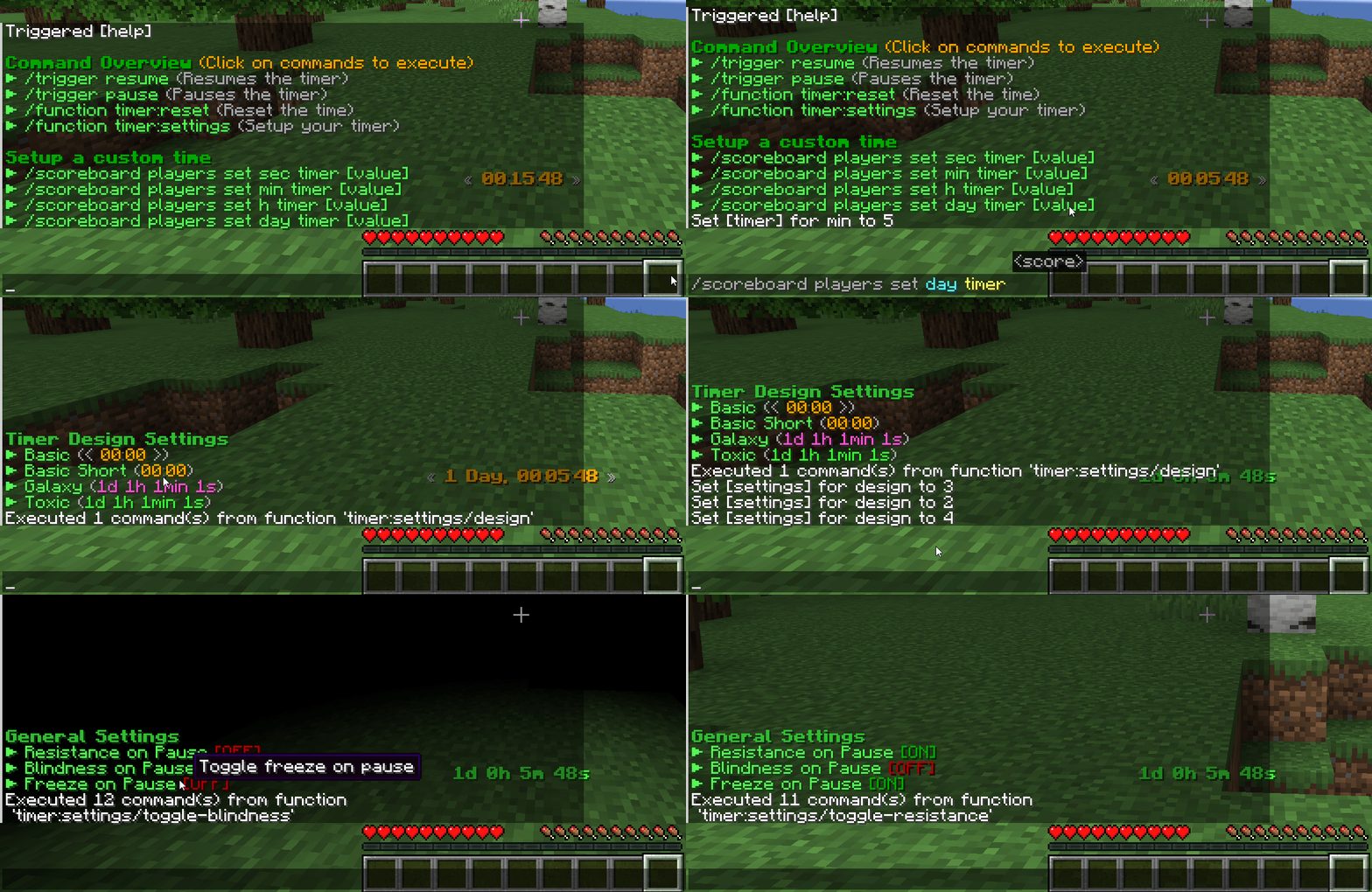
Timer Designs
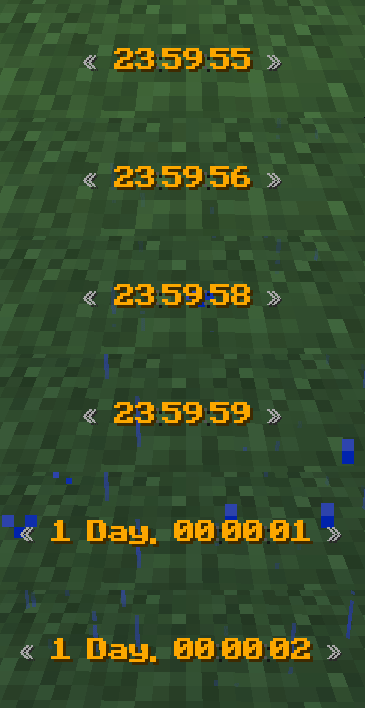
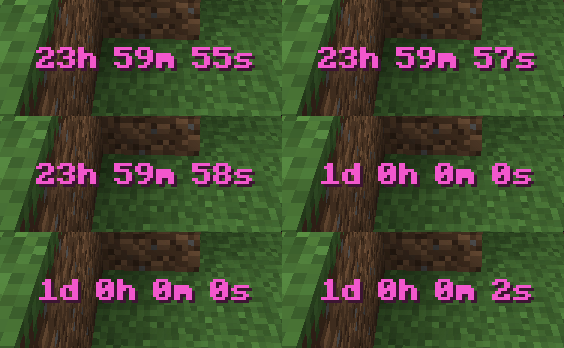
The data pack was designed to easily support multiple designs. If you have an idea for a new unique design join our Discord Server to suggest it!
You can try to create it on your own in our design creator of the original MTimer.
> 
> 
Timer Settings
MTimer currently support 3 rules to customize the experience accessible under `function timer:settings`. You can toggle...
- Player invulnerability on pausing (default off)
- Blindness on pausing (default off)
- Player movement freezing (default off)
Roadmap
In 1.20.2 a new feature called *macros* releases. This will allow me to add timer animations too to the cost of performance (probably very small impact). Until then, no animations are possible in designs currently.
