

Mob Plaques
Neat, tiny attribute displays for all mobs with great customization!
 259,79k
Quick challenge
How far can you run before the mobs catch you?
Minecraft check
Confirm your run
Complete the quick check to get your code.
Mob Plaques




📖 About:
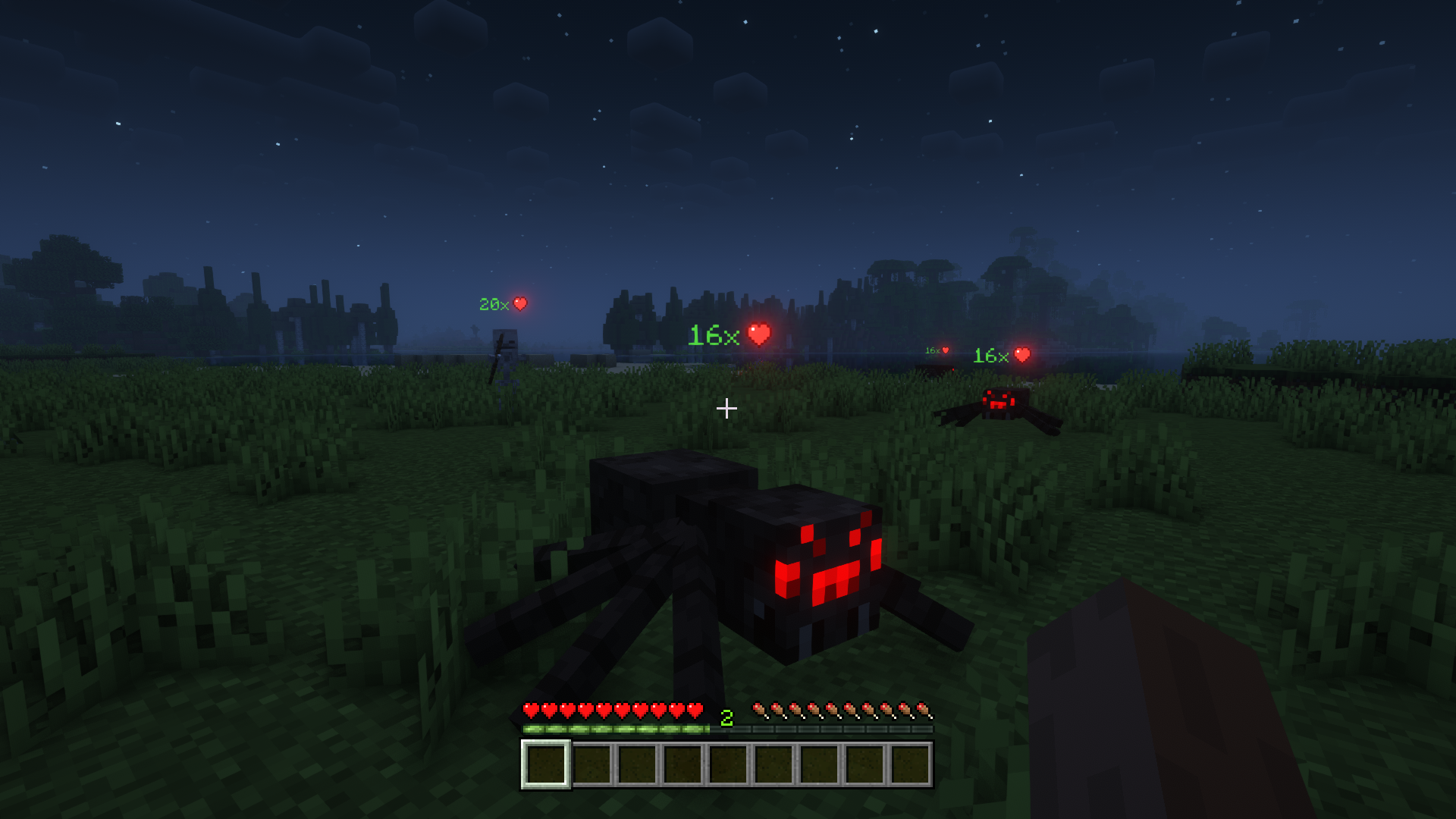
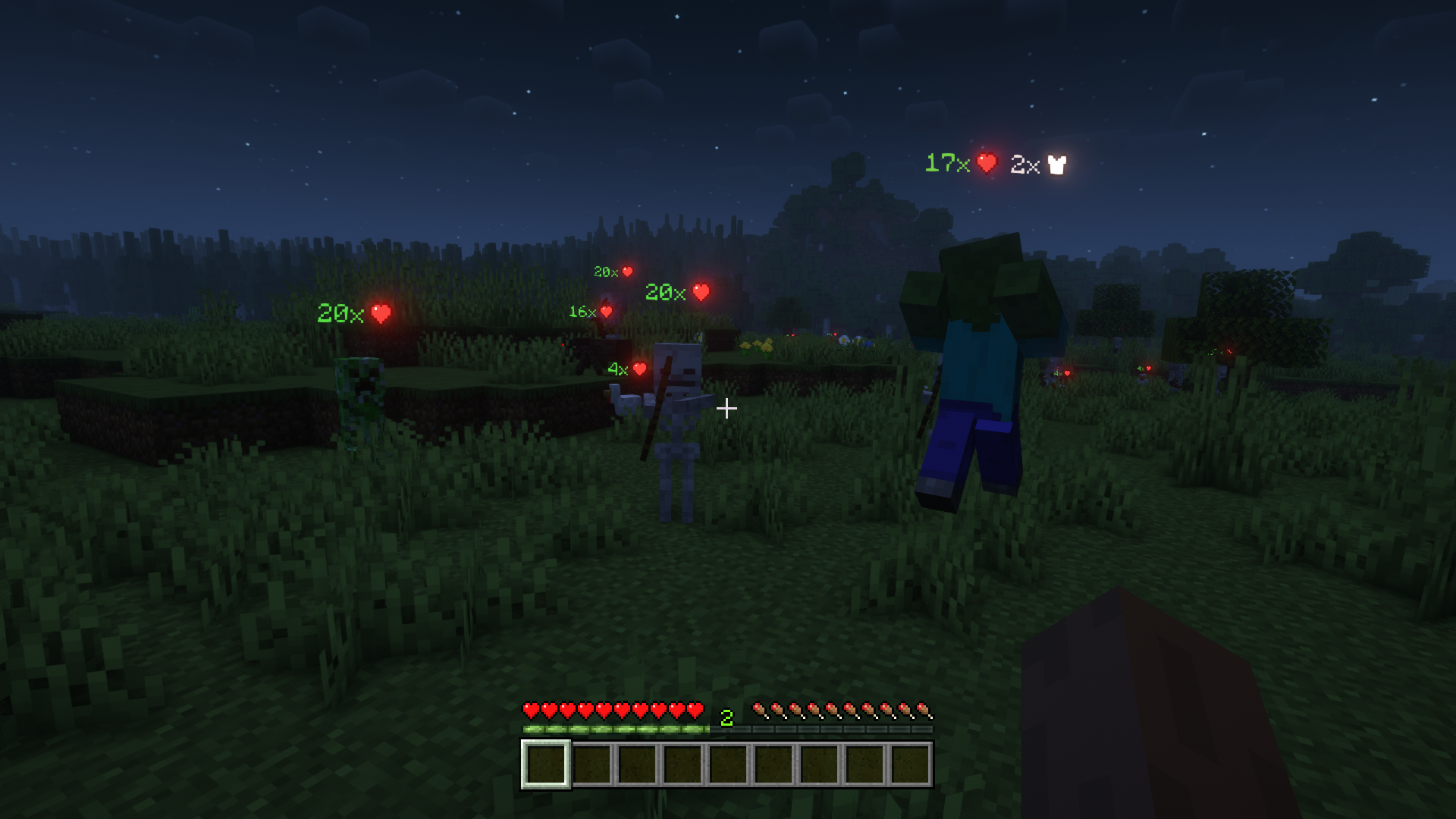
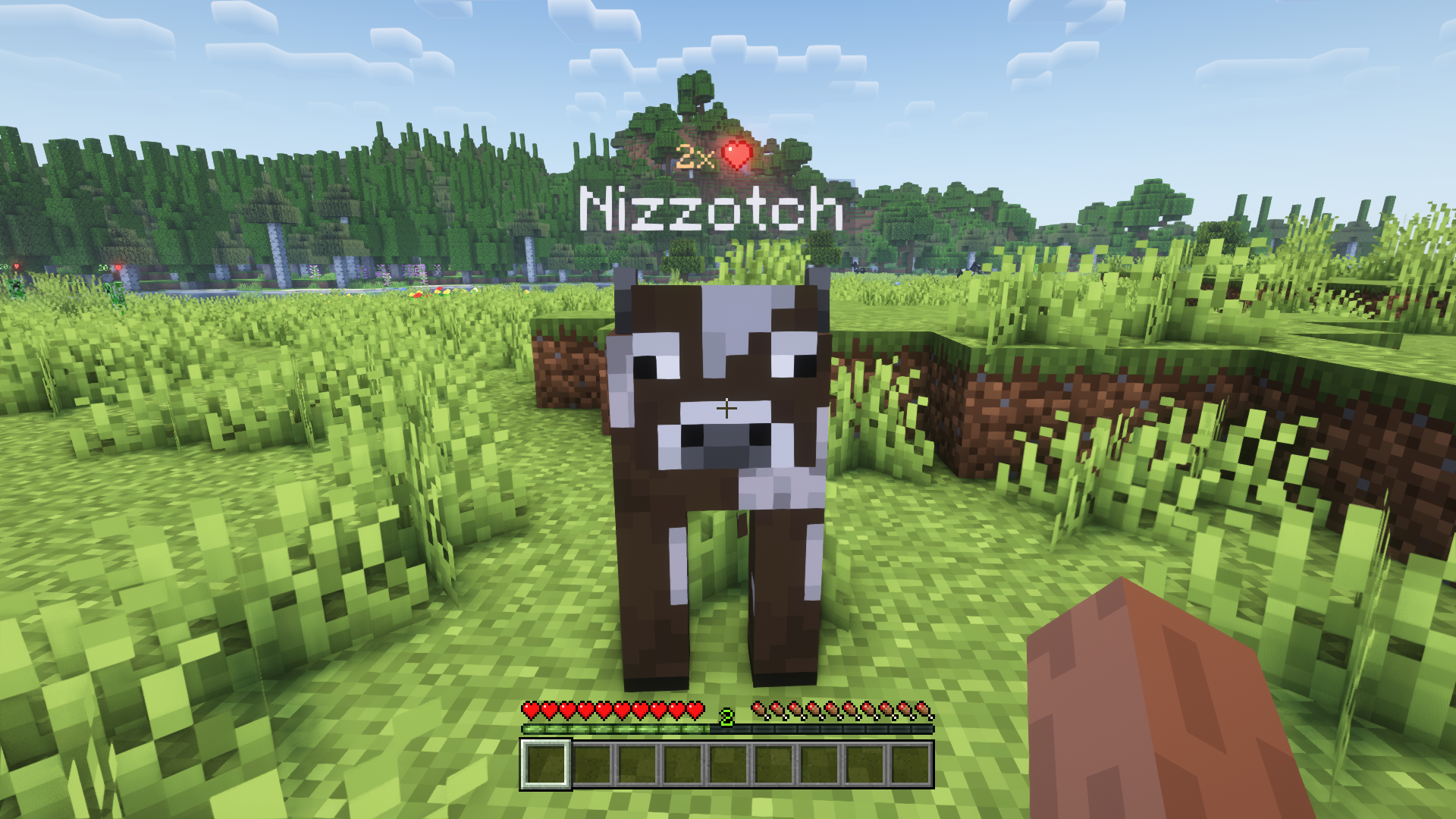
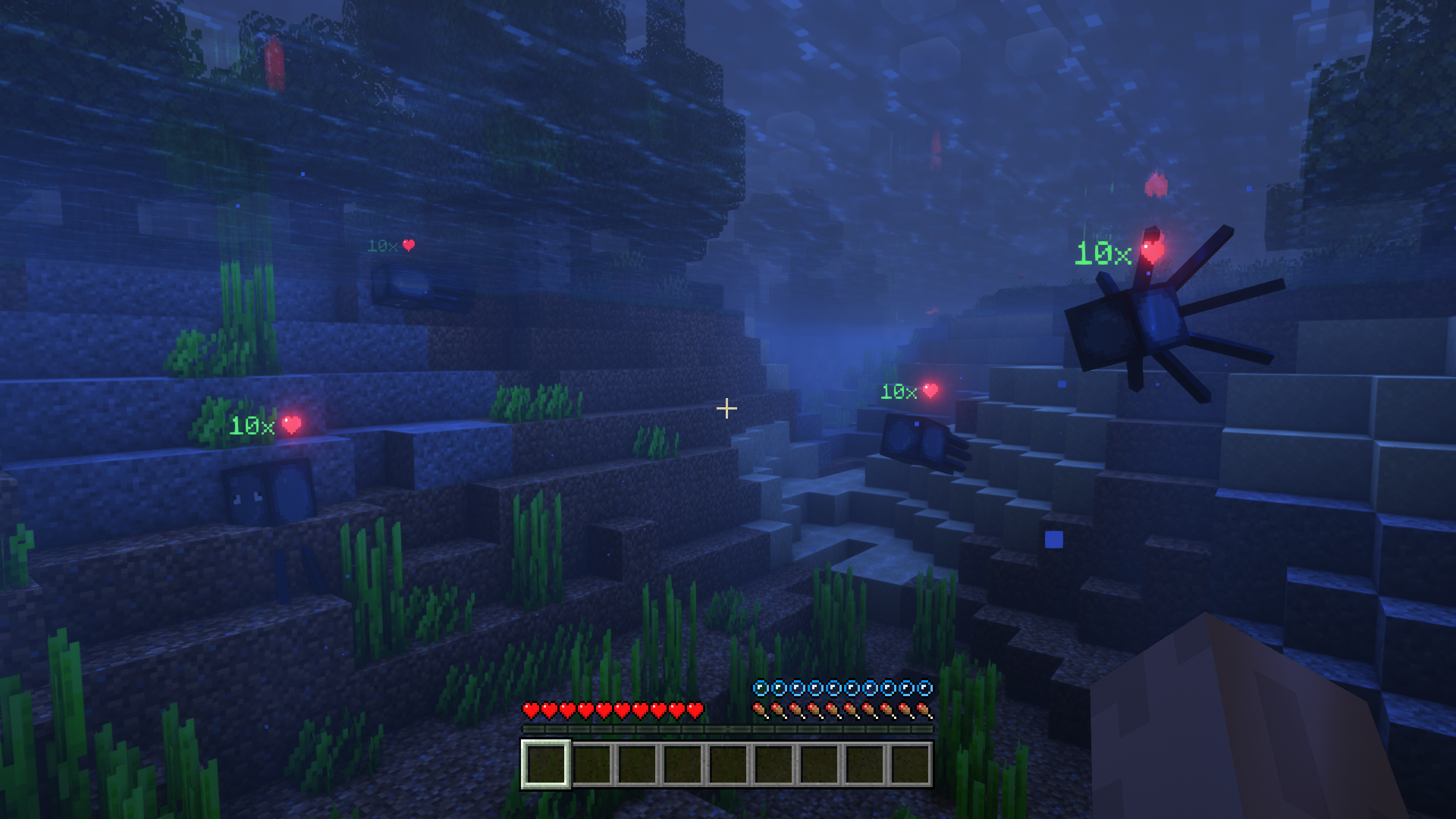
Mob Plaques adds very tiny displays above a mob's name tag to show it's current health. Armor points, armor toughness points and air supply are also shown when relevant. The mod has a bunch of config options to customize the plaques as you wish.
📷 Media:
 |
 |
|
| See the health of all mobs around you | Also shows other stats such as armor points | |
 |
 |
|
| Text color adapts; positions nicely above or below name tag | Bigger plaques for mobs further away | |
💡 FAQ:
Q: Can plaques show more mob attributes like food/potion effects/etc.?
A: No, unfortunately not. Most information about such things is never sent to clients, and is therefore not accessible.
Q: How do I configure this mod?
A: Mods can have three different kinds of configs depending on the kind of settings they provide: Client, Common, and Server.
Client and Common configs are found in /.minecraft/config/, named as <modId>-client.toml and <modId>-common.toml, respectively.
Server configs though are applied per world, therefore you'll find those in /.minecraft/saves/<world>/serverconfig/<modId>-server.toml for local singeplayer worlds, and in /<world>/serverconfig/<modId>-server.toml for you Minecraft server. Changes made to a server config only apply to that one world. Setting default values in server configs for all newly created worlds is possible by copying the modified server config to /.minecraft/defaultconfigs/.
In a local singleplayer world you can quickly find config files by running the /config showfile <modid> command and by choosing CLIENT, COMMON or SERVER. Then click the file name (ending with .toml) that appears in chat to open the file in a text editor. After saving the file, the config will automatically reload in-game after a couple of seconds, so no game restart required.
On some mod loaders editing configs is also supported in-game via the Mods menu option. On some Minecraft versions you can also install my Config Menus for Forge mod for editing configs directly in-game.
🏆 Credits:
Developing Mob Plaques was helped and inspired by:
- satyrnidae and their Wolf Armor and Storage mod, which inspired me to make this mod
- Vazkii and their Neat mod for inspiring some of the config options







 |
 |
|
 |
 |
|
 |
 |
|
 |
 |
|
 |
 |
|
