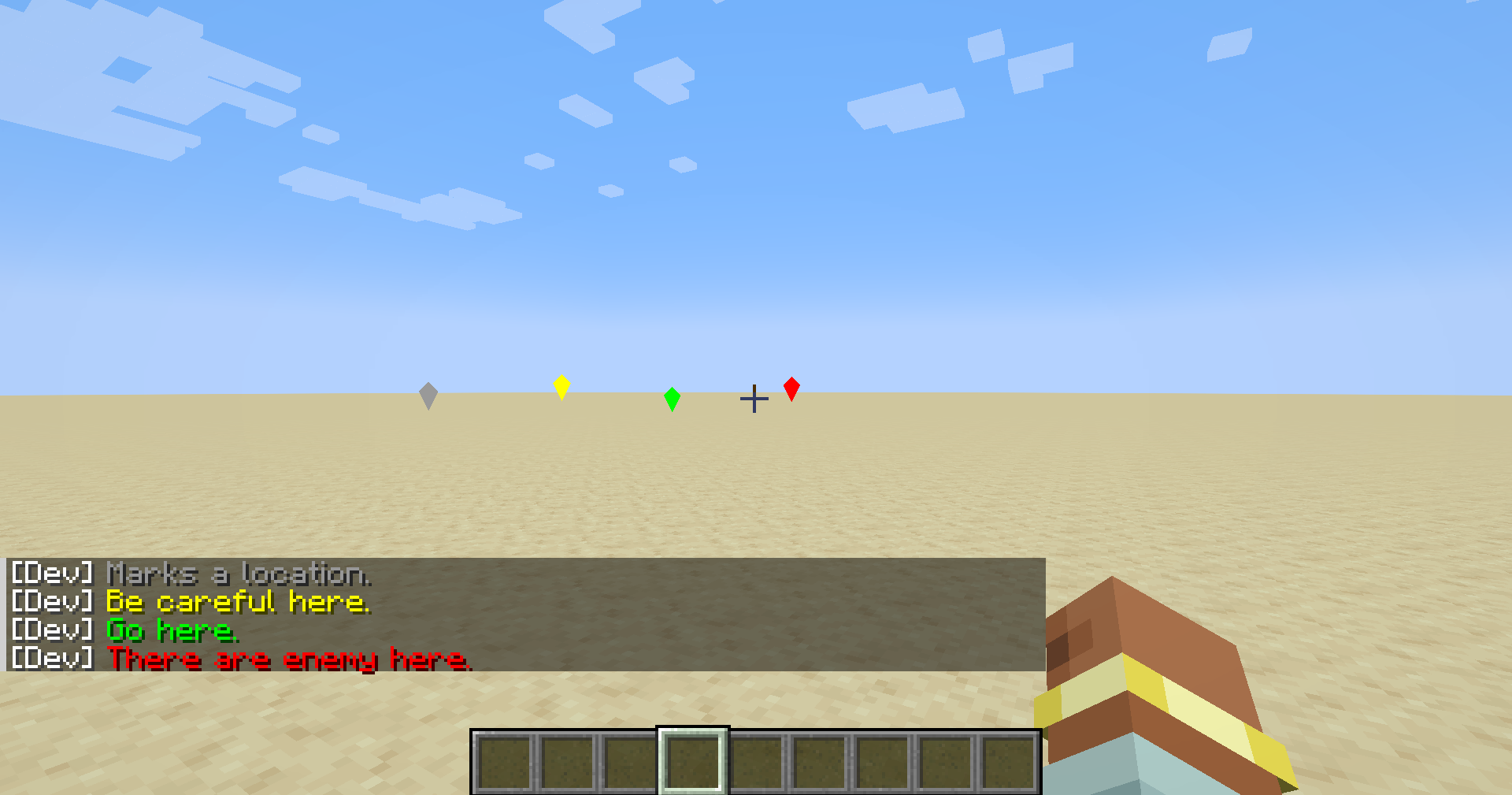
MiddleKeyPing
Use middle key on mouse to ping
 13,06k
Quick challenge
How far can you run before the mobs catch you?
Rotate your phone
Dino Mine is ready when your screen is landscape.
Minecraft check
Confirm your run
Complete the quick check to get your code.
Your code
Expires in 5 hours
MiddleKeyPing
Use the middle mouse button to place a Ping, indicating locations for your friends in multiplayer games.
When the cursor is aimed at a block, a Ping will be created at the corresponding location of the block. When the cursor is aimed at an entity, a Ping will be created above the entity's head.
By default, the middle mouse button creates a Ping that says `Marks a location.`. When pointing at an unfriendly entity, it creates `There are enemy here.`.
Additionally, you can use the numeric keypad keys `1`, `2`, and `3` to create Pings that say `Be careful here.`, `Go here.`, and `There are enemy here.` respectively.