

LogicTags
Add customizable tags above each player
 581
581
Quick challenge
How far can you run before the mobs catch you?
Minecraft check
Confirm your run
Complete the quick check to get your code.
LogicTags

Description
LogicTags is a Minecraft plugin that allows users to configure and manage tags for players. Users can set tags that players can choose from and also add permissions required for some commands.
Links
- Discord - Wiki (coming soon) - Github - Developement Builds
Showcase


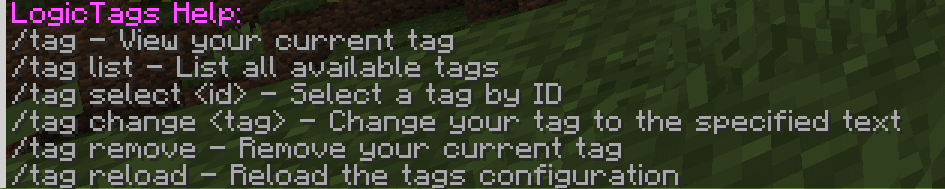

Commands
The plugin provides several commands for managing tags:
- `/tag` - View your current tag - `/tag list` - List all available tags - `/tag select <id>` - Select a tag by ID - `/tag change <tag>` - Change your tag to the specified text (requires `logictags.change` permission) - `/tag remove` - Remove your current tag - `/tag reload` - Reload the tags configuration (requires `logictags.reload` permission) - `/tag help` - Display help information for the plugin commands
Configuration
tags.yml
The `tags.yml` file is used to configure the available tags. Each tag has an ID, name, description, and an optional permission. Here is an example of the `tags.yml` file:
```yaml tags: - id: funnyTag name: "&5Funny" description: A tag for funny content - id: coolTag name: Cool description: A tag for cool players permission: logictags.cool - id: proTag name: Pro description: A tag for professional players permission: logictags.pro ```
config.yml
The `config.yml` file contains various settings for the plugin. Here are the available options:
- `customTeams`: (default: true) Whether to use custom teams for tag display. Custom teams should only be disabled when you use a plugin that displays ranks for the player or changes the player's display name. - `seeOwnTag`: (default: false) Whether players can see their own tags.
