

LobbyLimbo Manager
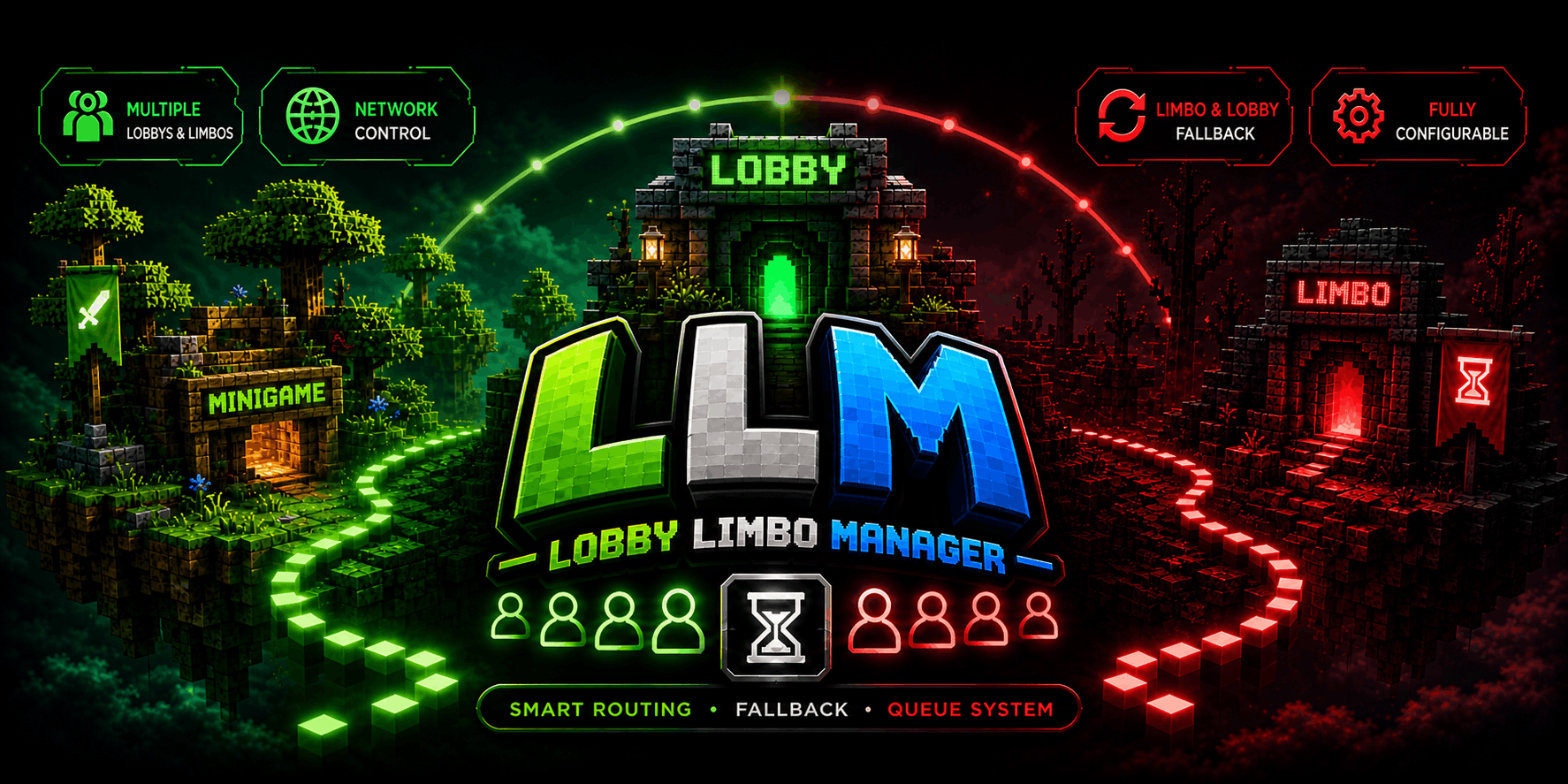
Lobby and limbo manager for BungeeCord and Velocity with smart fallback, queue system, and automatic player routing across servers.
 5
5
Quick challenge
How far can you run before the mobs catch you?
Minecraft check
Confirm your run
Complete the quick check to get your code.
LobbyLimbo Manager
LobbyLimboManager
High-performance lobby and limbo management plugin for BungeeCord and Velocity networks.
Designed for scalability, reliability, and smooth player routing across multi-server environments.
Overview
LobbyLimboManager handles player distribution, fallback logic, and queue management at the proxy level.
* Automatically routes players to available lobbies * Uses limbo servers to keep players connected when needed * Includes a built-in queue system for full or unavailable lobbies * Fully configurable behavior * Works on both Velocity and BungeeCord
Features
Smart Routing
Automatically sends players to the most suitable lobby based on configurable strategies:
* Least players * Random selection * Round-robin distribution
Limbo & Fallback System
Prevents unnecessary disconnections when lobbies are not available.
* Sends players to limbo servers when needed * Keeps players connected during downtime * Smoothly redirects back to lobbies when available
Queue System
Handles full or unavailable lobbies efficiently.
* Automatic queue handling * Sends players when space becomes available * Prevents connection spam and failed joins
Multiple Servers Support
Built for flexible network setups.
* Multiple lobby servers * Multiple limbo servers * Dynamic routing between them
Fully Configurable
Customize behavior to fit your network.
* Routing modes * Server limits * Fallback behavior * Queue system
Supports live reload with:
``` /llm reload ```
Commands
* `/lobby`, `/hub` → Sends the player to an available lobby * `/llm reload` → Reloads plugin configuration (Warning: nvm, it works)
Permissions
* `lobbylimbomanager.command.lobby` → Access to the /lobby and /hub commands * `lobbylimbomanager.admin` → Access to administrative commands
Installation
1. Download the latest release 2. Place the `.jar` in your proxy plugins folder 3. Start your proxy 4. Edit the generated configuration if needed
Compatibility
* Velocity * BungeeCord * Waterfall (Not tested, but expected to work)
Config.yaml Example
Spoiler
```
============================================================
LobbyLimboManager Configuration
============================================================
This file controls how players are routed between lobby and
limbo servers on BungeeCord, Waterfall, and Velocity proxies.
#
IMPORTANT: Server names listed below must match the names
defined in your proxy configuration EXACTLY.
They are NOT case-sensitive in this file, but must exist.
============================================================
-----------------------------------------------------------
Config Version
-----------------------------------------------------------
This value is managed by the plugin. Do not modify it.
Changing it may reset your configuration on next reload.
config-version: 1
============================================================
LOBBY SERVERS
============================================================
List all lobby servers that players can be sent to.
These are the main servers players join when logging in or
being recovered from a kick.
#
NOTE: Names MUST match the servers defined in your proxy
configuration (e.g. BungeeCord config.yml or Velocity
velocity.toml). The plugin looks up servers by these
names at runtime.
lobbies: servers: - lobby1 - lobby2 - lobby3
============================================================
LIMBO SERVERS
============================================================
Limbo servers are lightweight holding servers used when no
lobbies are available or a player is queued.
#
NOTE: A server listed here should NOT also be listed under
lobbies. The plugin will ignore overlapping names in
limbo selection.
limbos: servers: - limbo1 - limbo2
============================================================
SELECTION MODES
============================================================
Controls how the plugin chooses which server to send a
player to.
modes:
Lobby Selection Mode
--------------------
Determines how a lobby is chosen when a player needs one.
#
Valid values:
ROUND_ROBIN - Cycles through lobbies in order.
Example: lobby1 -> lobby2 -> lobby3 -> lobby1
RANDOM - Picks a random available lobby.
LEAST_PLAYERS - Picks the lobby with the lowest player
count at that moment.
lobby-mode: ROUND_ROBIN
Limbo Selection Mode
--------------------
Determines how a limbo server is chosen.
#
Valid values:
FALLBACK - Limbos are ONLY used when no lobby is
available. This is the recommended default.
ROUND_ROBIN - Rotates through limbo servers independently.
STANDALONE - Limbo servers are never used automatically.
They must be targeted manually.
limbo-mode: FALLBACK
============================================================
FALLBACK SETTINGS
============================================================
Controls what happens when a player is kicked from a server.
#
Fallback Flow (in order):
1. If kick message contains a no-fallback keyword, the
player is disconnected (no recovery attempted).
2. If fallback-to-lobby is enabled, the plugin tries to
find another available lobby.
3. If no lobby is available and fallback-to-limbo is
enabled, the player is sent to a limbo server.
4. If nothing is available, the kick proceeds normally.
fallback:
Enable fallback to another lobby when a player is kicked.
Set to false if you want kicked players to disconnect
instead of being moved to another lobby.
fallback-to-lobby-enabled: true
Enable fallback to limbo when no lobbies are available.
If both this and fallback-to-lobby are false, kicked
players will simply be disconnected.
fallback-to-limbo-enabled: true
Server Fallback Control
--------------------
Controls which servers are allowed to trigger fallback.
#
Mode: allow
Only servers listed below PLUS all lobby servers can
trigger fallback. All other servers will disconnect
players on kick.
#
Mode: deny
Servers listed below will NEVER trigger fallback.
All other servers (including lobbies) will trigger
fallback normally.
servers-fallback-disabled: mode: deny servers: - creative
Kick Message No-Fallback Keywords
---------------------------------
If a kick message contains any of these keywords (case
insensitive), the plugin will NOT attempt fallback.
This is useful for bans, manual kicks, or anti-cheat
disconnects where moving the player is undesirable.
#
Examples of common keywords:
banned - Prevents banned players from rejoining
kicked by - Prevents staff kicks from triggering fallback
timed out - Connection issues usually don't need fallback
kick-message-nofallback: - banned - kicked by - timed out - disconnect.spam - flying
============================================================
QUEUE SETTINGS
============================================================
When all lobbies are full, players are placed in a queue.
These settings control how and when they are released.
queue:
Dispatch Attempt Threshold
--------------------------
Number of consecutive successful health checks a lobby
must pass before it is considered READY for queue dispatch.
#
This works together with health-check-interval:
If health-check-interval = 30 and this value = 2,
a newly started lobby must be healthy for 60 seconds
before queued players are sent to it.
#
WARNING: Setting this too low (e.g. 1) may send players to
lobbies that are still warming up, causing join
failures. Setting it too high delays recovery.
#
Recommended: 1-3 for quick recovery, 3-5 for stability.
dispatch-attempt-threshold: 1
============================================================
GENERAL SETTINGS
============================================================
settings:
Health Check Interval (seconds)
-------------------------------
How often the plugin pings all configured servers to check
if they are online, full, or offline.
#
Trade-off: Lower values detect crashes faster but increase
network load. Higher values are lighter but slower to
react.
#
Recommended: 30 for small networks, 60 for large networks.
health-check-interval: 30
Failed Server Retry Interval (seconds)
--------------------------------------
When a server fails a health check, it is marked as failed
and will not be selected for routing until this time has
passed AND it passes a new health check.
#
This prevents repeatedly sending players to a crashed
server.
failed-server-retry-seconds: 60
Attempt Expiry (seconds)
------------------------
How long the plugin remembers that it already tried to
send a specific player to a specific server.
#
This prevents infinite loops: if a player fails to connect
to lobby1, the plugin won't try lobby1 again for this
duration. After expiry, it can be retried.
attempt-expiry-seconds: 30
Queue Dispatch Interval (milliseconds)
--------------------------------------
Minimum time between queue processing cycles.
#
Lower values move players faster but increase CPU usage.
The plugin will still respect server capacity and readiness.
queue-dispatch-interval: 2000
Queue Waiting Message Interval (milliseconds)
-----------------------------------------------
How often queued players receive a waiting message.
Set to 0 to disable waiting messages entirely.
queue-waiting-interval: 5000
Debug Mode
----------
When enabled, the plugin prints detailed state transitions,
routing decisions, and queue activity to the console.
#
WARNING: This generates a LOT of output. Only enable when
troubleshooting. Disable for production.
debug: false
Server Player Limits
--------------------
Defines the maximum number of players each server can hold.
This is used to determine if a lobby is FULL and to decide
how many queued players can be dispatched.
#
Valid values for each server:
-1 = Unlimited. The server is never marked FULL.
0 = Auto-detect. The plugin pings the server to read
its max-player value (from server.properties or
the server's own configuration).
>0 = Fixed limit. The server is marked FULL when its
online player count reaches this number.
#
Example: A survival server with 50 slots should be set to
50 so the plugin knows when it is full.
server-limits: lobby1: 100 lobby2: 100 lobby3: 100
============================================================
MESSAGES
============================================================
All messages shown to players support Minecraft color codes
using the '&' symbol (e.g. &a = green, &c = red).
#
Available placeholders:
%server% - Replaced with the target server name
%player% - Replaced with the player's name
%position% - The player's position in the queue
%total% - The total number of players in the queue
#
NOTE: Placeholders only work in messages that reference them.
Using an unsupported placeholder will leave the raw
text in the message.
messages:
Shown when a player is successfully connected to a lobby.
connect-lobby: "&aConnecting you to lobby &e%server%&a..."
Shown when a player is sent to a limbo server.
connect-limbo: "&eConnecting you to limbo server &7%server%&e..."
Shown when a player is kicked and moved to a fallback lobby.
fallback-lobby: "&eThe server you were on became unavailable. Moving you to &a%server%&e..."
Shown when a player is kicked and moved to a fallback limbo.
fallback-limbo: "&cAll lobbies are full or unavailable. Moving you to limbo &7%server%&c..."
-----------------------------------------------------------
Error / Status Messages
-----------------------------------------------------------
no-lobby-available: "&cNo lobby servers are currently available. Please try again later." no-limbo-available: "&cNo limbo servers are currently available. Please try again later." no-server-available: "&cNo servers are currently available. Please try again later." server-not-found: "&cThe target server could not be found." already-connecting: "&cYou are already being connected to a server." command-player-only: "&cThis command can only be used by players." already-in-lobby: "&cYou are already connected to a lobby server."
-----------------------------------------------------------
Queue Messages
-----------------------------------------------------------
These messages are sent automatically by the queue system.
queue-position: "&eYou are in position &c%position% &eof &c%total% &ein the queue." queue-join: "&cAll lobbies are full. You have been added to the queue." queue-waiting: "&eYou are in the queue. Position: &c%position%&e of &c%total%&e. Please wait..." lobby-available: "&aA lobby is now available! Connecting you to &e%server%&a..."
```
Notes
* Designed for stability and long-term usage * Suitable for both small and large networks * Focused on reliable routing and clean behavior
