InventoryBinds
A mod that adds buttons with binds directly to the inventory
 17,72k
Quick challenge
How far can you run before the mobs catch you?
Minecraft check
Confirm your run
Complete the quick check to get your code.
InventoryBinds

***
🇺🇸
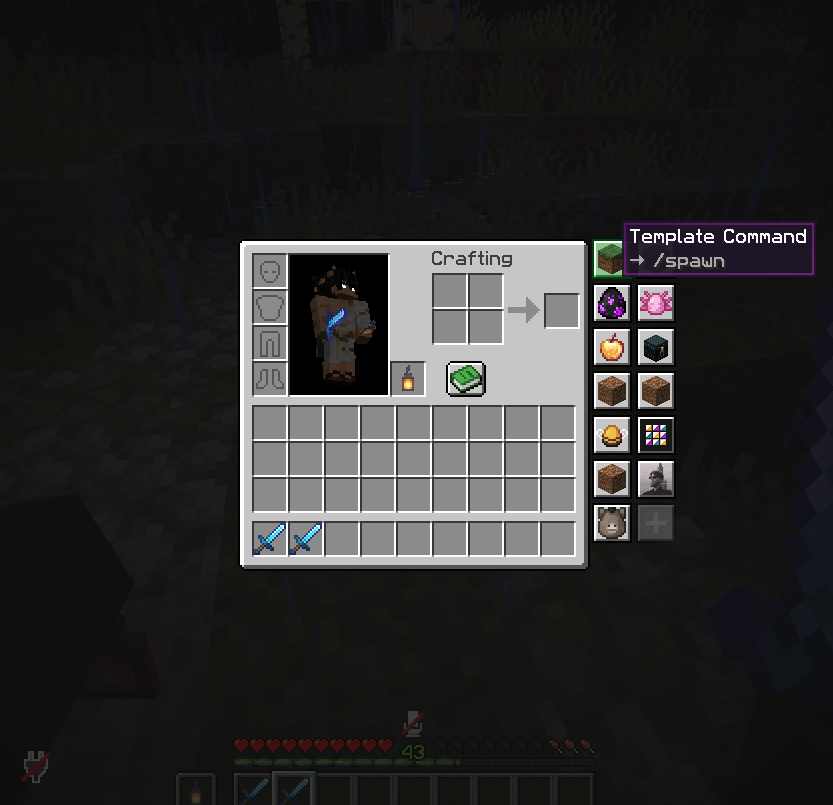
InventoryBinds adds customizable bind buttons directly to your inventory and container screens.
Binds support three action types:
* Chat message — instantly sends the command to the server. * Chat message — inserts the command into chat for manual send/edit. * Chat message — sends plain text to chat.
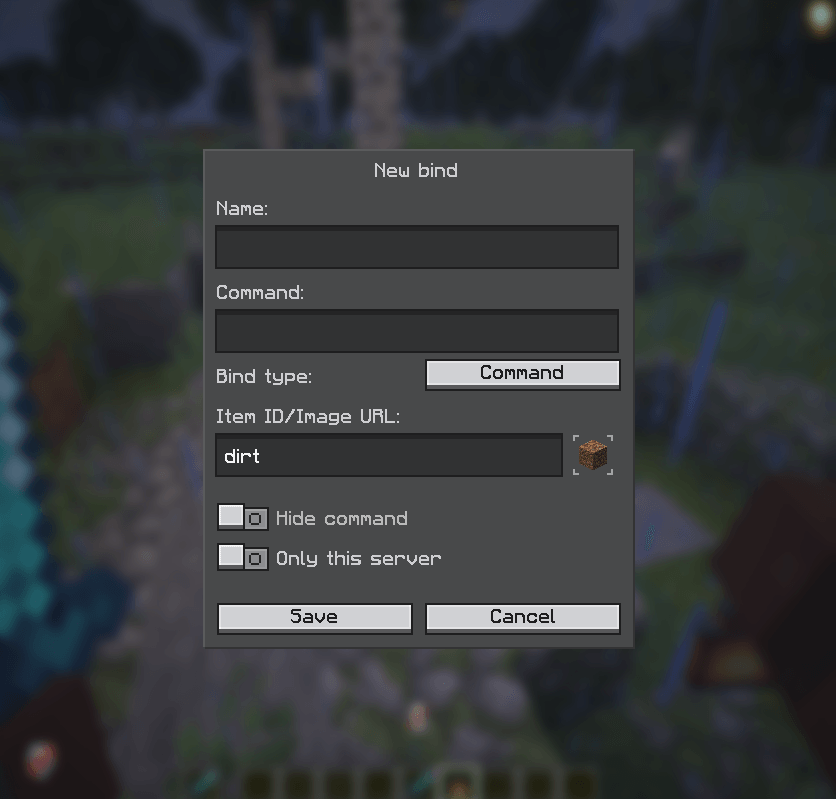
You can fully customize each bind: name, action text, visibility, server scope, and icon.
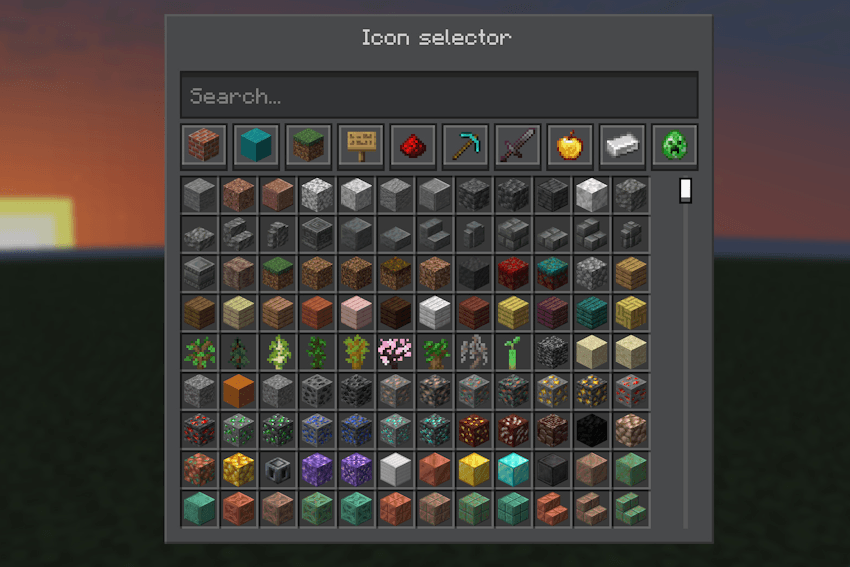
Supported icon sources:
* Direct image URL (HTTP/HTTPS) (for example: `minecraft:diamond_sword`). * Direct image URL (HTTP/HTTPS) (for example: `namespace:item::123` or `namespace:item::model_name`). * Direct image URL (HTTP/HTTPS).
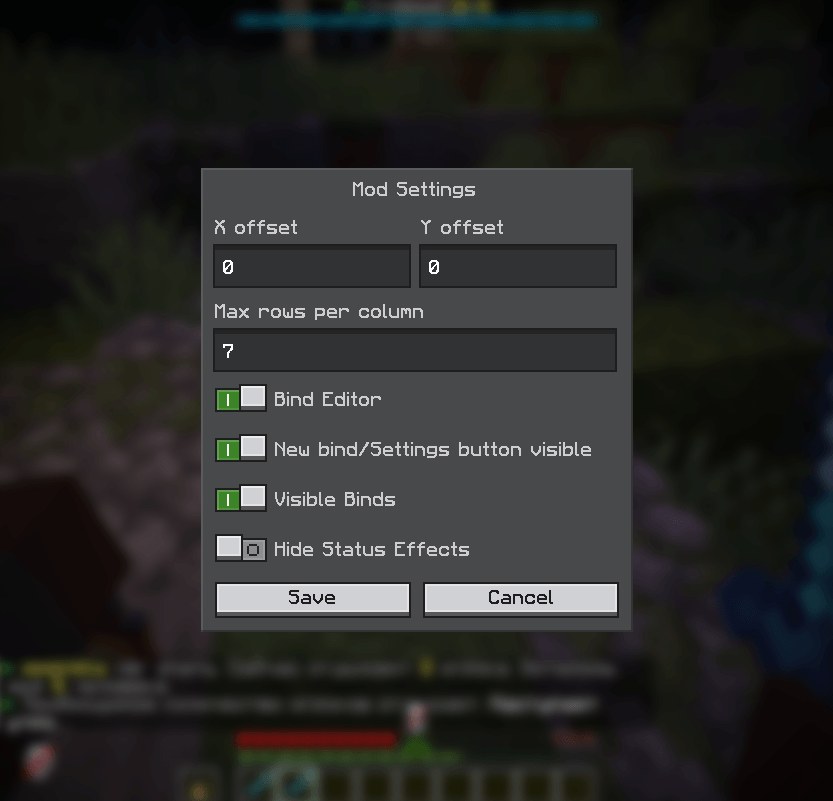
Mod settings let you configure button visibility, panel offsets, rows per column, and additional UI behavior.
Bind management includes creating, editing, moving binds up/down (Alt + LMB/RMB), and deleting binds.
🇷🇺
InventoryBinds добавляет настраиваемые кнопки-бинды прямо в окна инвентаря и контейнеров.
Бинды поддерживают три типа действий:
* Сообщение в чат — сразу отправляет команду на сервер. * Сообщение в чат — подставляет команду в чат для ручной отправки/редактирования. * Сообщение в чат — отправляет обычный текст в чат.
Каждый бинд можно гибко настроить: название, текст действия, видимость, привязку к серверу и иконку.
Поддерживаемые источники иконок:
* Прямая ссылка на изображение (HTTP/HTTPS) (например: `minecraft:diamond_sword`). * Прямая ссылка на изображение (HTTP/HTTPS) (например: `namespace:item::123` или `namespace:item::model_name`). * Прямая ссылка на изображение (HTTP/HTTPS).
В настройках мода можно управлять видимостью кнопок, смещением панели, количеством строк в столбце и дополнительным поведением интерфейса.
Управление биндами включает создание, редактирование, перемещение биндов вверх/вниз (Alt + ЛКМ/ПКМ) и удаление.
***