

Interactive Enchanted Books
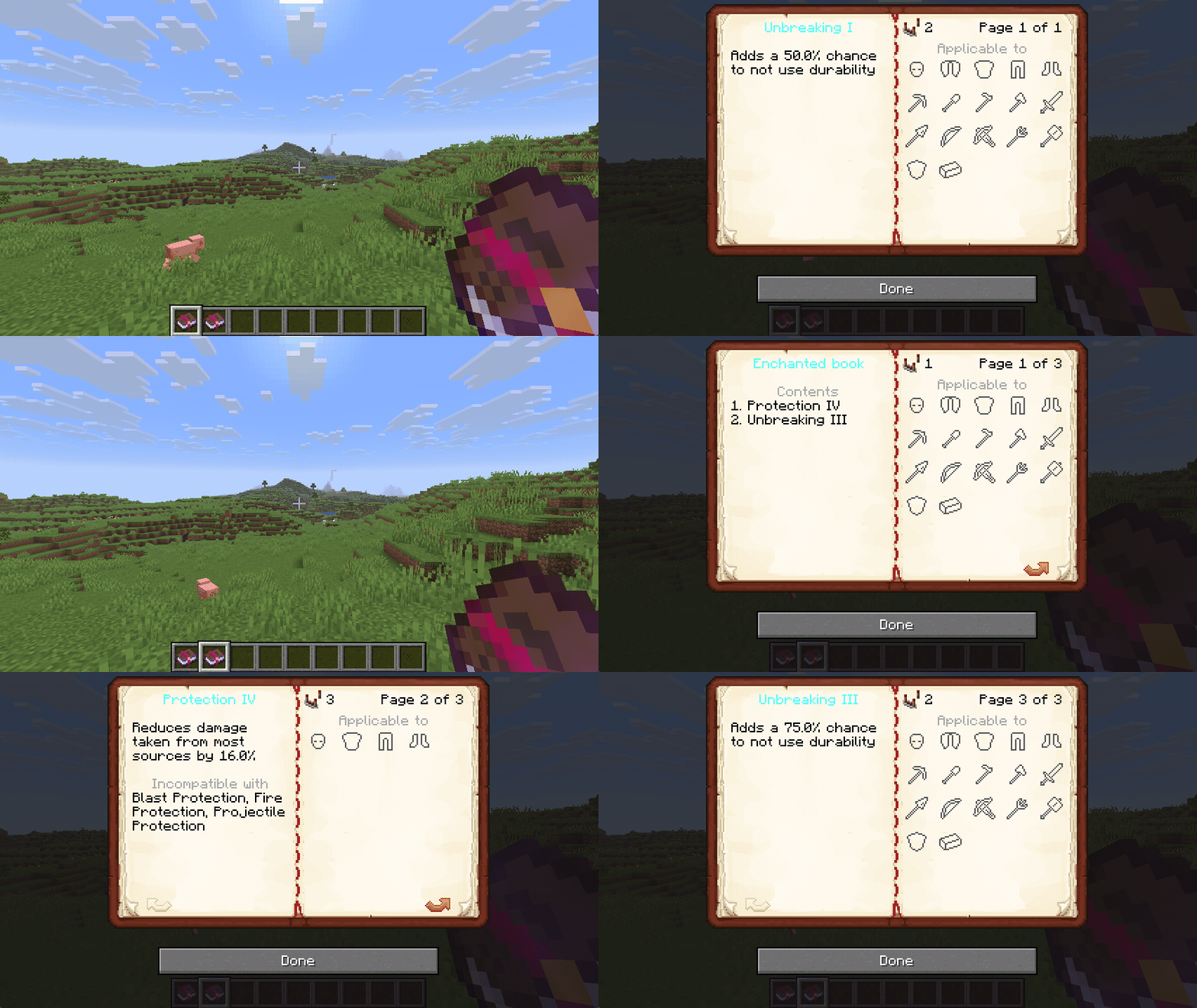
Open enchanted books to view them in more detail. If installed on the server, enchanted books can be placed in lecterns
 87
87
Quick challenge
How far can you run before the mobs catch you?
Minecraft check
Confirm your run
Complete the quick check to get your code.
Interactive Enchanted Books


Interactive enchanted books
Using an enchanted book opens a screen showing information about the enchantments. This includes a description for each enchantment, the list of mutually exclusive enchantments, the comparator signal and the list of items the enchantment can be applied to.

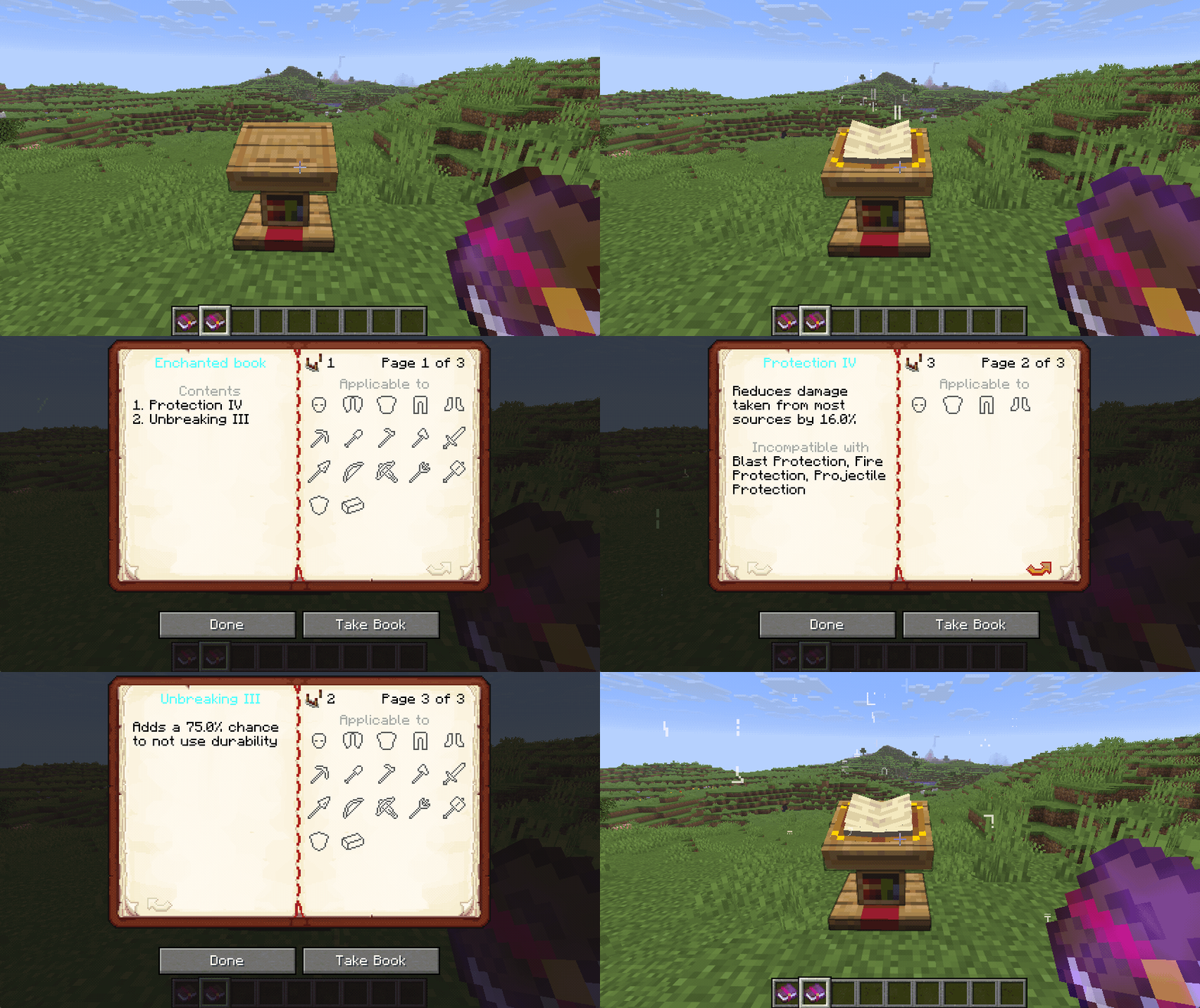
Enchanted books in lecterns
If the mod is installed on the server, enchanted books may be placed in lecterns. Right-clicking the lectern will open the same interface as using the enchanted book itself.
Comparator signal
The enchantments are separated into different groups, each emitting a different comparator signal strength. This signal strength is also shown when opening the books gui.
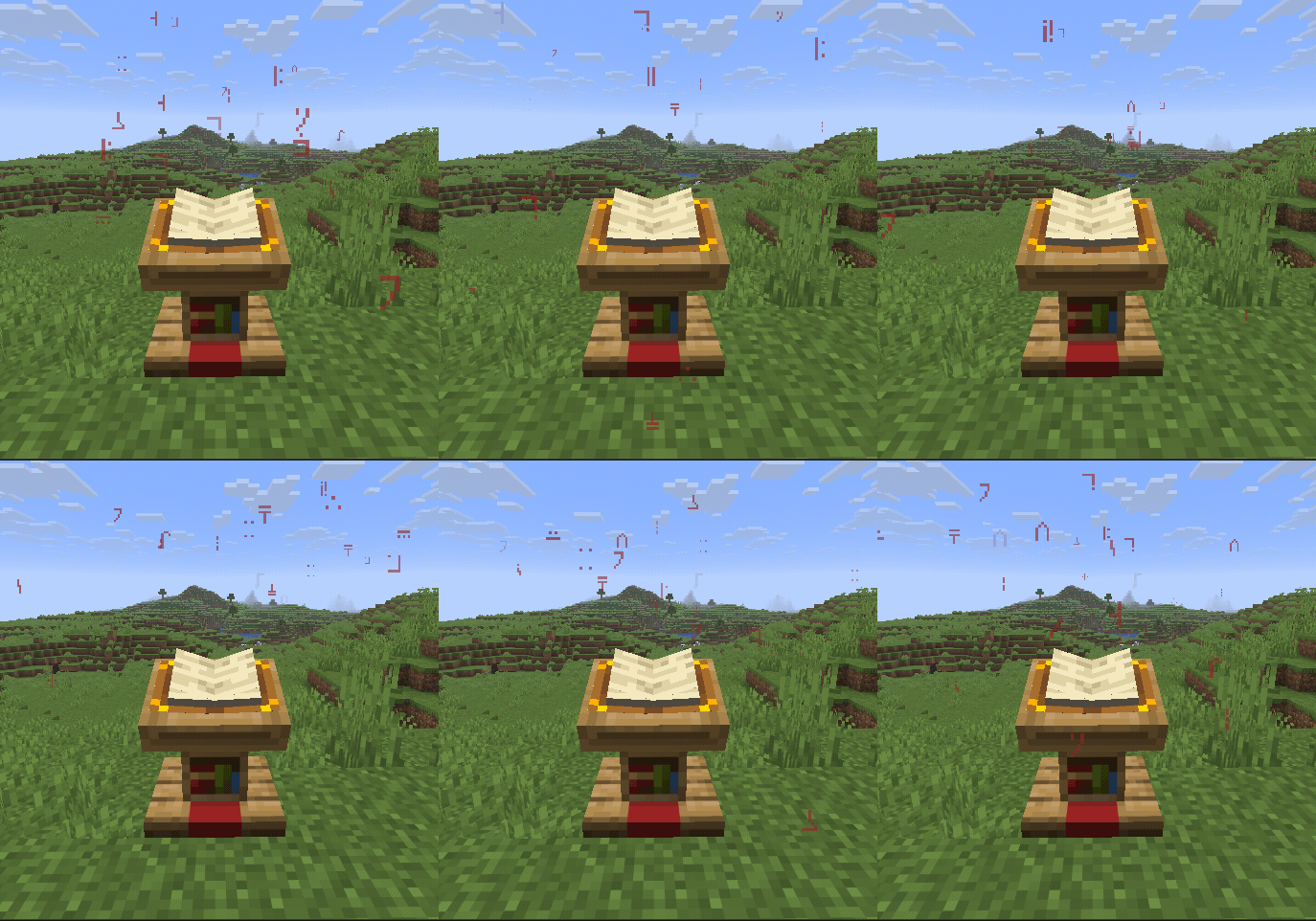
Lectern block particles
If a lectern contains an enchanted book, the book will emit particles based on the enchantment level of the current page. Lower enchantment levels emit fewer particles compared to higher levels. Curses emit a different particle. When viewing the cover page, the different effects are mixed accordingly.
| | | | -------------------------------------------------------------------------------------------------------------- | ------------------------------------------------------------------------------------------------------------------------------------------ | | 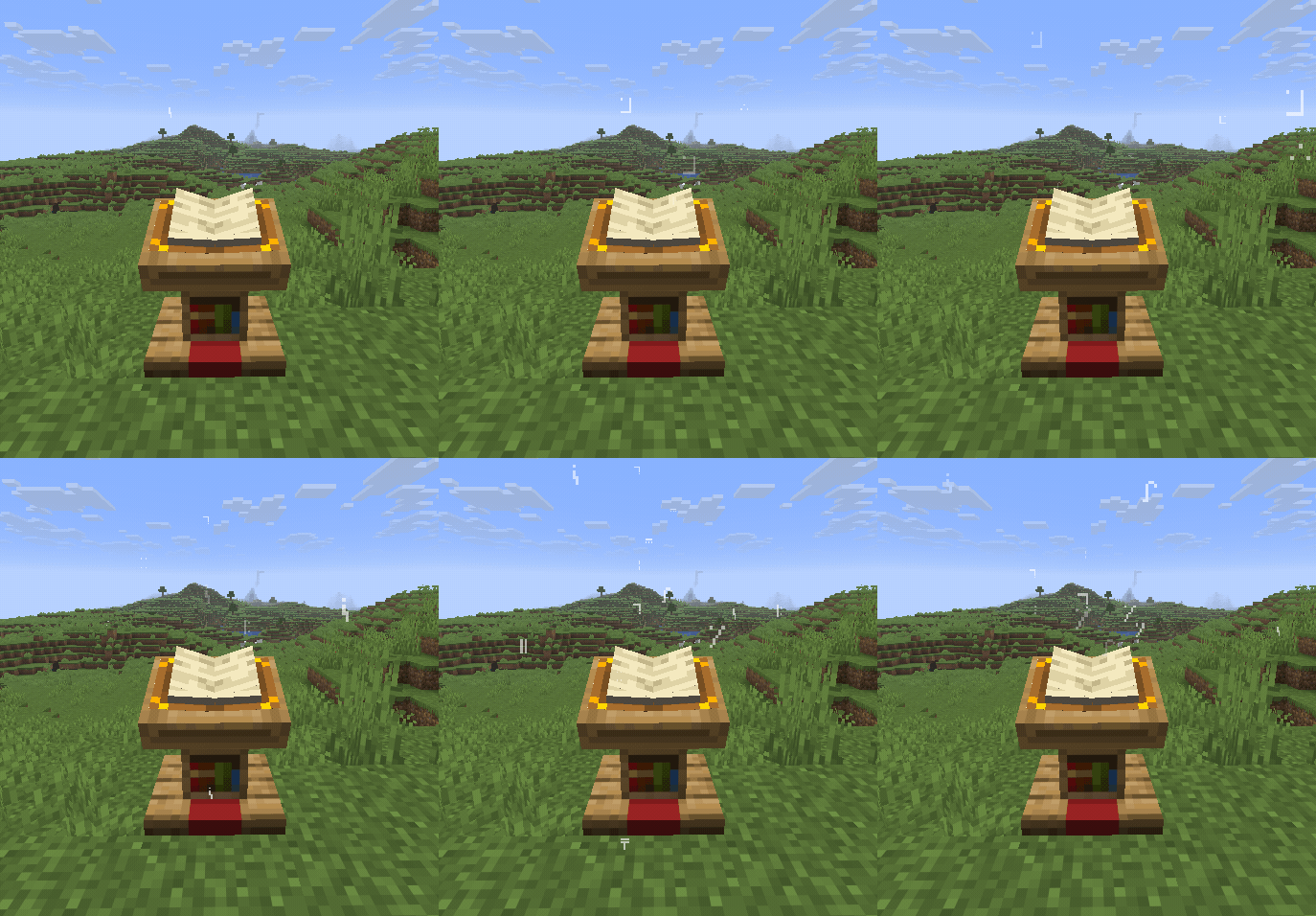
Unbreaking I
|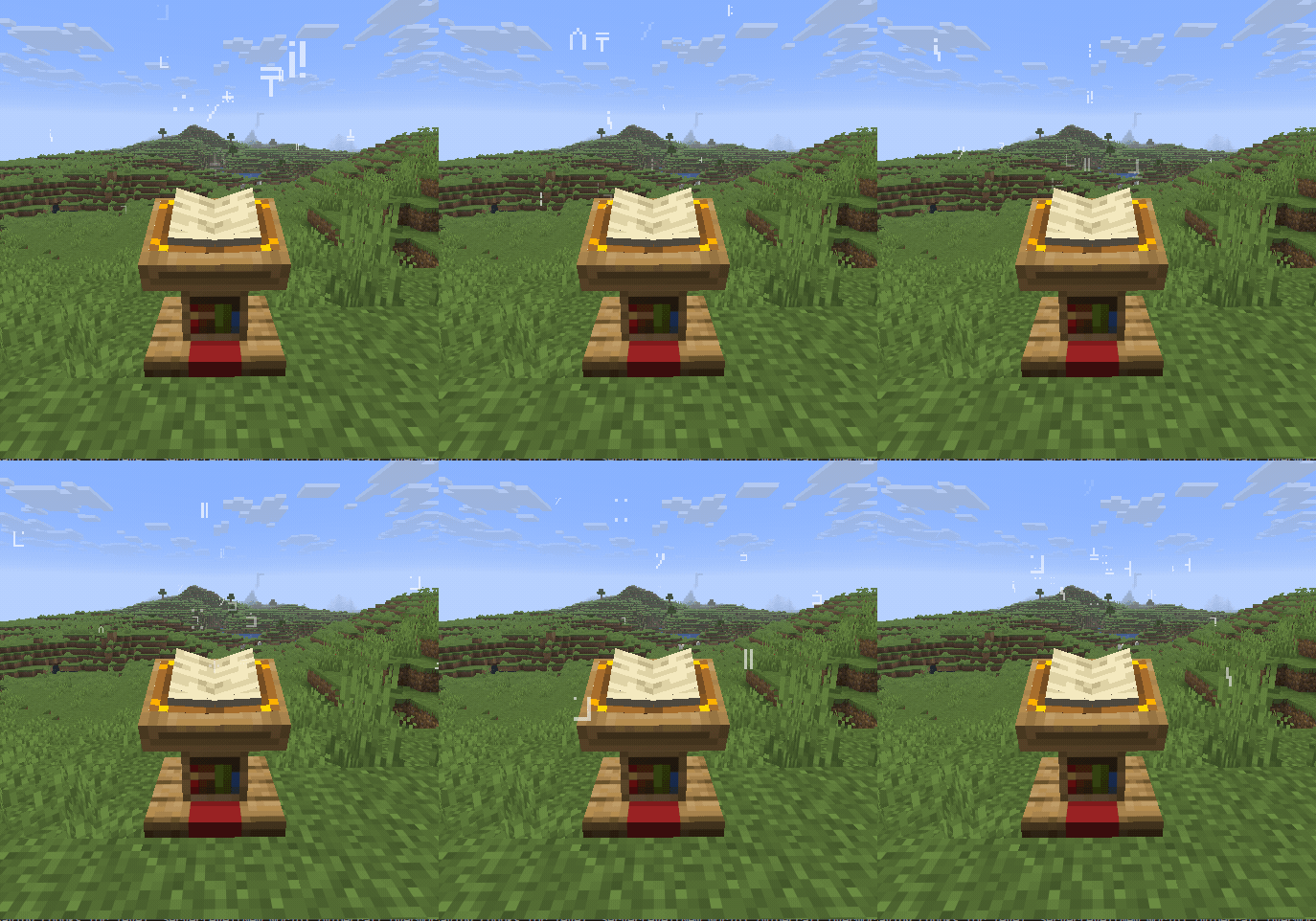
Unbreaking III
| |
Curse of Binding
|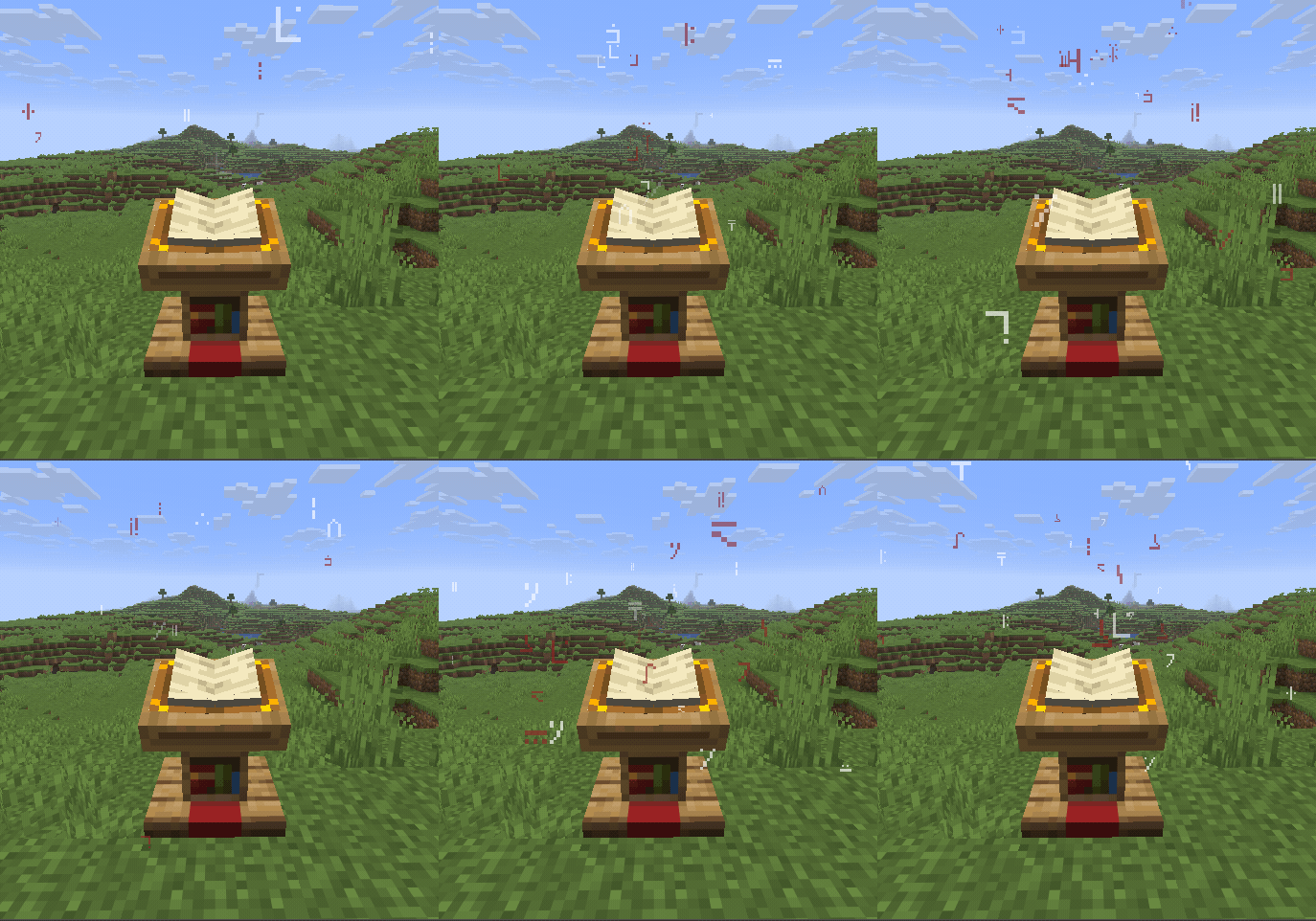
Unbreaking III + Curse of Binding
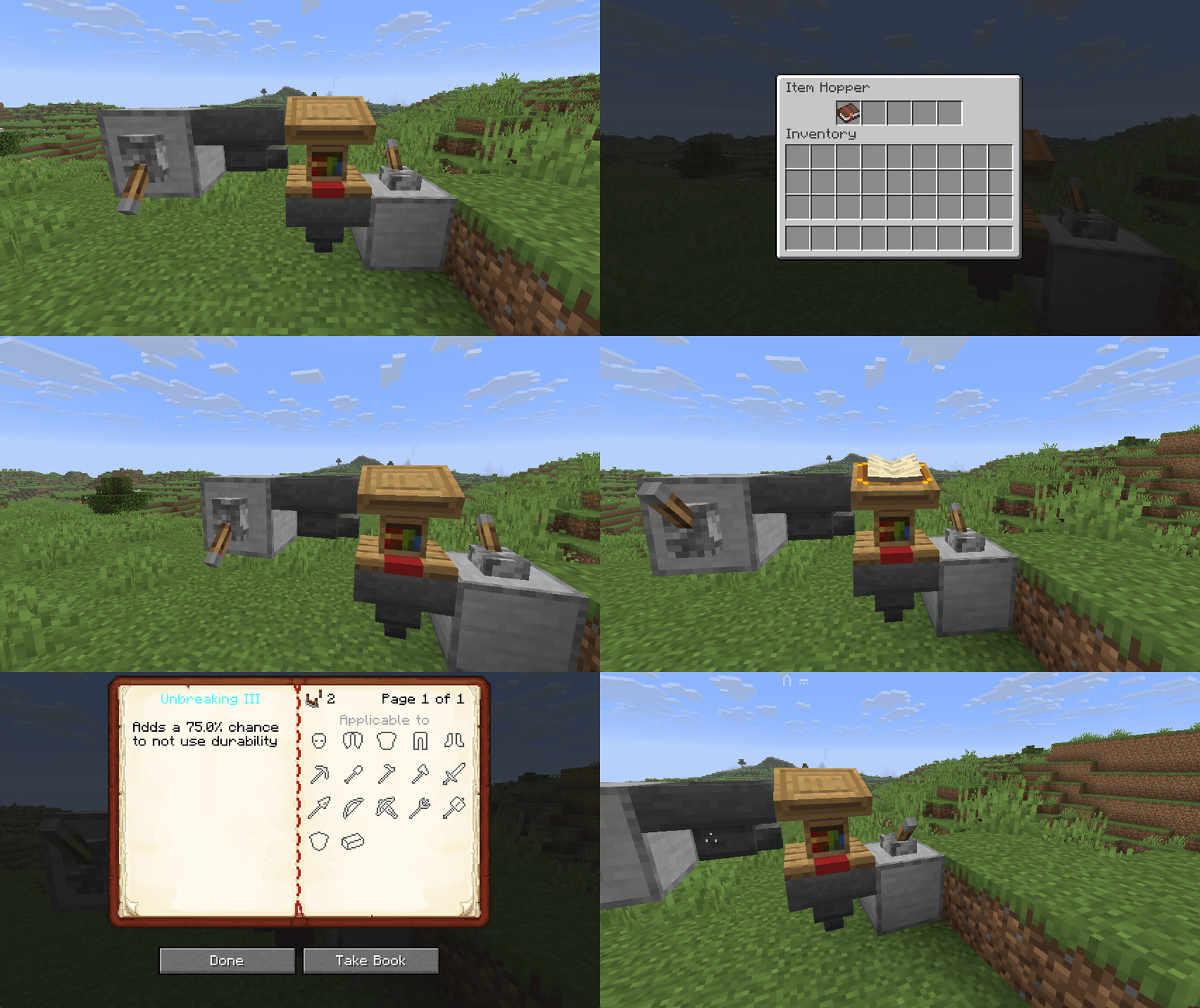
|Hopper functionality for lecterns

The hopper interactions are disabled by default and must be enabled using the following game rule, which can also be found in the "Miscellaneous" section
`/gamerule interactive_enchanted_books:hopper_interacts_with_lectern true`
If enabled, hoppers are able to input written or enchanted books into lecterns. Additionally they are able to remove the active book of a lectern.
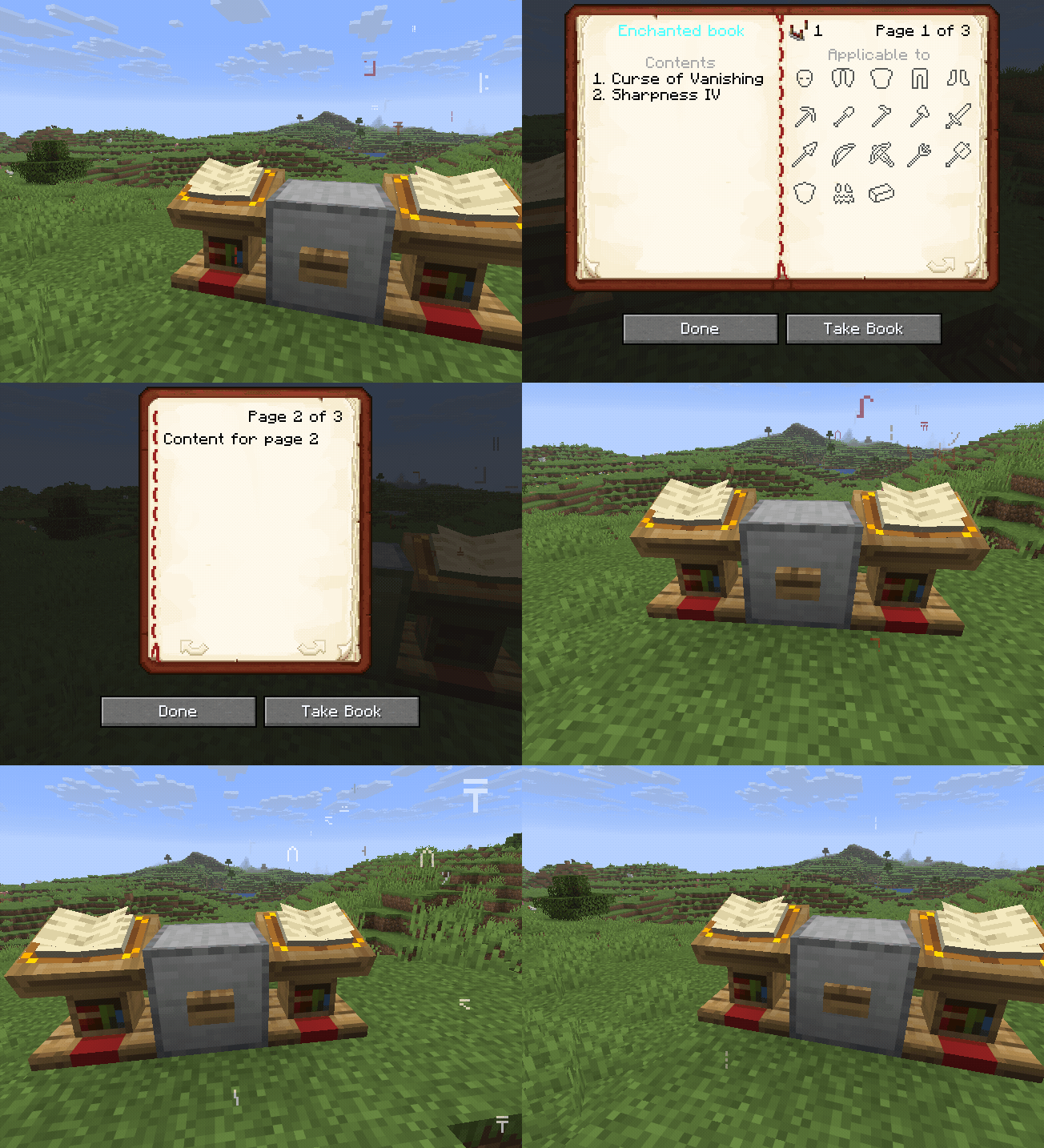
Changing pages using redstone
Changing the selected lectern page using a redstone pulse is disabled by default and must be enabled using the following game rule, which can also be found in the "Miscellaneous" section
`/gamerule interactive_enchanted_books:signal_changes_lectern_page true`
Sending a redstone pulse to the lectern block results in the active page being incremented. If the last page is reached, the lectern will loop back to the first page.
If this game rule is enabled the default behaviour of lecterns outputting a redstone pulse when changing pages is disabled. Changing the active page still results in an observer update.

See the example repository for more details on how to integrate custom enchantments.
