

InstantQuit
Return to the title screen instantly when saving your world — no more waiting.
 78
78
Quick challenge
How far can you run before the mobs catch you?
Minecraft check
Confirm your run
Complete the quick check to get your code.
InstantQuit
InstantQuit
Return to the title screen instantly when saving your world — no more waiting.
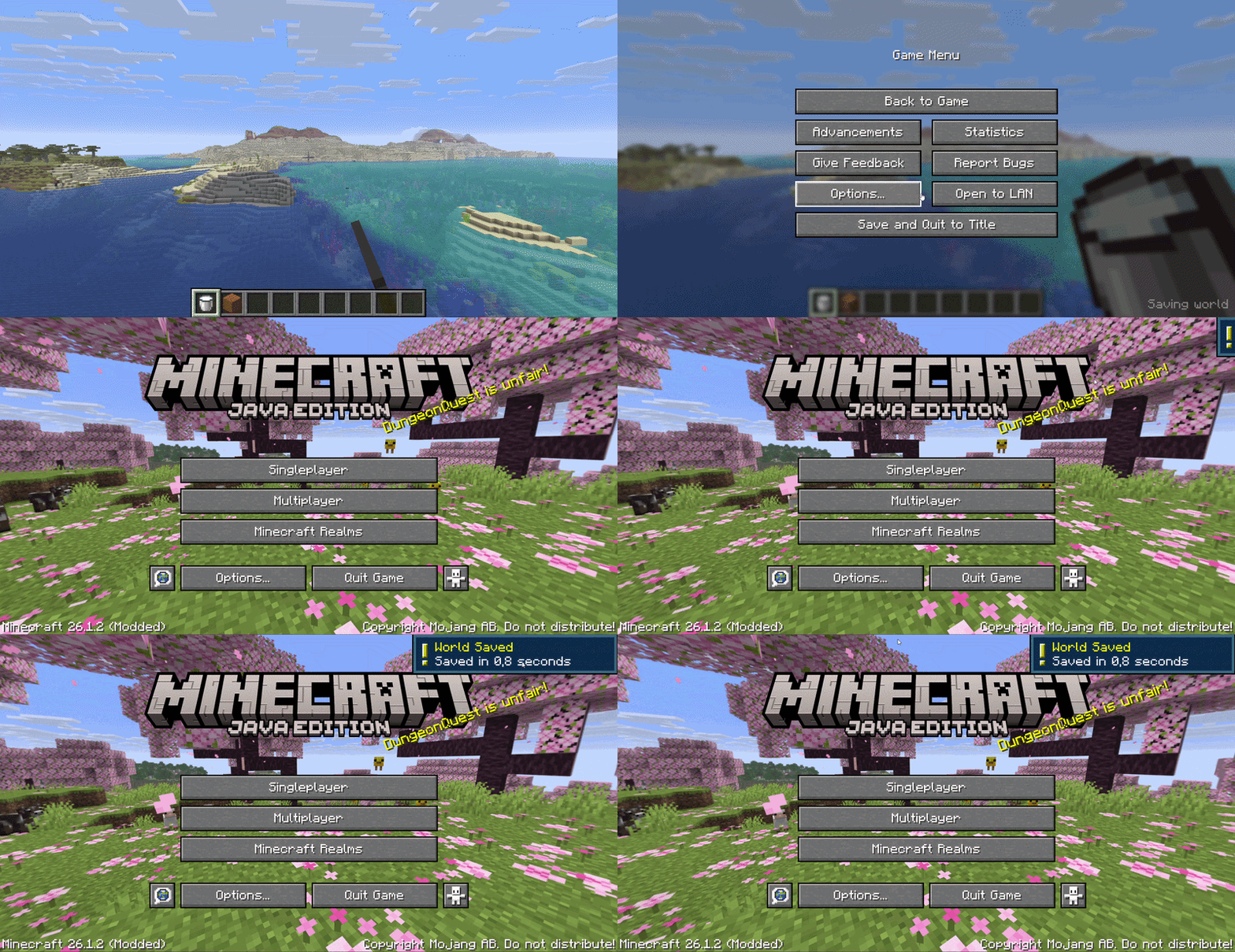
What it does
When you click "Save and Quit to Title", vanilla Minecraft shows a saving screen and blocks you until the world is fully saved. InstantQuit skips that screen entirely — you're back at the title screen immediately while your world saves in the background.
- ⚡ Configurable to title screen on quit - 💾 Configurable — your world saves safely while you do other things - 🔒 Configurable in the world list while saving (can't be opened mid-save) - ✅ Configurable — see how long the save took (e.g. "Saved in 1.2s") - 🔔 Configurable when saving completes - ⚙️ Configurable via config file or Cloth Config screen (optional)
Configuration
Config file location: `.minecraft/config/instantquit.json`
| Option | Default | Description | |--------|---------|-------------| | `showToast` | `true` | Show a toast notification when saving completes | | `showSaveTime` | `true` | Display save duration in the world list | | `threadPriority` | `3` | Background save thread priority (0–10) |
If Cloth Config and Mod Menu are installed, you can configure the mod in-game from the Mods screen.
Requirements
- Minecraft 26.1.x - Fabric Loader ≥ 0.18.5 - Fabric API
Optional
- Cloth Config — in-game config screen - Mod Menu — access config from the Mods list
License
MIT — see LICENSE
