Image To Painting
Turn Any Image into a Minecraft Masterpiece
 800
800
Quick challenge
How far can you run before the mobs catch you?
Minecraft check
Confirm your run
Complete the quick check to get your code.
Image To Painting

Image-To-Painting
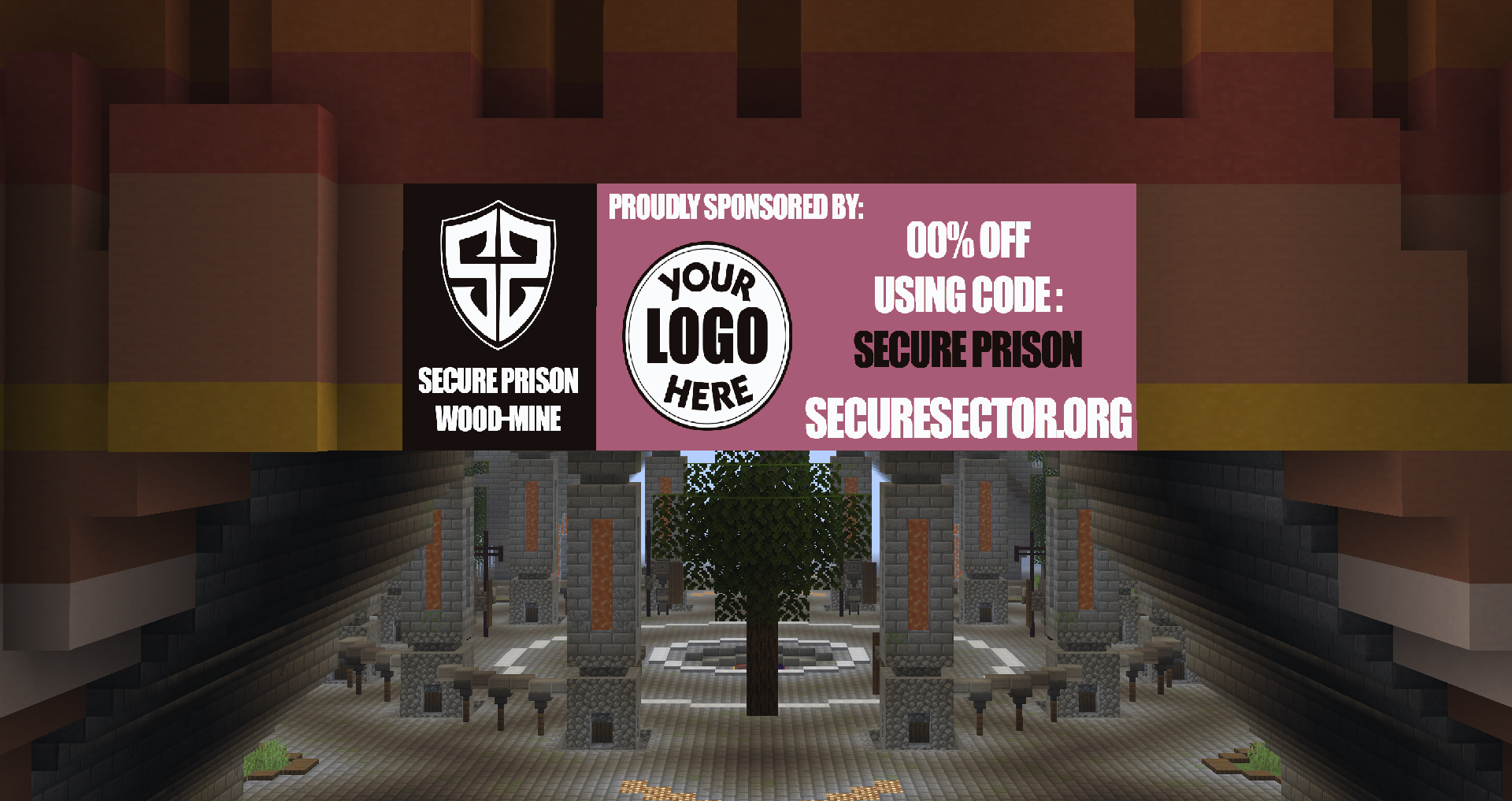
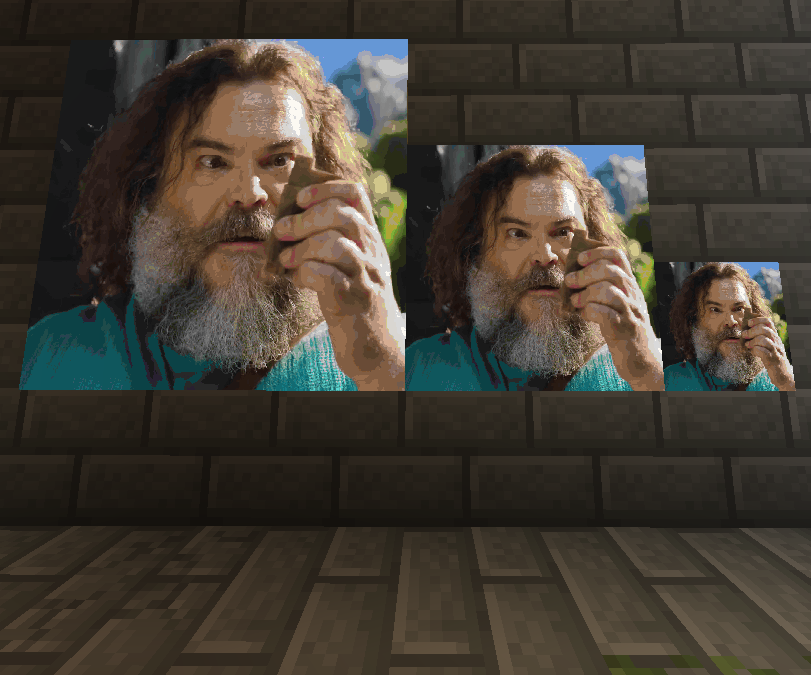
<b>Image-To-Painting</b> lets you transform any image (from file or URL) into a fully rendered Minecraft painting using in-game maps. Whether you want to showcase pixel art, logos, or server sponsors, this plugin makes it simple, customizable, and lag-free.
See it in action before you try on my server: <b>Play.SecureSector.org</b>
<b><u>Do not use reviews for support!</u></b>
✔️ Get support

✨ Features
Image Upload — Any valid online image URL
Economy Support — Ability to add cost of maps and currency name.
Multi-Map Support — Automatically splits large images into multiple map tiles for perfect detail.
Inventory Overflow Handling — If your inventory is full, maps are safely dropped at your feet.
High Performance — Optimized rendering with minimal server impact.
Simple Commands — Easy to learn and use, even for new players.
Custom Map IDs — Keep your artwork organized and reusable.
Permission Nodes — Full control over who can give, paste, and delete paintings.
⚙️ Commands
/itp
/itp list
/itp help
/itp place <id>
/itp delete <id>
/itp rebuild <id>
/itp give <id> <Full>
/itp give <id> <Width> <Height>
/itp render <URL/File> <Width> <Height> <Fit|Fill>
/itp frame <id> <North|East|South|West> <Width> <Height> <Distance>
/itp reload
⌨️ Permissions
imagetopainting.list
imagetopainting.place
imagetopainting.delete
imagetopainting.rebuild
imagetopainting.give
imagetopainting.render
imagetopainting.frame
imagetopainting.economy.bypass
️️🛠️ Config Options
Enable/Disable price per map
Ability to change price of each map and currency name
Image type quality options including: dither - interpolation - multistep - sharpening
Customizable width and height maxes
🌎 Usage
Server artwork displays
Minigame arenas
In-game advertisements
Custom maps & adventures
Museum builds
🖼️ Image How To:
First, Place Item Frame on surface
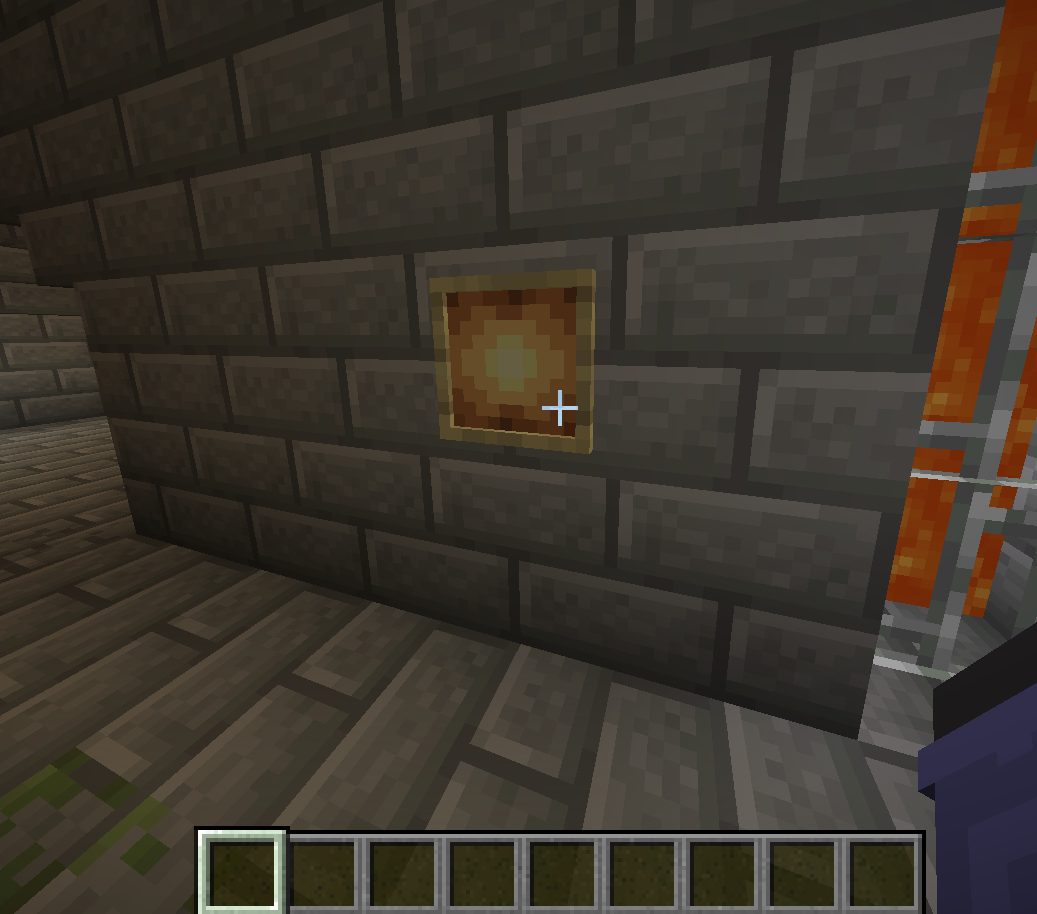
Next, Do /itp <URL> <Width> <Height> <Fit|Fill> (For this it would be /itp <URL> 1 1)
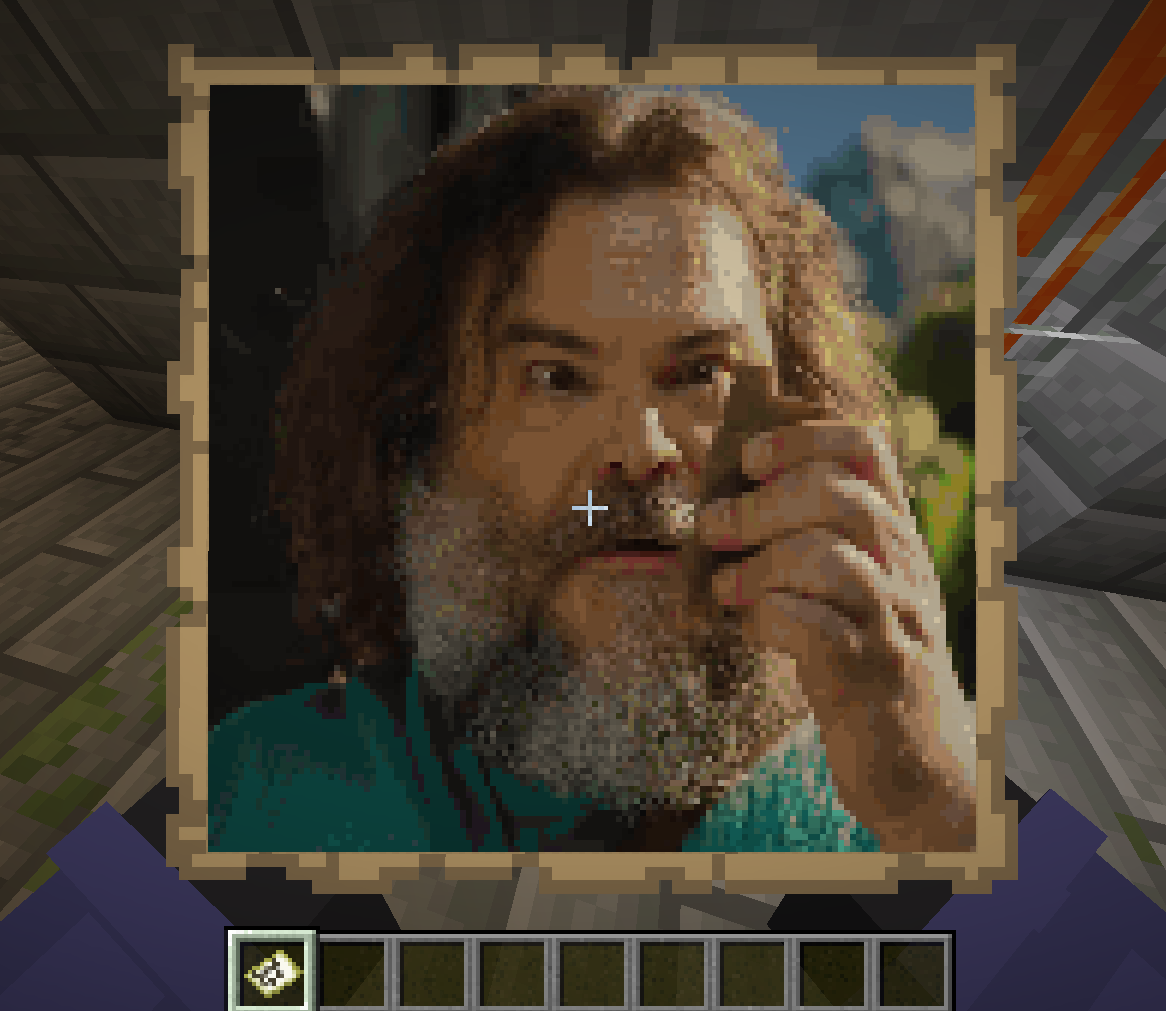
lastly, Place the map given to you in item frame