

Image Shader
Only use a shader to display an image on your screen~
 4,44k
4,44k
Quick challenge
How far can you run before the mobs catch you?
Minecraft check
Confirm your run
Complete the quick check to get your code.
Image Shader
Image Shader
Only use a shader to display an image on your screen~ Note: compiling the shader may take some time!
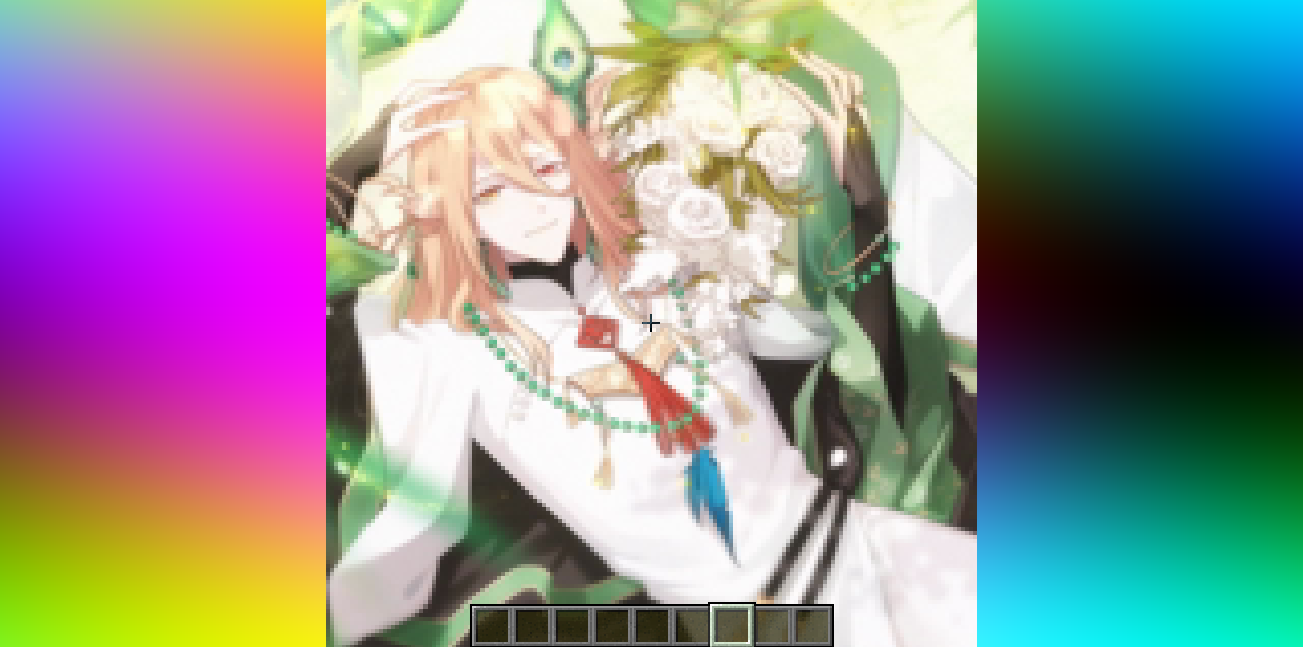
How to prepare a custom image~
First, use ffmpeg (or any tool) to resize your image to 160×160 pixels.
```bash Using ffmpeg: ffmpeg -i Input.png -vf scale=160:160 image.png ```
Then place the resized image in the same directory as the Python script below. Run the script to produce an `image_chunks` folder, then copy the 16 .glsl files inside into `shaders/data/image_chunks` (you need to unpack the shader pack first). Enter the game, enable the custom image option in the shader settings, and wait for the shader to finish compiling — Then it's ok~
A Python Script
```python from PIL import Image import os
def generate_glsl_chunks(image_path, output_dir="image_chunks"): try: img = Image.open(image_path).convert('RGBA') except FileNotFoundError: print(f"Error: Image file not found at {image_path}") return
width, height = img.size if width != 160 or height != 160: print(f"Error: Image must be 160x160 pixels, but it is {width}x{height}.") print(f"You can use:") print(f"ffmpeg -i image.png -vf scale=160:160 output.png") print(f"to adjust the image resolution.") return
os.makedirs(output_dir, exist_ok=True) chunk_size = 40 num_chunks_x = width // chunk_size num_chunks_y = height // chunk_size
for chunk_y in range(num_chunks_y): for chunk_x in range(num_chunks_x): left = chunk_x * chunk_size upper = chunk_y * chunk_size right = left + chunk_size lower = upper + chunk_size sub_img = img.crop((left, upper, right, lower)) pixel_data = list(sub_img.getdata())
array_name = f"image_data_{chunk_y}_{chunk_x}" output_file_path = os.path.join(output_dir, f"{array_name}.glsl")
glsl_array = f"vec4 {array_name}[{chunk_size * chunk_size}] = vec4[{chunk_size * chunk_size}](n"
for i, pixel in enumerate(pixel_data): r, g, b, a = pixel glsl_array += f" vec4({r/255.0}, {g/255.0}, {b/255.0}, {a/255.0})" if i < len(pixel_data) - 1: glsl_array += "," if (i + 1) % 4 == 0: glsl_array += "n"
glsl_array += ");n"
with open(output_file_path, 'w') as f: f.write(glsl_array)
print(f"Generated file: {output_file_path}")
--- Config ---
image_file = "image.png" output_directory = "image_chunks"
generate_glsl_chunks(image_file, output_directory)
```
