

Excalibur | Create Addon
This is a support pack that converts Create Mod textures to better match the masterpiece Excalibur ResourcePack.
 21,56k
Quick challenge
How far can you run before the mobs catch you?
Minecraft check
Confirm your run
Complete the quick check to get your code.
Excalibur | Create Addon
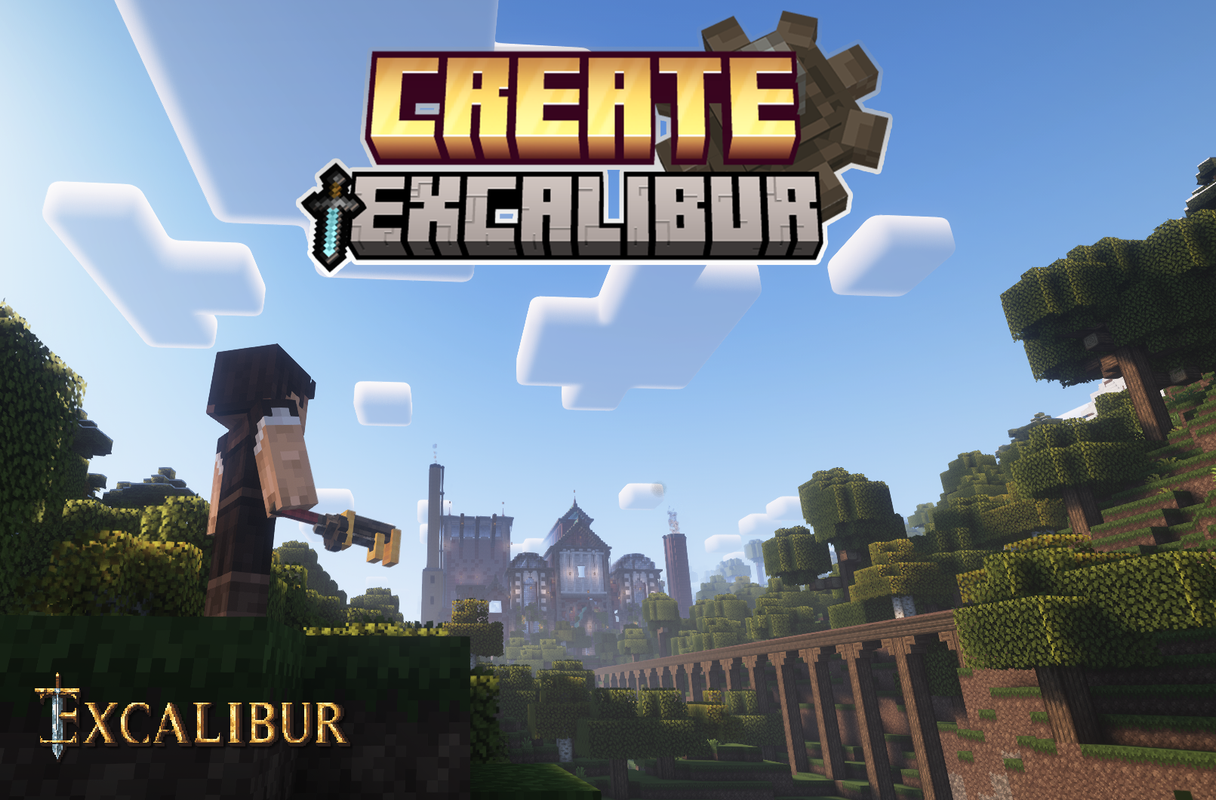
This is a support pack that converts Create Mod textures to better match the masterpiece Excalibur ResourcePack.
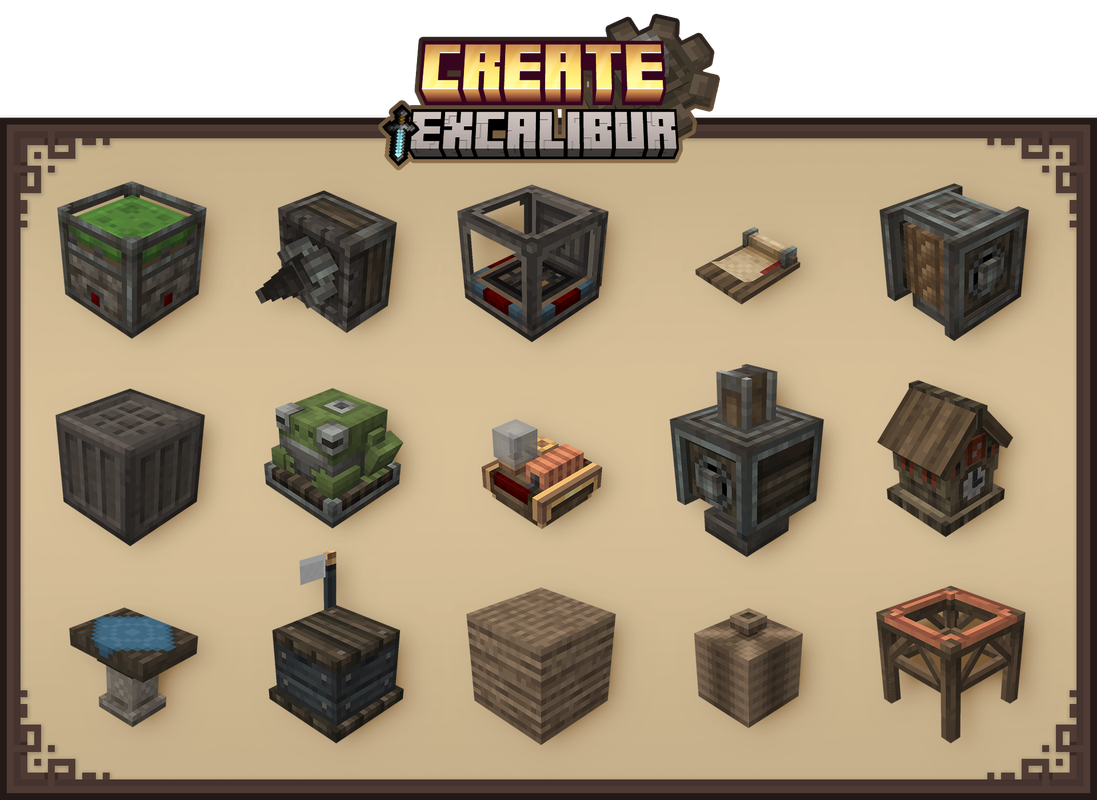
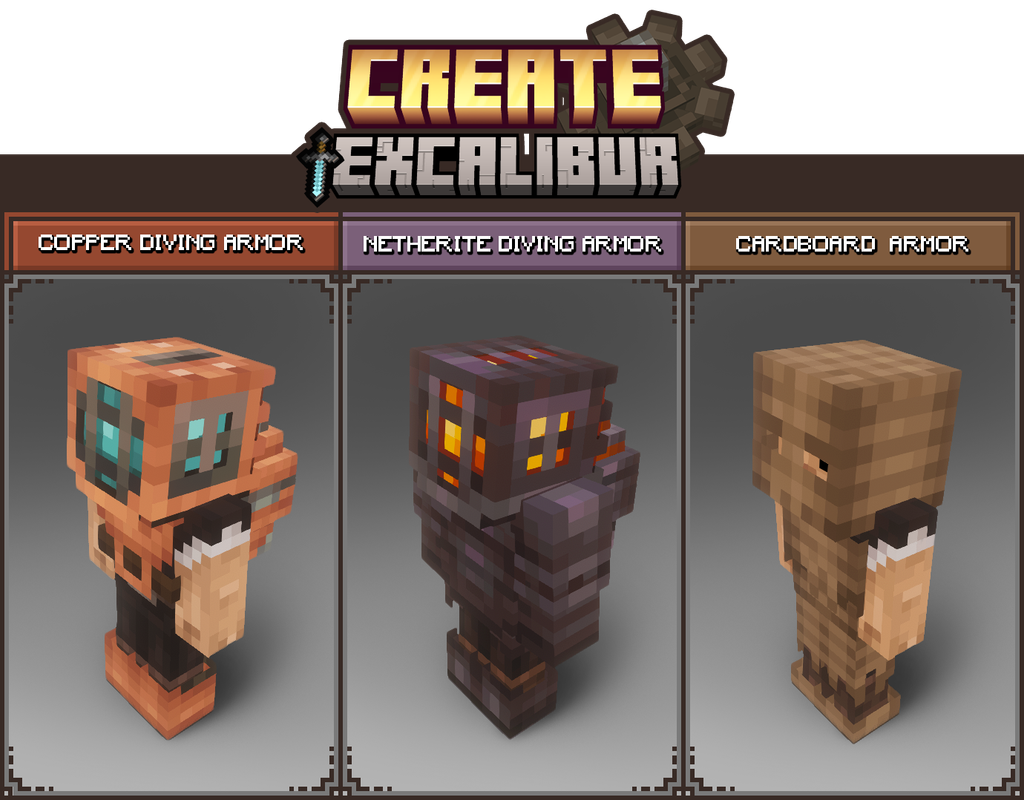
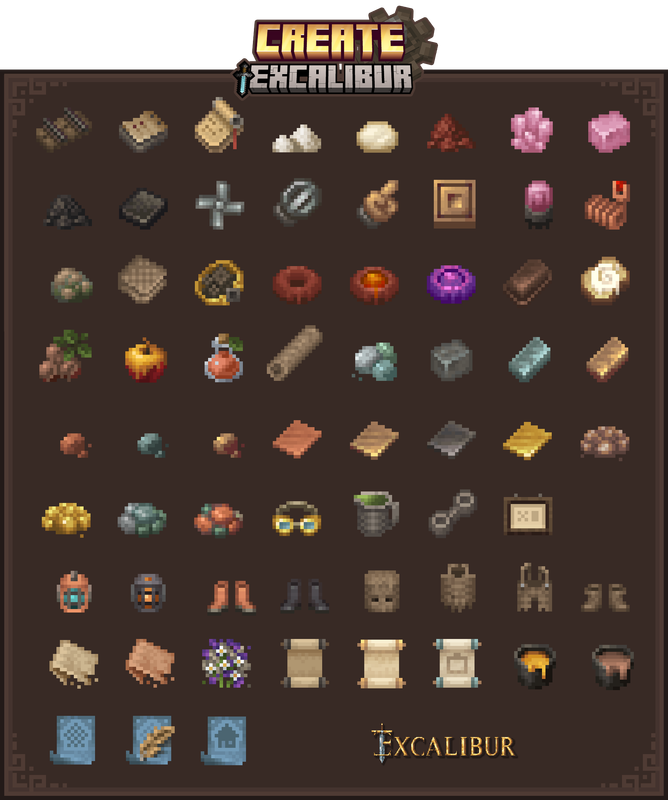
This Pack contains : - All blocks in Create's Main and Decorative tabs have been retextured/remodeled to match Excalibur style/theme. - All items retextured - GUI retextured to match better the resourcepack Excalibur - Connected textures. ( All Stonebricks variants, Naturals blocks, Display board )
Installation:
In the game
-> Click "Options…"
-> Click "Resource Packs…"
-> Click "Open Resource Pack Folder"
-> Drag and Drop the Create Excalibur Support.zip file into the "resourcepacks" folder
-> Move the Create Excalibur Support resource pack from the left column to the right
-> Make sure that the support pack is placed above the original Excalibur resource pack
-> Select "Done"
-> Create
Credits :
Maffhew - Excalibur Resourcepack
Simibubi - Create Mod
Craig - for helping me fix an issue
Koin - Author of the building on the picture presentation
