

Elvenide Structures
Easily build moving elevators and sliding doors! No resource packs or mods needed!
 187
187
Quick challenge
How far can you run before the mobs catch you?
Minecraft check
Confirm your run
Complete the quick check to get your code.
Elvenide Structures

Easily build moving, functional structures such as elevators and sliding doors in Minecraft!
Requires PaperMC.
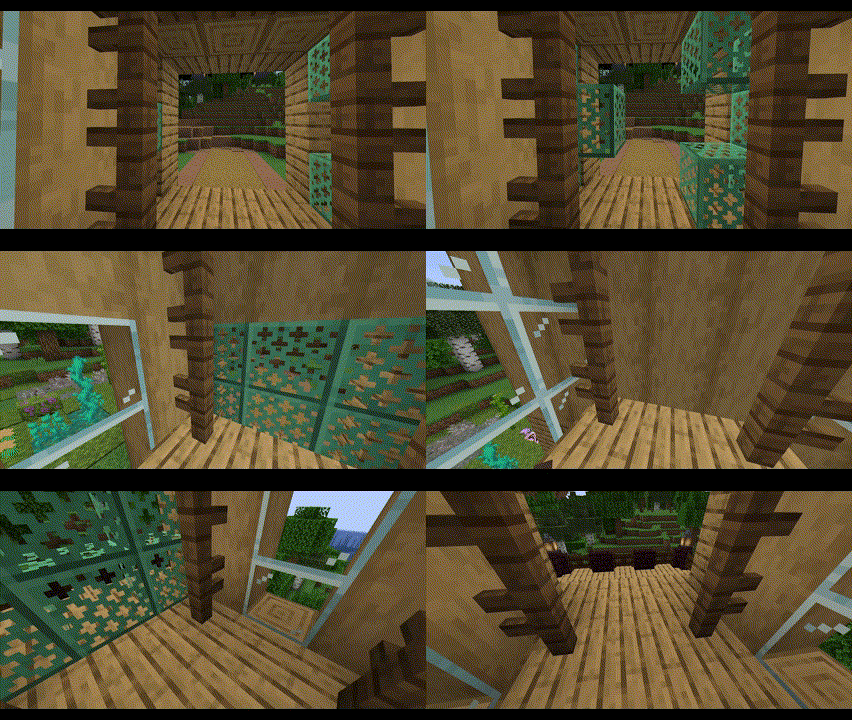
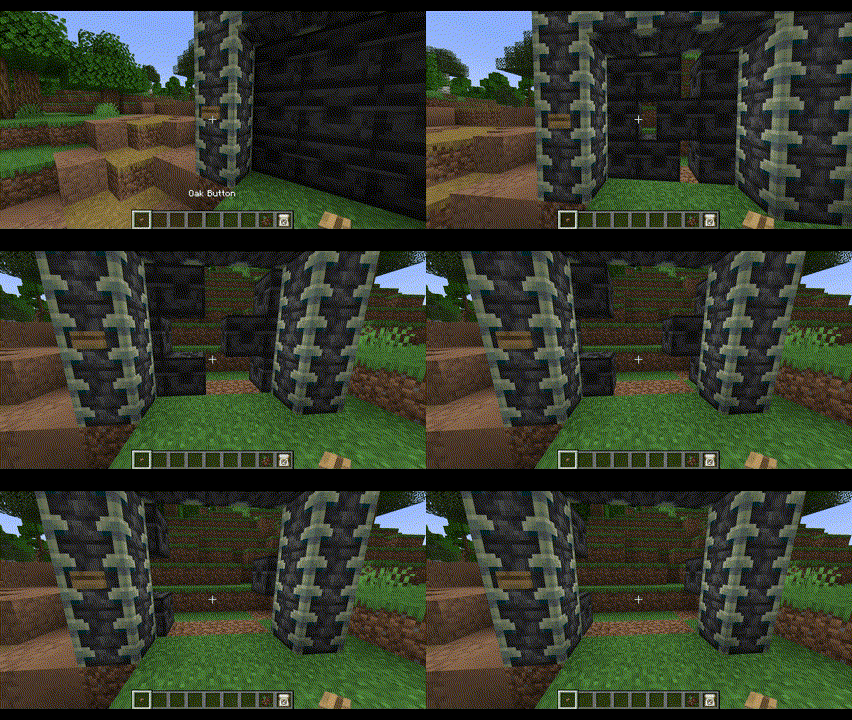
Features
- Smoothly animated elevators and sliding doors - No resource packs or mods necessary! - Elevators can lift several players and mobs - Elevators support up to 2 auto-detected floors - Elevators can be started by simply walking inside them - Elevators can be called by any nearby buttons, levers, etc - Doors can be opened/closed by any nearby buttons, levers, etc - Two adjacent doors become double doors that move simultaneously - Doors and elevators near each other can be auto-connected - Easily setup doors and elevators using a familiar selection tool system
Get Started
1. Download the plugin into your `plugins` folder 2. Start your server 3. Use the `/estructures` command to create and manage your structures
Commands and Permissions
All commands can also use the alias `/estruct`. - `/estructures door` - Setup a moving door. - Permission: `elvenidestructures.commands.door` - `/estructures door delete` - Delete an existing door. - Permission: `elvenidestructures.commands.door.delete` - `/estructures elevator create` - Setup a moving elevator. - Permission: `elvenidestructures.commands.elevator.create` - `/estructures elevator run` - Run an existing elevator, ignoring cooldowns. - Permission: `elvenidestructures.commands.elevator.run` - `/estructures elevator delete` - Delete an existing elevator. - Permission: `elvenidestructures.commands.elevator.delete` - `/estructures reload` - Reload the configs for the world you are currently in. - Permission: `elvenidestructures.commands.reload`
Configuration
Once you setup a structure (elevators/doors), an `elvenide_structures` folder will appear within the world you created the structure in. Inside that folder, there is a thoroughly documented `config.yml` file that will allow you to configure a couple of useful properties.
