

Cukkoo's Quality of Life
51 highly customizable Quality of Life (QoL) improvements in one mod. Client-side only (no server needed). Includes built-in presets for FPS and difficulty!
 47
47
Quick challenge
How far can you run before the mobs catch you?
Minecraft check
Confirm your run
Complete the quick check to get your code.
Cukkoo's Quality of Life
Cukkoo's Quality of Life
51 modular quality-of-life (QoL) improvements in a single mod. Every feature can be toggled independently, most are fine-tunable, and it comes with built-in + user presets.
Side: 26.1 / 26.1.1 / 26.1.2 · Side: Fabric · Side: Client & Server (See note below)
---
Screenshots
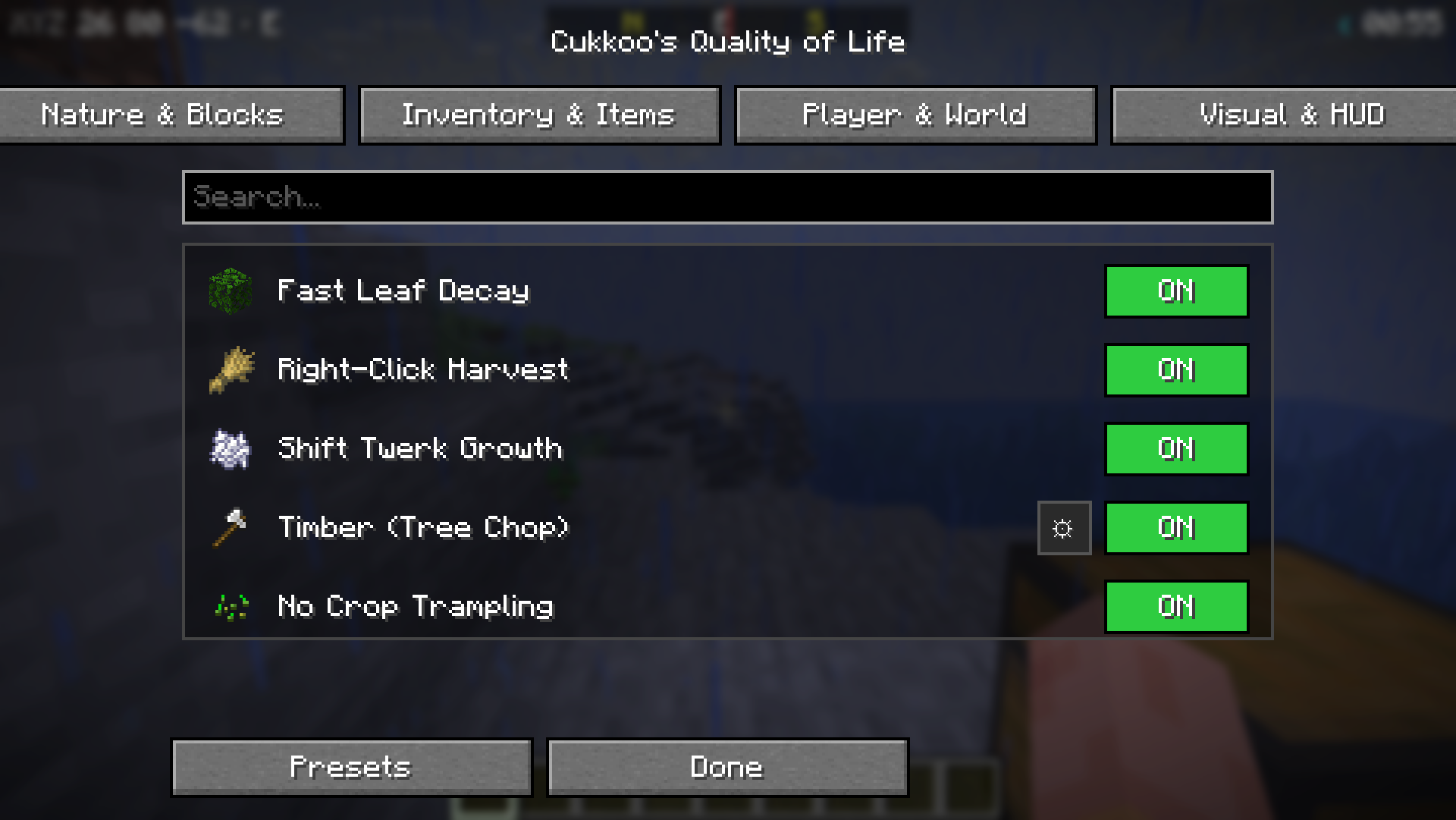
| Main Menu | Presets | |---|---| | 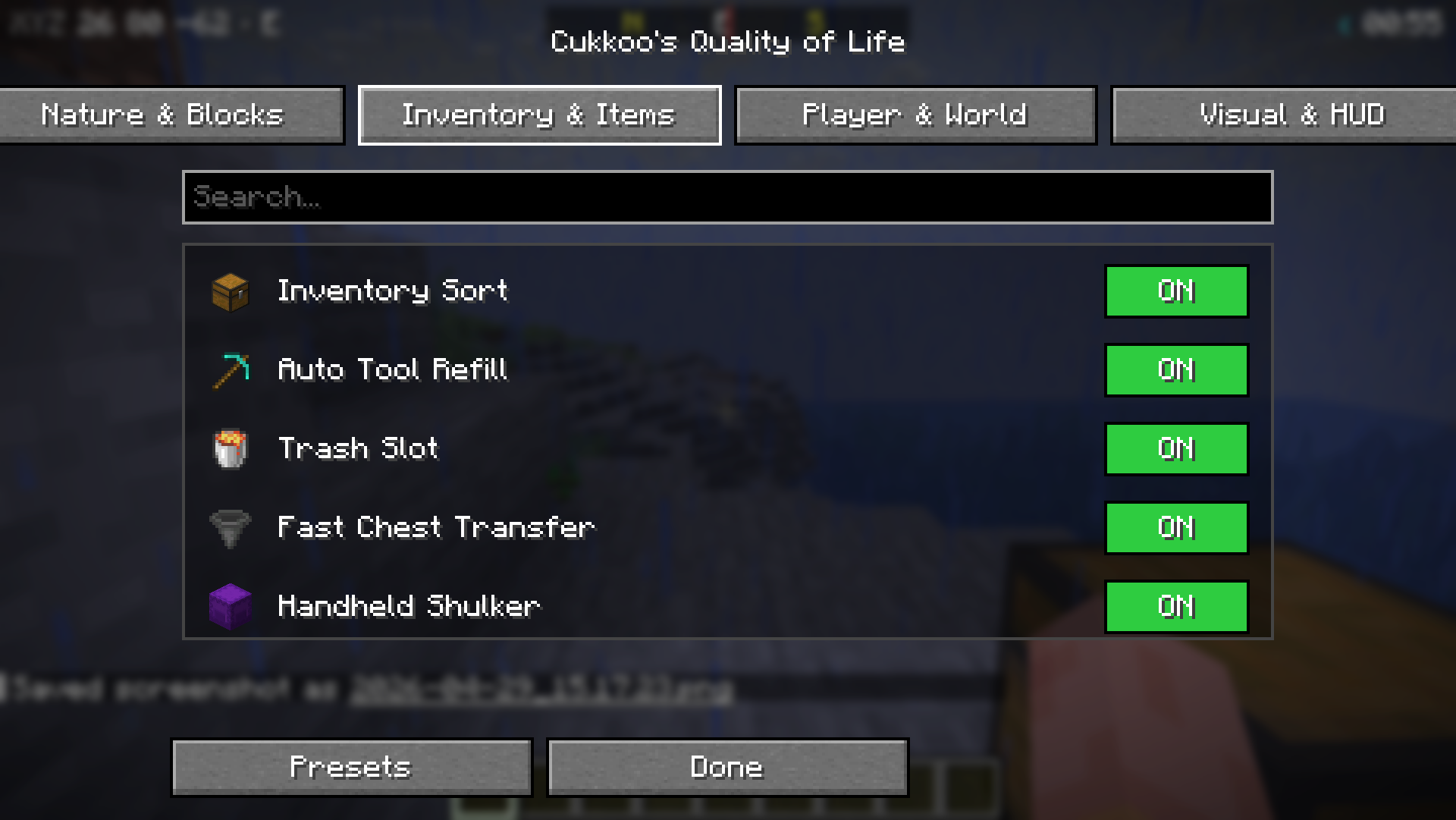 |
|  |
|
| Sub-Settings (⚙) | HUDs (Armor + Clock + Compass + Durability) | |---|---| | 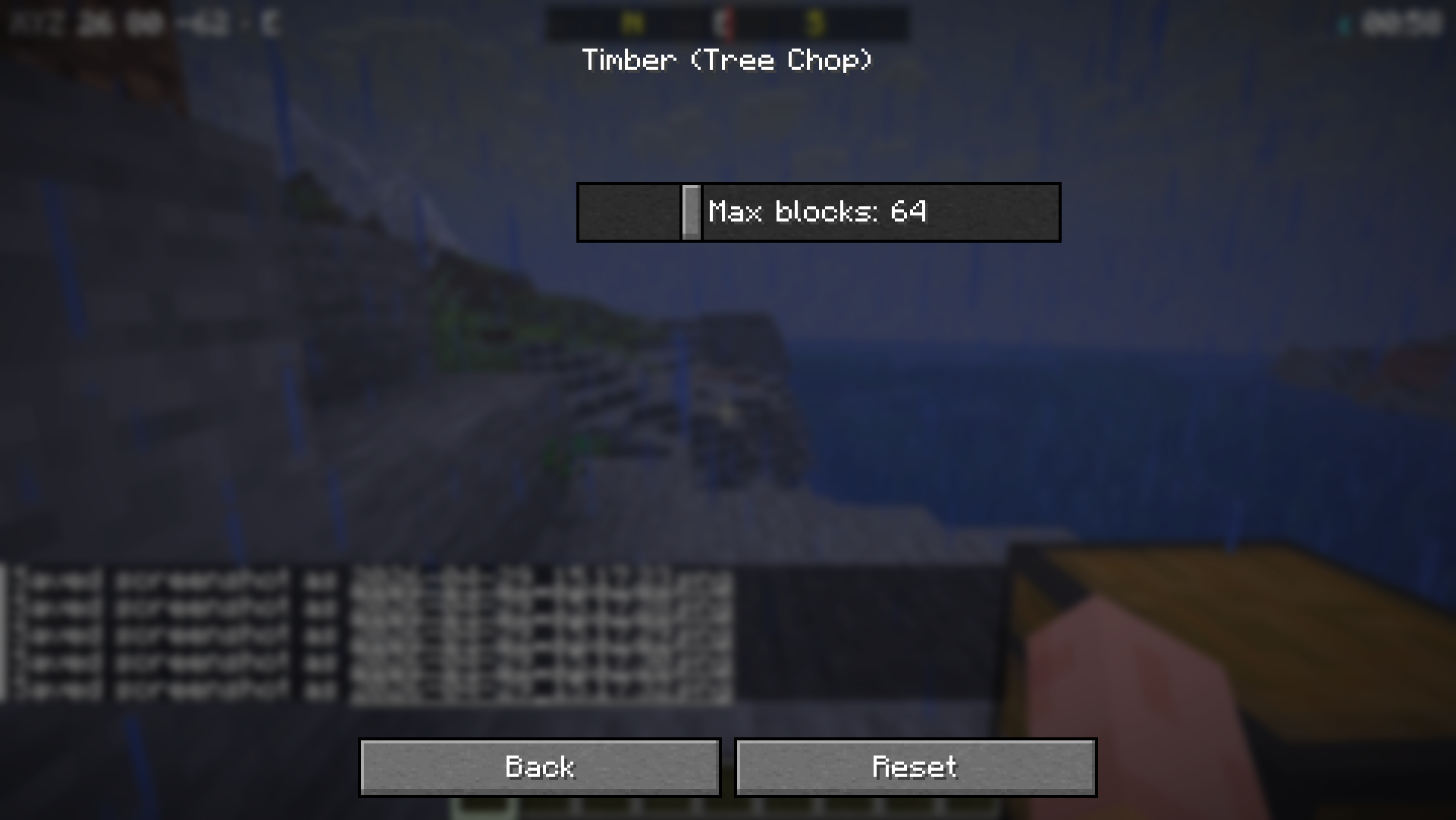 |
| 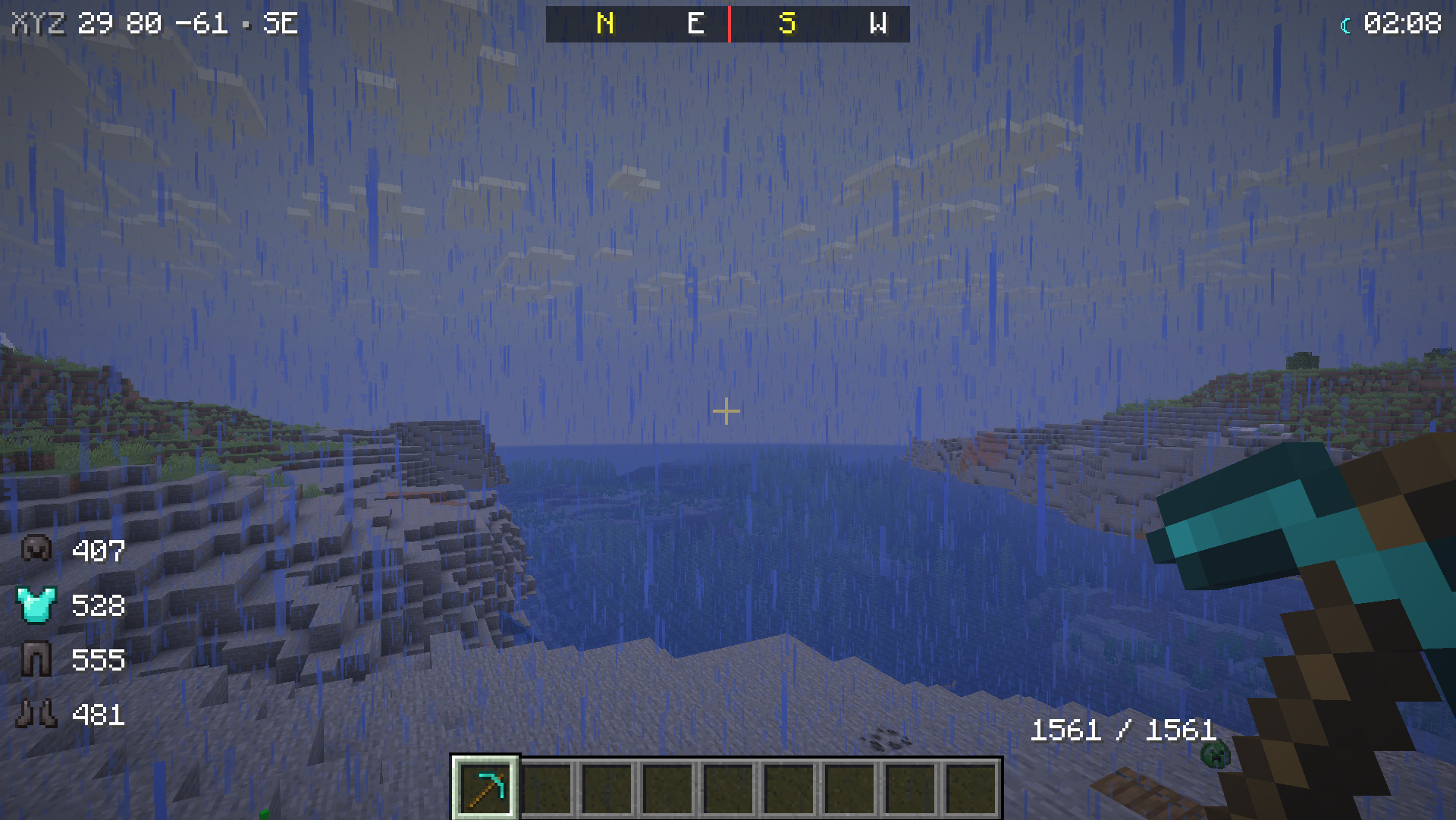 |
|
---
Installation
1. Install K (≥ 0.19.2). 2. Download %%MD1%%. 3. (Optional) %%MD2%% — to access the menu from the Mods list. 4. Drop the mod's `.jar` file into your `mods/` folder. 5. Press K in-game or type `/cqol menu`.
---
Features (51)
🌿 Nature and Blocks (10)
| Feature | Description | |---|---| | Fast Leaf Decay | Leaves decay instantly and drop loot when a tree is cut. | | Right-Click Harvest | Right-clicking a mature crop harvests and replants it. | | Shift Twerk Growth | Repeatedly crouching near plants grows them without bone meal. | | Timber (Tree Chop) | Breaking one log fells the entire tree (configurable block limit). | | No Crop Trampling | Farmland/crops are not trampled when jumped on. | | Auto Sapling Plant | Dropped saplings automatically plant themselves. | | Grass Extra Drops | Extra chance for seeds/saplings from grass (rates adjustable). | | Cactus Protection | Items touching a cactus are no longer destroyed. | | Vine Control | Shift + right-click to stop vines from spreading. | | Infinite Anvil | Anvils never break. |
🎒 Inventory and Items (13)
| Feature | Description | |---|---| | Inventory Sort | Press Ctrl+F in any container to sort by name. | | Auto Tool Refill | Automatically replaces a broken tool with a fresh one from your inventory. | | Trash Slot | A dedicated slot for permanently deleting unwanted items. | | Fast Chest Transfer | Press Ctrl+F in a chest to dump your entire inventory at once. | | Handheld Shulker | Open shulker boxes directly from your hand without placing them. | | Death Grave | Items are placed in a chest upon death. | | Villager Trade Refill | Trades replenish automatically over time. | | Item Merging (FPS) | Aggressive merging of dropped items to boost FPS. | | XP Storage | Store your XP levels into bottles. | | Shulker Preview | Hover over a shulker box to see its contents. | | Hotbar Swap | Press Ctrl+F in inventory to swap hotbar with a backup row. | | Auto Eat | Automatically eats food when hunger drops below a threshold. | | Chest Search | Press Ctrl+F in a container to filter items. |
🏃 Player and World (12)
| Feature | Description | |---|---| | Fast Ladder | Increases climbing speed (adjustable). | | Skip Portal Nausea | Removes the dizzying portal effect. | | Fast Minecarts | Increases max speed (multiplier adjustable). | | Fall Damage Reduction | Damage multiplier (0.0–1.0). | | One-Player Sleep | Sleeping alone advances time to day. | | Despawn Timer | Adjustable multiplier for item despawn time. | | AFK Notify | Chat notification after N idle minutes. | | Hunger Balancer | Hunger drains slower (multiplier adjustable). | | Painless Ender Pearl | No damage taken from throwing pearls. | | Fast Block Placement | Removes placement cooldown (tick adjustable). | | Auto Respawn | Automatically respawns after death. | | Death Coordinates | Prints your death location coordinates to chat. |
🎨 Visual and HUD (16)
| Feature | Description | |---|---| | Tool Break Warning | On-screen warning when durability is low. | | Low Health Sound | Periodic warning sound when health is below threshold. | | No Pumpkin Blur | Removes the overlay when wearing a pumpkin. | | Low Fire | Pushes the fire overlay down (offset adjustable). | | Clear Underwater | Removes underwater fog for perfect vision. | | Numeric Durability | Shows durability as a number on items. | | Mob Health Bar | Health bar nameplates above targeted entities. | | No Damage Flash | Removes the red screen flash when taking damage. | | Minimal Weather | Reduces rain/snow particles (multiplier adjustable). | | Armor Status HUD | Displays equipped armor and durability. | | Coordinate HUD | Displays X/Y/Z and facing direction. | | Game Time HUD | Displays game time with day/night icon. | | Compass Bar | Top-center N/E/S/W compass. | | Ping HUD | Color-coded latency display for multiplayer. | | Saturation HUD | Displays saturation value next to hunger. | | Block Name HUD | Displays the name of the block you are looking at. |
---
Commands (`/cqol`)
| Command | Description | |---|---| | `/cqol menu` | Open the QoL Menu. | | `/cqol list [category]` | List all features. | | `/cqol enable <feature>` | Turn a feature ON. | | `/cqol disable <feature>` | Turn a feature OFF. | | `/cqol settings <feature>` | List settings for a feature. | | `/cqol preset apply <id>` | Apply a preset. | | `/cqol preset save <id>` | Save current settings as a new preset. |
---
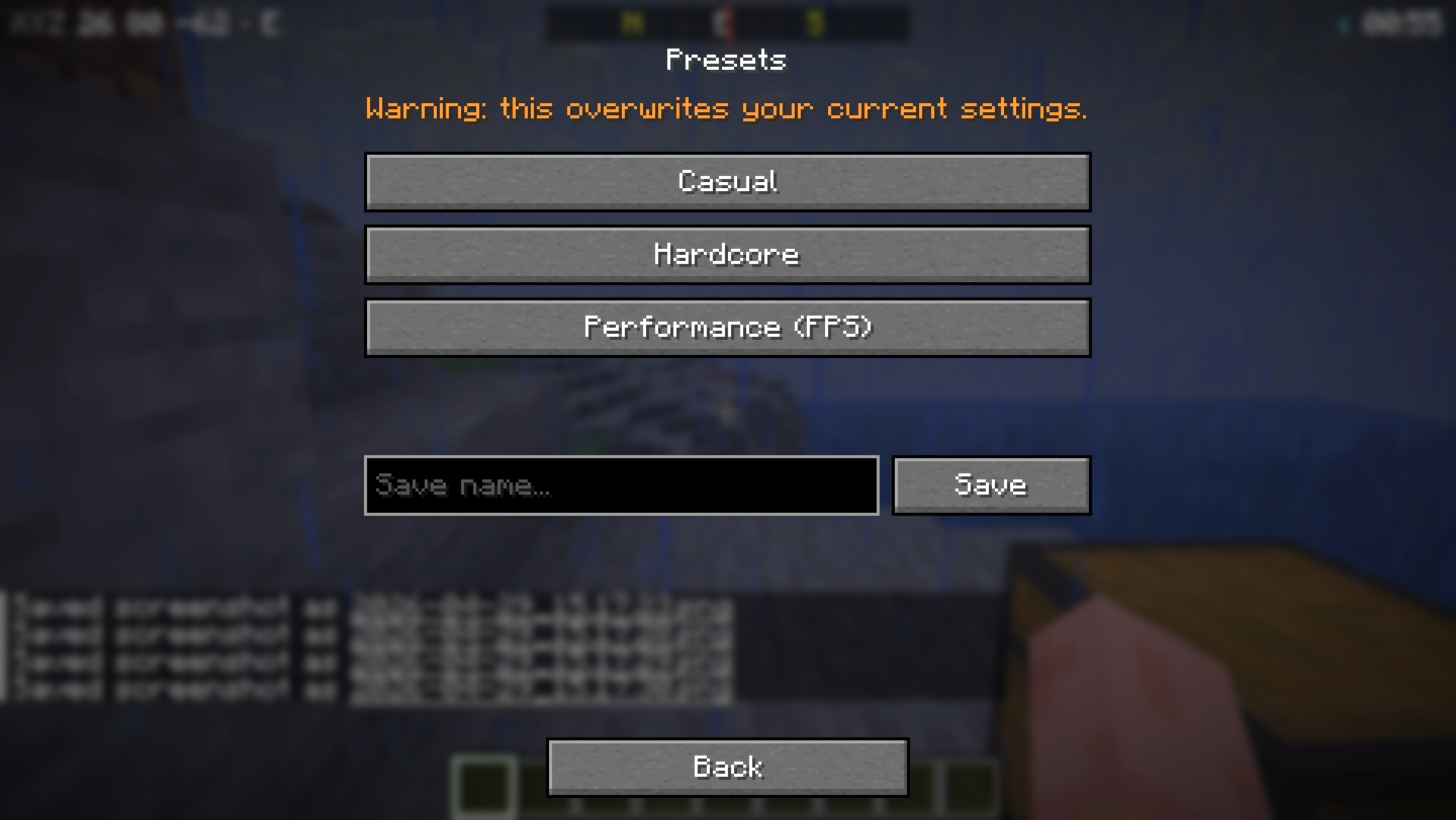
Presets
There are three built-in presets: - Performance — All UX features enabled, relaxed survival mechanics. - Performance — Only UI/UX improvements (sorting, warnings), keeps vanilla difficulty. - Performance — FPS focused, minimal visual clutter.
---
Keybinds (Customizable in vanilla controls)
| Key | Task | |---|---| | Ctrl+F | Open QoL Menu. | | Ctrl+F | Sort inventory (when container open). | | Ctrl+F | Dump inventory (when chest open). | | Ctrl+F | Hotbar swap (when inventory open). | | Ctrl+F | Chest search (when container open). |
---
License
MIT — See `LICENSE` for details.
--- *Note: For features like Timber, Auto-Replant, and Grave-on-Death to work in multiplayer, the mod must be installed on the server as well. Visual and HUD features work client-side everywhere!*
