Creative-Sandbox
Have peace of mind letting your players use Creative Mode.
 624
624
Quick challenge
How far can you run before the mobs catch you?
Minecraft check
Confirm your run
Complete the quick check to get your code.
Creative-Sandbox
Creative-Sandbox
Have peace of mind letting your players use Creative Mode.
Overview
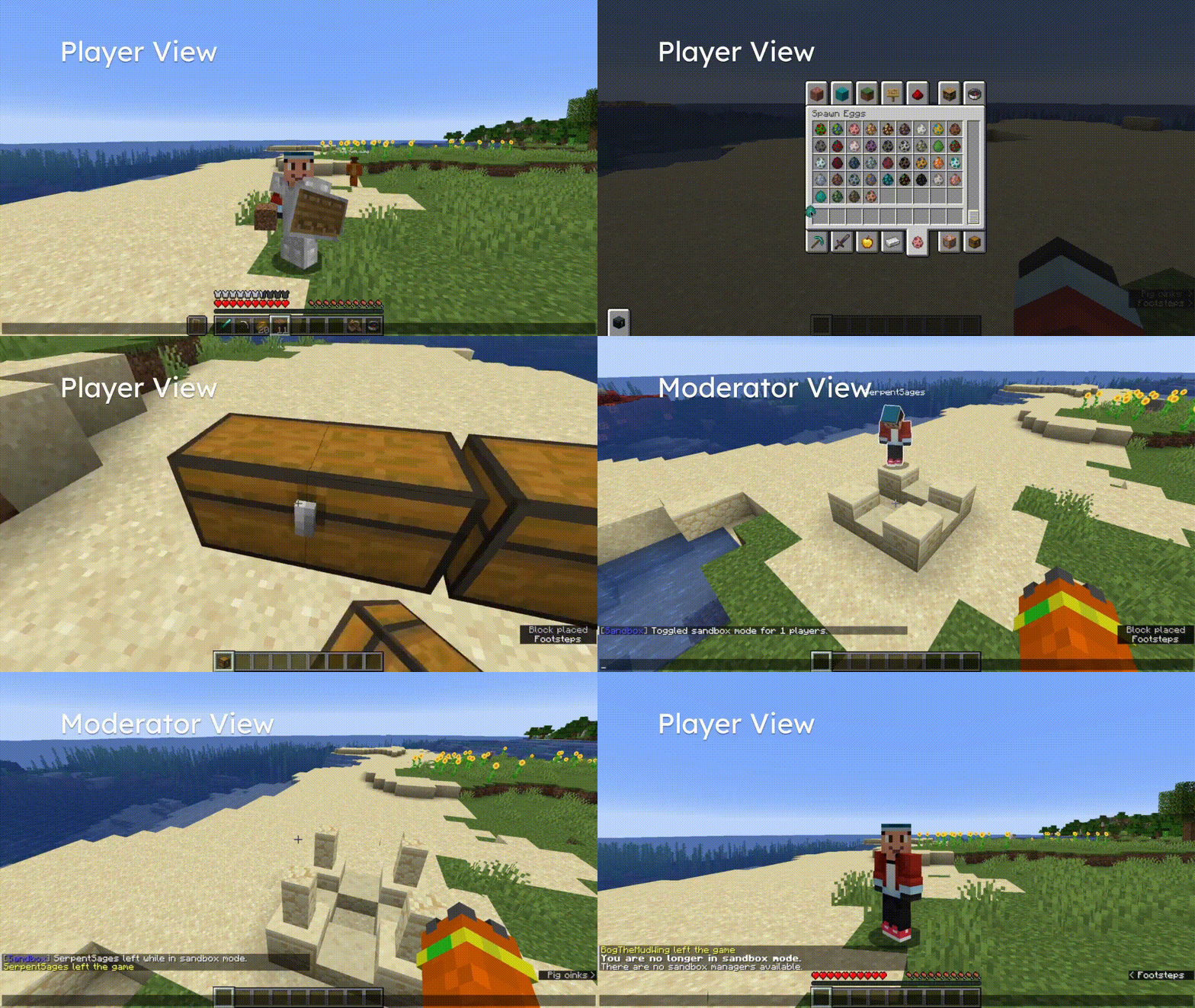
Creative-Sandbox is a Spigot plugin that allows server moderators to safely allow players to use Creative Mode. When a player is put into *Sandbox Mode*, their inventory is swapped, and they are put into Creative Mode with the following restrictions:
- They cannot access containers (bypassed with `sandbox.containers` permission). - They cannot drop items (bypassed with `sandbox.dropitems` permission). - They cannot use spawn eggs (bypassed with `sandbox.spawneggs` permission).
Players in Sandbox Mode also glow to make them easier to locate.
A player with the `sandbox.manage` permission (a "moderator") must be online for Sandbox Mode to remain active. If all moderators leave, all players in Sandbox Mode will be removed from Sandbox Mode, restoring their inventories. If players leave the game while in Sandbox Mode, they will remain in Sandbox Mode when they rejoin unless there are no moderators. When a Sandboxed player joins, moderators will be notified.
Usage
There is only one command needed to use Creative-Sandbox. ``` sandbox [playerTargets] [state] ``` To toggle Sandbox Mode for `SerpentSages`, you should run: ``` sandbox SerpentSages ``` To disable Sandbox Mode for all players, you should run: ``` sandbox @a false ``` To list all players in Sandbox Mode, you should run: ``` sandbox ```
Demo
Load the GIF file below to see it in action!
---