

Block Hitboxes Indicator
Do with Accuracy; shows the accurate hitbox of the block — both collision and interaction.
 8,47k
8,47k
Quick challenge
How far can you run before the mobs catch you?
Minecraft check
Confirm your run
Complete the quick check to get your code.
Block Hitboxes Indicator

Description
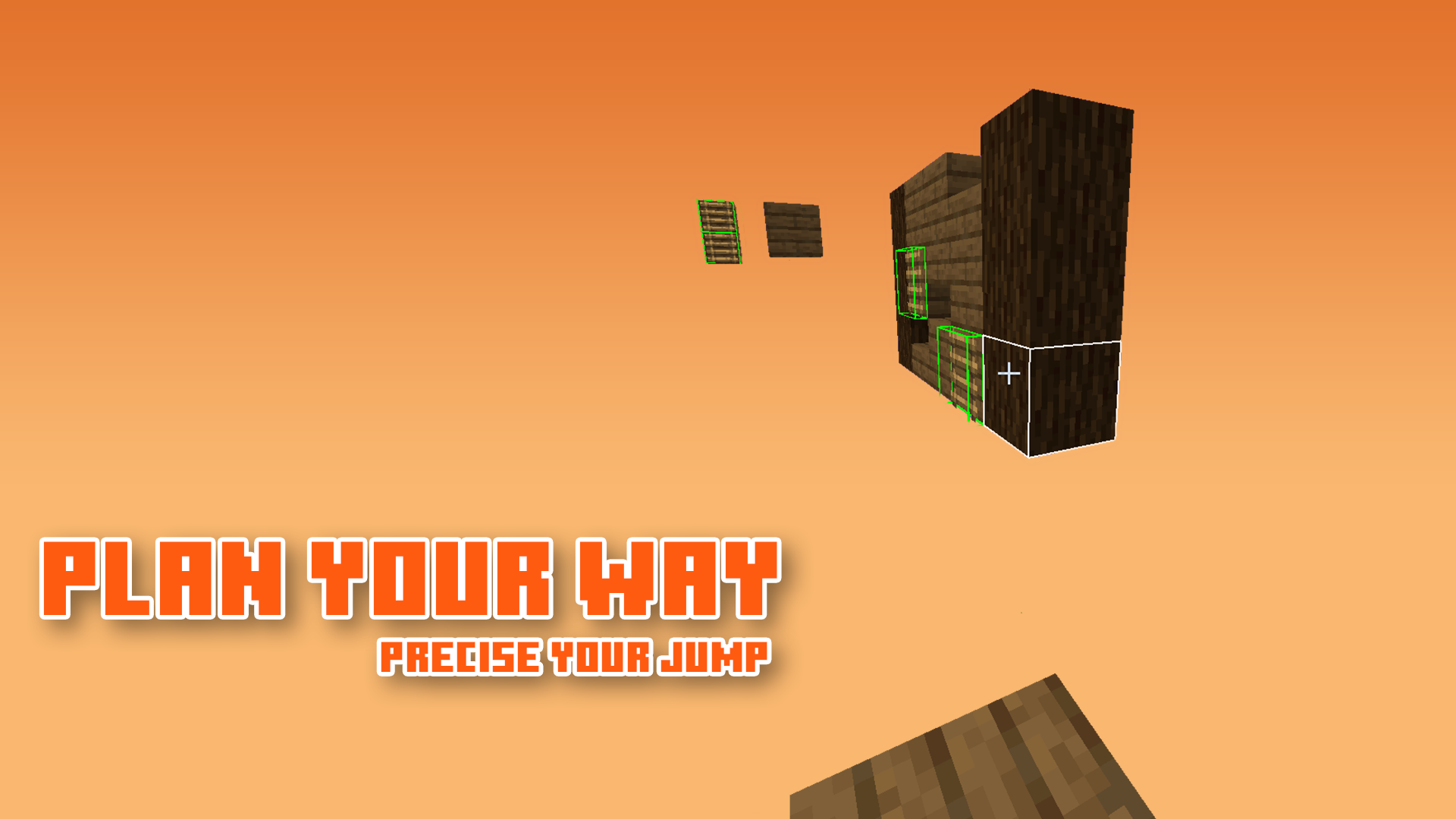
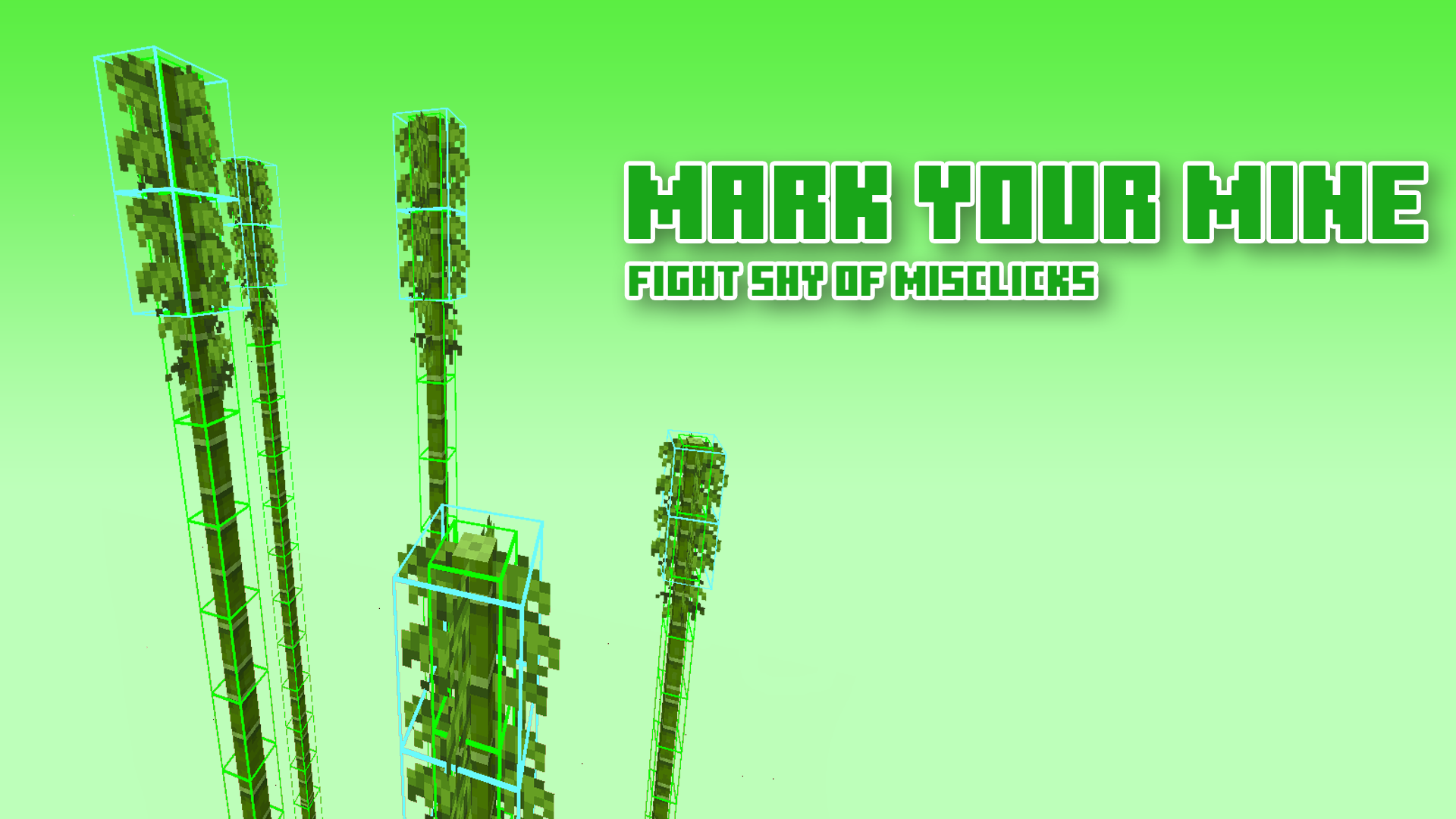
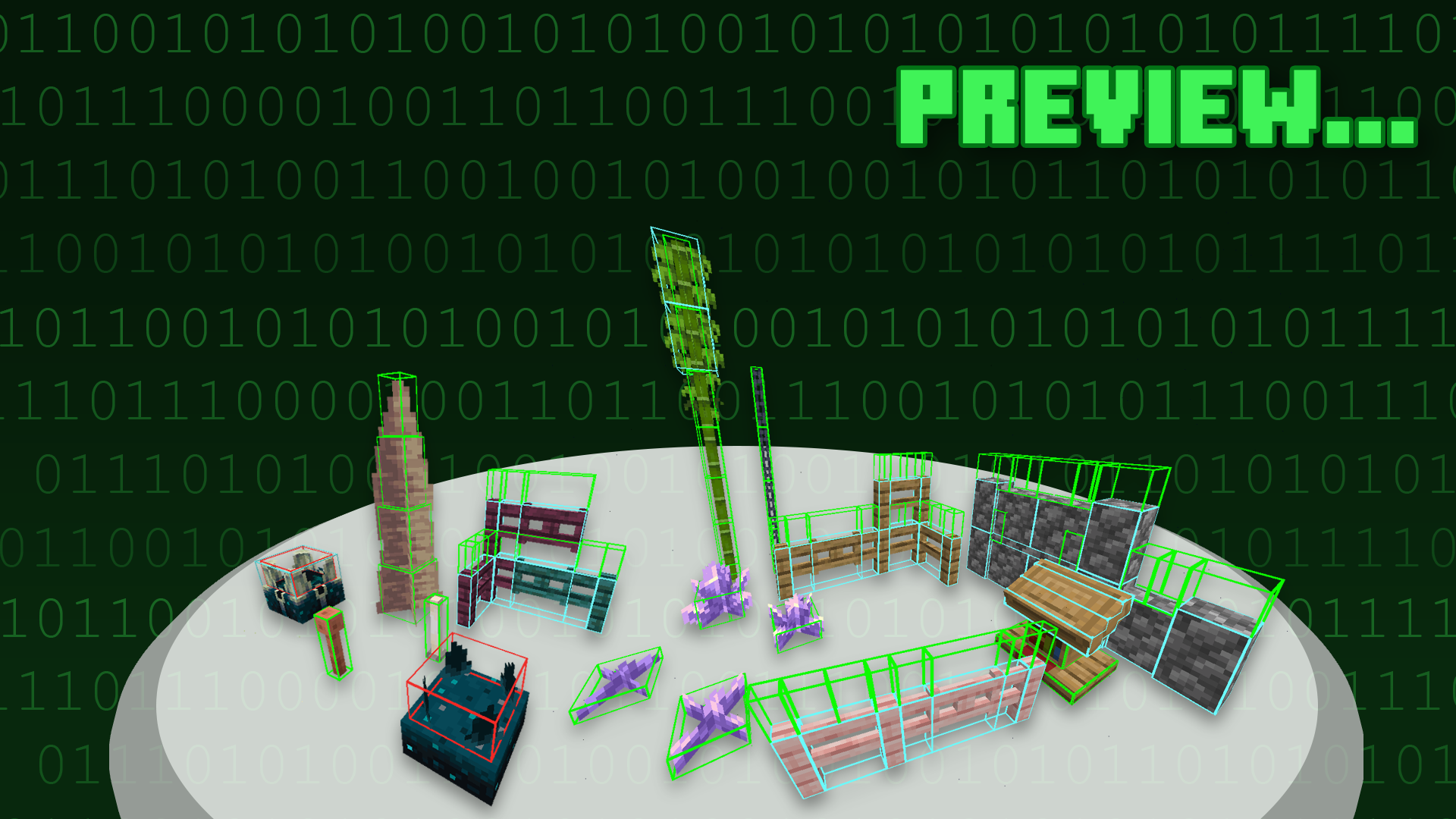
Block Hitboxes Indicator reveals the actual hitbox of the block so that you can do things without a jam; it shows the part where you can interact with them (through mining or placing next to them) and the part where their collision is present.
For images, see Gallery
Information & Recommendation
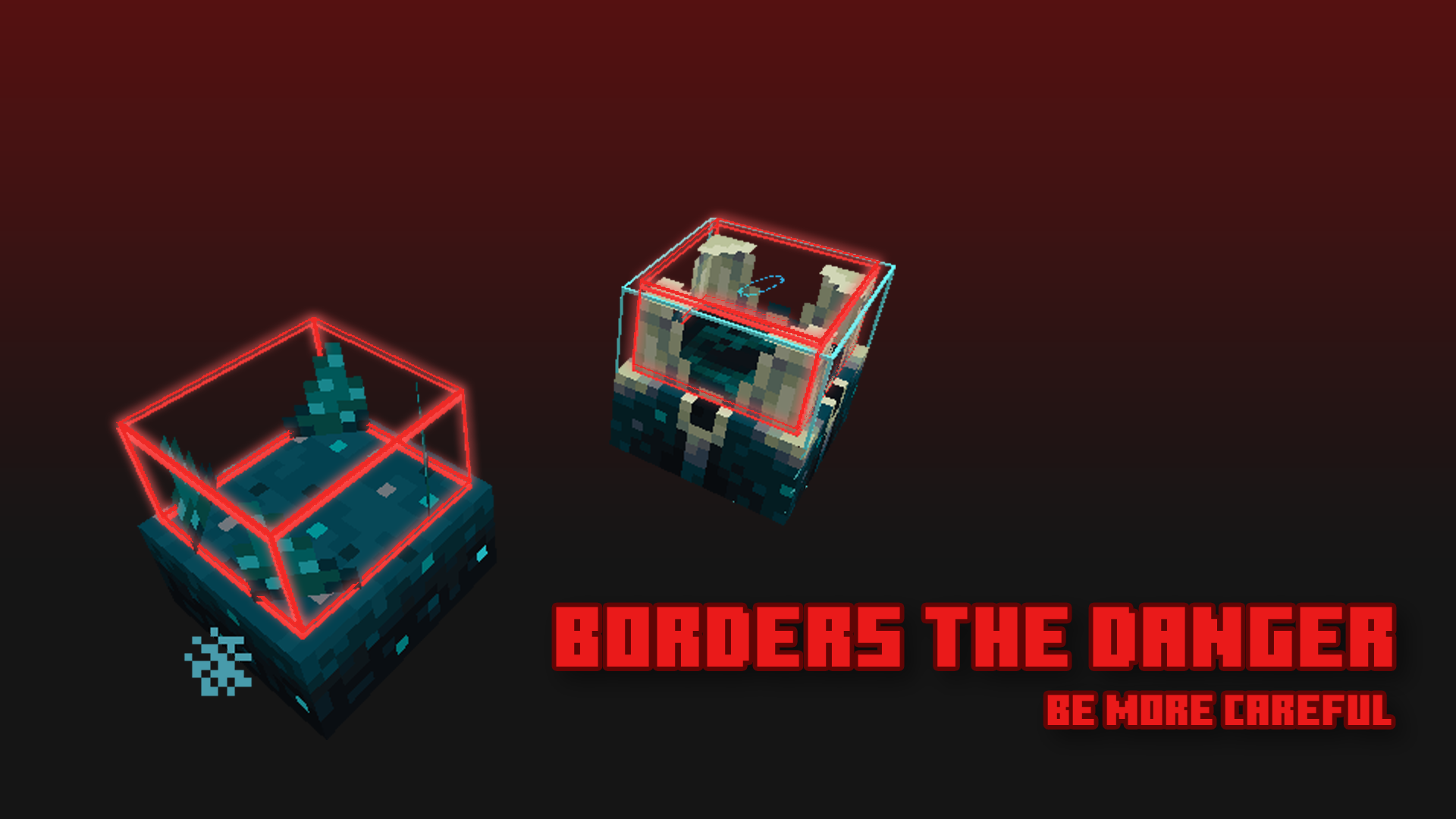
Here is what the hitbox color indicates:
| Color | Shows Collision | Shows Interaction | Shows Activation * | |-------|----------------|-------------------|-----------------| | Green | True | True | False * | | Cyan | True | False | False * | | Red | False | False | True * |
--|| * As of 1.20, the red hitbox no longer works like it was, as of the new hitbox update. ||--
Recommend using this with Sodium, as it fixes the weird-looking lighting.
But if you can't, you can turn off the "Smooth Lighting" option in-game.
-----

-----
Terms of Use

[Protected under a "NaiNonTheN00b1's ToU [Class II]"](https://nainonth.github.io/tou#classii)
Additional Note
- OptiFine is optional — more like a good-to-have.<sup>1</sup> - <b>Sodium is recommended</b>
Footnote(s)
1. Possibly be a frequently-asked question.
Crediting
Thank you everyone for suggesting blocks!
