## Customization
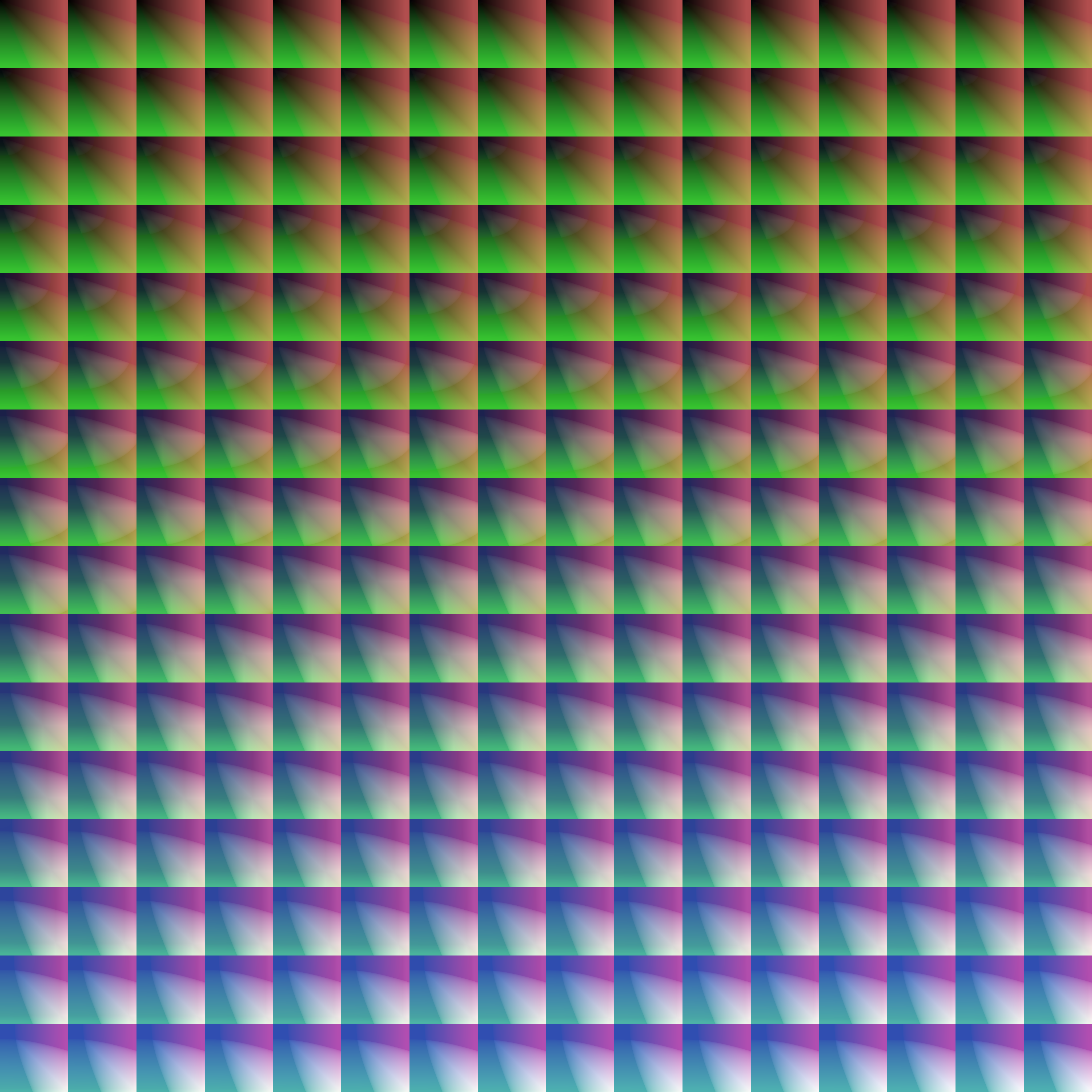
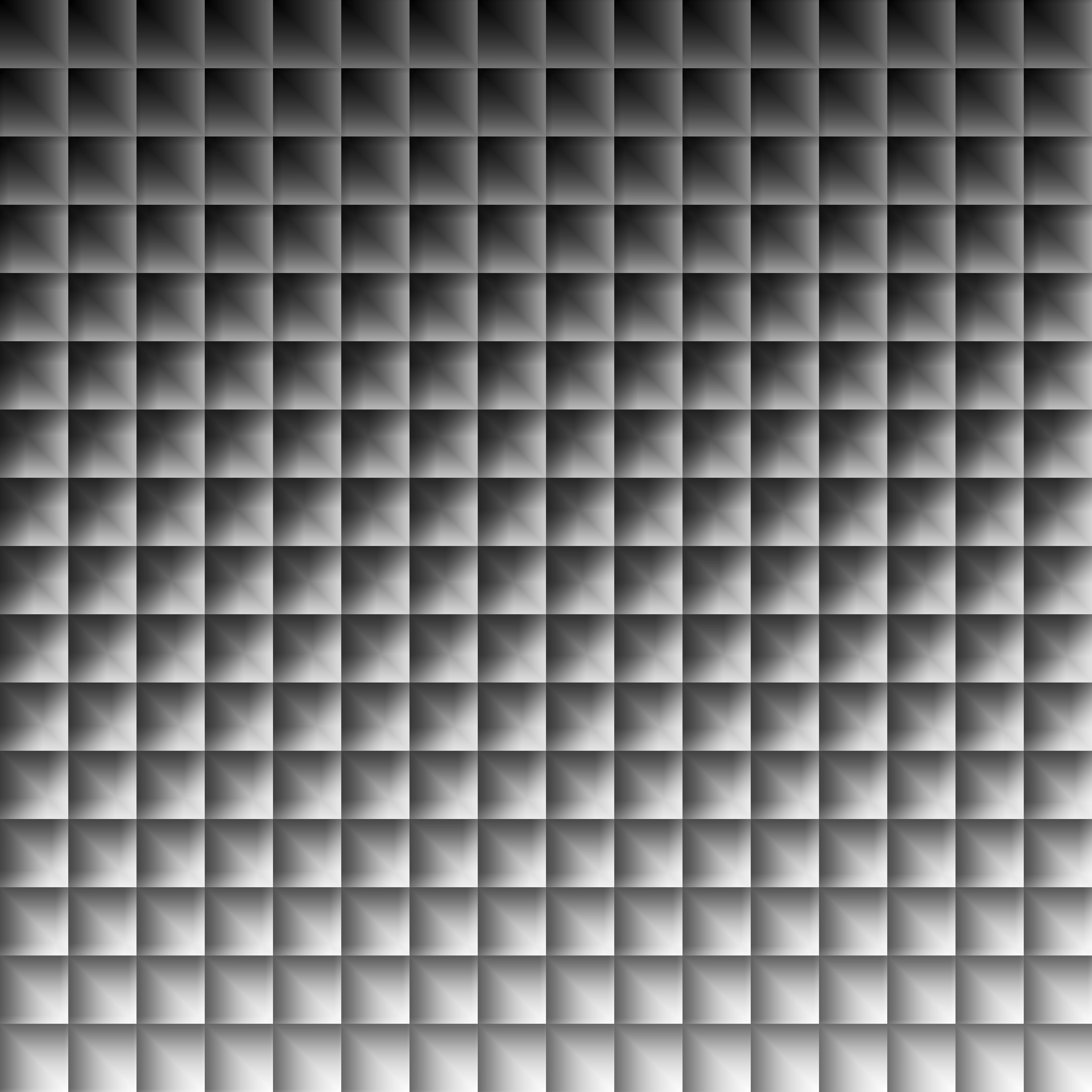
Provided within the pack zip, you may find a file called `init_LUT.psd`, which will allow you to customize the look and feel of this shader.
Customization Instructions
Open init_LUT.psd into your favorite photo editor (IE GIMP, Photoshop, Affinity Photo)
I personally use the free online Photoshop alternative Photopea
You can also just use the unmoddified init_LUT.png which is also provided in the zip
Apply as many adjustment layers, or edit the ones I have pre-selected, to achieve the look you desire
These can be found under Layer > Add New Adjustment Layer
Hide the color preview layer HIDE BEFORE EXPORT
Export into the pack as assetsminecrafttextureseffectlut.png or shaderslut.png, depending on whether you are using Vanilla or Iris/OptiFine
Example LUTs
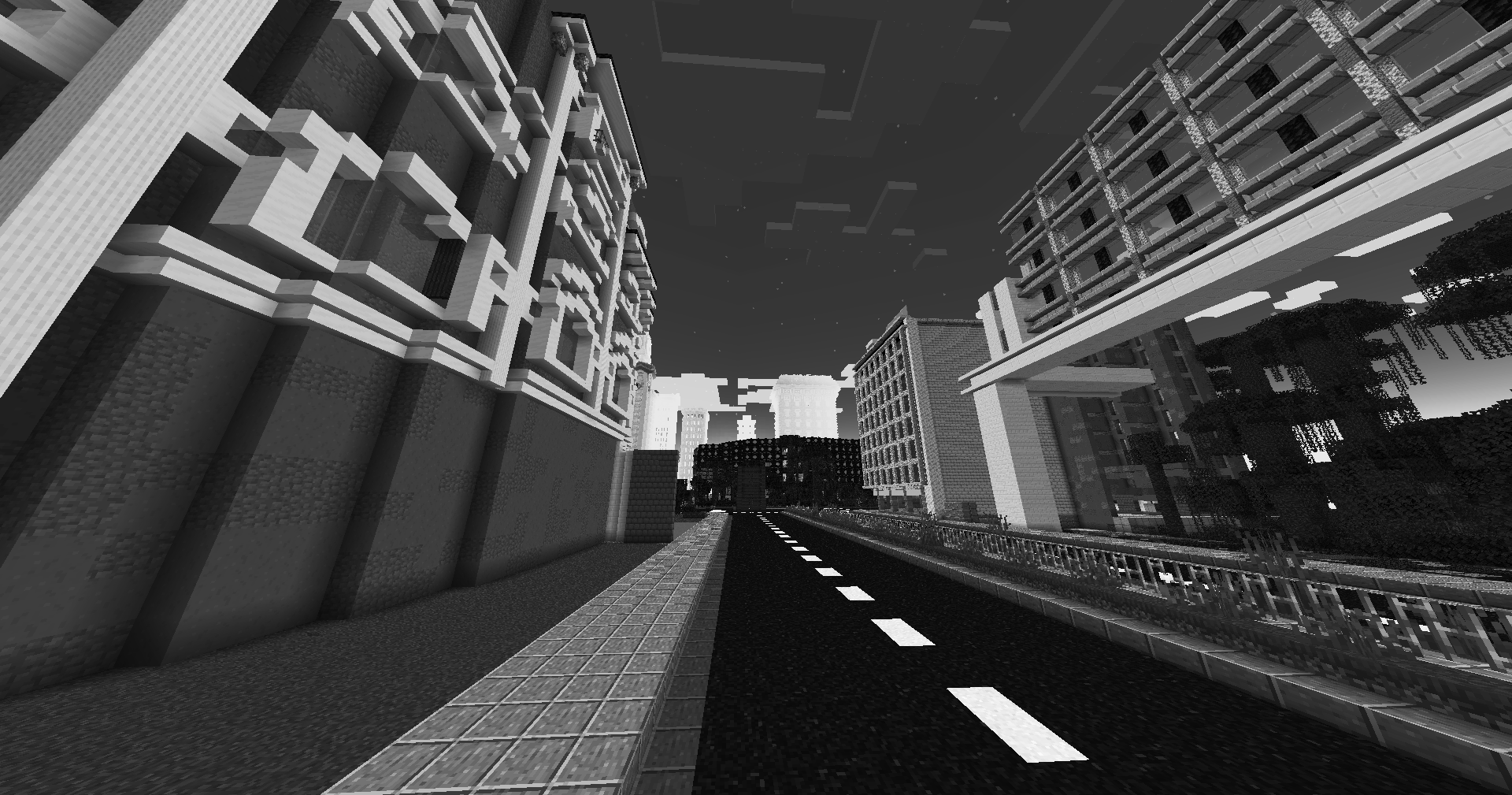
Save one of the LUTs below as assetsminecrafttextureseffectlut.png or shaderslut.png, depending on whether you are using Vanilla or Iris/OptiFine:
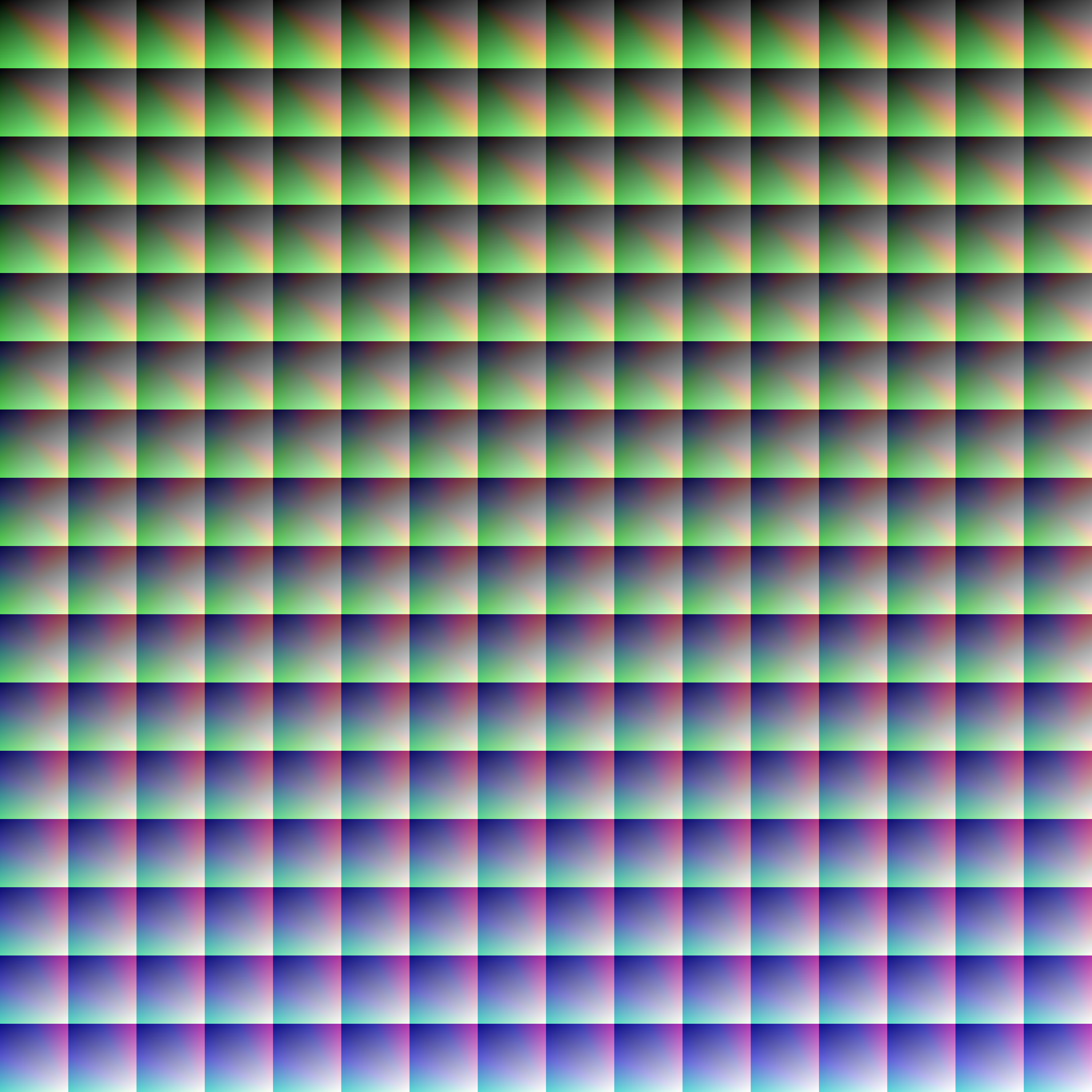
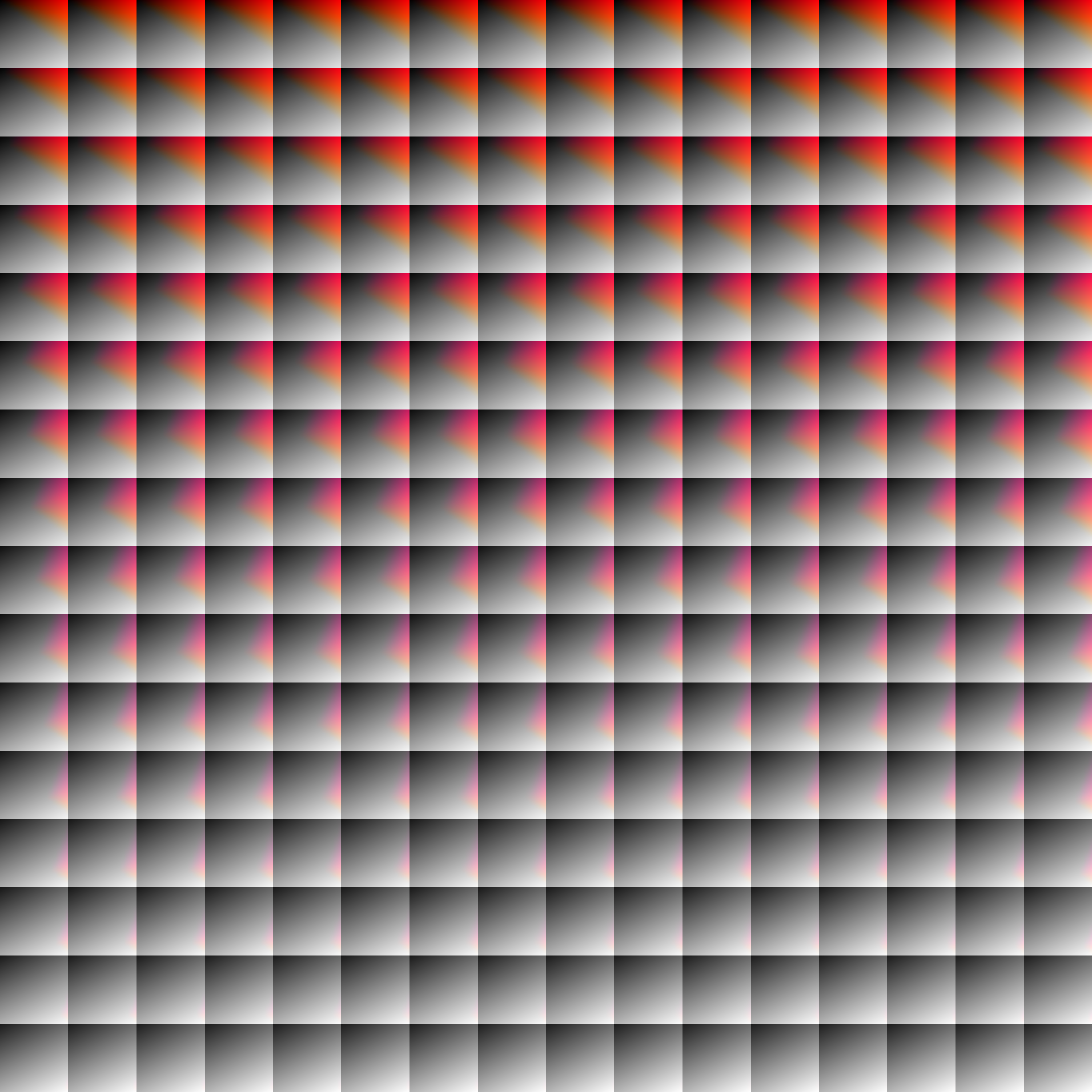
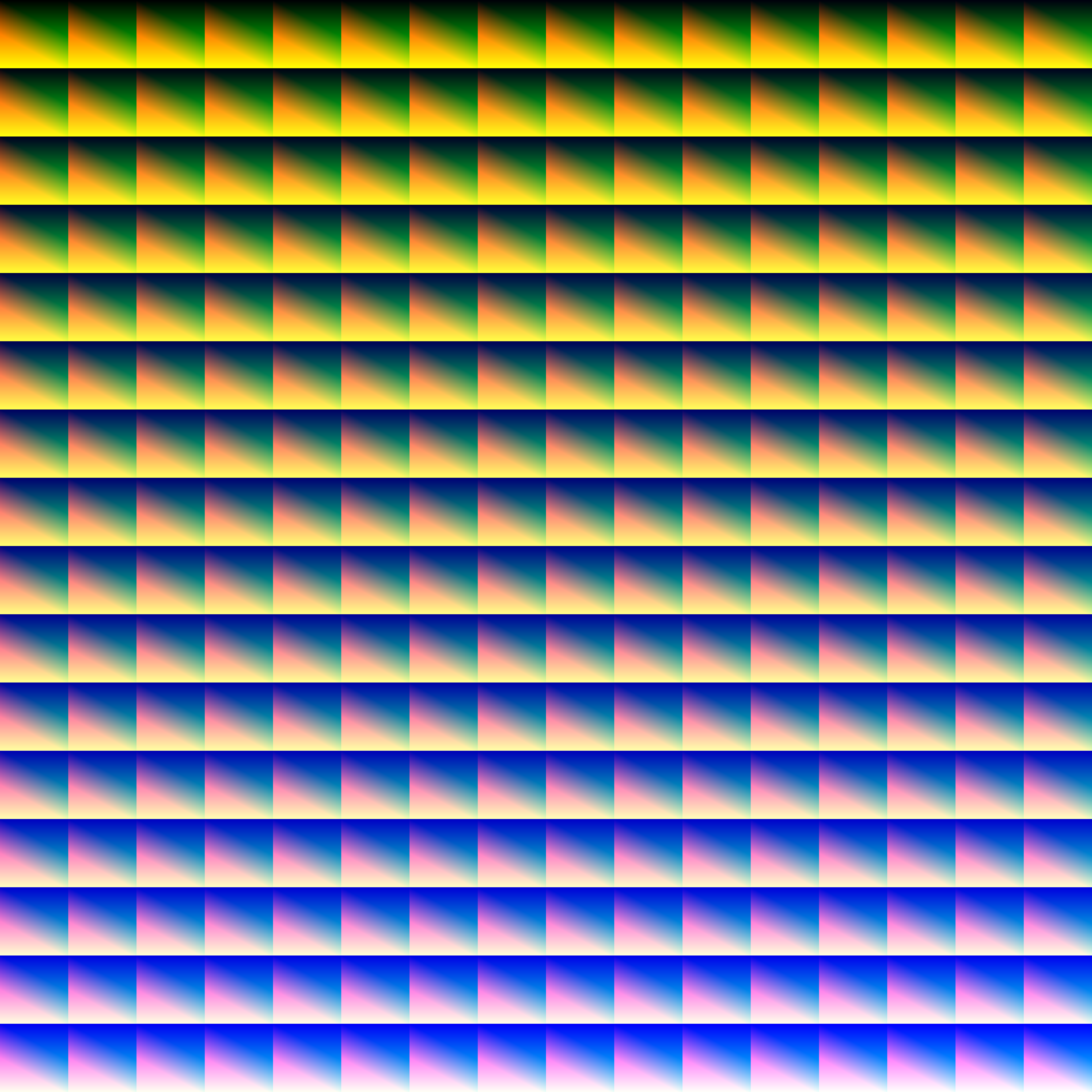
LUT
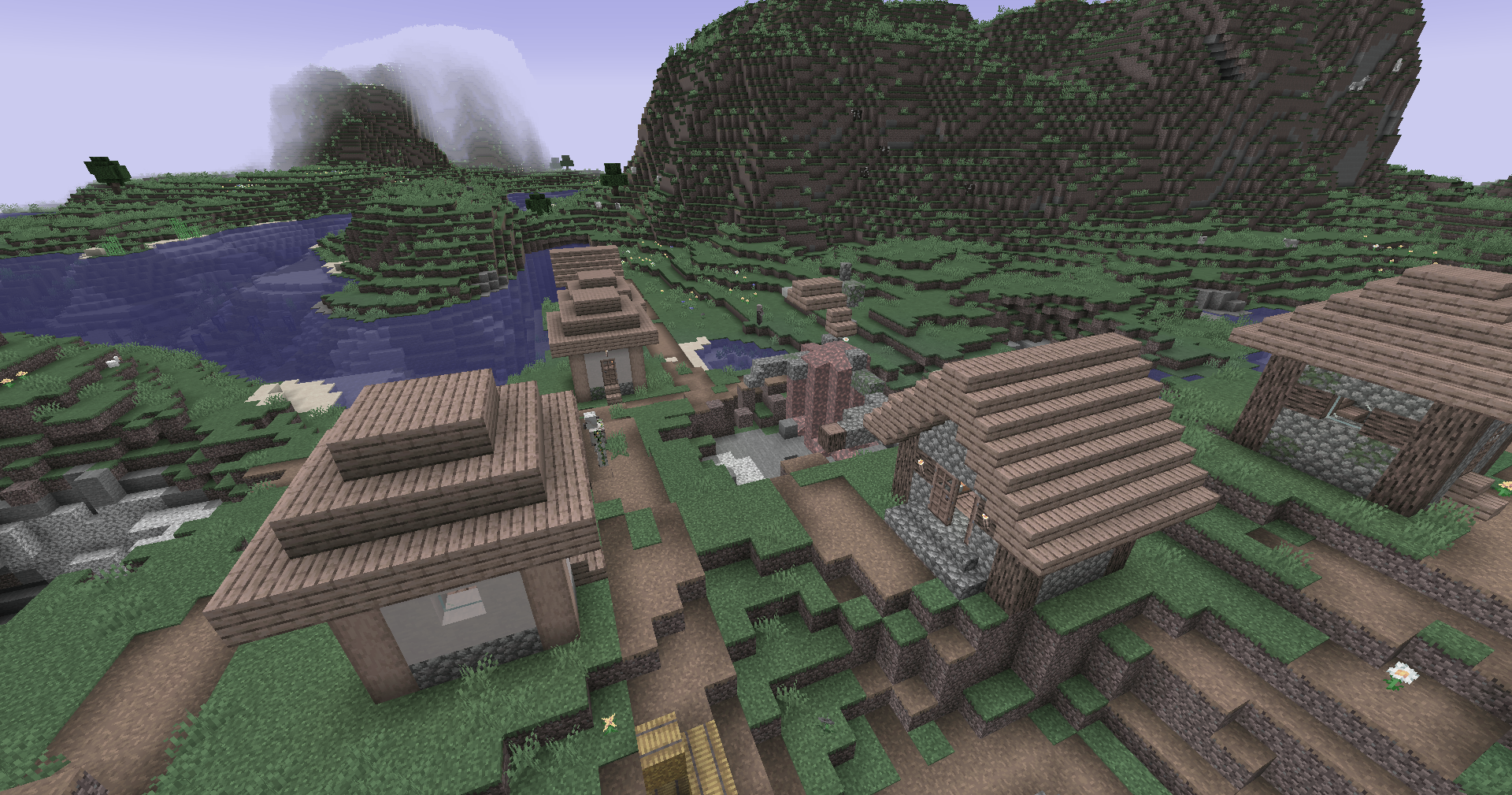
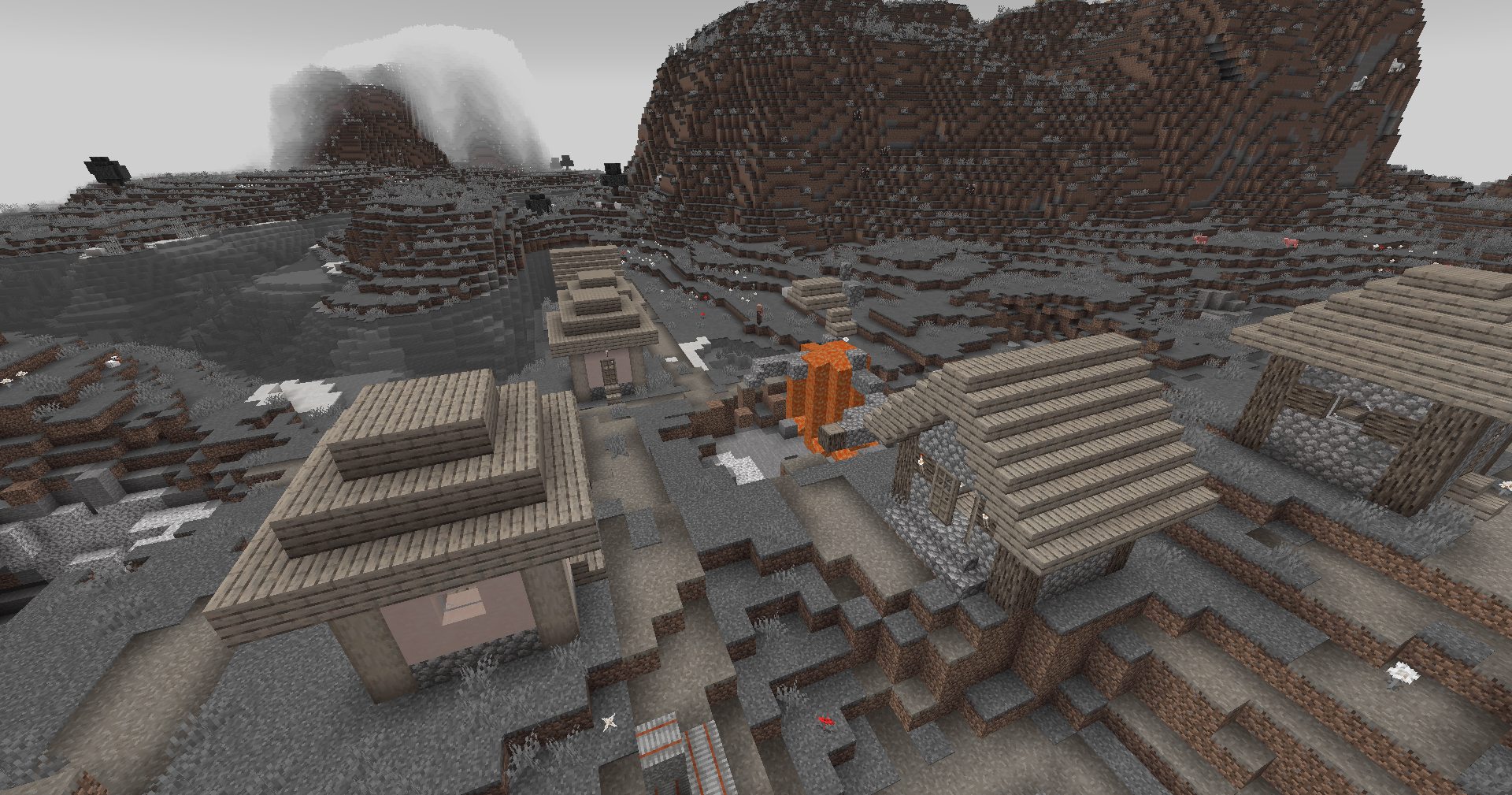
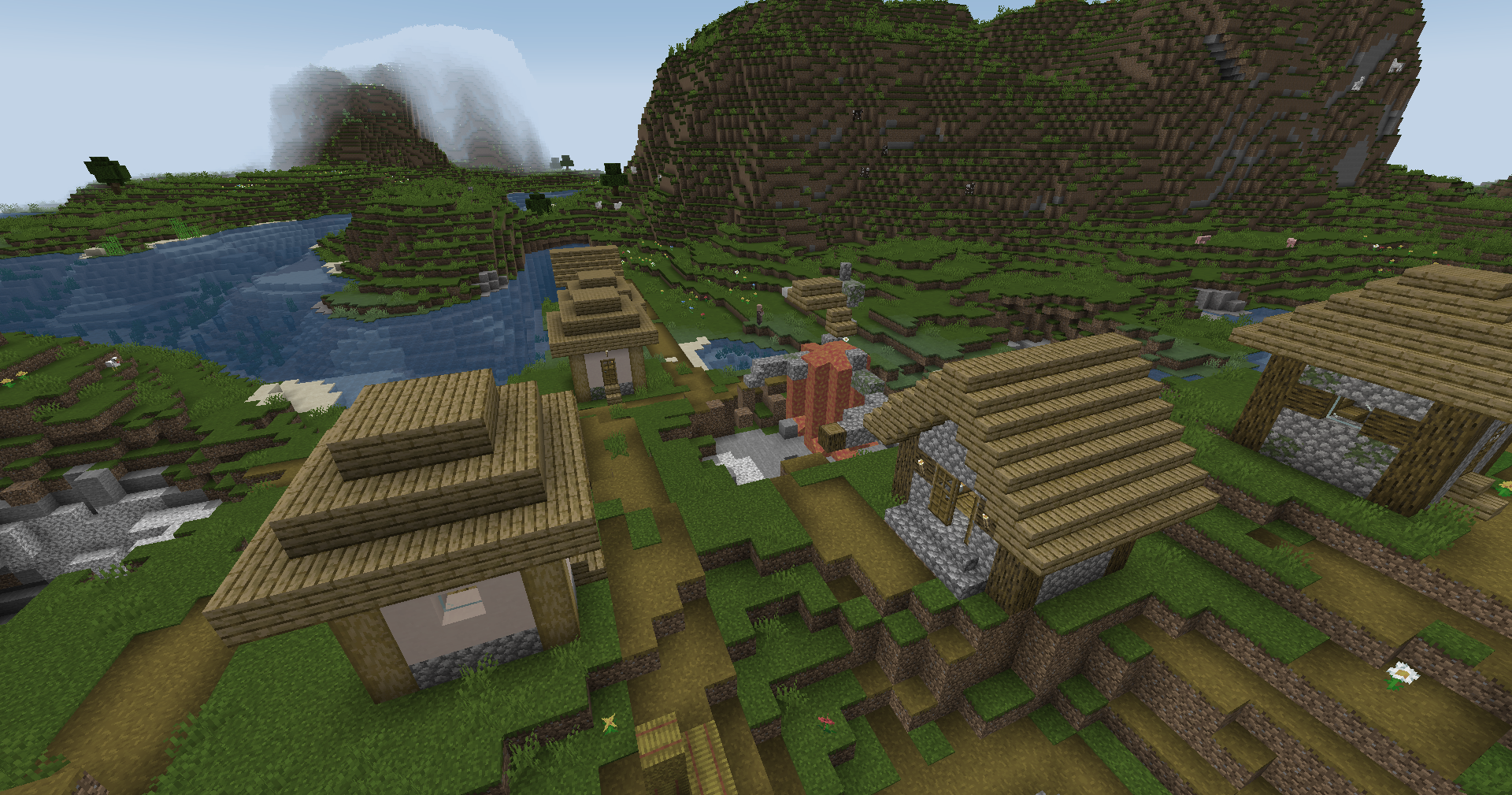
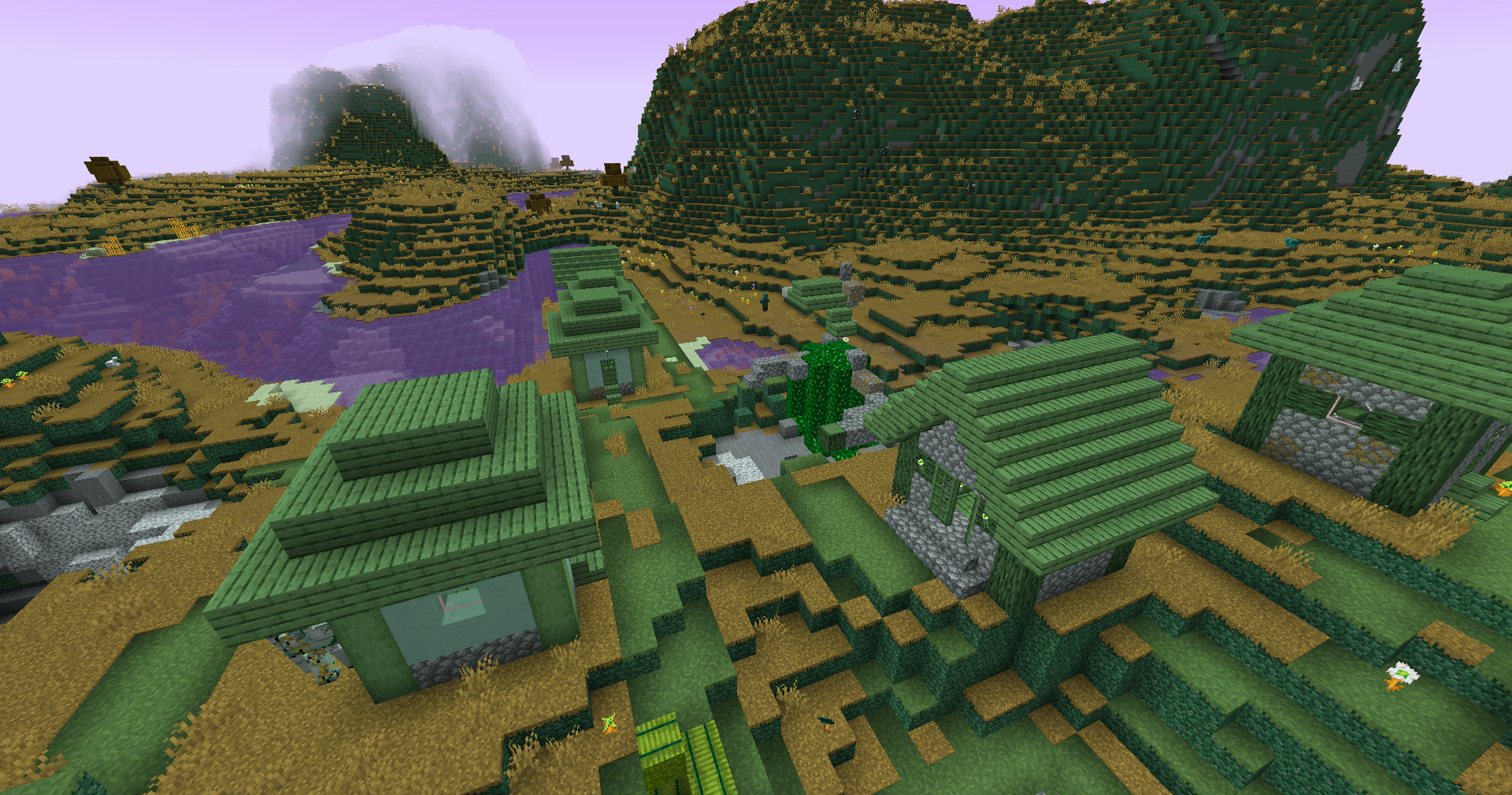
Preview
Reduced Reds
Red Isolated
Darkened World
Wut
Dramatic Black and White
Redistribution
If you wish to share your own custom LUT, please direct your users to download Zenith’s LUT Shader alongside your pack, or mark it as a dependancy on Modrinth
Experience Coins
## Showcase

For more showcase images, head to [the gallery](https://modrinth.com/resourcepack/xpcoins/gallery)
## Description
For the best experience, use version 1.21.4 or above. Below that, the enchantment glint will be present on the xp bottle. This pack was tested on version 1.21.9. This pack is incompatible with shaders.
This is a pack that changes experience points into coins. It retextures the experience bar, experience bottle, the orbs themselves with an animation, it adds new sounds, recolors some text, and uses the language file to change some names of things.
This pack was made for the [One Texture at a Time](https://www.planetminecraft.com/jam/onetextureatatime/) ranked texture pack jam. I chose to retexture the experience orb, which itself is displayed in the experience bar ui and also has a corresponding item texture (the experience bottle). Since it’s impossible to animate entity textures with a texture pack, I had to use core shaders to shrink the uv and snap it to different points in the textures based off the GameTime variable. I also wanted to make the experience bottle into a sack of coins, but it felt off with the forced crashing sound the game makes. I also had to use core shaders to remove the enchantment glint on the bottle, remove the particles from the bottle when it hits the ground, recolor the text in different uis to match the coins, and remove the green tint from the experience orbs.
Thanks to [girlthatbites](https://www.planetminecraft.com/member/girlthatbites/) for creating the textures and the icon, as well as [P4ncake](https://www.planetminecraft.com/member/p4ncake/) for creating the sounds.
## Support
**Join [My Discord](https://discord.gg/gymTft2GbV)**
– Report bugs
– Create suggestions
– Vote on future packs
– Interact with the community
– Ask for help with texture packs
– This is the place to ask if you can use this pack in your own pack
**Check out [The Repository](https://github.com/AlphaLeoli/Texture-Packs)**
– Report bugs
– Create suggestions
– Contribute by creating a pull request
https://www.alphaleo.li/resourcepacks
Wynncraft Tooltips
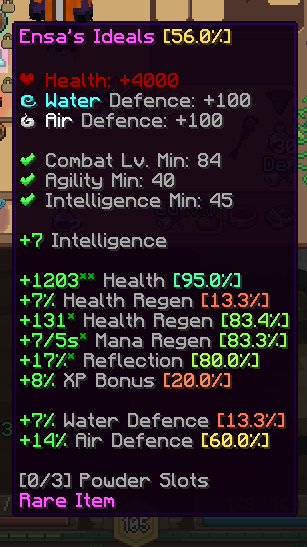
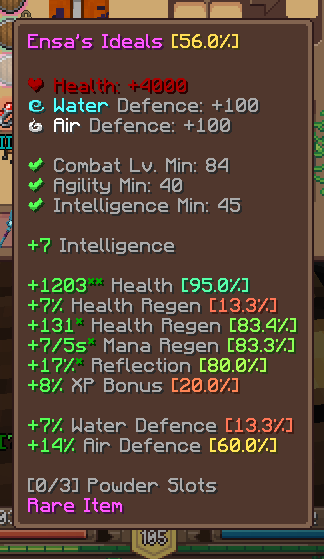
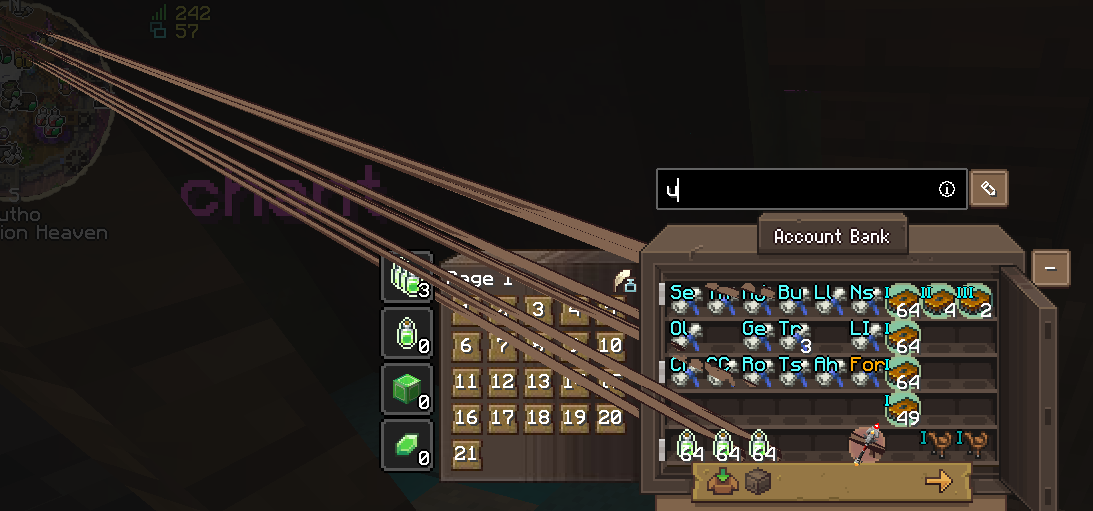
Hello! I’m Focal. I added Wynncraft style tooltips using vanilla shader.
I recommanded to install [Serverpack Priority](https://modrinth.com/mod/serverpack-priority) Mod!!
# About this pack
This resourcepack just change tooltips to fit wynncraft style.
## Compare
| Before | After |
| :–: | :–: |
|  |  |
## Known Bug
* **Wynntils search issue** (But I don’t know how to fix it)
—
**If you want to see me create more content, supporting my work gives me the energy to make more stuff.**
> [](https://ko-fi.com/focalsalt)
> [](https://patreon.com/focalsalt)
—
Any BUG or Suggest, welcome to my [Discord Server](https://discord.gg/sErWHY8PXH) to report.
Hope you like it, enjoy 😀
WobblyDistortion
## WobblyDistortion
This shader uses “`sin“`, “`cos“` and other functions to change vertices positions to make it look wobbly when you move.
May look like a fuzzy AI-generated video in some cases.
Minecraft version: 1.21.11+
## Video
### Config
You can configure shader in the “`assets/minecraft/shaders/include/distortion_config.glsl“` file
Config lines:
“`
// config
#define GAME_TIME_SCALE 5000.0 // How fast distortion of the world goes on its own
#define DISTORTION_MULTIPLIER 0.05 // Just basic multiplier for sin() and cos()
#define MAX_DISTORTION_MULTIPLIER 4.0 // How far can be offset vertex from original point (per axis)
#define COS_FREQ 1.0 // cos() frequency
#define SIN_FREQ 1.0 // sin() frequency
#define DISTORTION_START_DISTANCE 0.0 // how far from camera distortion starts
#define DISTORTION_SMOOTHING_DISTANCE 5.0 // how far from camera distortion can reach its max value
“`
Below you’ll see some presets, I wanted to add compatibility with respackopts… But couldn’t handle it
Wavy Water
## Showcase
To see more previews, check out [the gallery](https://modrinth.com/project/waves/gallery)
## Description
This is a texture pack (not a mod or shaderpack) that works in Vanilla Minecraft. To use, all you need to do is apply the pack. No other required installs and no required settings tweaks. There are optional settings that you can access in the texture pack itself or with an optional mod called respackopts.
The waves in the texture pack are extremely simple, and is done by calculating a sine wave for the x direction and a cosine wave for the z direction (both based on height, speed and frequency) then just taking the average of the two. The waves are not meant to be realistic, and instead are meant to add more depth to the base game.
## How to Use
1. Download and install the texture pack like normal
2. Optionally, install [respackopts](https://modrinth.com/mod/respackopts) for more control on how the waves look. After installing this, you should see a settings icon appear on the texture pack.
3. If the effect isn’t working, try disabling other packs. This texture pack also notably does not work with the Sodium mod.
4. If you can’t find the texture pack in the list, try enabling folder view in the bottom left if you have recursive resources and then searching for it with the search bar.
5. To configure the pack without respackopts, open the texture pack file and then head to `assets/minecraft/shaders/include` then open the `config.glsl` file. There will be 3 values that you can change to any number you want.
## Support
**Join [My Discord](https://discord.gg/gymTft2GbV)**
– Report bugs
– Create suggestions
– Vote on future packs
– Interact with the community
– Ask for help with texture packs
– This is the place to ask if you can use this pack in your own pack
**Check out [The Repository](https://github.com/AlphaLeoli/Texture-Packs)**
– Report bugs
– Create suggestions
– Contribute by creating a pull request
https://www.alphaleo.li/resourcepacks
VanillaPuddingTart
**This pack uses the vanilla shader system, it’s not compatible with Iris or Optifine!**
**To use the pack you need to enable the _Fabulous!_ graphics mode in the video settings.**
# VanillaPuddingTart
VanillaPuddingTart (an abbreviated and then incorrectly unabbreviated version Vanilla Path Tracing) is a resourcepack that adds global (non-screen space) lighting effects to the game, such as:
The pack comes with a built-in texture pack but if you have the time it’s recommended to use a third party one.
Texture packs need to go through a conversion process to work with VPT, please follow [this guide](https://blog.balintcsala.com/posts/vpt-setup/) if you want to do this. This process is heavily RAM-limited, so packs with large textures might fail (I recommend at most 128x).
## Compatibility
1.) The pack is _incompatible_ with any mods that might change how the game draws stuff, notable examples:
– Optifine
– Sodium
– Rubidium
2.) Because of the nature of vanilla shaders the only supported version is the last major release (e.g. 1.20). The pack may work on older versions but it’s not guaranteed to.
3.) The minimum supported resolution is 1024×768 and the maximum is 3840×2160, going below the minimum or above the maximum in either direction (e.g. 1000×768 or 3840×2500) will cause glitches.
## Known issues
Please don’t report these:
– Water is broken (will be fixed later)
– A handful of blocks don’t have built-in support
– Lava is broken (will be fixed)
– Lava doesn’t emit light (probably can’t be fixed)
– The end and nether doesn’t work (probably can’t be fixed)
– Emissive parts don’t always follow the rotation of the blocks
## Early access
Early access versions are available one month before the public release for patrons.
## Showcase video
Ultimate Nausea
I was messing around with shaders and made this. Good luck.
This shader makes objects that are far away appear to spin. This was done by applying the sine and cosine functions to the distance from the camera to each vertex.
WARNING: The larger your game resolution, the less inventory visual bugs there will be!
True Stars
**True Stars** makes stars brighter, and adds color and flicker to them!
The colors are predefined, there is:
– Orange,
– Yellow,
– White
– And Blue
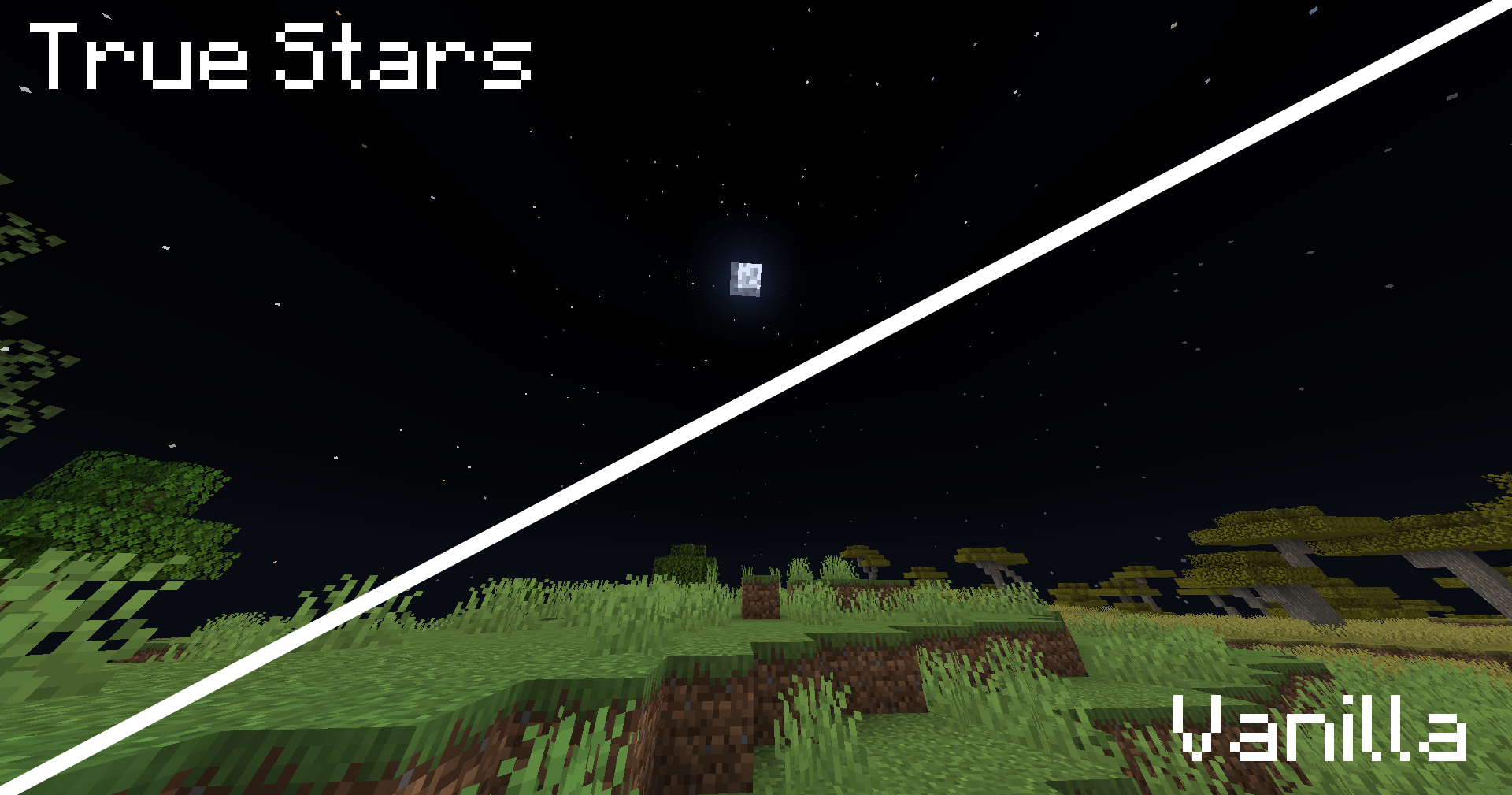
The flicker is working, while tick rate is not freezed, and speeds up then rate is bigger.
The idea was taken from [Better Stars](https://modrinth.com/resourcepack/better-stars), which i liked, and tried make it cooler.
Trimsfault
This datapack that adds new ways to customize your armour, elytras, and even your pets! With the addition of new interactive features like glow ink and echo shards, your trims can now shine or pulse with an animated effect. And it’s not just armour that gets an upgrade! Here are some of the new features you can enjoy:
# Trim Changes:
### Armor Stand Interactions:
– When setting up trims on an armour stand, interact with them using Glow Ink or Echo Shards to enhance the look of your armour:
> Glow Ink: Gives your trims a consistent emissive glow.
> Echo Shards: Gives your trims an animated pulse effect.
### Crafting Recipe:
– The crafting recipe for trim duplication now require less diamonds.
# Elytra Changes:
### Dyed Elytras:
– Elytras can now be dyed to fit your new trim designs!
### Winged Chestplates:
– Elytras can now be applied to armour using the Netherite Upgrade Template.
### Trim Elytras:
– Elytras can now be trimmed individually, adding even more layers of customization to your character’s look. If you elytra is attached to a trimmed chestplate, it will share that trim.
# Wolf Armor Changes:
### Trimmed Wolf Armor:
– Now you can give your wolves a unique look by trimming their armour. Don’t forget to use Glow Ink or Echo Shards on your pets to make them shine!
# Horse Armor Changes:
### Diamond to Netherite Upgrade:
– Diamond horse armour can now be upgraded to Netherite. This upgrade grants:
> +15 Armour
> +5 Armour Toughness
> +3 Knockback Resistance
### Leather Horse Armor:
– Leather horse armour now has additional layers, making it resemble the style of player armour.
### Trimmed Horse Armor:
– All horse armour types can now be trimmed, including diamond, gold, iron, and leather. Don’t forget to use Glow Ink or Echo Shards on your steeds to make them shine!
## Version Compatibility:
– Currently compatible with Minecraft 1.21.3
## Additional Languages:
– English
– Español
– Polski
## FAQs:
– There aren’t any FAQs yet. Any questions from other pages will be shared in here.
## Known Issues:
– This pack is incompatible with other vanilla shaders. Make sure you’re not running packs that modify the game’s entity shaders.
The nastiest RP
This **resource pack/shaders** are challenges to complete. The shader is designed so that you can play it somewhat, _but the image is extremely unpleasant to look at._

You can try to complete Minecraft with it, play minigames, or troll a friend. Whatever you choose.

**To enable this effect, go to Settings → Video Settings → Graphics = Fabulous!**