Wither Storm Panorama!
This is a simple resource pack that adds the **Wither Storm** to the panorama, **similar** to the one in Cracker’s Wither Storm Mod!

Withering Hearts
This is a resource pack that changes the wither hearts into something much cooler!

To use this resource pack, open the game, press options, resource packs, open pack folder, and then add the Withering Hearts.zip file into there
Withered Bones
**”Just Wither Bones” is a small texture pack that changes bones, bone meal, and bone blocks to a withered version.**
### Versions Available:
This should work in basically every version, there is only going to be the “wrong version” message.
If you find a problem with a specific version please report it so I can downgrade the texture pack to that version!
### Do you like this texture pack? Try also my other ones!
Just Wither Bones [(Modrinth)](https://modrinth.com/resourcepack/withered-bones) [(Curseforge)](https://www.curseforge.com/minecraft/texture-packs/just-wither-bones)
Nylium Menu [(Modrinth)](https://modrinth.com/resourcepack/nylium-menu) [(Curseforge)](https://www.curseforge.com/minecraft/texture-packs/nylium-menu)
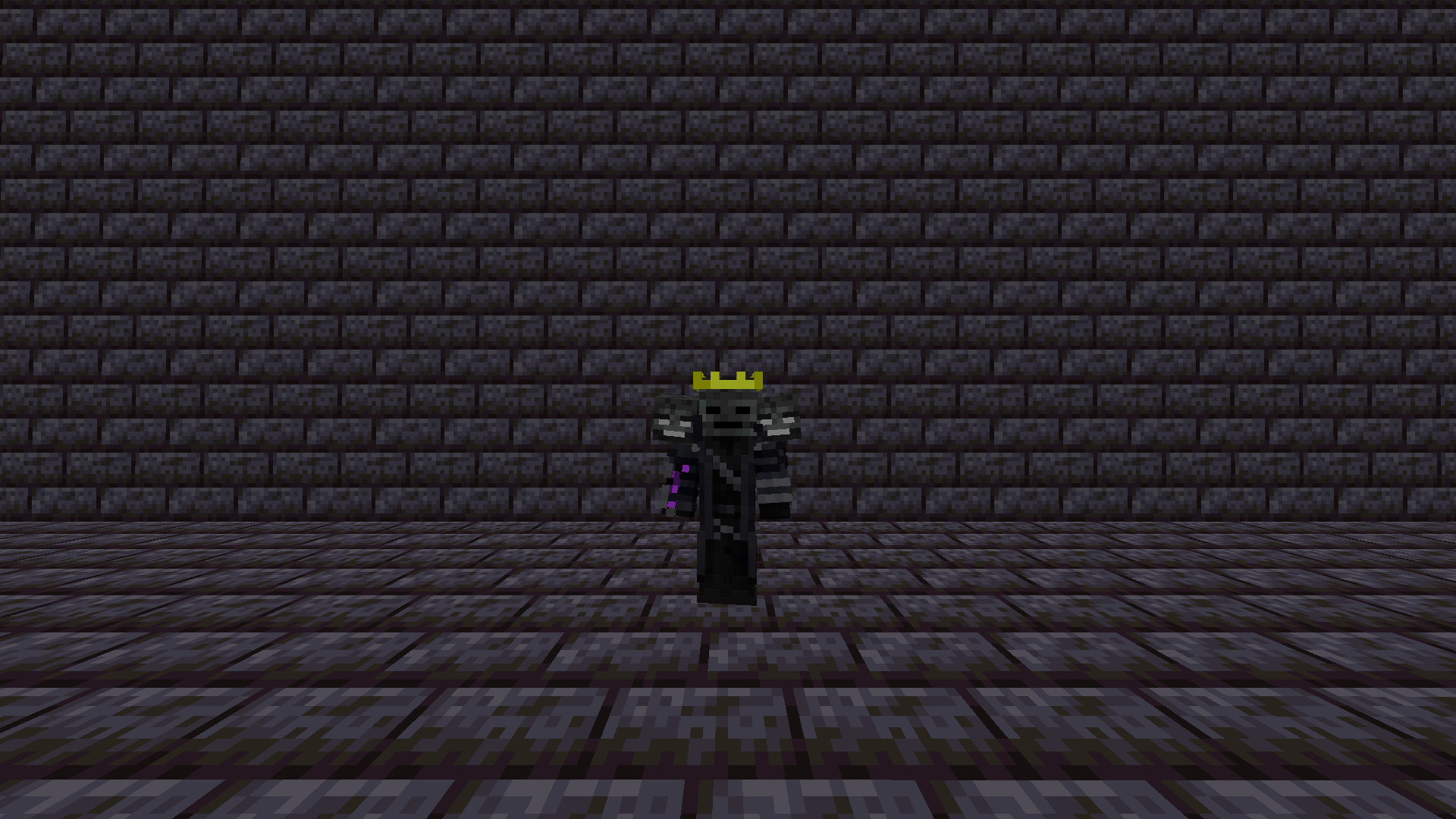
Wither Totem
Replaces the totem of undying with the wither’s head and placed on the player’s shoulder.
Wither Star
# Wither Star + Beacon
I don’t know, it just makes sense to me for the star to be some kind of core that gives the Wither it’s power. So I made this, replacing the “Nether Star” for a “Wither Star”.
With the new star done, it made sense to change the only thing that it is used for: The Beacon.
So I made a darker version and also changed its glass frame (it doesn’t change actual glass, only the beacon one)
## Preview
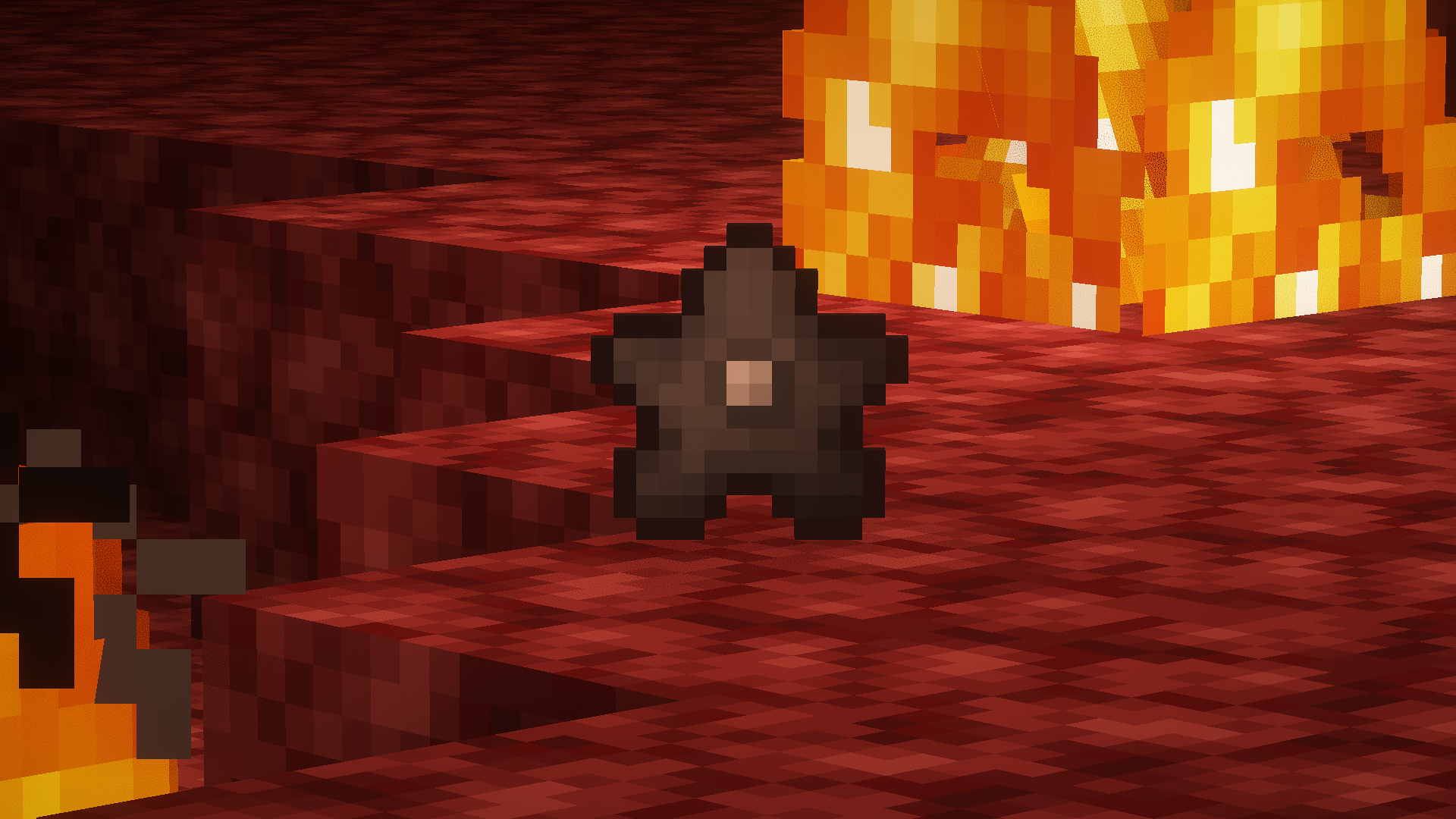
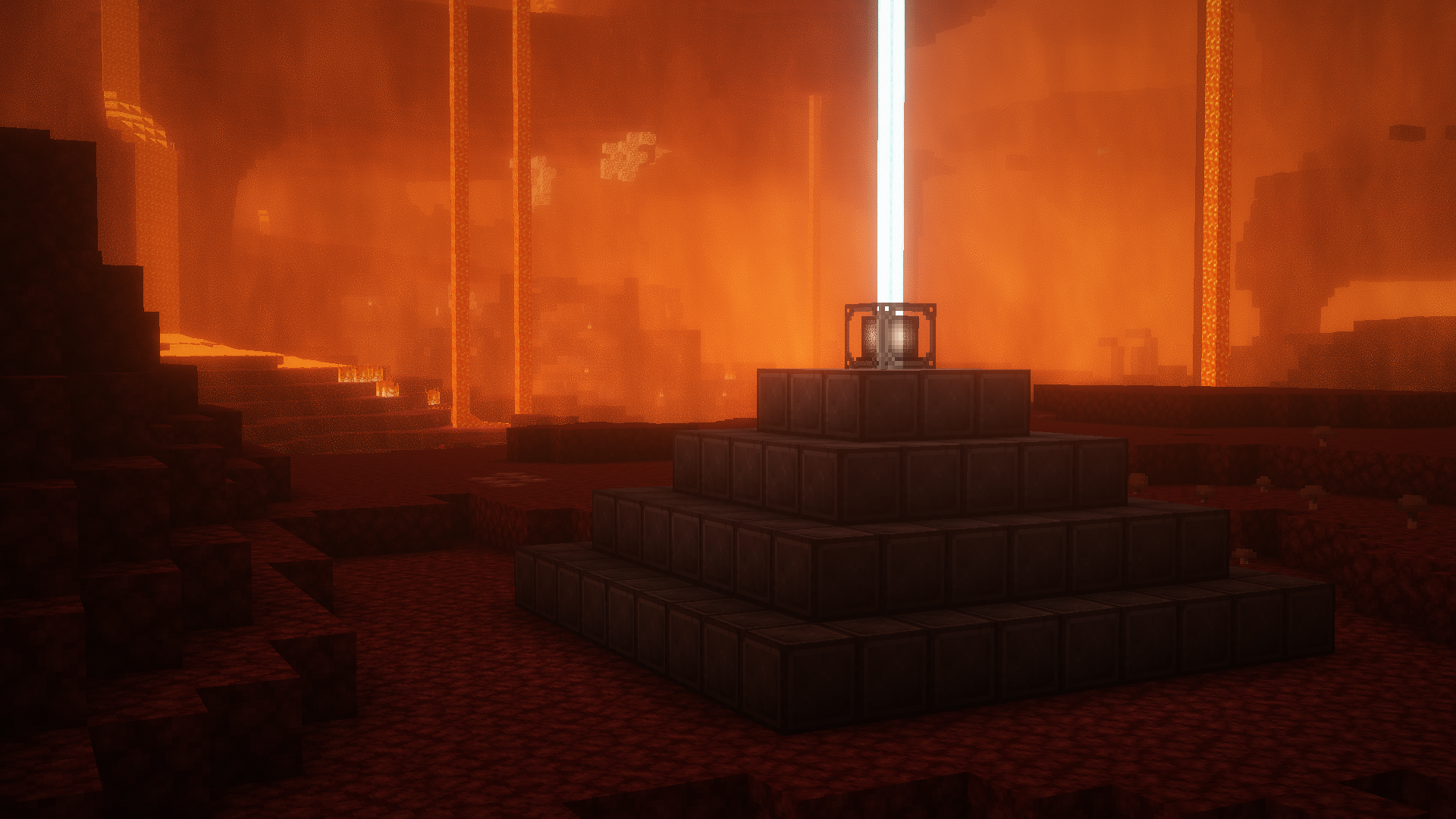
##### *Screenshots taken with [Complementary Shaders](https://modrinth.com/shader/complementary-reimagined)
The Wither Notch
> Need OptiFine
ㅤㅤMy Headcanon Notch returns in form Wither
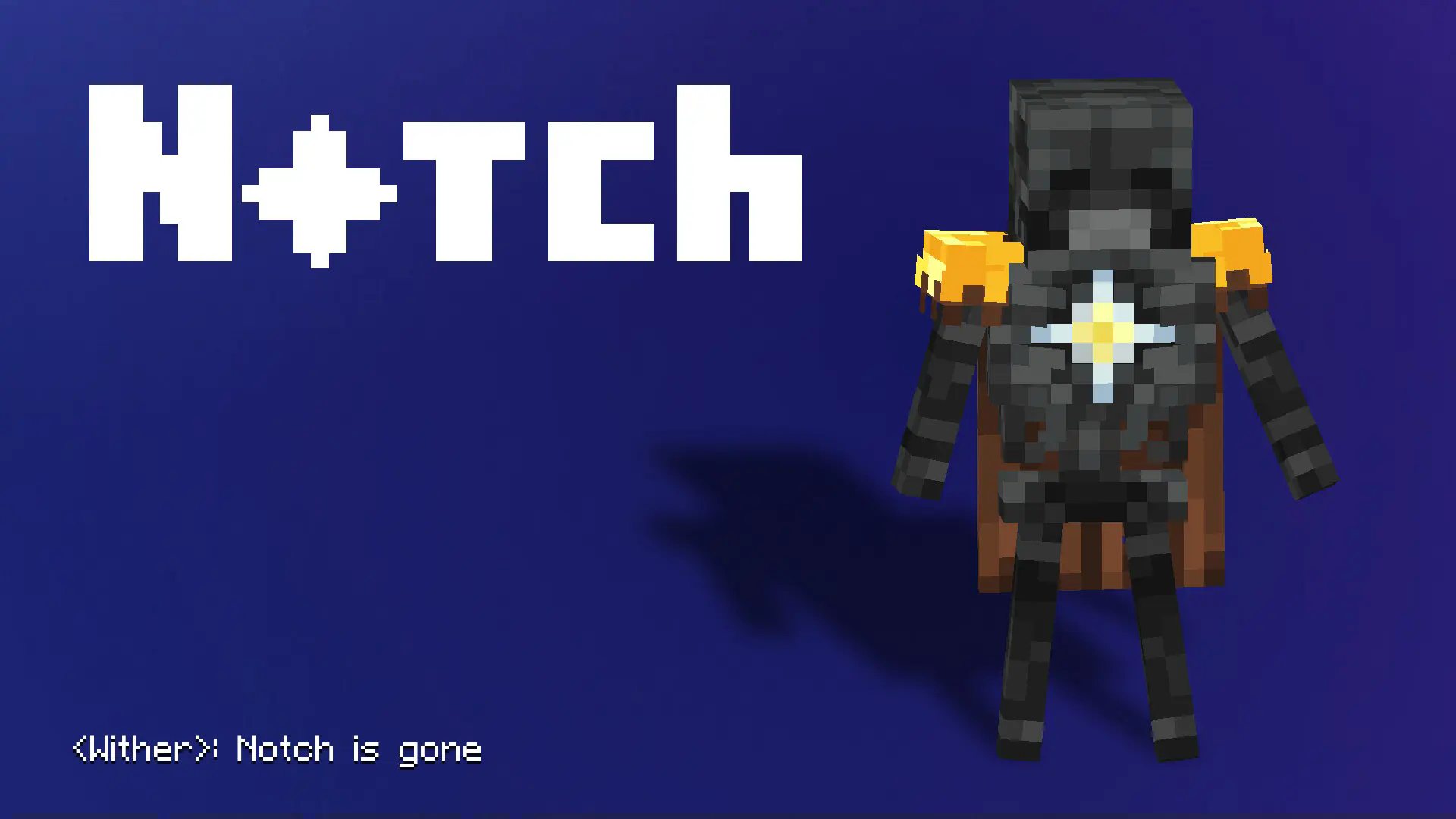
ㅤㅤThe Wither experiments end in success, he begins an invasion of The Overworld, gradually expands his army and terrorizes all living things. However, not all for the sake of infinite power, but for the sake of creating a “New World” since the current one did not really sympathize with him throughout his existence, and he used all his resources and laws for the sake of implementing a crazy idea. In the end, he succeeds, but he did not take into account the fact that by destroying absolutely everything, he destroys himself, which is what happens.
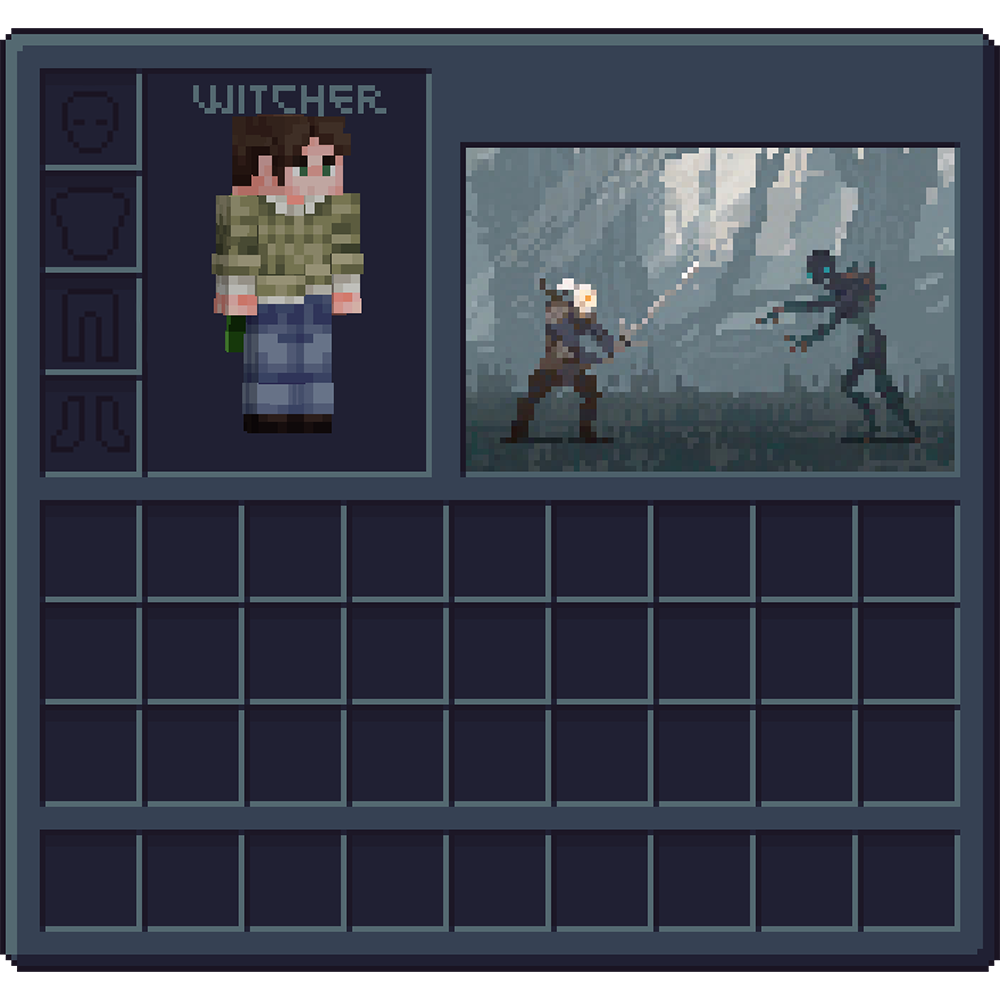
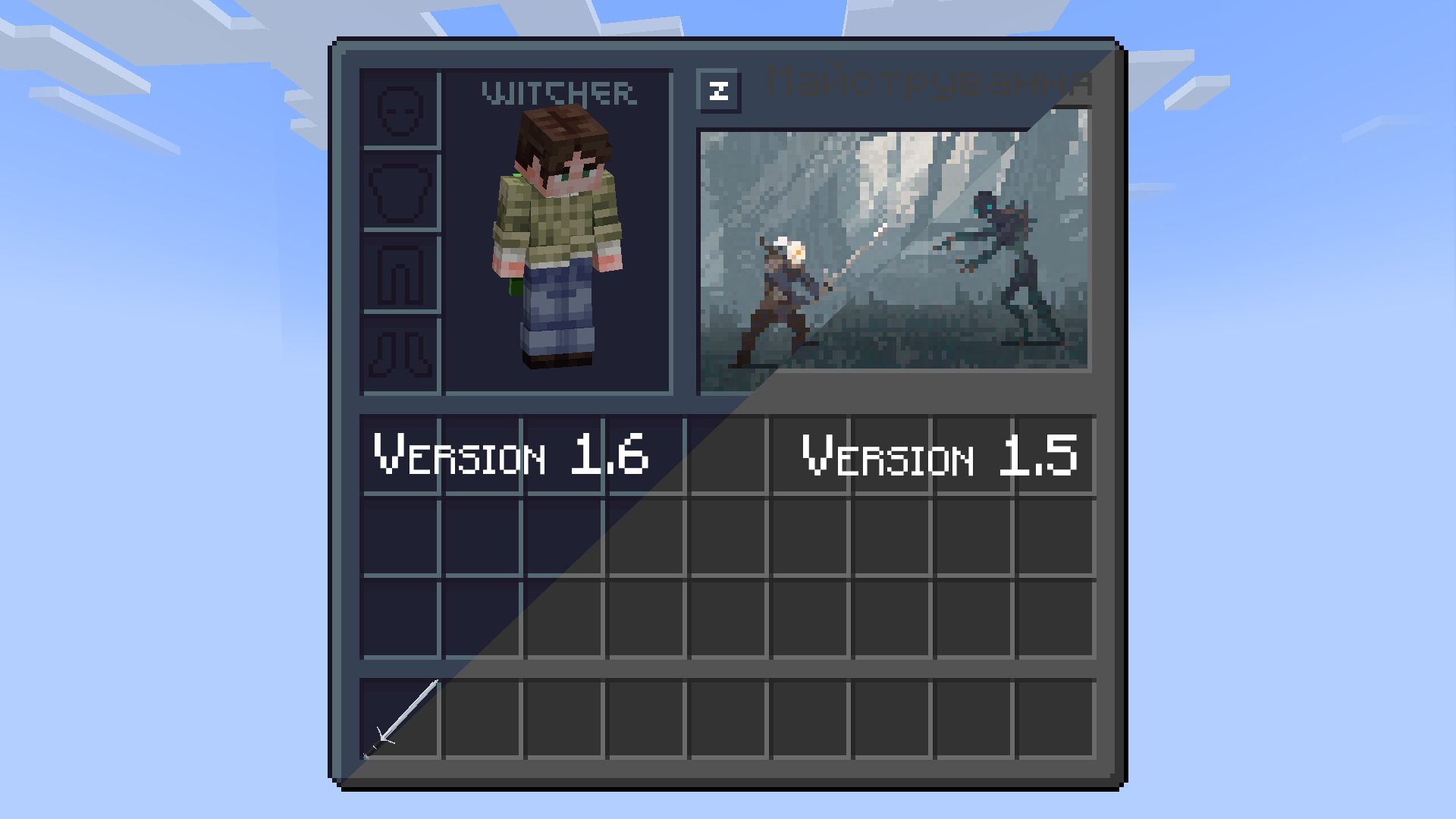
Witcher UI

# **Social**


# **Support the project**

Witcher armor
Witcher Armor is a resource pack that adds armor from The Witcher 3 to Minecraft. The pack works on OptiFine, Sodium requires an additional mod — [CIT Resewn](https://modrinth.com/mod/cit-resewn).
### How to install:
> Download the resourcepack, open Minecraft settings (ESC → Options), click “Resource Packs” and drag and drop the archive into the folder that opens. The resource pack will immediately appear in the game window and you can activate it by clicking on the right arrow next to the pack.
### How to use:
> Select an armor of any material and rename it with the anvil. A list of all possible customizations can be found [here](https://drive.google.com/file/d/1LAixlkfE_0vJ7GkkkwEgrpcfoYvHIYGX/view).
Русский
Witcher Armor — это ресурспак, который добавляет броню из The Witcher 3 в Minecraft. Пак работает на OptiFine, для Sodium требуется дополнительный мод — [CIT Resewn](https://modrinth.com/mod/cit-resewn).
### Как установить:
> Загрузите ресурспак, откройте настройки Minecraft (ESC → Настройки), нажмите кнопку «Пакеты ресурсов» и перетащите архив в открывшуюся папку. Ресурспак сразу появится в окне игры, и вы сможете его активировать, нажав на стрелку вправо рядом с паком.
### Как использовать:
> Выберите броню из любого материала и переименуйте ее с помощью наковальни. Список всех возможных кастомизаций можно найти [тут](https://drive.google.com/file/d/1LAixlkfE_0vJ7GkkkwEgrpcfoYvHIYGX/view?usp=sharing).
Українська
Witcher Armor — це ресурспак, який додає обладунки з The Witcher 3 до Minecraft. Пак працює на OptiFine, для Sodium потрібен додатковий мод — [CIT Resewn](https://modrinth.com/mod/cit-resewn).
### Як встановити:
> Завантажте ресурспак, відкрийте налаштування Minecraft (ESC → Налаштування), натисніть кнопку “Пакети ресурсів” і перетягніть архів у папку що відкрилася. Ресурспак одразу з’явиться у вікні гри, і ви зможете його активувати, натиснувши на стрілку праворуч поруч із паком.
### Як користуватися:
> Оберіть броню з будь-якого матеріалу і перейменуйте її за допомогою ковадла. Список всіх можливих кастомізацій можна знайти [тут](https://drive.google.com/file/d/1LAixlkfE_0vJ7GkkkwEgrpcfoYvHIYGX/view?usp=sharing).
Witch Girl

⚠️ Required: OptiFine
Witch Girl is a texture pack that redesigns the Minecraft witch, giving her a more attractive and stylish appearance. Instead of the classic vanilla witch, this pack transforms the mob into a more detailed female character with a charming and visually appealing look, while still keeping the original witch theme.
Important:
This texture pack requires OptiFine to work properly. Without OptiFine, the texture may not appear correctly in the game.
⚠️ Disclaimer / If the texture looks bugged:
If the witch appears glitched or the texture does not load correctly, try the following fixes:
Use Minecraft version 1.16 or higher.
Close and reopen the game, which usually refreshes the textures.
After that, the texture should work normally.
Enjoy your new stylish witch! 🧙♀️✨
Wispy Shader
# Wispy Shaders V1.4
A performance-optimized shader pack initially based on Mellow Shaders and outperforms many other so claimed ‘potato’ shaders. Works on all major versions
## Credits
* **Original Shader**: [Mellow Shaders](https://www.curseforge.com/minecraft/shaders/mellow) by [TheCMK](https://www.curseforge.com/members/thecmk/)
* **Performance Optimizations**: [l_aggy](https://www.curseforge.com/members/l_aggy/projects)
## Features
(All information and statistics is based on V1.3)
* **Ultra-optimized** for integrated graphics (iGPUs)
* **40%+** improvement on Balanced compared to MakeUp-Ultrafast with all effects off
* **Color grading** and biome‑specific lighting for all dimensions.
* **Cinematic post‑processing**: bloom, sharpening, tonemapping, TAA, motion blur, film grain, vignette.
## To-do
1. More benchmarking
2. Adding features (Can’t really optimize more)
3. Bugfix some features
## Performance Profiles
* iGPU (8 Chunks) tested on i5-4570 (HD4600) on CachyOS
* dGPU (24 Chunks) tested on R9 8940HX (5060 Laptop=4060 desktop) on Windows 11
* Choose a profile in shader settings that matches your hardware:
| Profile |FPS (iGPU) |FPS (dGPU) |Description |
| —————– |———- |———- |—————————- |
| ULTRA_PERFORMANCE |190+ |440+ |Maximum FPS, minimal effects |
| PERFORMANCE |190+ |?? |Good balance for iGPU |
| BALANCED |180+ |?? |A mix of features |
| QUALITY |120+ |?? |More effects |
| ULTRA_QUALITY |120+ |380+ |Lowest FPS, All features |
## Installation
1. Install [Iris Shaders](https://irisshaders.dev/) or OptiFine
2. Download Wispy Shaders
3. Place the ZIP file in `.minecraft/shaderpacks/`
4. Select Wispy in Video Settings → Shaders
5. Choose a performance profile
## Optimizations
* ~~Disabled~~ Deleted expensive composite passes by default
* Fast gamma correction
* Simplified post-processing
* Optimized every composite pass and fog,lighting,sky,water,taa,bloom e.t.c
* Reduced shader complexity
* Too many to count now mainly faster math less calls,lookups and samples check [source](https://github.com/Epxlsol/Wispy-Shader) for more
[](https://ko-fi.com/M4M01S7TSM)
## Links
– Original Mellow: https://modrinth.com/shader/mellow
– Report Issues: https://github.com/epxlsol/wispy-shader/issues
—
**Note**: This is a performance-focused fork. For the original experience with all features, use [Mellow Shaders](https://modrinth.com/shader/mellow).