Zombie horde turns vanilla zombies into a scalable siege system for Fabric.
Zombies do not just run at the player anymore. Depending on settings and progression, they can break blocks, place blocks, build pressure paths, and coordinate different combat roles to keep survival challenging over long play sessions.
## Core Gameplay Features
– **Block Breaking AI**
Zombies can destroy valid obstacles to open a path toward players.
– **Block Placing AI (Hardmode)**
Builder zombies can place blocks for vertical pressure and assault routing.
– **Bridging Behavior**
When no direct route exists, zombies can place blocks to continue advancing instead of failing path attempts.
– **Special Zombie Variants**
Multiple variants with different combat profiles, including heavy, fast, and tool-focused attackers.
– **Role-Based Pressure**
Some zombies focus on breaching and breaking, while others focus on building and route creation.
**Short Legacy Video from the Zombie horde mod (1.1.1):**
Current version includes major AI, bridging, block placing/breaking, variants, and scaling improvements.
## Progression and Scaling
– **Difficulty Slider (-100 to +100)**
Live control over overall horde strength.
– **Daily Growth Speed (-100 to +100)**
Control how quickly zombie waves and power scale over time.
Set to `-100` to disable daily growth.
– **Day-Based Progression**
Wave size, zombie power, and gear quality scale with progression day.
## World and Server Features
– **Dimension Support**
Optional horde spawning in Nether and End.
## Overview
ZoiLogin is a lightweight and secure authentication plugin for Minecraft servers. It is optimized for performance and supports all 1.21.x versions.
—
## Features
### Authentication
– Fast /register and /login commands
– Encrypted password storage
– Secure login system
– Prevents unauthorized access
### Captcha
– Text captcha verification
– Math captcha verification
– Protects against bots and spam joins
### Setup
– Automatic configuration generation
– Ready to use after installation
– Beginner friendly
### Performance
– Lightweight and optimized
– Low memory usage
– Smooth player join handling
### Compatibility
– Supports 1.21 and newer versions
### Stability
– Tested on real servers
– Stable under player load
—
## Usage
1. Place the plugin in the plugins folder
2. Start the server
3. Configuration files will be generated
4. Adjust settings if needed
—
## Description
ZoiLogin provides a simple and secure login system with captcha protection and automatic setup for modern Minecraft servers.
# Usage
Place any storage block like a chest, barrel, or shulker.
Then put a sign on the side of the block with the following format.
“`
[Shop]
X ItemName (or “[Hand]”)
for
Y ItemName (or “[Hand]”)
“`
ItemName must be the name of the [Bukkit Material](https://jd.papermc.io/paper/1.21.1/org/bukkit/Material.html) (case/space doesn’t matter)
Use `[Hand]` as a temporary placeholder; then right click the sign with the item.
If it works, the sign will reformat itself.
### Example
“`
[Shop]
1 Iron Ingot
for
64 Wheat Seeds
“`
# Note
This plugin is very new! Please report any bugs or recommend any features on GitHub issues or my Discord.
# Rant
I have a strong distaste for plugins with AI-Generated icons. I will NOT download your plugin if the icon is an AI-Generated image. I made the icon for this plugin in 5 minutes using free software.
zNether
**More pleasant sounds and textures. Perfect for late-night Netherite farming.**
—
For the best experience, it’s recommended to turn off Block broken/breaking Particles in the [**Sodium Extra**](https://modrinth.com/mod/sodium-extra) settings.
Join my [**Discord**](https://discord.gg/4GKytn9RRb) for Updates and Feedback!
ZMusic Client
![][banner]
![][tested-versions]
![][players]
![][servers]
![][releases]
![][downloads]
![][license]
[简体中文](README.md) | [日本語](README_JP.md) | English
V3 version is under development based on TabooLib 6
[V2](https://github.com/RealHeart/ZMusic/tree/v2) version is now LTS (long -term support) status
## Introduction
This is a powerful music system that supports the following functions.
* Full service song
* Play separately
* Lyrics display
* Lyrics translation display
* Multi -search source (Netease Cloud/Ximalaya/Bilibili/SoundCloud)
* Keyword search
* Personal song list
* Full service song list
* Play of the song list (Netease Cloud)
* Volume adjustment (only Allmusic MOD support)
* Support BungeeCord
This project uses [GPL-3.0](LICENSE) license for open source code
“`text
ZMusic – Powerful Music System
Copyright (C) 2022 RealHeart
This program is free software: you can redistribute it and/or modify
it under the terms of the GNU General Public License as published by
the Free Software Foundation, either version 3 of the License, or
(at your option) any later version.
This program is distributed in the hope that it will be useful,
but WITHOUT ANY WARRANTY; without even the implied warranty of
MERCHANTABILITY or FITNESS FOR A PARTICULAR PURPOSE. See the
GNU General Public License for more details.
You should have received a copy of the GNU General Public License
along with this program. If not, see .
“`
## Thank
* [TabooLib](https://github.com/TabooLib/TabooLib) Plug-in development framework
* [JetBrains](https://www.jetbrains.com/) Provide powerful IDE support
Take your Minecraft server to the next level with **zMItemsBuilder**, a powerful and flexible plugin designed to create fully customizable items, armor sets, tools, and scalable kits with ease.
—
## ✨ Features
* 🛡️ **Armor Sets**
* Automatically generate full armor sets (helmet, chestplate, leggings, boots)
* 🌐 **Multi-language Support**
* English & Spanish included
—
## 📦 What You Can Create
* Full armor kits with abilities (effects, stats, etc.)
* PvP/PvE progression systems with levels
* Crate rewards (keys, coins, special items)
* Store-exclusive items
* Restricted items (non-droppable, non-craftable, etc.)
* Fully customized server economies
—
## ⚙️ Kit System
* Group multiple items into kits
* Assign rarities for visual formatting
* Apply levels to scale item power dynamically
* Reuse items across different kits
—
## 🎮 Commands
* `/zmitems create `
* Crea un nuevo ítem base dentro del sistema.
* `` → ID interno del ítem (sin espacios)
* `` → Color en formato RGB para el prefijo visual
* `/zmitems reload` -> Reloaded items
## With [zMenu+](https://www.spigotmc.org/resources/zmenu-premium-zmenu-addon.115533/) addon:
[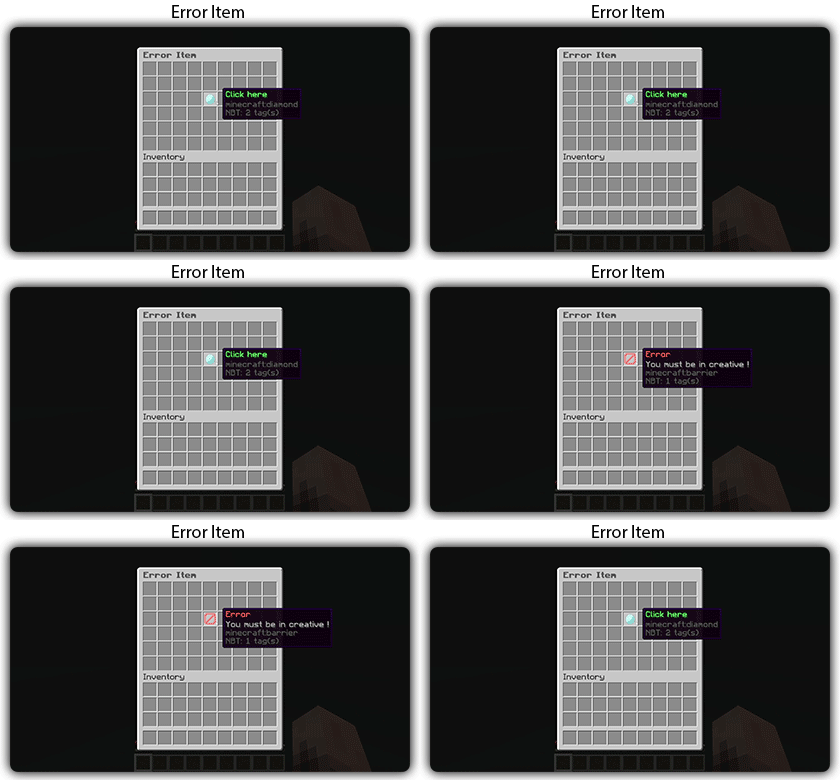](https://docs.zmenu.dev/configurations/buttons#error-item-zmenu)
[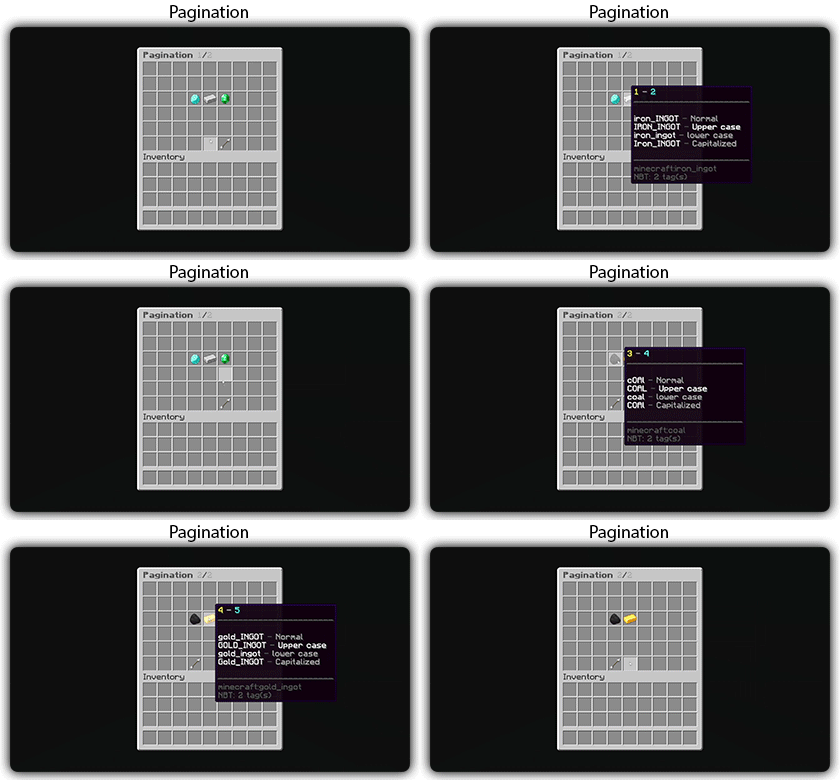](https://docs.zmenu.dev/configurations/buttons#pagination-zmenu)
[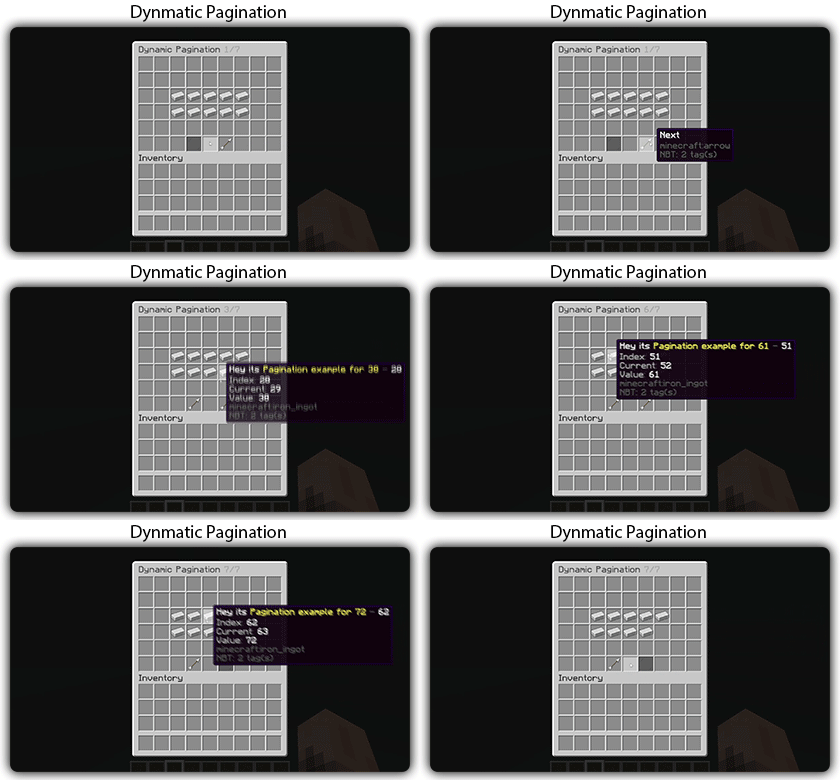](https://docs.zmenu.dev/configurations/buttons#dynamic-pagination-zmenu)
# **Features:**
✅ Ability to create an **infinite number of GUI** menus and **commands**.
✅ Possibility to create several pages in the same inventory.
✅ Arguments, actions, and auto-completion for your commands.
✅ A marketplace to download configurations.
✅ An [online inventory editor](https://minecraft-inventory-builder.com/).
✅ Open Source: [GitHub](https://github.com/Maxlego08/zMenu).
✅ Advanced API.
✅ Ability to create an infinite number of buttons for each of your actions.
✅ Highly customizable.
✅ PlaceholderAPI support.
✅ Kyori Adventure [Mini Message Format](https://docs.adventure.kyori.net/minimessage/format.html) support.
✅ [Folia](https://papermc.io/software/folia) support.
✅ Convert from other plugins: [zMenuConvert](https://www.spigotmc.org/resources/zmenuconvert.110403/).
✅ Patterns, no more need to copy and paste the same configuration several times!
✅ [zHead](https://www.spigotmc.org/resources/zhead-database.115717/) and HeadDatabase support.
✅ Documentation translated into several languages:
1. English: [docs.zmenu.dev](https://docs.zmenu.dev/)
2. Français: [docs.zmenu.dev/v/fr/](https://docs.zmenu.dev/v/fr/)
✅ **Anti-duplication** system. Duplication will be completely impossible with the plugin.
✅ Turn your items into a configuration with **/zm save**.
✅ Executable items for open inventories.
✅ Possibility to **translate your items** into several languages. The plugin displays the correct translation to the player!
✅ Use mathematical expressions in your inventories!
**🌟 zMAnnounce** is an optimized plugin for **Velocity** servers that allows sending **global and server-specific announcements**, displaying **bossbars** with countdowns, and fully customizing messages with **Legacy**, **HEX**, or **MiniMessage** colors. It includes spam protection, message limits, and performance optimizations with color caching. 🚀
## ✨ Key Features
– 📢 **Global & server-specific announcements**
– ⏱️ **Bossbars with customizable timers**
– 🎨 **Full color & MiniMessage support**
– 🔒 **Security**: message limits, input validation, and anti-spam
– ⚡ **Performance optimizations** with thread-safe operations
– 🔔 **Update notifications** via Modrinth
## 📦 Installation
1. Download the latest release from the [Modrinth page](https://modrinth.com/plugin/zmannounce) or [GitHub releases](https://github.com/zMarkitos/zMAnnounce/releases)
2. Place `zMAnnounce-1.0.0.jar` in your **Velocity** `plugins/` directory
3. Restart your Velocity server
4. Configure the plugin in `plugins/zMAnnounce/config.yml`
* ✅ Checks Modrinth API for new versions on startup
* 🛎️ Optional player notifications when they join
* ⚙️ Can be disabled in `config.yml`
## 📞 Support
* **Discord**: [Support the discord](https://discord.com/invite/R7PNG2fChs)
zLink
zLink is your custom link plugin. It works by connecting to a database and giving the user a code, that code the user can input into your project to link their account. Right now you can fetch the users uuid, luckperms rank, display name, world, game mode and when they first joined.
**Please Note: This plugin is still in beta, there will be bugs and it will not be perfect.**
If you would like to get releases before it comes here please visit: [Our Official Website](https://link.zavrobot.tech/)
ZLDiscord
**ZLDiscord is a universal plugin for Minecraft servers that provides advanced features, including a voting system, integration with placeholders for voice chats, and the creation of custom messages. This plugin is designed to simplify and automate server management.**
“`
• /zevent “title” “command” “time” “channel_id” — Creates a new poll. (Administrator rights required).
• /zembed “Unique Name” “Title” “Description” “Channel ID” “Image URL” “Thumbnail URL” “Footer Text”” “Footer Icon URL” — creates a new embed. (administrator rights required).
(Administrator rights required).
• /zembedmanage “action” “unique_name” “new_value” — Manage created embed messages. (Administrator rights required).
• /zlink — Link your account to Discord.
• /zunlink — Unlink your account from Discord.
“`
# **Commands in Discord:**
“`
• /zevent — Creates a new poll. (Administrator rights required).
• !embed — Creates an Embed message in Discord. (Requires administrator rights ).
• /link < code > — Link your account to Discord. (In the bot’s private messages)
• /unlink — Unlink your account from Discord.
“`