# Travelers Titles Addon
A traveler’s title resource pack to make it just as good as the Visual traveler’s title addon from un_roman. Except this one just does biomes instead of dimensions.
The titles are a bit low but this is to fit the original textures by un_roman, otherwise when joining a dimension they would be on top of each other.
Heavily inspired by un_roman
Made with plugin from Ewan Howell
Any bugs or fixes please report them on the github!
### Compatibility
I might addon some biome mods later on, undecided still. You can also make them yourself message me to include them or distribute it on your own.
Visual Target Levels
# Visual Target Levels
A small utility pack that changes the target block to display its power level.
OptiFine NOT required!
Thanks to Shock Micro for VanillaDynamicEmissives, which makes some of this pack’s features possible!
Terms of usage
If you use or feature this resourcepack through any medium (PMC, YouTube, Curseforge, etc.), you must credit me and link to this page and/or my profile.
If you would like to use this in your public resourcepack, please ask me first, and include credit and a link to this page both in a credits.txt in the resourcepack file and in the description.
Usage must be a modification or addition to your pack, not a repost.
If you see anyone using my content without permission, please let me know so I can sort it out 🙂
If you are using Sodium, Continuity must also be installed for emissive textures.
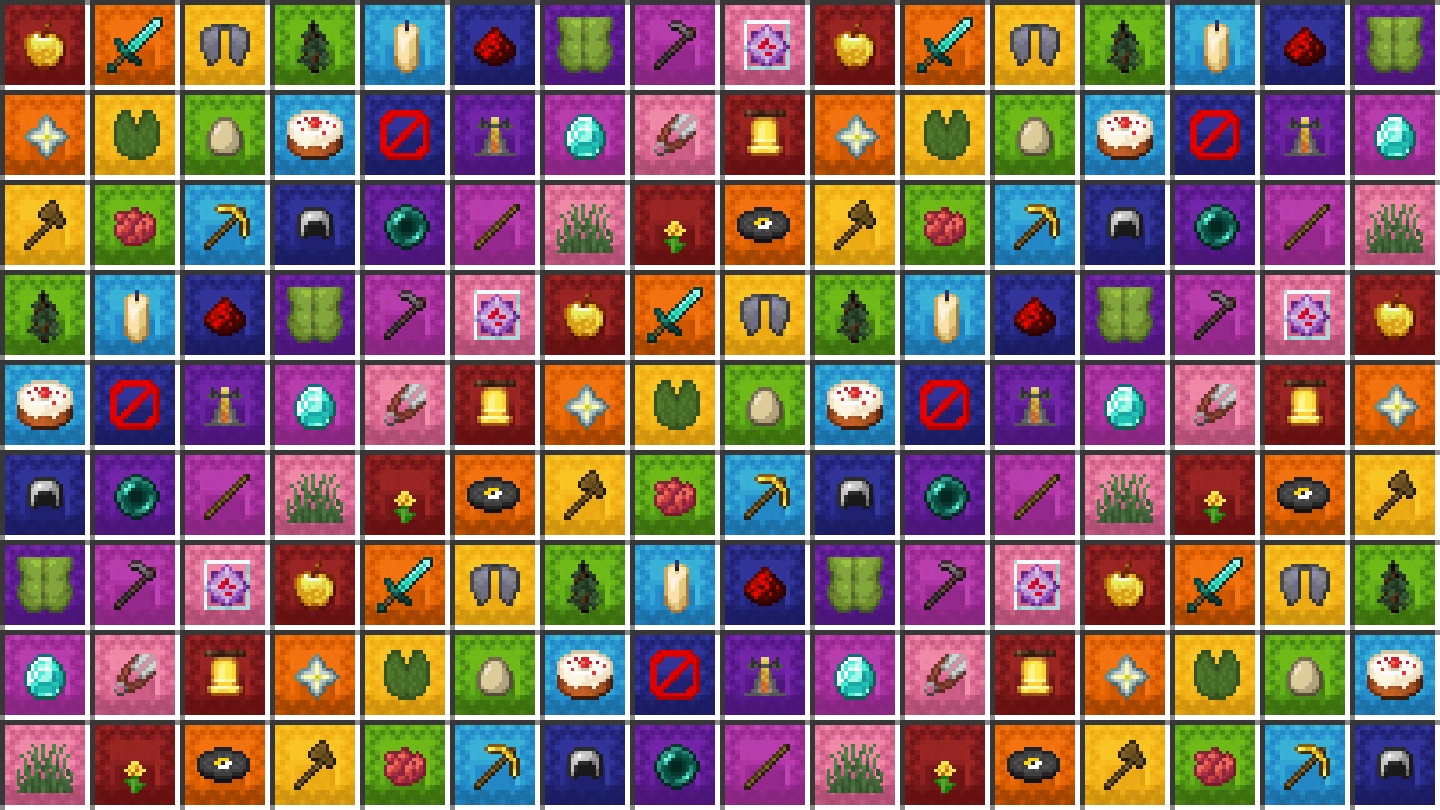
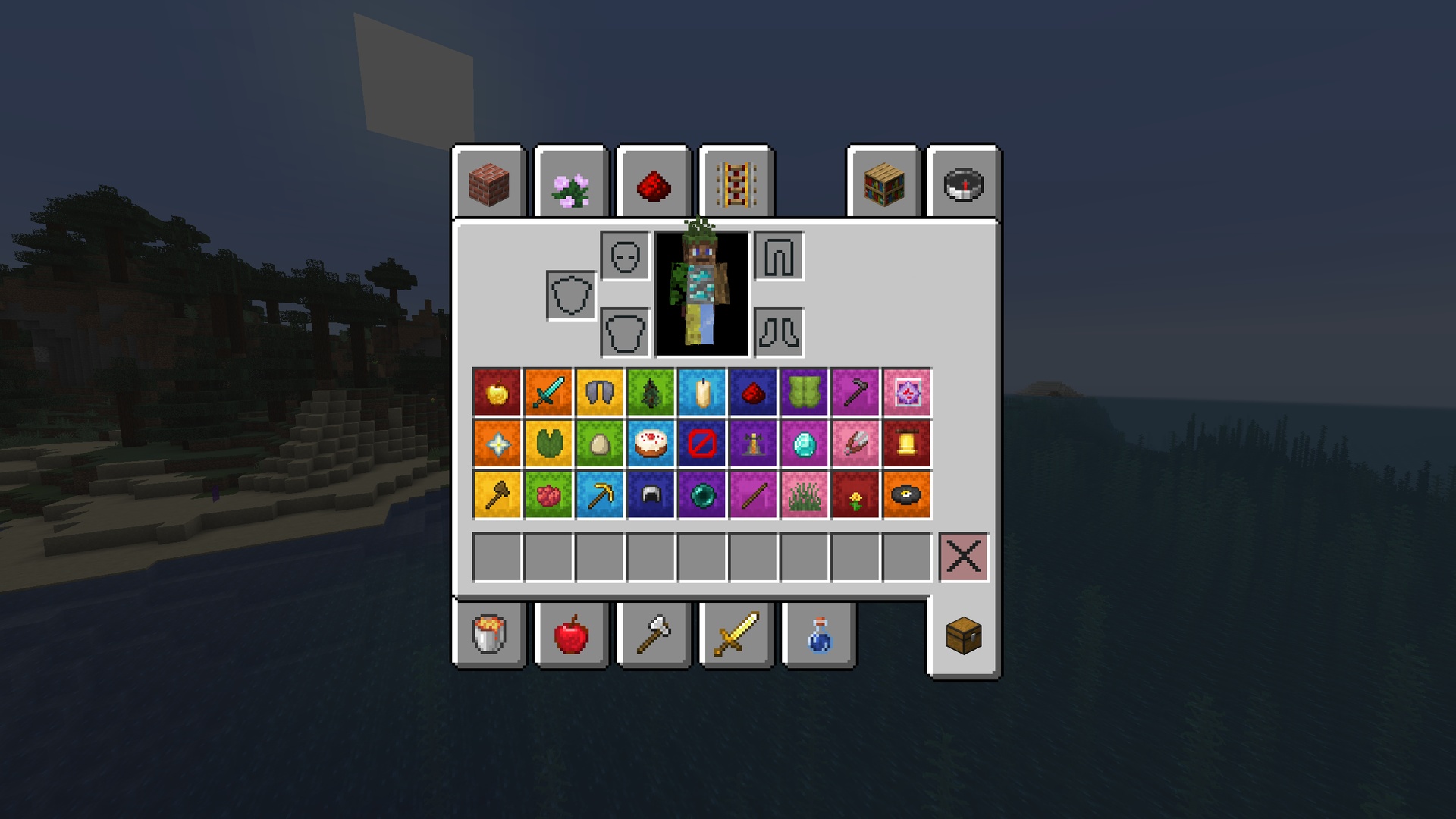
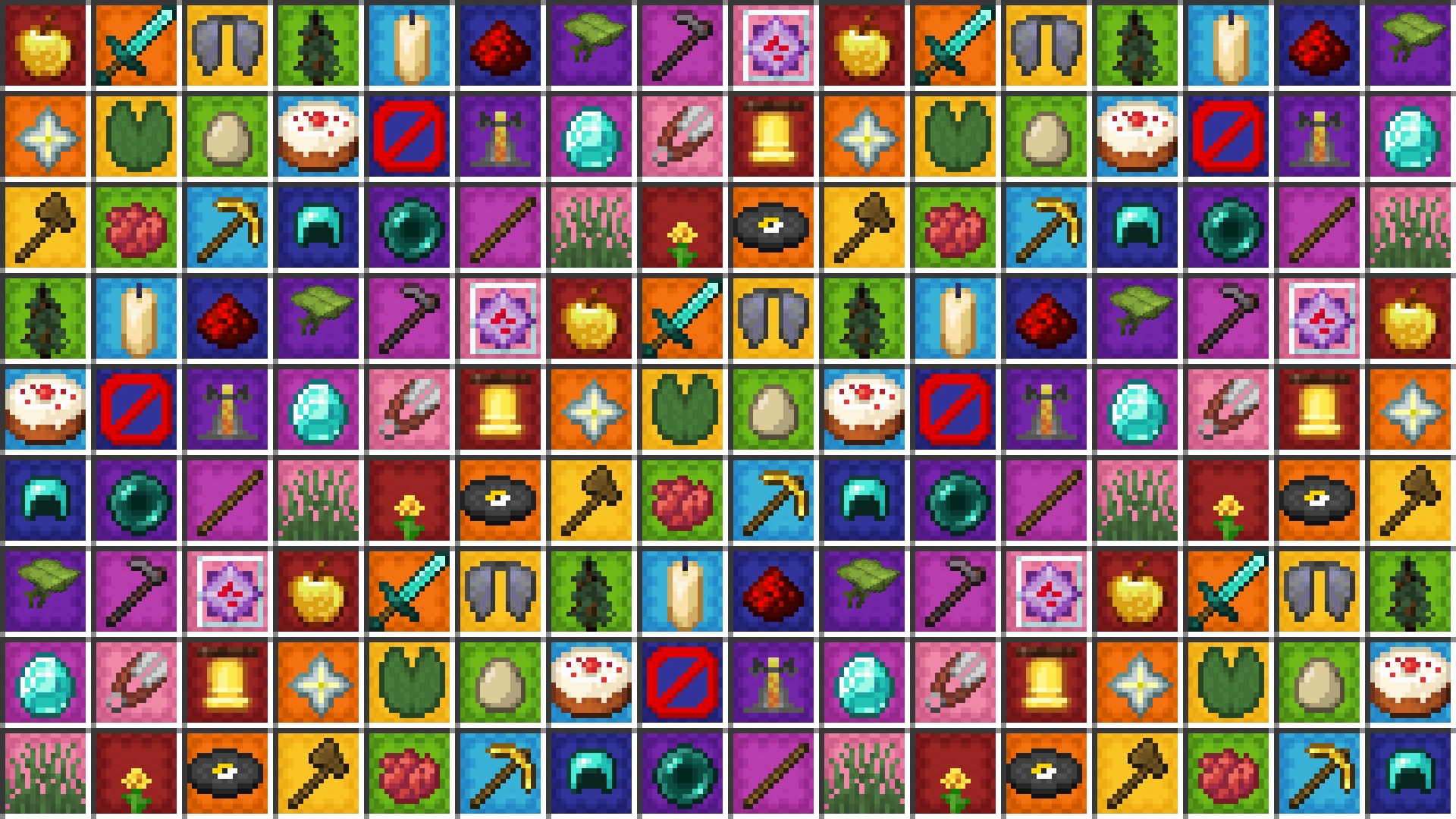
This texture pack for Suspicious Stews adds a unique visual touch to the game: the flowers used to craft the stew are visible inside, as if soaked in the broth. Additionally, the stew changes color depending on the effect it grants the player. For example, the stew that gives Saturation is yellow and contains flowers like the Dandelion or Blue Orchid, which can be used in crafting. A creative way to easily identify the effects of each stew!
## 🔍 Practical example
To better understand the pack you can just look at its logo:
The purple part will be the flower used to craft the stew, the blue part will be what effect it will give to the player and the orange part will only be aesthetic.
You can find every stew in the gallery.
(Source: Minecraft Wiki)
Check out this resource-pack’s collection: here!
# ❓ FAQ
### 📂 Using Parts of This Resource Pack
Regarding parts created by me, whether they are textures, models, sounds, or any other elements, proper credit must be given when using them. This means that you must clearly credit the original creator (myself) and provide a visible link to the official Modrinth page where the resource-pack can be downloaded.
This applies to all uses, including streaming, video content, and any form of public content creation. Proper attribution ensures the recognition of the original work and allows others to discover and explore the resource-pack.
### 📦 Using the Entire Resource Pack
You are allowed to use the entire resource-pack publicly, including in projects, servers, or other public uses. While proper credit to the original creator (myself) with a visible link to the official Modrinth page is **strongly appreciated** when the pack is used in full, it is not strictly required. However, this does not grant permission to re-upload or redistribute the resource-pack on any platform or website without explicit consent.
Any attempt to republish the resource-pack as your own or distribute it through unauthorized channels is strictly prohibited. If you wish to modify or share the resource-pack in any way, please contact me for approval. The goal is to ensure that the resource-pack remains under proper control and that all creators are respected for their work.
### ⚖️ Consequences of Non-Compliance
Failure to respect these guidelines may initially result in a polite request for compliance. However, if these conditions are not followed, it will lead to the total removal of the content in question.
# 🛠️ Compatibility & Requirements
Starting from version **1.2.0**, this pack offers full support for *Minecraft 1.21.5 and above*, leveraging the new vanilla system to dynamically update suspicious stew textures without requiring any mods.
For users on versions earlier than 1.21.5, please use **version 1.1.0** of the pack together with **OptiFine** or **CIT Resewn** to enable the dynamic textures.
> ⚠️ **Note:** Version 1.1.0 is no longer supported and may not receive updates or texture changes due to ongoing improvements and optimizations in newer versions.
Be sure to select the version that fits your Minecraft setup to get the best experience!
Visual Shulker Labels: 2D Display Addon
## Label your shulkers with style
View the pack on my website!
This addon requires the base pack to function.
This pack makes it so that you can give a shulker box an item name and the shulker gets a visual label of the item on it!
How to name your shulkers:
This list shows all of the valid names for a shulker box.
In these examples, I will be using the item “Apple”.
– Apple
– Apple Shulker
– Apple Box
– Apple Shulker Box
– Any Prefix You Want Apple
– Any Prefix You Want Apple Shulker
– Any Prefix You Want Apple Box
– Any Prefix You Want Apple Shulker Box
Join the Resource Pack Development Discord Server!
Subscribe on YouTube!
Follow me on Twitter!
Support me on Ko-fi!
Visual Shulker Labels
## Label your shulkers with style
View the pack on my website!
This pack makes it so that you can give a shulker box an item name and the shulker gets a visual label of the item on it!
Shulkers must be named to exactly match the name of the item you wish it to display. Names are case sensitive, but fully lowercase and fully uppercase are also supported!
Join the Resource Pack Development Discord Server!
Subscribe on YouTube!
Follow me on Twitter!
Support me on Ko-fi!
Visual Redstone Vanilla Plus
## About
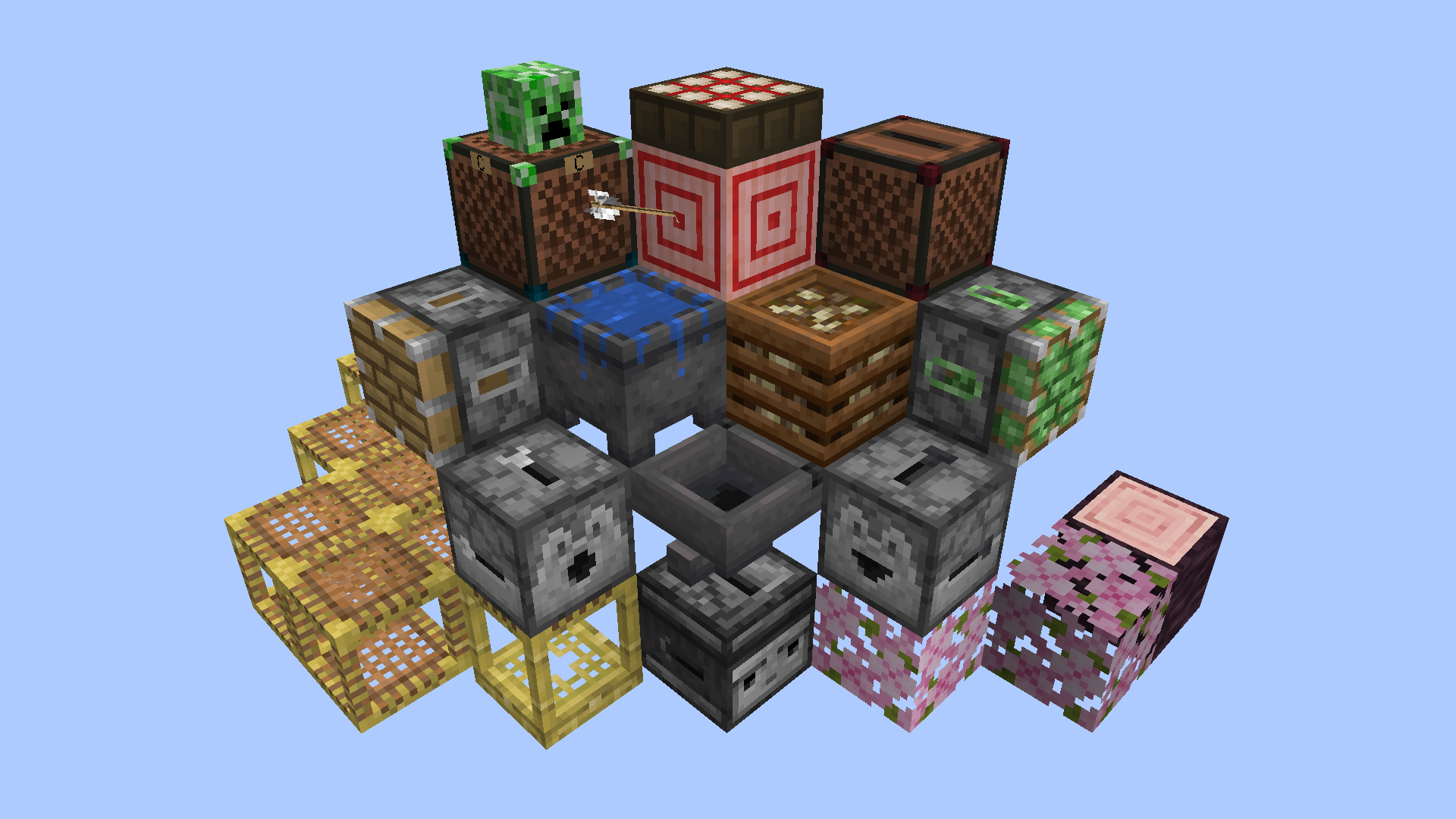
This resource pack makes it easier to see and understand redstone devices by adding visible mechanisms, lights and other indicators to various blocks while remaining as vanilla-looking as possible.
Inspired by Vanilla Tweaks and Redstone Tweaks, and also uses some of those packs’ model files and a handful of edited textures as a base for this pack’s custom tweaks. No straight-up copies.
I recommend the ‘Unlit Redstone Ore’, ‘Groovy Levers’ and ‘Visual Honey Stages’ Vanilla Tweaks to go alongside this pack, as they complement it perfectly. Place VRVP at the top of the resource pack list so it has priority over everything else that might overwrite it.
Check the Gallery images and descriptions to see how these blocks are changed.
## Credits
Made by batbrain55
Inspired by, and using .json files and a few edited textures from Redstone Tweaks: https://www.curseforge.com/minecraft/texture-packs/redstone-tweaks
Inspired by, and using an edited version of the Pixel Consistent Tripwire from Vanilla Tweaks for older versions: https://vanillatweaks.net/
Base textures and the video game of Minecraft by Mojang
Visual Powder Snow
In this Pack the Texture of powder snow is changed to a more alarming one
Visual Potions Effects (All languages)
A simple pack that will display an icon of the effect(s) of potions, splash potion, lingering potions and tipped arrow. It will also display the name of the item to best match the overall color of the icon.
Also added icon to bottle o’enchanting, pufferfish and golden apple.
If I forgot any item that give potion effect let me know in a comment on planet minecraft and I’ll add it.
(https://www.planetminecraft.com/texture-pack/visual-potions/)
This pack aims to give the paintings unique textures in the GUI.
Be warned, this only works for the creative mode items without mods/datapacks!
Below is a table of each of the new textures:
### How do I get it to work?
In order for you to get these wonderful textures, you can either use:
– Vanilla Minecraft! (as of version 2.0, requires Minecraft 1.21.5+)
– Fabulously Optimized
– CIT Resewn or [[CIT] Custom Item Textures](https://modrinth.com/mod/cit) (manual installation)
– Any modpack including CIT Resewn, CIT or another working fork.
– OptiFine (untested)
Neither Chime nor Polytone are supported at the moment.
## Links
If this pack interests you, come and join the Discord server!
Be sure to check out my other cool project, Pixel Consistency!
If you have found a broken texture in this pack, or would like to request a feature, please raise an issue on the issues page.
## Credit
Thank you to @BigHungryChicken for creating an updated version of the pack, and encouraging me to actually finish the 15th anniversary update.
Credit to Kristoffer Zetterstrand, Sarah Boeving and Mojang for their work on the original paintings that these are based off.
If you are a resource pack developer and enjoy my work, I would love if you included any of my textures or models from this pack in yours. Be sure to credit me though!
If you would like to upload a video showcasing this resource pack to a third party platform like YouTube, credit would be highly appreciated, and be sure to let me know, I might include it here!
## Support Me
The best way to support me at the moment is by downloading and following my resource packs!
If you would like to:
– Ask a question about this pack, or something related
– Request a commission, or
– Donate, to me directly
please either join the Discord or raise an issue on the Github page.