WorldDynamics Engine

[](https://app.travis-ci.com/thatguycy/WorldDynamics-Engine) [](https://www.gnu.org/licenses/gpl-3.0) 

## Description
More than just a Towny Addon, it’s a **Towny Essential Upgrade**!
WorldDynamics Engine is a sophisticated roleplay plugin designed for geopolitical servers. It allows players to immerse themselves in dynamic political landscapes, manage resources, engage in diplomacy, and shape the world with their decisions.
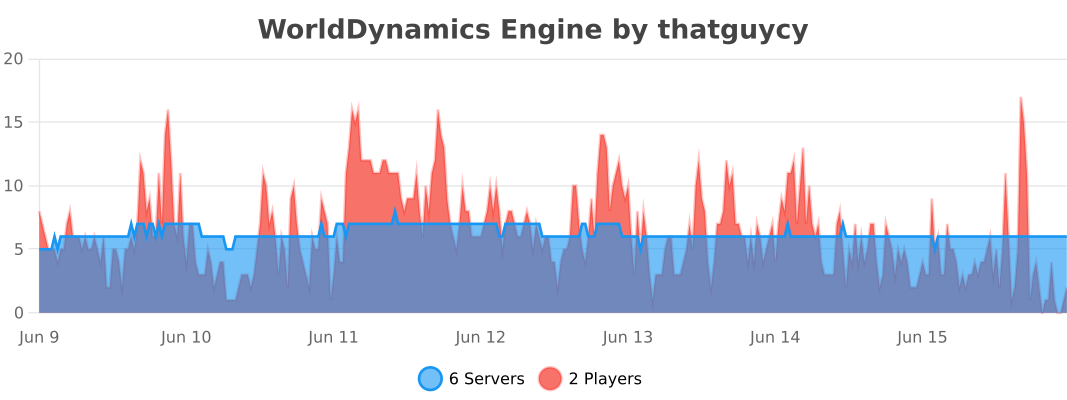
## Usage Statistics
## Current Features
– **Custom Government Structures**: Choose from a variety of government forms to shape the political structure of your nations.
– **Dynamic Organization Management**: Create, manage, and dissolve various types of organizations, including both business entities and governmental bodies.
– **Financial Management for Organizations**: Execute financial transactions within organizations, facilitating deposits and withdrawals to manage funds effectively.
– **Robust Member Management**: Empower organization leaders with the ability to add or remove members, offering significant control over their internal structure.
– **Detailed Information Display**: Access comprehensive information about nations and organizations, enhancing transparency and strategic planning.
– **Flexible Command System**: Engage with an intuitive and adaptable command system, tailored to facilitate user interaction with the plugin’s diverse functionalities.
– **International Organizations**: Participate in global alliances and international bodies, extending influence beyond national borders.
## Future Features
– **Dynamic Political Borders**: Strategically create and adjust nation borders, reflecting the evolving geopolitical landscape.
– **Advanced Resource Management**: Control and trade unique resources, introducing an element of economic strategy and resource conservation.
– **Diplomatic Engagement Systems**: Engage in complex treaties, form alliances, and conduct high-stakes negotiations to influence international relations.
– **Sophisticated Economic System**: Develop and manage a multi-faceted economy, encompassing trade networks, market dynamics, and financial policies.
– **Military Strategy and Defense**: Build formidable armies, strategize defensive tactics, and engage in warfare to protect and expand your nation.
– **Cultural Expansion and Influence**: Spread your nation’s cultural influence, shaping global cultural trends and interactions.
– **Environmental and Technological Dynamics**: Address challenges posed by climate change and technological advancements, adding a layer of environmental strategy.
– **Espionage Mechanics**: Implement espionage and counterintelligence operations, introducing a stealthy aspect of information warfare and intrigue.
– **Global Impact of International Organizations**: Influence world affairs by participating in or establishing international organizations, shaping global policy and diplomacy.
## Installation
Instructions on how to install the WorldDynamics Engine plugin.
– **1)** Place WorldDynamicsEngine-X.X.jar in the “plugins” folder.
– **2)** Install [TownyAdvanced](https://www.spigotmc.org/resources/towny-advanced.72694/) and [Vault](https://www.spigotmc.org/resources/vault.34315/), these are both **essential**.
## License
This project is licensed under the [](https://www.gnu.org/licenses/gpl-3.0) – see the [LICENSE](https://github.com/thatguycy/WorldDynamics-Engine/blob/main/LICENSE) file for details.
World Size
**World Size** is a lightweight, client-side utility mod for Minecraft Fabric that brings more transparency to your world management.
Ever wondered how much disk space your massive survival world is actually taking up? With this mod, you no longer need to dive into your file explorer to find out.
Features:
– Real-time Size Tracking: View the total disk size of every world directly on the World Selection screen. Or you can use the **/worldsize** command to show it in game.
– Automatic Formatting: Sizes are automatically converted to a readable format (Bytes, KB, MB, or GB) for at-a-glance information.
– Seamless Integration: Designed to blend perfectly with the modern Minecraft UI, featuring a clean, non-intrusive display.
– Performance Optimized: The size calculation happens efficiently in the background, ensuring your menu navigation remains smooth and lag-free.
**Why use World Size Display?**
Whether you are a modpack creator, a dedicated survivalist, or just someone looking to clean up old worlds, this mod provides the essential data you need to manage your storage effectively without ever leaving the game.
WorldManager
# WorldManager
WorldManager is a simple plugin allowing worlds to be automatically reset on demand.
**NOTE:** The plugin is currently in beta, so please check out [here](https://github.com/Zffu/WorldManager) to suggest features you’d like!
## Commands
### /worldmanager
This is the main command of the plugin, allows to have a list of the commands.
### /worlds
This command allows you to have information on worlds handled by WorldManager.
### /loadworld
This command allows you to load a world handled by WorldManager.
### /unloadworld
This command allows you to unload a world handled by WorldManager.
### /createworld
This command allows you to create a world reset option for the specified world.
## Permissions & Messages
WorldManager allows its users to modify the required permissions and messages to whatever they’d like. In order to do so, please head to the config
## API
WorldManager comes with an API allows you to use its features without the plugin.
World Looting
This datapack replaces all barrels and chests without custom names the player opens with unlooted chests, player’s placed chests and barrels are automatically named on place so they wont be replaced also, by default all chests and barrels uses the vanilla loot table:chests/simple_dungeon but you can change them to whatever you like in the data/packreplacer/functions/hit.mcfunction
Also work with mods if the mods add loot to the vanilla loot table
WARNING: THIS DATAPACK WILL REPLACE ALL CHESTS THE PLAYER INTERACT WITH WHEN IT IS INSTALLED, IF YOU INSTALL IT ON A PREMADE WORLD, ALL YOUR CHESTS WILL BE REPLACED ALSO I ADVISE YOU PACK ALL THE STUFFS ON TO YOUR PLAYER INVENTORY/ENDERCHEST/CHESTMINCART ETC BEFORE INSTALLING
World Download
# DownloadPlugin for Minecraft
DownloadPlugin is a Minecraft server plugin that allows players to download the world they are currently in as a ZIP file. This is especially useful for large building servers or personal worlds.
## Features
– Download any world with `/download ` command.
– Only allows downloads from worlds that are not blocked.
– Generates ZIP files named as `...zip`.
– Provides clickable download links in chat.
– Logs all downloads if enabled.
– Automatically deletes old downloads based on expiration time.
– Deletes all ZIPs on server start to prevent storage issues.
– Supports internal HTTP port and public port via tunnels (like Playit.gg).
## Commands
/download
– ``: A numeric code chosen by the player to make the ZIP filename unique. Example: `/download 12345`
– Blocked worlds cannot be downloaded.
## Configuration (`config.yml`)
“`yaml
blocked-worlds:
– world_nether
– world_the_end
log-downloads: true
log-file: downloads.log
http-port: 8100 # Internal port where the HTTP server runs
public-port: 27429 # Public port that players use to access downloads
download-expiration: 3600 # Expiration time in seconds for automatic deletion
public-ip: “147.185.221.23” # Server’s public IP address or domain
Workstations
# A lightweight plugin to open workstations through commands
Commands
“`/craft“` – Opens a workbench | Aliases: “`/workbench“`, “`/wb“`
“`/enchanting“` – Opens an enchanting table
“`/enderchest [player]“` – Opens an enderchest (enderchest’s of other players can only be opened with the “`workstations.open_other_enderchests“` permission | Aliases: “`/ec“`
Permissions
“`workstations.craft“` – Use the /craft command
“`workstations.enchant“` – Use the /enchanting command
“`workstations.enderchest“` – Use the /enderchest command
“`workstations.open_other_enderchests“` – Open other player’s enderchests
Workshop for handsome adventurer
## Introduction
This mod doesn’t add new stuff. It’s a weird way to start a description but it’s unnatural to the author so he had to say it. This mod re-adds blocks that authors lived with in past versions of minecraft and misses now. If you tried Bibliocraft, you miss it without doubt. Tinker’s construct is still around but maybe you don’t want overpowered tools just because you liked the crafting table. etc.
## Features
– **Crafting tables** – you know what they do…
…except maybe you like them to keep remaining contents after closing the crafting screen;
…or, you want to access nearby chests and barrels from the crafting screen?
And once you try our dual table you will never go back. Two crafting grids don’t sound that amazing but when you get used to it, you’ll know.
– **Toolracks** – right-click to hang your tool onto it, right-click to take it back.
It’s not glorious, we won’t pretend that it is.
But just make one and put it on a tree near your farm – never again forget where your shears are; never again craft a stone hoe to tile a single block.
Oh and craft another one and put it in your kitchen – knives and pans easy to reach.
– **Potion shelves** and **disc shelves** – right-click to place bottles, right-click to pick them up.
Similar to toolracks except single shelf slot accepts multiple bottles even if an inventory slot accepts just one.
– **Book shelves** – single click access to your books.
Again, nothing glorious but you shouldn’t dredge through chests to find instruction books. Will not be dropped in 1.20 onward because chiselled bookshelves aren’t as good as we have hoped.
– **Task lists** (todo lists) – keep track of plans and tasks.
Either keep the item with you or attach it to a wall.
## Third-party mods to use together with this one
As of mod version 1.14, this mod provides its blocks in all the wood types offered by your mods that you use.
The support is magical and mostly automatic (you may need to add some weird wood to a config file, see [wiki](https://github.com/moonfather1/workshop_for_handsome_adventurer/wiki), which makes old addons that I listed here obsolete.
The only dependency is [Dynamic asset generator](https://modrinth.com/mod/dynamic_asset_generator) and even that one is optional. There is a backup subsystem that does the same, but DAG is still recommended for some rare cases that the backup system dismisses. Editions for 1.18 and 1.19 don’t use DAG, only editions for 1.20.1 (game version) and onward.
Woodworks
[](https://slabfi.sh/makeship)



### 📖 About:
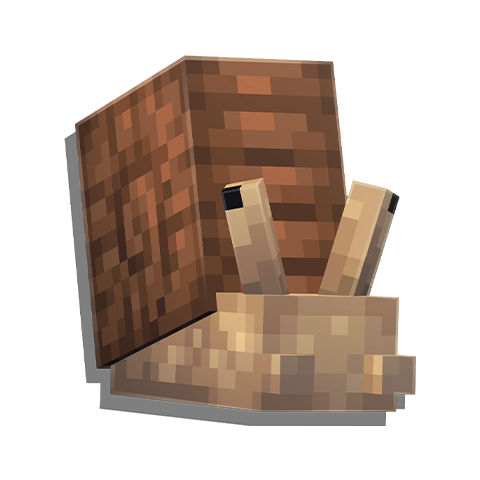
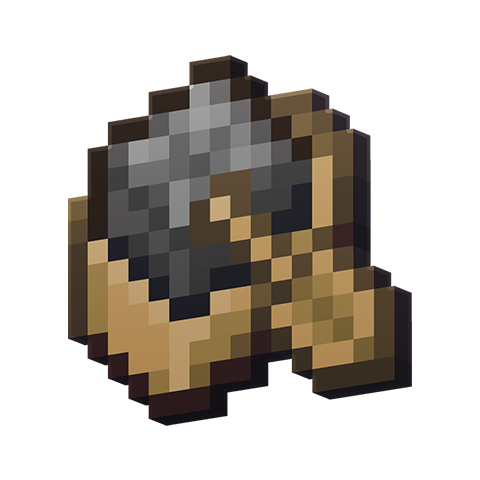
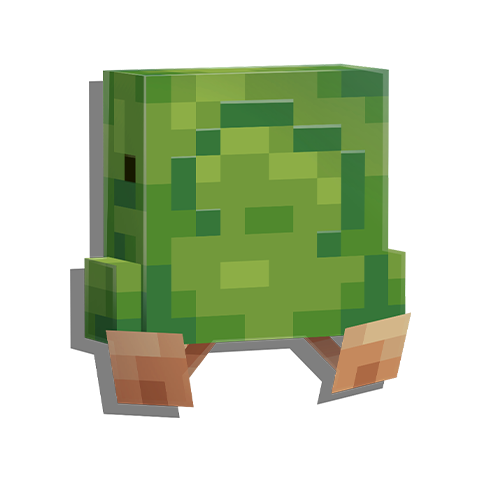
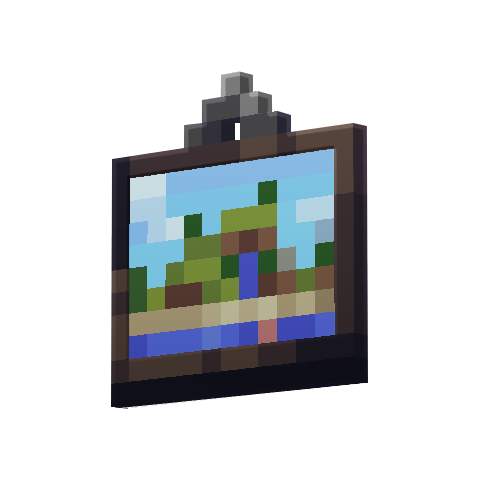
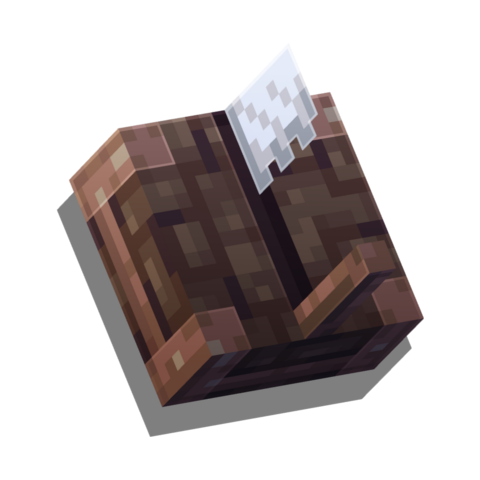
Adds the Sawmill – a block like the stonecutter, but for wood variants. Also introduces wood-type variations of Ladders, Beehives, Chests, Trapped Chests, Bookshelves, and Chiseled Bookshelves, as well as Boards and Leaf Piles! Unlike most of our mods, this mod is fully configurable, meaning all its features can be enabled or disabled in the configuration file!
















[](https://slabfi.sh/nodecraft)
WoodlyChopper
# WoodlyChopper
**Chop down one log with your axe, and the whole tree falls!**
This plugin is made for players who prefer to build and enjoy Minecraft their own way without unnecessary limits. WoodlyChopper is lightweight, compatible with protection plugins, and includes a simple, beginner-friendly configuration file located in **plugins/woodlychopper/config.yml**.
Features:
– ✅ Optional leaf removal
– ✅ Vanilla durability support
– ✅ Protection-plugin compatibility
– ✅ Anti-lag limits
– ✅ Simple, human-readable config file
Wooden Hopper
# Wooden Hopper
This is a Minecraft mod which adds a Wooden Hopper to the game. (Forge, NeoForge, Fabric, Quilt)
It acts like a vanilla hopper but is only half as fast as a vanilla hopper. (16 ticks instead of 8 – configurable) and has only one slot.

There is also a [wiki](https://github.com/cech12/WoodenHopper/wiki) where you can read all details about the mod.
## Dependencies
The Fabric / Quilt version needs the following mods:
– Fabric API ([Github](https://github.com/FabricMC/fabric), [Curseforge](https://www.curseforge.com/minecraft/mc-mods/fabric-api), [Modrinth](https://modrinth.com/mod/fabric-api))
– Cloth Config API ([Github](https://github.com/shedaniel/cloth-config), [Curseforge](https://www.curseforge.com/minecraft/mc-mods/cloth-config), [Modrinth](https://modrinth.com/mod/cloth-config))
## Compatibility
This mod is highly compatible with all chests and other containers of multiple mods. If you encounter any compatibility issue, please let me know on Github or on Discrod.
### Hopper+
This mod is not compatible with Hopper+, because it is not open source and I cannot go through the code to find the issue.
## Sponsors
[](https://bisecthosting.com/cech12?r=modrinth-wooden-hopper-image)
You need a server? Save 25% on [Bisect Hosting with the promo code “cech12”](https://bisecthosting.com/cech12?r=modrinth-wooden-hopper-link)!
## FAQ
### Can I use this mod in my mod pack?
Yes, you are allowed to use this mod in your mod packs.
### Port to another Minecraft version? Which versions are supported?
Sorry, but I do not backport any mod to an older version. Here is a list of all supported and planned versions: [Minecraft mod versions of cech12](https://gist.github.com/cech12/662e37d2f8524037d9fef8fbe90bed5a)
### Is there a Fabric version?
Yes, since 1.20.4 Fabric and Quilt are officially supported. There is no plan to backport Fabric support to earlier Minecraft versions.
### Where is the config file?
There is a defaultconfig directory, where you can find it. If you change something there it has only an effect on new savegames. For existing savegames you need to go to the serverconfig directory of the savegame.
### I found a bug or I have a good idea to enhance this mod!
Very good! Open an [issue at Github](https://github.com/cech12/WoodenHopper/issues) or contact me on Discord.