Enchanted
## What is Enchanted?
Simply put, Enchanted turns your xp bar into enchantment text, also known as the Standard Galactic Alphabet.
This gives it a more magical feel than the vanilla bar, being just a flat line of green.
### What is the Standard Galactic Alphabet?
The Standard Galactic Alphabet (or SGA) is a fictional script that several games including Minecraft use. It can be found in the enchanting table.
### Credits
This pack was made by Sukuro120 on planetminecraft. This pack has been ported to modrinth with their permission with the intent of keeping it updated to the latest version.
Original pack: [xp bar to enchantment text](https://www.planetminecraft.com/texture-pack/exp-bar-to-enchantment-text/)
Xenocontendi Revived 16x
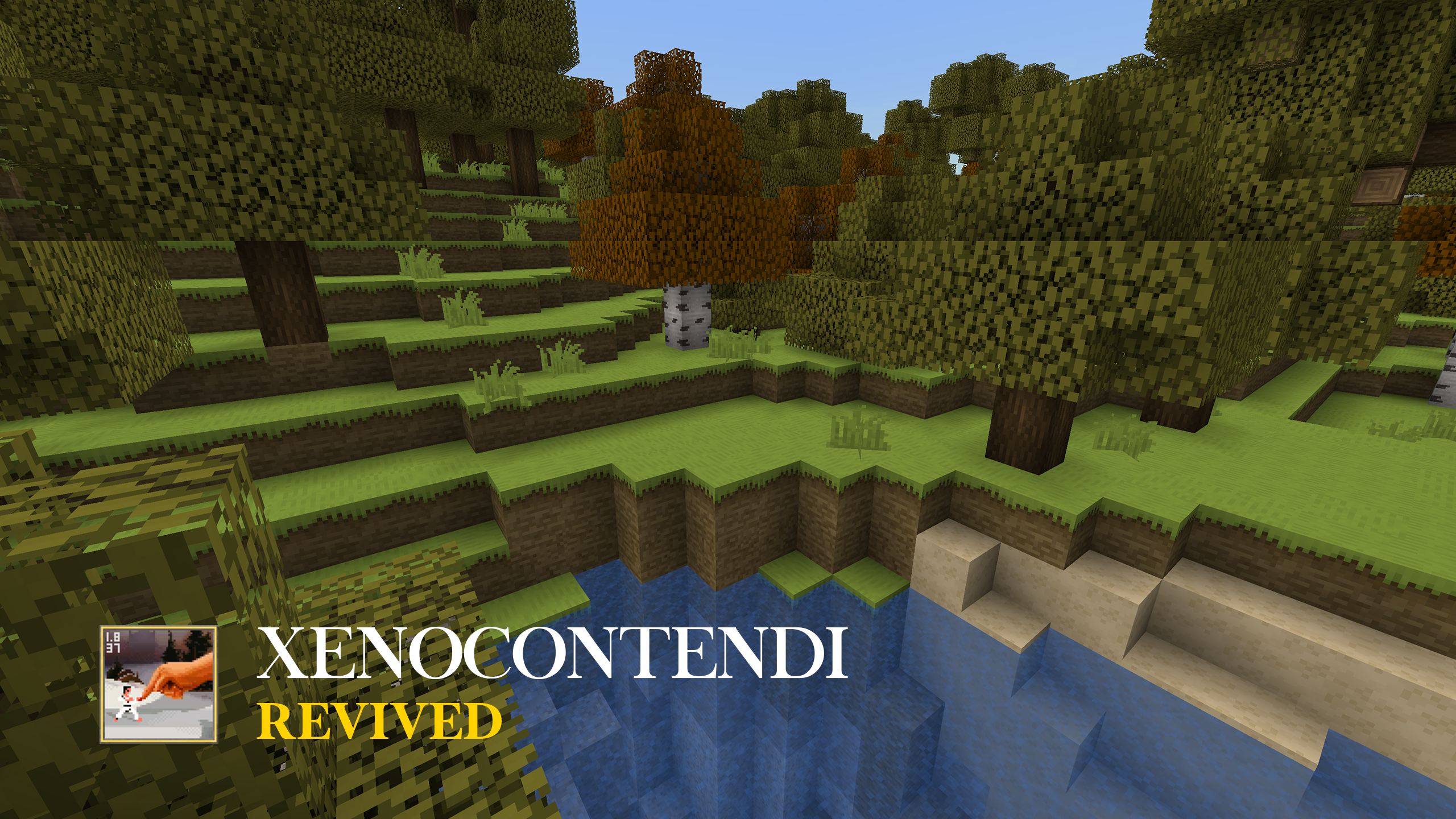
**Originally created by [Disethas](https://www.minecraftforum.net/forums/mapping-and-modding-java-edition/resource-packs/1223592-xenocontendi-resource-pack)!**
—
**Now supports both [Fresh Animations](https://modrinth.com/resourcepack/fresh-animations) and [Fresh Animation: Player Extension](https://modrinth.com/resourcepack/fa-player-extension)!**
– [Xenocontendi Revived X Fresh Animations](https://modrinth.com/resourcepack/xenocontendi-revived-x-fresh-animations)
– [Xenocontendi Revived X Fresh Animations: Player Extension](https://modrinth.com/resourcepack/xenocontendi-revived-x-fresh-animations-player-extension)
—
### What is Xenocontendi?
> “Xenocontendi is a resource pack with a smooth texture style, and a heavy focus on color use. Another important trait is that building blocks stay close to the appearance of vanilla textures.”
### Why Revive Xenocontendi?
I used this resource pack a lot when playing MC as a kid. I loved its simplicity, its colors and its vanilla-friendly style. I was and still am a Xenocontendi lover…But I was disappointed to find that Xenocontendi was never updated past MC 1.8……So I BROUGHT IT BACK!!
See something broken or vanilla texture that I missed? Leave a comment! I’d appreciate the feedback/notes!
—

### Optifine Features
-Custom Biome and GUI colors
-Random Mob Textures
-Connected Textures
***Alternatively, these Fabric equivalent mods will also work:***
-**Polytone** – Custom Biome and GUI Colors
-**Entity Texture Features** – Random Mob Textures
-**Continuity** – Connected Textures
—

*(Shader used: Photon Shader)*


xBRZ Retexture
# Minecraft retexture using xBRZ algorithm!
## Preserve the vanilla feel, but with less blocky textures!
## Images:
### xBRZ blast furnance

### vanilla blast furnance

### xBRZ moon phases
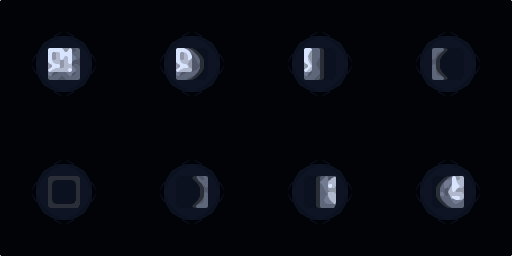
### vanilla moon phases
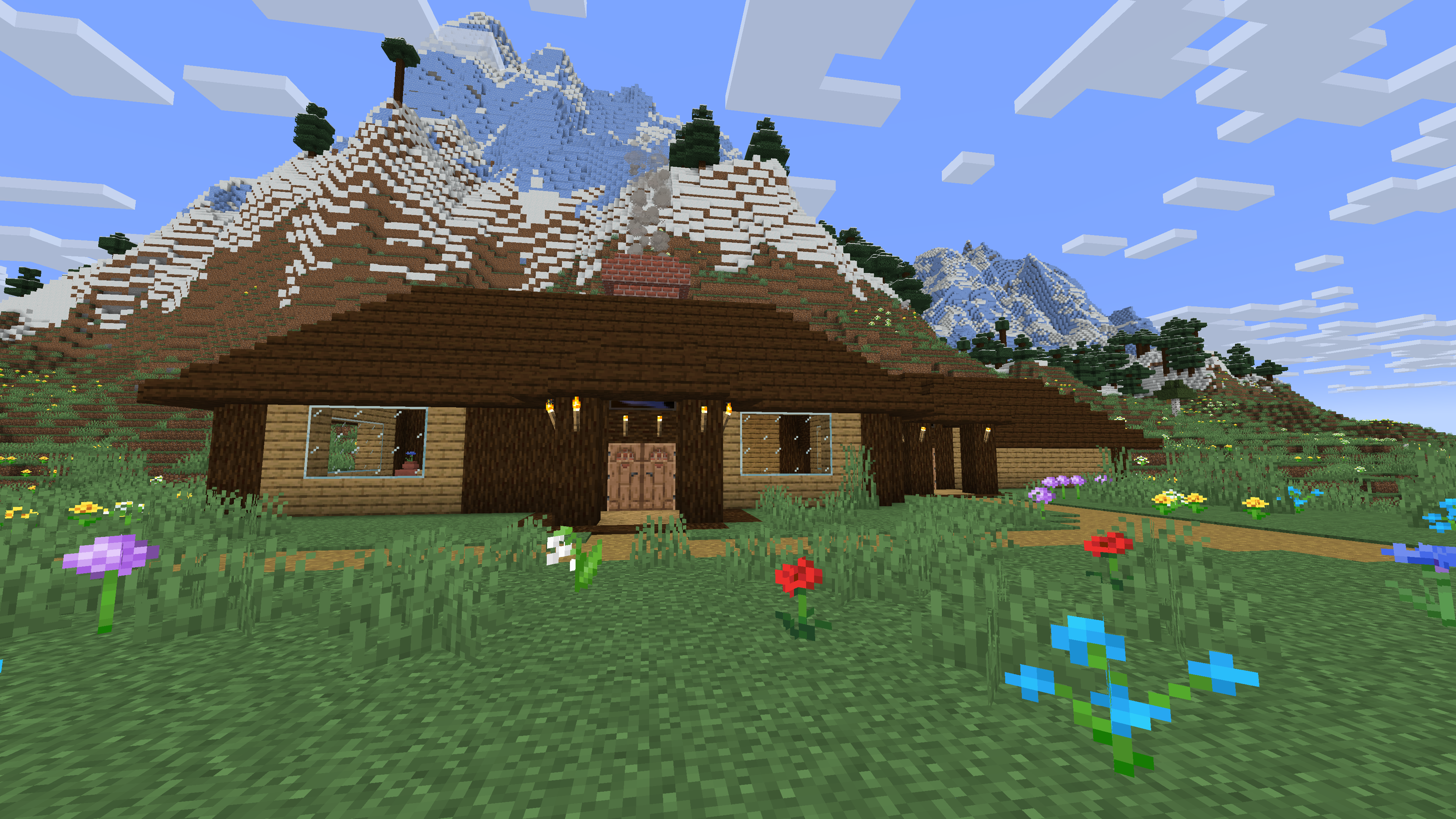
### House with the resource pack
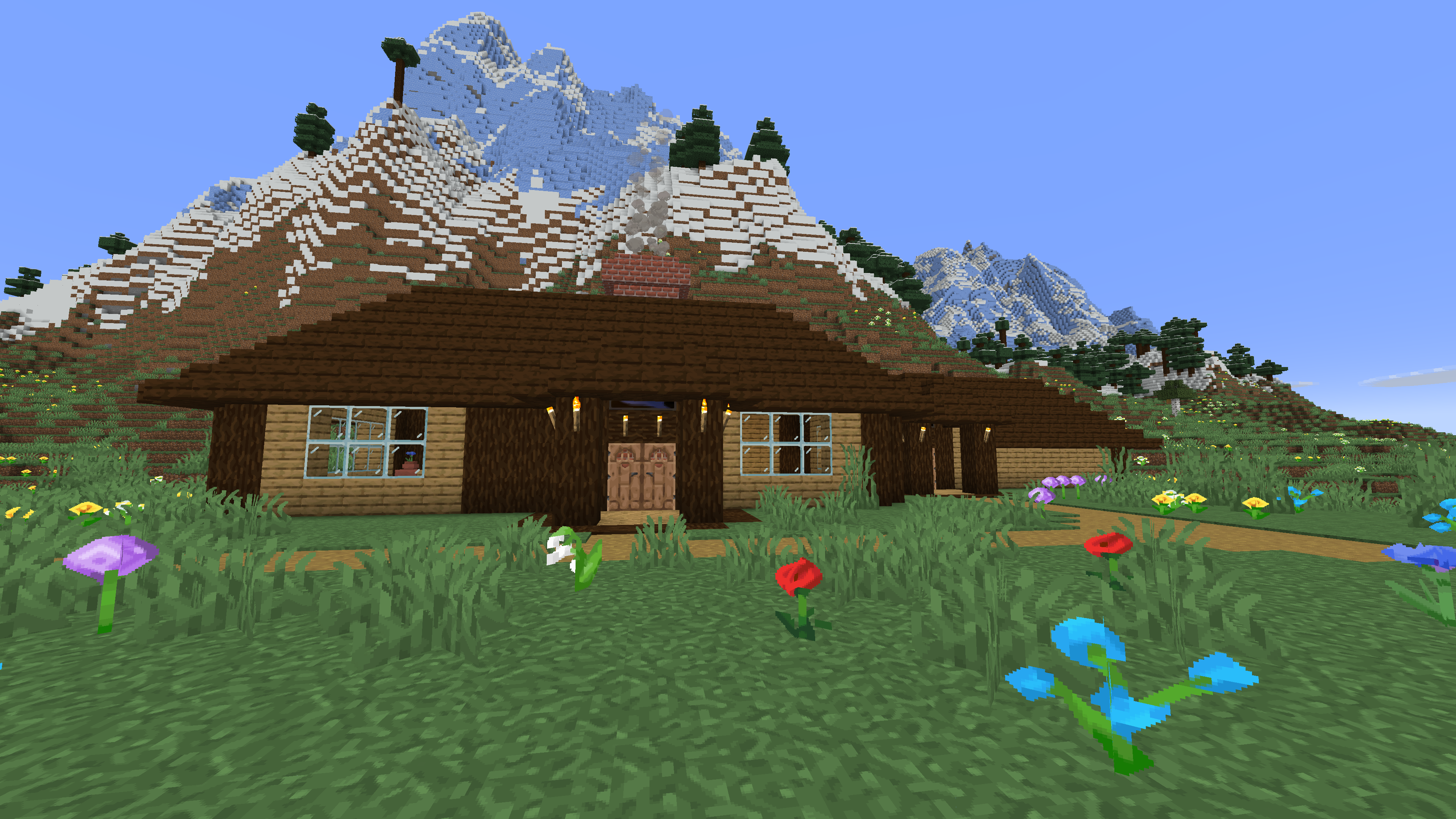
### House without the resource pack
XAquatic
This texturepack was done for a streamer/youtuber named XAquatic, go check out his channel!
This pack has a light blue theme with many features such as:
– Short Swords
– Clean GUI
– 2 Cit Models
– Blue Enchant Glint
– Blue Effects
– Basically Everything but blue
Follow XAquatic!
[Twitch](https://www.twitch.tv/xaquaticc)
[Youtube](https://www.youtube.com/@XAquatic_)
Xaero map RU-UA
## Xaero map RU-UA
**RU Это полный перевод(кроме разовых, тестовых функций) мода Xaero world map, если у вас с ним будут проблемы пишите в наш трекер проблем**
**UA Це повний переклад (крім разових, тестових функцій), мода Xaero world map, якщо у вас з ним будуть проблеми пишіть у наш трекер проблем**
X7’s Totem Cups Red
🥤 X7’s Totem Cups 🥤
✨ Features:
– Simple
– Clean
– Lightweight
– Compatible
💀 Check out the other styles
[ ](https://modrinth.com/resourcepack/x7s-totem-cups-red)
[ ](https://modrinth.com/resourcepack/x7s-totem-cups-blue)
[ ](https://modrinth.com/resourcepack/x7s-totem-cups-green)
[ ](https://modrinth.com/resourcepack/x7s-totem-cups-dark-red)
🎮 How to Install:
1. Download the pack (.zip file).
2. Drop it into your `resourcepacks` folder.
3. Open Minecraft → Settings → Resource Packs → Activate it.
4. Enjoy your new totem!
X7’s Totem Cups green
🥤 X7’s Totem Cups 🥤
✨ Features:
– Simple
– Clean
– Lightweight
– Compatible
💀 Check out the other styles
[](https://modrinth.com/resourcepack/x7s-totem-cups-red)
[](https://modrinth.com/resourcepack/x7s-totem-cups-blue)
[](https://modrinth.com/resourcepack/x7s-totem-cups-green)
[](https://modrinth.com/resourcepack/x7s-totem-cups-dark-red)
🎮 How to Install:
1. Download the pack (.zip file).
2. Drop it into your `resourcepacks` folder.
3. Open Minecraft → Settings → Resource Packs → Activate it.
4. Enjoy your new totem!
X7’s Totem Cups dark red
🥤 X7’s Totem Cups 🥤
✨ Features:
– Simple
– Clean
– Lightweight
– Compatible
💀 Check out the other styles
[](https://modrinth.com/resourcepack/x7s-totem-cups-red)
[](https://modrinth.com/resourcepack/x7s-totem-cups-blue)
[](https://modrinth.com/resourcepack/x7s-totem-cups-green)
[](https://modrinth.com/resourcepack/x7s-totem-cups-dark-red)
🎮 How to Install:
1. Download the pack (.zip file).
2. Drop it into your `resourcepacks` folder.
3. Open Minecraft → Settings → Resource Packs → Activate it.
4. Enjoy your new totem!
X7’s Totem Cups blue
🥤 X7’s Totem Cups 🥤
✨ Features:
– Simple
– Clean
– Lightweight
– Compatible
💀 Check out the other styles
[](https://modrinth.com/resourcepack/x7s-totem-cups-red)
[](https://modrinth.com/resourcepack/x7s-totem-cups-blue)
[](https://modrinth.com/resourcepack/x7s-totem-cups-green)
[](https://modrinth.com/resourcepack/x7s-totem-cups-dark-red)
🎮 How to Install:
1. Download the pack (.zip file).
2. Drop it into your `resourcepacks` folder.
3. Open Minecraft → Settings → Resource Packs → Activate it.
4. Enjoy your new totem!
X7’s Burger
🍔 X7’s Burger 🍔
✨ Features:
– Simple
– Clean
– Lightweight
– Compatible
🎮 How to Install:
1. Download the pack (.zip file).
2. Drop it into your `resourcepacks` folder.
3. Open Minecraft → Settings → Resource Packs → Activate it.
4. Enjoy your Burger!