Boxi’s Visual Enchantment Tooltips
## 📋 ABOUT 📋
Visual Enchantment Tooltips adds small, colored **icons to enchantment descriptions** to improve readability and visual clarity.
These icons visually **indicate which items an enchantment can be applied to, and represent the enchantment’s function** using a simple, consistent visual language.
## 🧱 FEATURES 🧱
– Over **20** custom **icons** that visually describe enchantment **function and application** in a minimalistic way
– Supports multiple **languages**
– More features will be added over time!

## 📄 TERMS OF USE 📄
Terms Of Use
✅ You are **allowed** to:
– **Use or promote this resourcepack in videos, streams, etc.** –
Credits will be greatly appreciated!
– **Include this resourcepack in modpacks.** –
You are free to use it in your own modpacks, and I truly appreciate it if you do so. Please ensure the modpack is published on the same platform where this pack is available (e.g. CurseForge or Modrinth).
– **Modify this resource pack for personal use only.** –
You may edit, tweak, or customize it however you like, as long as it’s not shared, uploaded, or redistributed publicly.
❌ You are **restricted** from:
– **Redistribute this resourcepack without prior permission.** –
This includes reuploads, mirrors, direct downloads, or ports to other platforms (such as Bedrock Edition), whether the pack is modified or unmodified.
– **Claim ownership or authorship of this resourcepack or any of its assets.** –
You may not present this pack, or parts of it, as your own work.
Visible Vault
## Visible Vaults!
This texture pack simplifies your gameplay by removing the bars from Vaults in Trial Chambers. Now you can clearly see the items inside, making it much easier to hunt for the Heavy Core and other rare loot. Enjoy the game!
## IMPORTANT
– ### **Want to use it on Bedrock Edition?**
You can port the texture pack yourself, as long as you comply with all license terms.
– ### **Pack version warning ?**
There is a high chance that resource packs will work with different versions of Minecraft without the need to change the version of the pack, unless there is a major update that breaks resource packs.
Visible Tripwires
# Visible Tripwires
Visible Tripwires is a Minecraft resource pack that makes tripwires easier to see by changing their textures and models. It can really help players who want to spot tripwires more clearly.
The resource pack adds three different looks for tripwires:
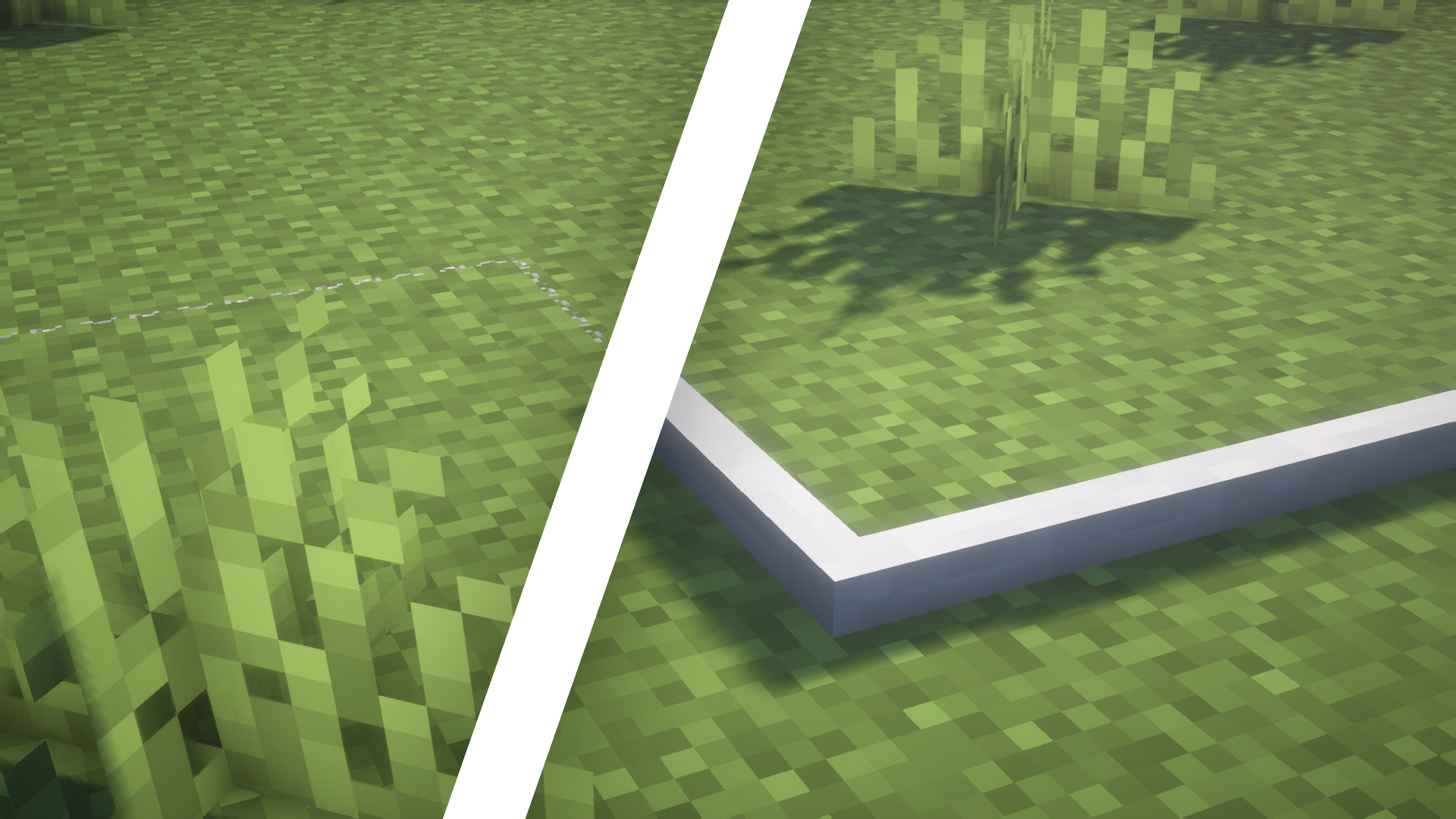
1. **Normal State**: In this state, the tripwire lies on the ground and has a standard white texture.
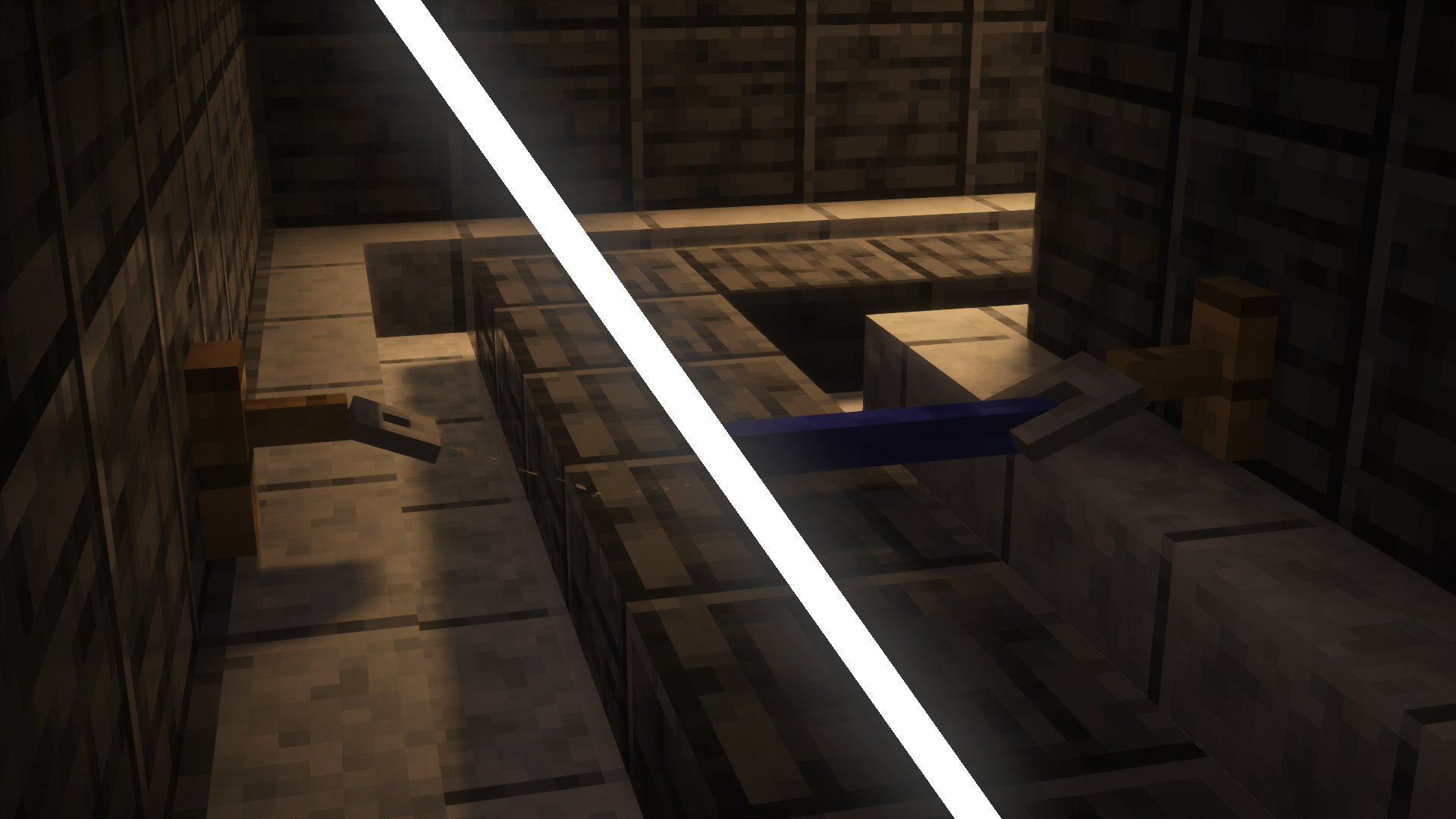
2. **Attached State**: When stretched between two tripwire hooks, the wire lifts off the ground and turns blue.
3. **Powered State**: When something touches the wire after it’s been set up, it moves back down to the ground and turns red.
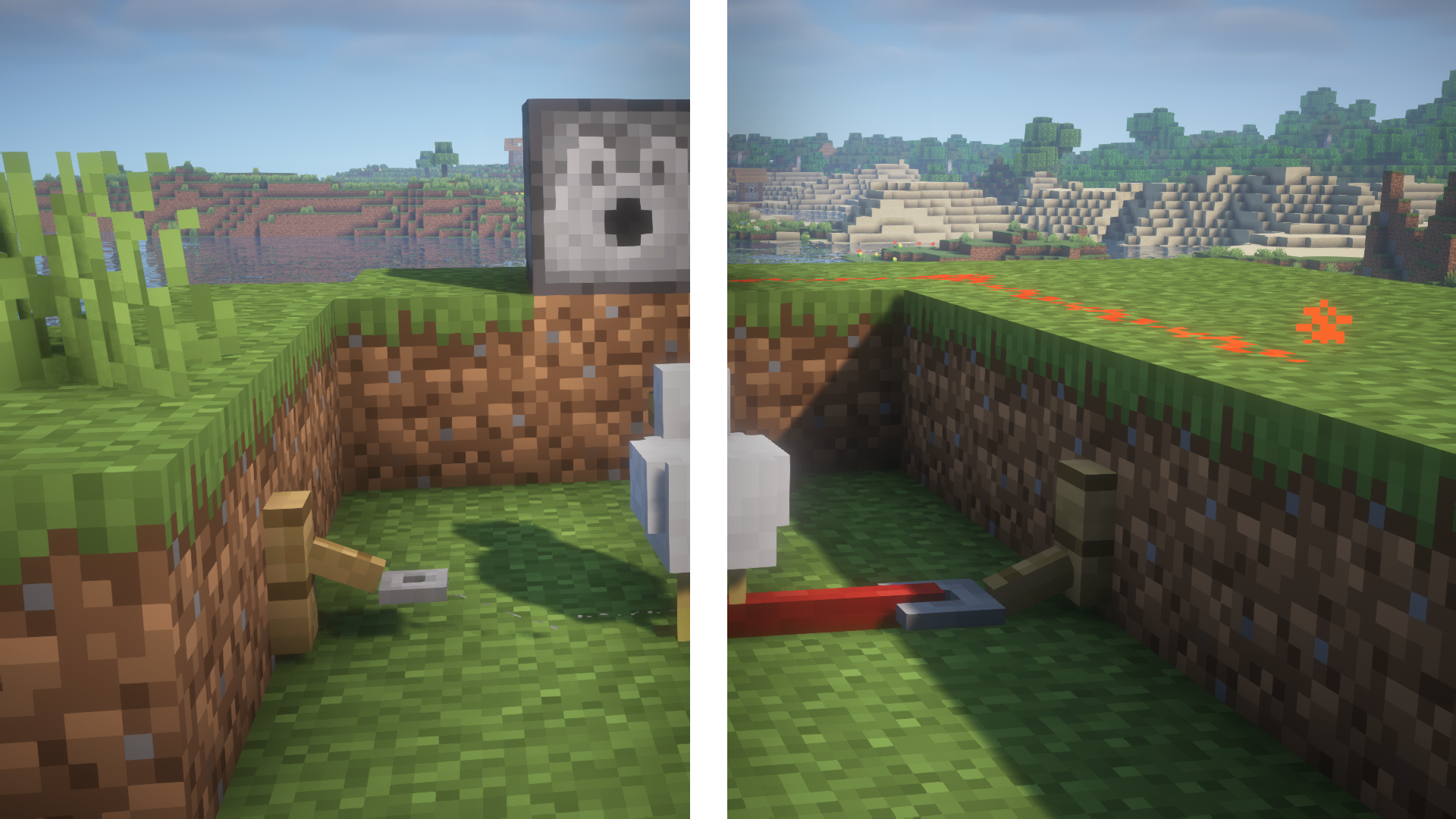
Also, the pack changes how the tripwire hooks look so they match the new style of the wires.
For more screenshots, check out the gallery [here](https://modrinth.com/resourcepack/visible-tripwires/gallery).
Visible Trails Ruins
Set the texture of the blocks that compose the visible part of trail ruins to make them much easier to find!
**Got an issue or a question? → Send me a message on Discord: enigmusse**
By the way, I’m also on the Modrinth and CurseForge Discord servers.
**How to use it?**
1. Copy it into the resource packs folder of your Minecraft instance.
2. Open the escape menu, click **Resource Packs**, and select **”Visible Trails Ruins”**!
**Compatibility Notice**
The resource pack functions correctly despite the compatibility warning. Simply confirm by selecting **Yes** when prompted.
To suppress this notification completely, install the mod:
– [No Resource Pack Warnings (Modrinth)](https://modrinth.com/mod/no-resource-pack-warnings)
Without this solution, I’d need to create and upload a separate archive for nearly every minor Minecraft version — even though the textures remain unchanged — leading to unnecessary extra work.
visible sculk
## Features
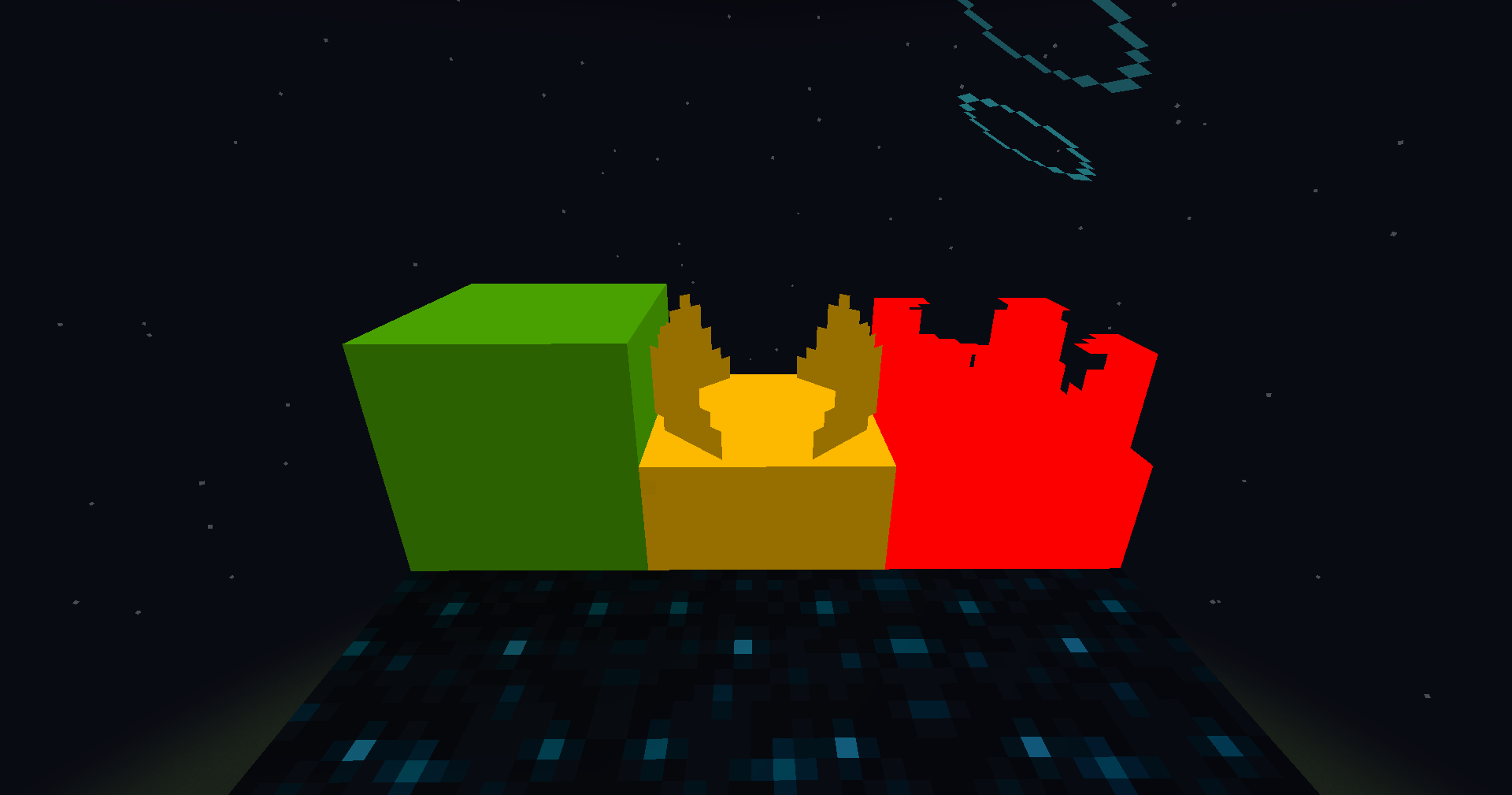
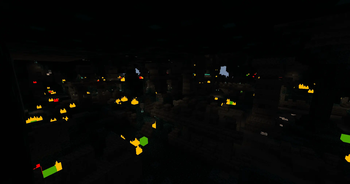
Replaces the texture of Sculk Sensors, Shriekers, and Catalysts to make them easier to see,
making cleaning the Ancient City easier.
Glowing works with OptiFine or Continuity!
## Presentation
Visible Powder Snow and Cobwebs
A simple resource pack that makes Powder Snow and Cobwebs more visible by tinting them cyan.
Helps you avoid getting trapped, making it useful for both PvP and general gameplay.
Visible Potions Effects
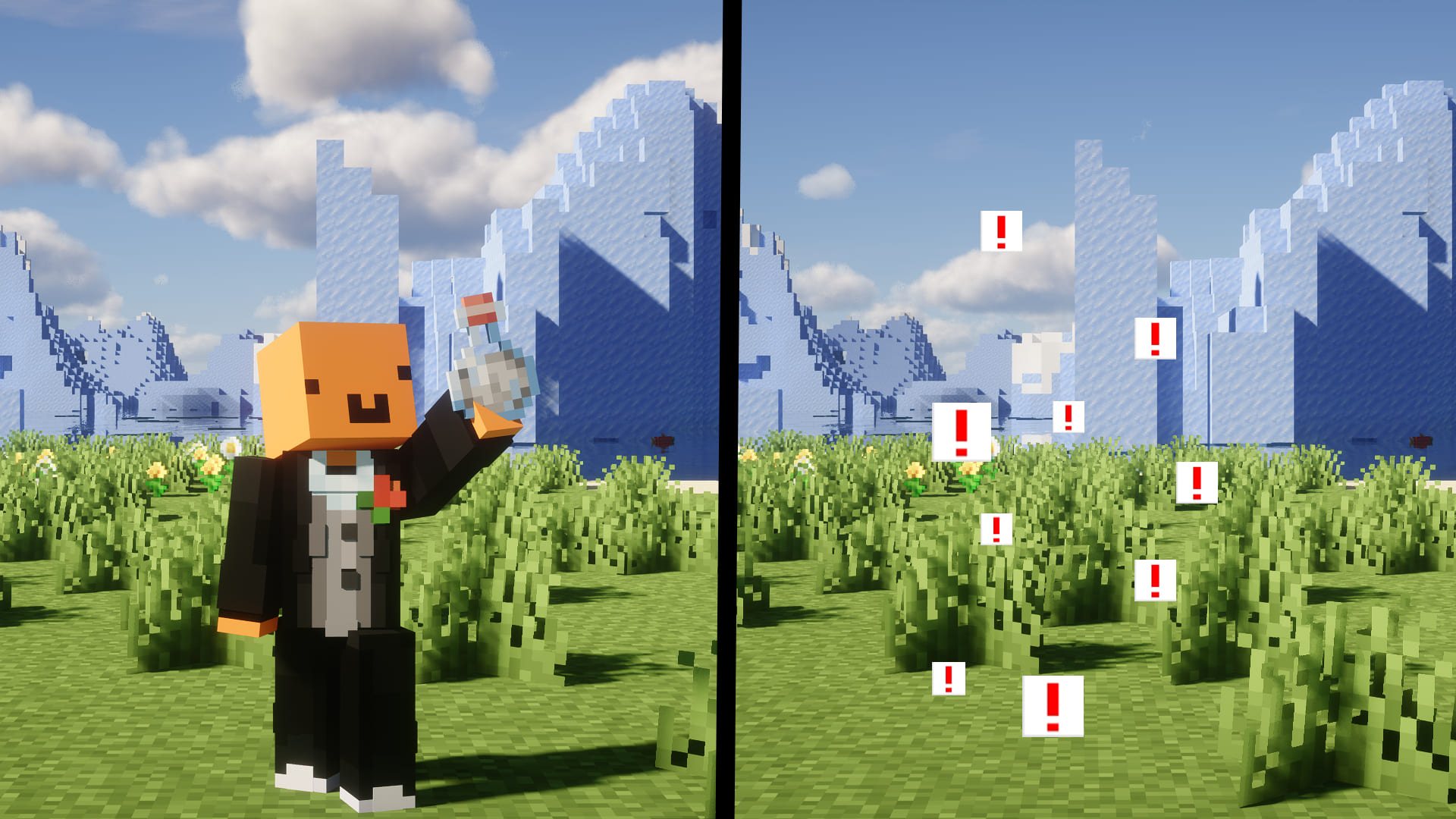Этот ресурспак улучшает видимость частиц зелий, делая эффекты более заметными и удобными в **ПВП**.
Устали от этих невидимок на **Серверах**? То этот ресурпак тебе точно **Поможет**!
Этот ресурпак не меняет видимость только у зелья невидимости, ресурпак также заменяет все частицы **Любых Зелий**!
– Буду очень рад, если вы останетесь Довольны качеством Ресурпака.
This resource pack improves the visibility of potion particles, making the effects more noticeable and convenient in **PVP**.
Tired of these invisibles on **Servers**? Then this resource pack will definitely **Help** you!
This resource pack does not change the visibility of the invisibility potion, but it also replaces all particles of **Any Potion**!
– I will be very happy if you are satisfied with the quality of the resource pack.
Visible Particles
### What does this do?
This resource pack retextures potion particles to be visible. This is especially useful for finding invisible entities.
### How does it work?
It changes the the texture of the effect particle to 1 large pixel.
### What versions does this support?
This resource pack works for versions 1.14 (19w06a) and up.
Visible & Outlined Waxed Blocks
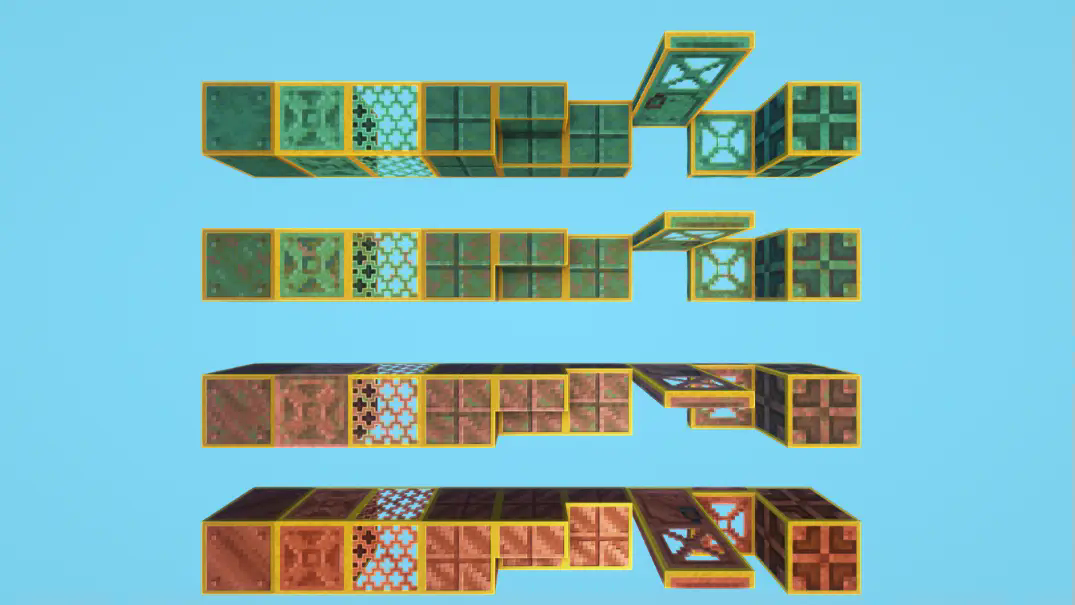
Indicate / Highlight which blocks are waxed with a clean yellow outline. No more need to use the f3 menu to distinguish the waxed blocks from the non-waxed ones!
**Got an issue or a question? → Send me a message on Discord: enigmusse**
By the way, I’m also on the Modrinth and CurseForge Discord servers.
**How to use it?**
1. Copy it into the resource packs folder of your Minecraft instance.
2. Open the escape menu, click **Resource Packs**, and select **”Visible & Outlined Waxed Blocks”**!
**Compatibility Notice**
The resource pack functions correctly despite the compatibility warning. Simply confirm by selecting **Yes** when prompted.
To suppress this notification completely, install the mod:
– [No Resource Pack Warnings (Modrinth)](https://modrinth.com/mod/no-resource-pack-warnings)
Without this solution, I’d need to create and upload a separate archive for nearly every minor Minecraft version — even though the textures remain unchanged — leading to unnecessary extra work.
Visible ores X Programmer art
Do you love using Programmer Art but don’t see the ores? This resource pack lets YOU see all the ores by adding an outline to them! (Except copper, because that isn’t in Programmer Art.) Now you can enjoy mining with Programmer Art!
Credits: Ores textures by HeyCronus.