Muuf A.G.I Shaders
# MUUF A.G.I REBUILD
## ABOUT
Muuf A.G.I Shaders is a semi-realistic shaderpack for Minecraft that strikes a balance between visual fidelity and wide compatibility. Whether you’re on a high-end gaming rig or running Minecraft through PojavLauncher on your phone, Muuf A.G.I delivers a beautiful experience without sacrificing performance.
this shader is based on [MakeUp ultra fast](https://www.curseforge.com/minecraft/shaders/makeup-ultra-fast-shader)
## Crafted with attention to lighting, materials, and atmosphere, this shader brings Minecraft to life with:
-Volumetric clouds that respond naturally to lighting and time of day
-PBR (Physically Based Rendering) for realistic materials
-Parallax Occlusion Mapping (POM) for added depth and surface detail
-Real-time reflections using screen-space techniques
Muuf A.G.I is designed to be flexible—beautiful enough for cinematic screenshots, but optimized enough for survival gameplay. Whether you’re building in creative or exploring vast survival worlds, this shader adds a subtle but powerful upgrade to your visuals.
Join the community and stay updated: [Discord Server](https://discord.gg/8T3aqSA3)
Musk Rose Shaders
About
Musk Rose Shaders is a shader pack for Minecraft Java edition, works on OptiFine and Iris. It is designed for natural beauty without unnecessary effects.
- Latest version: 4.1
- Recommended game version: 1.17+
Donation
This project is free, but if you support me through your donations, I would be very pleased and would like to make them motivation in the future.
Donate
Motion Blur FX
# Motion Blur FX
**Motion Blur FX** is designed to deliver stunning motion blur effects without compromising performance. Tailor the intensity of the motion blur to suit your system’s capabilities, ensuring a smooth experience no matter your setup.
### Important Note:
Motion blur effects can be disorienting for some users, particularly those sensitive to visual motion. If you find yourself feeling uncomfortable, please lower the motion blur strength or disable the effect entirely for a more pleasant experience.
**Compatible with:** Iris and Optifine
—
### Optional Features:
– **Motion Blur:** Enhance your visuals with dynamic motion blur.
– **Saturation:** Infuse your world with vibrant colors for an eye-catching look.
—
### Compatibility:
– **Tested on:** Minecraft versions 1.12.+ to 1.21.x
– **Works with:** Nvidia, AMD, and Intel graphics cards
—
### You Can:
– Use this shader pack for captivating screenshots and videos.
– Modify it for personal use.
– Publish your heavily modified versions.*
– Share it in modpacks or servers.
### You Cannot:
– Share it without my permission.
—
### Installation Guide:
**For Optifine:**
1. Download and install Optifine from the official website.
2. Download the Motion Blur FX shader pack.
3. Move the shader pack .zip file to the `shaderpacks` folder in your `.minecraft` directory.
4. Select the shader in Minecraft under “Options” > “Video Settings” > “Shaders.”
**For Iris (Fabric):**
1. Install Fabric using the Fabric Installer.
2. Add Fabric API and Iris Shaders to your mods folder.
3. Download the Motion Blur FX shader pack.
4. Move the shader pack .zip file to the `shaderpacks` folder in your `.minecraft` directory.
5. Select the shader in Minecraft under “Options” > “Video Settings” > “Shaders.”
—
### Contact:
For inquiries or support, please reach out to: [email protected]
—
### Preview:
Check out these videos to see **Motion Blur FX** in action!
Monophonic Shaderpack
# Description
Welcome to Monophonic! It is a shaderpack that aims for good performance and compatibility for gameplay!
(PSST, you should use this shaderpack while listening to this upcoming song, presave it its awesome and its also mine! Yes I am promoting my song… Yes I am desperate.) [Awesome Song To Listen 2 While using Monophonic](http://tunelink.to/Jub5v)
# Compatibility
It is compatible with Iris only (Optifine won’t work!!) and works well with AMD and NVIDIA GPUs, Intel iGPUs should theoretically work fine, but no intel user has tested this shaderpack yet.
**Nether and End support are limited at the moment, so don’t expect full compatibility.**
# License
For the most, I use the all rights reserved license, but I really wouldn’t recommend using my code (I did not intend it for the use of being edited). If you’d like to edit anyway, you can ask me here! https://discord.gg/6nyR6CKHbg
# Features
* Screen Space Shadows
* Saturation, Contrast & Vibrance Sliders
* Waving Foliage
* Vanilla Clouds Support
* Resource Pack Water Normals Support
* Custom Fog
(More Coming Soon)
MINIMAL


## Shader desinged for people that dont really like shaders, that is why it is so simple and wont effect any gameplay.
### all this shader does is adds shadows to minecraft.
## Features
– Shadows
– Distant Horizons Support
– Custom Settings
Miniature Shader
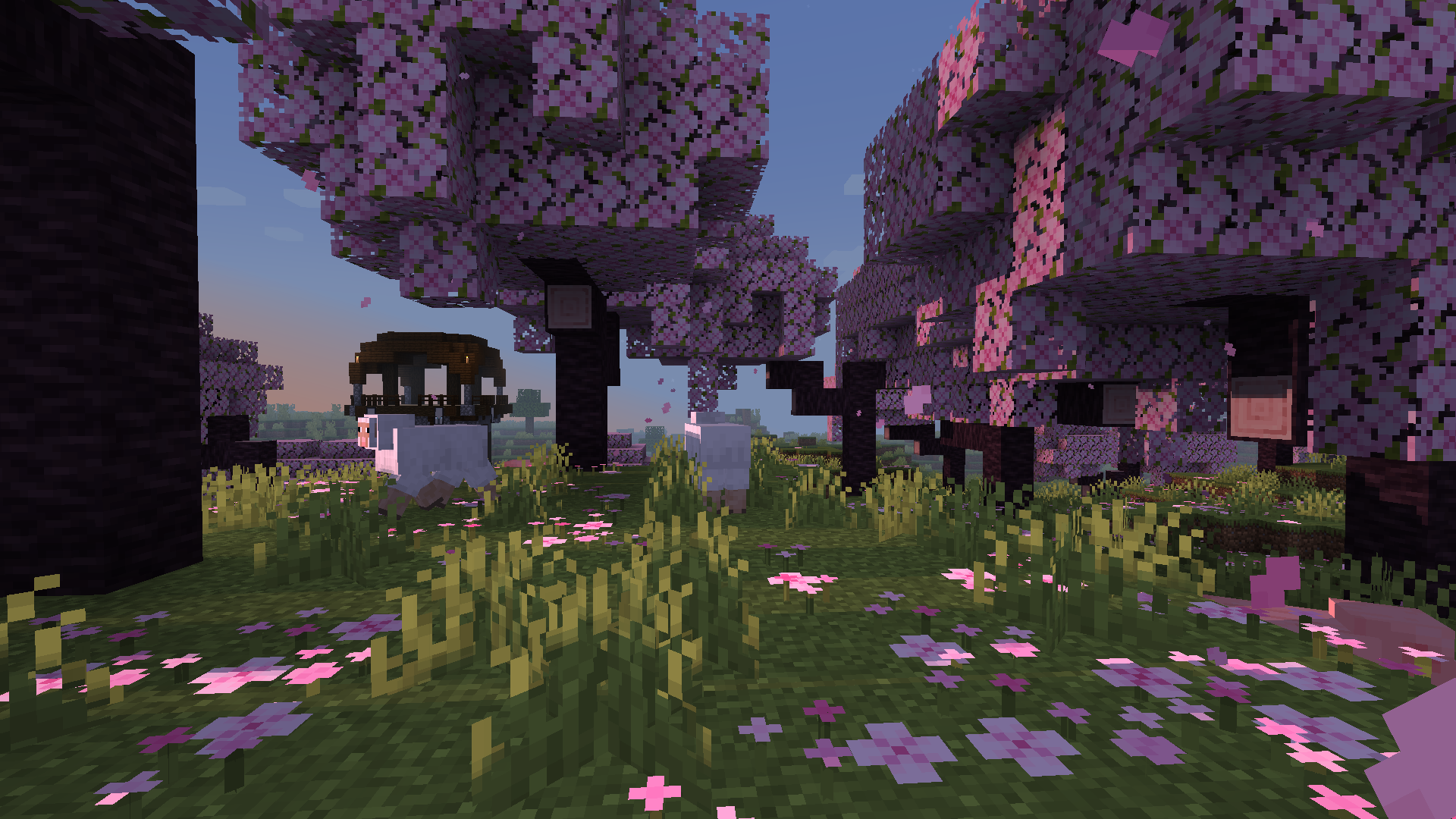
Miniature is a natural take on Minecraft shaders. It offers blocky shadows and reflections in water, ice and
other commonly reflective blocks, and a slight overhaul of emissive lighting; all in a very lightweight way. Its goal, above all else, is to keep with Minecraft’s model-like appearance without compromising performance.
Miasma


EN 🌐
# ABOUT:
**Miasma** – Cel-shading shader, familiar to many from the game **Borderlands**. In this interpretation, the shader transforms the world of Minecraft into a toxic, acidic planet that is uninhabitable but mesmerizing to look at!
– Miasma: the world breathes poison.
– Light bends through venomous air.
– Soil hums with decay.
– Step carefully—the planet remembers.
##### _Perfect for: Players looking for a unique, stylized experience, horror maps, or creating content with a bold, artistic look._
### SCREENSHOT:

## DEMO VIDEO
## LINKS:
– [Discord](https://discord.gg/Cz2sCWz5Wh) (Discuss, Bug Reports, Etc.)
– [YouTube](https://www.youtube.com/@lolip_p)
– [Telegram](https://t.me/LoLip_p_Community)
## INSTALL THE SHADERS
– Download Client Which Supports Installing Shaders Such As Optifine And Iris
– Download The Shaders
– Copy Shaders to /.minecraft/shaderpacks
– Launch Minecraft, Go To Options –> Video Settings –> Shaders
– Choose **Miasma**
RU 🐻
# О:
**Miasma** — шейдер с эффектом «цел-шейдинг», знакомый многим по игре **Borderlands**. В этой интерпретации шейдер превращает мир Minecraft в токсичную, кислую планету, непригодную для жизни, но завораживающую взгляд!
– Миазмы: мир дышит ядом.
– Свет преломляется в ядовитом воздухе.
– Почва гудит от гниения.
– Шагайте осторожно — планета помнит.
##### _Идеально подходит для: игроков, которые ищут уникальный стилизованный опыт, карты в жанре хоррор или создают контент с ярким художественным оформлением._
### СКРИНШОТ:

## ДЕМО ВИДЕО
## ССЫЛКИ:
– [Discord](https://discord.gg/Cz2sCWz5Wh) (Discuss, Bug Reports, Etc.)
– [YouTube](https://www.youtube.com/@lolip_p)
– [Telegram](https://t.me/LoLip_p_Community)
## УСТАНОВИТЕ ШЕЙДЕРЫ
– Загрузите клиент, поддерживающий установку шейдеров, таких как Optifine и Iris
– Загрузите шейдеры
– Скопируйте шейдеры в /.minecraft/shaderpacks
– Запустите Minecraft, перейдите в «Настройки» –> «Настройки видео» –> «Шейдеры»
– Выберите **Miasma**
DE 🍺
# ÜBER:
**Miasma** – Cel-Shading-Shader, vielen bekannt aus dem Spiel **Borderlands**. In dieser Interpretation verwandelt der Shader die Welt von Minecraft in einen giftigen, sauren Planeten, der unbewohnbar ist, aber faszinierend anzusehen!
– Miasma: Die Welt atmet Gift.
– Das Licht wird durch die giftige Luft gebrochen.
– Der Boden summt vor Verfall.
– Gehen Sie vorsichtig – der Planet erinnert sich.
##### _Perfekt für: Spieler, die ein einzigartiges, stilisiertes Erlebnis suchen, Horror-Karten oder die Erstellung von Inhalten mit einem kühnen, künstlerischen Look.
### SCREENSHOT:

## DEMO-VIDEO
## LINKS:
– [Discord](https://discord.gg/Cz2sCWz5Wh) (Diskussionen, Fehlerberichte usw.)
– [YouTube](https://www.youtube.com/@lolip_p)
– [Telegram](https://t.me/LoLip_p_Community)
## INSTALLIEREN DER SHADER
– Client herunterladen, der die Installation von Shadern wie Optifine und Iris unterstützt.
– Shader herunterladen.
– Shader in den Ordner „/.minecraft/shaderpacks” kopieren.
– Minecraft starten, zu „Optionen” –> „Videoeinstellungen” –> „Shader” gehen.
– **Miasma** auswählen.
CH 🐉
# 关于:
**瘴气**——一种细胞着色器,许多玩家通过游戏《无主之地》对其有所了解。在此版本中,该着色器将《我的世界》的世界转化为一片有毒的酸性星球,虽然无法居住,却令人着迷!
– 瘴气弥漫:世界呼吸着毒液。
– 光线在毒气中折射变形。
– 土壤因腐朽而低鸣。
– 步履需慎——这颗星球铭记着一切。
##### _适用场景:追求独特风格化体验的玩家、恐怖主题地图,或打造大胆艺术风格内容的创作者。_
### 截图展示:

## 演示视频
## 相关链接:
– [Discord](https://discord.gg/Cz2sCWz5Wh) (讨论区、错误报告等)
– [YouTube](https://www.youtube.com/@lolip_p)
– [Telegram](https://t.me/LoLip_p_Community)
## 安装着色器
– 下载支持安装着色器的客户端(如Optifine或Iris)
– 下载着色器文件
– 将着色器复制至 /.minecraft/shaderpacks 目录
– 启动Minecraft,进入选项 –> 视频设置 –> 着色器
– 选择 **Miasma**
Mello
# Mello
Mello is a shader designed to deliver high performance with great visuals.
It uses efficient and minimal algorithms for visuals to get better performance.
It has different profiles and configurable options.

– Soft Large Bloom
– Filtered Shadows
– Volumetric Fog and Water
– Accurate Subsurface Scattering
– Reflections
## Coming Soon :
– Clouds
– Dynamic lighting
– Penumbra shadows
– More accurate effects
– More efficient code
Currently in development
MCPT
**What is MCPT?**
MCPT is a Minecraft shader meant for taking high quality, photorealistic screenshots. It is a brute-force spectral volumetric path tracer that makes use of hardware raytracing through Vulkanite. These shaders are not meant for gameplay as they require you to stand still and wait for the image to render.
**Features**
– Spectral Rendering
– Volumetric Path Tracing
– Atmosphere Simulation
– Water Parallax Mapping
– Refractive/Reflective Caustics
– Path Traced Anti-Aliasing
– Path Traced DoF
– Full Lens System Simulation
– Bloom
– Configurable settings for all of the above.
### _**WARNING**_
MCPT requires Vulkanite, which is currently in a very unstable and buggy state, so there is no gaurantee that these shaders will work on your system (specifically AMD cards). For the best chances of getting these shaders to run, **follow these requirements exactly:**
**Requirements**
– A hardware raytracing capable GPU
– Minecraft 1.20.1
– [Sodium 0.5.2](https://modrinth.com/mod/sodium/version/mc1.20.1-0.5.2)
– [Iris 1.6.8](https://modrinth.com/mod/iris/version/1.6.8+1.20.1)
– [Vulkanite 0.0.3 pre-alpha](https://modrinth.com/mod/vulkanite-mod/version/0.0.3-pre-alpha)
– A LabPBR resourcepack that supports Minecraft 1.20.1 or later (I use AVPBR Retextured R5).
### **IMPORTANT: restart the game whenever you change resourcepacks or the textures will appear glitched (Vulkanite bug).**
### **IMPORTANT: If your game crashes on startup, try adding this to your launch arguments: `-Dorg.lwjgl.system.stackSize=8192`**
**How to Use**
Press F1 to begin a render, and F2 to take a screenshot.
**Feedback**
As Vulkanite is very unstable, you’ll find a lot of bugs in the shader. There’s a 99% chance that a bug you find is due to Vulkanite and not the shaders. For reporting non-Vulkanite issues and requesting features, feel free to DM me on discord: johnpayne.
Outline Shader


English
Outline Shader
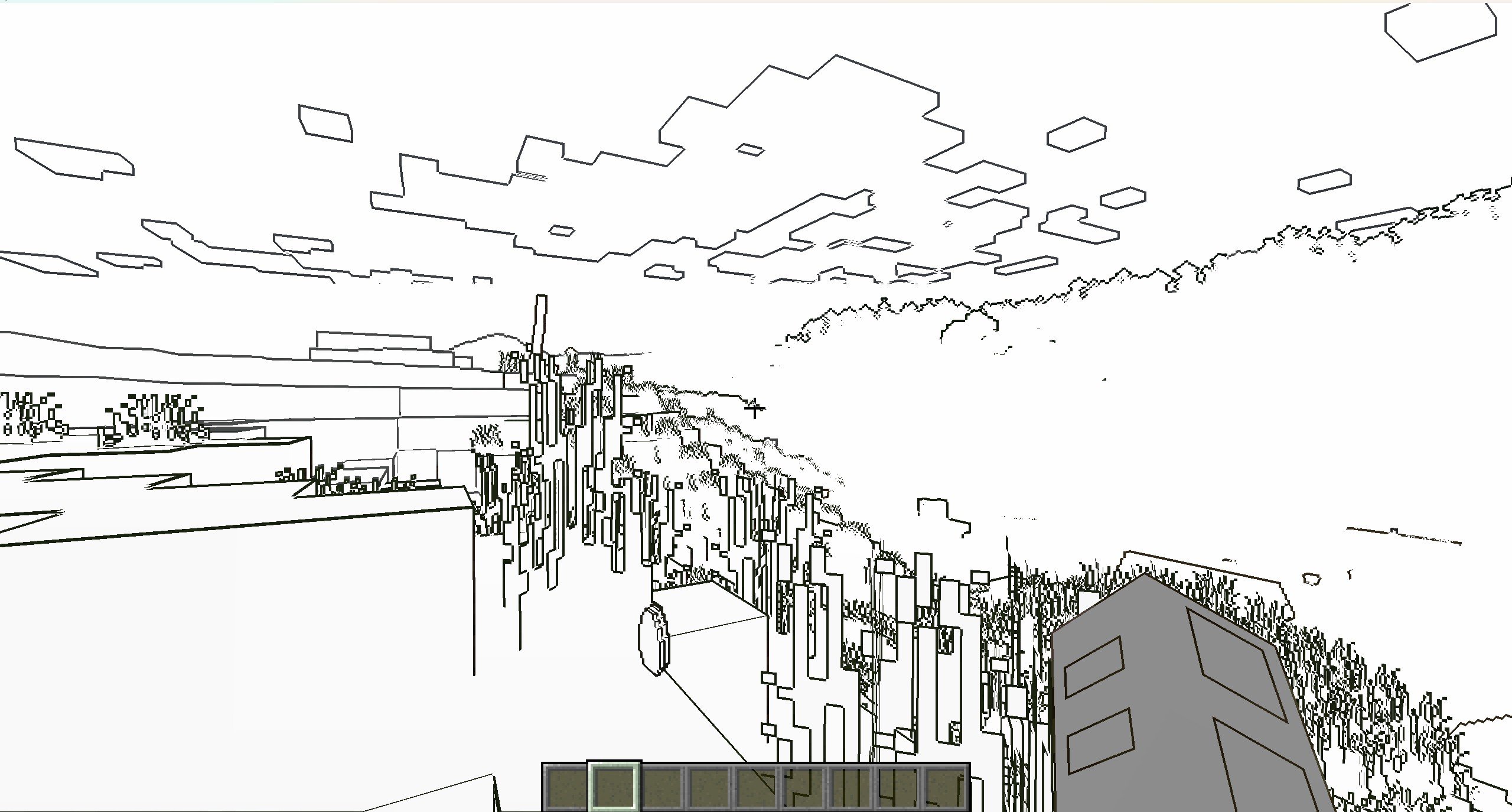
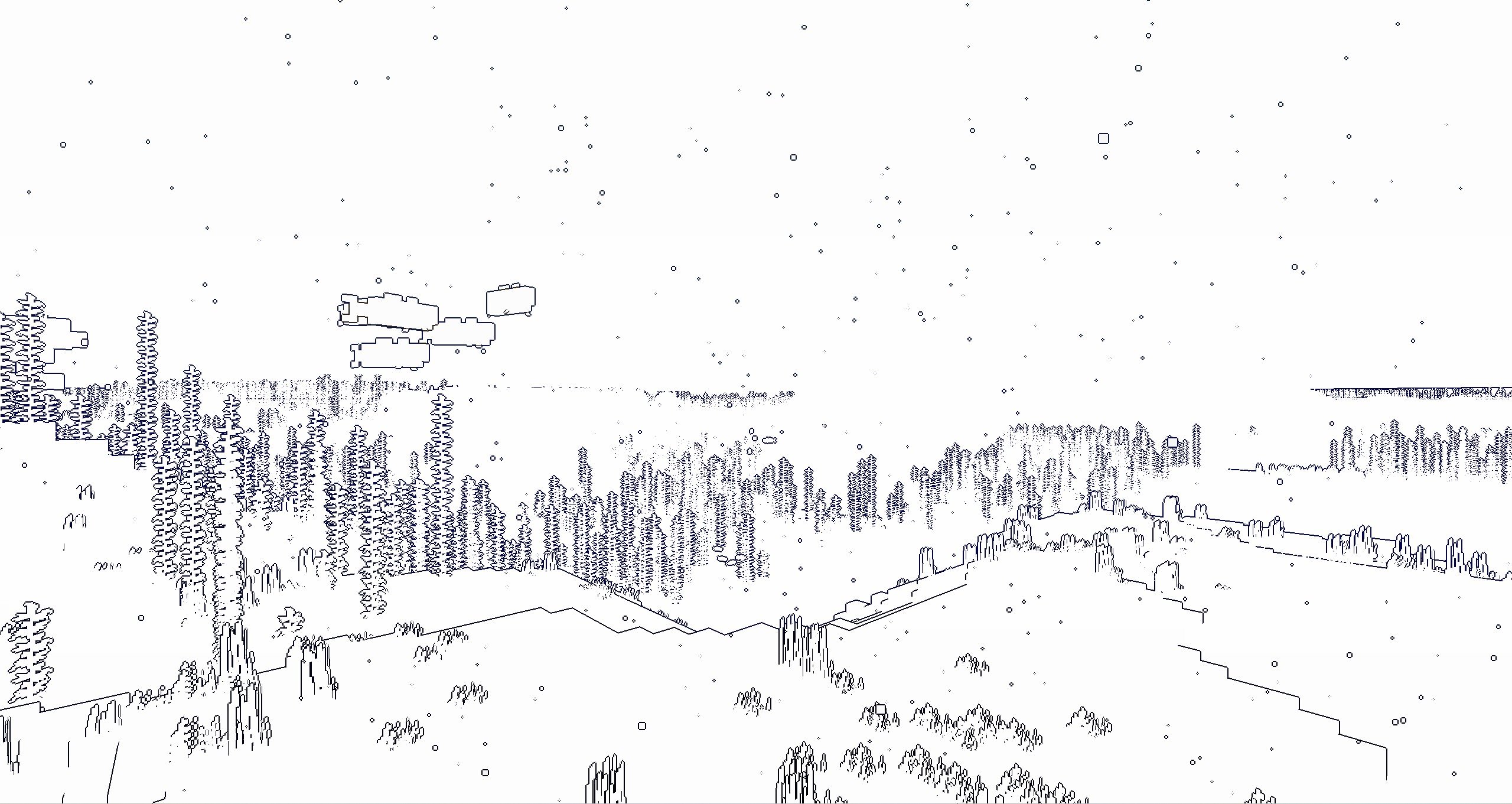
It’s a NPR shader,which based on the original style, which can add outline for game object and make the graphics more cartoonish
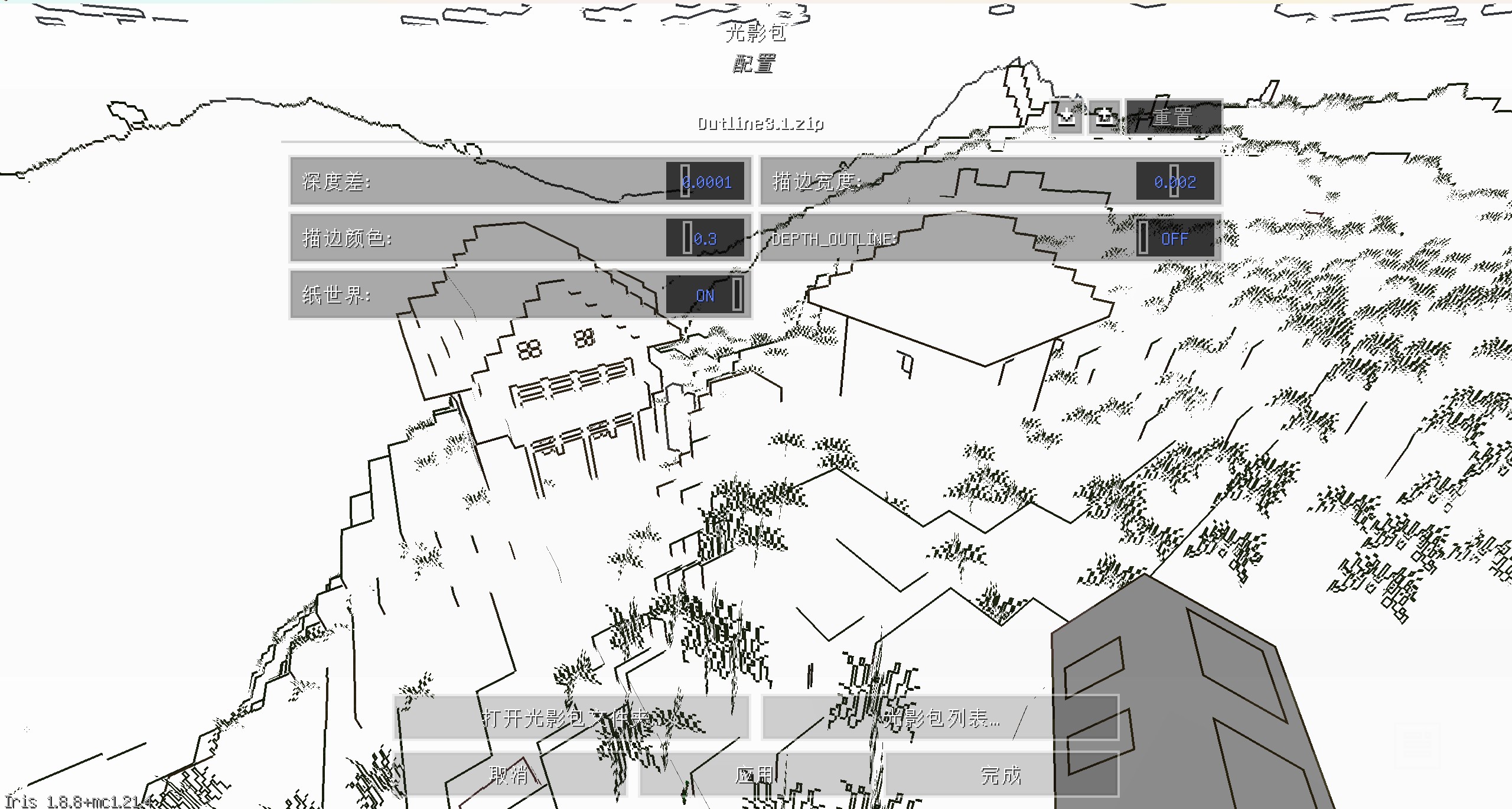
You can set outline width and outline color at shader pack settings page
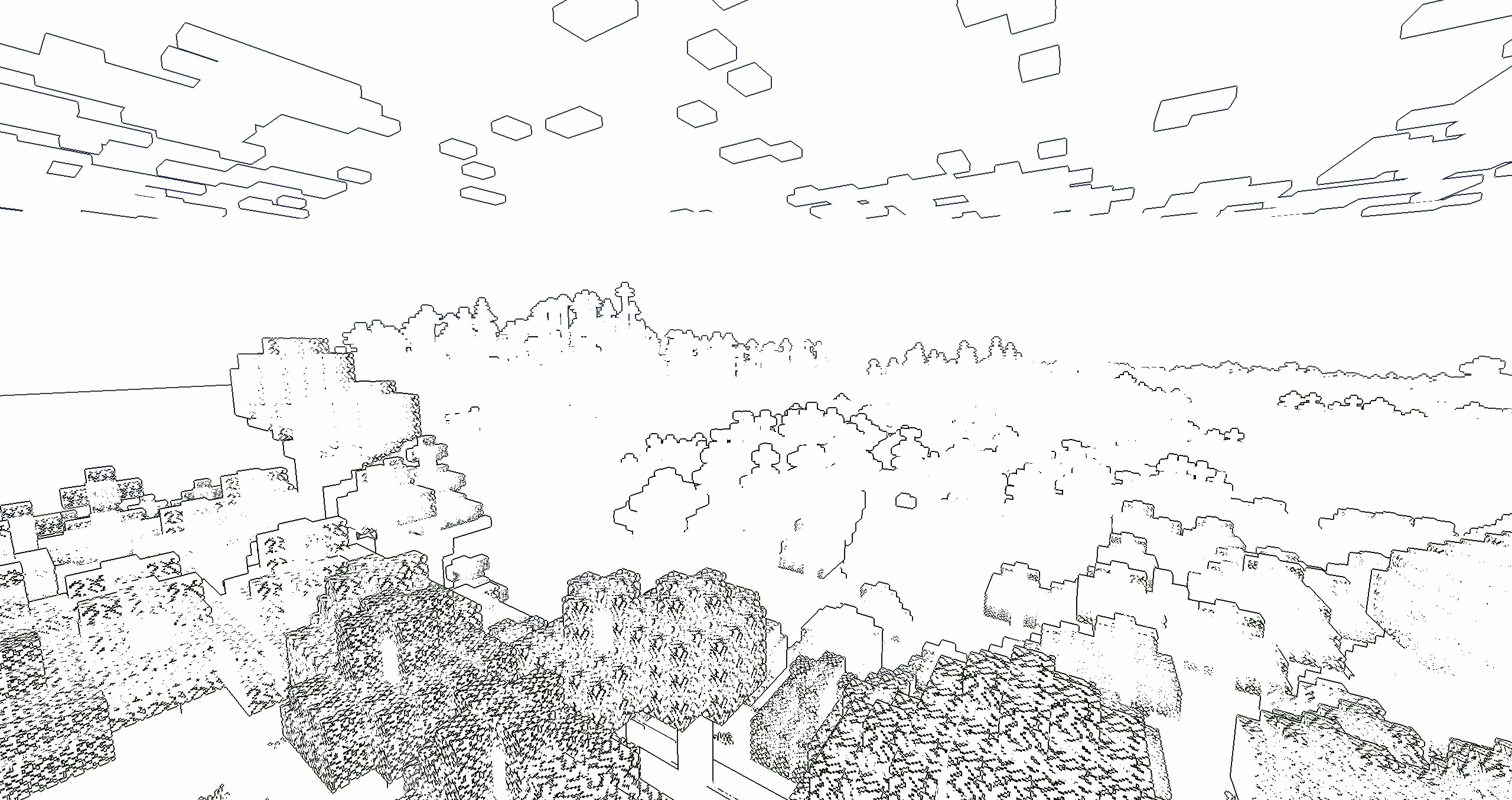
if you turn on the “paper world” option,the world will only have outline

If you like this shader,please buy me a coffee,THANKS!

Outline
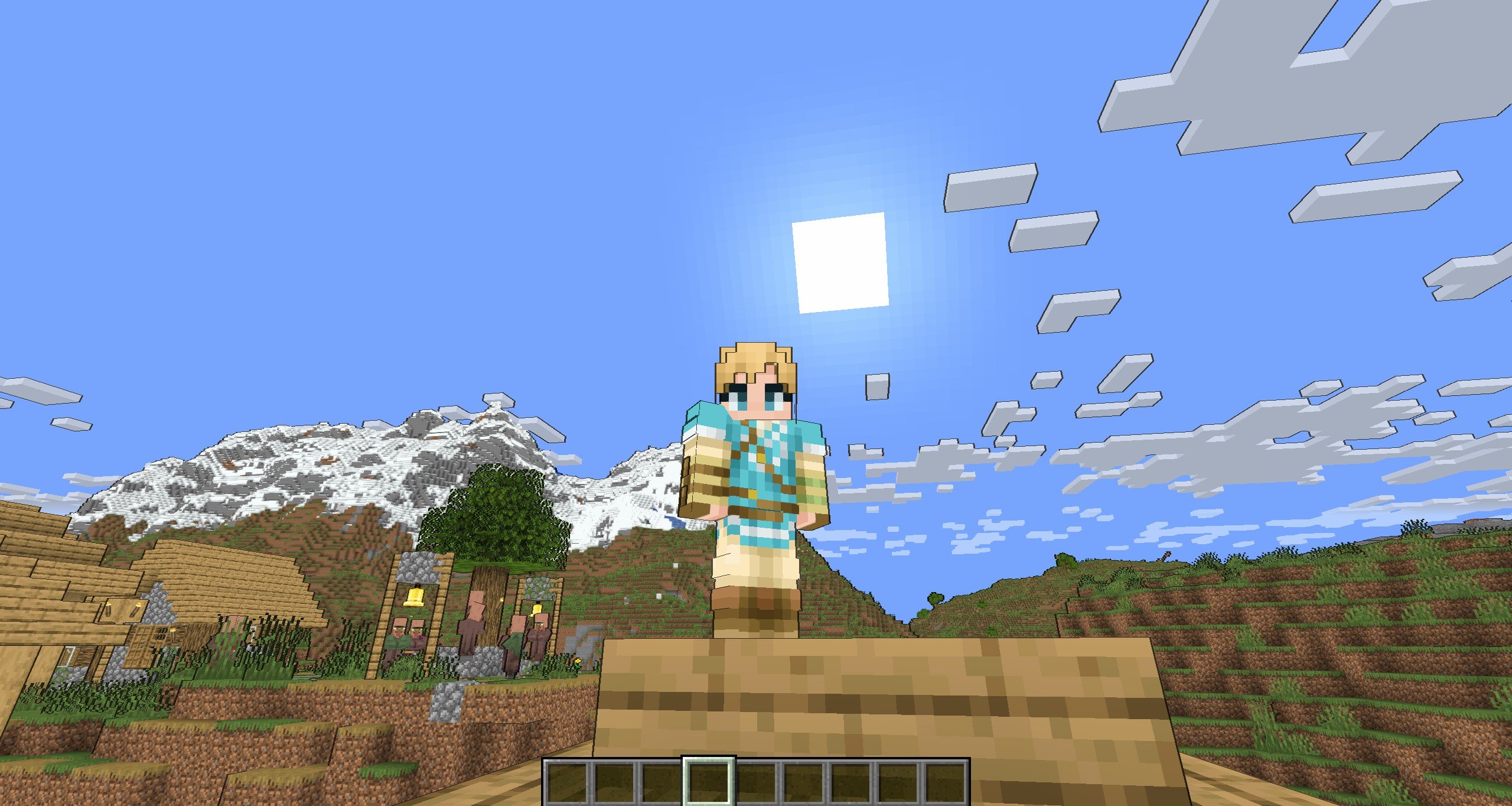
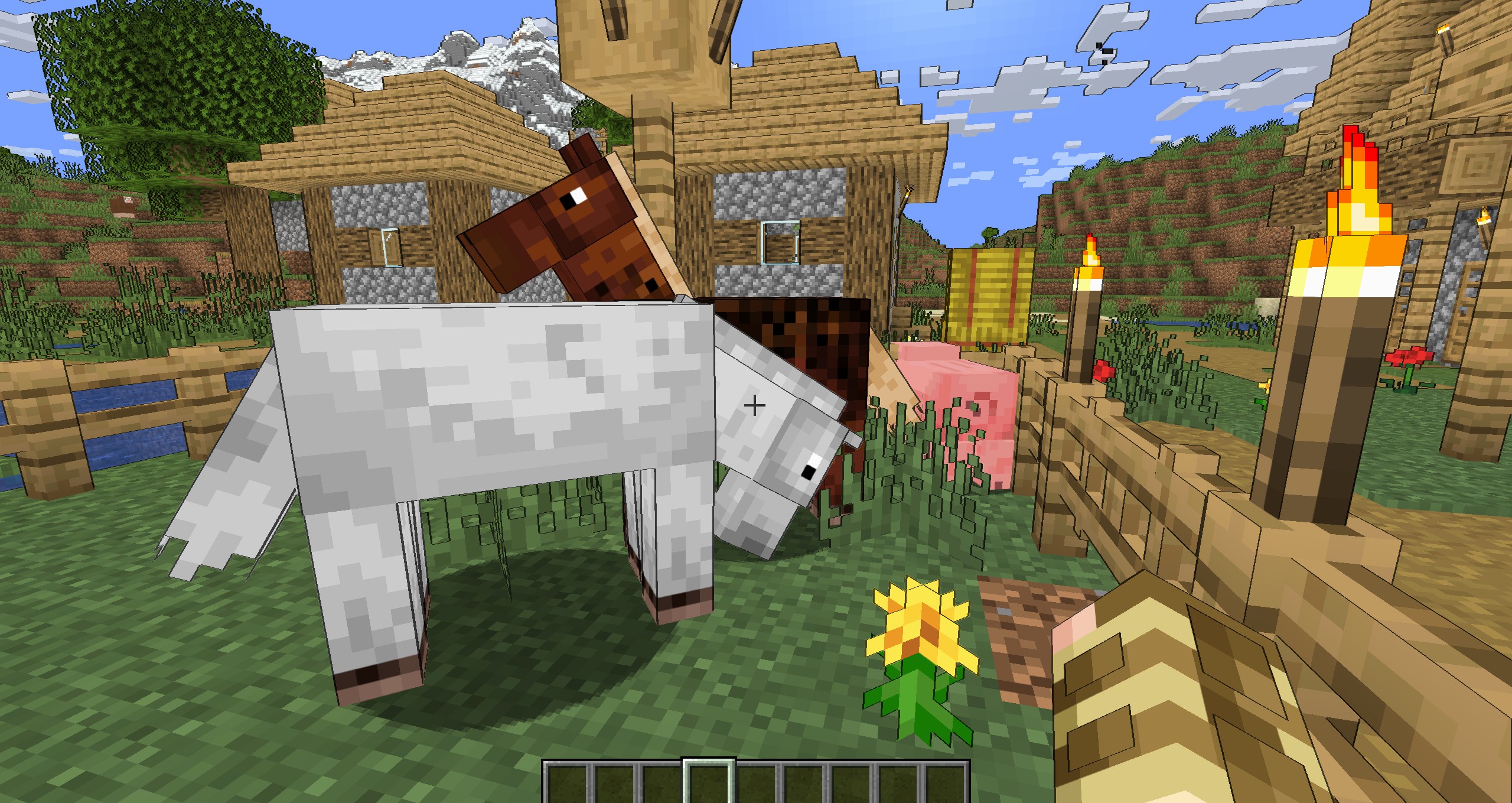
Enable “Shadow”


Enable “Shadow” and “Texture Outline”

Enable “Cel Shading” and “Texture Outline”

Paper World
Enable “Texture Outline”


中文
风格化描边光影
这是一个风格化的光影,可以让MC物体都有描边的光影,使得游戏画面更加卡通
您可以在光影包设置中,设置描边宽度和颜色
如果开启“纸世界”选项,世界将会只有描边

如果你喜欢这个光影的话,能不能请我喝杯咖啡?感激不尽!
描边
开启“阴影”后
开启“纹理描边”和“阴影”后
开启“卡通渲染”和“纹理描边”后
纸世界
开启“纹理描边”后
