X Ray (no cheats)
## X Ray
Mod/Datapack that removes stone and other blocks to keep ores visible. Also works in the nether.
X-Ray is a powerful mod that radically changes the way you explore the world of Minecraft. It allows you to see through ordinary blocks, highlighting valuable resources, structures, and objects.
To use it, you need to take a filled map in any hand.

## Usage
The mod is activated automatically and requires no additional settings. However, if you want to temporarily disable the mod, use the command “`/trigger bizcub.x_ray.t“`. Information about the mod’s current status will then appear in the chat.
## Dependencies
– Fabric loader requires [Fabric API](https://modrinth.com/mod/fabric-api)
X-Ray World Generation
# X-Ray World Datapack
Have you ever used an X-Ray Resource Pack? Have you wondered “Man, I wonder what it would be like if the entire world was *actually* like this.”
…What do you mean no?
Well, I made a Datapack that does that anyways. The world looks completely normal except for the fact that most of it is missing… Only ores and the shell of structures are left in the world… You’ll most likely spawn on a coal ore vein at y=0 in the middle of no where, stuck floating above the void. But hey! At least Diamonds are easy to find, right?
## This is not an x-ray mod / How to use:
1. This is NOT an X-Ray Mod / Resource Pack. This is a World Generation datapack. It overrides the default world generation to remove terrain.
2. To use, install the datapack / mod and create a new world.
– If you are having issues with this, it may be because some issue with porting the datapack as a mod. File a bug report either on my discord or the github page. Include info like mods used, mod loader used, error, version used, etc.
3. Custom world options are not supported (superflat, amplified, etc. I may add support in the future).
4. This is incompatible with biome mods, and might be incompatible with some terrain mods.
## Sponsor: Sparked Host
[](https://billing.sparkedhost.com/aff.php?aff=2956)
## Check out this pack as well!
[Terrainless World Generation!](https://modrinth.com/datapack/terrainless-worlds)
**Shout out to [Apollo](https://modrinth.com/user/Apollo) for discovering the technique to make this datapack possible!**
X-Hearts
# X-Hearts
Start on one heart, gain a heart every time you die. If you die at 10 hearts you are permanently dead.
Use `/scoreboard players set @s deaths 0` to reset back to 1 heart
Inspired by the X-Life series

## FAQ
**Does this work on a server?**
Yes. Go into your servers folders and go to `world -> datapacks` and put the datapack there. This datapack works multiplayer so play with however many people you would like!
**Is there anyway to change the max amount of hearts?**
Here are all the settings you can change:
– `/function xlife:settings/toggle_hardcore` for toggling whether to go into spectator after running out of hearts or not. By default it is on hardcore mode
– `/function xlife:settings/max_hearts/increase` to increase the max amount of hearts. Default is 10
– `/function xlife:settings/max_hearts/decrease` to decrease the max amount of hearts
## Support us!
Join my Minecraft server **Zonerush.minekeep.gg** for a unique PvP gamemode!
—
**Try my other datapacks! Here are some that you might like.**
[](https://modrinth.com/project/uUdrS8s7) [](https://modrinth.com/project/aik3GVdo)
—
**Join the discord to get updates, support me, and report issues**
[](https://discord.gg/C2WymfUqJx)
## Milestones
– 100 downloads – Dec. 8th | 2025
– 300 downloads – Jan. 13th | 2026
– 1,000 downloads – ???
XPlus Autofish (Fabric / Forge / NeoForge)
## About XPlus Autofish
XPlus autofish is a successor mod to the MrTroot’s autofish mod, including bugfixs and new features.
**If you are looking for autofish mod for 1.19.4-, please check out https://www.curseforge.com/minecraft/mc-mods/autofish .**
## Introduction
In short, just cast the fishing rod into the water once, and it will automatically reel in at the correct time and recast after a couple-second wait. You can open the config screen of the mod via hotkey (V by default).

## Config Screen
– **Autofish**: Easily toggle the entire mod on or off.
– **MultiRod**: Automatically switch to the next fishing rod in your hotbar after using one, allowing you to fish for extended periods.
– **Break Protection**: Ignore fishing rods that are almost broken, preserving your enchanted rods.
– **Persistent Mode**: Keep the fishing rod casted out at all times, automatically recasting it every 10 seconds if necessary. It is useful for dealing with server lag or plugin-related hook clearing.
– **Sound-Based Detection**: In multiplayer, use sounds instead of motion to detect catches. Note that proximity and nearby players’ hooks may affect accuracy.
– **Recast Delay**: Adjust the time interval between reeling in and recasting the rod.
– **Clearlag Chat Pattern**: Some servers clear entities, including fish hooks, to reduce lag and send a chat message when doing so. When the specified chat pattern is matched, the mod will recast the hook.
– **Random Delay**: Add random delay between the reeling in and recasting.
– **Open Water Detection**: Automatically detect whether you are fishing in an open area, which allows you to get treasure loot.
## FAQ
**Q: The auto fishing feature does not work with rods added by mods (such as Aquaculture 2, etc.)**
A: Try enabling “Use Sound Detection” and “Force Multiplayer Detection (Mod Compatibility)” in the config screen of XPlus Autfish (Press V to open by default).
## Installation
– For the **Fabric versions 1.19.4-1.21.11**, [Fabric API](https://modrinth.com/mod/fabric-api) and [Cloth Config API](https://modrinth.com/mod/cloth-config) are needed.
– For the **Fabric versions 26.1+**, [Fabric API](https://modrinth.com/mod/fabric-api) and [Forge Config API Port](https://modrinth.com/mod/forge-config-api-port) are needed.
– For the **Forge or NeoForged versions 1.18.2-1.21.11**, only [Cloth Config API](https://modrinth.com/mod/cloth-config) is needed.

Wynntils



Wynntils is a Wynncraft mod that seeks to enhance the user’s gameplay with a variety of customizable options and additions, allowing the user to change everything in the way they want and enhancing the overall Wynncraft gameplay!
## Features

Chat
– Chat Coordinates
– Chat Item
– Chat Mentions
– Chat Tabs
– Chat Timestamps
– Death Coordinates
– Dialogue Button Override
– Transcribe Sent Messages
– Message Filter
– Remove Wynncraft Chat Wrap
– Reveal Nicknames
Combat
– Abbreviate Mob Health
– Auto Attack
– Chest Blocker
– Tracked Content
– Custom Lootrun Beacons
– Block Inventory Casting
– Health Potion Blocker
– Hide Labels
– Horse Mounting
– Invert Attack Keybinds
– Low Health Indicator
– Mythic Box Item Scaling
– Prevent Trades & Duels
– Quick Spell Cast
– Major ID Range Visualizer
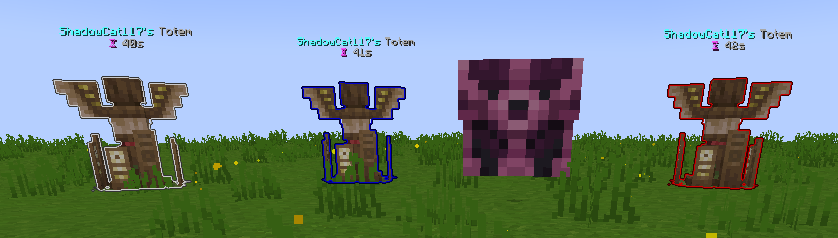
– Shaman Totem Tracking
– Spell Cast Vignette Render
– Token Tracker Bell
Commands
– Add Command Expansion
– Command Aliases
– Custom Command Keybinds
– Filter Admin Commands
Embellishments
– War Horn
– Wybel Sounds
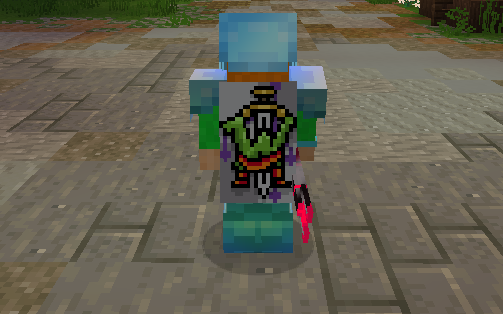
– Wynntils Cosmetics
Inventory
– Container Search Highlight
– Disable Recipe Book
– Durability Overlay
– Emerald Pouch Fill Arc
– Emerald Pouch Hotkey
– Extended Item Count
– Guild Bank Hotkey
– Hide Attack Cooldown
– Ingredient Pouch Keybind
– Inventory Emerald Count
– Favorite Items
– Custom Item Highlights
– Item Lock
– Item Screenshot
– Item Text Overlays
– Lootrun Chest Text
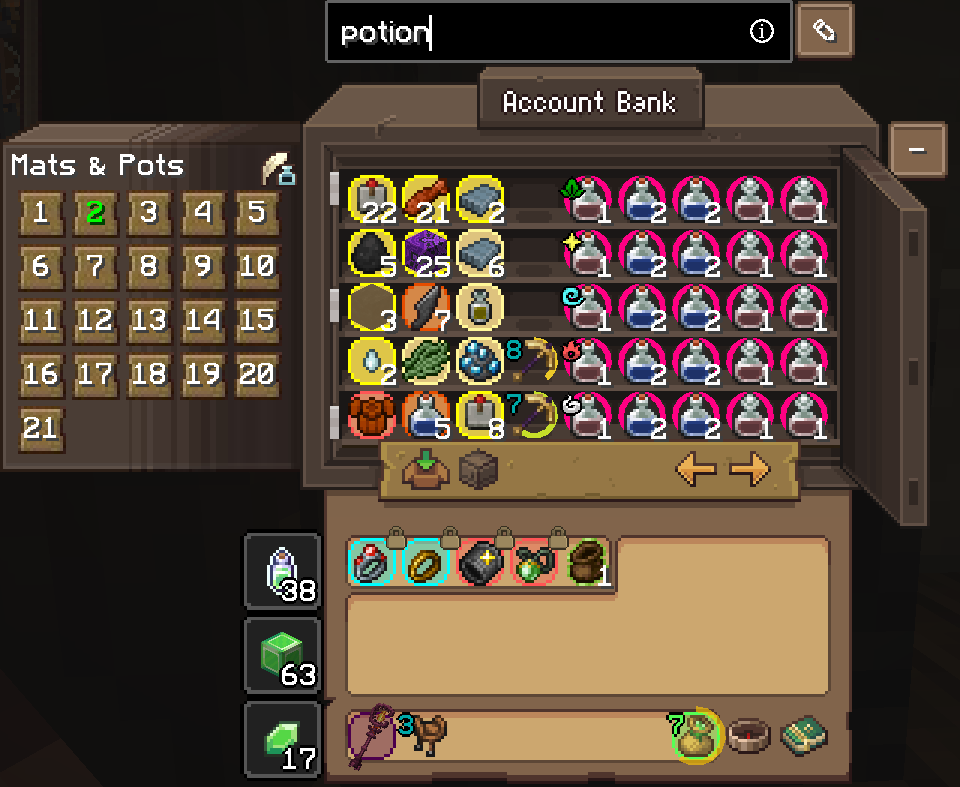
– Personal Storage Utilities
– Unidentified Item Icon
Map
– Beacon Beam
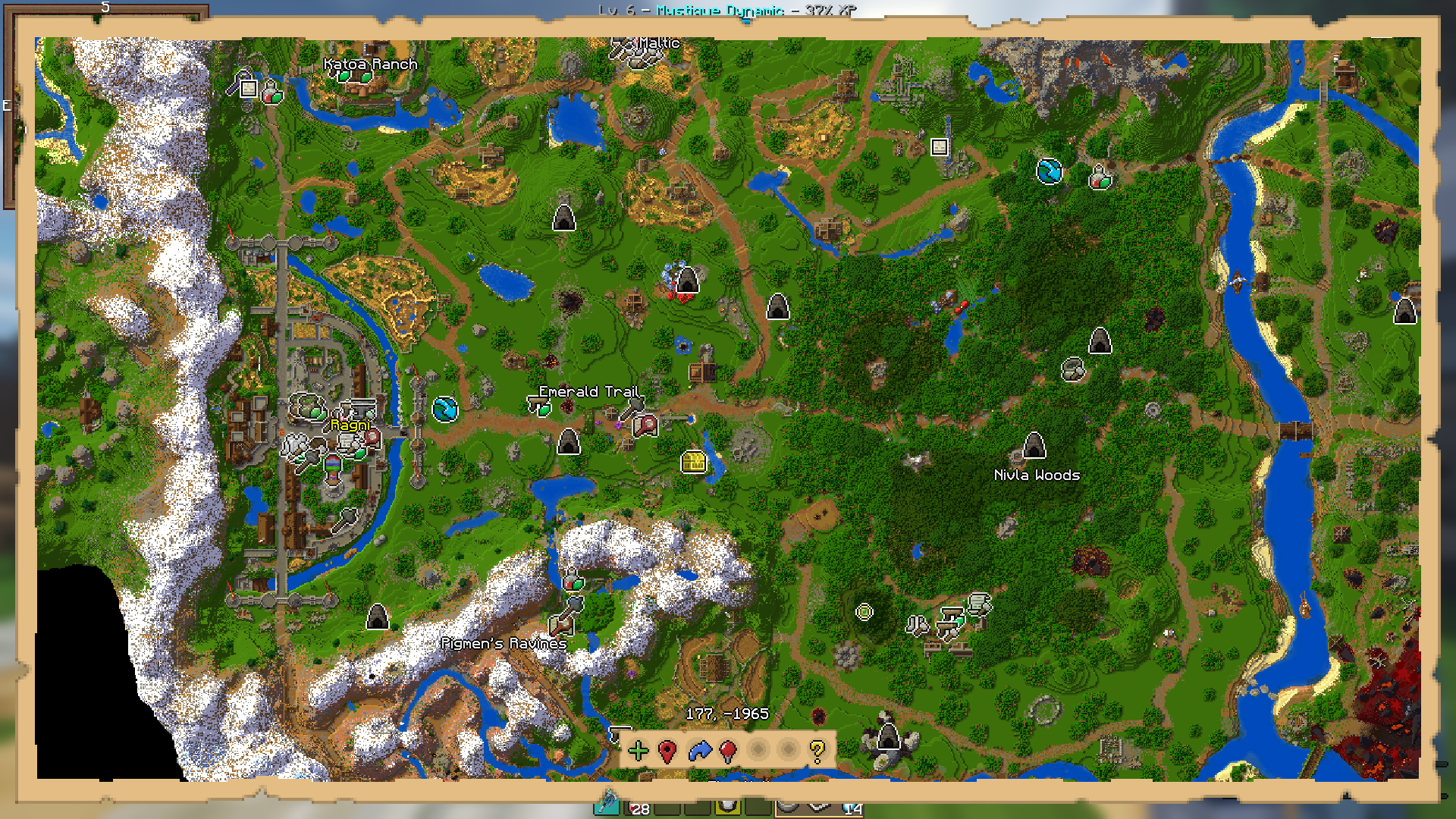
– Guild Map
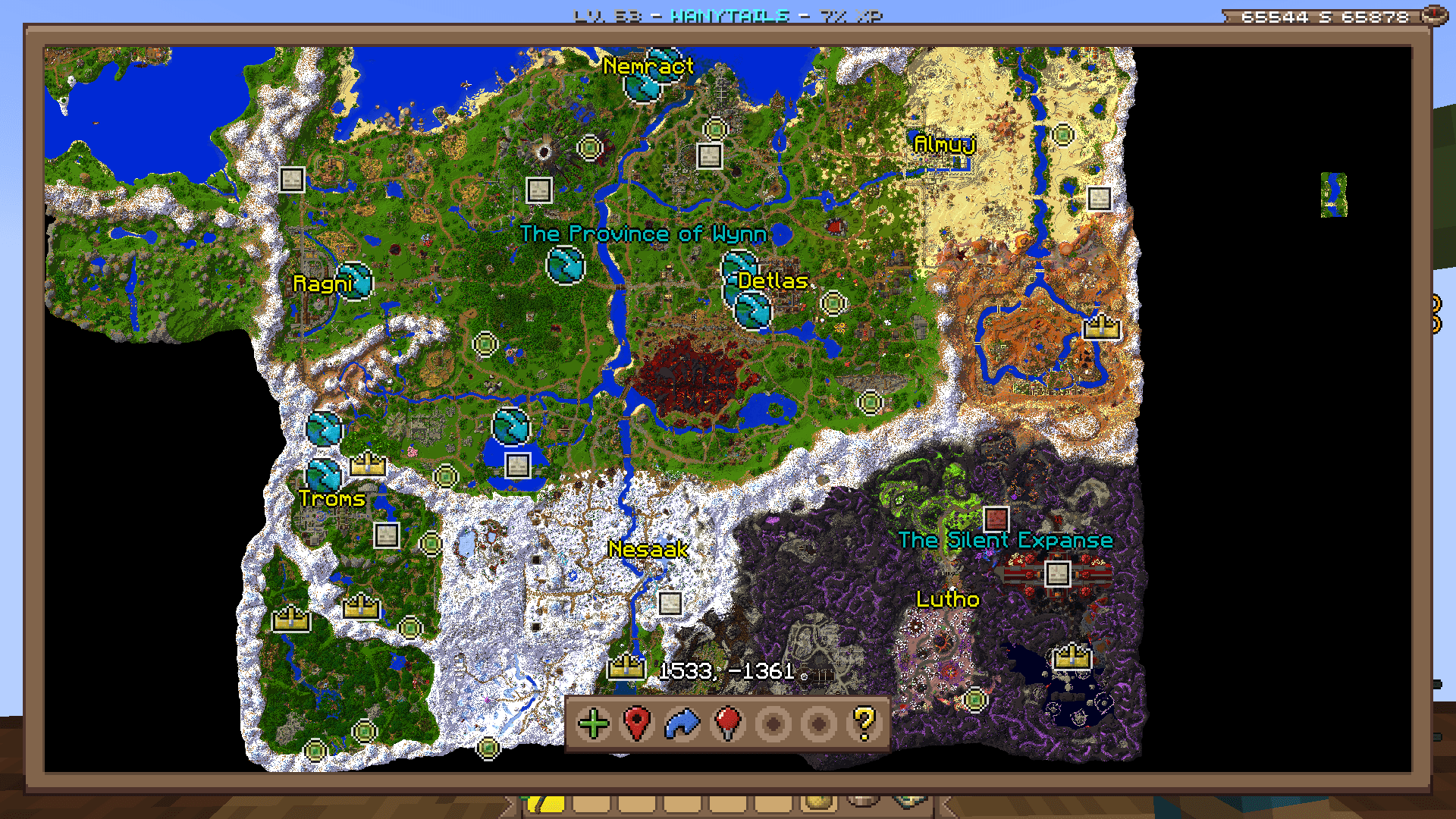
– Map
– Waypoint Distance
– Coordinates
– Territory
– Minimap

Overlays
– Annihilation Sun
– Arrow Shield
– Bomb Bell Overlay
– Gathering Totem Timer
– Mob Totem Timer
– Combat Experience
– Custom Bars
– Custom Player List Overlay
– Awakened Bar
– Blood Pool Bar
– Commander Bar
– Corrupted Bar
– Focus Bar
– Focused Mob Health Bar
– Health Bar
– Holy Power Bar
– Mana Bank Bar
– Mana Bar
– Ophanim Bar
– Game Notifications
– Guardian Angels Tracker
– Party Members
– Held Item Cooldown
– Info Boxes
– Lootrun Beacon Count
– Lootrun Missions
– Lootrun Task Name
– Lootrun Trials
– Mantle Shield Tracker
– NPC Dialogue
– Daily Objective
– Guild Objective
– Powder Special Bar
– Raid Progress
– Server Uptime Info
– Shaman Mask Overlay
– Shaman Totem Timer
– Spell Cast Overlay
– Spell Inputs Overlay
– Status Overlay
– Stopwatch Overlay
– Streamer Overlay
– Token Bars
– Aura Timer
– Volley Timer
– Tower Stats Overlay
– Content Tracker
Players
– Auto Join Parties
– Nametag Rendering
– Hades
– Party Management Screen
– Hide Player Armor
– Transparent Player Ghost
– Player Viewer
Game Notification Redirects
– Ability Refreshes
– Info Message Filter
– Pouch Messages
– Territory Messages
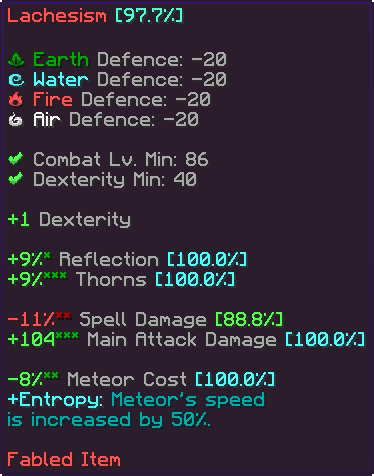
Item Tooltips
– Item Compare
– Item Guess
– Item Statistics Info
– Tooltip Fitting
– Hide Irrelevant Tooltip Info
Trade Market
– Trade Market Bulk Sell Buttons
– Market Price Conversion
– Trade Market Price Match Buttons
– Trade Market Quick Search
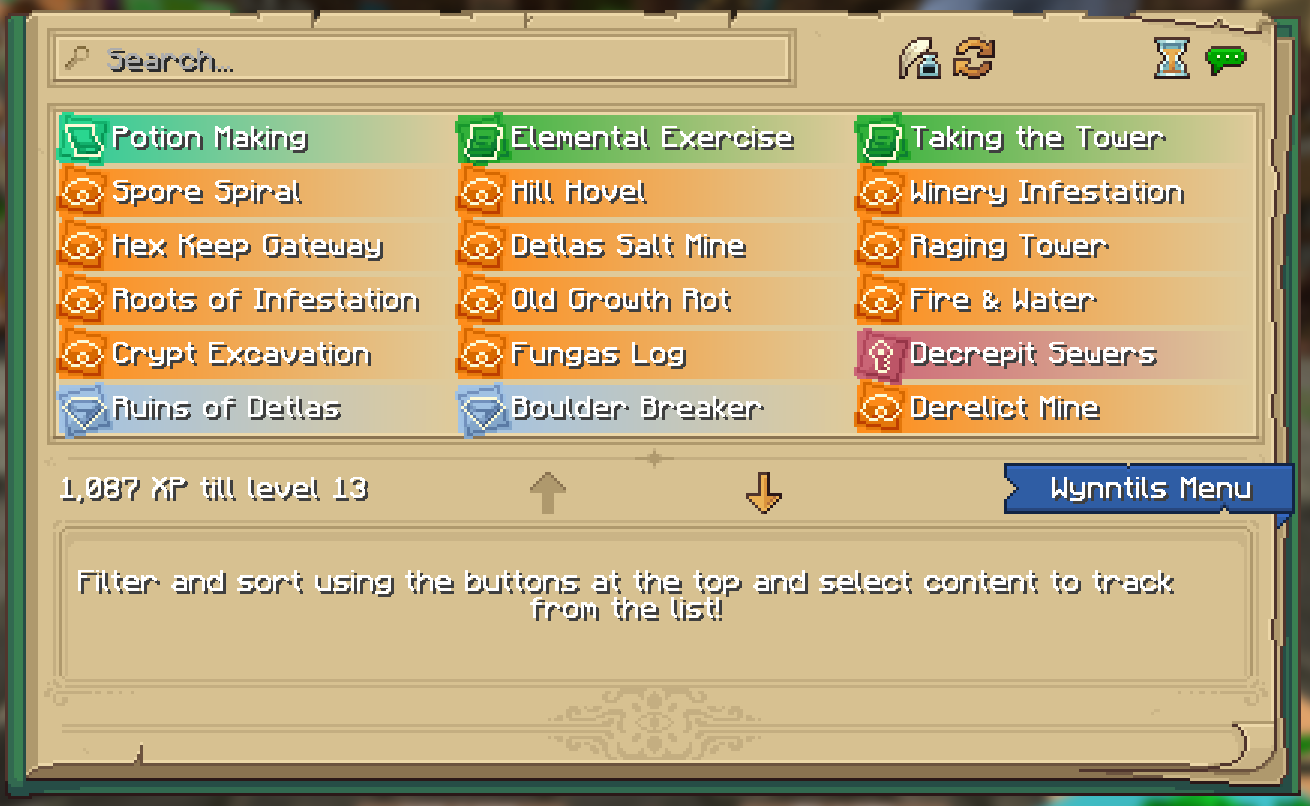
UI
– Bulk Buy
– Container Scroll
– Crafting Profession Progress Bar
– Custom Guild Log Screen
– Custom Loading Screen
– Custom Seaskipper Screen
– Custom Territory Management Screen
– Custom Trade Market Result Screen
– Lobby Uptime
– Profession Highlight
– Wynncraft Button
– Wynntils Pause Screen
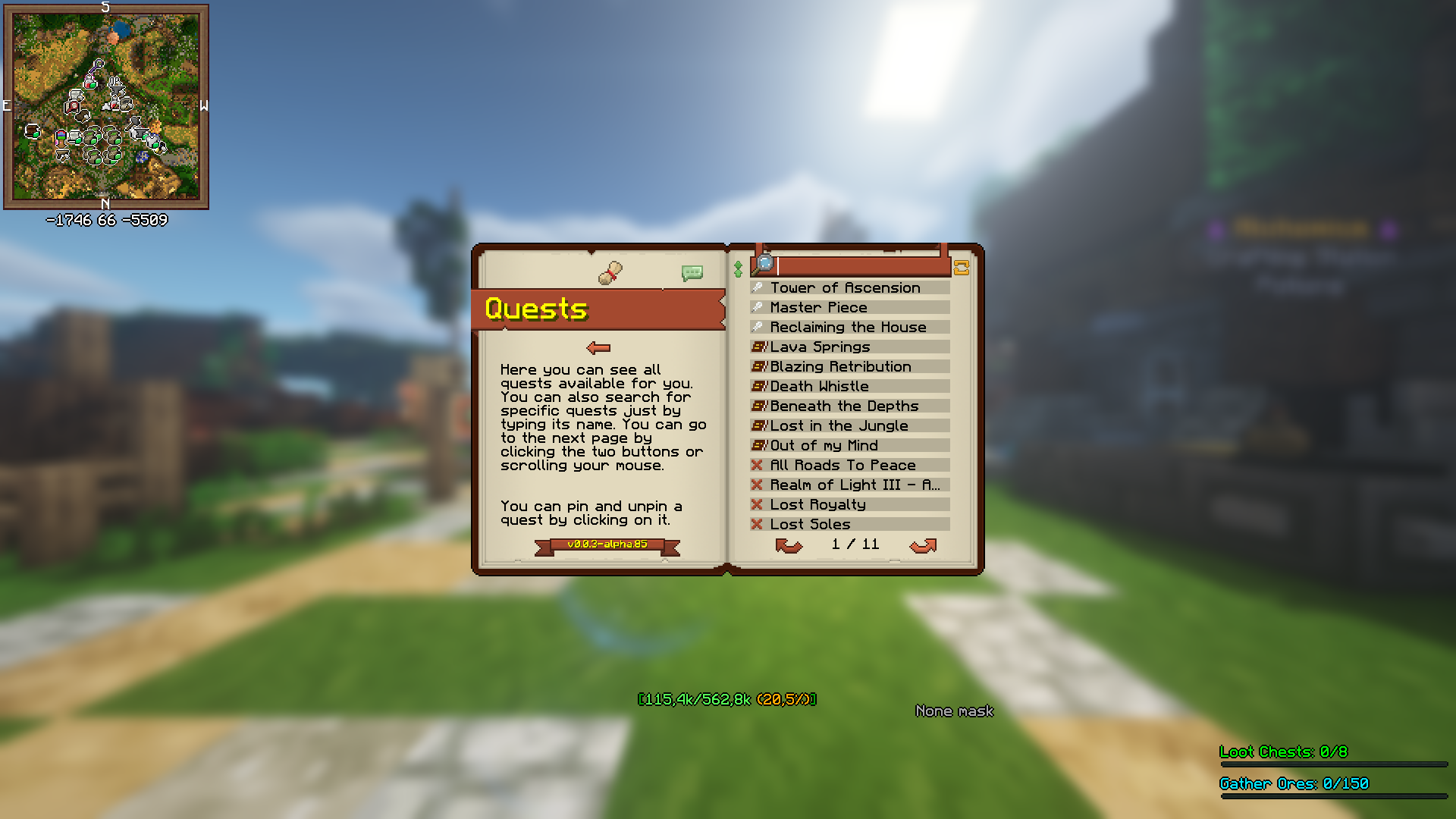
– Wynntils Content Book
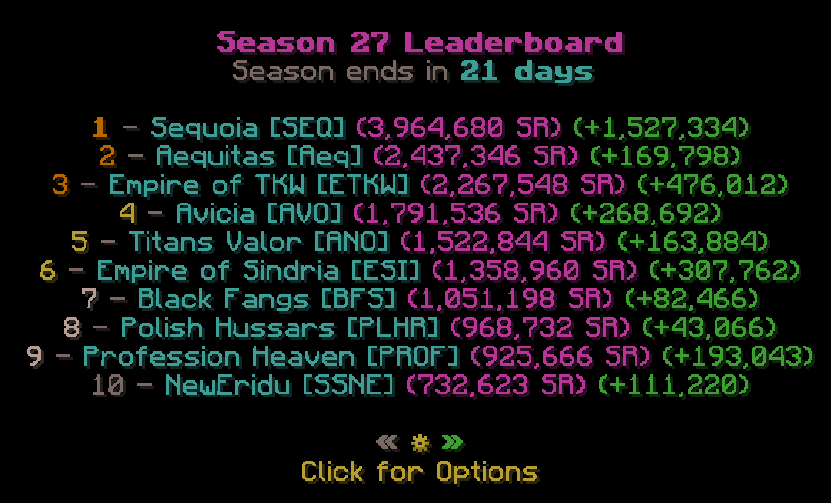
Uncategorized
– Lootrun
– Bomb Bell Relay
– Discord Rich Presence
– Extended Season Leaderboard
– Send Territory Defenses
– Valuable Found

Utilities
– Auto Apply Resource Pack
– Auto Skip Cutscenes
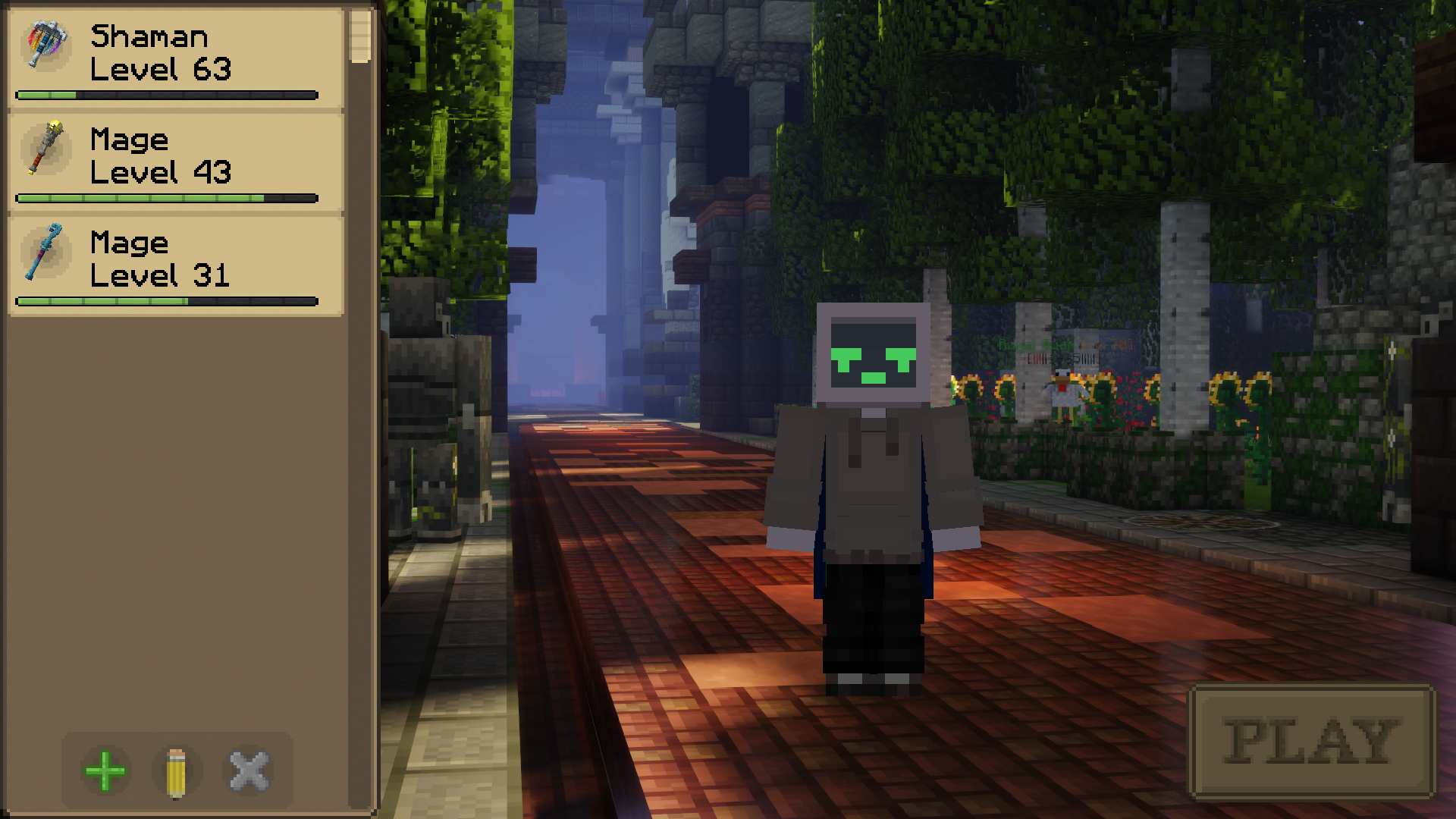
– Character Selection Utilities
– Fix Crosshair Position
– Gammabright Keybind
– Valuables Protection
– Per Character Guild Contribution
– Silencer
– Skill Point Loadouts
– Transcribe Received Messages
– Translation
– XP Gain Messages
Wynntils
– Beta Warning
– Changelog
– Custom Wynntils Command
– Data Crowd Sourcing
– Download Progress
– Fix Packet Bugs
– Telemetry
– Updates
– Weekly Config Backup
– Wynntils Hint Messages
Wynncraft Ultimate
# Wynncraft Ultimate
Wynncraft Ultimate is the Ultimate way to experience Wynncraft.
> *What is Wynncraft?*
> *The biggest and most feature rich Minecraft MMO*
Ultimate makes use of the powerful Wynntills mod that allows for 100% customization of your Wynncraft experience. Ultimate provides a lot of performance and graphics mods that allows for your game to run smoothly even with shaders and a render distance set at 256 chunks!
The goal of Ultimate is to ensure an easy way for people to play Wynncraft with Wynntills. Ultimate therefore includes a lot of optimization mods that help make the experience more accessible.
Features like a customized menu screen makes it easy to jump right in to some wynnic action.
## Screenshots
Graphics
Shaders are pre-installed and ready to go. I don’t think i need any pictures… It’s just MC with shaders
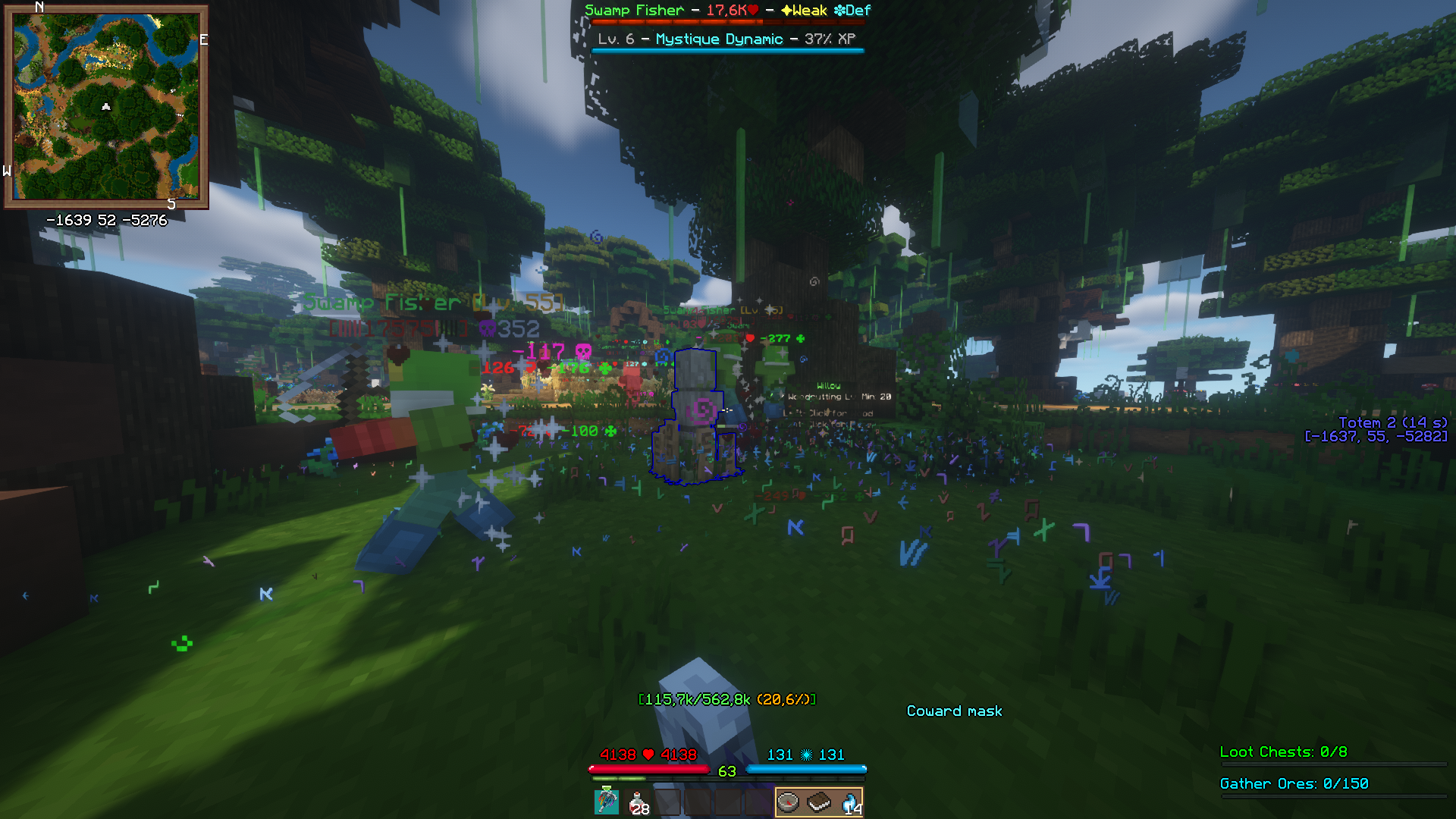
Wynntils
Other
 |
| Main Menu |
## Modlist
Modlist
3dskinlayers
audio-extension-for-fancymenu
auudio
blanket
blur-fabric
boat-item-view
bobby
borderless-mining
c2me-fabric
cloth-config
continuity
controlling
cull-leaves
debugify
dynamic-fps
dynamic-sound-filters
entityculling
exordium-fabric-1.0.3-mc1.19.4
fabric-api
fabric-language-kotlin
fabrishot
fallingleaves
fancymenu
ferrite-core
forcecloseworldloadingscreen
in-game-account-switcher
indium
iris
konkrete
krypton
lazydfu
lithium
logical-zoom
midnightlib
modmenu
moreculling
no-multiplayer-menu
no-telemetry
presence-footsteps
reeses-sodium-options
searchables
sodium-extra
sodium
starlight
visuality
wynnlib-0.2.13-1.19.4
wynntils
yacl
Wynncraft 101
 Wynncraft.
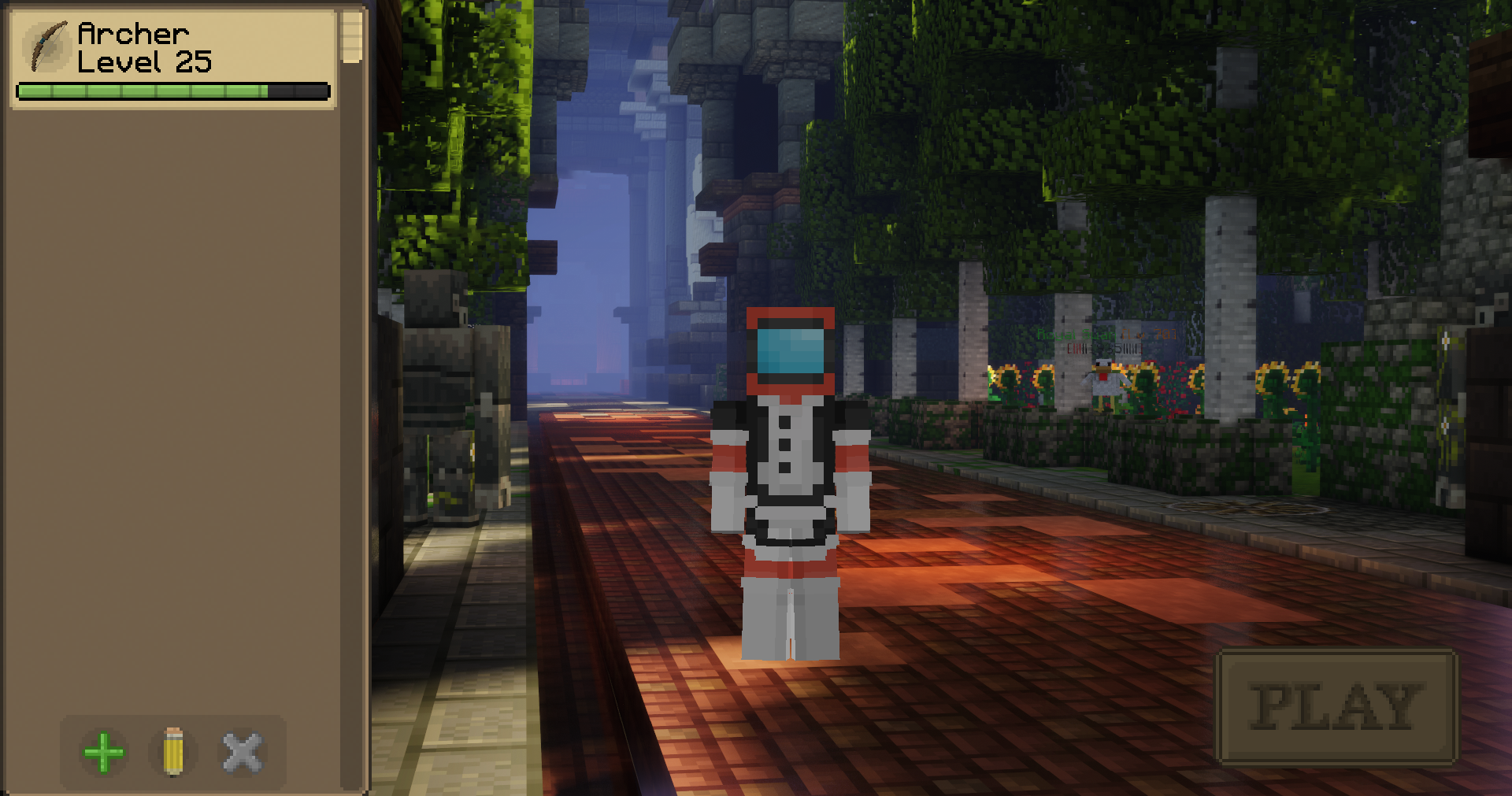
|
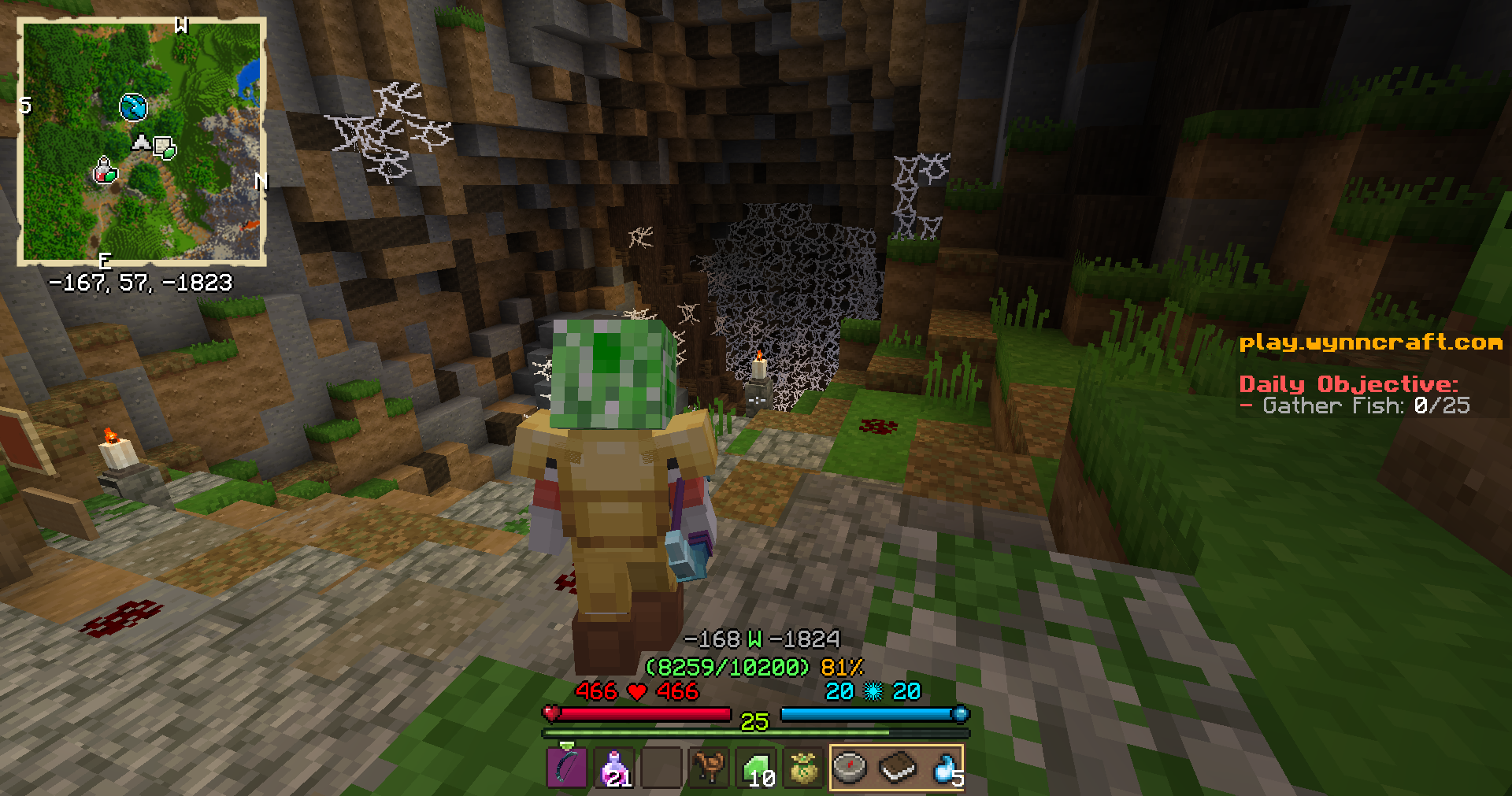
|
| Class Selection |
Better third person |
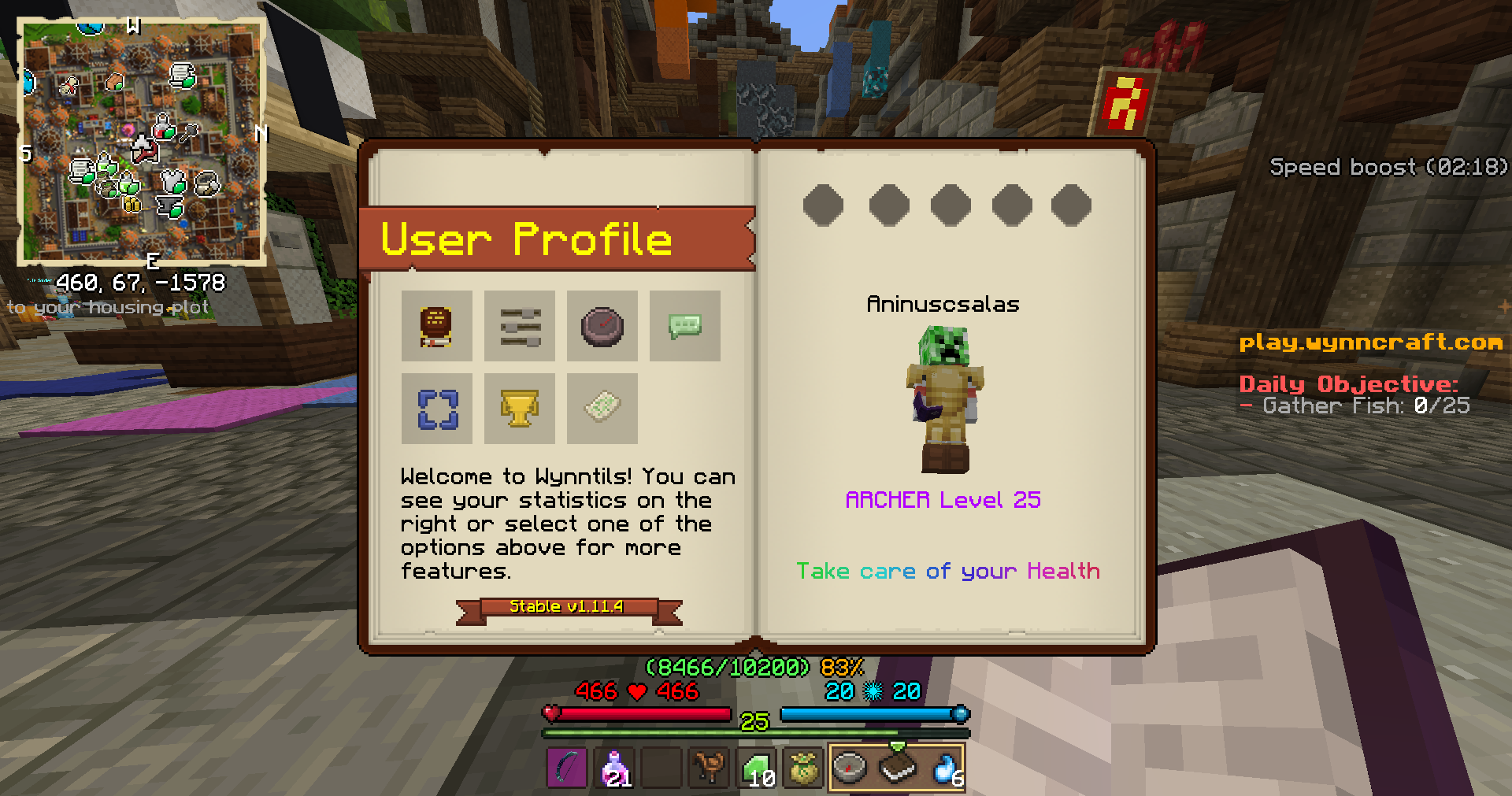
|
|
| Custom Questbook |
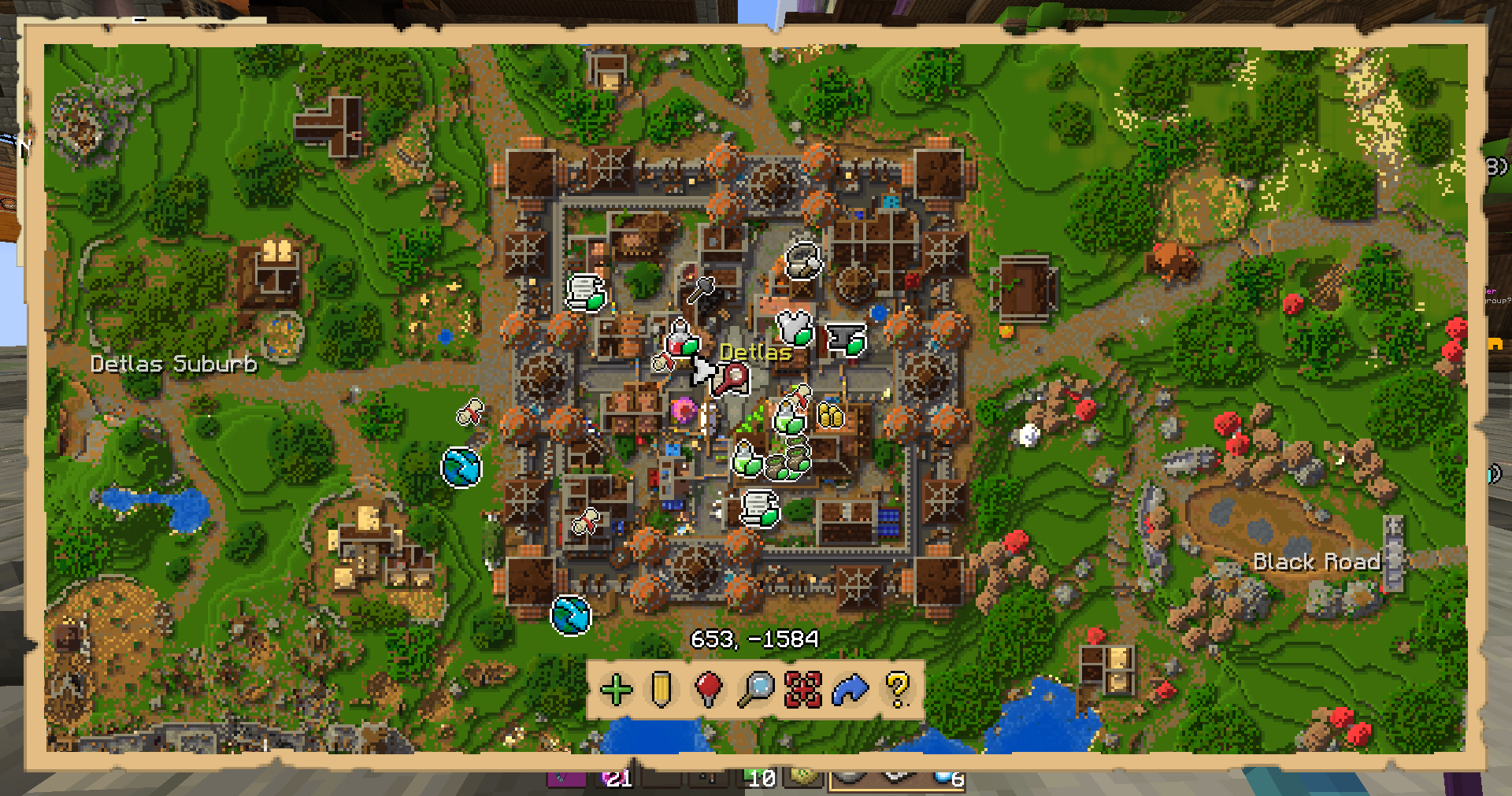
In-game map |
# Description
This modpack’s main goal is to provide a simple/streamlined experience for wynncraft. Only the most important (In my opinion) mods are included.

Performance Comparison
# Features:
– Minimap, Better Contentbook and many other quality of life tweaks thanks to **Wynntils**
– Full voice acting with **Voices of Wynn**
– Shaderpack support with **Complementary Shaders – Unbound** preinstalled
– Custom Wynncraft themed Main Menu
– Better third person mode with **Shoulder Surfing Reloaded**
– Big performance boost ([Performance comparison](https://cdn.modrinth.com/data/yvC0d6Q6/images/402d8eea4abae00c5c6d3ba6ae77033da8cf9333.png))
– Zoom by pressing **C**
All induced mods: 1.21
– [Cloth Config v17](https://modrinth.com/mod/9s6osm5g)
– [Cubes Without Borders](https://modrinth.com/mod/ETlrkaYF)
– [Drippy Loading Screen](https://modrinth.com/mod/v3CYg2V9)
– [EntityCulling](https://modrinth.com/mod/NNAgCjsB)
– [Fabric API](https://modrinth.com/mod/P7dR8mSH)
– [Fabric Language Kotlin](https://modrinth.com/mod/Ha28R6CL)
– [FancyMenu](https://modrinth.com/mod/Wq5SjeWM)
– [Forge Config API Port](https://modrinth.com/mod/ohNO6lps)
– [ImmediatelyFast](https://modrinth.com/mod/5ZwdcRci)
– [Iris](https://modrinth.com/mod/YL57xq9U)
– [Konkrete](https://modrinth.com/mod/J81TRJWm)
– [Lithium](https://modrinth.com/mod/gvQqBUqZ)
– [Loader](https://modrinth.com/mod/EMQzFaJ1)
– [Melody](https://modrinth.com/mod/CVT4pFB2)
– [ModernFix](https://modrinth.com/mod/nmDcB62a)
– [No Telemetry](https://modrinth.com/mod/hg77g4Pw)
– [Ok Zoomer](https://modrinth.com/mod/aXf2OSFU)
– [Shoulder Surfing Reloaded](https://modrinth.com/mod/kepjj2sy)
– [Sodium](https://modrinth.com/mod/AANobbMI)
– [Voices of Wynn](https://modrinth.com/mod/Hn8Ot3qH)
– [Wynntils](https://modrinth.com/mod/dU5Gb9Ab)
– [Wynntils](https://wynntils.com)
– [Wynntils](https://wynntils.com)
– [YOSBR](https://modrinth.com/mod/WwbubTsV)
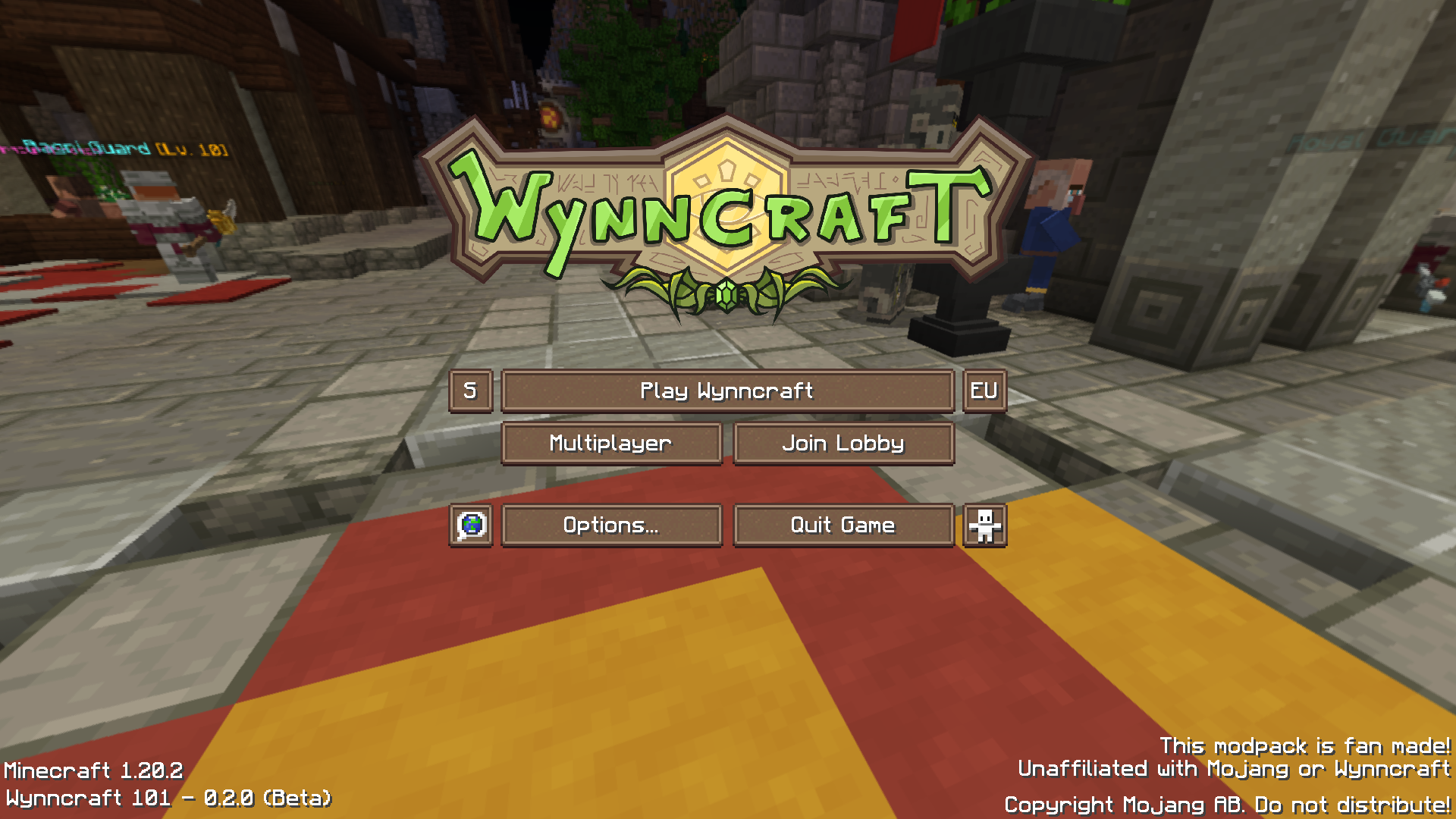
Epic screenshot of the Main Menu
If you are interested in a modpack with more features I recommend you to check out Wynnic Enchantments by Rafii

# Disclaimer
This modpack is fan made! Unaffiliated with Mojang or Wynncraft
Wood you Dye
Wood you Dye is a mod that adds dyable wooden planks into Minecraft. Think of it as wool but its planks.
Credits:
Programmer Art and Russian Translation by Klayzer
Older version’s Arch-Ex support by Woodier Texas
William Wythers’ Overhauled Overworld
# Welcome to William Wythers’ Overhauled Overworld for 1.20.1 and higher!

## Introduction
This mod attempts to recreate the familiar landscapes you know and love in a way that creates a more realistic and atmospheric world.
# WWOO/WWEE difference
We decided to split WWOO in two distinct mods:
– **Expanded Ecosphere**: This mod includes new biomes and builds upon the old 1.19/1.20 WWOO (bad compatibility with other world-gen mods).
– **WWOO**: This new project is focused on overhauling the vanilla biomes and is inspired by the style of the old 1.16/1.17 WWOO (good compatibility with other world-gen mods).
**Use one or the other! Don’t use both. Many features might be doubled and they are NOT intended to be combined.**
## Key Features
### Overhauled Biomes
Every biome has been reworked to provide a more realistic and immersive environment. Say goodbye to the standard biomes and welcome an enhanced world filled with diverse landscapes and exciting adventures.
For an extensive showcase of the (sub)biomes, join our [Discord](https://discord.com/invite/yJng7sC44x) and check out [this channel](https://discord.com/channels/779938168573132801/1381410007035150497) (1.21.5+).
### Biome Transitions
Discover the new transitions between biomes, that eliminate jarring shifts between environments, allowing for a more natural world flow. Check out this [example picture](https://cdn-raw.modrinth.com/data/II7t6llZ/images/415ed50637330b1c39d463076af7f2ab5fe9a283.png) in the Gallery.
### Compatibility with Vanilla Clients
Worried about compatibility issues with your friends? Fear not! Overhauled Overworld exclusively uses vanilla blocks, ensuring that you can install this mod on your server, and your friends can join with their vanilla clients. This makes for a hassle-free and enjoyable multiplayer experience.
## Enhance Your Experience
**Since WWOO 2.6.0 these are included in the mod and can be enabled via the config!**
– **Navigable Rivers**: Improve your river experience with this travel-friendly add-on. [Download Here](https://modrinth.com/datapack/navigable-rivers)
– **Cliffs and Coves**: Improve your world with better coastlines using this add-on. [Download Here](https://modrinth.com/datapack/cliffs-and-coves)
– **Towering Tepuis**: Add a forbidding and mysterious area of adventure to your world. [Download Here](https://modrinth.com/datapack/towering-tepuis)
If you prefer a datapack over a mod, click [here](https://modrinth.com/datapack/4pbhwMQz) to download the datapack version of WWOO.
## Join Our Community
If you have any questions, suggestions, or just want to connect with fellow adventurers, we invite you to join our [Discord Server](https://discord.com/invite/yJng7sC44x). While there’s no Wiki available yet, our friendly community is always ready to assist you on your journey through the Overhauled Overworld.
Winter Wonderland
I made this to change Terralith to have only cold biomes, but I realised it works with any biome datapacks/mods! (Some mods don’t works as well). It essentially changes the temperature and placement of biomes so only cold ones are placed!
I also plan to also add/change some existing biomes.
All screenshots were taken with photon and terralith!