Smoother Glowing
I’ve rewritten the glowing post shader to remove the black outline and stop it from covering the entity, it looks better imo.
Also, it’s faster than vanilla so you’ll lose less fps while there’s glowing entity in view.
Feel free to use it anywhere!
### Mc Version
It works on Minecraft 1.9 and all the way up. But **if you’re on below Minecraft 1.14, you’ll need a game restart after applying this pack.**
(Technically it works on all version because there’s no glowing effect before 1.9)
Recently (2025/10/19) found out that it doesn’t work below Minecraft 1.17 on macOs, and I didn’t bother to debug it. My windows pc broke so I can’t test if it still works on windows. I’d like to assume it does..
### Installing
It should be installed like resource pack.
Why is it in Shaders category? Because this pack only modifies post shader and there’s Vanilla filter in Shaders category. So I thought it’s technically a resource pack but logically a shader pack.
[Here’s the answer from Modrinth mod if you’re confused too](https://cdn.discordapp.com/attachments/1132625481045389312/1468282574395801762/image.png?ex=69837435&is=698222b5&hm=af322dd2f73dc9109dd2fbc0fdace27fac876da93d03d2c2ad1646bbe25bf77c&)
### 1.20.5+
Minecraft itself has optimized the shader with similar strategy on 1.20.5+, so this pack’s optimization won’t be as obvious as before. But I still prefer this pack’s visual because:
* They didn’t divide the color sum by alpha sum, causing the outline to look black instead of transparent.
* They didn’t prevent the outline from covering the actual entity, causing the entity to look weird.
After some testing, this pack still optimizes from 54fps to 60fps on 1.21! (at least on my client)
### Modifying
The radius and final alpha can be changed by editing the entityglow.fsh file. (changing radius affects performance!) If you have a hard time modifying it, try out [Shader Reload Mod](https://modrinth.com/mod/shader-reload) or join my Discord!
SMAA-MC
A simple Iris shader pack implementing [Enhanced Subpixel Morphological Antialiasing 1x](https://github.com/iryoku/smaa) with improved edge detection using [redmean color difference](https://www.wikiwand.com/en/articles/Color_difference#sRGB).
It intelligently smoothes diagonal edges to reduce staircase-like artifacts with minimal performance impact, while leaving color, lighting and large-scale geometry as identical as possible to vanilla Minecraft. It includes the highly optimized implementation of vanilla-like rendering from [Base-460C](https://github.com/Luracasmus/Base-460C).
## Requirements
> If you have a decently modern non-macOS device it probably supports everything you need, but you might have to update your Iris and graphics drivers.
* **[Iris](https://github.com/IrisShaders/Iris)** with [features](https://shaders.properties/current/reference/shadersproperties/flags/):
* `COMPUTE_SHADERS`
* `CUSTOM_IMAGES`
* `ENTITY_TRANSLUCENT`
* **[GLSL](https://www.wikiwand.com/en/OpenGL_Shading_Language) 4.60.8+**
✏️SketchBound
# ✏️ **SketchBound Shader**
Transform your Minecraft world into a **living sketchbook**! This unique stylized rendering shader brings an artistic pencil-drawn aesthetic to your gameplay, featuring hand-drawn style outlines and dynamic sketch-like hatchwork that makes every block look like it was sketched by an artist.
—
## 📺 **Trailer**
—
## ✨ **Features**
✏️ **Pencil-style outlines** – Give everything a hand-drawn appearance
🎨 **Dynamic hatching** – Mimics traditional sketching techniques
🌈 **Triple visual modes** – Choose between grayscale, vibrant color, or blue pen presets
⚙️ **Extensive customization** – Tweak settings to match your artistic vision
—
## 💬 **Community & Support**

Join our Discord
Share screenshots, suggest features, or get help with the shader! Your feedback helps make **SketchBound** even better.
—
## 🙏 **Credits**
Special thanks to **XorDev** for allowing the use of block model distortion, Voronoi texture effects, and water glare techniques from the [Unsquare Shaderpack](https://github.com/XorDev/Unsquare-Shaderpack) that help bring this artistic vision to life!
Sinus Shader – Sine Wave
### Sinus Shader is a Minecraft Optifine/Iris Shader that makes the game render in a Sine Wave.
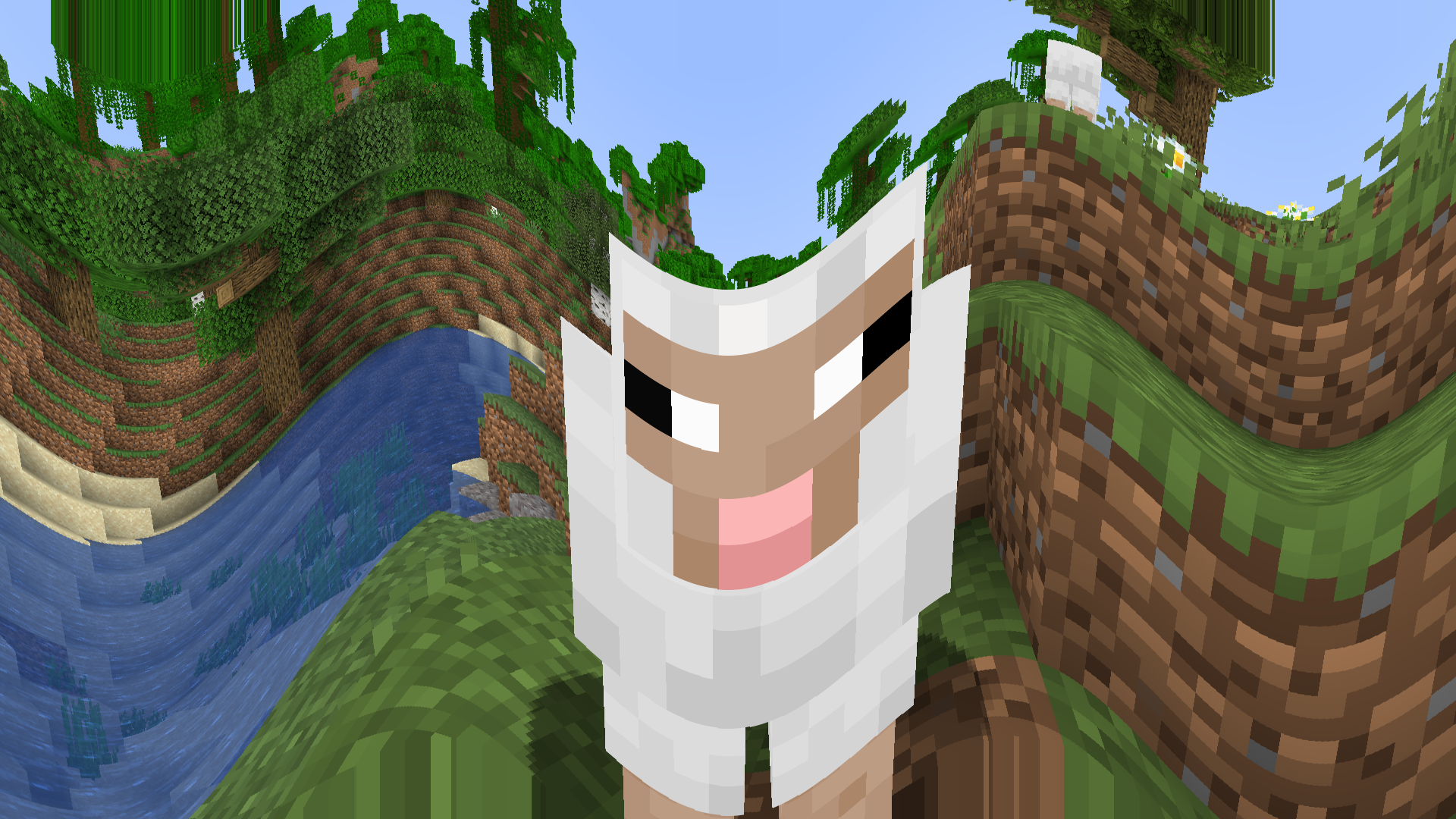
It is an interesting distortion effect and I like sine waves. The effect is customizable, you can set the direction from horizontal(0 in V1 | 1, 2 in V2) to vertical(1 in V1 | 3, 4 in V2), the frequency and the height(amplitude).
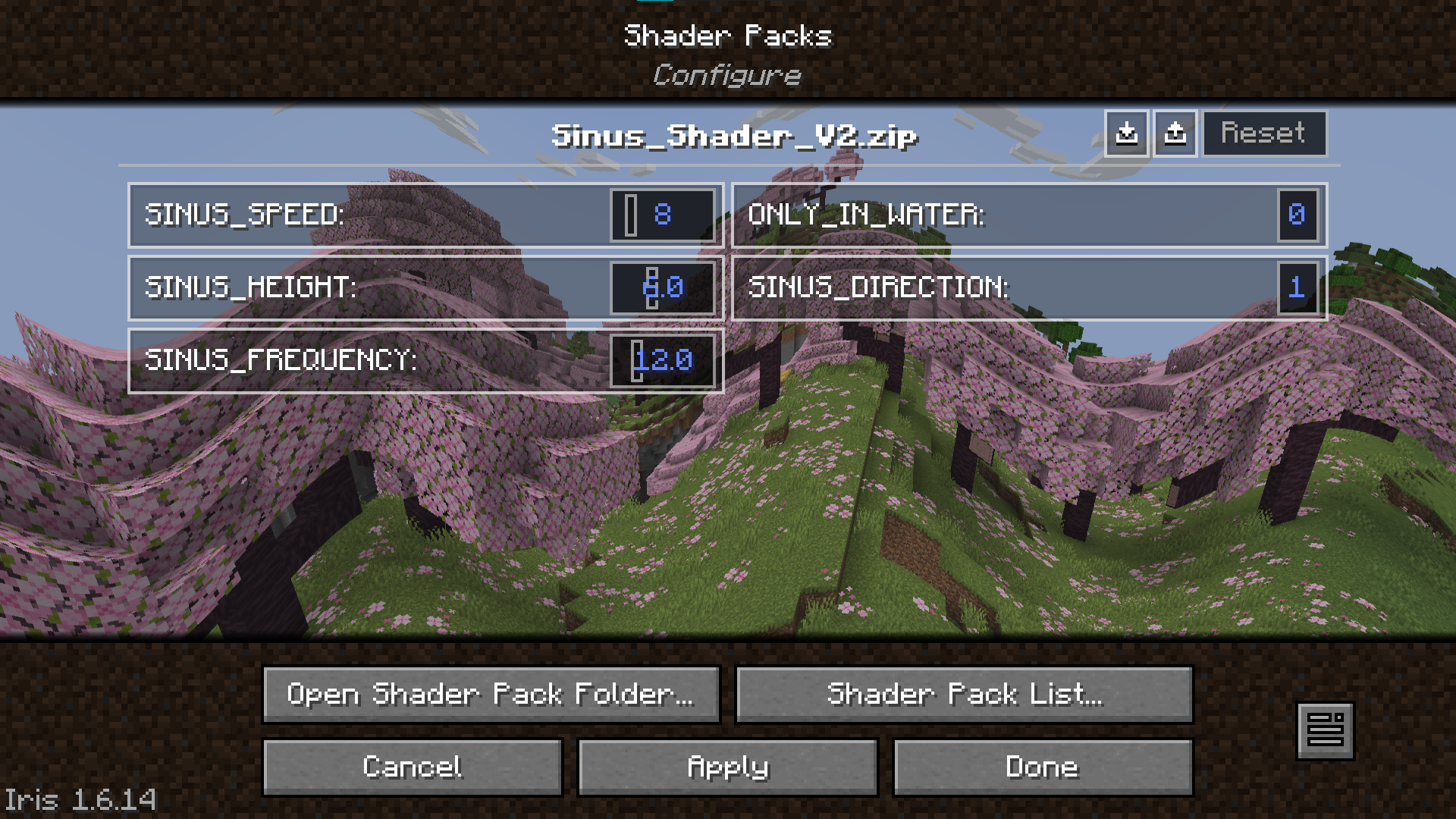
Version 2 also features customizable movement(left to right, right to left, top to bottom, bottom to top) and the option to only apply the effect if you are under water.
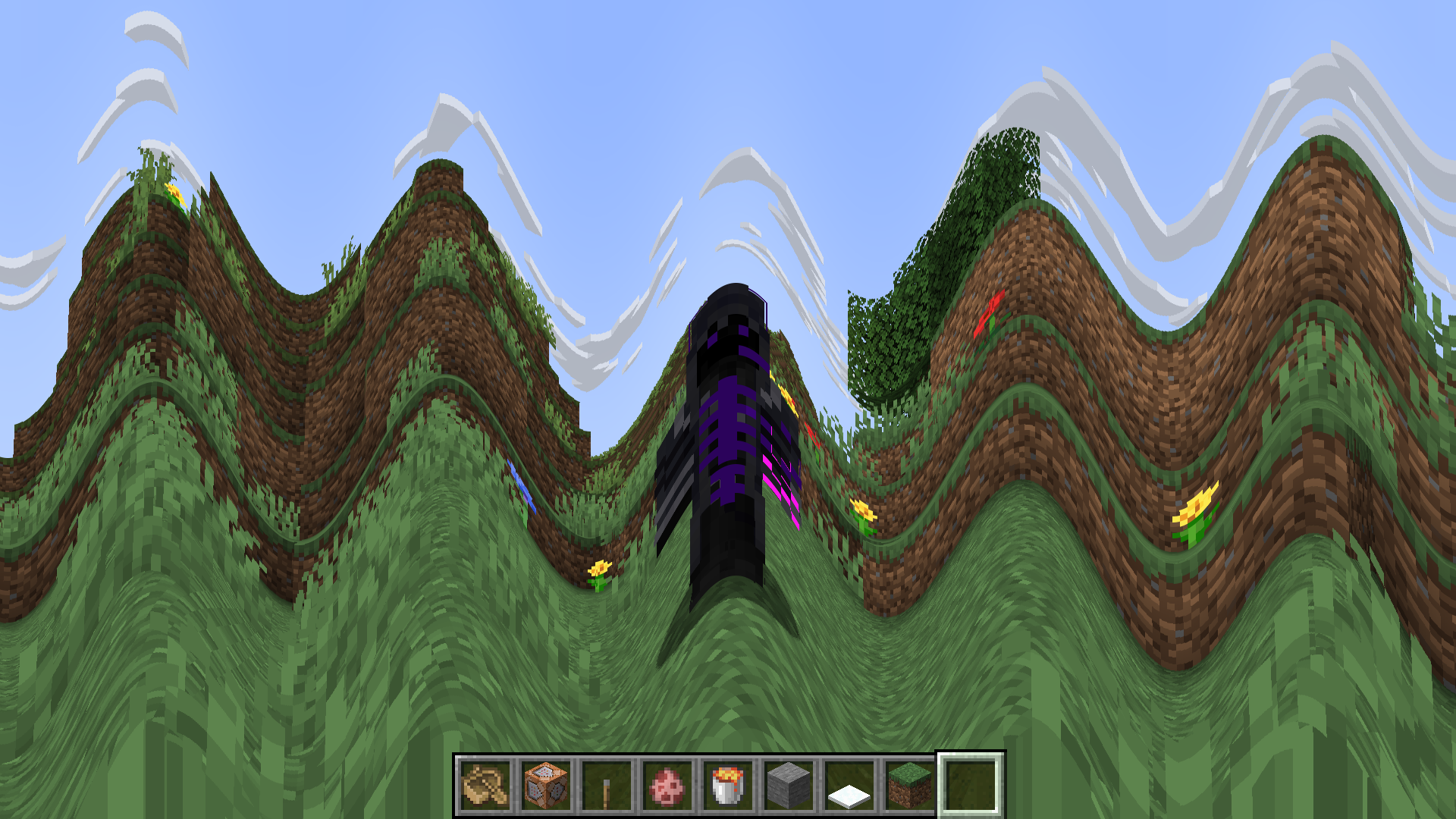
This Shader is completely useless and has no reason to exist, but you can use it anyways. Maybe it could be an interesting challenge, or something, idk. Have fun with the Shader and the motion sickness it causes.
Simply Upscaled
A very Vanilla high performance shader with live Texture Upscaling/Filtering and optional shadows.
Plenty of other options to configure lighting and fog how you like while maintaining a subtly enhanced vanilla feel.
Make feature requests on discord!
Alpha versions aren’t verified to work on all hardware yet. Please tell me about errors so i can fix them. Thanks and have fun!
Here is a template for customizing the flashlight: https://modrinth.com/resourcepack/flashlight-template-for-simply-upscaled
Simplicissimus Shader
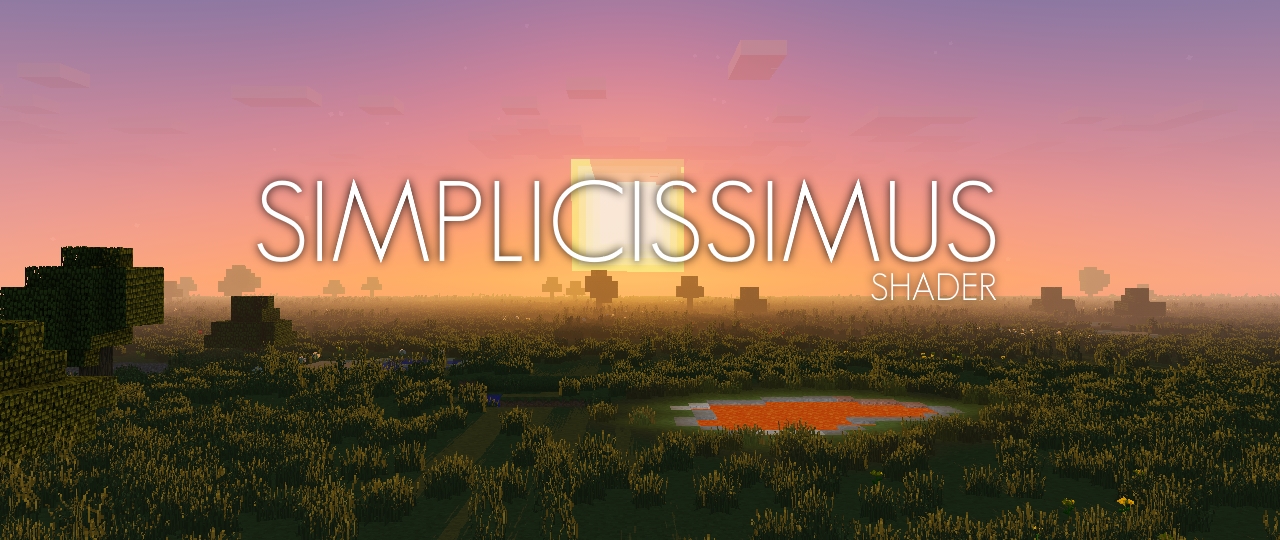
## **What is the Simplicissimus Shader?**
This pack tries to stay really close to what vanilla Minecraft provides in terms of graphics, thus it keeps the original vanilla clouds as well as the vanilla lightmap. However, while sticking to the “minecrafty look”, it also gives it some visual touchups like dynamic shadows, better fog and some slightly improved lighting of the vanilla clouds, making them look more integrated into the world.
## **What features does it offer?**
* Dynamic shadows (and optional soft or pixel shadows)
* Temporal Anti-Aliasing
* Bloom
* Motionblur
* Improved cloud lighting and fog
## **Any Requirements?**
* OptiFine for 1.12 or newer/Iris 1.5.0 or newer
* A graphics card that supports OpenGL 2.1 or newer
* Should work on Windows, Linux and Mac
## **External Links:**
* My Website: [Link](https://rre36.com/simplicissimus-shader)
* My Discord Server: [Link](https://discord.gg/y5xzQ6H)
[](https://www.patreon.com/bePatron?u=19790203)
Simple Shadows
Basic Shadows
The Color options are 0 1 and 2, 0 means acts as block aka no color, 1 means color, 2 means color blocks are not shown.
Modify the settings till it seems right!
Simple Shader One
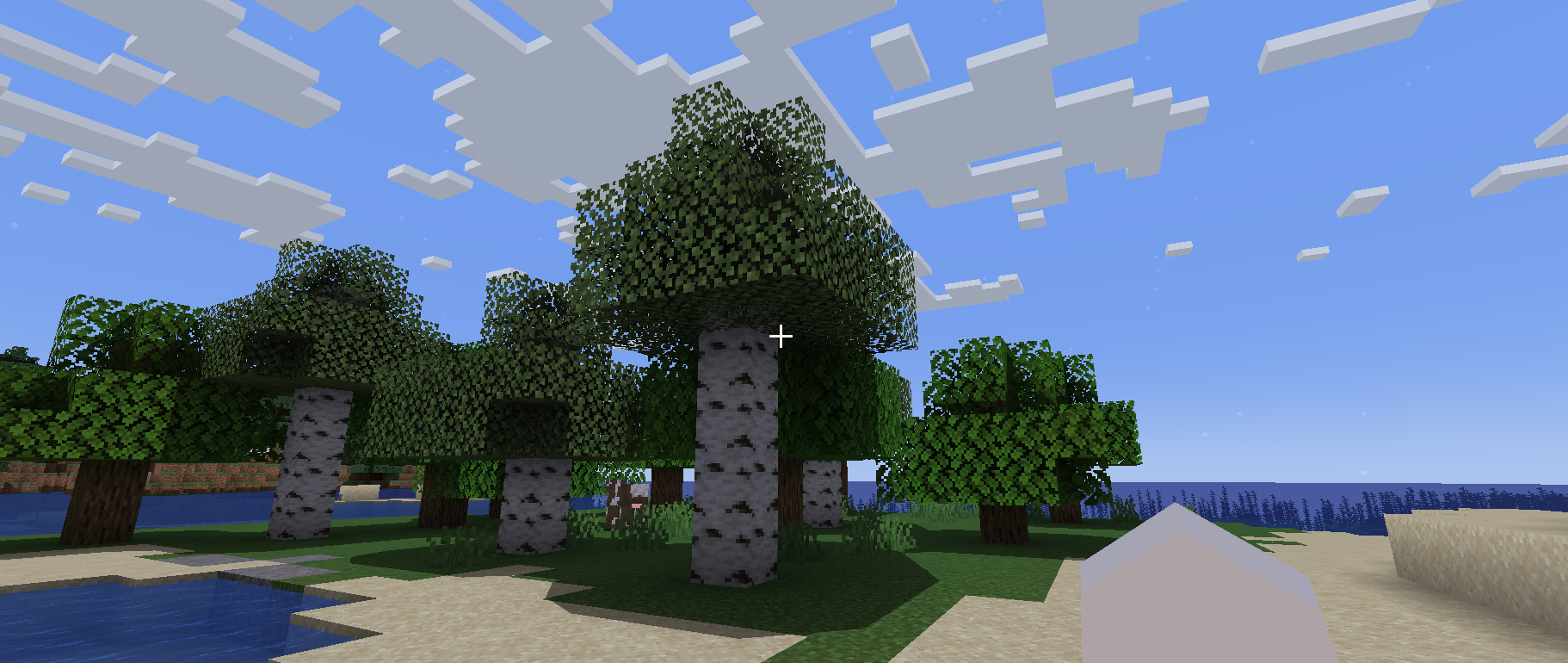
# Simple Shader One
Is there anyone who wants a simple shadow?
This shader is lightweight because it only puts round shadows.
It’s not perfect, but you can enjoy a different atmosphere from vanilla.
## Required Prerequisite Mods
Capable of loading shaders and compatible.
The author tried [Iris Shaders](https://modrinth.com/mod/iris) and it worked fine.
Simple Saturation Shader
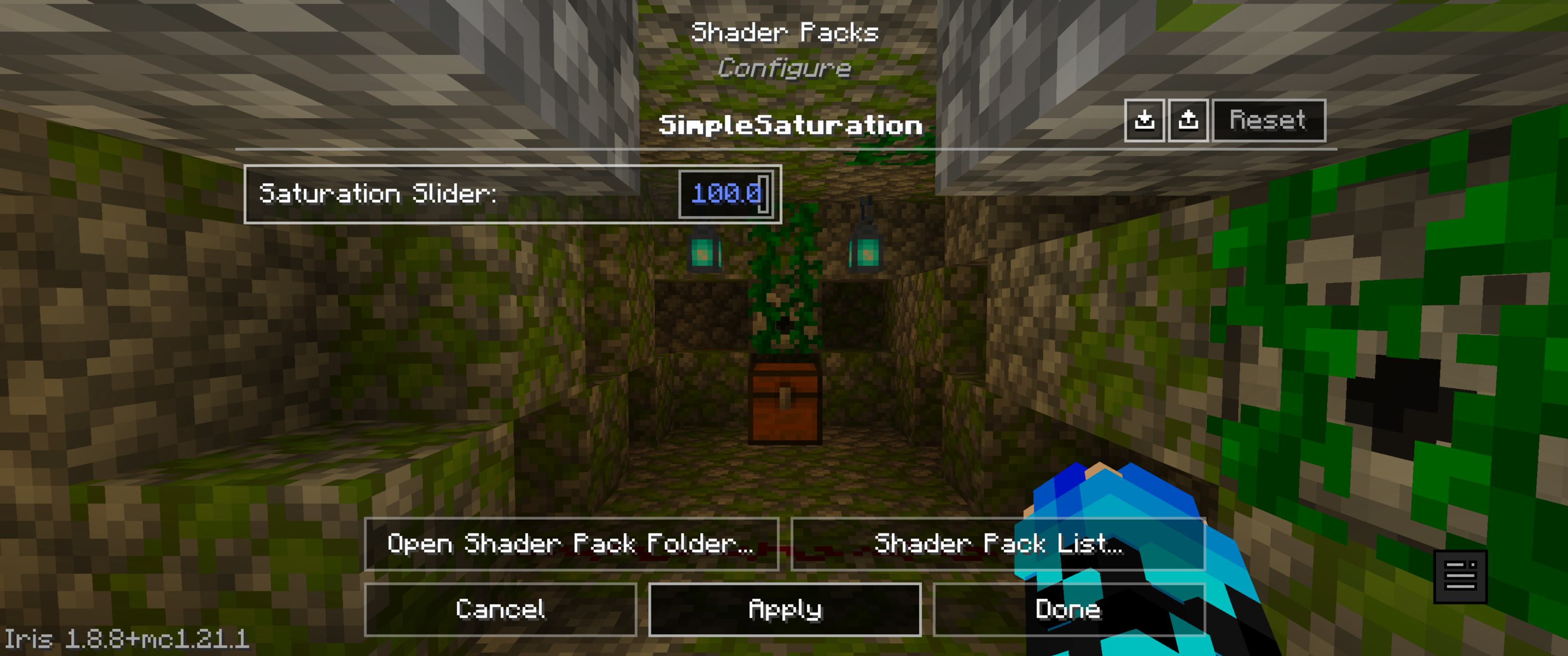
**A very light shader pack for Iris that adds a saturation slider, to allow you to change the saturation of your game**
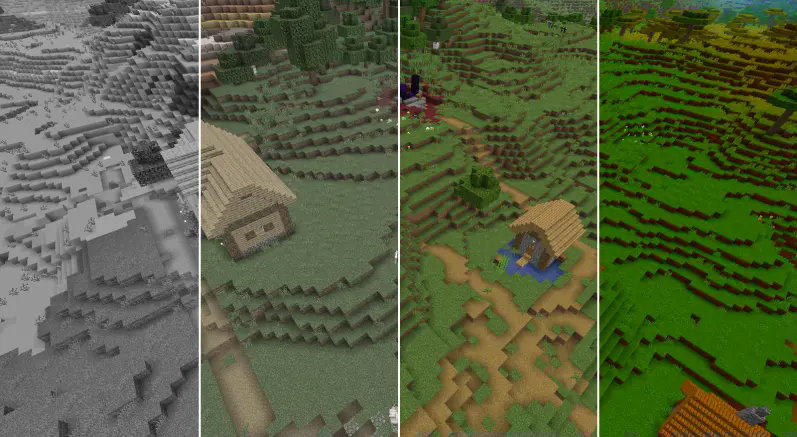
The sliders vary from:
“0.0 0.05 0.10 0.15 0.20 0.25 0.30 0.35 0.40 0.45 0.50 0.55 0.60 0.65 0.70 0.75 0.80 0.85 0.90 0.95 1.0 1.05 1.10 1.15 1.20 1.25 1.30 1.35 1.40 1.45 1.50 1.55 1.60 1.65 1.70 1.75 1.80 1.85 1.90 1.95 2.0 3.0 100”
With 1 being normal saturation, 0 being none and 100 being max.
This shader pack was made by MrBrose, with help from RJ_Infinity
Base code based off of “Base-Shader” by Bestsoft100
https://modrinth.com/shader/base-shader
Simple Saturation
# About Shader
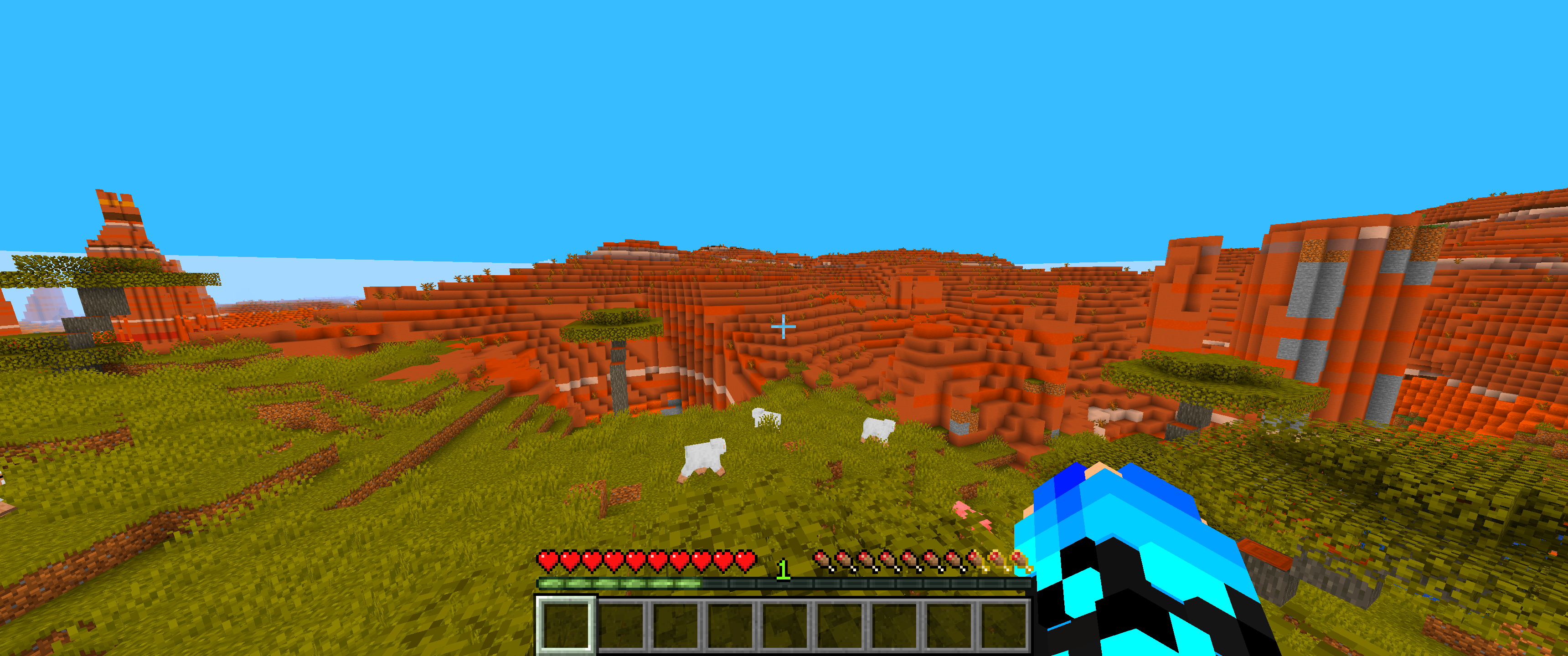
* This lightweight shaderpack allows you to precisely adjust the overall saturation of your Minecraft world through a simple in-game slider.
# Gallery
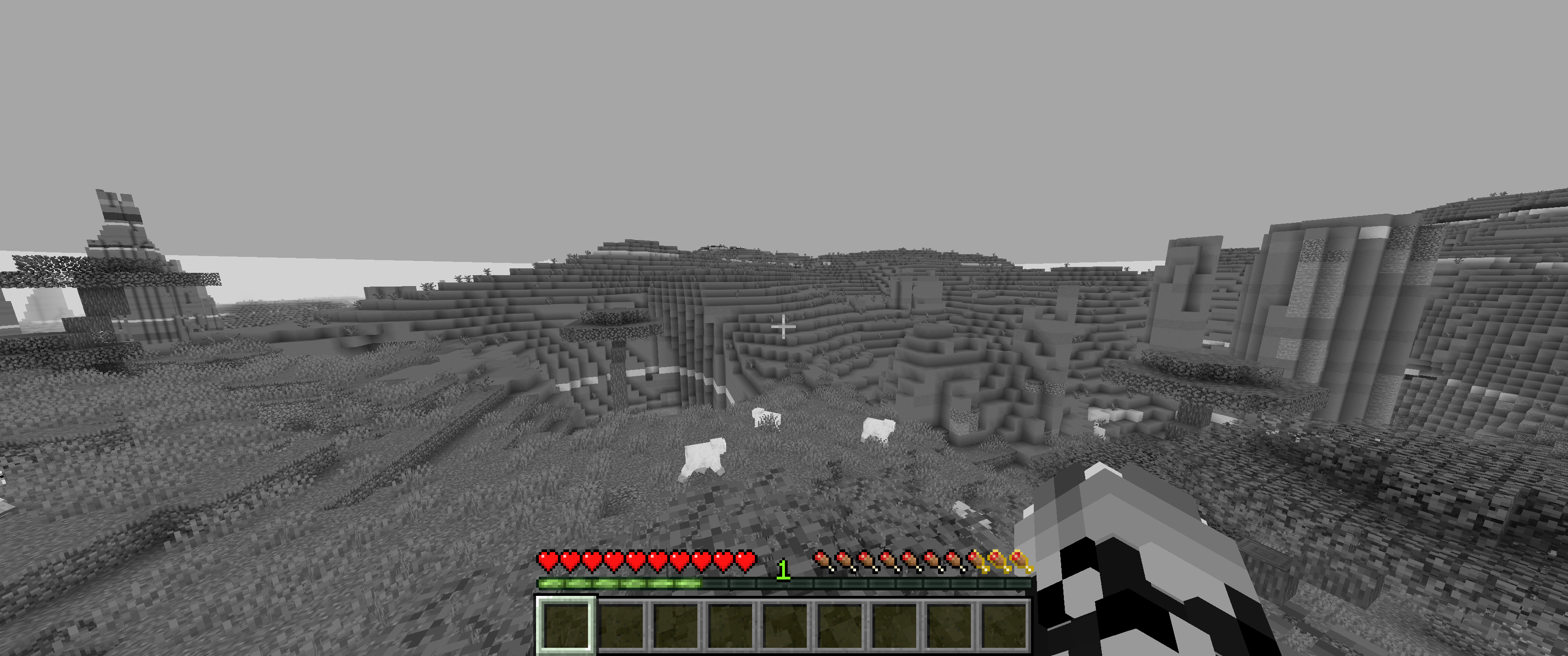
## 0% Saturation
## 50% Saturation (Normal colors)
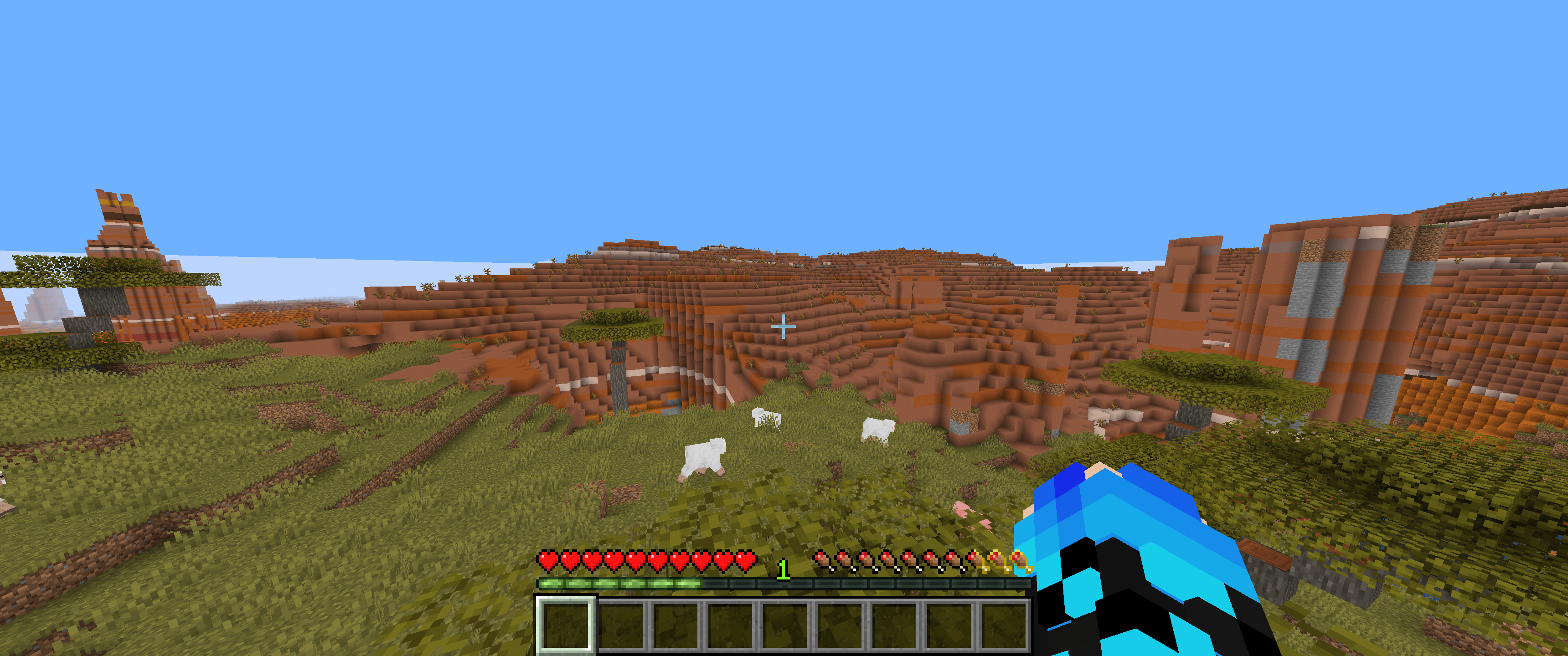
## 100% Saturation
## Slider
# Feedback & Support:
Found an issue or have a suggestion? Please report it here: [Issue Tracker](https://github.com/JamesCoalchiPortfolio/SimpleSaturationShader/issues)