Fantasy Shaders Reimagined
## **Fantasy Shaders Reimagined**
This shader is based on the Complementary Shaders. Fantasy Shaders are a modification of the Complementary Shader, intended to make the game more colorful, striking, and vibrant, in a fantasy style.
This is my first project for Minecraft Java so it may have bugs and things to improve, so I would appreciate it if you left me either a bug report or suggestions to improve this mod on my Discord server.
### **Modifications**
– The color of the night has been changed to a fantasy blue king, including skies, auroras, clouds, nebulas…
– The color of the day has become brighter, the sky now has a white horizon and the upper part is light blue including the clouds.
– Sunsets and sunrises are now more colorful as if you were in a fantasy world.
– The reflection of the surface and the sky at night has been improved, giving a mirror-like effect.
– The End has been recolored so that the color of its environment is attached to the purple tone of the Endermans.
– The rays of light have been intensified.
– Now the night and the End are starry.
### **Compatibility**
– This was created using Iris but since this is a modification of the complementary shader it should also work in Optifine.
### **Notes**
– Fantasy Shader is a modification that complies with all Complementary Shaders licenses and terms of use.
– This shader is based on the original work and fully respects the copyright and license terms. My person also has his License which I invite you to comply with.
– I don’t have all the credit for this, most of the credit goes to Emin, creator of the Complementary Shaders, since the Fantasy Shader is just a modification of these.
### **Changes**
– Compatible with Iris Minecraft v1.21.11
– A nebula has been added to the End sky.
– The night fog was greenish, now it’s blue, aligning with the horizon.
– The intensity of the light emitted by blocks like ores has been increased…
### **Video**
Fantasy Shaders Unbound
## **Fantasy Shaders Unbound**
This shader is based on the Complementary Shaders. Fantasy Shaders are a modification of the Complementary Shader, intended to make the game more colorful, striking, and vibrant, in a fantasy style.
This is my first project for Minecraft Java so it may have bugs and things to improve, so I would appreciate it if you left me either a bug report or suggestions to improve this mod on my Discord server.
### **Modifications**
– The color of the night has been changed to a fantasy blue king, including skies, auroras, clouds, nebulas…
– The color of the day has become brighter, the sky now has a white horizon and the upper part is light blue including the clouds.
– Sunsets and sunrises are now more colorful as if you were in a fantasy world.
– The reflection of the surface and the sky at night has been improved, giving a mirror-like effect.
– The End has been recolored so that the color of its environment is attached to the purple tone of the Endermans.
– The rays of light have been intensified.
– Now the night and the End are starry.
– Sky Now More Cloudy.
### **Compatibility**
– This was created using Iris but since this is a modification of the complementary shader it should also work in Optifine.
### **Notes**
– Fantasy Shader is a modification that complies with all Complementary Shaders licenses and terms of use.
– It is necessary that in the settings you put the Unbound option to have the appearance of the images
– This shader is based on the original work and fully respects the copyright and license terms. My person also has his License which I invite you to comply with.
– I don’t have all the credit for this, most of the credit goes to Emin, creator of the Complementary Shaders, since the Fantasy Shader is just a modification of these.
### **Changes**
– Compatible with Iris Minecraft v1.21.11
– A nebula has been added to the End sky.
– The night fog was greenish, now it’s blue, aligning with the horizon.
– The intensity of the light emitted by blocks like ores has been increased…
### **Video**
FancyWind and Waves
**English version:**
FancyShader — Lightweight Wind & Waves
Adds satisfying animated wind to grass, flowers, and leaves, plus gentle water surface waves. Zero visual changes — completely vanilla colors, lighting, and fog. Just pure movement.
**Features:**
Grass & flowers sway in the wind
Leaves rustle with a natural flutter
Water surface gently ripples
Underwater fog
No color grading, no bloom, no performance cost
Compatible with Minecraft 1.17–1.21.x via OptiFine or Iris.
Subscribe so you don’t miss any updates! If you have questions or need support, join our Discord.
**Русская версия:**
FancyShader — Лёгкий ветер и волны
Добавляет приятную анимацию ветра на траве, цветах и листьях, а также лёгкое покачивание поверхности воды. Никаких изменений картинки — полностью ванильные цвета, освещение и туман. Только чистое движение.
**Возможности:**
Трава и цветы качаются на ветру
Листья шелестят с естественным трепетом
Поверхность воды плавно колышется
Никакой цветокоррекции, блума и потерь производительности
Совместимо с Minecraft 1.17–1.21.x через OptiFine или Iris.
Подписывайтесь, чтобы не пропустить обновления! Если есть вопросы или нужна помощь — заходите в наш Discord за поддержкой.
FadedClouds
This is an incredibly light weight shaderpack. Inspired by the NoShader.zip shader, but made it so that the clouds actually fade away into the fog.
The shaderpack makes the game run trough the native Oculus/Iris render pipeline, only altering how clouds render. This makes the overall look of the game a lot softer.
If your computer runs vanilla minecraft, this should run just fine.
Do note that due to the very simple nature of the shaderpack, it may cause incompatibility with other pojects.
Enjoy! 🙂
Extremely Simple Camera Effects
An extremely simple camera-effect shader.
Designed to mimic the appearance of old cameras, vintage photographs, black-and-white images, or VHS recordings.
(Mimic, that is, not entirely replicate.)
### Current Features:
– Chromatic Aberration
– Animated Noise
– Scan Lines
– Black and White
– Vignette
– Flickering
– Pixelate
– Grain Artifact
– Desaturation
– VHS wave/distortion
– Random Lines
– Image Quality Changer
– Auto exposure
– Sharpness
– And more!
### Notes
– The shader has been tested on Iris and Optifine, but I’d prefer Iris.
– If you just loaded the shaderpack and everything looks like vomit, go to the shader settings and select a profile, any profile.
– I have been made aware of this site, which is currently distributing the shader without my permission. Remember, **this is the only official site for downloading this shader**.
Epoch
# Epoch
## /ˈiːpɒk,ˈɛpɒk/
**noun:**
a particular period of time in history or a person’s life.
*”the Victorian epoch”*

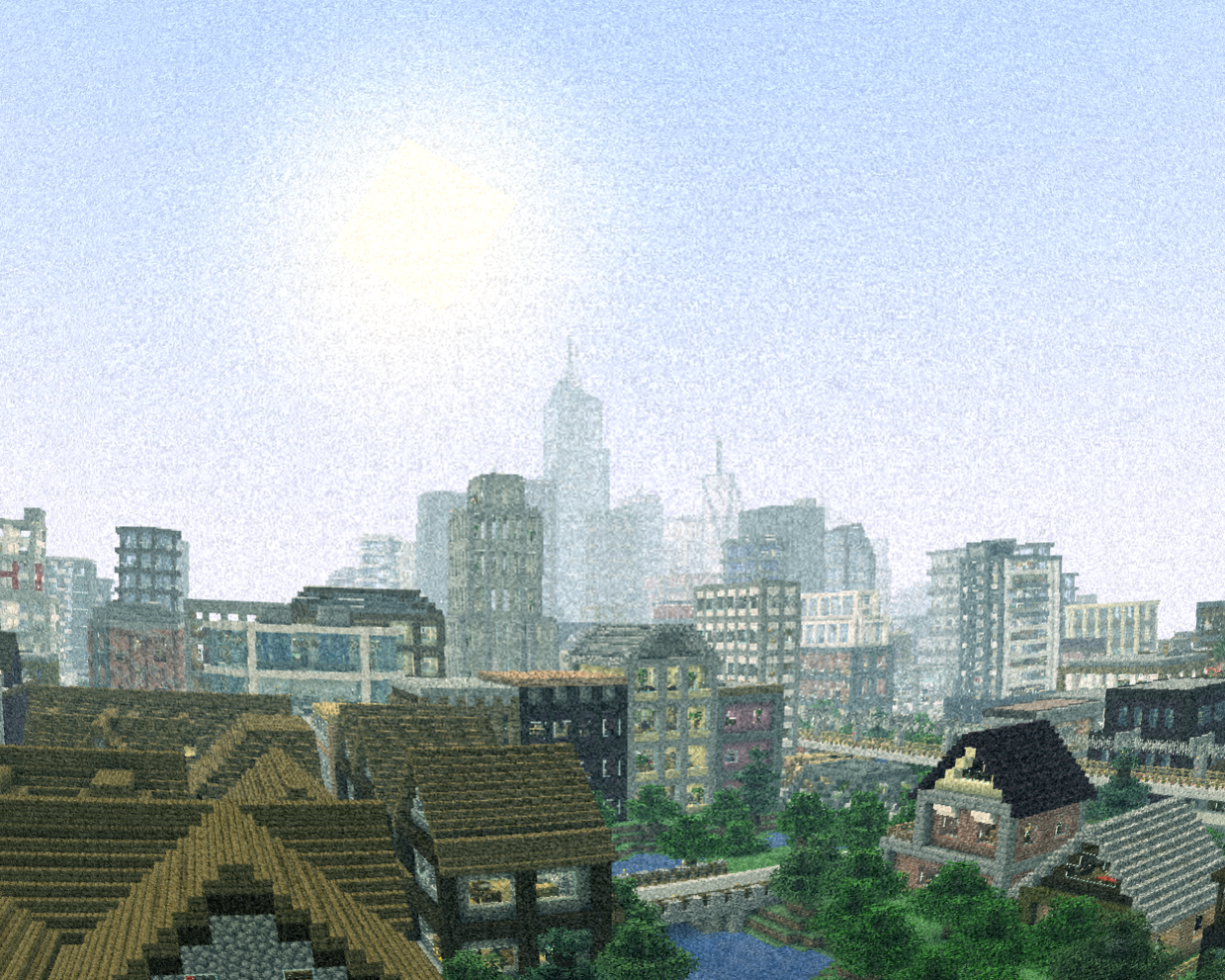
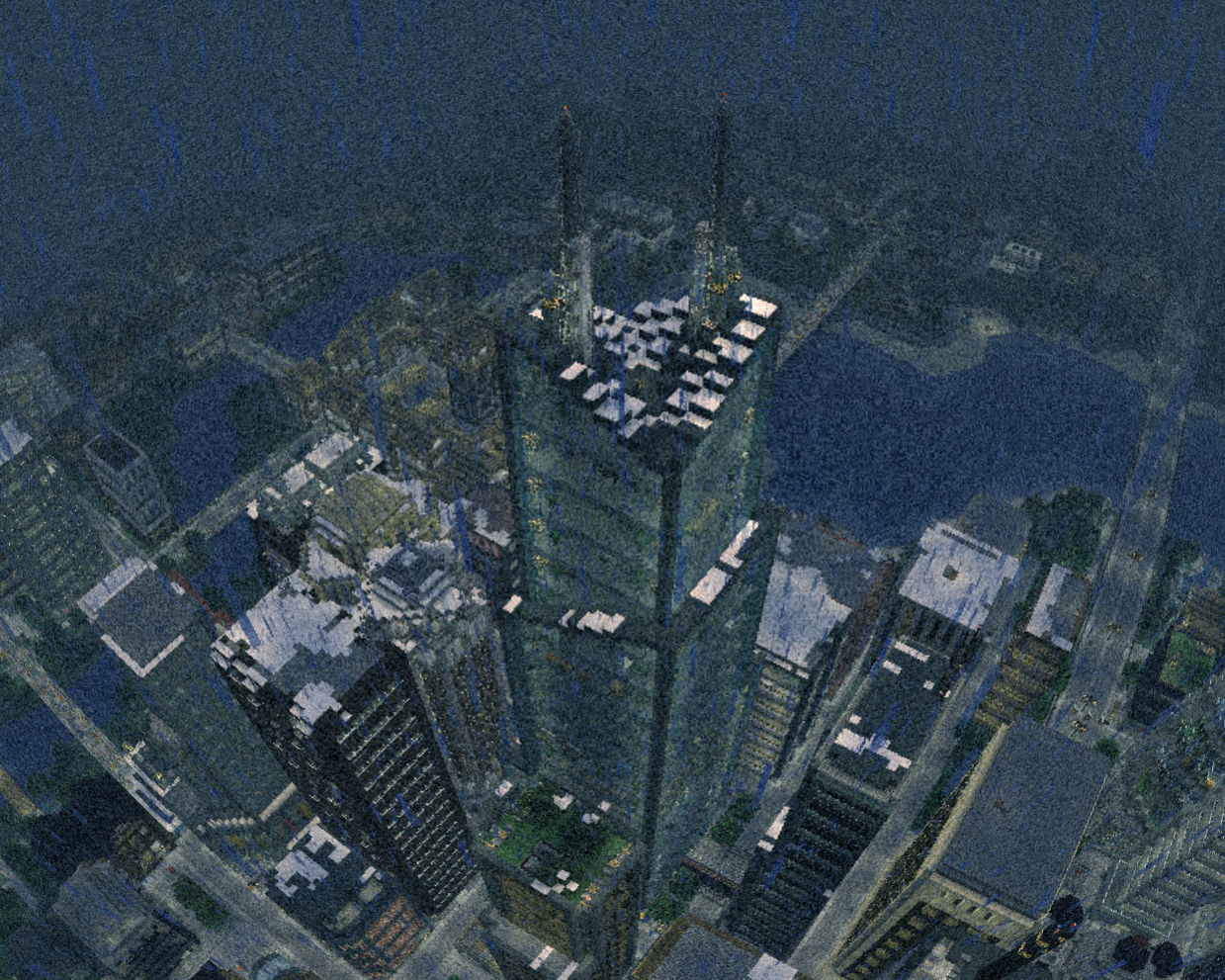
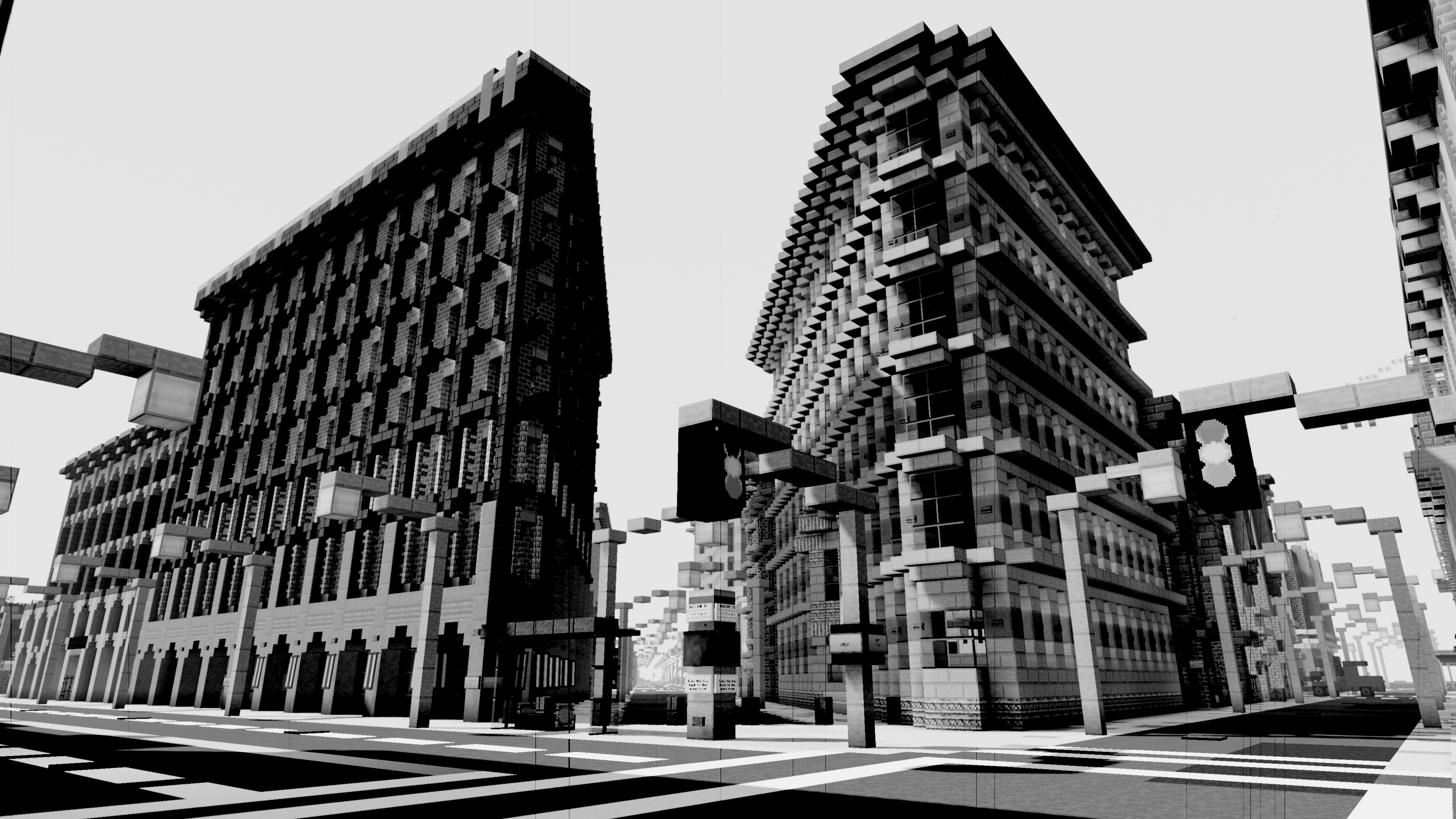
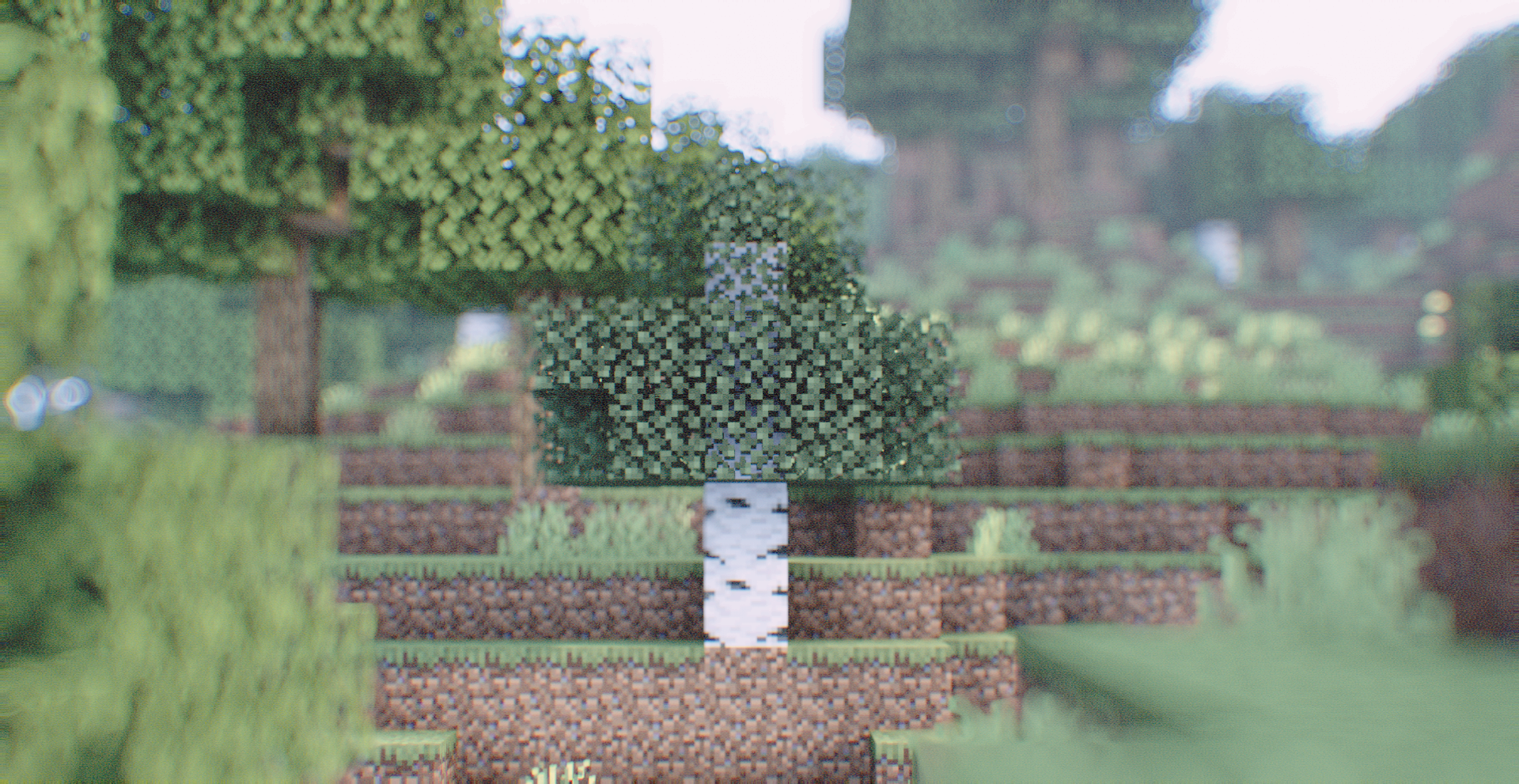
Vintage technology emulation shader.
#### Features include
– Scanlines
– Chroma Subsampling
– Depth of Field
– B&W and Color film modes
– Among many others!
#### Todo:
– BIGFOOT AND UFOS!!!!!!
– Random digital and analogue glitches and transforms.
– Dimensional rewind effect
– Light leaks
– Anamorphic effects
– Other lens effects
– Flares
– Flashlight
– Screen-space reflections (perhaps world-space reflections?)
Energy Shaders Java
# Energy Shaders [Java]


Energy Shaders is a shaderpack/resourcepack that provides a more colorful vanilla expierience. Without requiring
any mods or a frame rate drop.
If you like this pack consider supporting the development by buying me a coffee:

### Features
It is best to take a look at the gallery or to
try the shaderpack out. Here is a list of some features:
– Custom lightning (different for day, night and in caves)
– Custom fog (different for day, night and in caves)
– Custom Nether
– Custom End
– Custom torch light (different for day, night and in caves)
– Vignette effect
### Enabling the resourcepack
You can simply enable it as resourcepack (Copy the `.zip` into the `resourcepack` directory).
If you are using Sodium, the Sodium Core Shader Support mod is required.
The pack does not work with Optifine!
### Video
### Customization
Energy Shaders also offers a lot of customization. Since this is a vanilla shader-pack, these settings have to be
manually edited.
#### Getting started with customizing energy shaders
First download the settings template.
Then copy the downloaded zip file to your resourcepacks directory. You can find it by pressing `Open Pack Folder` in
Minecraft’s Resourcepack selection screen. Next extract the zip file and delete it, so that only the extracted
directory `ES Settings Java` remains. You can rename the directory to your liking.
Now edit `ES Settings Java/pack.mcmeta` with a text editor of your choosing and change `YOUR_NAME` to your name or your alias.
Next you should test if everything works. Activate `Energy Shaders [Java]` and the ES Settings Java pack you just created. Make
sure the `ES Settings Java` pack is above `Energy Shaders [Java]`. Open a world and Minecraft should not crash. Keep the
Now you can start to actually change some settings. Open `ES Settings Java/assets/minecraft/shaders/include/es-settings.glsl`
in your favorite text editor.
In there you will find a lot of lines starting with `// #define`. These are the settings, which can be changed. All Settings
must be enabled first (**by removing the `//`**) before its value can be changed. Some settings do not have a value. These simply enable or disable
a feature.
After changing a setting go back in game and press `F3 + T`, which will reload all resourcepacks. Thus, applying your changes.
##### Example 1
The line
“`glsl
// #define DISABLE_SHADOW
“`
can be changed to
“`glsl
#define DISABLE_SHADOW
“`
which will disable shadows cast by blocks, trees, etc.
NOTE: The `//` must be removed as seen above!
##### Example 2
The line
“`glsl
// #define SATURATION 1.2
“`
can be changed to
“`glsl
#define SATURATION 0.0
“`
which will make the game look grayscale.
NOTE: The `//` must be removed as seen above!
If you want to switch back to the default value simple add the `//` again:
“`glsl
//#define SATURATION 0.0
“`
##### How do I know which setting does what?
Some settings are explained in the `es-settings.glsl`. Some may be hard to explain, and you just have to try around
and find out. Generally, if a setting contains a `VEC3(…)`, it is a setting with three values (red, green, blue).
Of course, you can always ask for help in my discord server: https://discord.gg/shVe3cR
##### Why are the settings in a different pack and not just contained in Energy Shaders directly
Actually, the settings are contained in Energy Shaders too! But it is much more convenient if the settings are in an
additional pack, because you can update Energy Shaders without losing your settings!
### Feedback
Feel free to leave any feedback on my Discord server. Please respect,
that vanilla Minecraft is very limited.
Emoji like shader
A sequel to the **Ascii like shader**, unlike the first one, this one replaces everything with emojis.
⚠Warning your eyes may hurt
## Features:
Converts the Minecraft world into a grid of emojis, replacing traditional view with genZ emojis like 🤡🙄😳💀
## ASCII version:
https://modrinth.com/shader/ascii-like-shader
EclipseLite

### ABOUT
**Eclipse Lite is a super lightweight Minecraft shader made for the absolute lowest-end PCs, laptops, and toasters that can’t handle even Sildur’s or Mellow shaders. It keeps the classic vanilla Minecraft look but adds subtle improvements — like glowing transparent water and cleaner, whiter clouds — all while running buttery-smooth on any system.**

### Features
**Eclipse Lite is made for ultra-low-end devices. It has no waving effects and avoids all heavy features like bloom, motion blur, and depth of field to ensure high FPS. The water uses the default Minecraft style but is transparent for a cleaner, more aesthetic look. This shader is in BETA, so minor bugs may be present. It’s perfect for players who can’t run shaders like Sildur’s Lite or Mellow but still want a subtle visual boost.
**
### BUGS
**Found a bug? You can report it by creating a ticket under the bug category in our Discord server. Your feedback helps us improve Eclipse Lite and fix issues faster. Every report means a lot to us and truly makes our day better!**

Earth Shaders
### ABOUT
The shader enhances the environment with warm sunlight, subtle bloom around the sun, and gentle fog that adds depth to the mountains. The water looks transparent and reflective, showing detailed underwater terrain. Grass and terrain appear vibrant with improved shading, while the overall lighting feels soft and immersive, creating a peaceful, cinematic look perfect for exploration or content creation.

### Features
Earth Shaders comes with simple yet powerful features designed to give your game a clean, trailer-like look with smooth performance.
– Bloom Effect: Adds a soft glow to lighting for a cinematic feel. You can easily turn it on or off in the shader settings.
– Custom Color Control: Adjust the red, green, and blue levels in settings to fine-tune the overall tone and mood of your game.

### How to report BUGS!!
Our GlacierDevelopment Discord server is Live you can report bugs and Chat with other GlacierShaders users, report bugs, get help with issues, and join exciting giveaways — all in one place!

### OFFER!!
