Zenith’s LUT Shader
# Zenith’s LUT Shader
This simple vanilla shader allows you to customize the colors of your game by use of color lookup tables or LUTs
|Vanilla Colors|Custom LUT|
|–|–|
|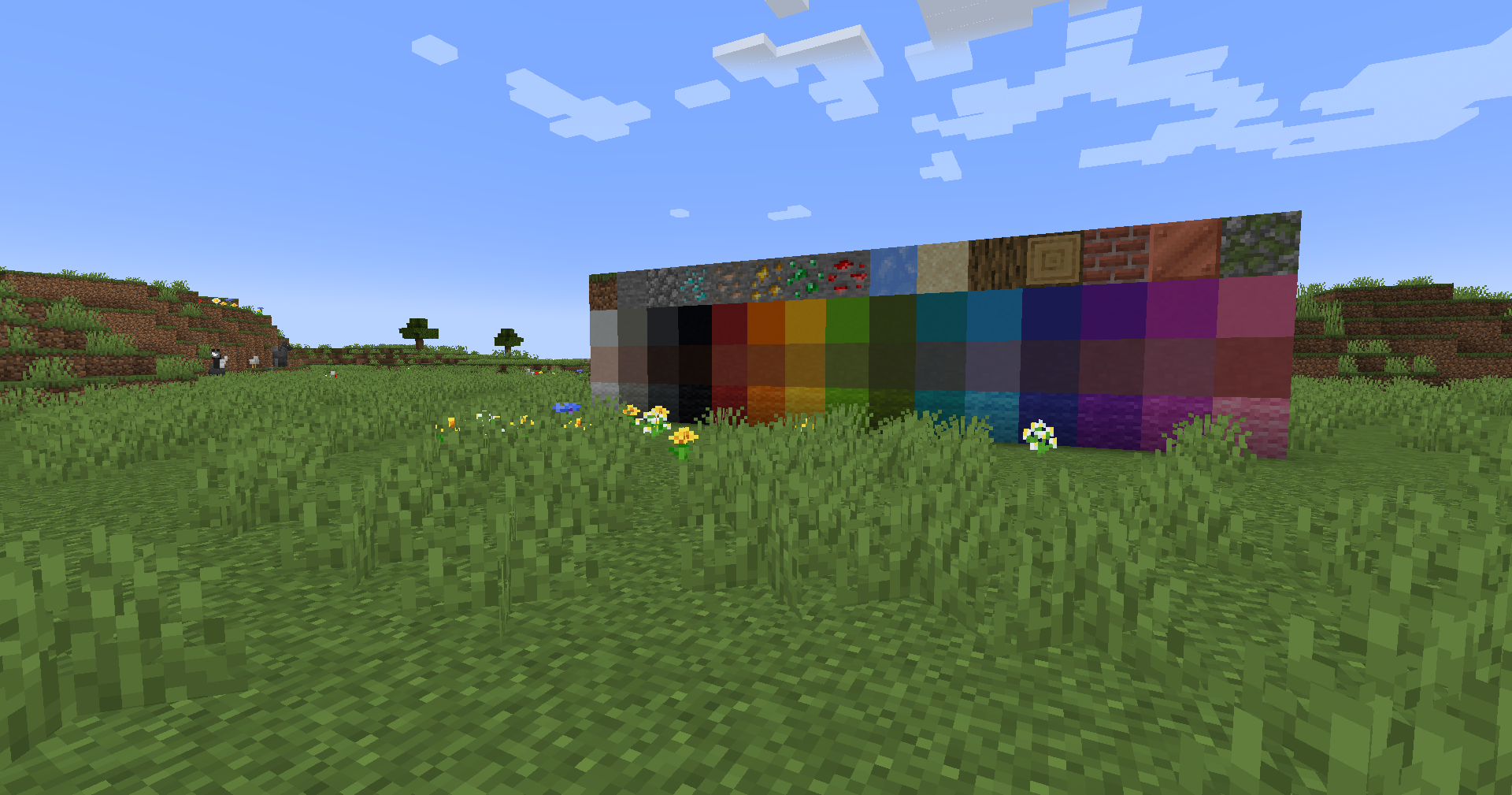|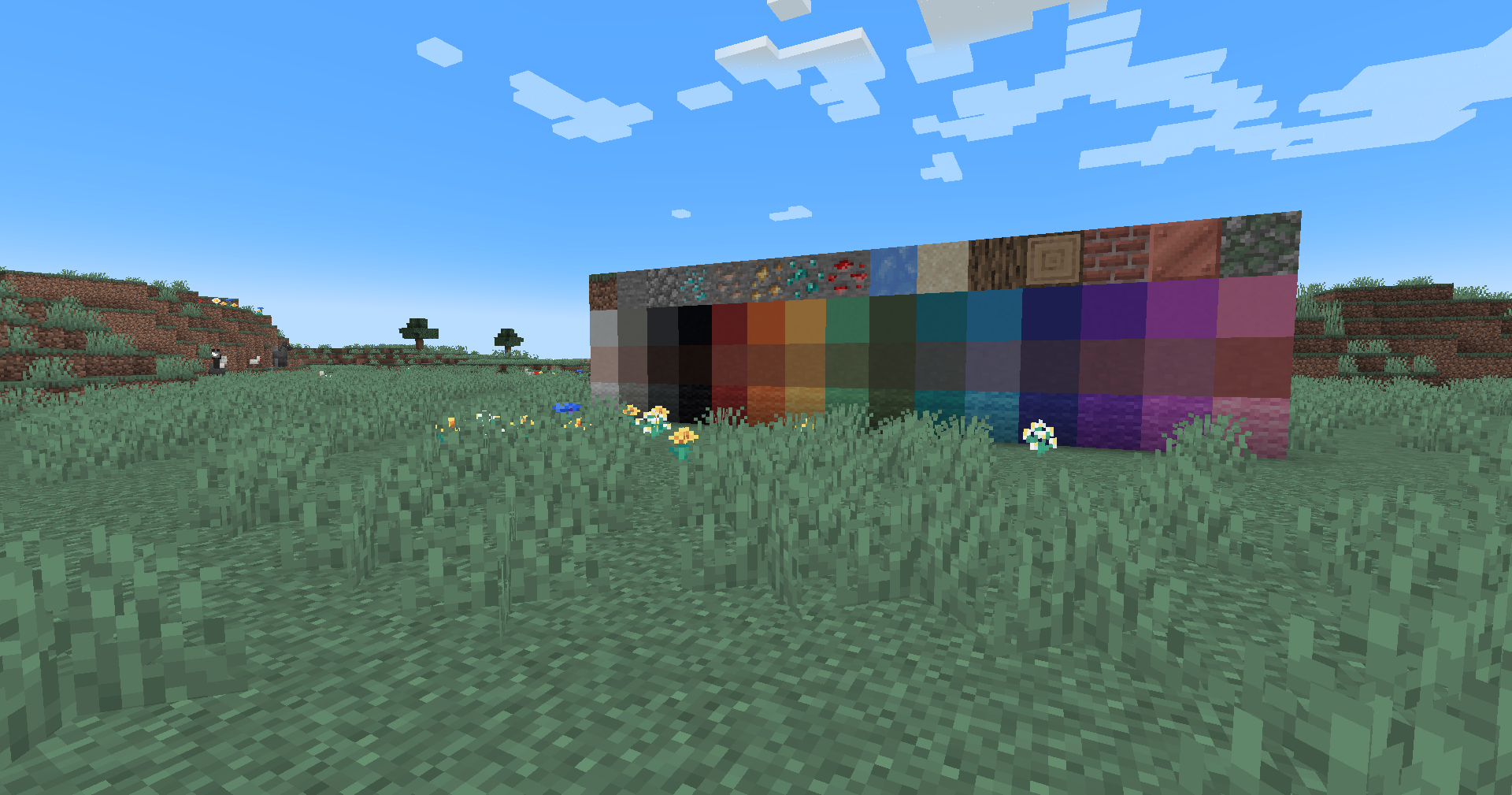|
## Installation
Vanilla
- Download the vanilla version of this shader
- Add to
.minecraft/resourcepacks
- Set graphics to
Fabulous
- Activate Resource Pack
OptiFine/Iris
- download the Iris/OptiFine version of this shader
- add to
.minecraft/shaderpacks
- Select shader in Shaders Menu
## Customization
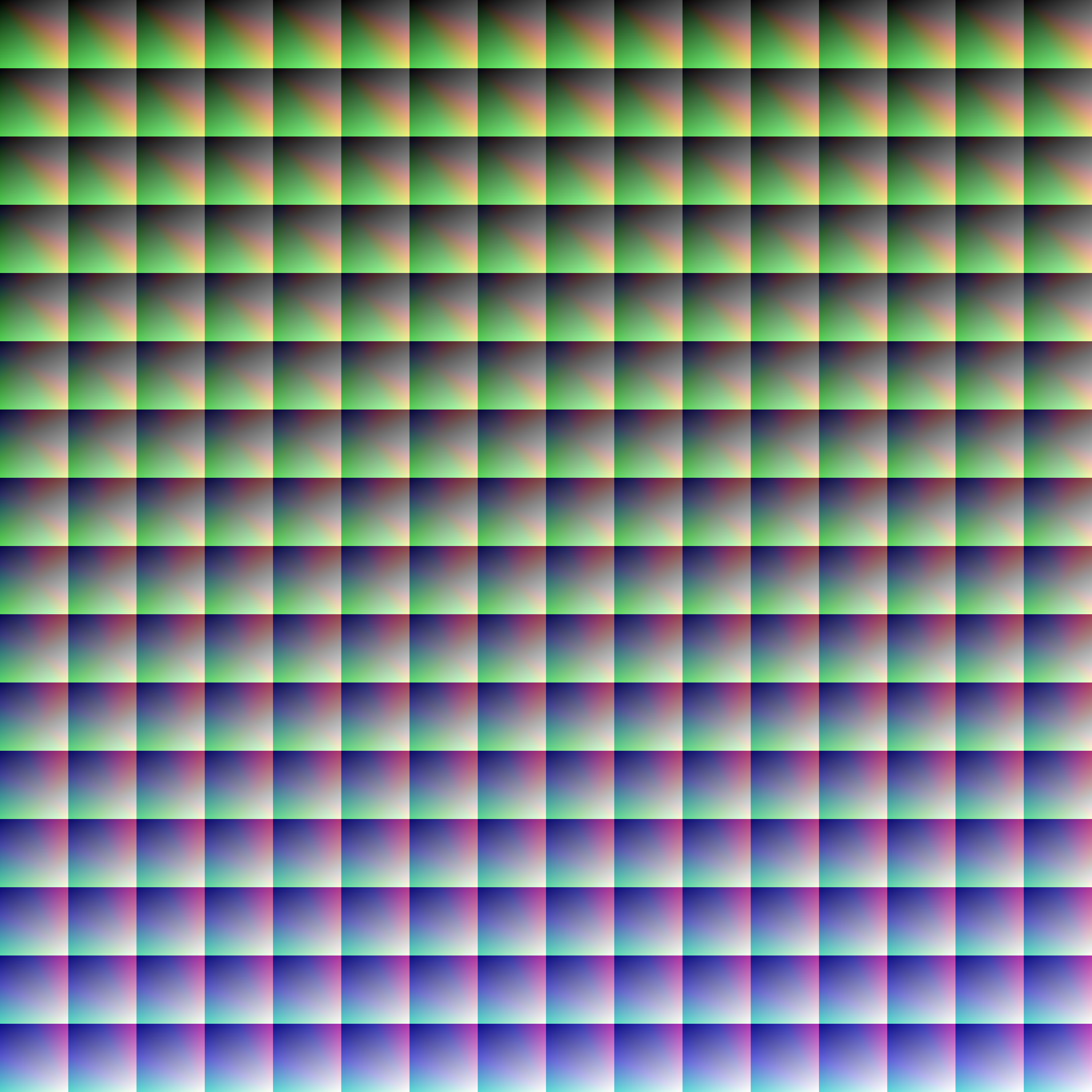
Provided within the pack zip, you may find a file called `init_LUT.psd`, which will allow you to customize the look and feel of this shader.
Customization Instructions
- Open
init_LUT.psd into your favorite photo editor (IE GIMP, Photoshop, Affinity Photo)
- I personally use the free online Photoshop alternative Photopea
- You can also just use the unmoddified
init_LUT.png which is also provided in the zip
- Apply as many adjustment layers, or edit the ones I have pre-selected, to achieve the look you desire
- These can be found under
Layer > Add New Adjustment Layer
- Hide the color preview layer
HIDE BEFORE EXPORT
- Export into the pack as
assetsminecrafttextureseffectlut.png or shaderslut.png, depending on whether you are using Vanilla or Iris/OptiFine
Example LUTs
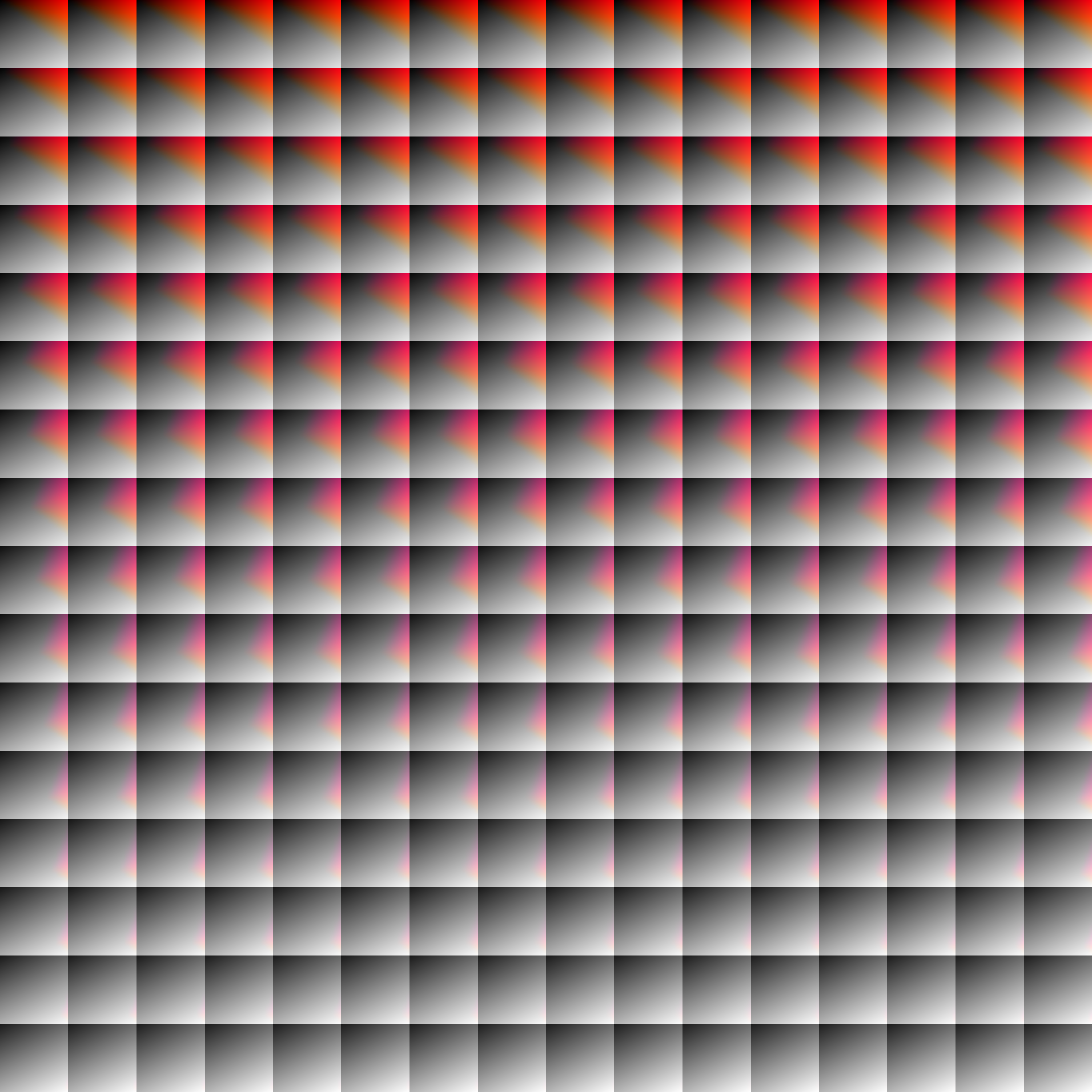
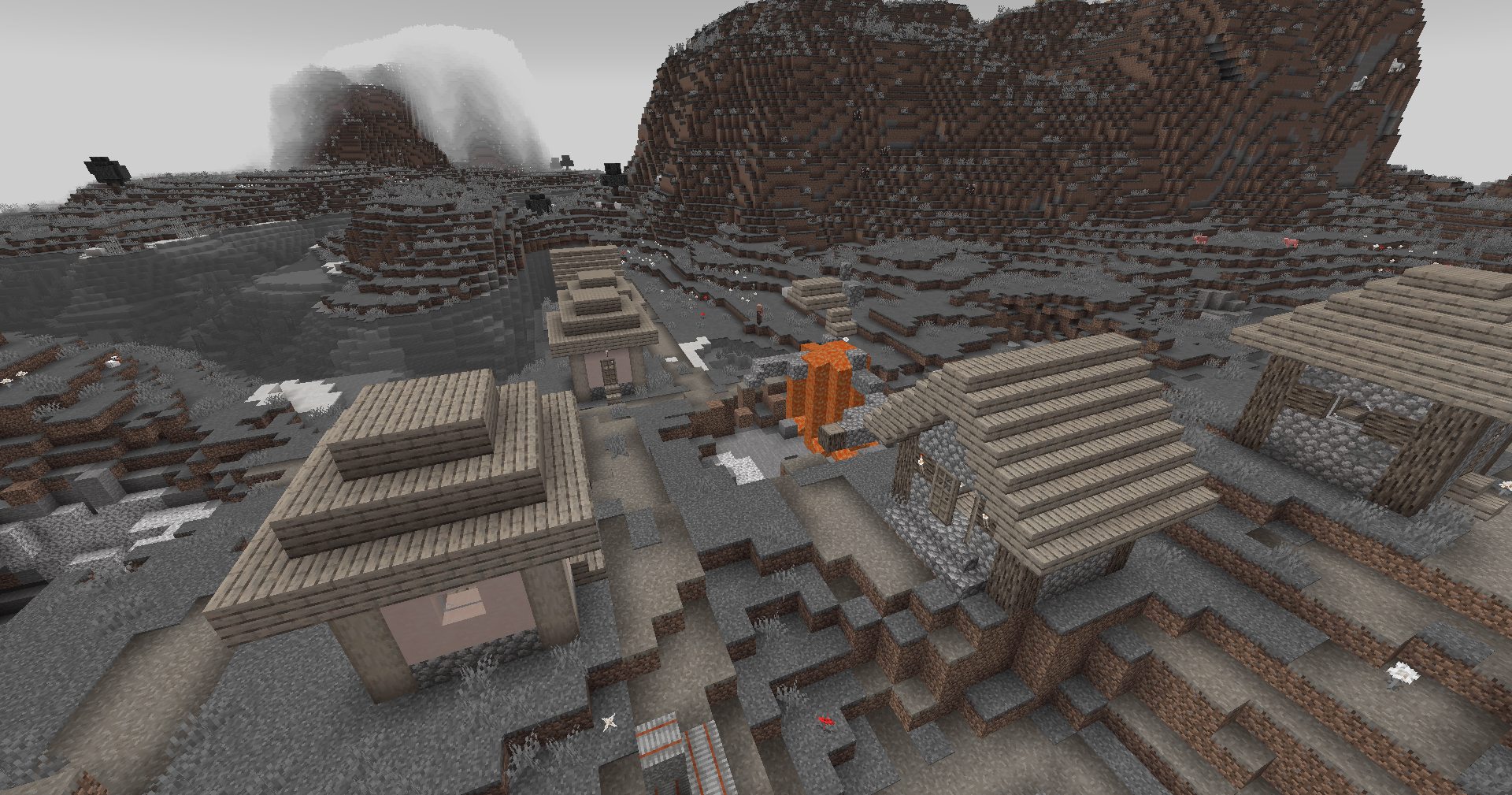
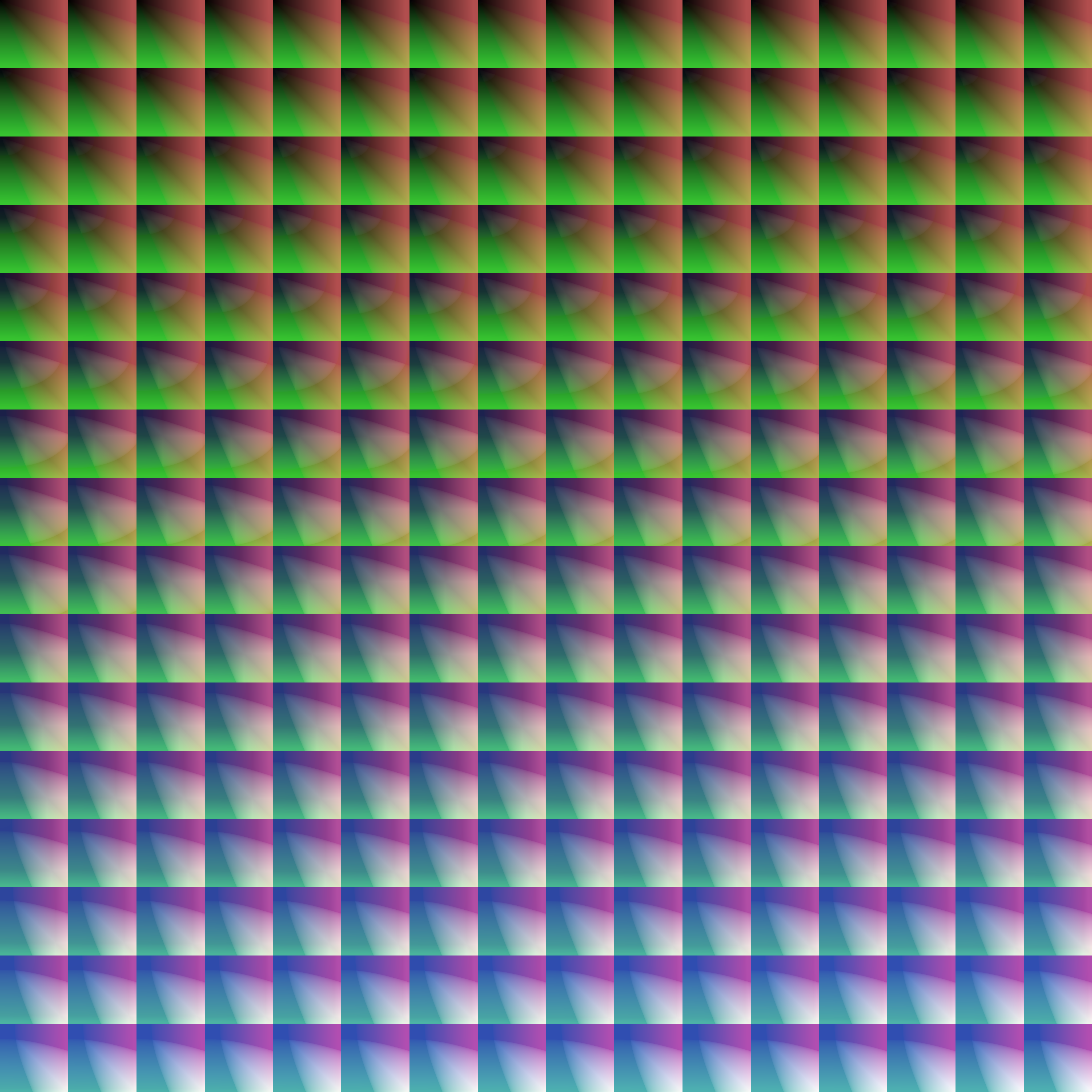
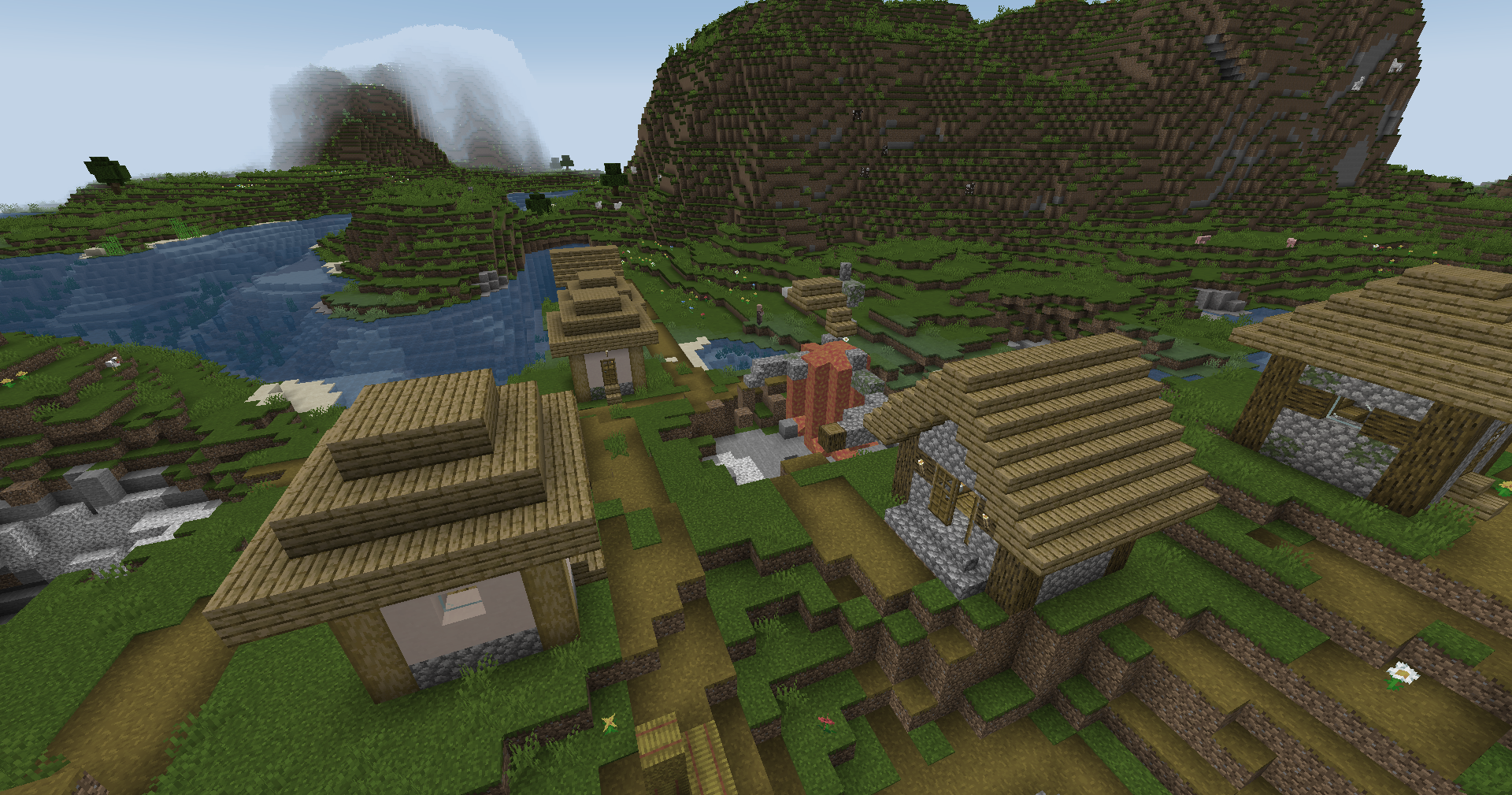
Save one of the LUTs below as assetsminecrafttextureseffectlut.png or shaderslut.png, depending on whether you are using Vanilla or Iris/OptiFine:
| LUT |
Preview |
Reduced Reds
|
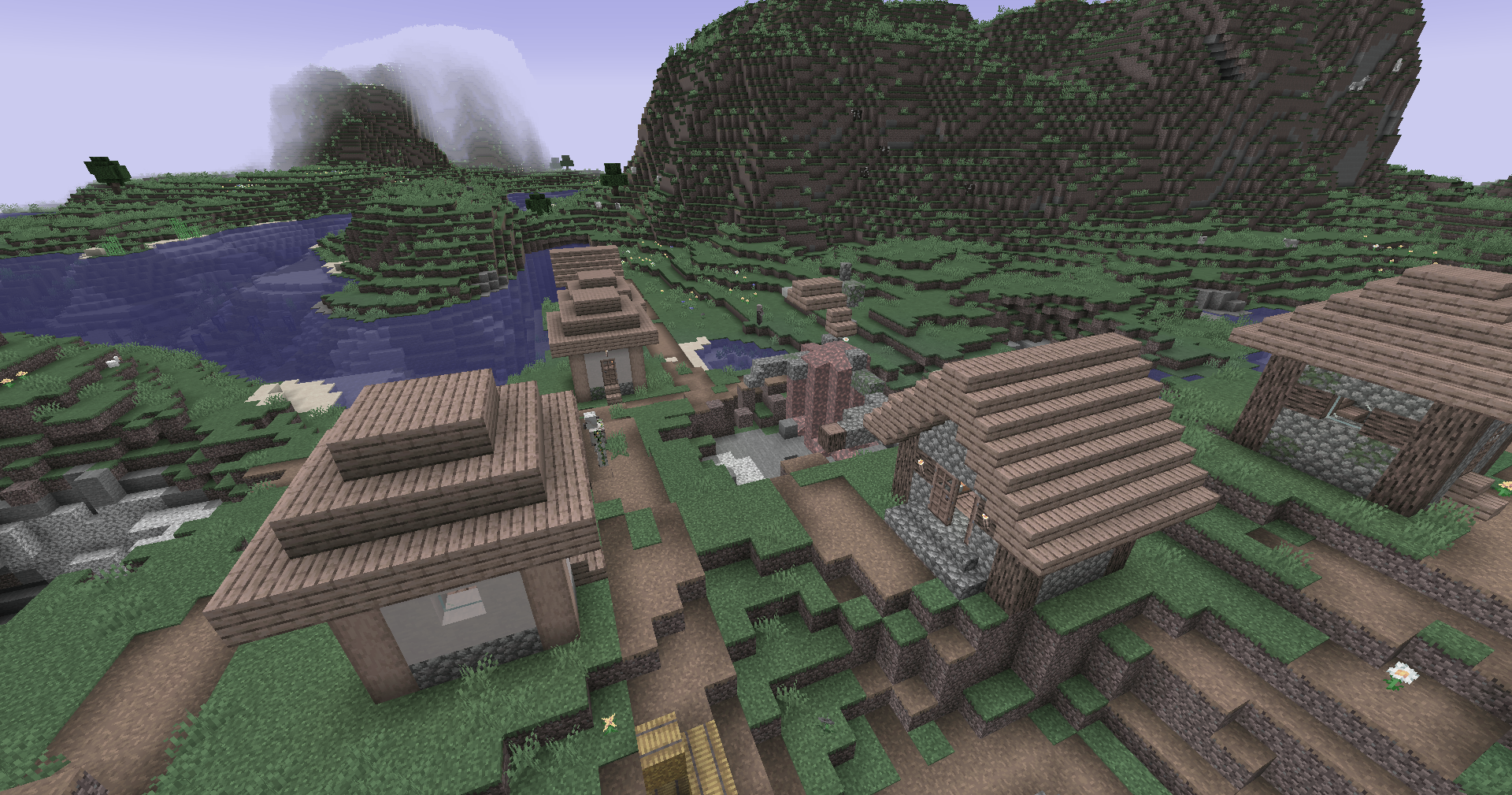
|
Red Isolated
|
|
Darkened World
|
|
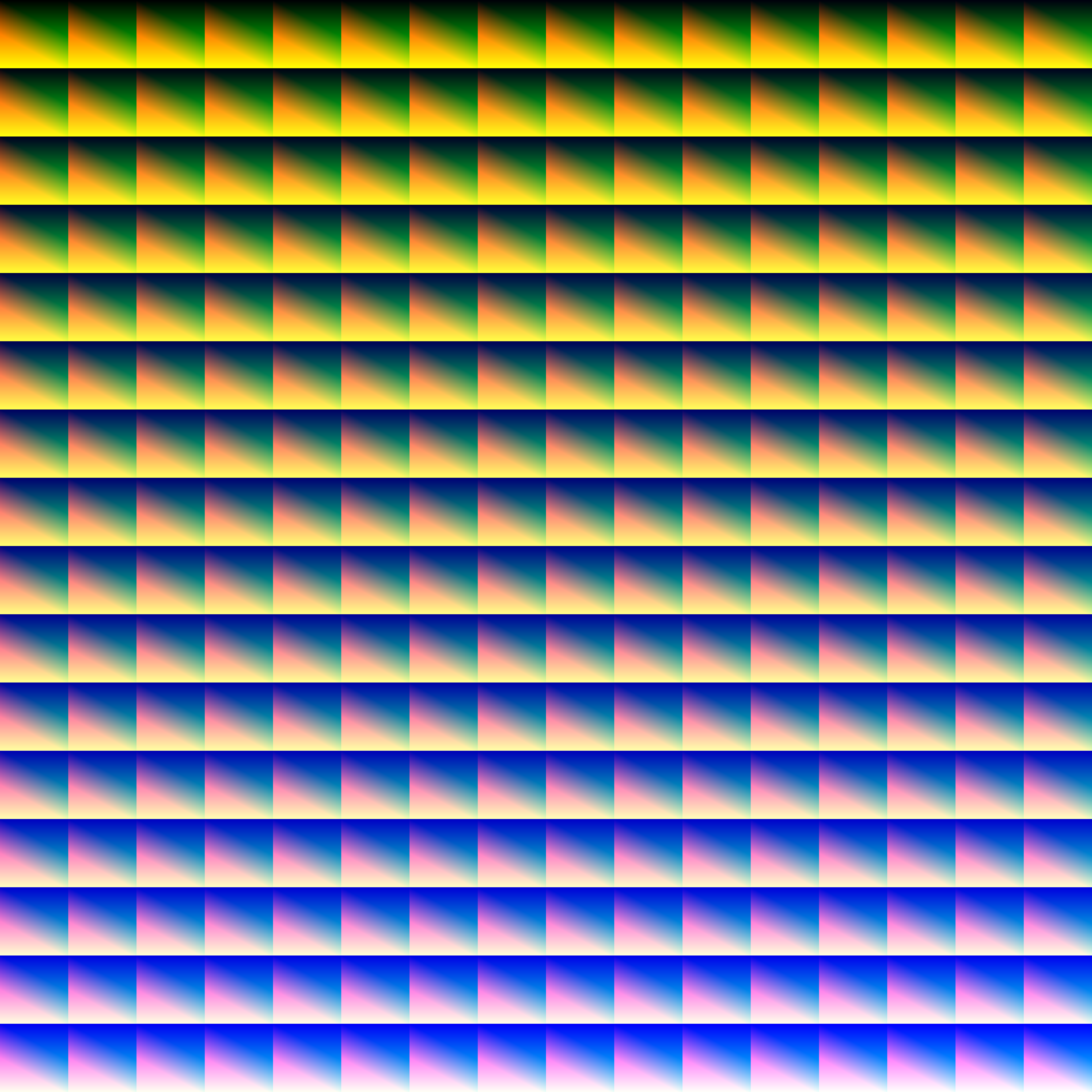
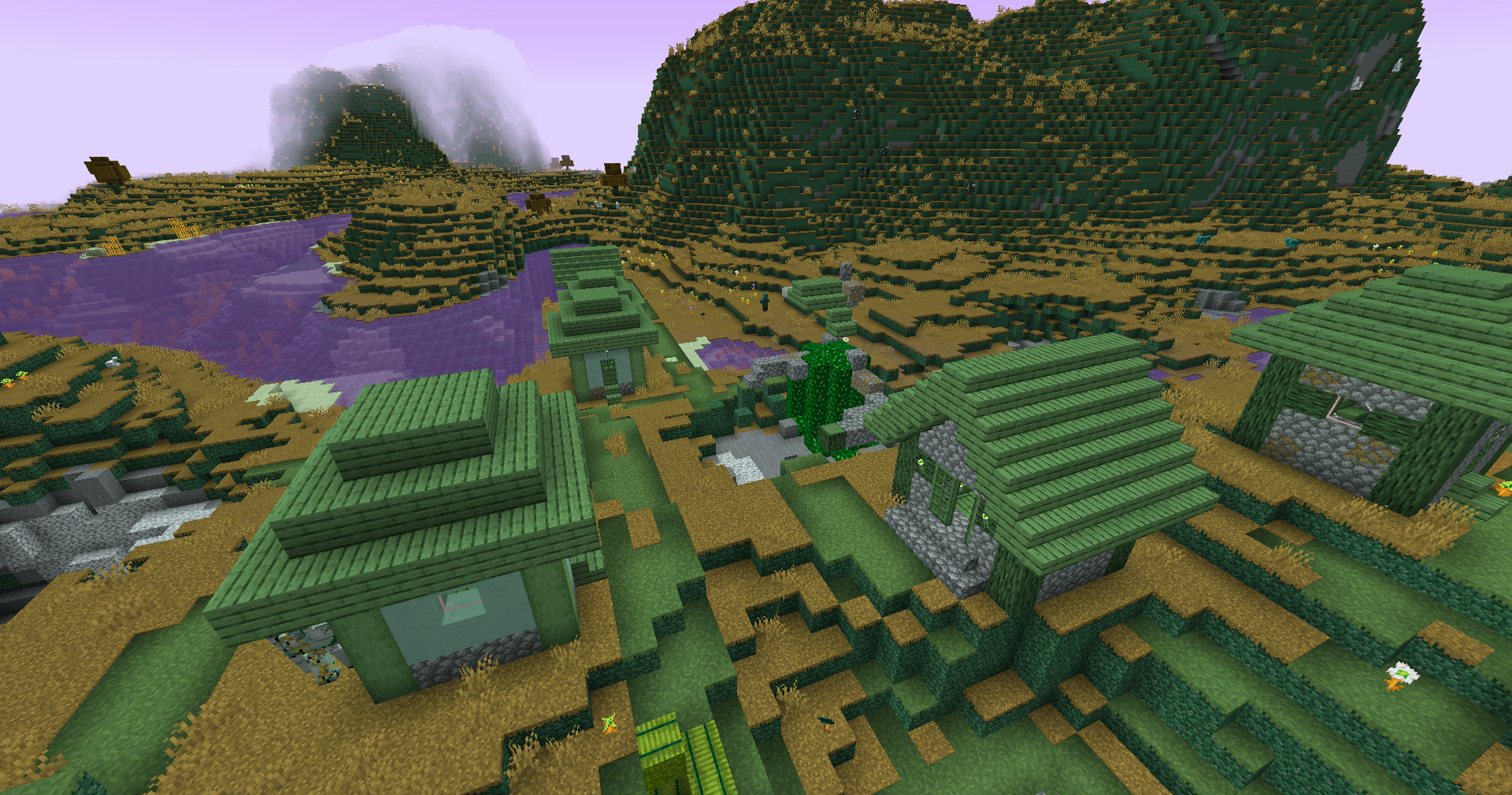
Wut
|
|
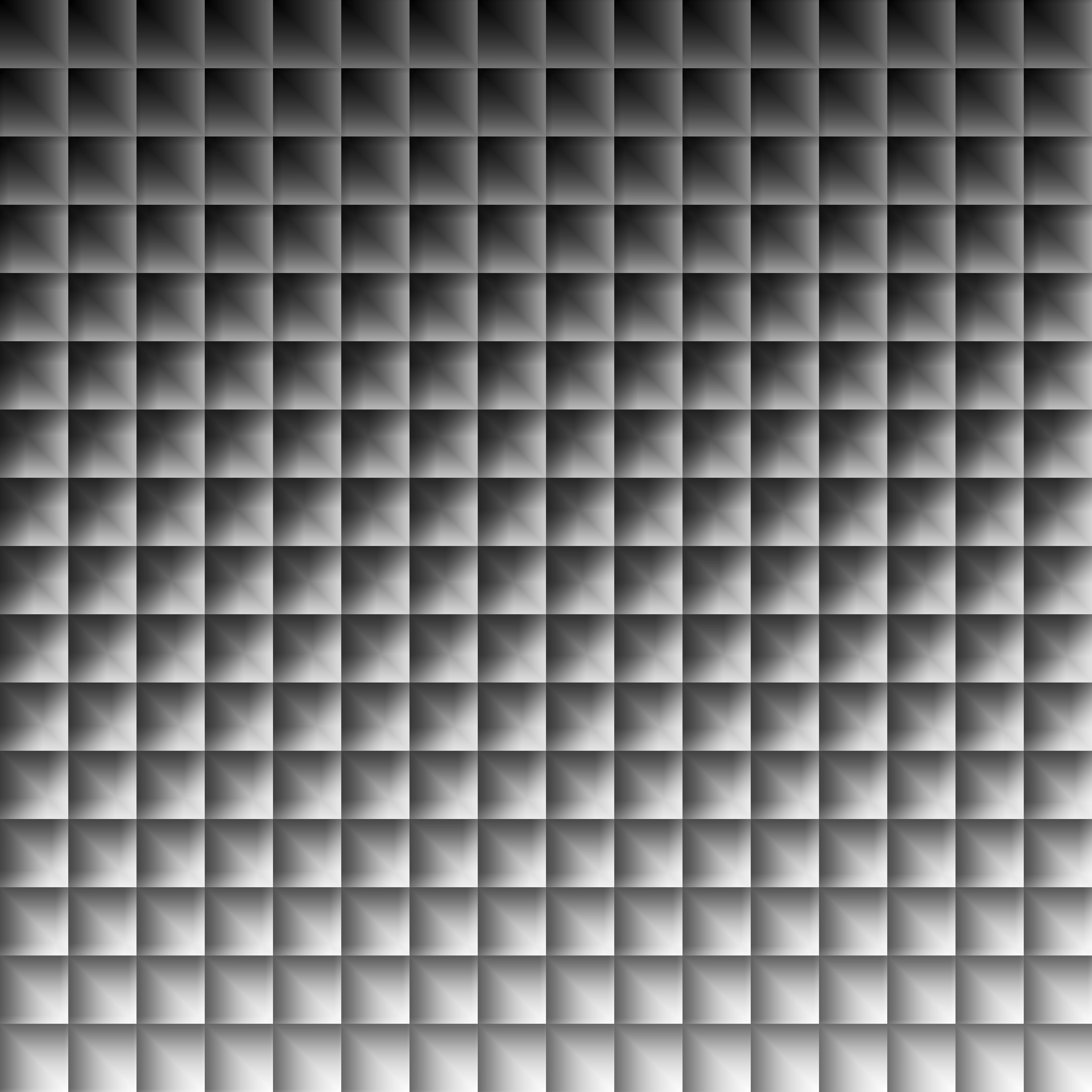
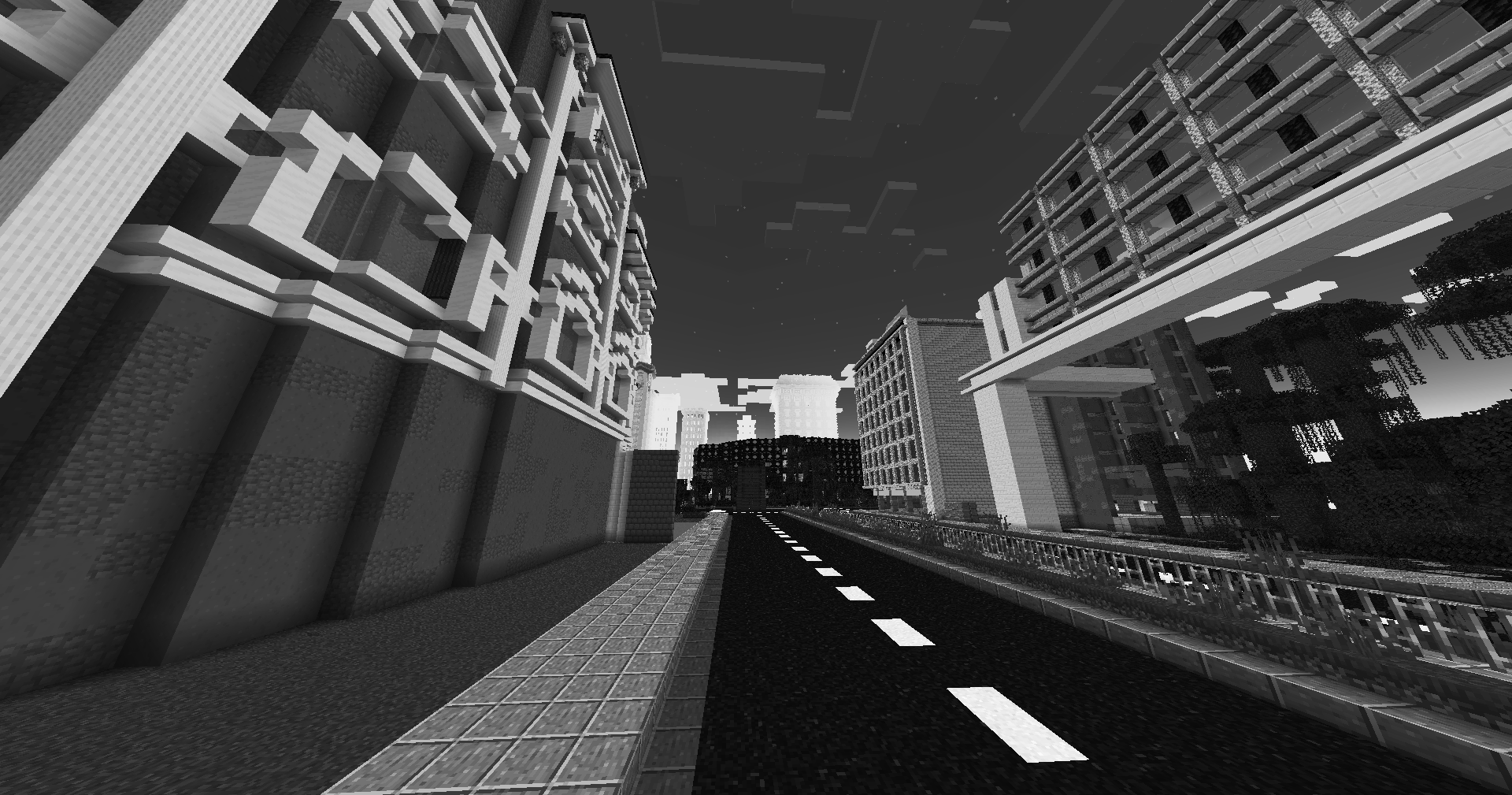
Dramatic Black and White
|
|
Redistribution
If you wish to share your own custom LUT, please direct your users to download Zenith’s LUT Shader alongside your pack, or mark it as a dependancy on Modrinth
YoFPS

YoFPS is a Chocapic13’s Shaders edit that focuses on quality and performance.
It has a similar performance to Skylec, and it supports Iris.
It was being first developed by MLGImposter, while now it’s being continued by NoComment.
Yamashita Shimejize 🍄
## Installation
Place the ZIP file in the `shaderpacks` directory.
Do not extract the `shaders` folder from the archive.
## Description
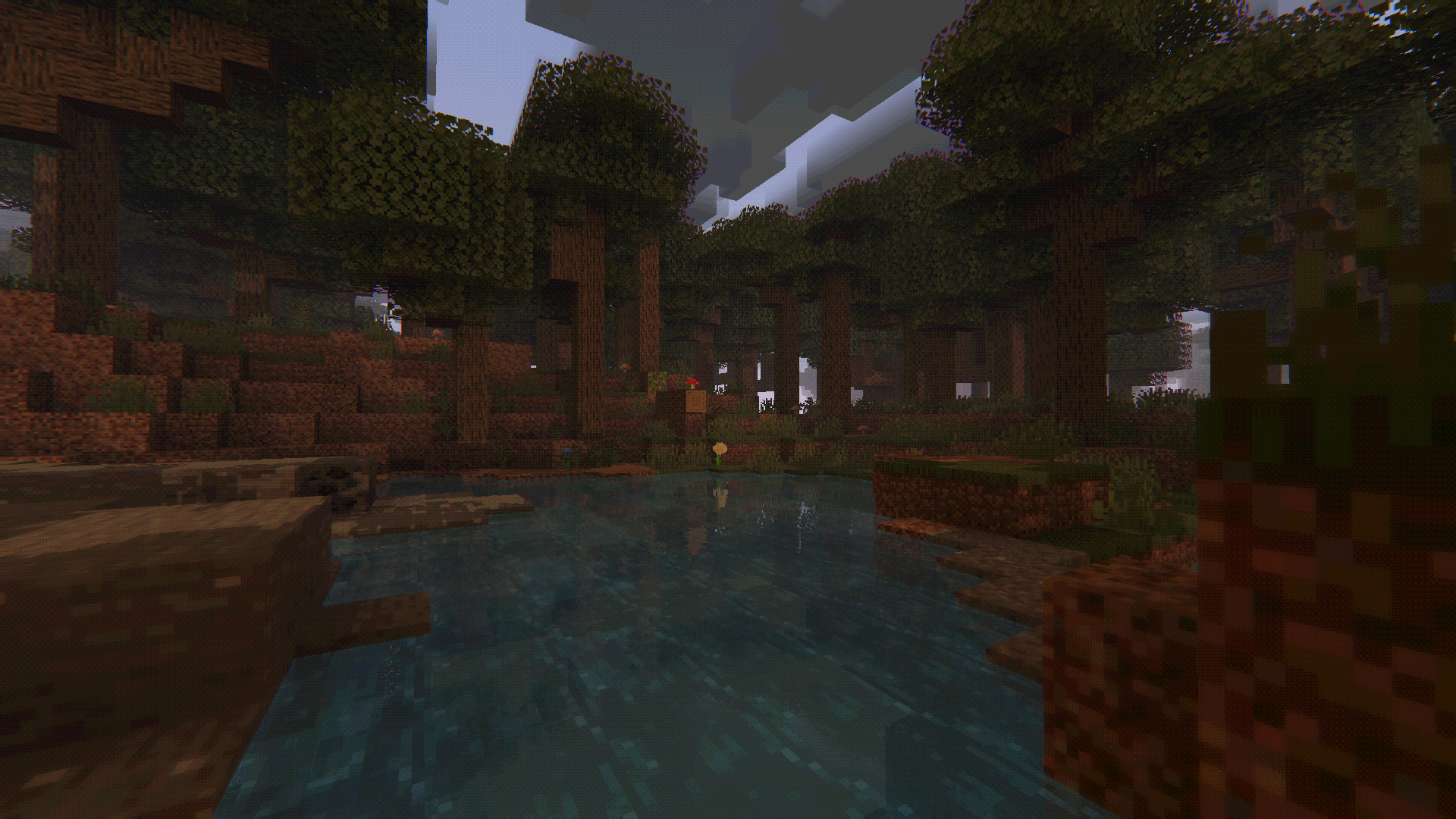
Yamashita Shimejize is a stylized fork of [Miniature Shader](https://modrinth.com/shader/miniature-shader) that pushes the miniature look far beyond pixelated shadows. The pack extends that chunky pixel-art language across lighting, fog, water, weather, reflections, and sky effects while keeping the scene readable and atmospheric.
Features:
– Pixelated shadows, posterized lighting, fog banding, and blocky reflections
– Enhanced two-layer clouds with custom cloud shadows
– Heat haze and emissive glow from lava, fire, torches, and lanterns
– Motion blur, godrays, bloom, chromatic aberration, pixel-art lens flare, pixel-art rain-on-lens droplets with adjustable opacity, and optional depth-aware Depth of Field with adjustable strength, from a subtle miniature softness to a macro-style photo look
– Inkblot-style post-rain puddles with water-like reflections on flat terrain
– Aurora, post-rain rainbow, shooting stars
– Pixel foliage wind with 16×16, 32×32, and 64×64 texture-pack matching modes
—
Wright
# Wright
### This shader is archived, but you can use a better alternative that i made here:
– https://modrinth.com/shader/aerosol
Wright is a shader that corrects lighting and enhances colors.
– extremely fast and efficient near vanilla performance
– mixes all lights additively and makes it glow more
– faces pointing to sun moon or light sources are brighter
– increases contrast and saturation with gamma correction
– changes ambience to be realistic and cinematic
Wither Rose
# WitherRose shader
A lightweight and efficient stylized shader
### with multiple color palettes:
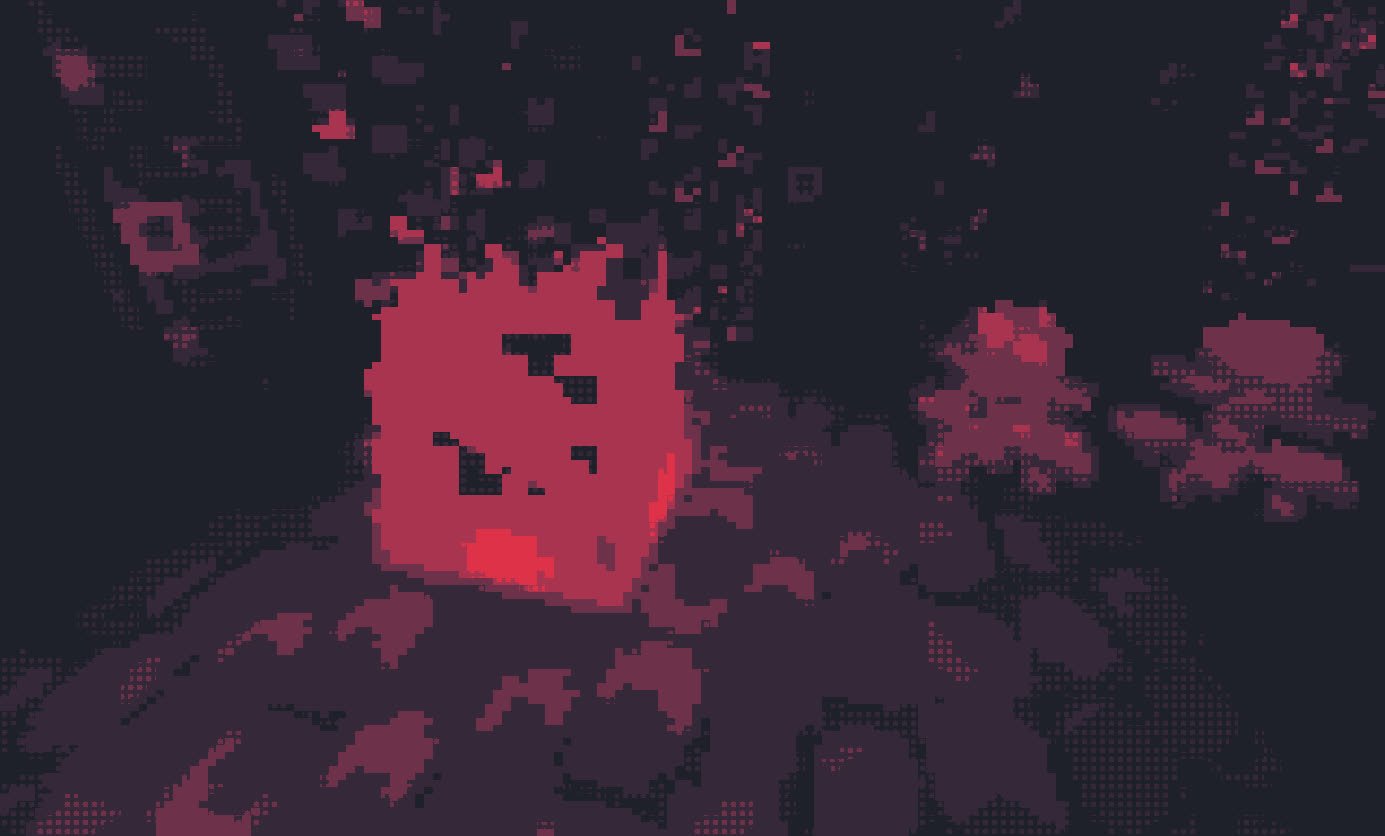
WitherRose(Pixelation)
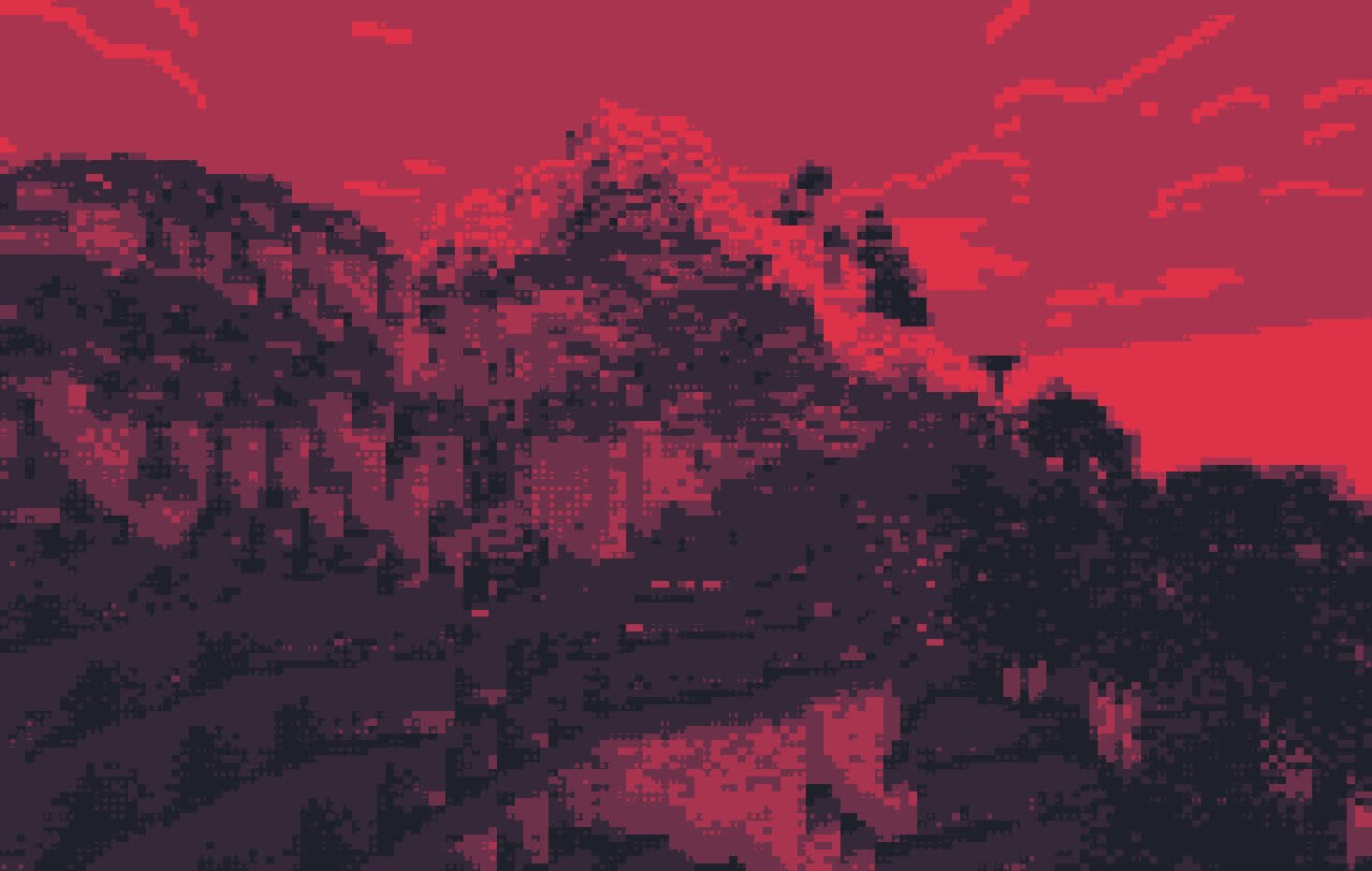
Retro(Cel Shading)
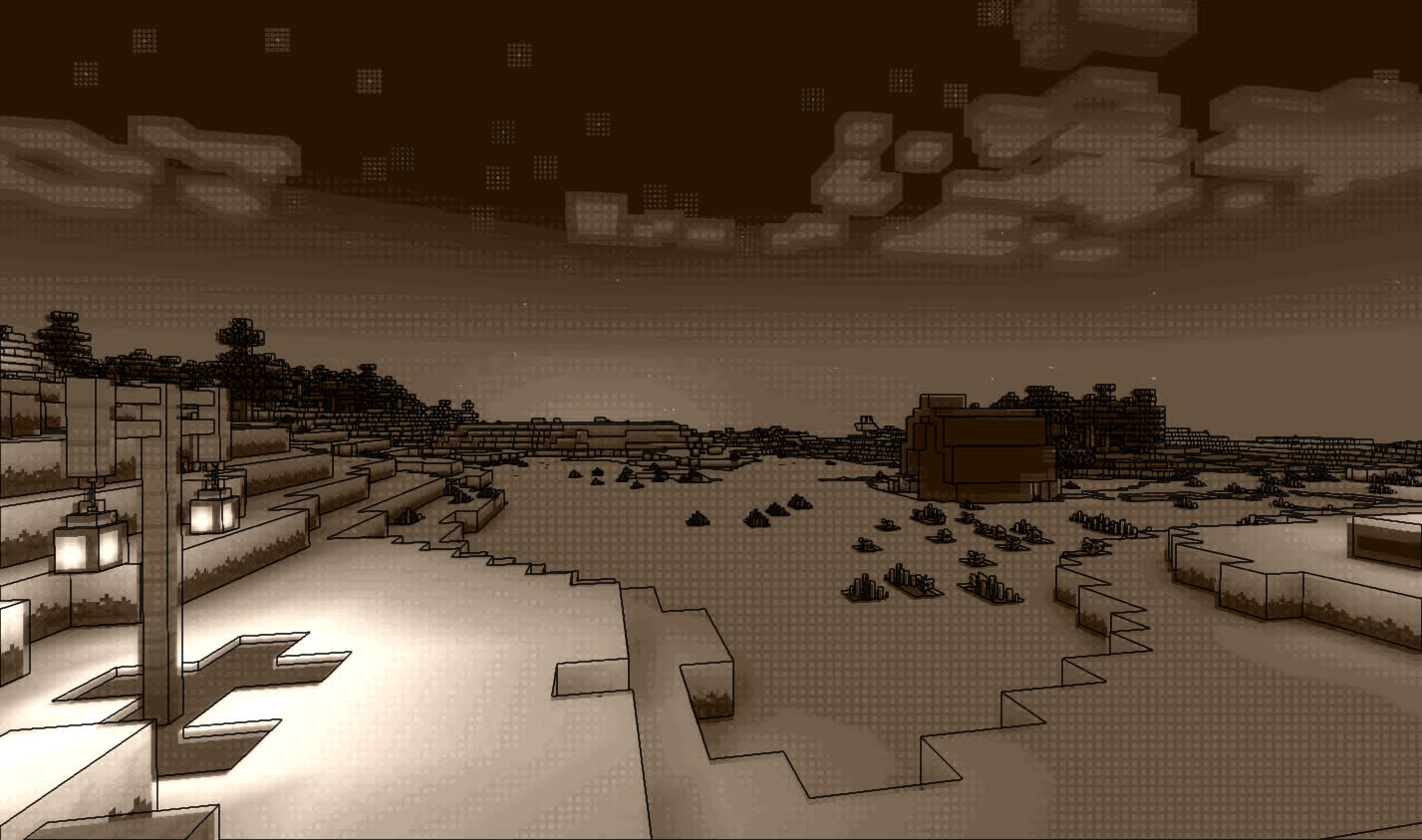
Original
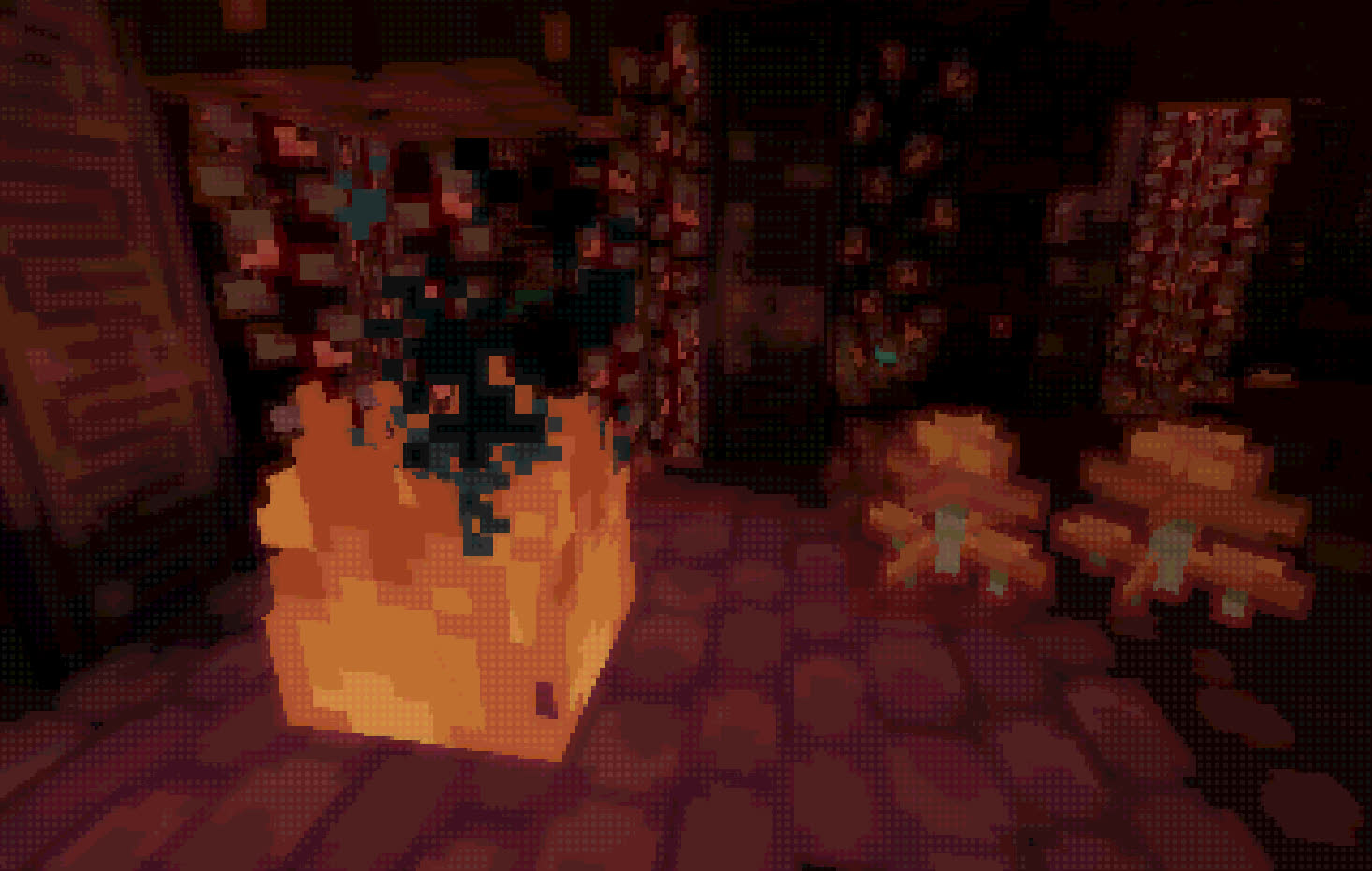
WitherRose(Pixelation)
### System Requirements:
Minimum: Intel HD530
Recommended: GTX960m or better
Wispy Shader
# Wispy Shaders V1.4
A performance-optimized shader pack initially based on Mellow Shaders and outperforms many other so claimed ‘potato’ shaders. Works on all major versions
## Credits
* **Original Shader**: [Mellow Shaders](https://www.curseforge.com/minecraft/shaders/mellow) by [TheCMK](https://www.curseforge.com/members/thecmk/)
* **Performance Optimizations**: [l_aggy](https://www.curseforge.com/members/l_aggy/projects)
## Features
(All information and statistics is based on V1.3)
* **Ultra-optimized** for integrated graphics (iGPUs)
* **40%+** improvement on Balanced compared to MakeUp-Ultrafast with all effects off
* **Color grading** and biome‑specific lighting for all dimensions.
* **Cinematic post‑processing**: bloom, sharpening, tonemapping, TAA, motion blur, film grain, vignette.
## To-do
1. More benchmarking
2. Adding features (Can’t really optimize more)
3. Bugfix some features
## Performance Profiles
* iGPU (8 Chunks) tested on i5-4570 (HD4600) on CachyOS
* dGPU (24 Chunks) tested on R9 8940HX (5060 Laptop=4060 desktop) on Windows 11
* Choose a profile in shader settings that matches your hardware:
| Profile |FPS (iGPU) |FPS (dGPU) |Description |
| —————– |———- |———- |—————————- |
| ULTRA_PERFORMANCE |190+ |440+ |Maximum FPS, minimal effects |
| PERFORMANCE |190+ |?? |Good balance for iGPU |
| BALANCED |180+ |?? |A mix of features |
| QUALITY |120+ |?? |More effects |
| ULTRA_QUALITY |120+ |380+ |Lowest FPS, All features |
## Installation
1. Install [Iris Shaders](https://irisshaders.dev/) or OptiFine
2. Download Wispy Shaders
3. Place the ZIP file in `.minecraft/shaderpacks/`
4. Select Wispy in Video Settings → Shaders
5. Choose a performance profile
## Optimizations
* ~~Disabled~~ Deleted expensive composite passes by default
* Fast gamma correction
* Simplified post-processing
* Optimized every composite pass and fog,lighting,sky,water,taa,bloom e.t.c
* Reduced shader complexity
* Too many to count now mainly faster math less calls,lookups and samples check [source](https://github.com/Epxlsol/Wispy-Shader) for more
[](https://ko-fi.com/M4M01S7TSM)
## Links
– Original Mellow: https://modrinth.com/shader/mellow
– Report Issues: https://github.com/epxlsol/wispy-shader/issues
—
**Note**: This is a performance-focused fork. For the original experience with all features, use [Mellow Shaders](https://modrinth.com/shader/mellow).
Wisp Shaders
# **Wisp Shaders**

Primitive shaders with **no fancy effects or PBR**, meant to make the game look good while sticking to the vanilla style.
# Features:
– Directional lighting, lightmap based
– More vibrant environment colors
– Custom clouds
– Adjustable fog
– Waving leaves
– Water foam effect
– Cloud reflections in water
– Rain puddles
# Compatibility
The shaders were developed and are intended for minecraft version **1.21.1 and up**, and Iris version **1.7 and up**, but **may** work on lower versions.
If tag support is present, the tag _**minecraft:leaves**_ will be used for waving leaves, otherwise leaves from **vanilla** and **Biomes O’ Plenty** are used.
white sharp shader
# **Important**
The shader is at an **early stage** of development and I plan to update it, **Watch for updates**.
# **Description**
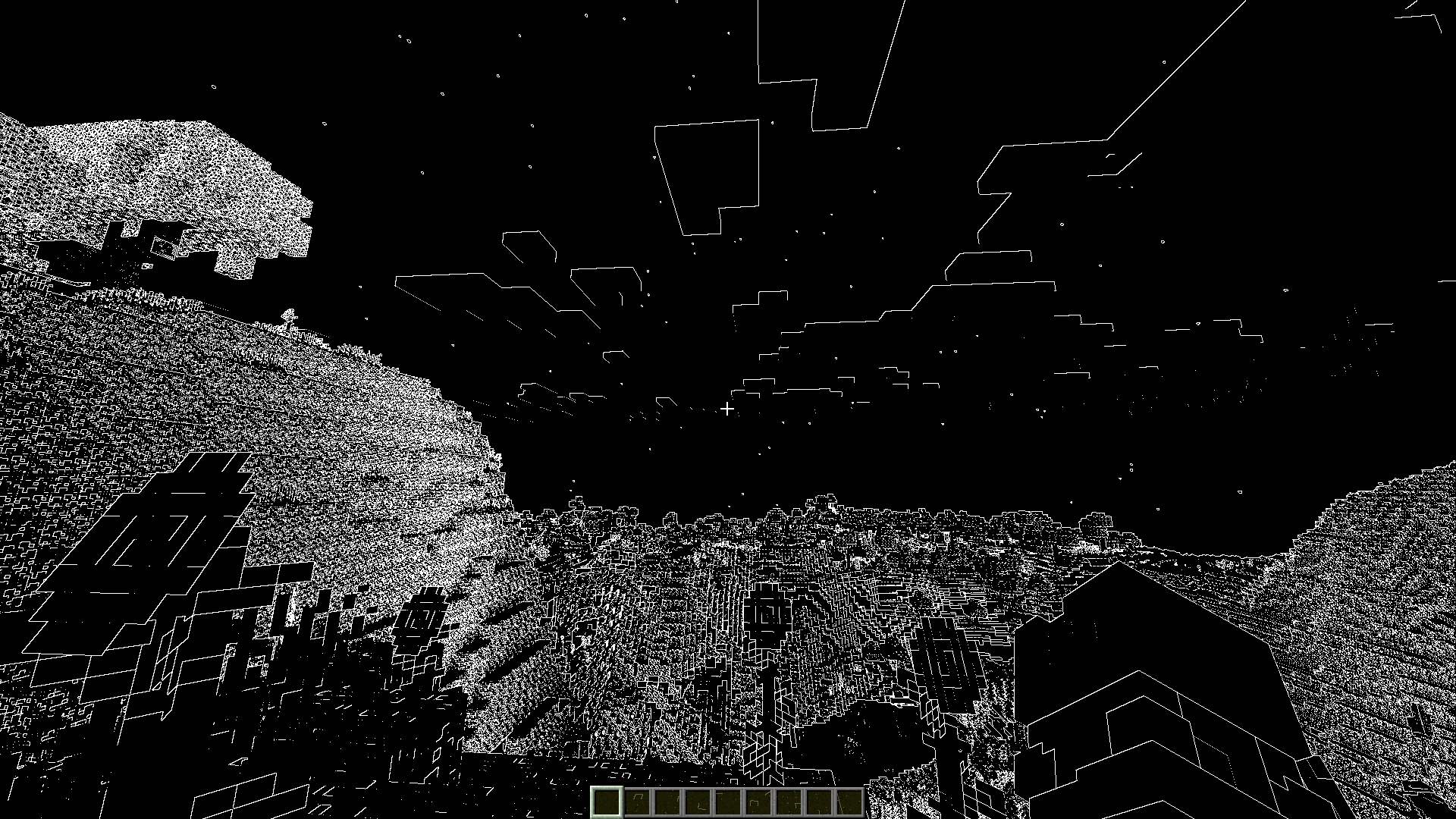
performance shaders for minecraft. which will turn the whole world into black with white lines.
You can also use this shader to create masks in photo editor.
# **Image**
## Rainbow update!

## Black white
White Noise
Transform Minecraft into a glitchy, corrupted dimension. White Noise applies a chromatic aberration and visual distortion effect to your world, creating an aesthetic reminiscent of VHS corruption, broken signals, and digital artifacts.
Perfect for liminal space builds, experimental art projects, and unique screenshots. The shader creates wave-like interference patterns and RGB color splitting across all blocks while preserving texture details and lighting.
White & Black Shader
This is the inverted version of my 100% [Black & White](https://modrinth.com/shader/black-white-shader) shader.
The shader can look ugly, but you have chosen it !
Preview

Want the origina version ?
click [here](https://modrinth.com/shader/black-white-shader) !