Ornithe Standard Libraries
Ornithe Standard Libraries (OSL) provides tools for modding with Ornithe.
## Libraries
### Core API
The Core API provides common utilities used by other modules, such as an events system and registries.
### Branding API
This module patches the title screen with mod loader information in 16w05a and below, emulating what you would see in 16w05b and above. This is done by parsing the run args for the `versionType` option.
### Config API
The Config API provides a framework for building and storing mod configs.
### Entrypoints API
The Entrypoints API allows mod developers to submit entrypoints that are called before the game is initialized.
### Keybinds API
The keybinds API provides events for registering keybinds.
### Lifecycle Events API
The Lifecycle Events API provides events to track the lifecycle of the Minecraft client and server.
### Networking API
The Networking API provides a framework for client-server communication.
### Resource Loader API
The Resource Loader API allows mods to load their own resources into the game.
## Information for developers
Our [Ploceus gradle plugin](https://github.com/OrnitheMC/ploceus) provides helper methods for adding OSL dependencies to your projects:
“`groovy
dependencies {
…
ploceus.dependOsl(‘0.17.1’)
}
“`
You can also add dependencies on individual OSL modules:
“`groovy
dependencies {
…
ploceus.dependOslModule(‘0.17.1’, ‘core’)
ploceus.dependOslModule(‘0.17.1’, ‘entrypoints’)
}
“`
Freecam
# Freecam
A Freecam Mod for Ornithe 1.8.9
This freecam mod should be undetectable by servers, but this is not guarenteed.
Freecam lets you view the world as a spectator and detached ghost from your player.
## Keybinds
| Name | Description | Default Keybind |
| ————– | ———————— | ————— |
| Toggle Freecam | Enable / Disable Freecam | X |
## Requirements
– [Ornithe Standard Libraries](https://modrinth.com/mod/osl) (0.17.2+)
Tritium





—
An all-in-one optimization mod dedicated to improving client-side rendering performance and server-side stability.
This project is actively under development. Track progress at the [TODO List](https://github.com/CraftAmethyst/Tritium/blob/1.21/TODO.md).
Features
– **[All Versions]** Fast Language Switching: Dramatically speeds up language switching by intercepting resource bundle reloading
– **[Forge Only]** Fast Event System: Replaces generated classes with lambda constructors to accelerate event listener construction
– **[All Versions]** Leaf Culling: Ports OptiFine’s smart foliage rendering options
– **[All Versions]** Entity Stacking Optimization: Merges nearby dropped items and experience orbs when entity density is high, similar to Spigot’s optimization
– **[All Versions]** Chest Rendering Optimization: Replaces dynamic chest models with static block geometry (removes opening animations for better performance)
– **[All Versions]** Distant Entity Tick Reduction: Stops ticking entities and fluids that are far from the player
– **[All Versions]** Dynamic FPS: Automatically reduces framerate when the game window is unfocused (1 FPS) or minimized (pauses rendering)
– **[All Versions]** Memory Leak Fixes: Resolves various memory leaks that could cause crashes during extended gameplay
– **[All Versions]** GL Error Suppression: Eliminates spurious GL error log spam
– **[All Versions]** GPU Plus: Fixes video memory leaks and introduces new OpenGL 4+ features
– **[Forge Only]** Asynchronous World Saving: Makes world saving asynchronous to significantly improve save performance
– **[Forge Only]** Tech Mod Optimization: Improves performance of technical mods (e.g., GregTech, SFM, AE2), especially beneficial for tech-focused modpacks like ATM9
– **[Select Versions]** Vanilla Bug Fixes: Fixes vanilla bugs and backports fixes from newer versions
Supported Minecraft Versions
| Mod Loader | Supported Versions |
|————|——————–|
| NeoForge | 1.20.1, 1.21, 1.21.1 |
| Forge | 1.13.2, 1.19, 1.19.1, 1.19.2, 1.20, 1.20.1, 1.21, 1.21.1 |
| Fabric | 1.19, 1.19.1, 1.19.2, 1.20, 1.20.1, 1.21, 1.21.1 |
| Quilt | 1.19, 1.19.1, 1.19.2, 1.20, 1.20.1, 1.21 |
| Rift | 1.13.2 |
| Legacy Fabric | 1.13.x |
| Ornithe | 1.13.x |
> **Note:** Available features vary by Minecraft version.
> **Update Policy:** NeoForge and Fabric versions will be updated to support future Minecraft releases. Forge support will remain at 1.21.1 .
Dependencies
Install the required dependencies for your mod loader before installing Tritium:
| Mod Loader | Required Dependencies |
|————|———————–|
| NeoForge | Cloth Config |
| Forge | Cloth Config, Modern Mixins(Only 1.13.2) |
| Fabric | Cloth Config, ModMenu |
| Quilt | Cloth Config, ModMenu, QFAPI |
| Rift | Modern Mixins |
Bug Reports
If you encounter bugs or unexpected behavior, please submit an [Issue](https://github.com/CraftAmethyst/Tritium/issues) with:
– A clear description of the problem
– Crash logs (if applicable)
– Steps to reproduce the issue
Contributing
Contributions are welcome! If you have ideas for improvements or new features, feel free to submit a pull request.
If you find this project helpful, please consider starring the repository. Your support is greatly appreciated!
Contributors

OfftiFine
# OfftiFine
This mod restricts OptiFine’s network connections.
By default, all connections (telemetry, crash reporting, version checks, capes, etc.) are disabled. However, the capes function may be restored in the mod’s options.
Additionally, this mod fixes the FPS Limit resetting on each relaunch with OptiFine + OptiFabric on Ornithe.
This mod is built against java 17.
*The mod’s logo depicts the OptiFine icon below a disabled wifi icon which is sourced from https://lucide.dev*
NNBSP Fix
## NNBSP Fix
Fixes the NNBSP character in DateFormat outputs in Java 20+ as caused by the CLDR Unicode v42 update. This was fixed in 23w17a (1.20-alpha.23.17.a) though a font rendering revamp and was introduced in 11w49a (1.1-alpha.11.49.a), which, fun fact, was the same version that put the Save and Quit to Title button into title case.
Another way of fixing this would be to set the java property `-Djava.locale.providers=FALLBACK`, which is what I do for my speedrunning instances (`JRE` or `COMPAT` also work, but they are set to be removed in the future).
Supports Fabric 1.14-1.19.4, Legacy Fabric 1.3.1-1.13.2, and Ornithe 1.1-1.14.4.
i tested 11w49a and 23w16a (the extreme snapshots) and they work, so I have no reason to believe that any other snapshot won’t work (maybe really early Fabric ones if the intermediary wasn’t matched but other than that).
the code for this is maybe a little cursed
New NameTag Recipe
# New NameTag Recipe
## About mod
This mod is a backport for NameTag recipe of 26.1+ version of Minecraft. Player now can craft NameTag in the older version.
Like 26.1, with this mod, you just need **1 Iron/Copper/Gold Nugget** + **1 Paper** (**Crafting Shapeless**)
## About Update
This mod will have **”Deeper” Backport** soon to some **old** version, even some unpopular loader like **Ornithe, Legacy Fabric, …**. (Just plan, no version availabe for this)
## Bugs and issues
Report bugs/issues here: [Issues Report](https://github.com/break08/New-NameTag-Recipe/issues)
legacy-lwjgl3
# legacy-lwjgl3
A mod for [Ornithe](https://ornithemc.net) to run old versions of Minecraft with [lwjgl3](https://github.com/lwjgl/lwjgl3).
### Usage
#### Configuration
The mod offers optional configuration options via system properties or
environment variables.
A list of currently available options is provided below.
| Property Name | Environment variable name | Description |
|———————————————–|———————————————–|——————————————————|
| `legacy_lwjgl3.use_sdl` | `LEGACY_LWJGL3_USE_SDL` | Use SDL3 instead of GLFW for window & input handling |
### Unstable versions (CI)
Bleeding-Edge versions can be found in the Actions tab of the repository: https://github.com/moehreag/legacy-lwjgl3/actions.
### Building
This mod can be built using `./gradlew build`, jars can then be found at `build/libs/`.
### Dev
This mod is published to AxolotlClient’s maven, located at https://maven.axolotlclient.com.
“`kotlin
repositories {
maven(“https://maven.axolotlclient.com/releases”)
//maven(“https://maven.axolotlclient.com/snapshots”) // for unstable versions, optional
}
dependencies {
modImplementation(“io.github.moehreag:legacy-lwjgl3:“)
}
“`
### IME support for other mods
This mod provides IME preedit overlay functionality. If other mods provide independent text field implementations
they will not integrate with IME by default. legacy-lwjgl3 publishes a small API package which allows other mods
to integrate with IME input.
“`kotlin
repositories {
maven(“https://maven.axolotlclient.com/releases”)
//maven(“https://maven.axolotlclient.com/snapshots”) // for unstable versions, optional
}
dependencies {
modImplementation(“io.github.moehreag.legacy-lwjgl3:api:“)
}
“`
### Contributing
Contributions are welcome! Due to the project structure and its goal to support as many Minecraft versions
as possible working with the codebase is not trivial. If you are interested in contributing and need
assistance please join our [Discord server](https://discord.gg/BfmYmPw3Ts)
### Credits
This mod is forked from the version for legacyfabric authored by Zarzelcow: https://github.com/Zarzelcow/legacy-lwjgl3.
It is based on [lwjgl2](https://github.com/lwjgl/lwjgl) and a forge mod by gudenau: https://github.com/gudenau/MC-LWJGL3.
Additional Credits to:
– The OrnitheMC Project: https://ornithemc.net
– Contributors to this mod, especially: [Floweynt](https://github.com/Floweynt)
Mod Menu Ornithe
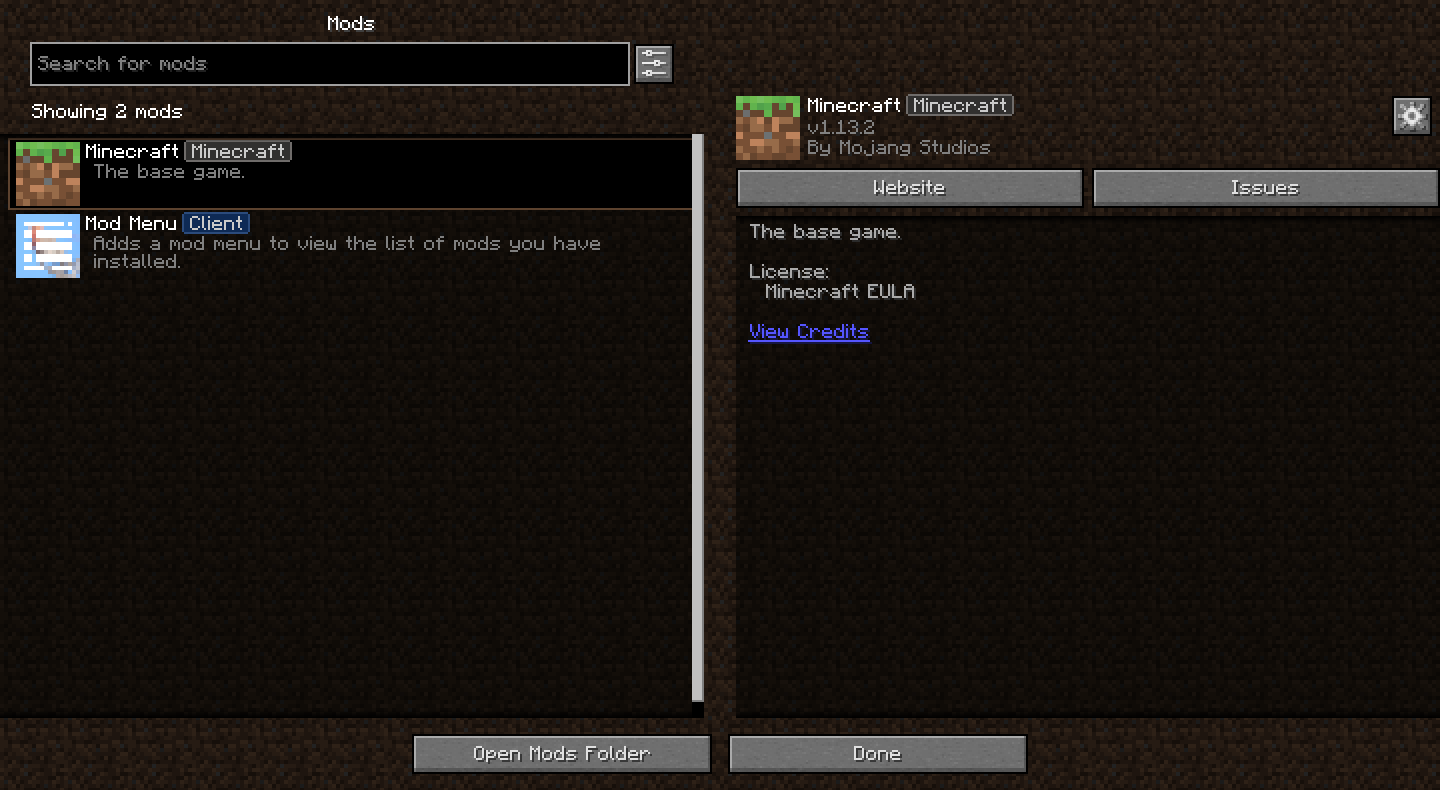
Bringing [Mod Menu](https://modrinth.com/mod/modmenu) to legacy Minecraft versions through [Ornithe](https://ornithemc.net)!
Requires [Ornithe Standard Libraries](https://modrinth.com/mod/osl).
Mod Remapping API
# Mod Remapping API
Remaps non-Fabric mods made for a different environment (by default obfuscated) to the current runtime mappings.
Provides hooks to expand the remapping process from other mods.
This mod doesn’t depend on a specific Minecraft version and should work on any version that Fabric Loader can launch.
### Mods depending on this API:
– [Fabricated Legacy Forge](https://modrinth.com/mod/fabricated-forge)
– [Apron](https://modrinth.com/mod/Apron)
– [Fabricated-Rift](https://modrinth.com/mod/fabricated-rift)
## Credits
### Most of the original code of the mod remapper
– paulevsGitch’s mod BetaLoader
MineGIT
### Cloud sync for Minecraft worlds!
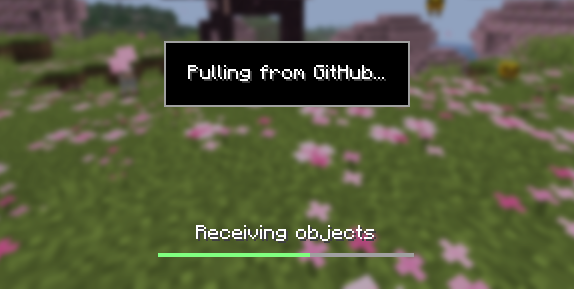
Sync and back up your worlds between multiple devices! Fully integrated into the Minecraft client for a seamless experience when loading, saving, and downloading worlds from the cloud.
## How does it work?
Worlds that you select are uploaded to your GitHub account as repositories. Every time you quit to the title screen, a commit of the current state of your world is created and pushed to the repository on GitHub. Whenever the world is loaded, the mod will check if any new versions of the world are available in the cloud, and if so, they will be downloaded to your device.
Since this mod uses Git internally, it also means that only the files in your world save folder that you modify will be uploaded and downloaded each time, saving storage space and internet bandwidth.
## How do I set it up?
There are several steps to setting up this mod, which include creating a personal access token for GitHub, as well as choosing the worlds you would like to enable MineGIT for.
### Video guide:
### Creating a GitHub personal access token
In order to do the first-time setup, you will need to generate a GitHub personal access token through the following steps:
1. Create an account on GitHub if you do not have one already (https://github.com)
2. Navigate to the [page to create a personal access token](https://github.com/settings/personal-access-tokens)
3. Click `Generate new token`
4. Enter any name (such as MineGIT) under `Token name`
5. Scroll to `Expiration` and set it to `No expiration` (so that you do not have to repeat this process when the token expires)
6. Under `Repository access` choose `All repositories`
7. Under `Permissions`, click `Add permissions` and select `Administration` and `Contents`
8. Set `Access` on the `Administration` and `Contents` lines to `Read and write`
9. Press `Generate token` and copy the generated token to be pasted into Minecraft later (the generated token should start with `github_pat_` and be followed by a long string of letters and numbers)
### Setting up in-game
Once the mod is installed and you are in-game, do the following steps to link your GitHub account with the mod:
1. Click on the cloud button on the bottom left corner of the world creation or world selection screen (If the button does not appear, you have already previously linked your account; see the section below entitled ‘Reconfiguring account linking’)
2. Enter your GitHub username and personal access token (PAT) that you created in the previous step on the new page that appears
3. Press the button labeled `Test credentials` to make sure you’ve entered the information properly
4. You may now exit the screen and proceed to either enable sync for a world or clone an existing one
#### Reconfiguring account linking
If you have already previously set up account linking and would like to change settings afterwards, you have a couple of options to get back to the configuration screen:
– **Configure through ModMenu:** If you have [ModMenu](https://modrinth.com/mod/mod-menu) installed, simply find the mod in the mods list and open the configuration from there
– **From the world clone screen:** There is a button in the top right corner of the world cloning screen that will open the configuration screen
– **From the world selection screen:** By holding alt and clicking on the world sync button on the bottom left of the world selection screen, you will be brought back into the configuration screen
### Enabling sync for a world
World syncing needs to be enabled individually for each world you would like to sync to your GitHub account. To enable sync for a world, do the following:
1. Select a world on the world selection screen
2. Press the cloud button in the bottom left of the screen labeled `Enable world sync`
3. Confirm your decision on the next screen
This process will create a new repository named `minegit_[world folder name]` on your GitHub account, initialize a Git repository in your world save folder, and push its current state to GitHub. From this point forward, loading the world will pull the world’s latest changes from GitHub, and exiting the world will push changes to GitHub.
You can now download this world on another device to effectively sync changes between them through the next step: cloning.
### Downloading a world on a different device (Cloning)
Cloning a world will download the exact state of the world as it was last saved to GitHub. Use the following steps to clone a world:
1. Navigate to [github.com](https://github.com) in a web browser
2. Click on your profile picture in the top right corner and then `Repositories`
3. Find the repository corresponding to the world you would like to clone and copy its name
4. Back in Minecraft, click on the button with an arrow pointing downwards labelled in the bottom left corner of either the world selection screen or world creation screen
5. Paste the name of the repository you copied earlier and press `Clone`
6. You are now able to load the world like normal and have changes be synced across your devices!
### Tips & Tricks
– If you want to exit a world without pushing it to GitHub (for example, if you wanted to restart Minecraft and load the same world without having to wait for changes to be pushed), you can hold `Alt` while clicking `Save and Quit to Title`. This will skip the ‘pushing to GitHub’ step.
– Git keeps a list of all of the worlds changes every time you exit the world. This is useful, since if you have a little knowledge of how to use the Git command line interface you can rollback your world to a previous version!
– If you want to save some storage space taken up by the size of the Git repository on your computer, or make the world quicker to clone on other devices, use the `Prune World Commits` button in the edit world menu. This will delete all of the old versions of your world, leaving only the most recent one.
## Report an issue
If you run into bugs, crashes, or simply have a suggestion on how to improve the mod, please feel free to open an issue on the mod’s [issue tracker](https://github.com/ModMonster/MineGIT/issues)!
Please include the current Minecraft version, Fabric version, mod version, and any relevant game logs when submitting an issue.