FancyWind and Waves
**English version:**
FancyShader — Lightweight Wind & Waves
Adds satisfying animated wind to grass, flowers, and leaves, plus gentle water surface waves. Zero visual changes — completely vanilla colors, lighting, and fog. Just pure movement.
**Features:**
Grass & flowers sway in the wind
Leaves rustle with a natural flutter
Water surface gently ripples
Underwater fog
No color grading, no bloom, no performance cost
Compatible with Minecraft 1.17–1.21.x via OptiFine or Iris.
Subscribe so you don’t miss any updates! If you have questions or need support, join our Discord.
**Русская версия:**
FancyShader — Лёгкий ветер и волны
Добавляет приятную анимацию ветра на траве, цветах и листьях, а также лёгкое покачивание поверхности воды. Никаких изменений картинки — полностью ванильные цвета, освещение и туман. Только чистое движение.
**Возможности:**
Трава и цветы качаются на ветру
Листья шелестят с естественным трепетом
Поверхность воды плавно колышется
Никакой цветокоррекции, блума и потерь производительности
Совместимо с Minecraft 1.17–1.21.x через OptiFine или Iris.
Подписывайтесь, чтобы не пропустить обновления! Если есть вопросы или нужна помощь — заходите в наш Discord за поддержкой.
FadedClouds
This is an incredibly light weight shaderpack. Inspired by the NoShader.zip shader, but made it so that the clouds actually fade away into the fog.
The shaderpack makes the game run trough the native Oculus/Iris render pipeline, only altering how clouds render. This makes the overall look of the game a lot softer.
If your computer runs vanilla minecraft, this should run just fine.
Do note that due to the very simple nature of the shaderpack, it may cause incompatibility with other pojects.
Enjoy! 🙂
Extremely Simple Camera Effects
An extremely simple camera-effect shader.
Designed to mimic the appearance of old cameras, vintage photographs, black-and-white images, or VHS recordings.
(Mimic, that is, not entirely replicate.)
### Current Features:
– Chromatic Aberration
– Animated Noise
– Scan Lines
– Black and White
– Vignette
– Flickering
– Pixelate
– Grain Artifact
– Desaturation
– VHS wave/distortion
– Random Lines
– Image Quality Changer
– Auto exposure
– Sharpness
– And more!
### Notes
– The shader has been tested on Iris and Optifine, but I’d prefer Iris.
– If you just loaded the shaderpack and everything looks like vomit, go to the shader settings and select a profile, any profile.
– I have been made aware of this site, which is currently distributing the shader without my permission. Remember, **this is the only official site for downloading this shader**.
Extraterrestrial Expanse
Extraterrestrial Expanse is a minecraft shader primarily for iris.
It adds things such as:
– Custom clouds
– Random events
– reflections
– Ambiance (plants waving in the wind, water waves)
Do note that this project is currently in BETA! so expect a lot of bugs and (most likely performance) issues, and if you come across many, feel free to report them in the discord.
Exposa Shaders
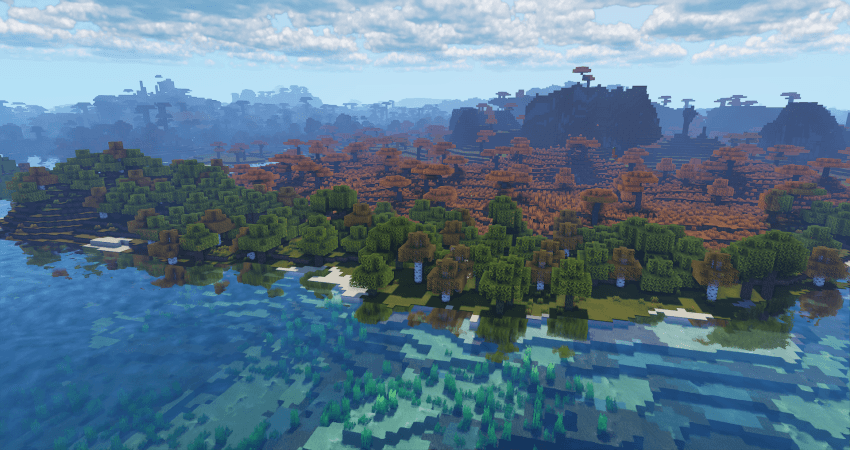
Cinematic Showcase
(PSST, you should use this shaderpack while listening to this upcoming song, presave it its awesome and its also mine! Yes I am promoting my song… Yes I am desperate.) Awesome Song To Listen 2 While using Exposa
# Description
Hello! This is Exposa! Used to be known as Exposa Unique Shaders. This project is a shaderpack that aims for both a natural and a fantasy style.
# Compatibility
It is compatible with Optifine and Iris, unknown about other mods and clients. It is also recommended to be used for versions 1.17x and above. It works well with AMD and NVIDIA and INTEL .
**Nether and End support are full ATM. For custom dimensions support, please let me know what dimensions you would like to see supported.**
# License
For the most, I use the all rights reserved license, but I really wouldn’t recommend using my code (I did not intend it for the use of being edited). If you’d like to edit anyway, you can ask me here!
# Features
* rough reflections
* water reflections
* shadows
* motion blur
* depth of field
* puddles
* temporal anti aliasing
* HDR
* bloom
* tonemapping
* lightshafts
* volumetric clouds
* Seasonal Colors (Autumn, Winter, Spring, Summer)
* Shooting Stars
* Proper weather & translucent support
* Nether & End support
* Ambient SSS
* SSAO
* Directional Lightmaps
* VL Mist / Smokey Fog!
* Nether VL Swirly Fog
* Better TAA
* Better Puddles
# Some Credits
RRe36 (https://www.curseforge.com/members/rre36) – Lots of help with clouds, volumetric fog, bloom and etc. Capt Tatsu (https://www.curseforge.com/members/capttatsu) – Gave me permission to use the reflections functions and even helped me apply them, let me use and modify bloom, motion blur, dof, volumetric fog and etc.
Unicorn Blood (https://www.curseforge.com/members/dakotah2468) – Letting me use and modify fog.
Xenith – Help with shadows method.
Jesse/L – In my older versions, he gave me a tonemap to use.
Belmu – Has helped me set up some things like rough reflections, you can support him here! (https://www.curseforge.com/minecraft/customization/noblert-shaders))
HardTop for the french translation: https://hardtopnet.ovh
Espen for many things (I only remember providing me with the minimum & maximum depth functions): https://modrinth.com/shader/bloop-shaders/versions
Xonk for many things (I only remember SSAO & SSS tricks and reflections LOD trick atm ;_;): https://github.com/X0nk/Bliss-Shader
Zombye for cool TAA tricks: https://github.com/zombye/spectrum/tree/master/shaders/program
Eldeston & Chocapic13 for previous coordinates transformation: https://modrinth.com/user/Eldeston, https://www.curseforge.com/minecraft/shaders/chocapic13-shaders
Random Noise website: https://www.pcg-random.org/
sRGB & Linear color space conversions: https://www.shadertoy.com/view/4tXcWr
Event Horizon
# Realistic black hole in End

**Shader has some issues in rendering the sky in other dimensions**


Epoch
# Epoch
## /ˈiːpɒk,ˈɛpɒk/
**noun:**
a particular period of time in history or a person’s life.
*”the Victorian epoch”*

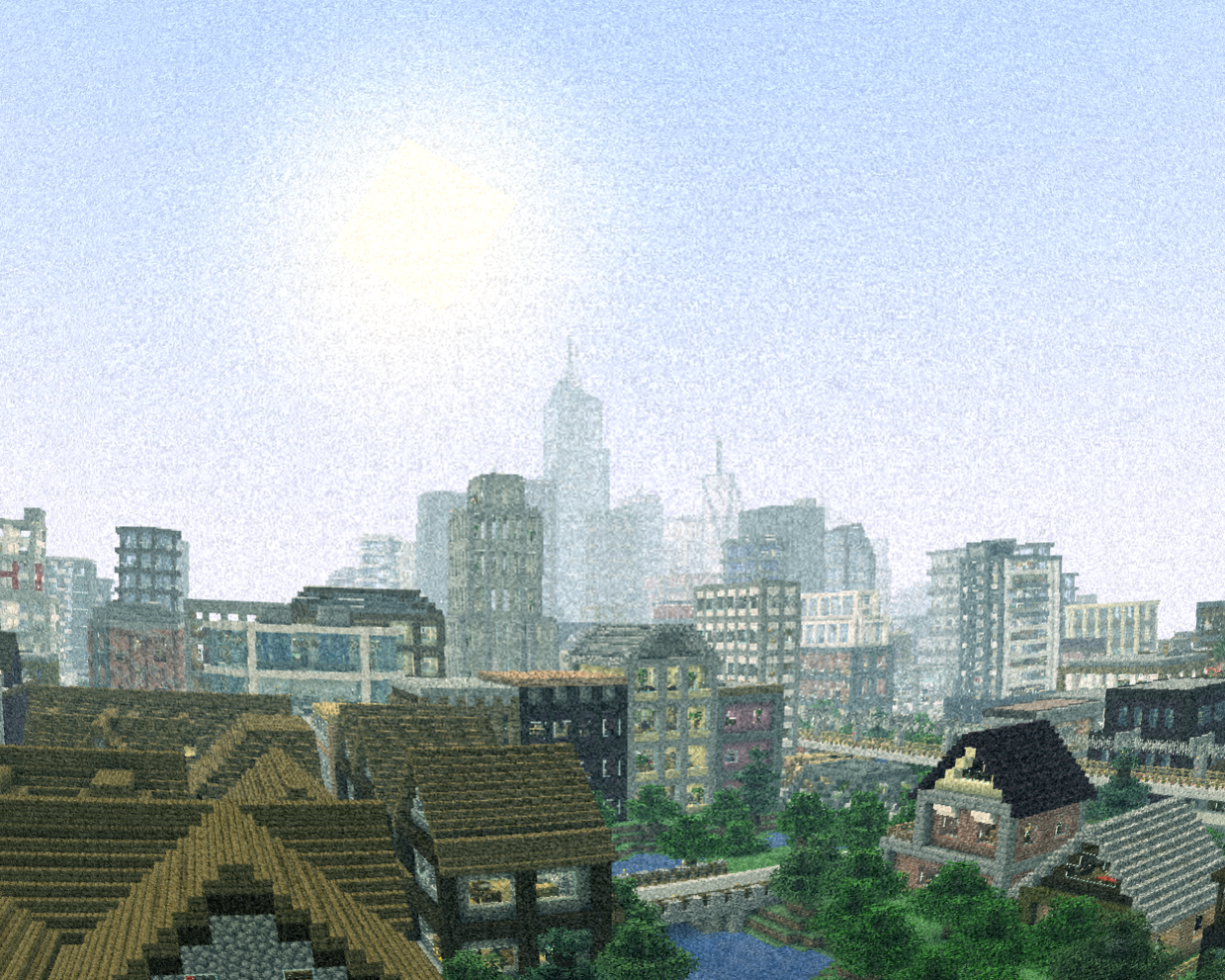
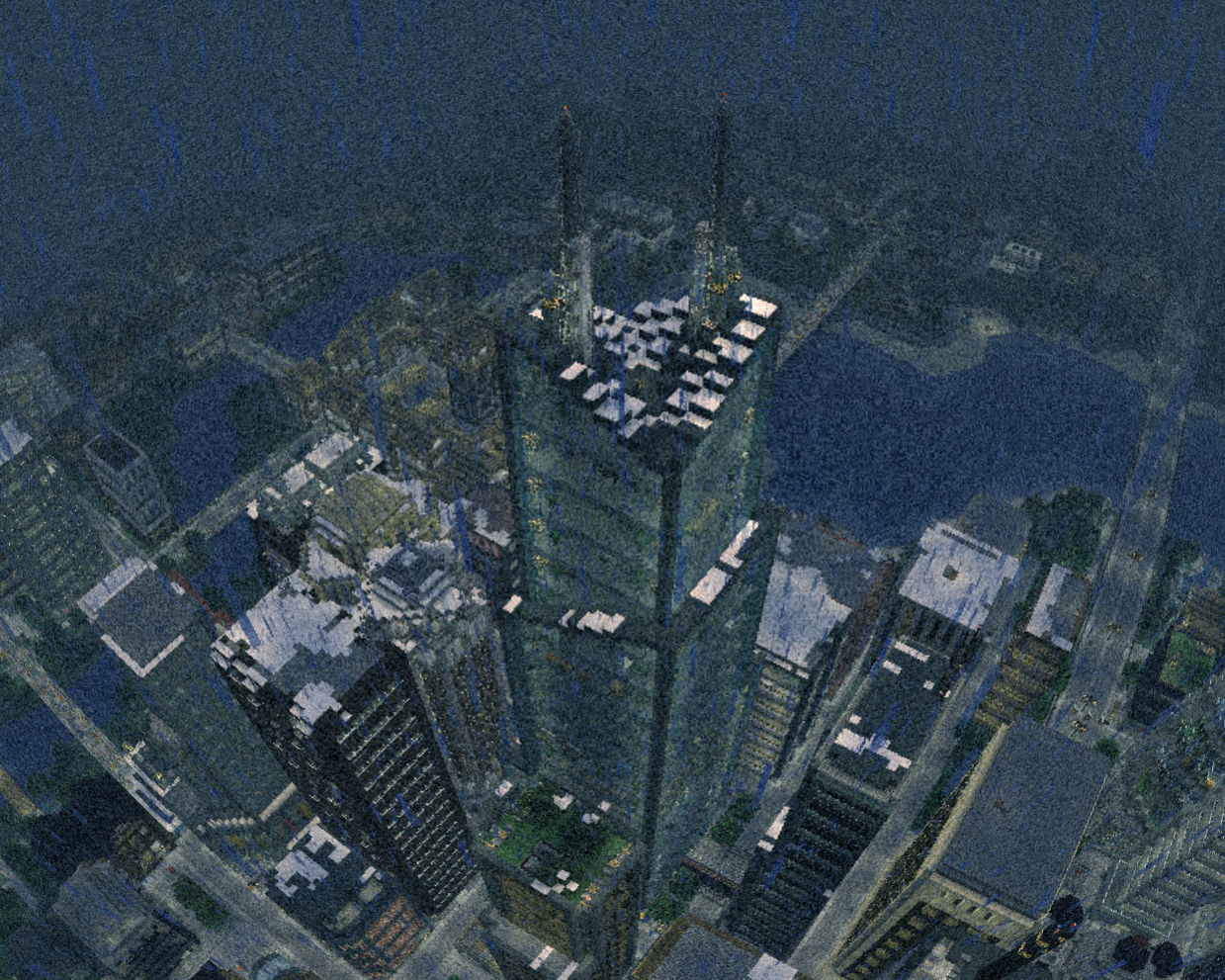
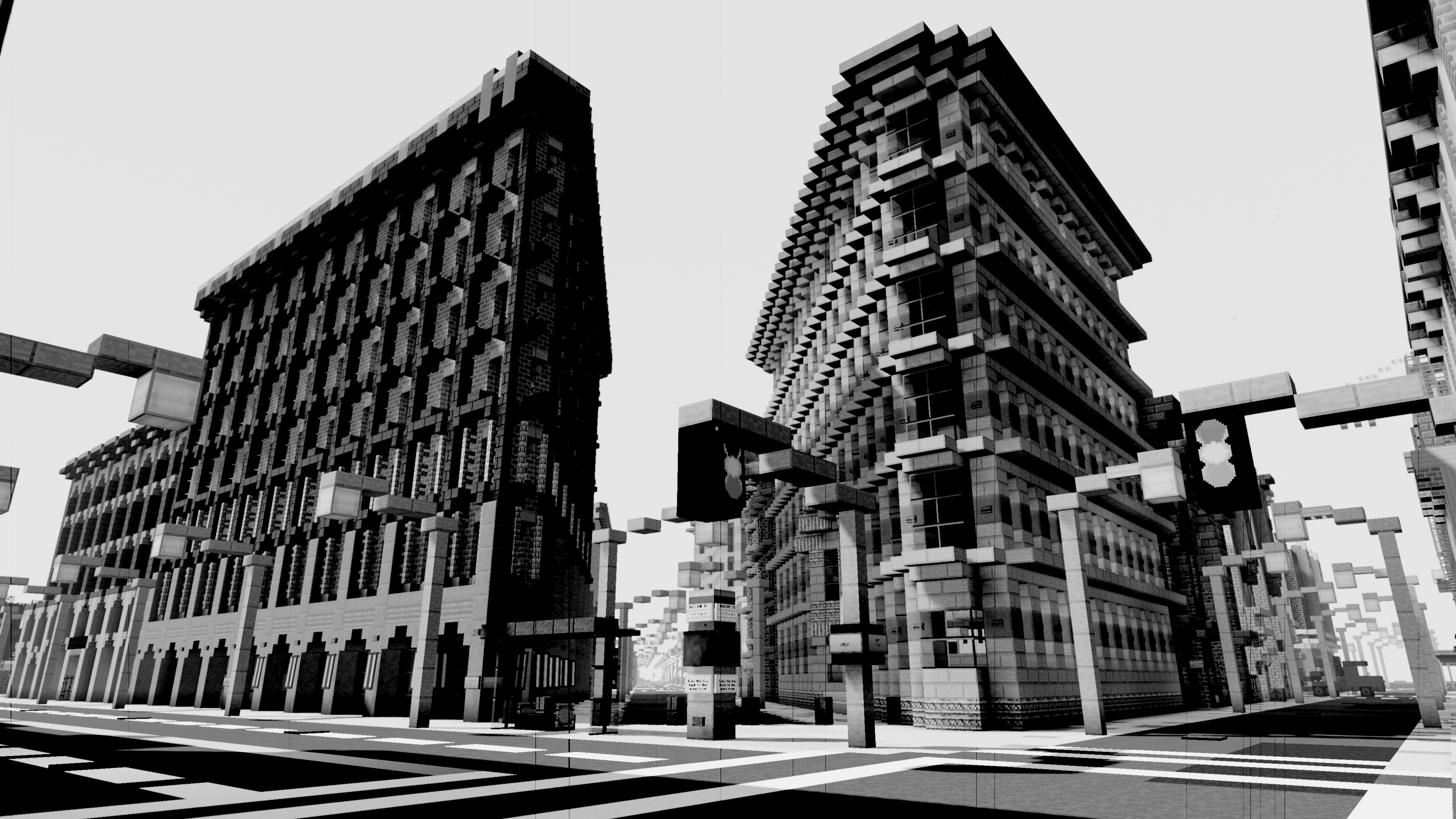
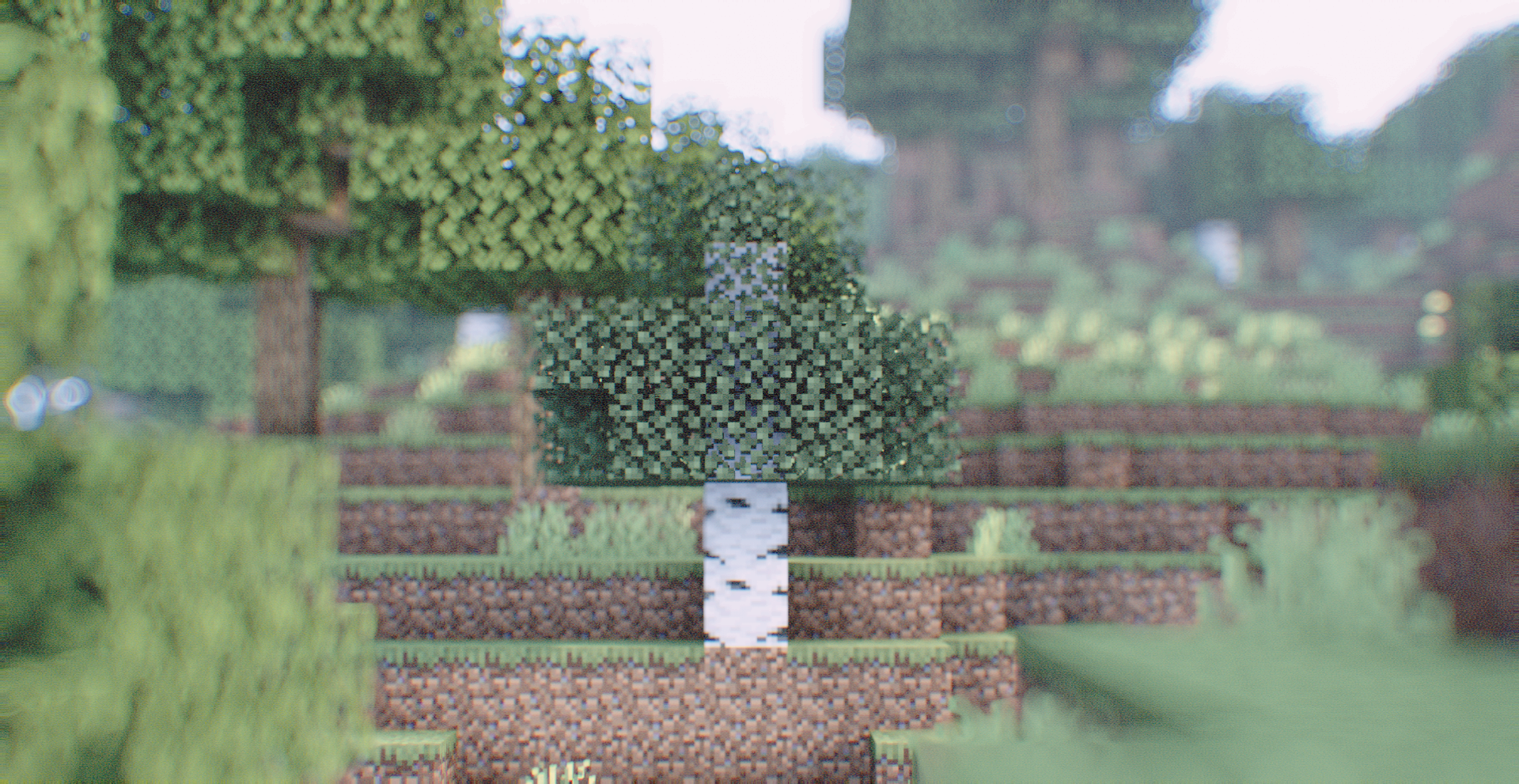
Vintage technology emulation shader.
#### Features include
– Scanlines
– Chroma Subsampling
– Depth of Field
– B&W and Color film modes
– Among many others!
#### Todo:
– BIGFOOT AND UFOS!!!!!!
– Random digital and analogue glitches and transforms.
– Dimensional rewind effect
– Light leaks
– Anamorphic effects
– Other lens effects
– Flares
– Flashlight
– Screen-space reflections (perhaps world-space reflections?)
EntityMask shader
RU-Русский
# ✨ Описание
🎯 Этот шейдер упрощает процесс создания **качественного хромакея**, используя рендер с шейдером в качестве маски игрока вместо сложных настроек освещения и фона.
⚡ С его помощью вы сможете быстро отделить персонажа от фона без традиционной работы с зелёным экраном.
—
## 🛠 Как это работает
1️⃣ Установите данный шейдер.
2️⃣ Запишите **два футажа** с помощью любого мода для записи, например
🎥 ReplayMod или 📀 Flashback:
– 🎨 Один — с **активным шейдером** (он будет служить маской игрока).
– 🖤 Второй — **без шейдера** (основная картинка).
3️⃣ В программе для монтажа примените эффект **Ключ маски дорожки** 🖌 к основному футажу, используя запись с шейдером как маску.
4️⃣ Получите аккуратный 🎯 **хромакей персонажа**, готовый к дальнейшему использованию в ваших видео.
—
## 💎 Преимущества
– 🪄 **Простота** — не требуется настраивать освещение или подбирать фон.
– 🎯 **Качество** — ровная маска персонажа без артефактов.
—
## 📋 Требования
– 🔹 Любой загрузчик шейдеров ([Iris]([https://irisshaders.net/](https://modrinth.com/mod/iris)) или OptiFine).
– 🔹 Мод для записи футажей (рекомендовано: ReplayMod или Flashback).
– 🔹 Программа для монтажа с поддержкой эффекта `Ключ маски дорожки`.
—
Так же в помощь мой ролик про шейдеры:
EN-English
# ✨ Description
🎯 This shader simplifies the process of creating a **high-quality chroma key**, using a render with the shader as a player mask instead of complex lighting setups and backgrounds.
⚡ With it, you can quickly separate the player from the background without the traditional hassle of setting up a green screen.
—
## 🛠 How It Works
1️⃣ Install this shader.
2️⃣ Record **two footages** using any recording mod, for example
🎥 ReplayMod or 📀 Flashback:
– 🎨 One — with **the shader enabled** (this will serve as the player mask).
– 🖤 Another — **without the shader** (main video).
3️⃣ In your video editing software, apply the **Track Matte Key** 🖌 effect to the main footage, using the shader render as the mask.
4️⃣ Get a clean 🎯 **player chroma key**, ready to use in your videos.
—
## 💎 Benefits
– 🪄 **Simplicity** — no need to adjust lighting or set up a background.
– 🎯 **Quality** — clean player mask without artifacts.
—
## 📋 Requirements
– 🔹 Any shader loader ([Iris]([https://irisshaders.net/](https://modrinth.com/mod/iris)) or OptiFine).
– 🔹 A recording mod (recommended: ReplayMod or Flashback).
– 🔹 Video editing software with support for `Track Matte Key` (or similar) effects.


Enhanced Vision
#Enhanced Vision Shader

## Features:
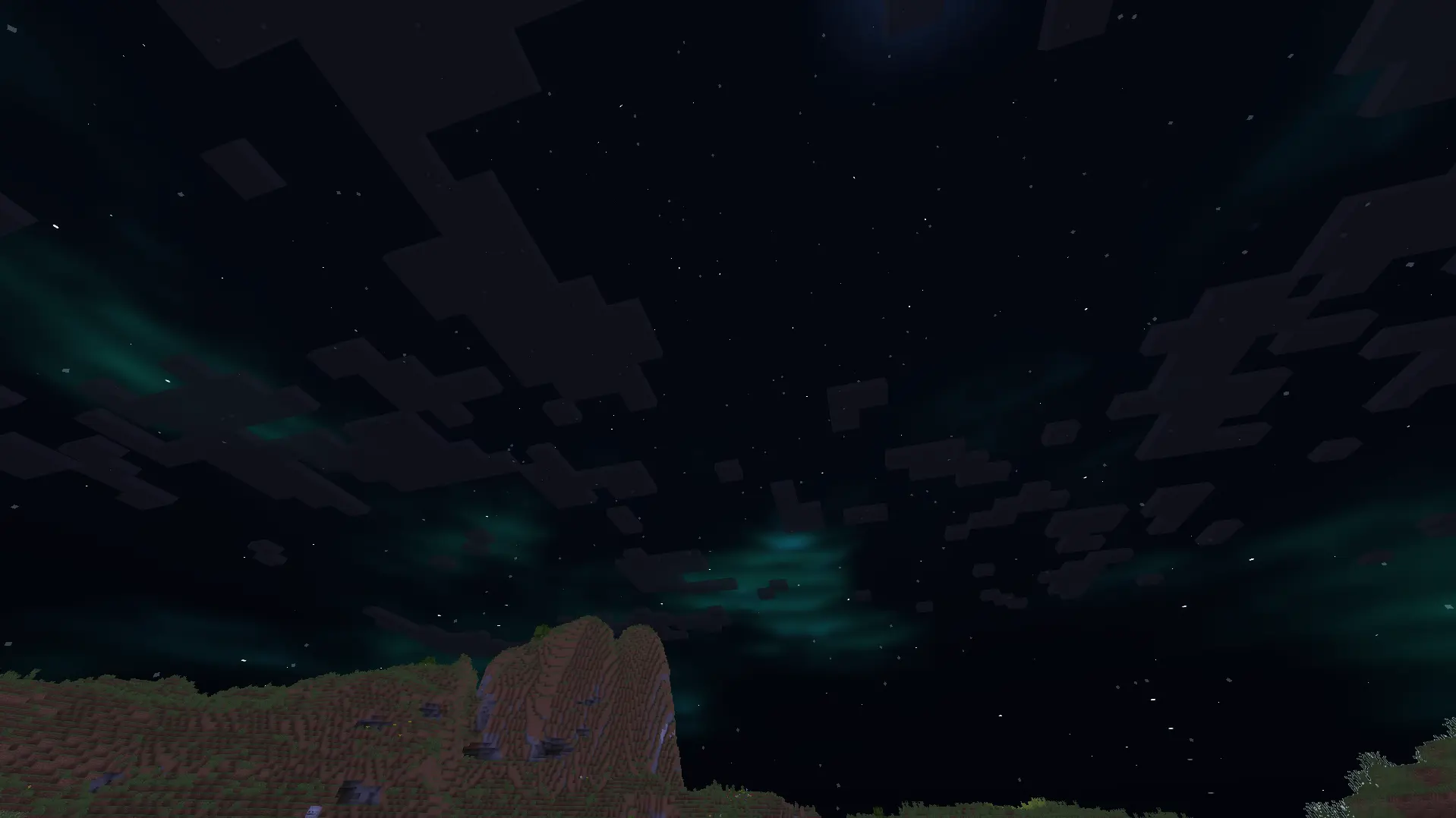
1.It shows outlines of mobs and walls around the centre screen, with outline brightness increasing as darkness increases.
2.It adds a shimmering effect above lava and other heat sources to mimic real-life shimmering over fire sources.
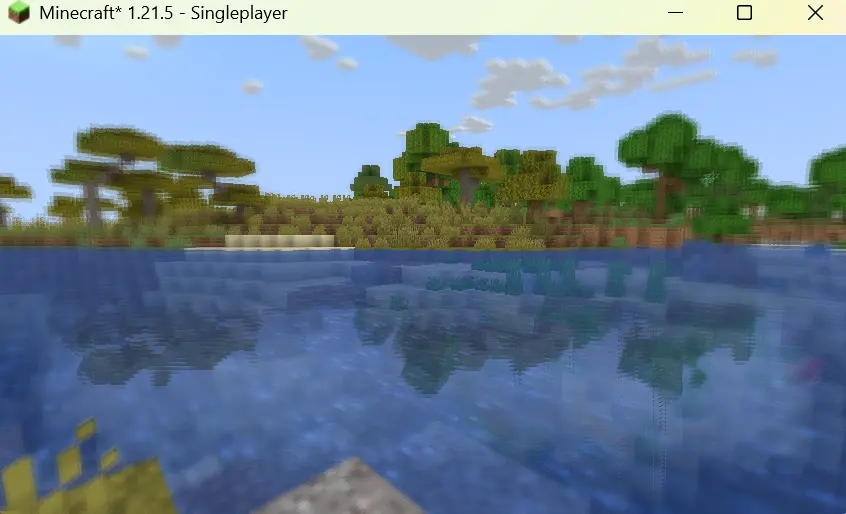
3.It blurs objects which are on the side of the screen, with the strength of the blur effect increasing with increasing distance of the object from the centre of the screen.
4.It creates reflections on the surface of the water.
5.It adds auroras and stars to the night sky.
6.It improves the sky colour by making it brighter.
7.It adds basic foliage swaying.
Emoji like shader
A sequel to the **Ascii like shader**, unlike the first one, this one replaces everything with emojis.
⚠Warning your eyes may hurt
## Features:
Converts the Minecraft world into a grid of emojis, replacing traditional view with genZ emojis like 🤡🙄😳💀
## ASCII version:
https://modrinth.com/shader/ascii-like-shader