Pyvtron VX
## [Pyvtron VX](https://pyvton.pages.dev/minecraft-shaders/pyvtron-vx)
### Details
Features: Volumetric Fog, Water Caustics, Cumulus Clouds, Cirrus Clouds, High Resolution Graphics, ultra realistic rain and very much features that you will see in the game!
Performance Impact: High / Medium (Medium: If you have a good computer).
You can find older versions and the official release(s) of Pyvtron VX [here](https://pyvton.pages.dev/minecraft-shaders/pyvtron-vx) ([My Website](https://pyvton.pages.dev/))
### Requirements
AMD CPU (Recommended)
Nvidia GPU (Recommended)
A graphics card that supports OpenGL 4.6 or OpenGL 4
Note: I currently only have access to Nvidia GPUs for testing. I cannot make sure if Pyvtron VX works on Intel CPUs and AMD GPUs.
### Installation
Install it like other Minecraft Shaders or read this here if you don’t know how to install minecraft shaders:
1. First download the Iris Shaders Installer / Mod
2. Run the .jar and click on Install.
3. Download the latest version of Pyvtron VX
4. Open the Minecraft Launcher. You’ll see the Iris Shaders profile – select it and start Minecraft.
5. Go to Options → Video Settings → Shaders → Shaderpacks Folder.
6. Drag the downloaded shaderpack into the shaderpacks folder.
7. Select the shaderpack ingame.
8. Enjoy.
### Other Stuff
Before you modify or do something with this shaderpack, you must read the [license](https://pyvton.pages.dev/licenses/pccl)
Pyvtron VX is not path traced etc. VX means Version X
If you want to know, how to add support for modded dimensions (for new dimension mods) read this here on my [docs](https://pyvton.pages.dev/docs/minecraft-shaders/modding/how-to-add-mod-support-for-modded-dimensions)
PVP ZeroX
# ABOUT:
PVP ZeroX is a shader designed for PVP.
It adds:
– Motion Blur (a cool graphic effect that improves game smoothness)
– TAA (removes flickering, more information in the frame)
Features that allow you to focus on PVP:
– Full lighting brightness
– Bright color highlighting of players and mobs
– Arrow highlighting
– Particle disable
– Sharpness adjustment (make the image clearer!)
– Terrain saturation reduction (nothing should distract you from PVP)
All settings can be adjusted, enabled, or disabled. There are also 3 presets to suit your taste. If you have any ideas for what else to add, please write to [Discord](https://discord.gg/Cz2sCWz5Wh).
## PVP GIF:

## LINKS:
– [Discord](https://discord.gg/Cz2sCWz5Wh) (Discuss, Bug Reports, Etc.)
– [Telegram](https://t.me/LoLip_p_Community)
– [YouTube](https://www.youtube.com/@lolip_p)
## INSTALL THE SHADERS
– Download Client Which Supports Installing Shaders Such As Optifine And Iris
– Download The Shaders
– Copy Shaders to /.minecraft/shaderpacks
– Launch Minecraft, Go To Options –> Video Settings –> Shaders
– Choose **PVP ZeroX**
Pumpkin
## Pumpkin Shaders
Shaders that (try) to not make your computer cry while still somewhat sticking to the vanilla style.
#### PLEASE REPORT ALL ISSUES ON THE [GITHUB ISSUE TRACKER](https://github.com/mekboy21-dev/pumpkin-shaders/issues)
**PLEASE NOTE:** This shader is in early stages of development and you may experience issues while playing.
Tested on Windows & Linux. Iris is recommended over Optifine for versions that support it.
### Why is it called ‘pumpkin’?
I opened Minecraft, went to a village and saw a pumpkin. Thats kinda just it.
PSX Shader NB
# PSX Shader NB
This shader pack is a fork of ckosmic’s [Minecraft PSX Shader](https://github.com/ckosmic/minecraft-psx) that mimics the look and feel of PlayStation 1 graphics.
## Changes in this Fork
### No-Bounce Vertex Fix
Changed vertex transformation to eliminate the bouncing effect when moving.
Changed the vertex transformation from:
“`glsl
vec4 position4 = mat4(gl_ModelViewMatrix) * vec4(gl_Vertex) + gl_ModelViewMatrix[3].xyzw;
“`
to standard transformation:
“`glsl
vec4 position4 = gl_ModelViewMatrix * vec4(gl_Vertex);
“`
### Dynamic Hand Light
Added real dynamic lighting from held light sources (torches, lanterns, etc.). Light now updates continuously as you move, rather than only when breaking/placing blocks. Uses `heldBlockLightValue` / `heldBlockLightValue2` uniforms with linear distance falloff matching vanilla placed light behavior, applied to terrain, entities, water, hand, and basic geometry shaders. Supports both main hand and off hand light sources.
## Installation
Place this shader pack in your Minecraft `shaderpacks` folder.
This shader pack works with both [OptiFine](https://optifine.net/) and [Iris](https://irisshaders.net/).
## Credits
– Original shader by ckosmic
– Iris compatibility by Karen/あけみ (akemin_dayo)
## License
Licensed under the [MIT License](https://choosealicense.com/licenses/mit/).
PSX Shader
# Features:
1. Vertex Snap (My favorite, and most crucial effect)
2. Custom Texture Filtering
3. Posterization
4. Scale Lines
5. Pixelization
6. Distant Horizons Support
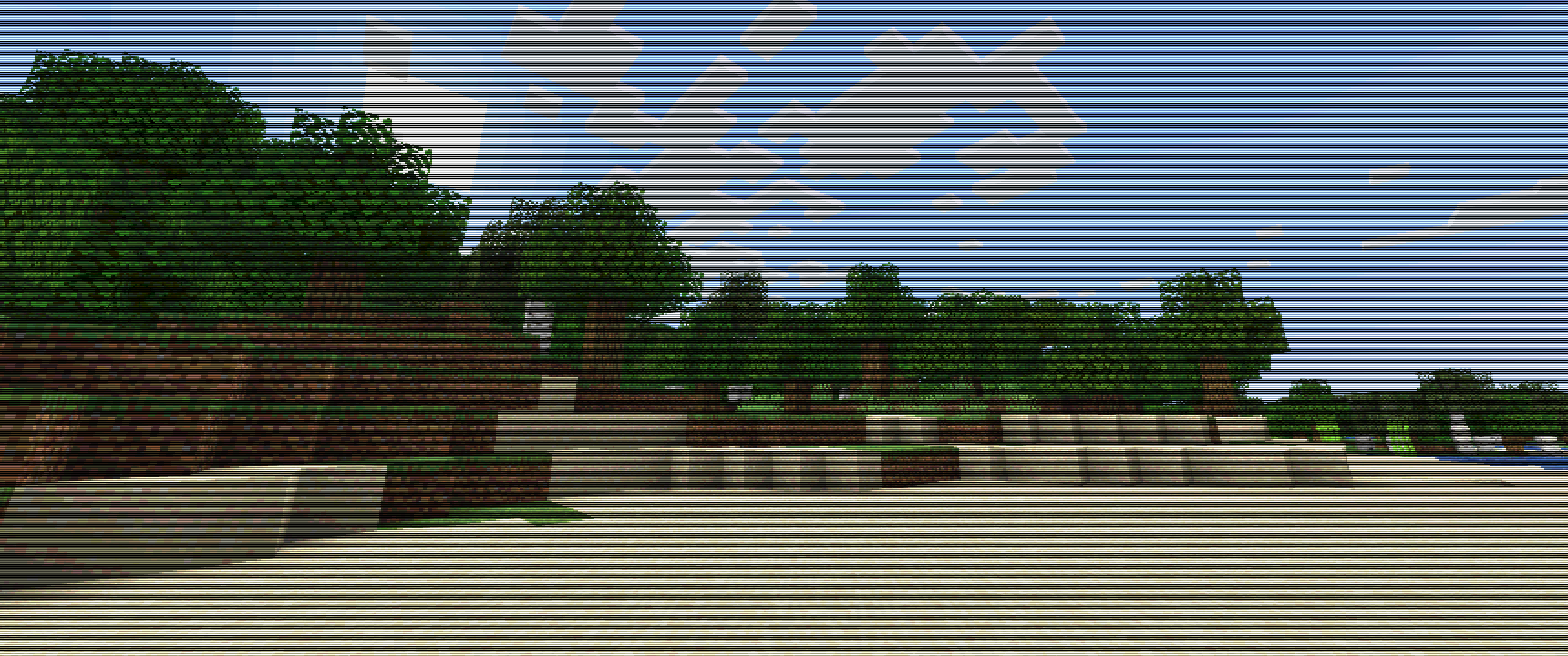
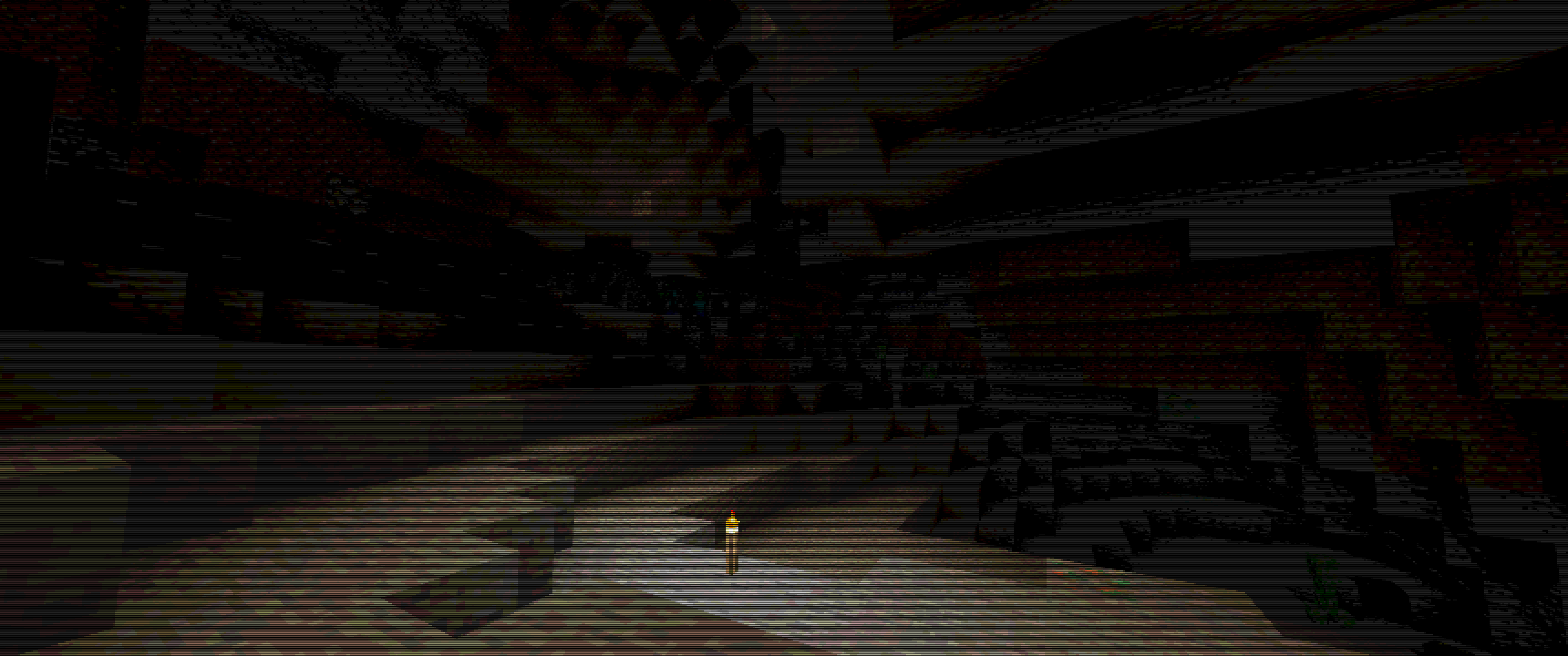
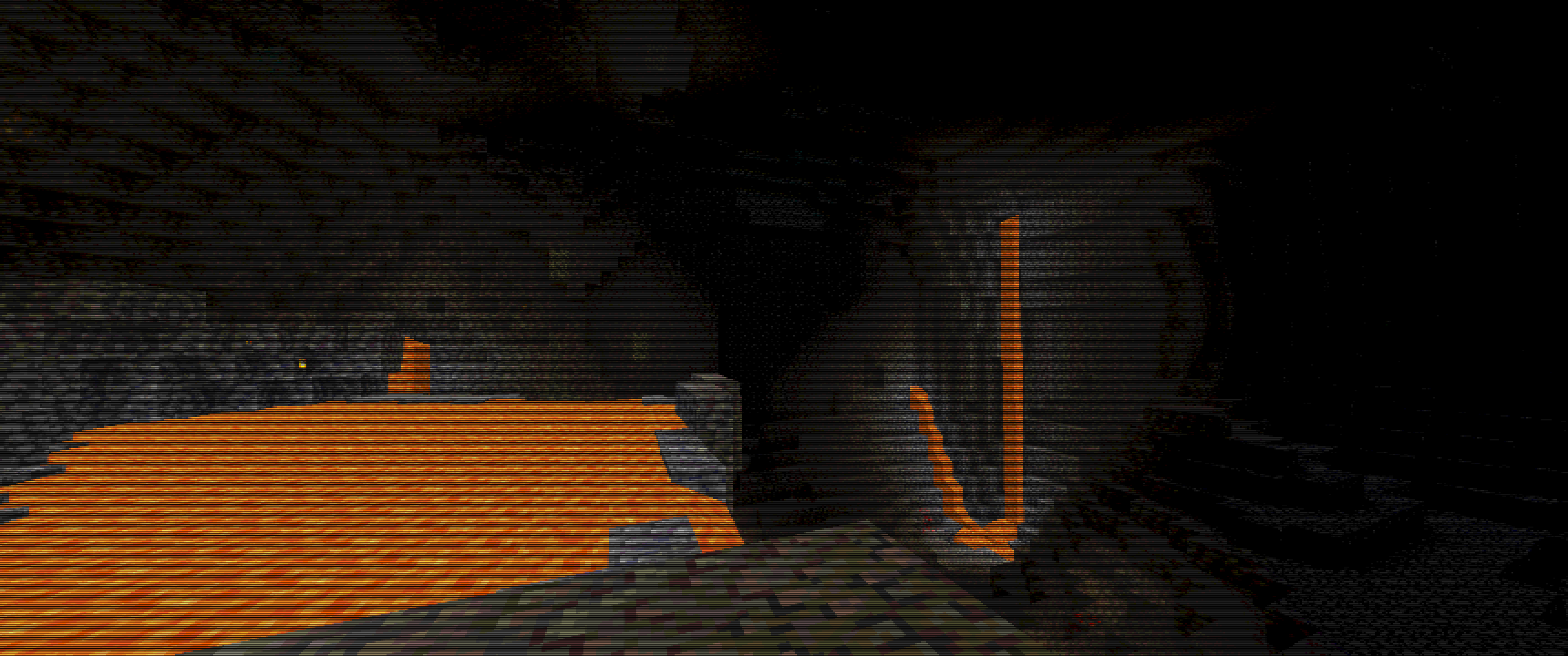
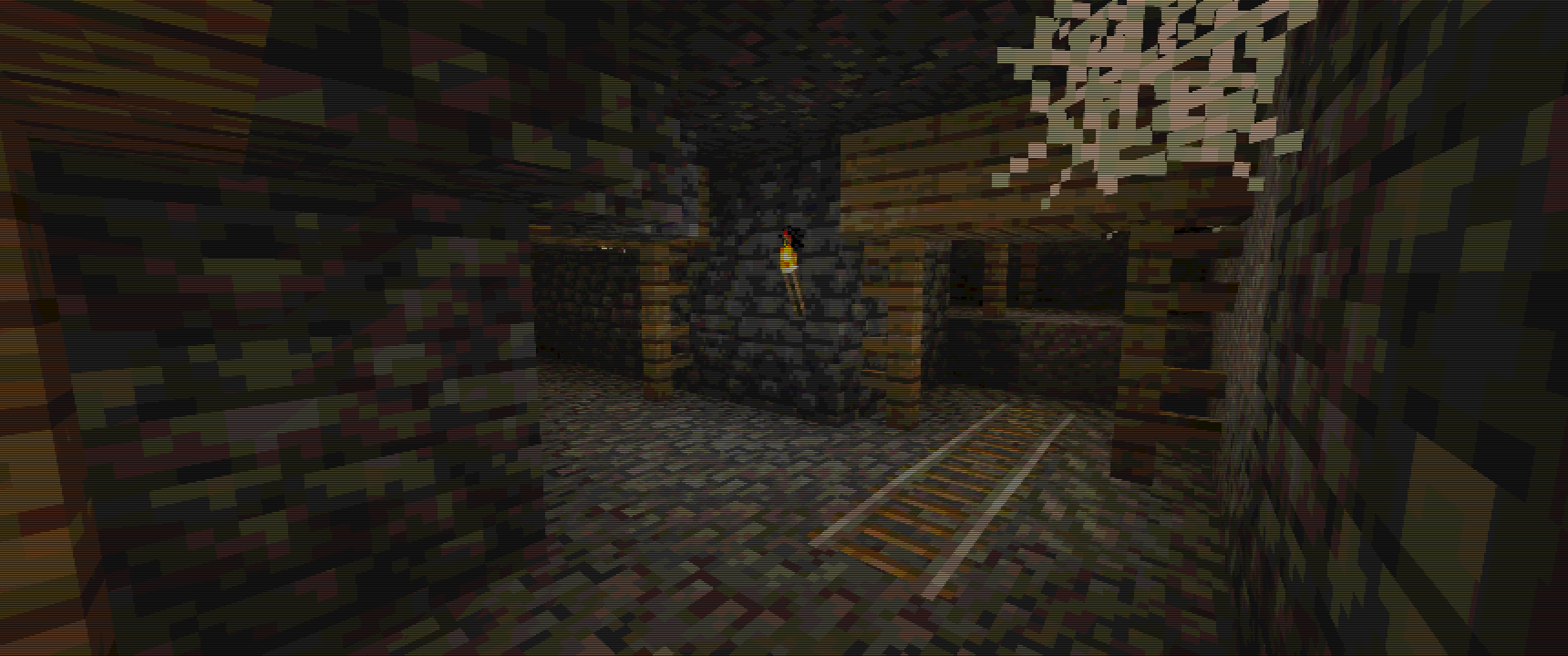
# Some Examples :
Keep in mind, viewing experience might be different on different resolutions, due to scale lines, you can see weird lines appear on images…
For example my Display is 3440×1440, so its 1440p 21:9, and this is how I tested it.
For best images I recommend going into gallery of this project!
Images
Overworld :
Cave :
Lava Cave :
Mineshaft :
PSX-Core Shader

A Minecraft shader that recreates PS1 visuals. Features:
– Ordered dithering
– 5-bit per-channel color quantization
– Gouraud shading with banded light levels
– Vertex snapping
– Affine texture mapping
– Fog (scary)
Most of these are configurable via the shader settings! Only thoroughly tested with Iris on 1.21.11 (works on older versions too, please report bugs).
# Preview
> See more on the Gallery page!
With fog (default):

Without fog:

In a cave:

> Modpacks are welcome to use this shader, only via adding it as a dependency to your modpack. Do not reupload or repack this shader.
Psiho shader
I do not know how **_psychos_** see the world, but I was curious. That’s how I created this shader.
Caution! If in the settings file.glsl change the shader parameter and make it greater than 100, unpleasant things can happen.
Do you want to try something new? This shader will add a sense of madness and pain to the game. It is especially suitable for those who have already gone through Minecraft many times, built many buildings and created mods and shaders. If you get bored, try to test your strength and become a real masochist!
With this shader, every stage of the game, from the tree to the dragon, will become incredibly difficult. But that’s not all! Try to build something more complicated than two blocks on the sides and three up. Feel the real pain and enjoy the game on a new level!
?
**_what I created…_**
For true connoisseurs of difficulties, open the settings file.glsl and make the following changes:
“`glsl
#define MESS_INTENSITY 250.0 // maybe… more)?
“`
Prismarine Shader
**ABOUT**
+ Prismarine is a BSL Shaders edit. It aims to provide beautiful visuals at moderate performance cost.
**KEY FEATURES**
+ Fancy volumetrics (clouds, fog, Nether & The End smoke)
+ Custom sky effects (nebulae, auroras, planar clouds, stars, moon smoke)
+ Integrated PBR resourcepack
+ Cinematic blur effects (depth of field, motion & distant blur, bloom)
+ Fancy water effects (refraction, caustics, light absorption & scattering and underwater light shafts)
Potato Shaders

## What is the Potato Shader?
This is a shaderpack that tries to stay as lightweight as possible to, as its name might suggest, even be usable on a literal potato of a PC. However it still tries to enhance the visuals in a reasonable way, despite lacking the fabled dynamic shadows and other effects of expensive nature. It also provides a degree of customizability through various ingame settings to allow you to get the experience you want.
## What features does it offer?
* Dynamic Colors
* Tonemapping
* Bloom
* Depth of Field
* Motionblur
* Temporal Anti-Aliasing
* Ambient Occlusion
* Custom Water
* Normalmap Support
and many more.
## Any Requirements?
* OptiFine for 1.12 or newer/Iris 1.5.0 or newer
* A graphics card supporting OpenGL 4.0
* Windows/Linux
* **Intel HD 5000 Graphics and older are NOT supported on Windows (blame Intel Drivers)!**
## External Links:
* The Offical Website of this Project: [Link](https://rre36.com/potato-shader)
* My Discord Server: [Link](https://discord.gg/y5xzQ6H)
[](https://www.patreon.com/bePatron?u=19790203)
PosterizationShader
## **PosterizationShader – Artistic Posterization Shader**
Transform your Minecraft into a stylized poster with this lightweight shader pack!
**What is posterization?** Posterization is an artistic effect that reduces the number of colors in an image to discrete levels, creating a unique visual style with clearly defined color bands instead of smooth gradients.
**Features:**
– Customizable posterization effect (4-32 levels)
– Maximum performance – virtually no impact on FPS
– Full compatibility with Optifine and Iris Shaders
– Supports Minecraft 1.16+
**Configuration:**
Change the POSTERIZATION_LEVELS parameter in the shaders.properties file:
– 4 – Extreme posterization (very few colors)
– 8 – Medium posterization (default, recommended)
– 16 – Light posterization
– 32 – Barely noticeable posterization
**Installation:**
1. Install Optifine or Iris + Sodium
2. Place PosterizationShader.zip in your .minecraft/shaderpacks/ folder
3. Activate the shader in video settings
**Technical Details:** The shader works by quantizing the RGB channels of each pixel at the final rendering stage, which allows for high performance while creating a unique visual effect.
Perfect for:
– Screenshots and artistic content
– Players who want a unique visual experience
– Low-end PCs (shader is very lightweight)